GradleMC
- By
🐘 In-game diagnostics, stability checks, and exportable troubleshooting reports for modded Minecraft like never before.
0.png
1.png
10.png
11.png
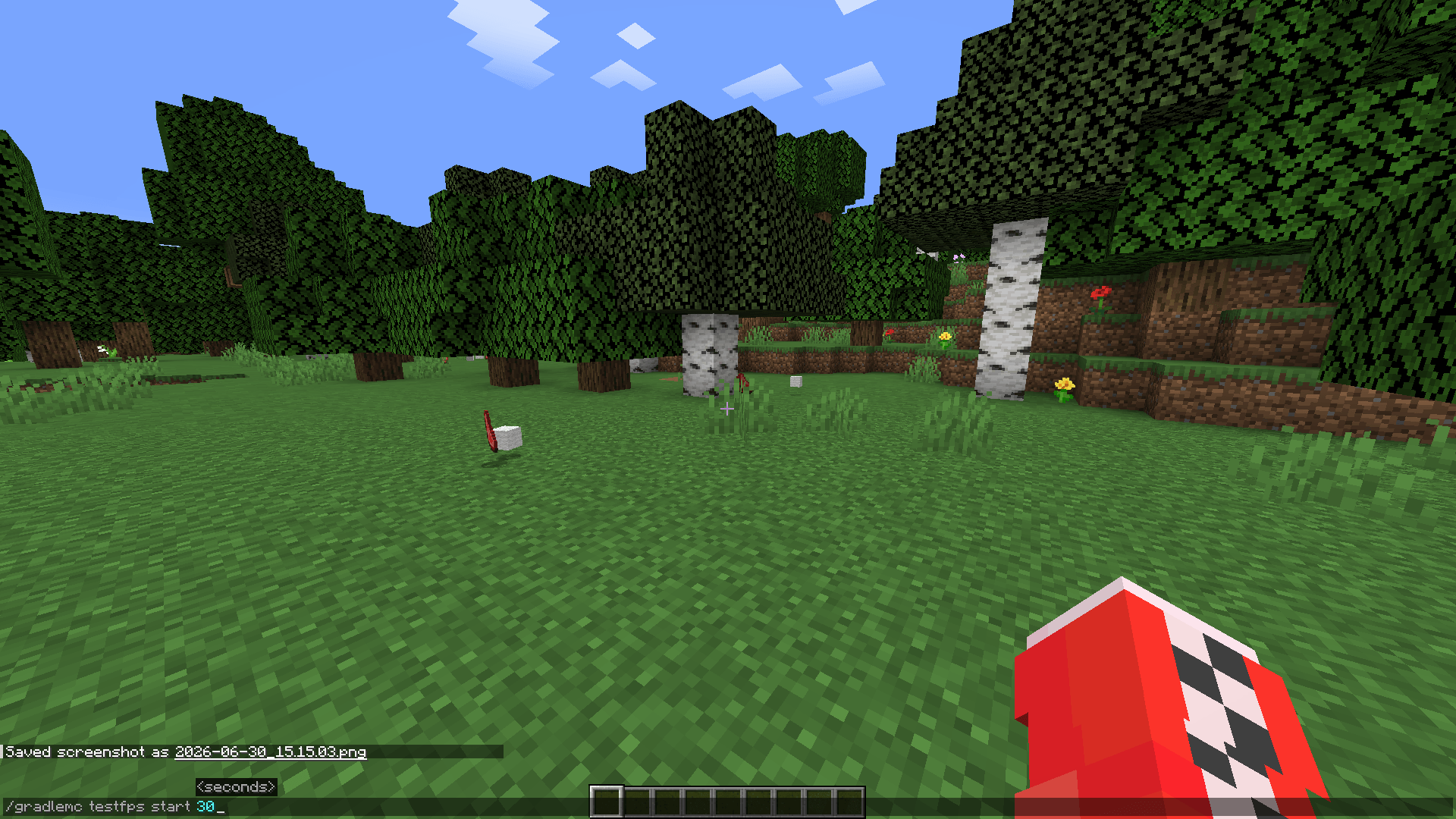
12.png
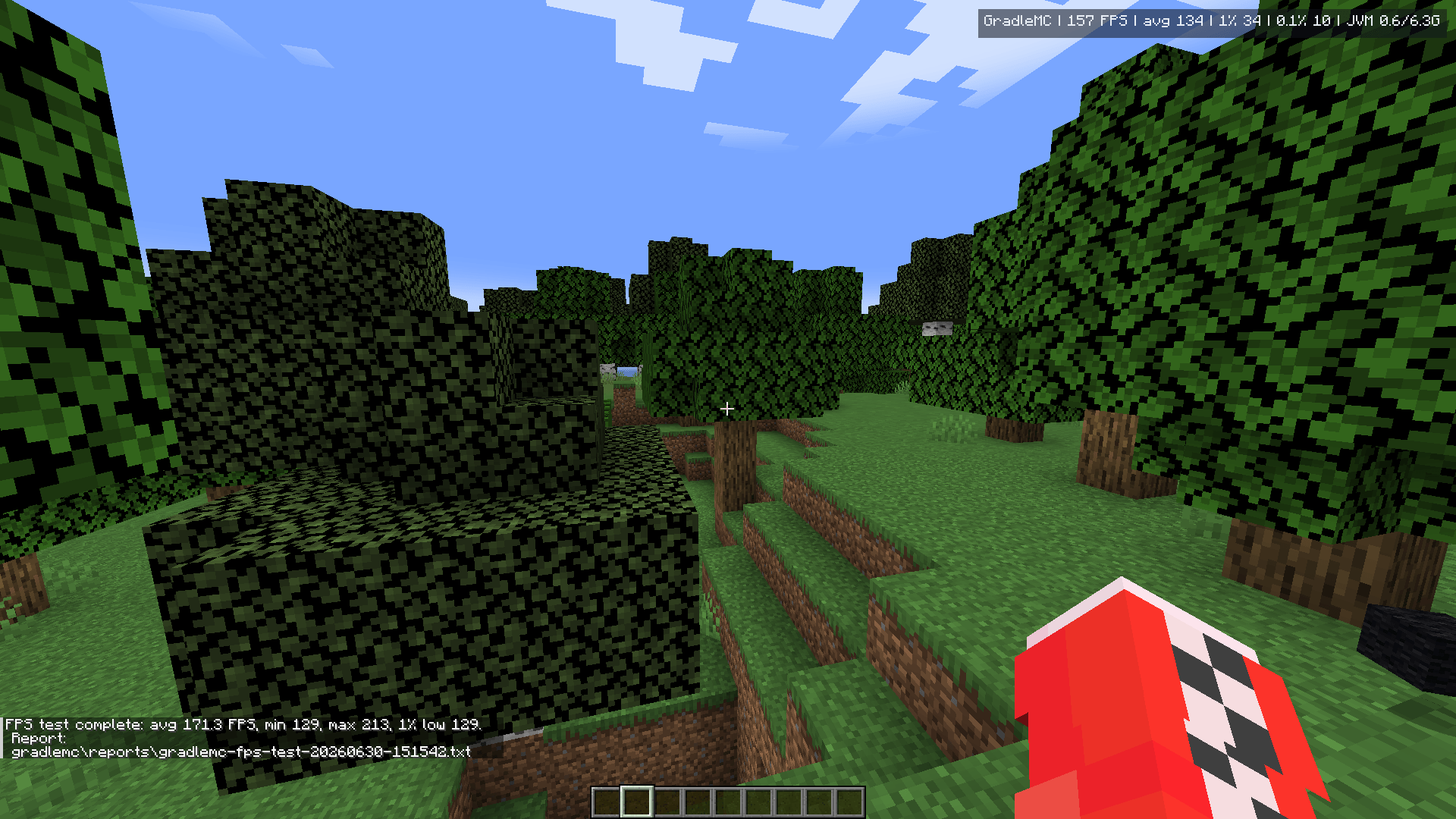
13.png
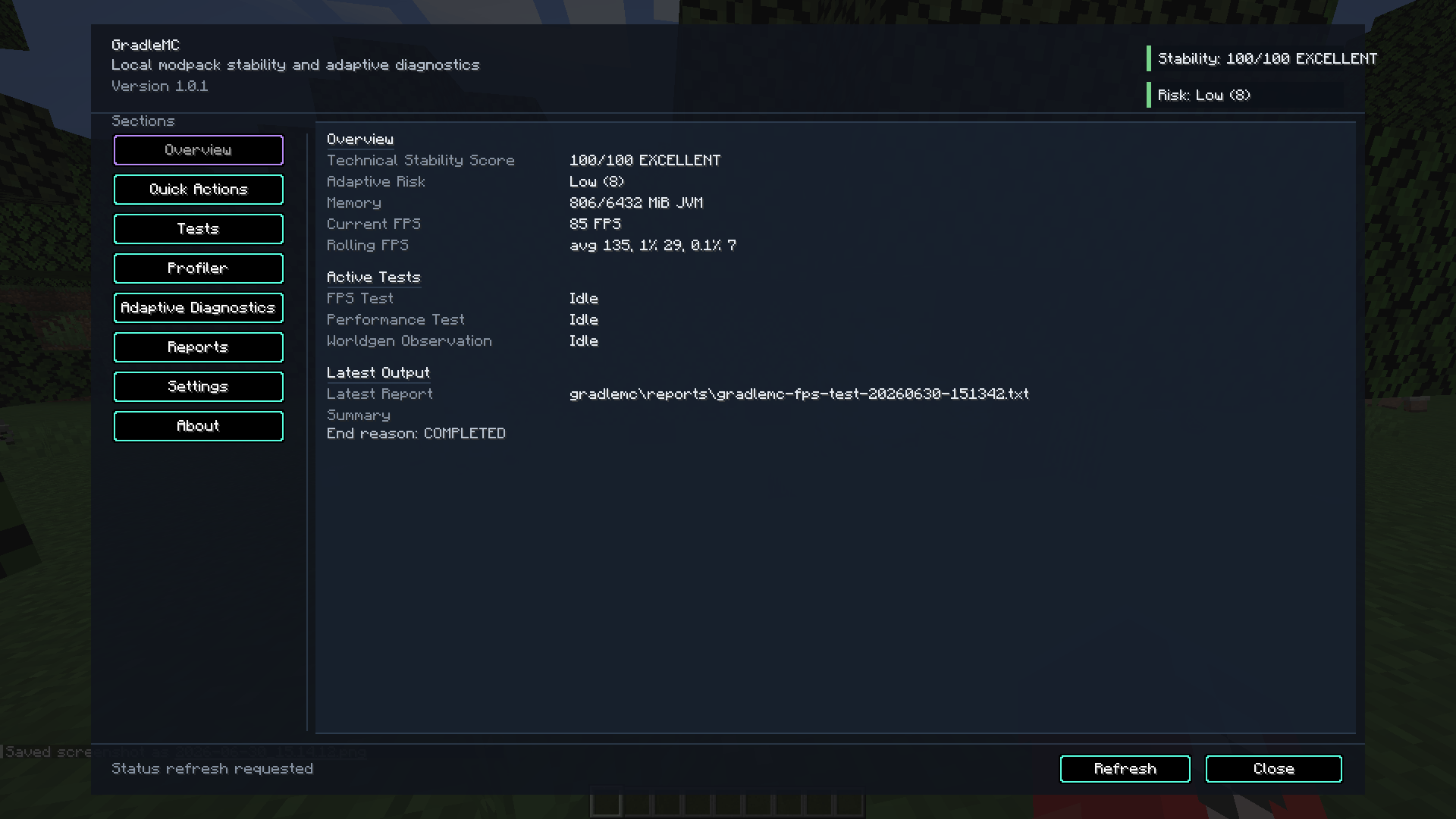
2.png
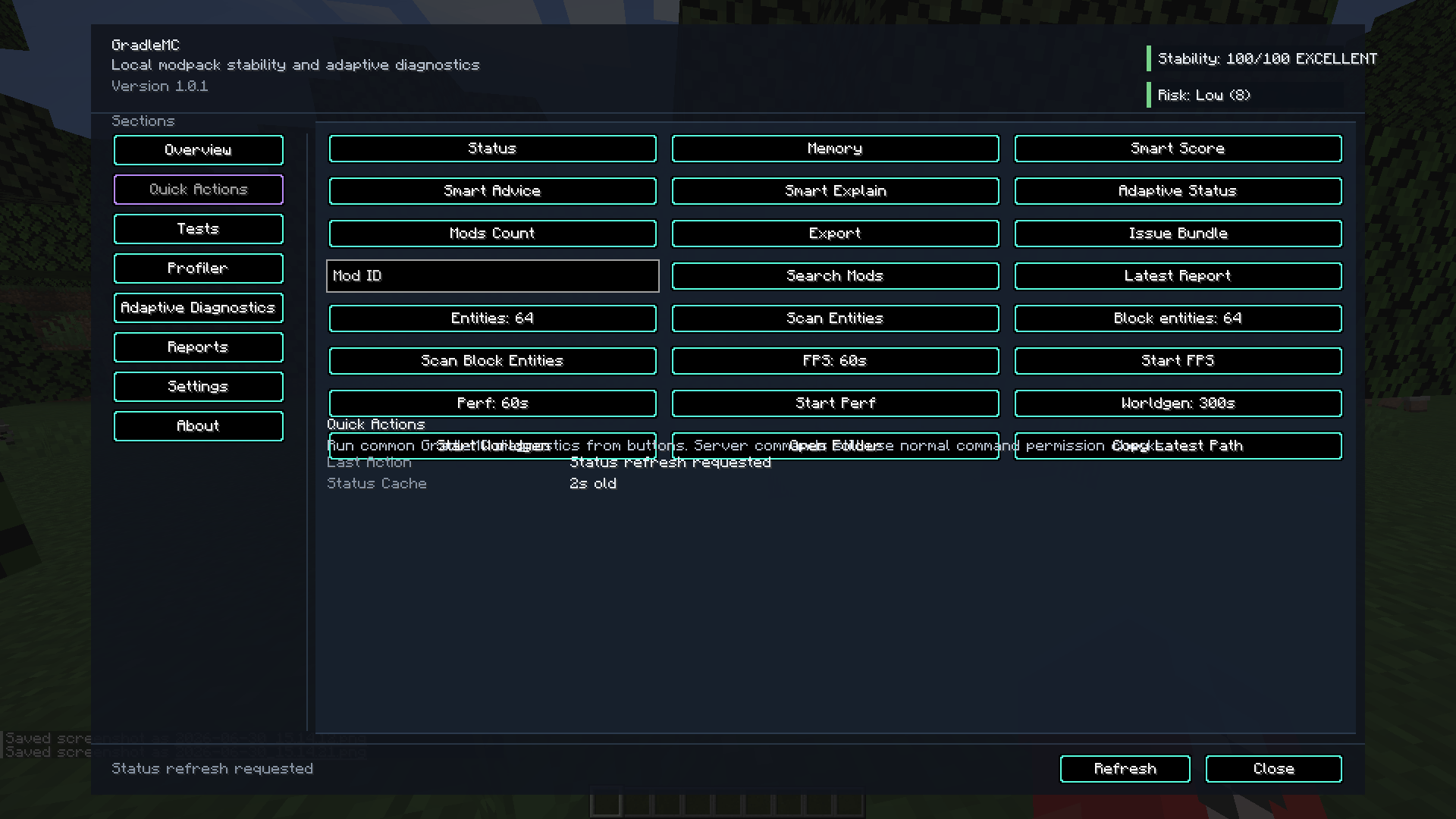
3.png
4.png
5.png
6.png
7.png
8.png
9.png
GradleMC - Test Your Server Pack
Create a server, get 25% off your first month

Description

Minecraft Java Edition diagnostics & troubleshooting
Stop guessing.
Inspect what Minecraft is actually doing.
GradleMC is a local, privacy-first diagnostics and troubleshooting mod for modded Minecraft. Inspect the environment, measure bounded runtime behaviour, investigate performance and stability problems, use local diagnostic guidance, and export evidence that is considerably more useful than “the pack feels laggy.”
Environment inspection • FPS & runtime evidence • Smart Diagnostics • Local reports • No telemetry
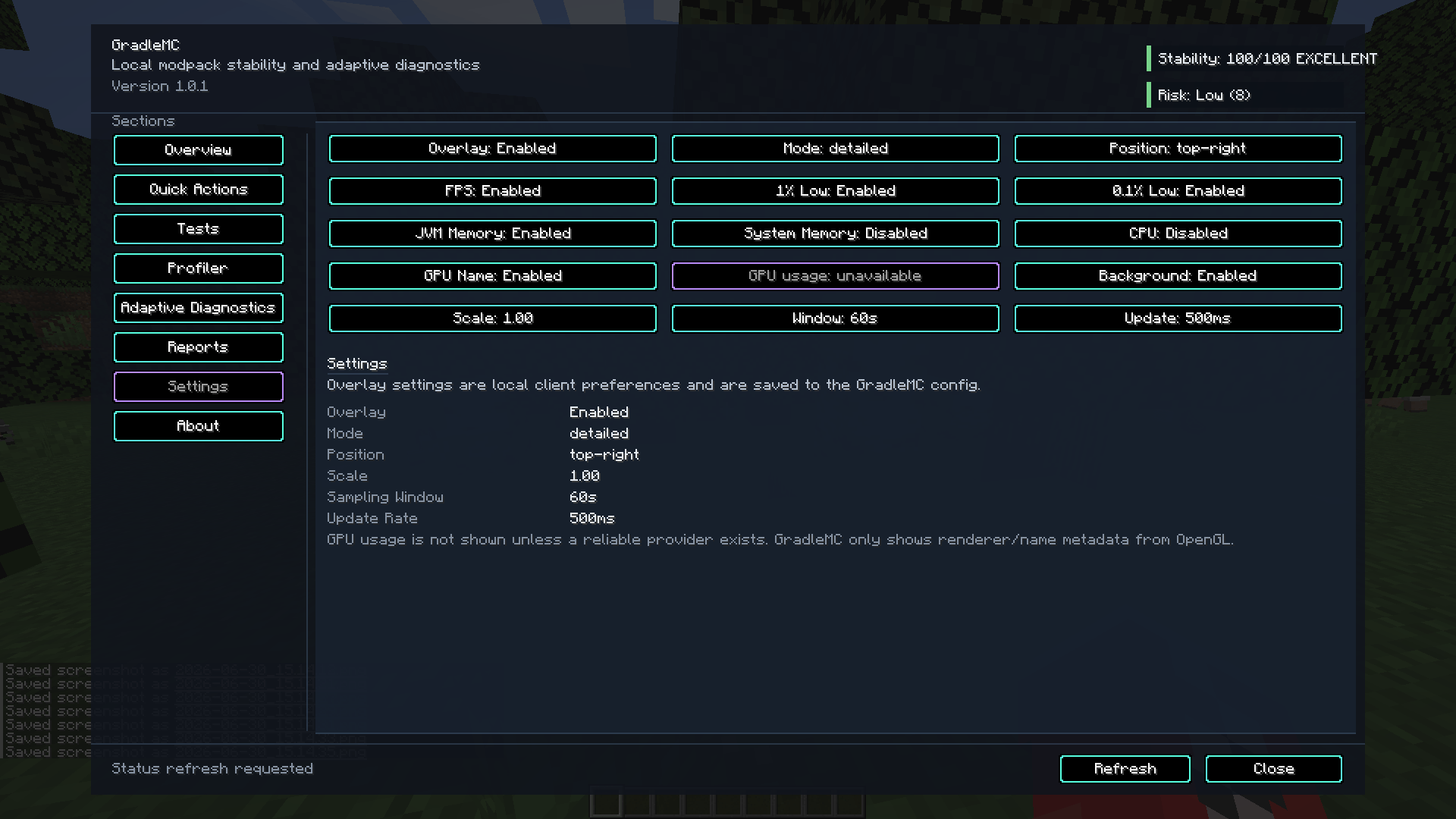
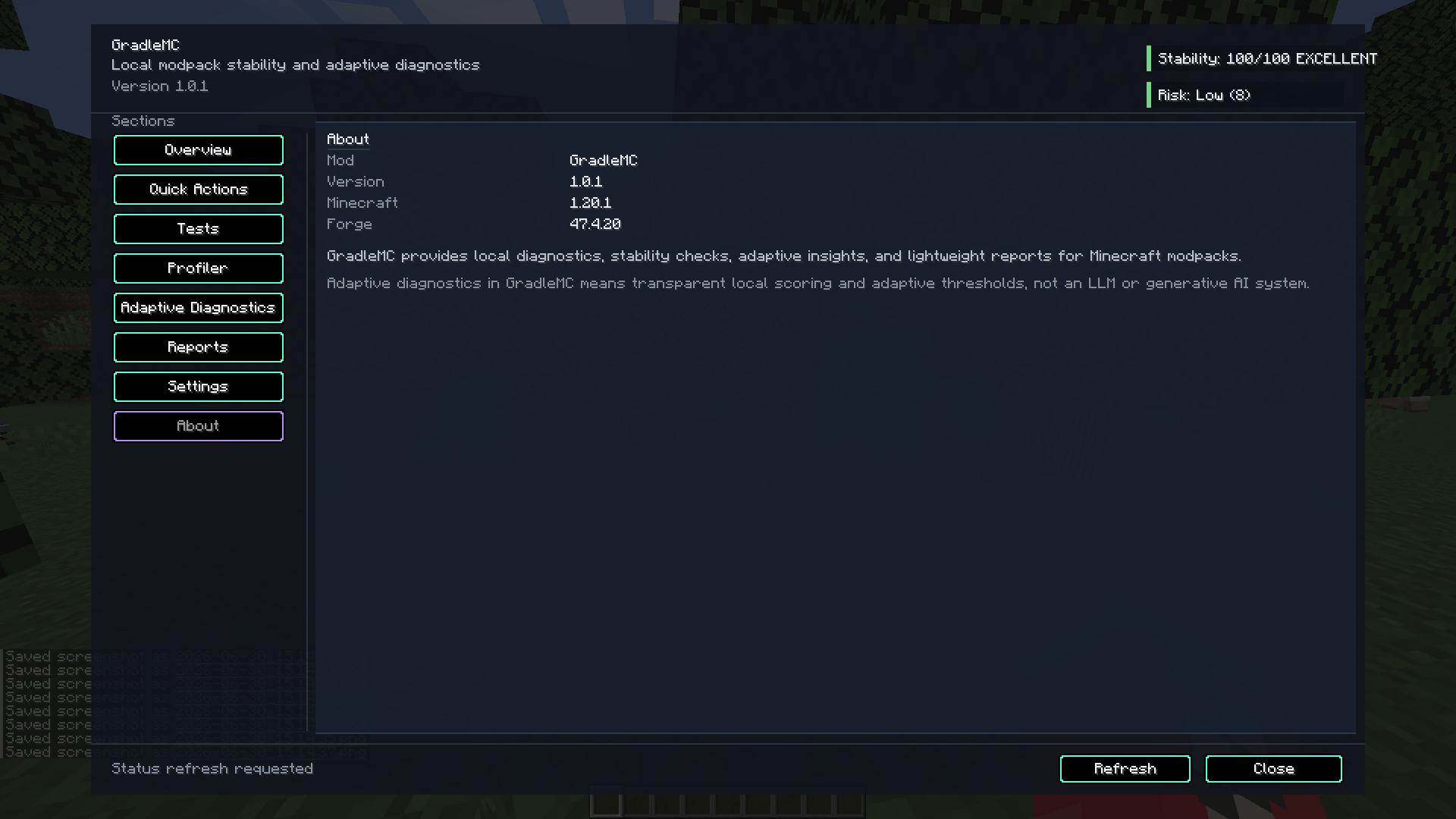
Environment information, runtime evidence, checks and reports without leaving Minecraft. Gallery screenshots may show an earlier release; exact labels and layout can vary by build.
Current active 1.20.1 line
GradleMC v1.1.0 — Forge + Fabric
Minecraft 1.20.1 • Java 17 • Kotlin implementation • Forge: Kotlin for Forge required • Fabric: Fabric API + Fabric Language Kotlin required
Evidence before superstition
What GradleMC actually helps investigate
Modded Minecraft has an impressive talent for making completely different problems look identical. Low FPS, stuttering, memory pressure, overloaded worlds, bad configurations, mod interactions, server tick problems and unstable environments can all eventually collapse into the same technical diagnosis:
“It feels laggy.”
That is not evidence.
GradleMC gives players, modpack creators, server owners, testers and developers a structured way to inspect an instance before changing random JVM flags, deleting half the modpack, or blaming whichever mod happened to load last.
Depending on the installed build and environment, GradleMC can expose Minecraft, loader and JVM information; loaded-mod and environment context; memory state; FPS and bounded performance measurements; TPS/MSPT-related observations; entity, block-entity and world-generation signals; reports; and local diagnostic guidance.
A troubleshooting workflow that makes sense
01 — INSPECT
Establish what you are actually running
Review Minecraft, mod loader, GradleMC, Java/JVM, operating-system, memory, loaded-mod and relevant environment information instead of relying on remembered configuration.
02 — MEASURE
Collect bounded runtime evidence
Run supported FPS or performance tests, observe memory/runtime pressure and inspect other available signals without turning a diagnostic mod into a permanent benchmark harness.
03 — DIAGNOSE
Connect the evidence
Use local rule-based Smart Diagnostics to identify suspicious conditions, surface incomplete evidence and return prioritised guidance grounded in the information GradleMC can actually see.
04 — EXPORT
Turn the investigation into something shareable
Generate local reports and troubleshooting evidence for controlled comparisons, bug reports, support requests and modpack maintenance.
Inside GradleMC
Diagnostics without the feature-wall nonsense
Diagnostics control centre
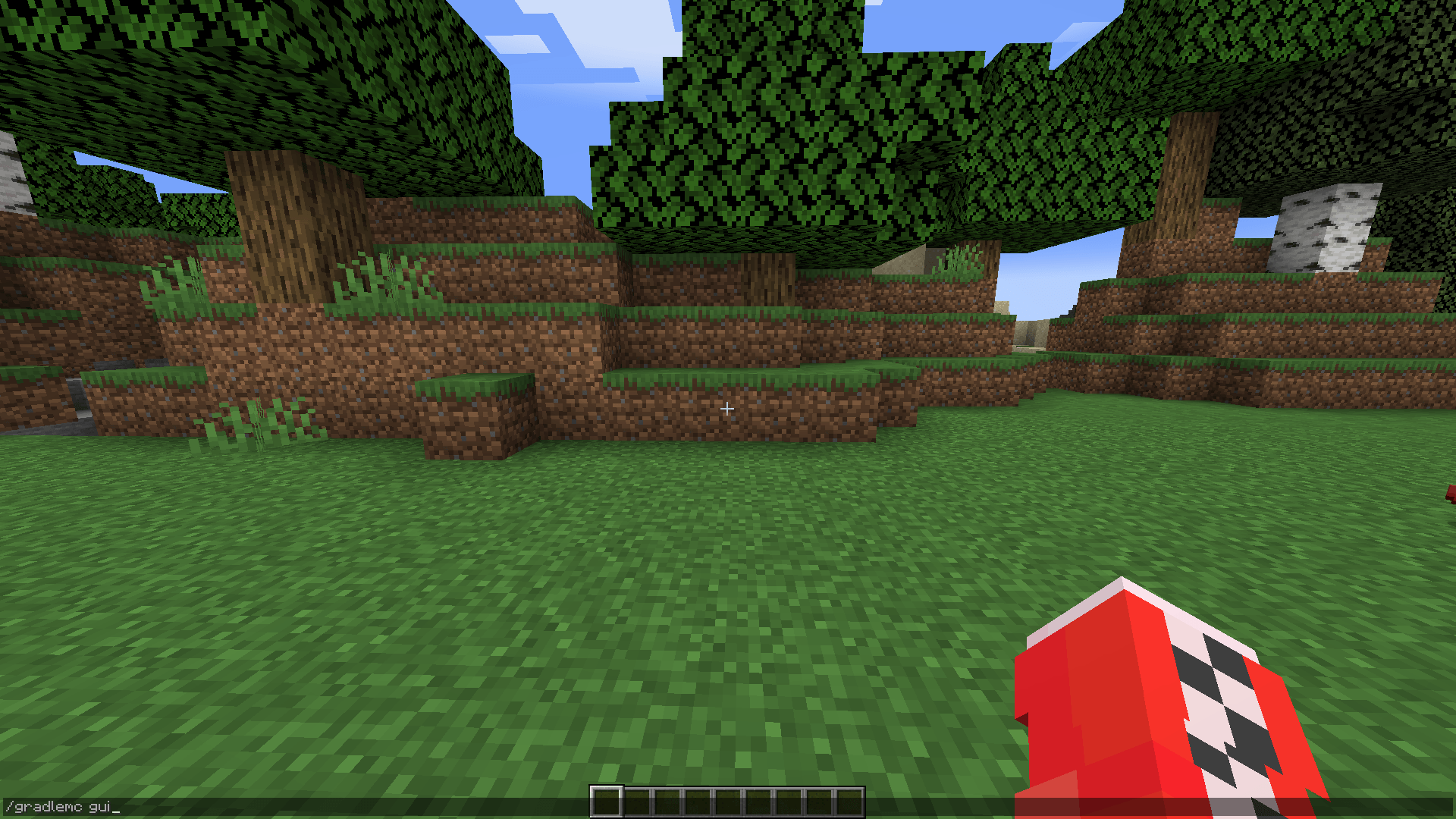
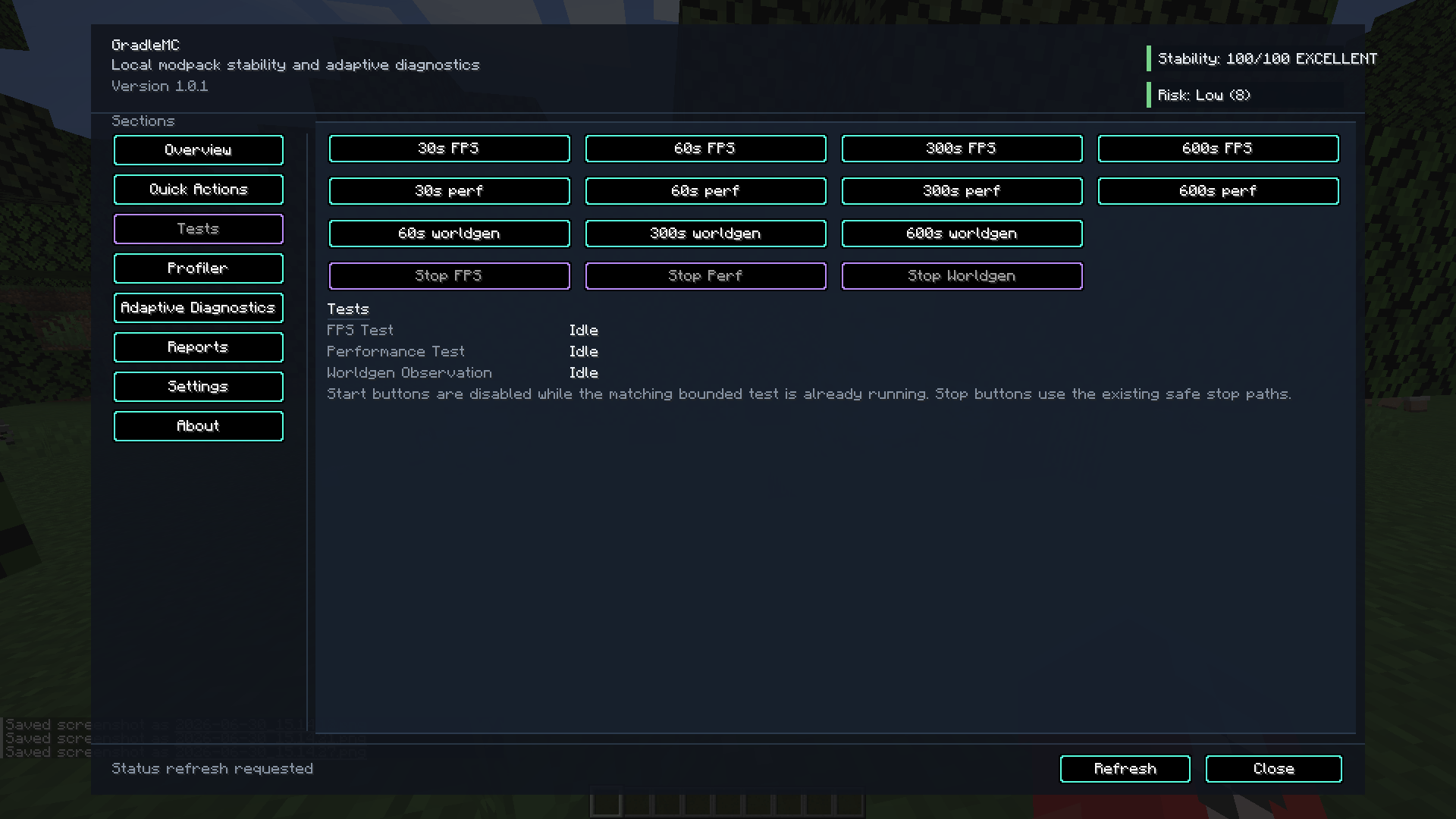
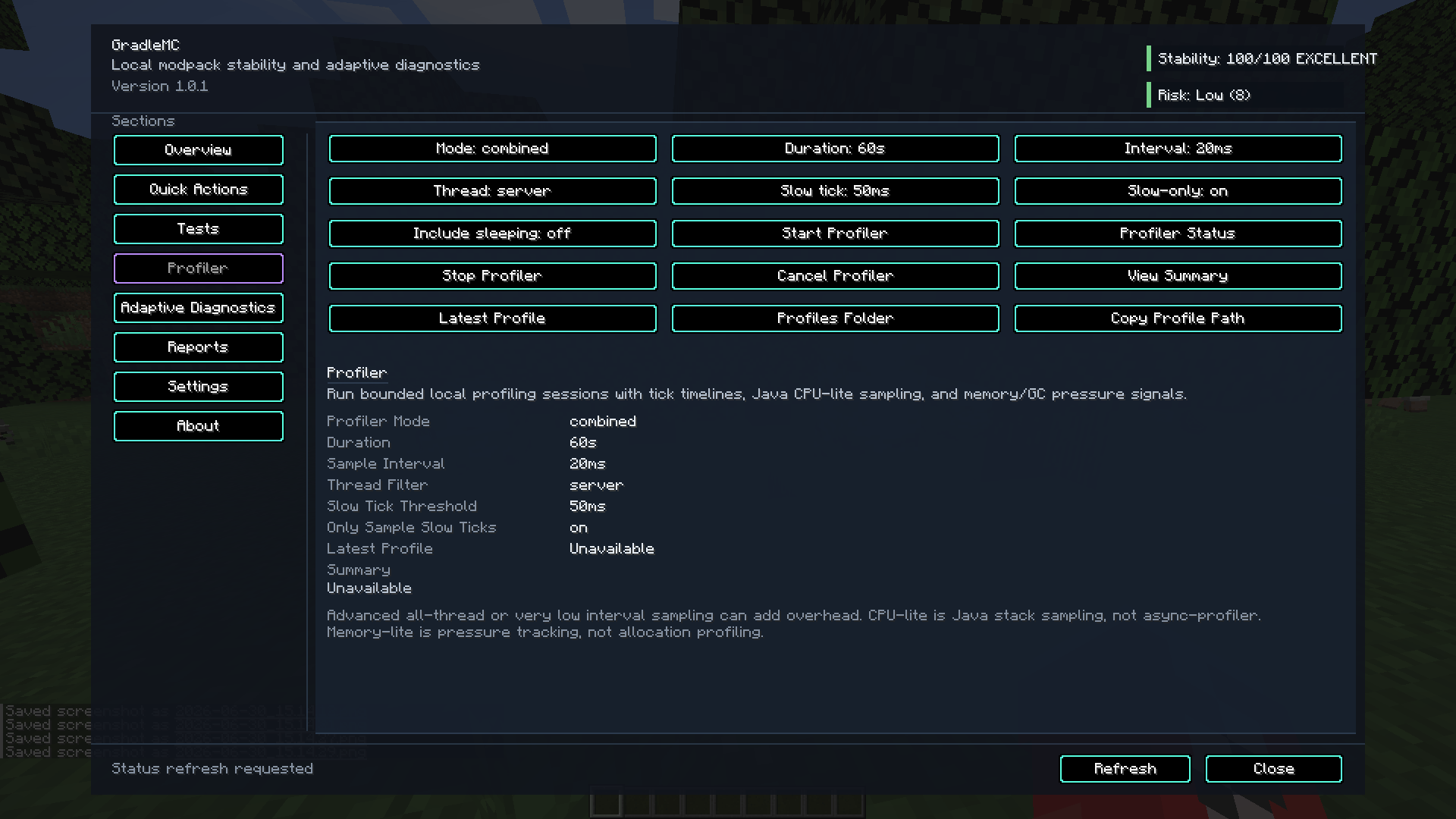
Open the in-game interface with /gradlemc gui where supported, or use the configurable client keybind. The GUI brings status, checks, reports, diagnostic tools, performance controls and supported settings into one place.
Environment & mod inspection
Inspect Minecraft, loader, GradleMC and JVM versions; operating-system and runtime context; loaded-mod information; heap/memory state; and relevant configuration or report paths. Useful because troubleshooting the wrong environment very efficiently is still troubleshooting the wrong environment.
Performance evidence
Observe supported client FPS information, run bounded timed FPS tests, collect lightweight runtime/performance samples and inspect available TPS/MSPT, entity, block-entity, memory-pressure and world-generation signals. Availability varies by release and side.
Overlay & runtime visibility
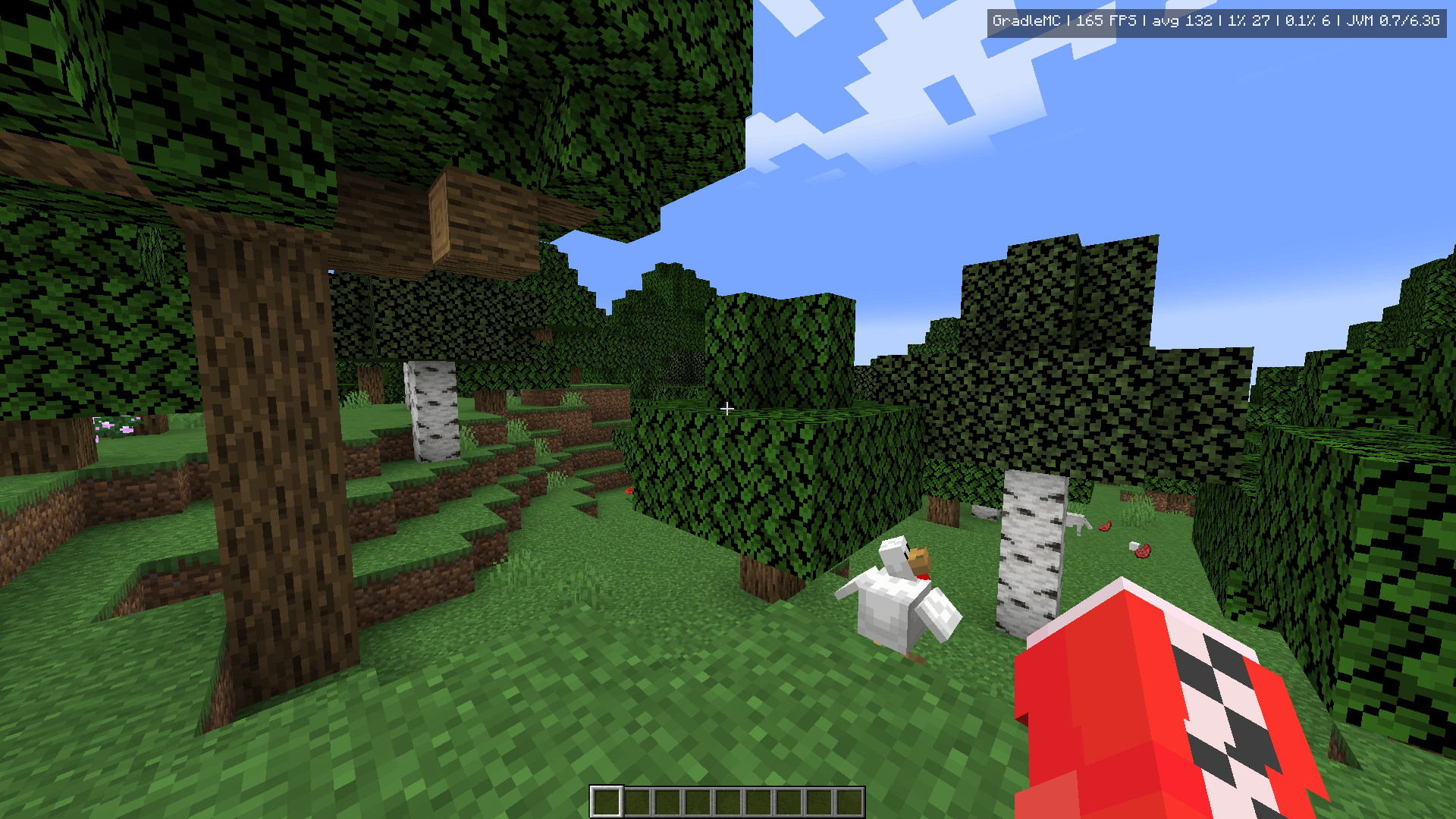
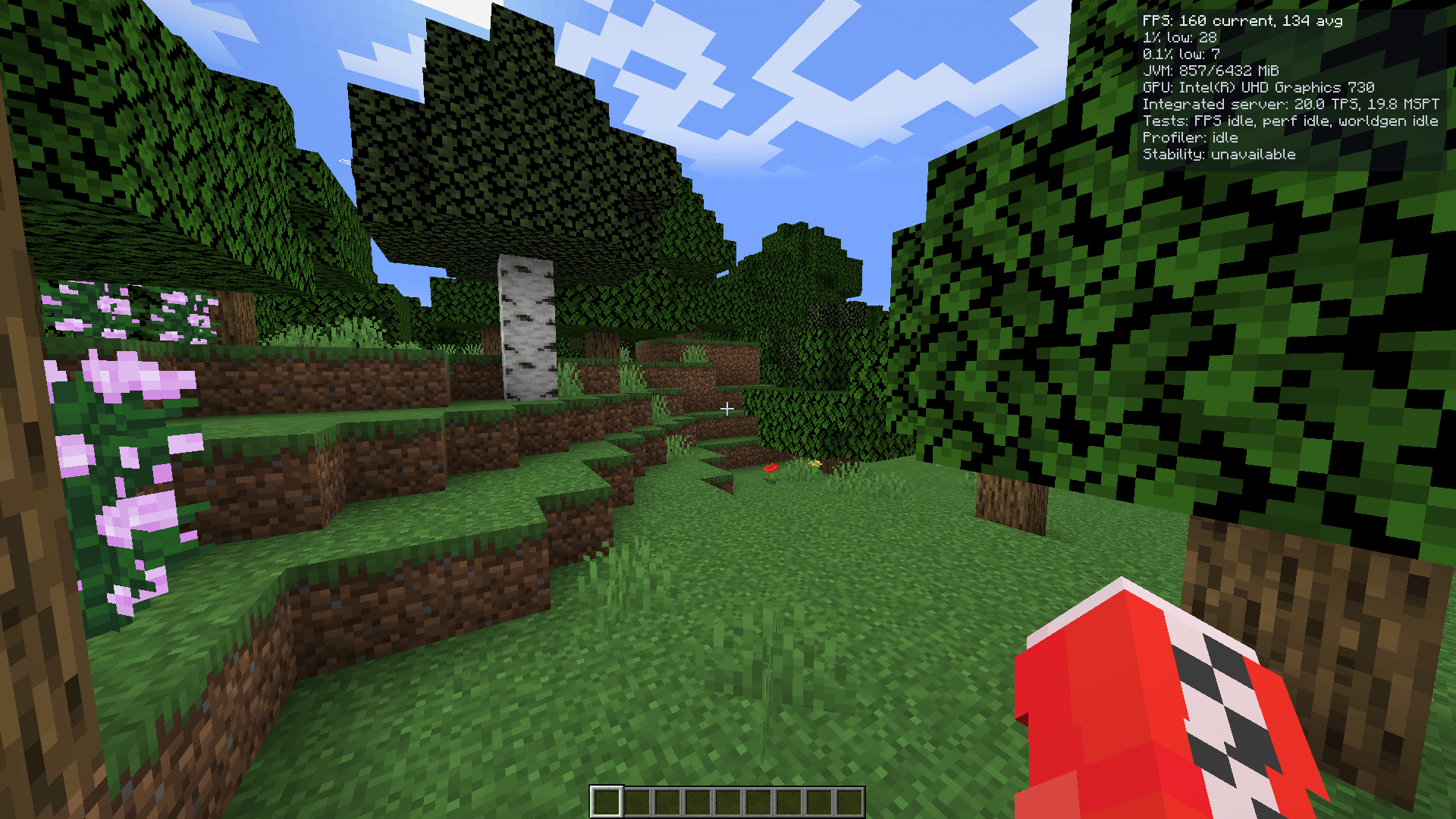
Supported clients can expose optional runtime information such as current/average FPS and other available status data without requiring the main diagnostics screen to stay open.
Reports & evidence export
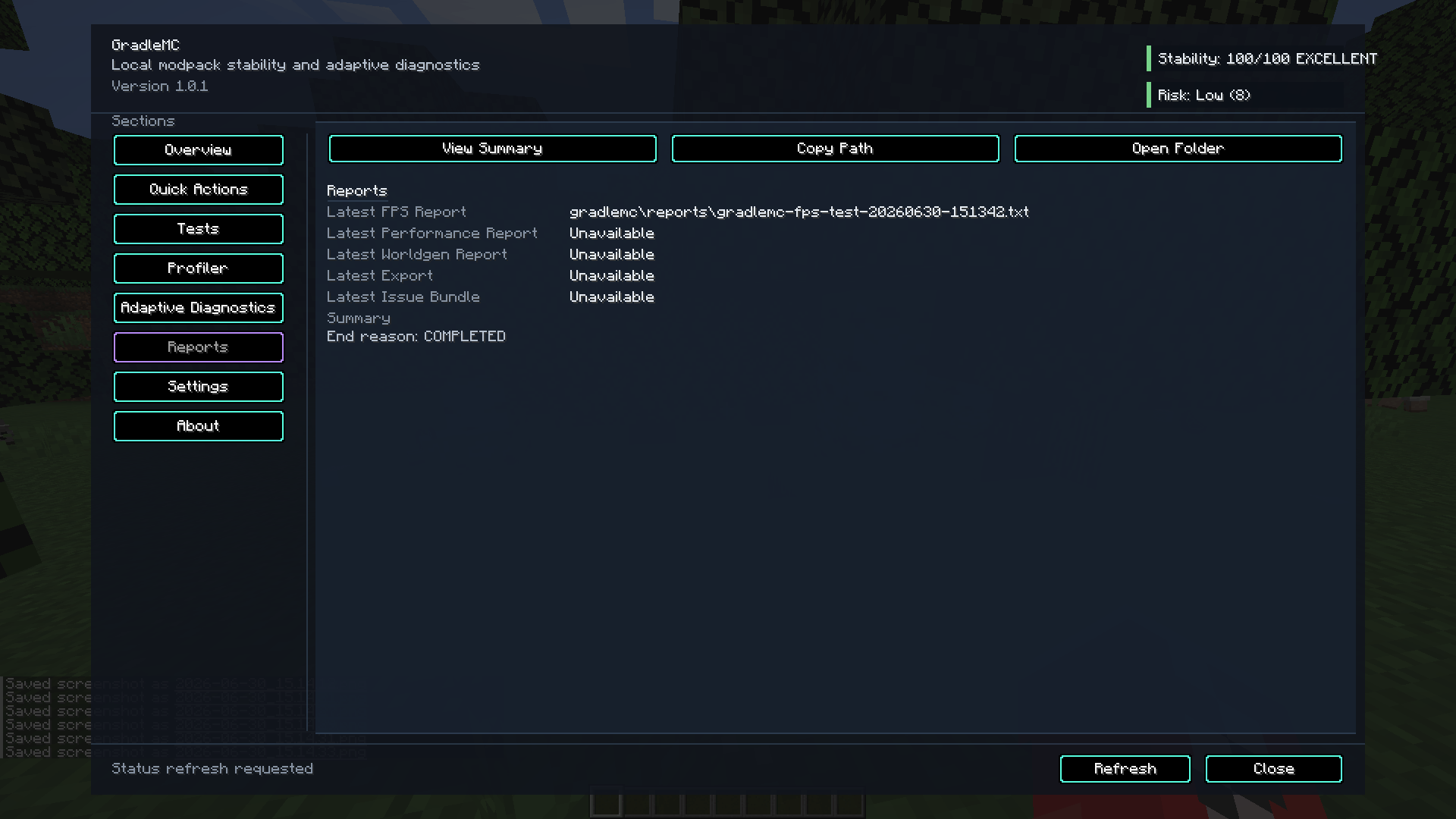
Generate readable local diagnostic output, locate recent reports and preserve evidence for before/after comparisons or useful issue reports. TXT and JSON output are available where provided by the installed release.
GradleMC deliberately keeps diagnostic sampling bounded. It is a troubleshooting utility, not async-profiler wearing a Minecraft skin.
Smart Diagnostics
Local diagnostic guidance. Not an AI chatbot.
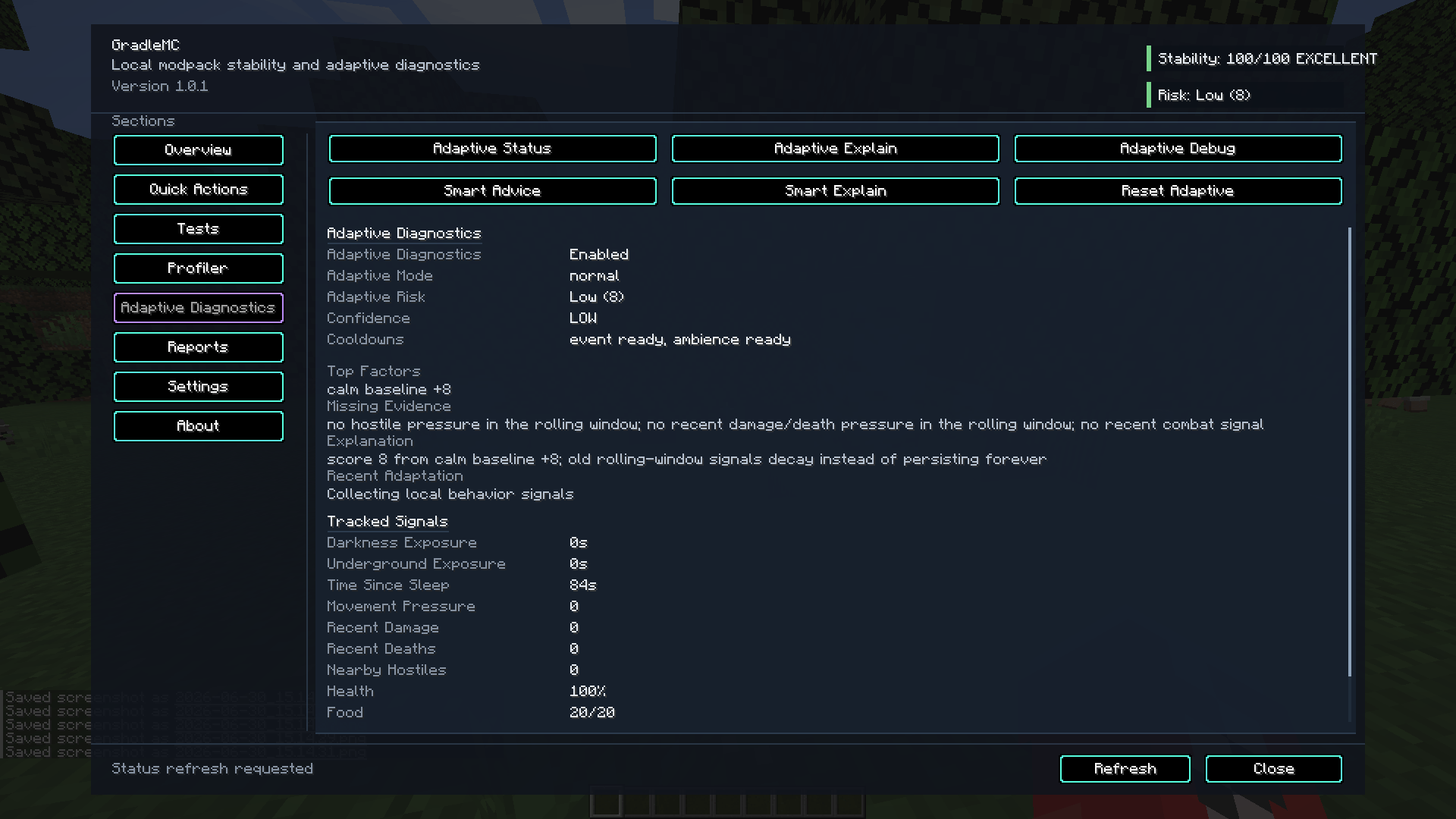
Smart Diagnostics evaluates the evidence GradleMC has collected using local rules and scoring. It can produce prioritised advice, supporting context and indications that important evidence is missing or incomplete.
There is no cloud AI, no LLM inference and no hidden remote diagnostic service. “Smart” describes the diagnostic logic, not a server farm being asked to hallucinate why your TPS collapsed.
Earlier gallery capture of GradleMC's local diagnostic/scoring interface. Names and controls may differ in current builds.
Compatibility
Use the exact build for your Minecraft version and loader
GradleMC is not one universal jar. A Forge build is not a Fabric build, and changing a filename does not perform a loader port. It merely gives the crash a more optimistic filename.
| Status | Minecraft | GradleMC | Loaders | Java |
|---|---|---|---|---|
| Active | 1.20.1 | v1.1.0 | Forge, Fabric | 17 |
| Published | 1.21.11 | v1.0.0 | Forge, Fabric, NeoForge | 21 |
| Published | 26.1.2 | v1.0.0 | Forge, Fabric, NeoForge | 25 |
| Discontinued | 1.20.1 | v1.0.0 | Quilt | 17 |
The CurseForge Files page is the safest place to choose an actually published jar. Match both your Minecraft version and loader.
Minecraft 1.20.1 v1.1.0 dependencies
Forge
Install Kotlin for Forge alongside GradleMC.
Current v1.1.0 source targets Forge 47.4.22 and declares the Forge range from 47.4.22 up to, but not including, 47.5. Its Kotlin loader range is Kotlin for Forge 4.12 up to, but not including, 5; the build uses Kotlin for Forge 4.12.0.
Fabric
Install both Fabric API and Fabric Language Kotlin.
Current v1.1.0 metadata declares Fabric Loader 0.19.3 or newer, Fabric API 0.92.11+1.20.1 or newer, and Fabric Language Kotlin 1.13.13+kotlin.2.4.10 or newer for the 1.20.1 build.
Kotlin did not replace Java.
GradleMC v1.1.0's active 1.20.1 Forge and Fabric implementations are written in Kotlin, but Minecraft 1.20.1 still runs on Java 17. Loader-specific Kotlin support is an additional dependency, not a substitute JVM.
GradleMC v1.1.0's active 1.20.1 Forge and Fabric implementations are written in Kotlin, but Minecraft 1.20.1 still runs on Java 17. Loader-specific Kotlin support is an additional dependency, not a substitute JVM.
Quick start
Installation — Minecraft 1.20.1 v1.1.0
Forge
- Install Minecraft Java Edition 1.20.1.
- Use a compatible Forge 1.20.1 installation and Java 17.
- Download
gradlemc-1.1.0-forge-1.20.1.jar. - Install Kotlin for Forge.
- Place the required jars in the instance or server
modsfolder. - Launch Minecraft and run
/gradlemc.
Fabric
- Install Minecraft Java Edition 1.20.1.
- Install a compatible Fabric Loader and use Java 17.
- Download
gradlemc-1.1.0-fabric-1.20.1.jar. - Install Fabric API.
- Install Fabric Language Kotlin.
- Place GradleMC and its dependencies in the instance or server
modsfolder. - Launch Minecraft and run
/gradlemc.
Client & server capabilities
Client
Install GradleMC on a supported client for client-side features such as the diagnostics GUI, configurable keybind, optional overlay, FPS information, timed FPS testing and client environment evidence.
Server / common diagnostics
Supported server-side functionality can include commands, runtime observations, memory and environment information, loaded-mod inspection, performance evidence, report generation and Smart Diagnostics.
Exact feature availability depends on the GradleMC release, loader, permissions and whether a capability is inherently client-only. FPS testing on a headless dedicated server would be quite a philosophical achievement.
Optional client runtime visibility without keeping the full diagnostics screen open. Exact overlay fields vary by release and configuration.
Command line
Essential /gradlemc commands
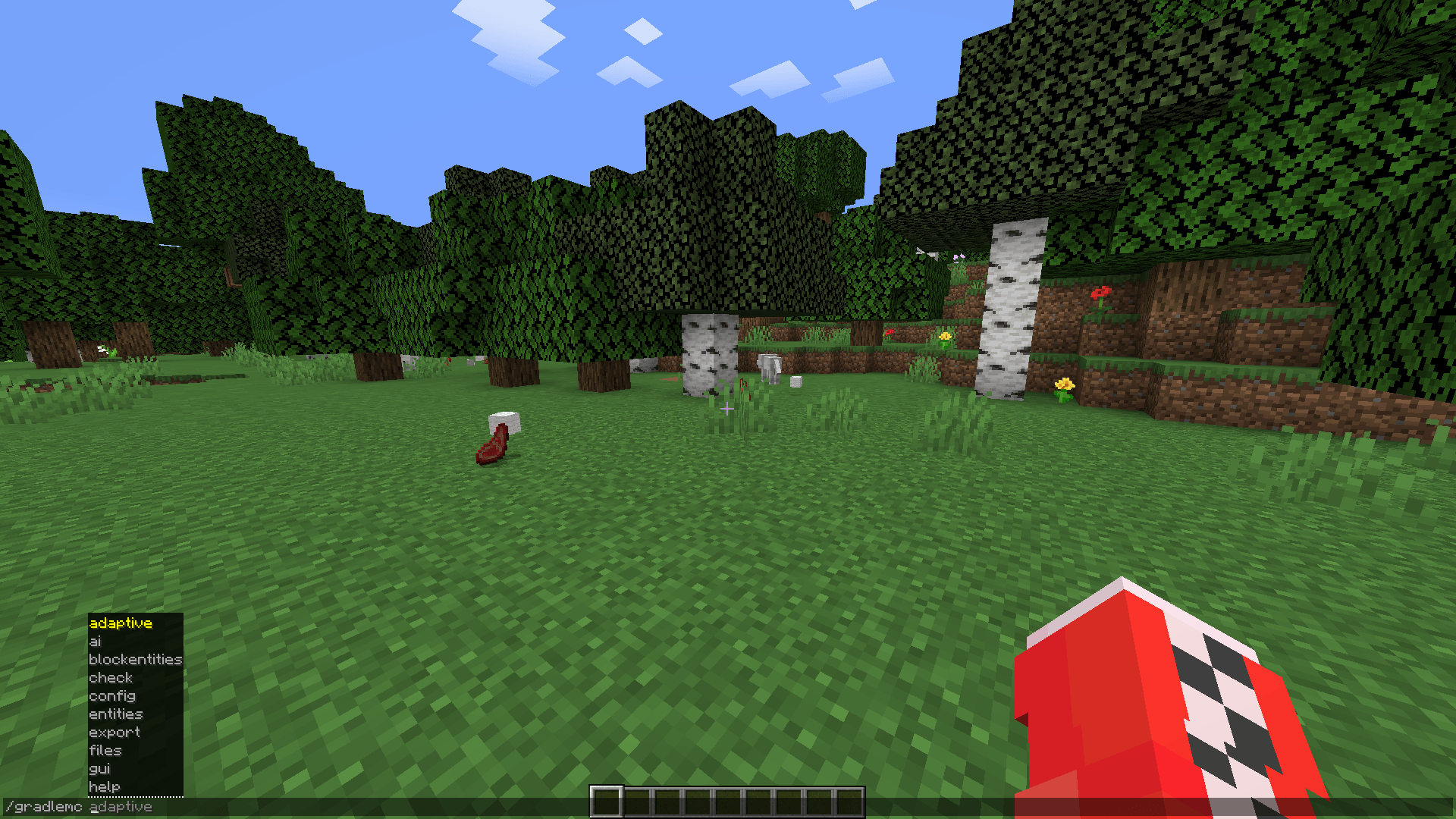
GradleMC commands are lowercase. The exact tree varies by release, loader, side and permissions, so /gradlemc itself is the authoritative help menu for your installed build.
/gradlemc |
Show the command tree supplied by the installed build. |
/gradlemc gui |
Open the diagnostics interface where supported. |
/gradlemc status |
Show a compact diagnostic status summary. |
/gradlemc version |
Inspect GradleMC and environment version information. |
/gradlemc memory |
Inspect JVM memory information. |
/gradlemc check |
Run available local diagnostic checks. |
/gradlemc testfps start <seconds> |
Start a bounded client FPS test. |
/gradlemc testfps stop |
Stop the active FPS test. |
/gradlemc perf start <seconds> |
Start a supported bounded performance sample. |
/gradlemc export |
Export local troubleshooting evidence. |
/gradlemc reports latest |
Locate the newest generated report. |
/gradlemc smart score |
Inspect the current Smart Diagnostics score. |
/gradlemc smart advice |
Inspect prioritised diagnostic guidance. |
Additional commands may exist for profiling, loaded mods, reports, entities, world generation and other diagnostic systems. Use the command tree supplied by the exact jar you installed rather than assuming every historical command exists everywhere.
Generated reports stay under your control
GradleMC stores its local diagnostic output beneath:
<gameDir>/gradlemc/
Depending on the release and action used, this can contain diagnostic reports, exports, profiling information, issue evidence, configuration-related files and other GradleMC output.
Review diagnostic files before sharing them.
Reports can contain local paths, Java/JVM details, loaded mod names, loader information, instance details and other runtime context. GradleMC does not automatically upload these files.
Reports can contain local paths, Java/JVM details, loaded mod names, loader information, instance details and other runtime context. GradleMC does not automatically upload these files.
Reports are generated locally and remain local until you choose what to share.
Local by design
Diagnostics should not require surrendering the diagnostics
- No behavioural telemetry.
- No analytics tracking.
- No cloud AI or LLM integration.
- No hidden remote diagnostic inference.
- No automatic report upload.
- No automatic transmission of generated troubleshooting evidence.
- No broad scanning of unrelated private files.
- Generated evidence remains local until you decide to share it.
Smart Diagnostics follows the same model: local evidence, local rules, local guidance.
What GradleMC deliberately is not
Not an FPS booster. It measures and diagnoses performance; it does not manufacture spare GPU horsepower.
Not a universal crash-fixing bot. GradleMC can expose evidence and suspicious conditions, but it cannot automatically repair every incompatible or broken modpack.
Not a replacement for Sodium or Embeddium. Diagnostics and optimisation are different jobs.
Not a replacement for specialist low-level profilers. Deep CPU, allocation or tick investigations may still require tools such as Spark, Java Flight Recorder, VisualVM or async-profiler.
Not one jar for every loader and Minecraft version. Install the exact published target you need.
Not the Gradle Build Tool. Similar name, completely different job.
Not a Bedrock utility. GradleMC targets supported Minecraft Java Edition releases.
GradleMC can tell you that your performance problem has evidence behind it. It cannot negotiate extra frames from hardware that has already submitted its resignation letter.
Legacy loader notice
Quilt support has ended
No new GradleMC versions are planned for Quilt. The existing Quilt 1.20.1 v1.0.0 file may remain downloadable as a legacy build, but future GradleMC features, fixes and releases are not being ported to Quilt.
Maintaining another loader multiplies implementation, compatibility, testing and documentation work. The Quilt release line did not receive enough use to justify that continuing cost, so development effort is being spent on the GradleMC targets people are actually using.
Support & development
Found a GradleMC problem? Bring evidence.
Reproducible GradleMC bugs belong on the GitHub issue tracker.
A useful report should include the exact:
- Minecraft version;
- mod loader and loader version;
- Java version;
- GradleMC version and preferably exact jar filename;
- required dependency versions;
- client, dedicated-server or integrated-server environment;
- reproduction steps and expected/actual behaviour;
- relevant reviewed GradleMC report or log evidence;
- screenshots or short clips for GUI/overlay issues where useful.
Project identity
GradleMC is an independent Minecraft project. It is not affiliated with, endorsed by, or part of Gradle, Inc. or the Gradle Build Tool, and it does not replace Gradle.
Project license: Apache-2.0 • CurseForge Project ID: 1585182 • Minecraft Java Edition • Client & server
GradleMC is an independent Minecraft project. It is not affiliated with, endorsed by, or part of Gradle, Inc. or the Gradle Build Tool, and it does not replace Gradle.
Project license: Apache-2.0 • CurseForge Project ID: 1585182 • Minecraft Java Edition • Client & server
Optional server-hosting partner
Need a separate test server?
The BisectHosting partner link below offers 25% off the first month. Hosting is completely optional and is not required to install, run or use GradleMC.

Apache-2.0 • CurseForge Project ID 1585182 • Minecraft Java Edition • Local-first diagnostics
Choose the exact GradleMC file for your Minecraft version and mod loader. Evidence first; random configuration archaeology second.
The GradleMC Team