Glazed Menu
- By
A frosted-glass mod list and config screens for every mod, with grid and list views, groups, themes and update notices.
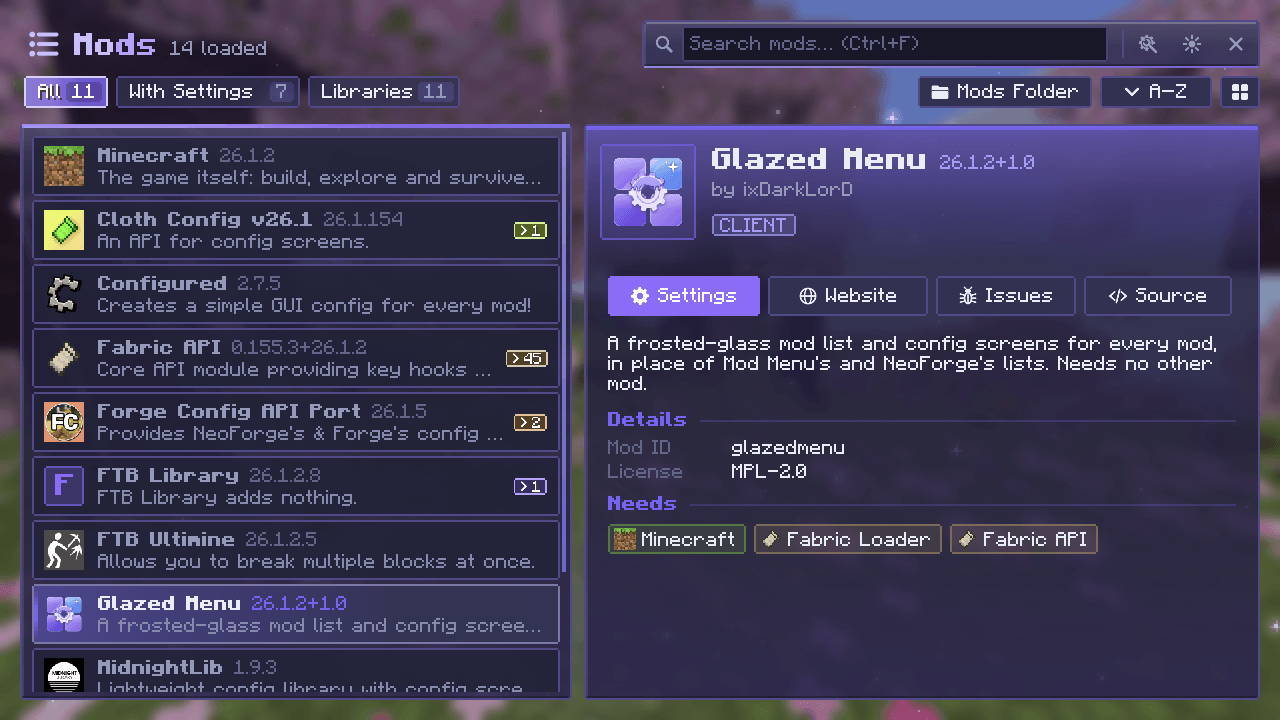
Glazed Menu's mod list: every installed mod on the left with search, filters and sorting, and the selected mod's details on the right, with its description, licence, what it needs, and Settings, Website, Issues and Source buttons.
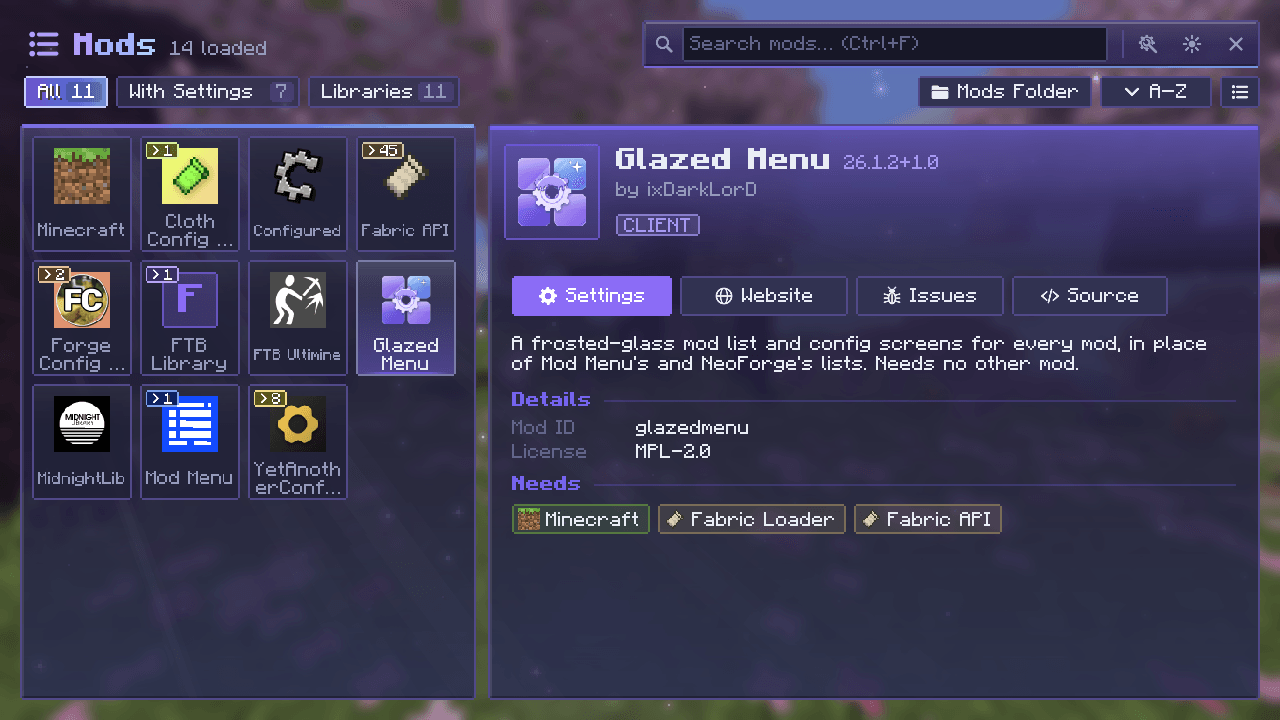
The same list as a grid of tiles.
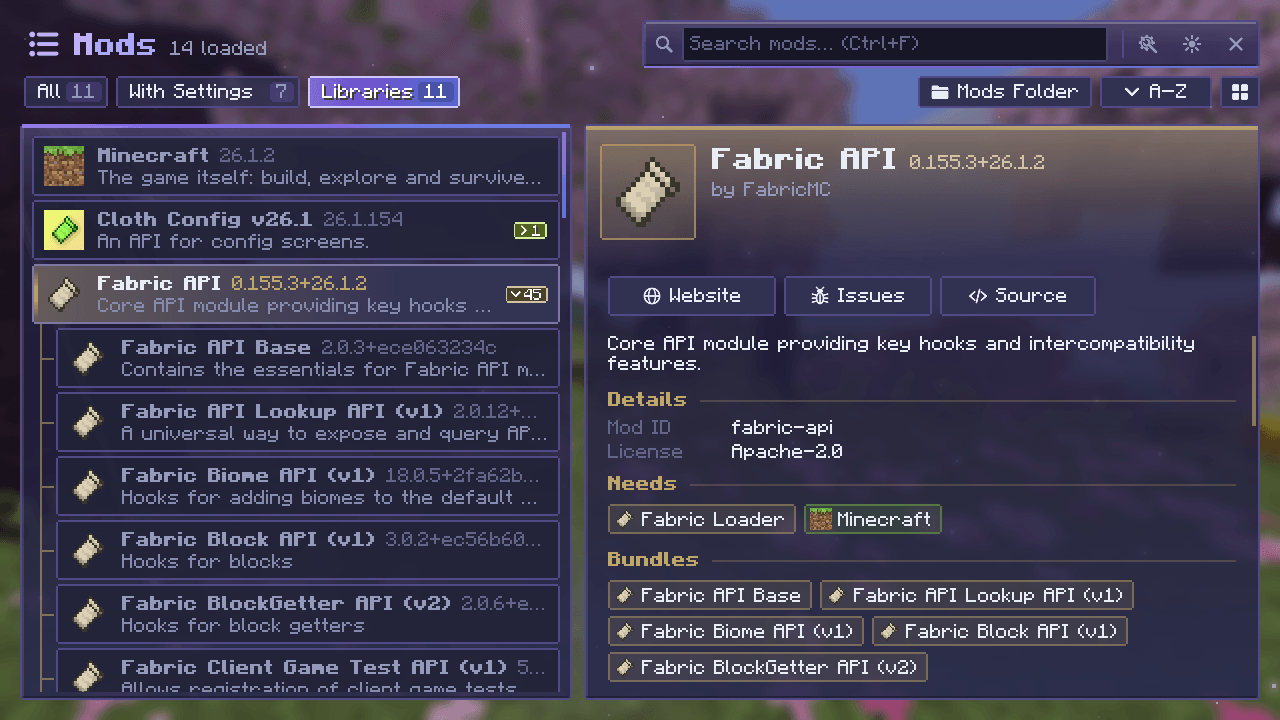
Bundled libraries are grouped under the mod that ships them.
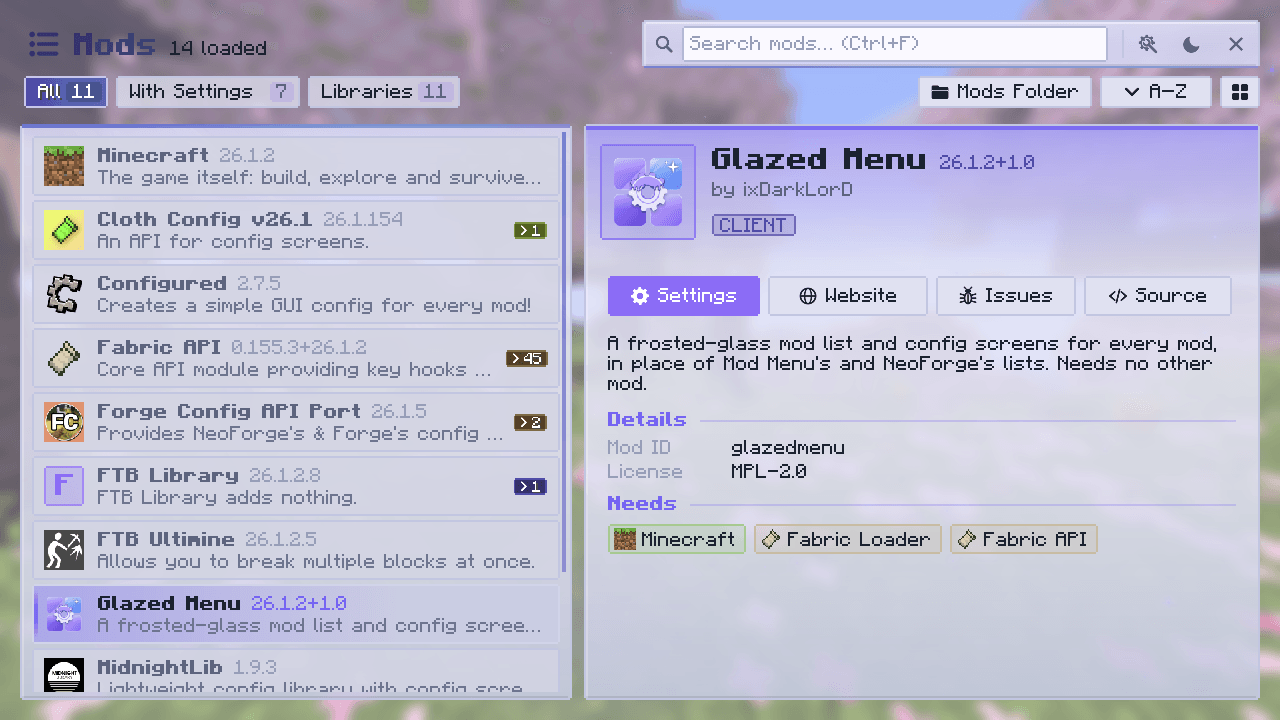
Every screen has a dark and a light mode.
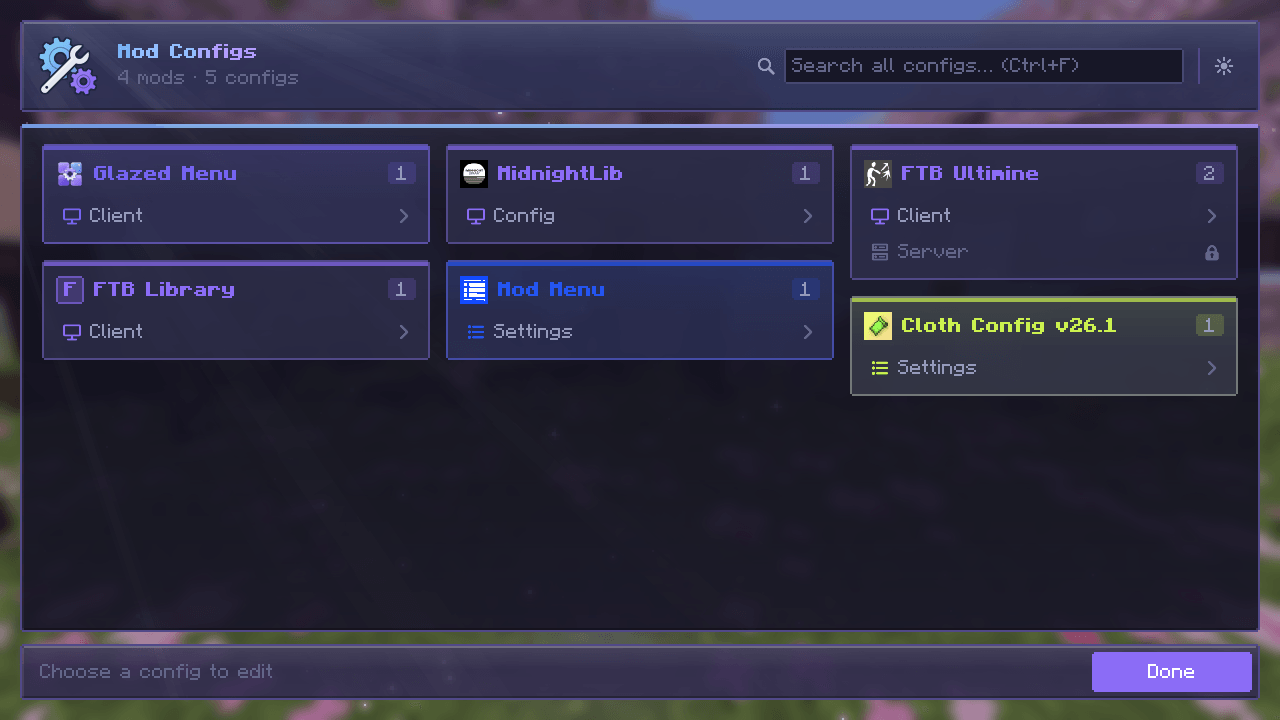
Every mod's configs in one place, as cards in each mod's colors.
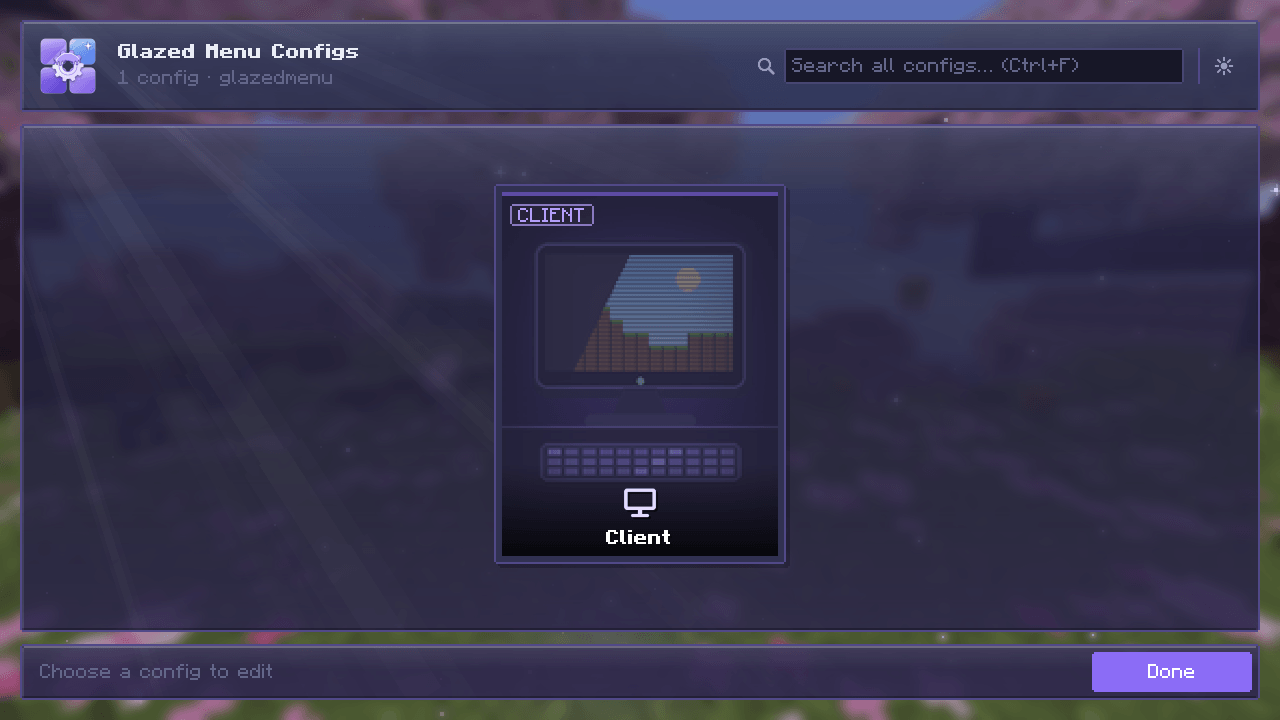
Each of a mod's configs as a card.
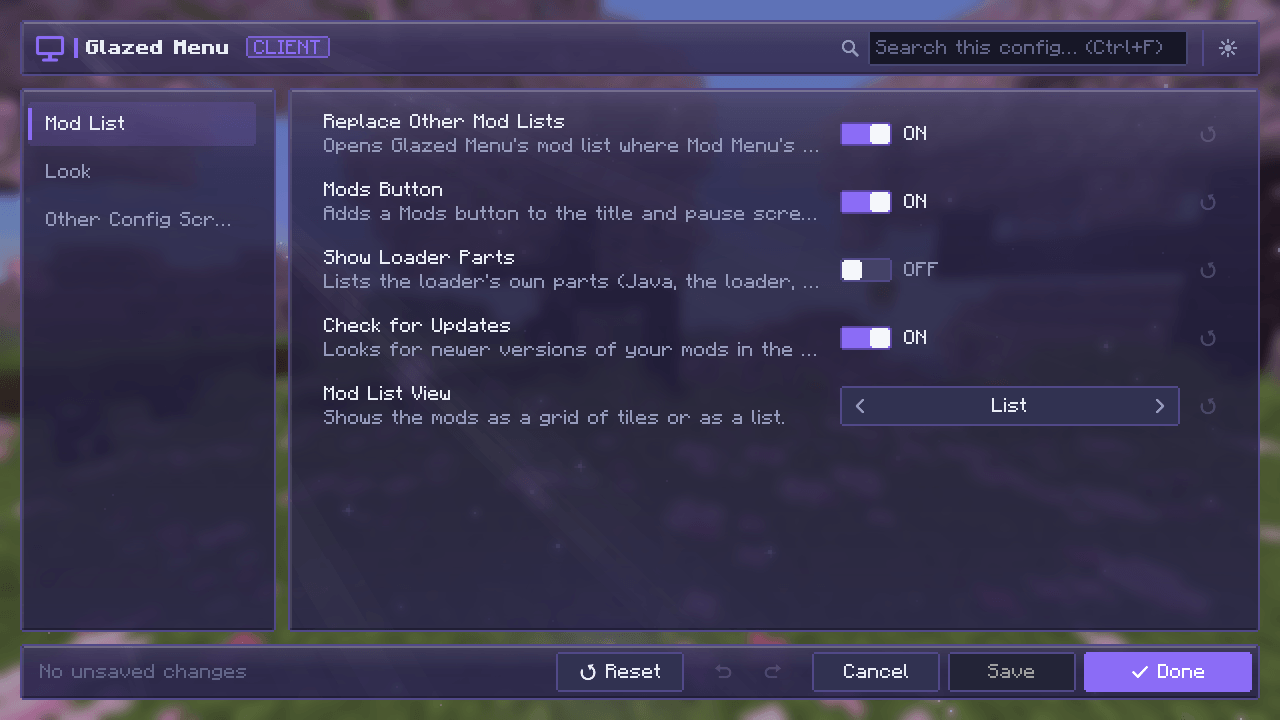
Categories, search, undo and redo, reset, Save and Done.
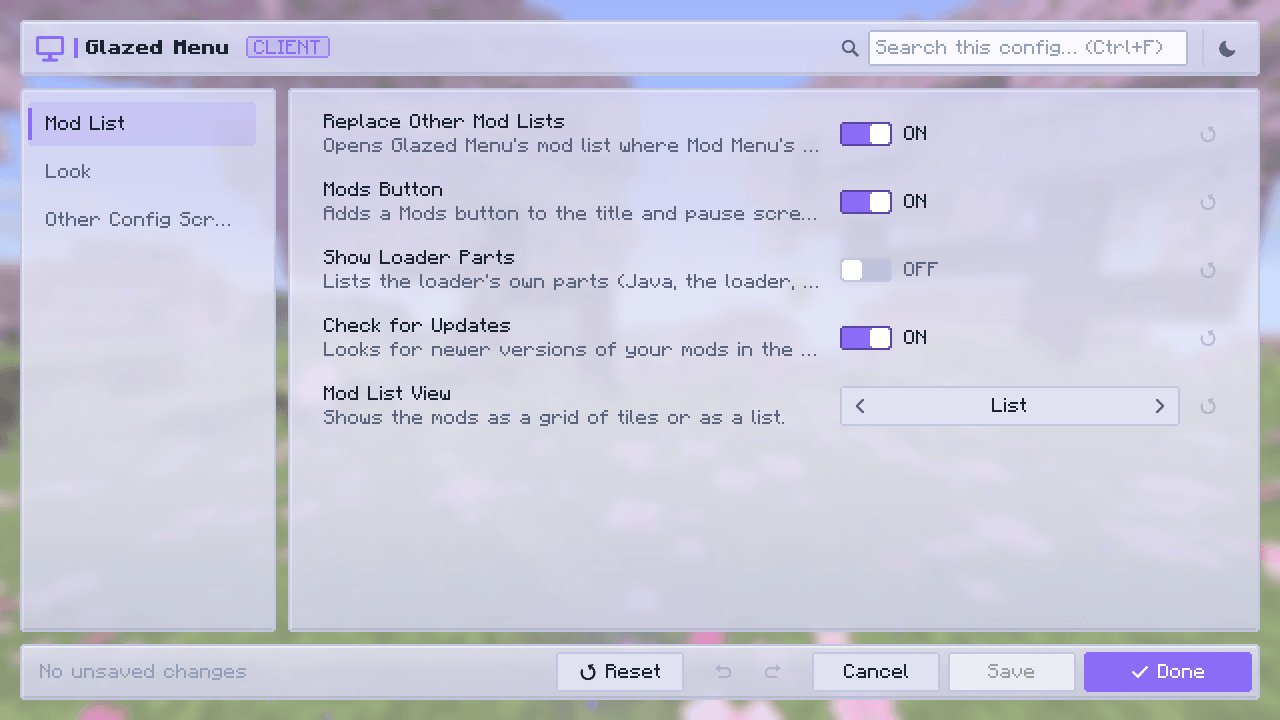
The config screen in light mode.
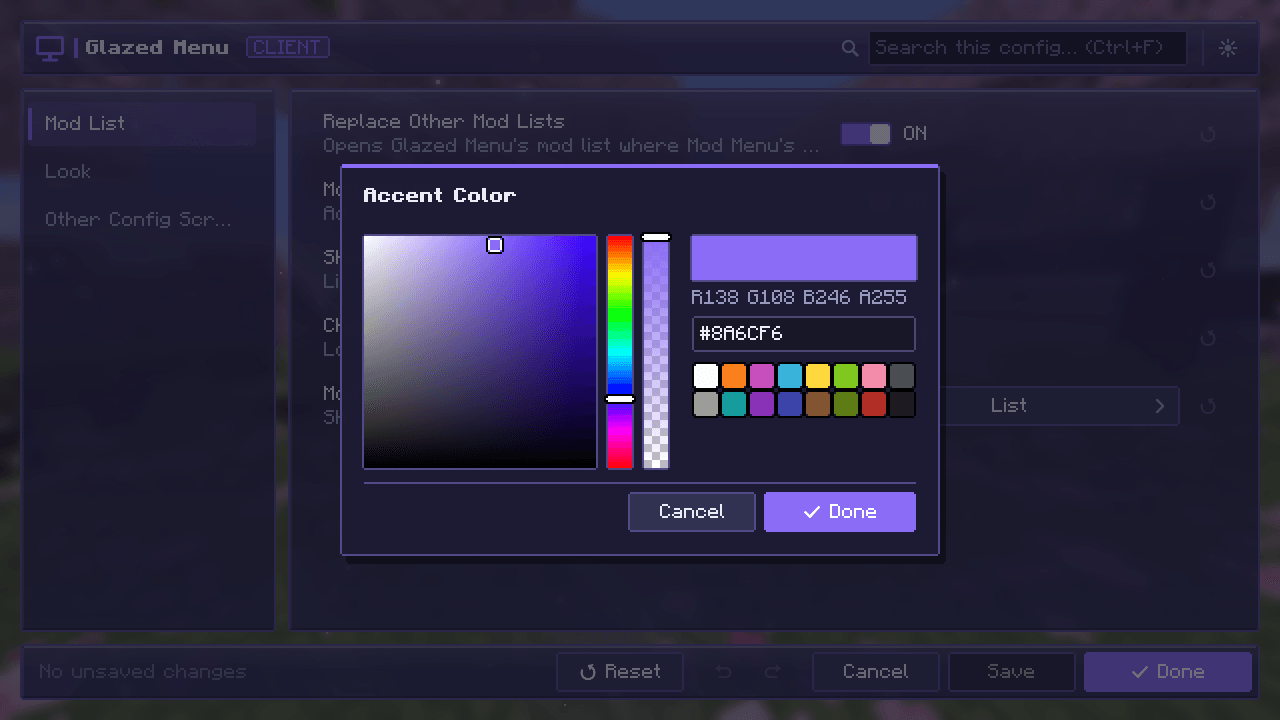
Color values open a picker.
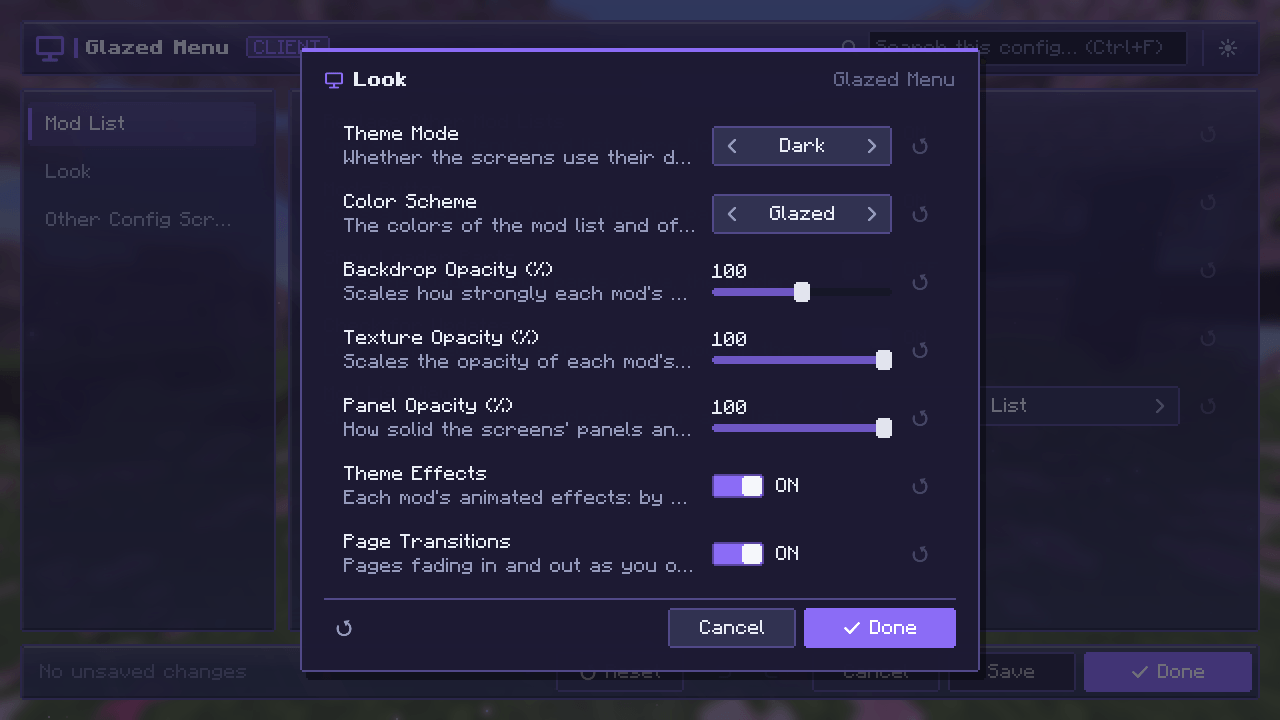
One category of a config in a small window.
Description






✨ About
Glazed Menu is a frosted-glass mod list, and one clean config screen for almost every mod.
It replaces the mod list you already have and gives every mod's settings the same look and the same tools. Every screen is a pane of frosted glass, with soft reflections, lit edges and slow sun rays drifting across it.
- 🪟 A mod list worth opening: list or grid, tinted in each mod's own colors
- ⚙️ One config screen for everything: the same editor for almost any mod's settings
- 🎨 Yours to style: dark and light modes, seven color schemes, adjustable glass
- 🚀 Nothing to set up: install it and press Mods
📸 Screenshots of every screen are in the Gallery tab.
📋 Mod list
Browse your mods in a list or a grid, each one tinted in the colors of its own logo.
- 🔎 Find things fast: filters for All, With Settings and Libraries, plus search and sorting
- 📦 Less clutter: a mod and the modules it bundles fold into one group
- 📖 Everything about a mod: description, authors, license, links, what it needs and what it bundles
- 🔔 Update notices for mods that publish an update file
- 📌 Picks up where you left off when you open a mod's settings and come back
⚙️ Config screens
Every mod's settings in one place, edited in one consistent screen.
- ✏️ A real editor: categories, search, undo and redo, reset to default, presets and validation
- 🎚️ The right control for each value: toggles, sliders, dropdowns, list editing and a color picker
- 💾 Nothing is written until you say so: Save, Done or Cancel
- 🌐 Server configs are editable by the host in a world, and read-only for everyone else
- 🤝 Mods with their own config screen keep it: their Settings button opens that screen
🎨 Make it yours
- 🌗 Dark and light modes, switched from any screen
- 🌈 Seven color schemes: Glazed, Classic, Ocean, Forest, Ember, Rose and Slate
- 🧊 Adjustable glass: panel opacity, sun rays and page transitions, all of which can be turned off
🧩 Loader support
| Fabric | NeoForge | Forge | |
|---|---|---|---|
| 26.1 – 26.3 | ✅ | ✅ | – |
| 1.21 – 1.21.1 | ✅ | ✅ | ✅ |
| 1.20 – 1.20.1 | ✅ | – | ✅ |
❓ FAQ
Does the server need it? No. Glazed Menu is client side only.
Can I keep my old mod list? Yes. Turn off Replace Other Mod Lists in Glazed Menu's settings.
Will it change my config files? Only when you save. Each config is written by the system it belongs to, in its own file and format.
A mod's settings don't show up. Why? Glazed Menu shows the configs it can read. A mod with its own config screen still opens it from its Settings button.
🛠️ For developers
Glazed Menu works with your mod as it is. To list your mod under Libraries, show update notices, theme your config screens or add your own card artwork, see the mod author guide on GitHub.
Glazed Menu Team


Owner