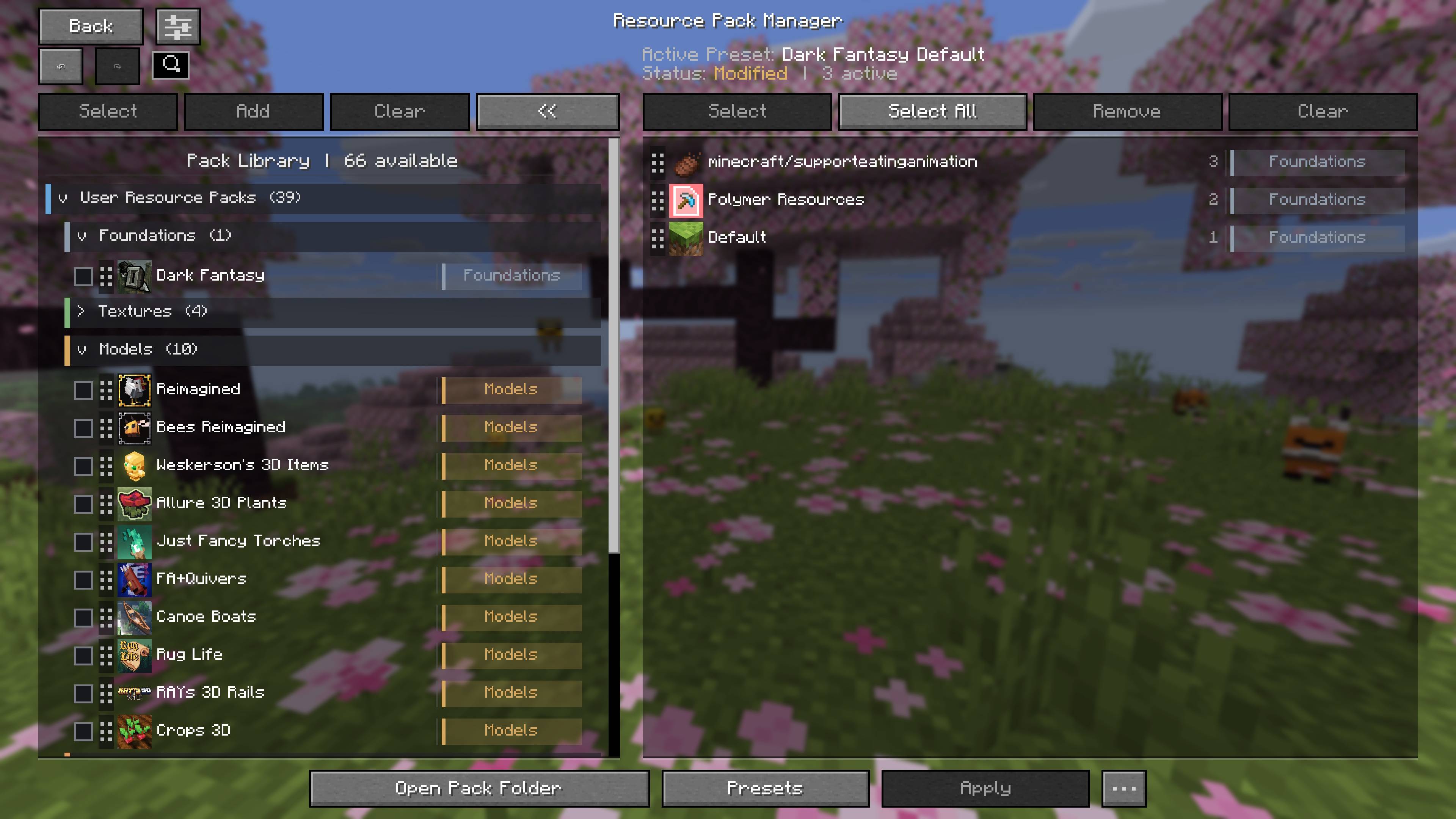
Compact two-column overview with the categorized pack library on the left and the active load order on the right. Both main library sections are collapsed to keep large collections readable.

User packs organized into collapsible categories, with Foundations and Textures expanded while Models, Animations, and Entities remain collapsed. Pack icons, descriptions, and category labels remain visible in compact rows.

Direct drag-and-drop activation of Enchantment Outlines from the Textures category into the active load order. The highlighted insertion line shows exactly where the pack will be placed.

Mod-provided packs grouped by source mod, with Continuity expanded to show its included packs. The hover panel displays the selected pack’s description, category, provider, and pack ID.

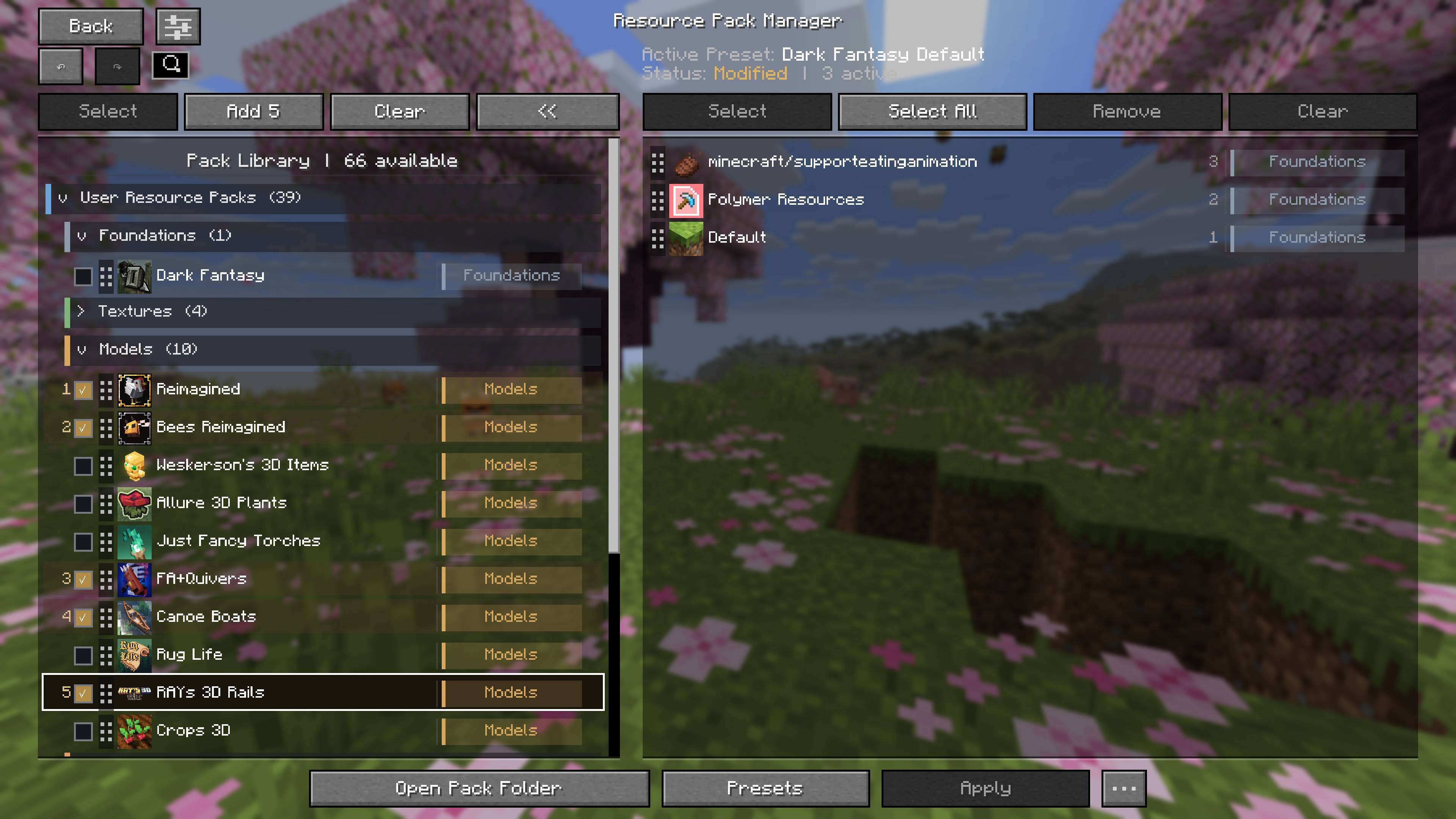
Numbered bulk selection for available packs. Dark Fantasy, Better Leaves, and FA+Emissive are queued as selections 1, 2, and 3, and the action button updates to Add 3.

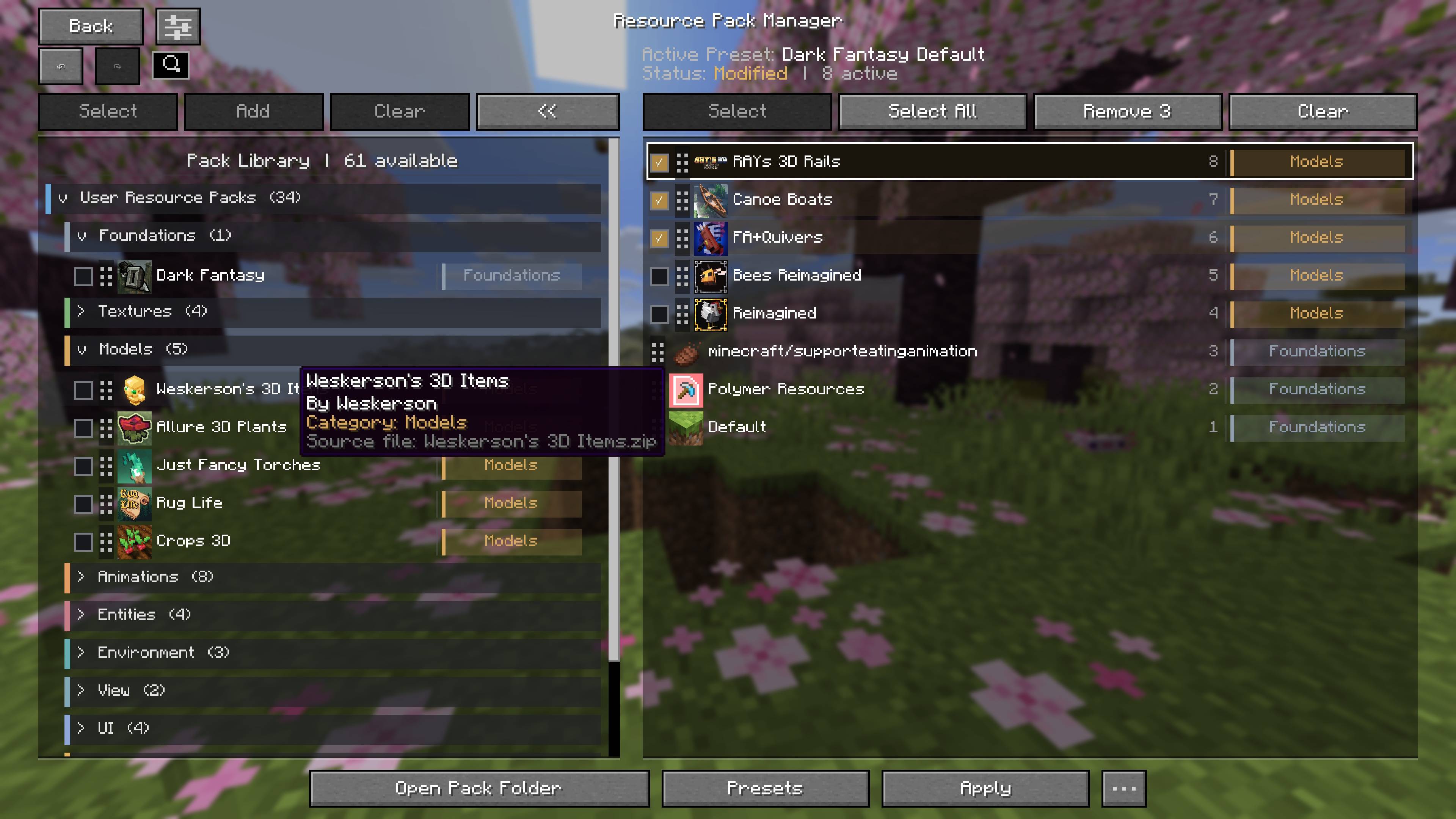
The result of a three-pack bulk addition, with FA+Emissive, Better Leaves, and Dark Fantasy inserted above the existing active stack in preserved priority order.

Bulk removal from the active load order. FA+Emissive and Better Leaves are checked, the action button changes to Remove 2, and the tooltip confirms the operation.

Exact duplicate detection flags two Reimagined packs with warning icons. Hover details identify the matching source file and version, allowing the duplicate to be reviewed without deleting anything automatically.

Right-clicking a removable user pack opens the compact Delete Pack context menu directly inside the resource-pack manager.