Initial Chunk Generator - By Bloomstone Studio
- By
Uses Chunky to pre-generate a configurable area around spawn before entering a new single-player world, with protected progress and Distant Horizons coordination.
Bloomstone Studio
Create your game server with 

Overview
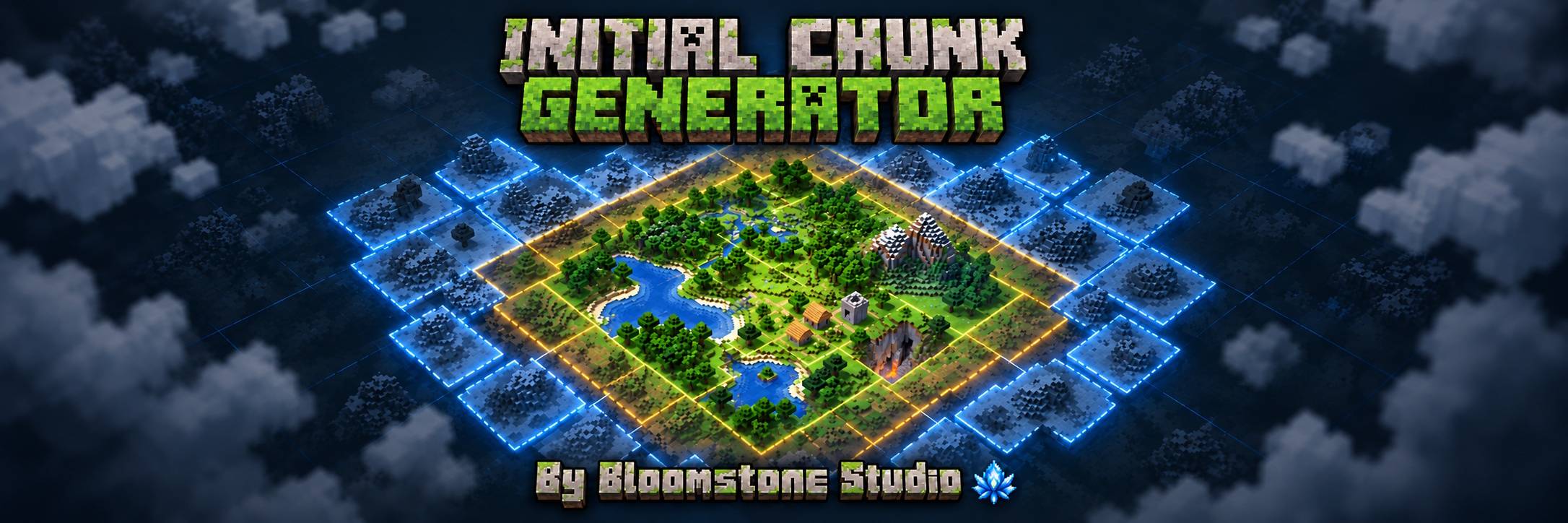
Initial Chunk Generator - By Bloomstone Studio adds a controlled preparation stage to new single-player worlds. Choose an area around world spawn during creation, and the mod generates it before normal gameplay begins while keeping the process visible, protected and interruptible.
Features
World Creation Controls
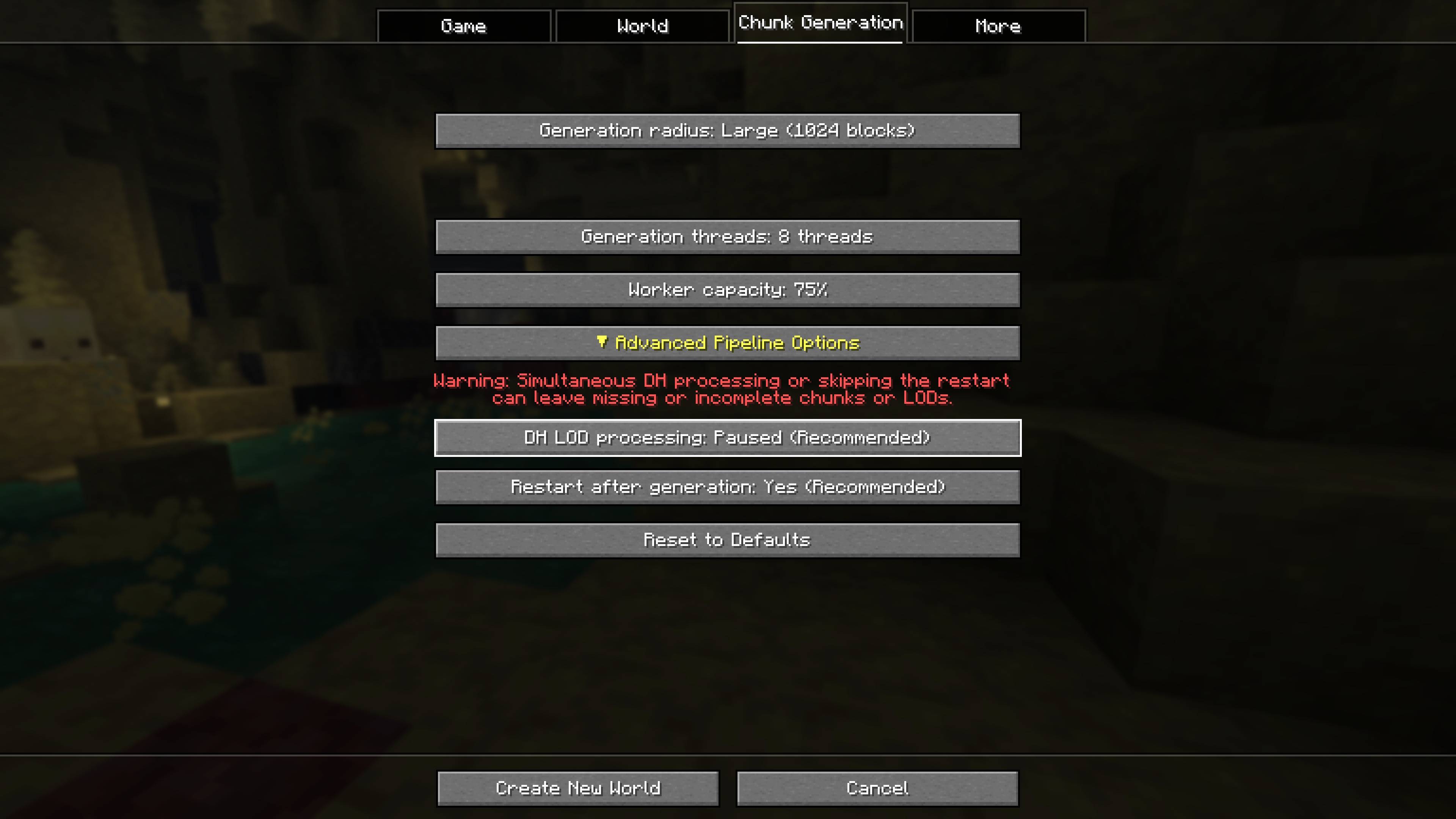
- Adds a dedicated Chunk Generation tab to world creation.
- Provides 256, 512 and 1024 block radius presets, plus a custom radius from 16 to 4096 blocks.
- Lets you configure generation threads and worker capacity.
- Keeps initial generation optional, with Off as the default radius.
Protected World Preparation
- Generates a square area around world spawn through Chunky.
- Freezes gameplay simulation during preparation so players, mobs, scheduled activity, time, weather and datapack tick functions do not advance behind the loading screen.
- Keeps the generation, chunk I/O, networking, saving and progress systems needed by the preparation process operational.
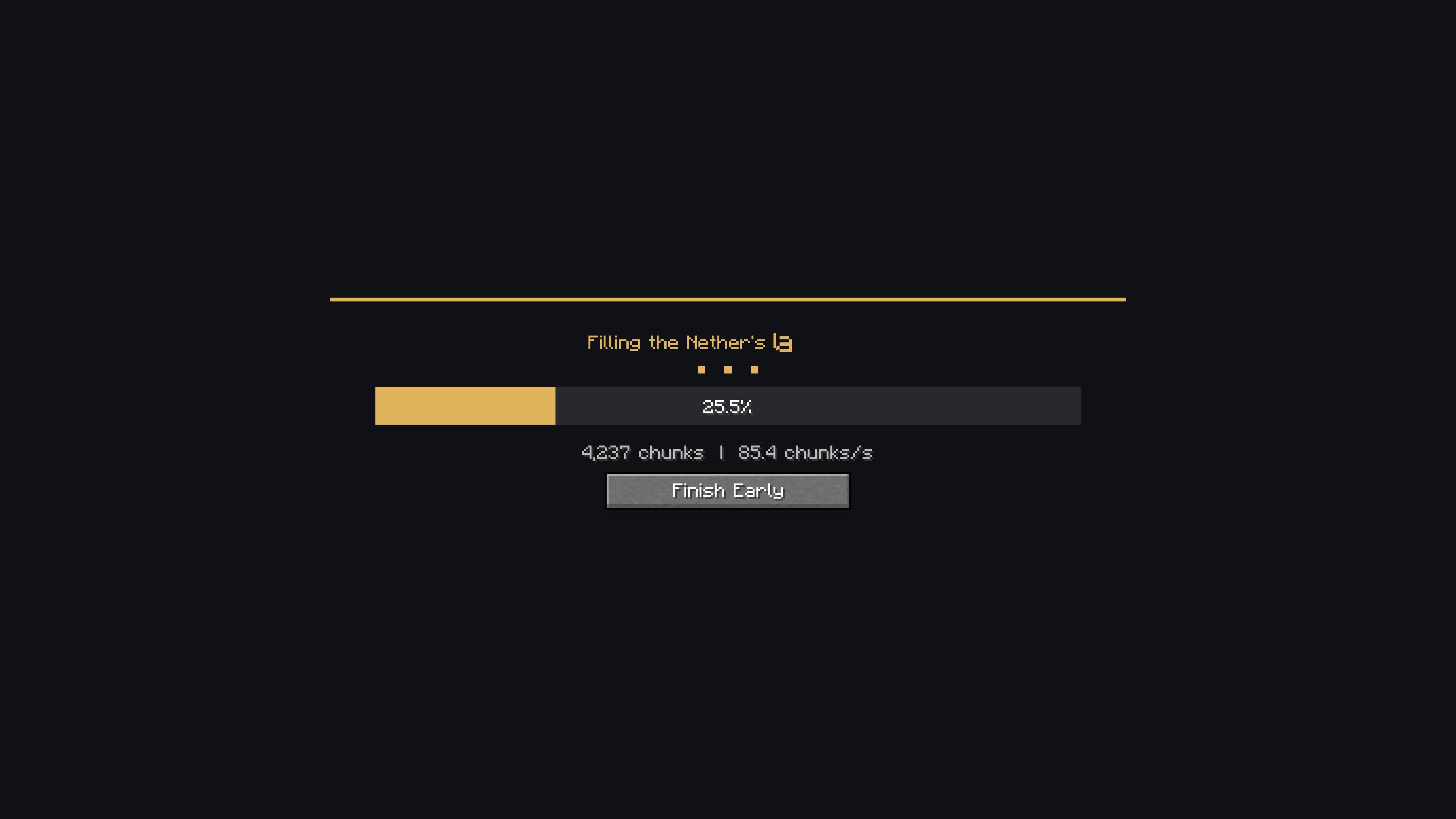
- Shows live progress with rotating world-generation messages.
- Provides Finish Early with confirmation while preserving terrain already completed.
Distant Horizons Coordination
- Pauses Distant Horizons LOD processing during Chunky generation by default.
- Saves and reopens the completed world before gameplay by default, allowing Distant Horizons to resume from a clean world state.
- Restores the previous simulation and Distant Horizons state after completion, interruption or failure.
- Provides a collapsed Advanced Pipeline Options section for simultaneous Distant Horizons processing and direct entry without the restart.
- Clearly warns that the advanced alternatives may produce missing or incomplete chunks or LODs on some setups.
Usage
Create a new single-player world and open the Chunk Generation tab. Select a generation radius, adjust the available worker controls if needed, and create the world normally.
The preparation screen remains in control until generation finishes. You can also choose Finish Early to keep completed terrain and end the remaining work safely. When the default pipeline is used, select Restart and Enter after completion to reopen the prepared world.
Compatibility
The mod is client-side and operates on new integrated single-player worlds. Existing worlds are not automatically regenerated, and selecting Off leaves world creation unchanged.
The advanced simultaneous-processing and no-restart choices are provided for setups where they work reliably, but the recommended paused-processing and restart pipeline remains the safer default.
Initial Chunk Generator - By Bloomstone Studio Team