Fullbright (Night Vision)
- By
Fullbright. See in the dark on any server, no permissions or potions needed. Press G to toggle a real client-side night vision - not the vanilla effect. Night Vision Gamma
Mod Menu
With Fullbright
Mr_Lan123 | Fullbright (Night Vision)
Create a server, get 25% off your first month

Description
Fullbright
Ever joined a survival server, wandered into a cave or a dark forest at night, and just… couldn't see anything? No OP, no way to get a Night Vision potion, and turning your monitor brightness all the way up still doesn't cut it? That's exactly why Fullbright exists.
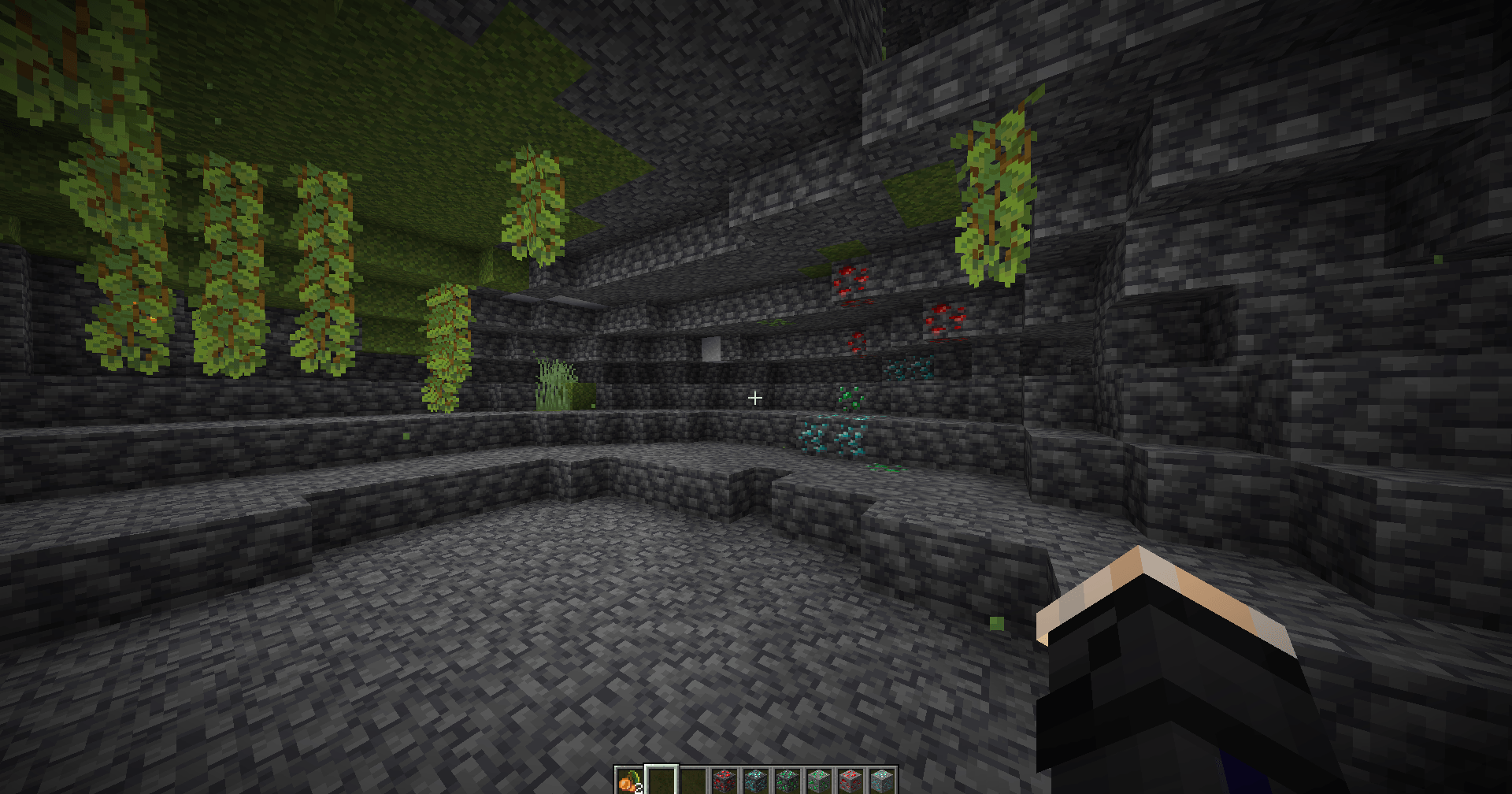
Press G and the dark instantly becomes readable. Press it again and everything goes back to normal. That's the whole idea.
This is not the vanilla Night Vision effect
That's the important part. Fulbright doesn't give you the Night Vision status effect. It never touches potions, it never asks the server for anything, and it doesn't show up as an effect icon in your inventory. A server admin can't see it, can't remove it, and can't block it with a plugin that strips effects.
Instead, Fulbright works the same way old-school "fullbright" resource packs always have: it turns up your own brightness/gamma rendering, locally, on your own PC. The server has no idea it's happening, the same way it has no idea you turned your monitor brightness up. That's why it keeps working:
- On servers where you're not an operator and never will be
- On servers with anti-cheat or effect-stripping plugins
- In the Nether, in caves, at night, underwater - anywhere vanilla just makes things too dark to see comfortably
What you actually get
- One key, G by default - fully rebindable in Options > Controls like any other keybind, no special menu needed for that part.
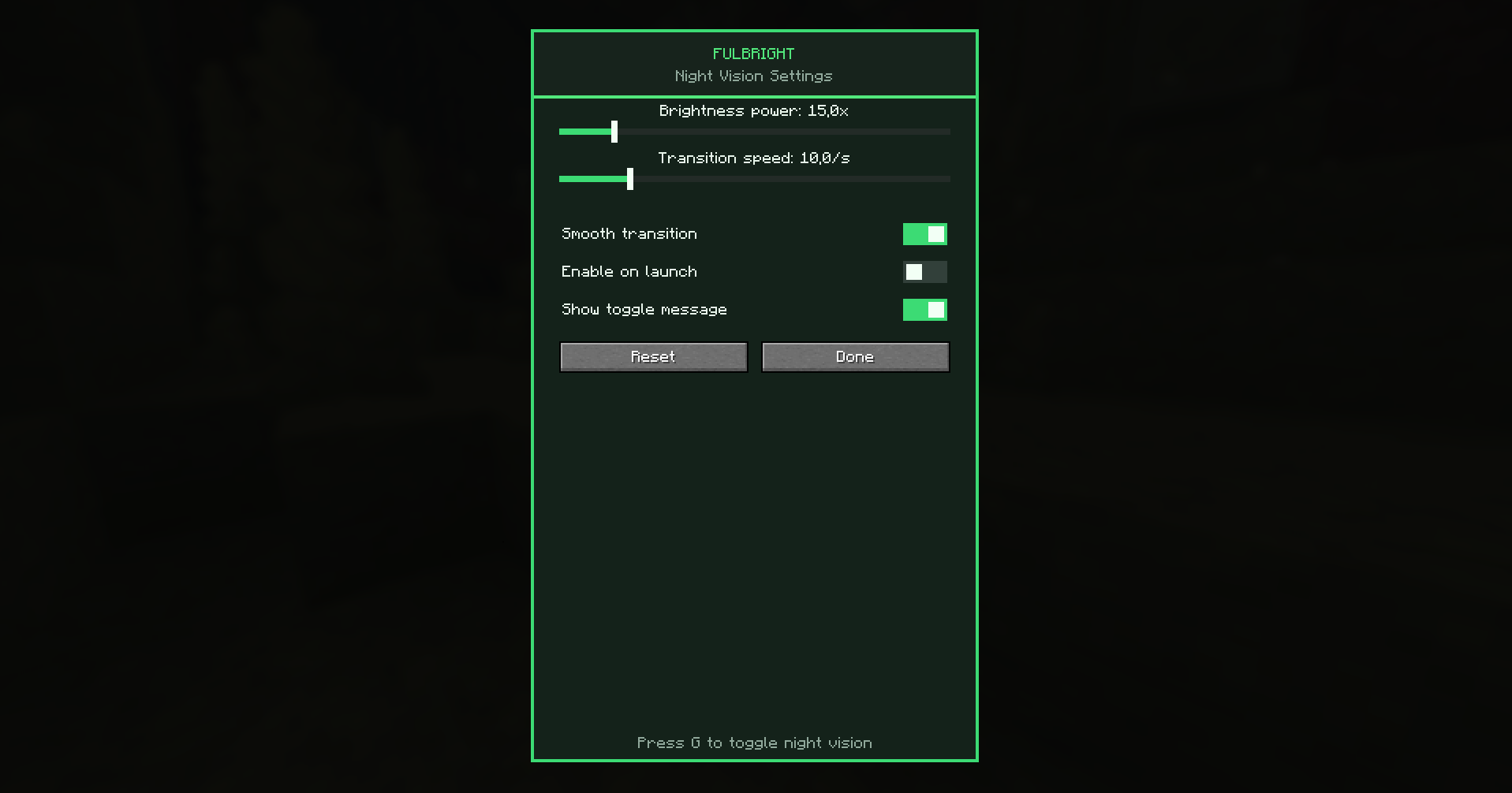
- A real settings screen, not a config file you have to hand-edit. It has its own look too - dark background with a phosphor-green accent, built to feel like a night-vision HUD instead of another grey vanilla menu.
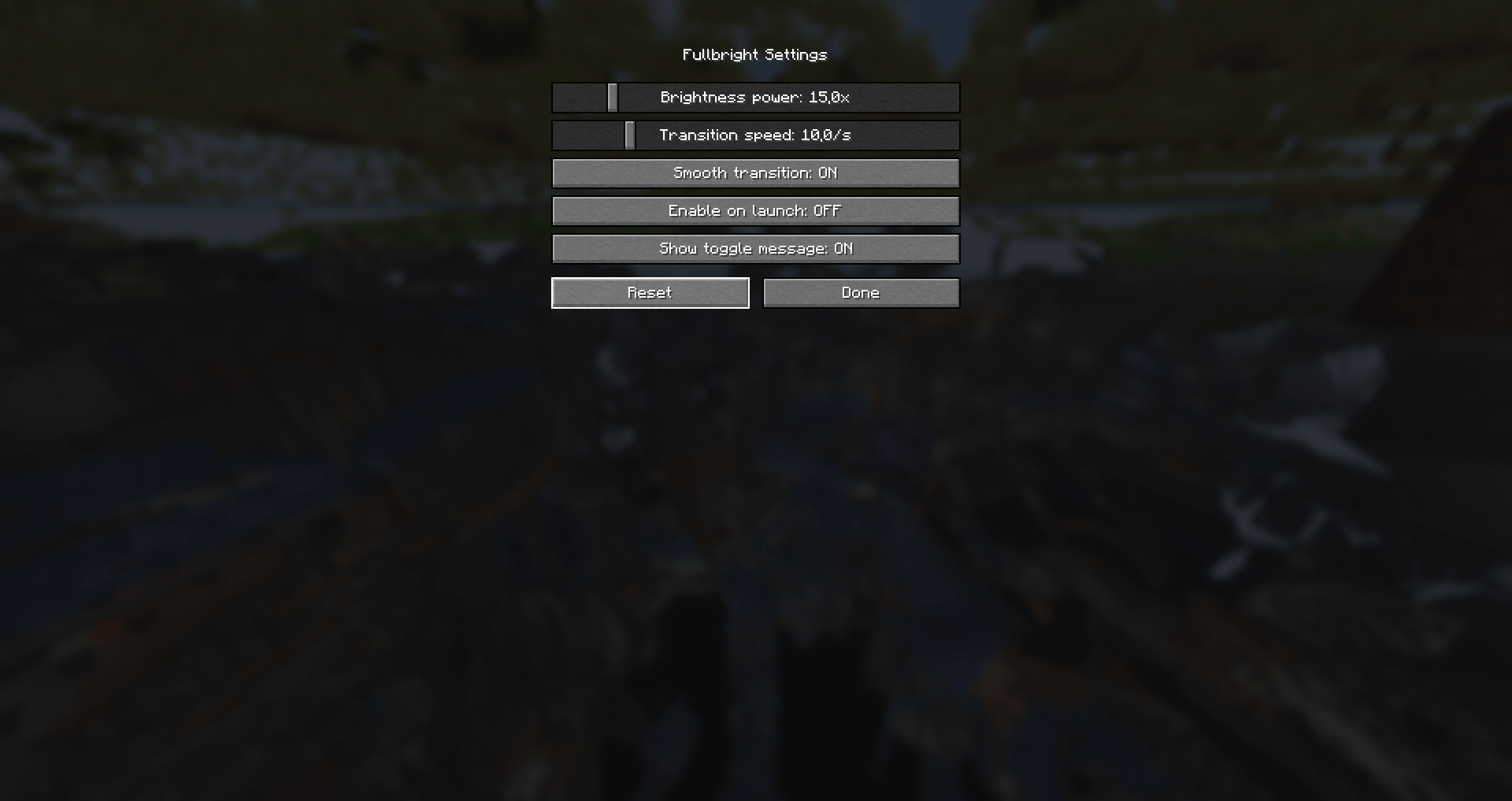
- Brightness power slider - control exactly how strong the boost is, from a subtle bump to fully wiped-out darkness.
- Transition speed + smooth toggle - the effect can fade in and out instead of snapping on instantly, so it doesn't feel jarring when you flick it on mid-fight.
- Enable on launch - if you basically always play with it on, just check one box and stop pressing the key every session.
- On-screen toggle message you can turn off if you'd rather it just work silently.
- Mod Menu support - if you have Mod Menu installed, a Config button shows up for Fulbright automatically. If you don't, there's a second (unbound by default) key you can bind yourself to open the settings screen directly.
- Settings save to
config/fulbright.jsonand persist between sessions.
Two languages out of the box
Fulbright ships with full English and Russian translations. It'll pick whichever matches your game's language automatically.
Is this allowed on my server?
That depends entirely on the server's own rules, not on anything technical - Fulbright is a client-side rendering change, not a hack that reads extra information or modifies the server. Some servers are fine with brightness/gamma changes since it's the same category of thing as a resource pack; others explicitly ban it. When in doubt, ask before using it somewhere you don't own.
Installation
- Install Fabric Loader for the matching Minecraft version.
- Install Fabric API and drop it in your
modsfolder. - Drop the Fulbright jar in the same
modsfolder. - Launch and press G.
That's it - nothing to configure on a server, because there's nothing server-side at all.
The Fullbright (Night Vision) Team