Framed Health Bar
Replaces the vanilla heart row with a framed, pixel-style health bar.
No more rows of hearts stacking on top of each other. Your health is one tidy bar with the exact numbers inside. Want more? Turn on the optional extra bars for armor, hunger, air, mana and thirst.
Health bar
Exact numbers
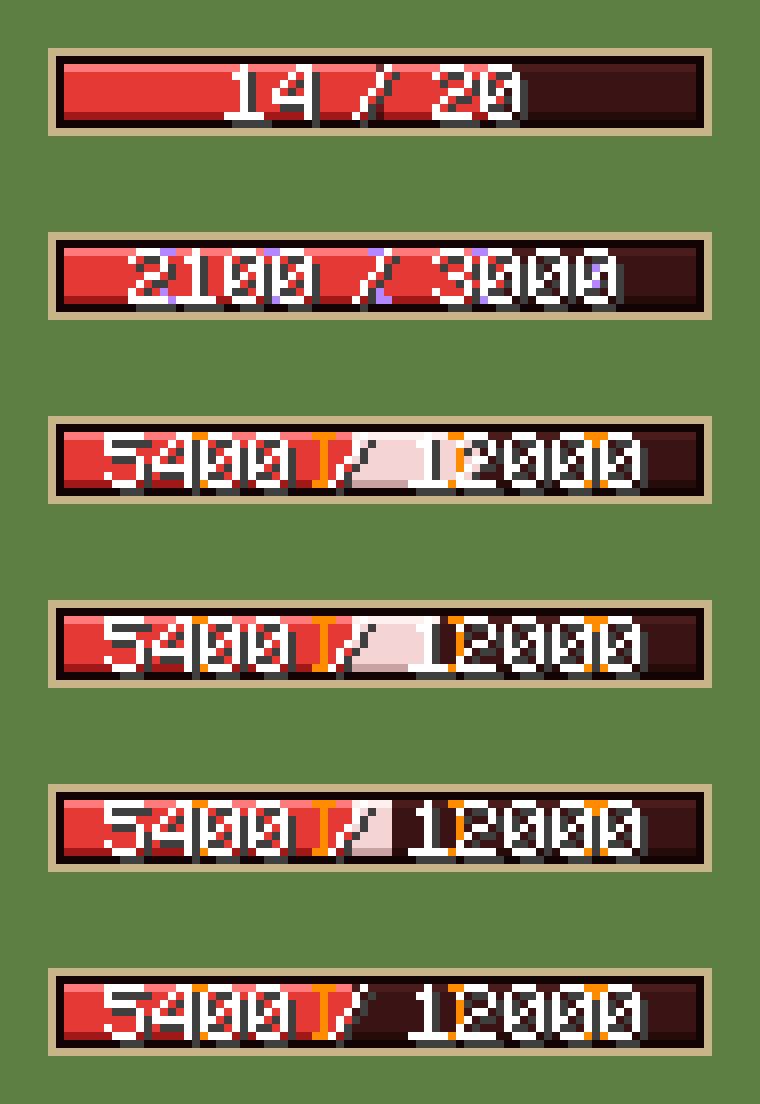
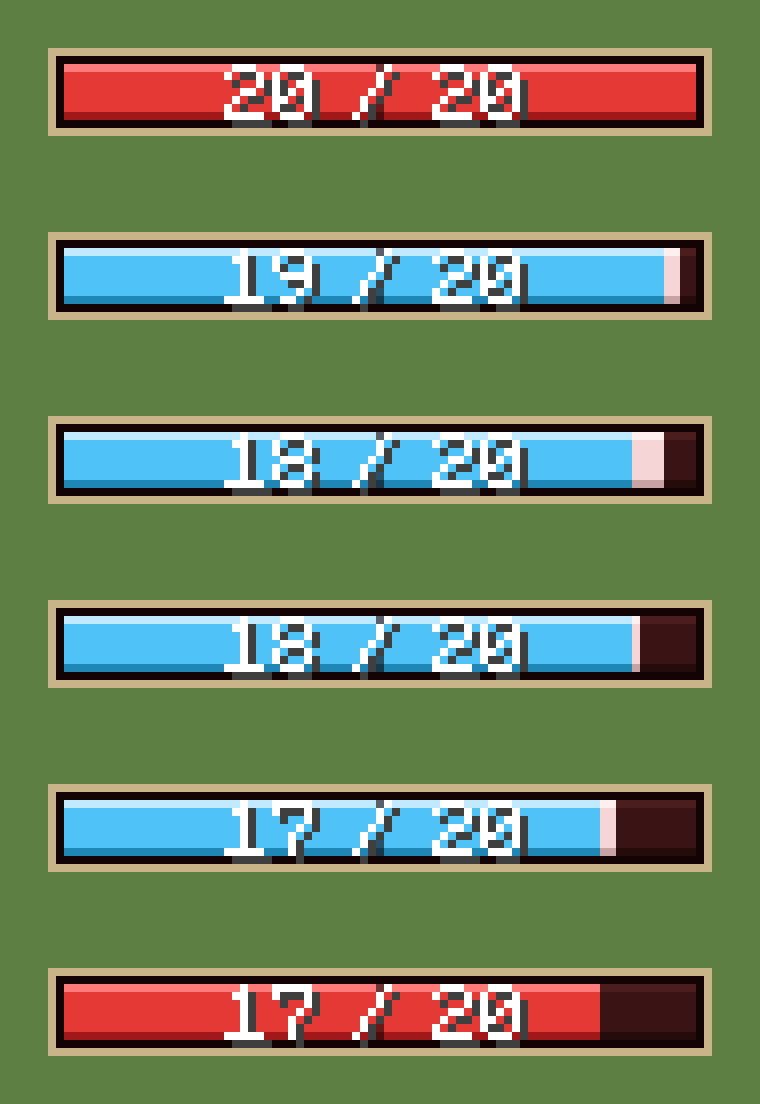
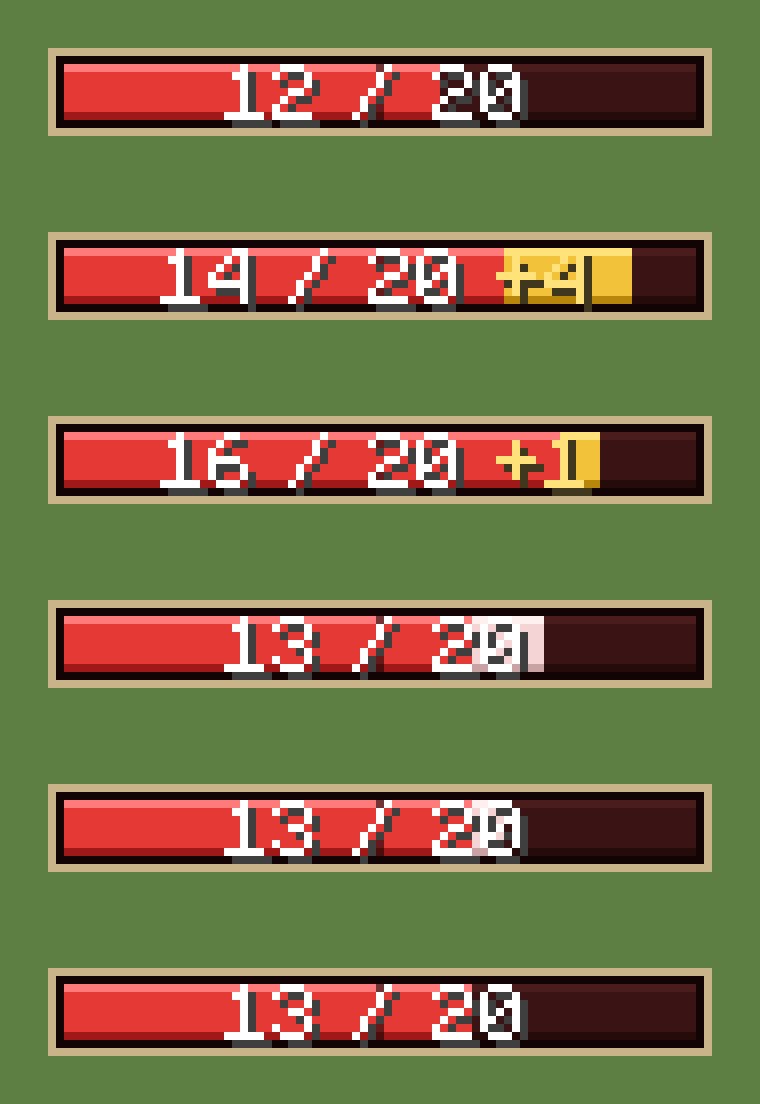
Your current and max health are shown right inside the bar, always as whole numbers. Absorption appears in gold next to them.
Damage trail
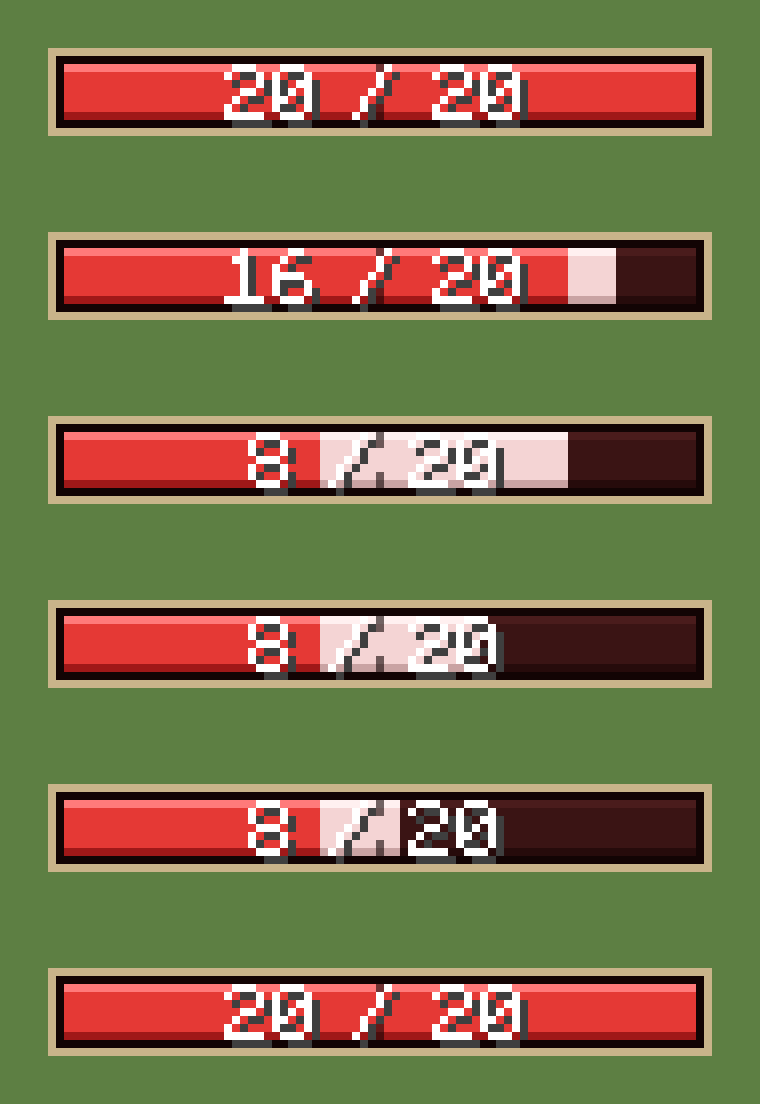
When you take a hit, the lost health stays visible as a white trail for a moment, then drains away. You always see how much a hit took.
Status effects
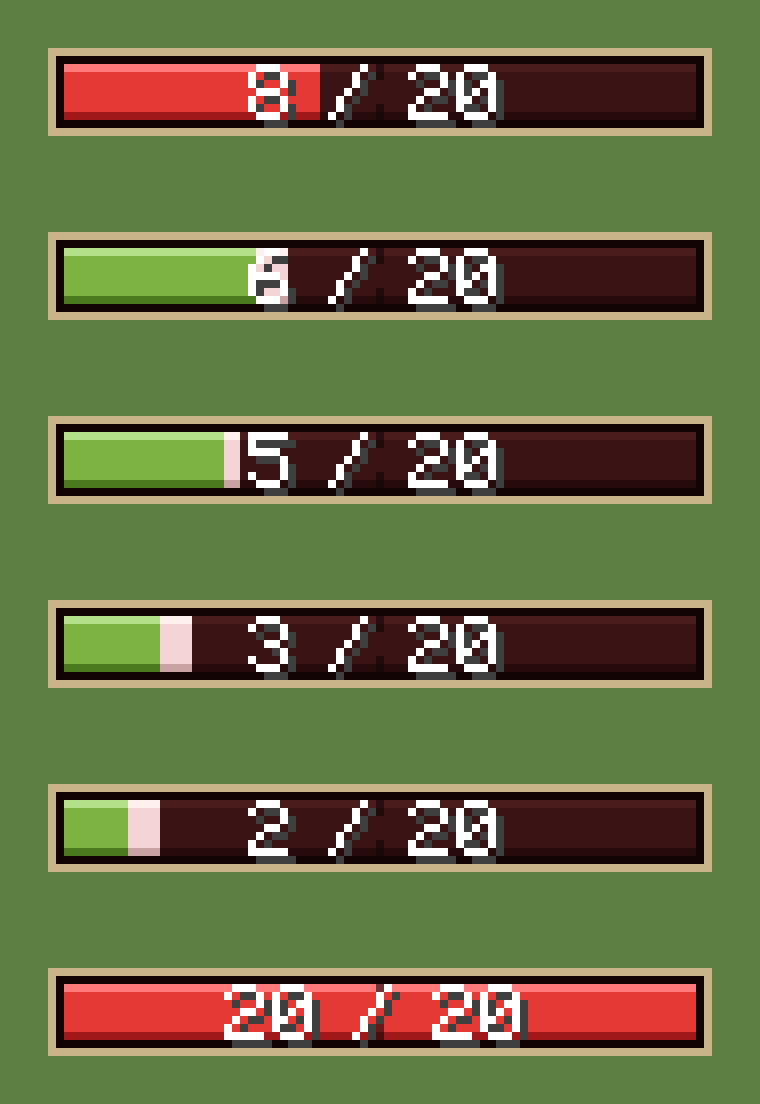
The bar and its heart icon change with poison, wither and freezing, just like vanilla hearts. In hardcore worlds the frame turns dark red.

Poison
Wither
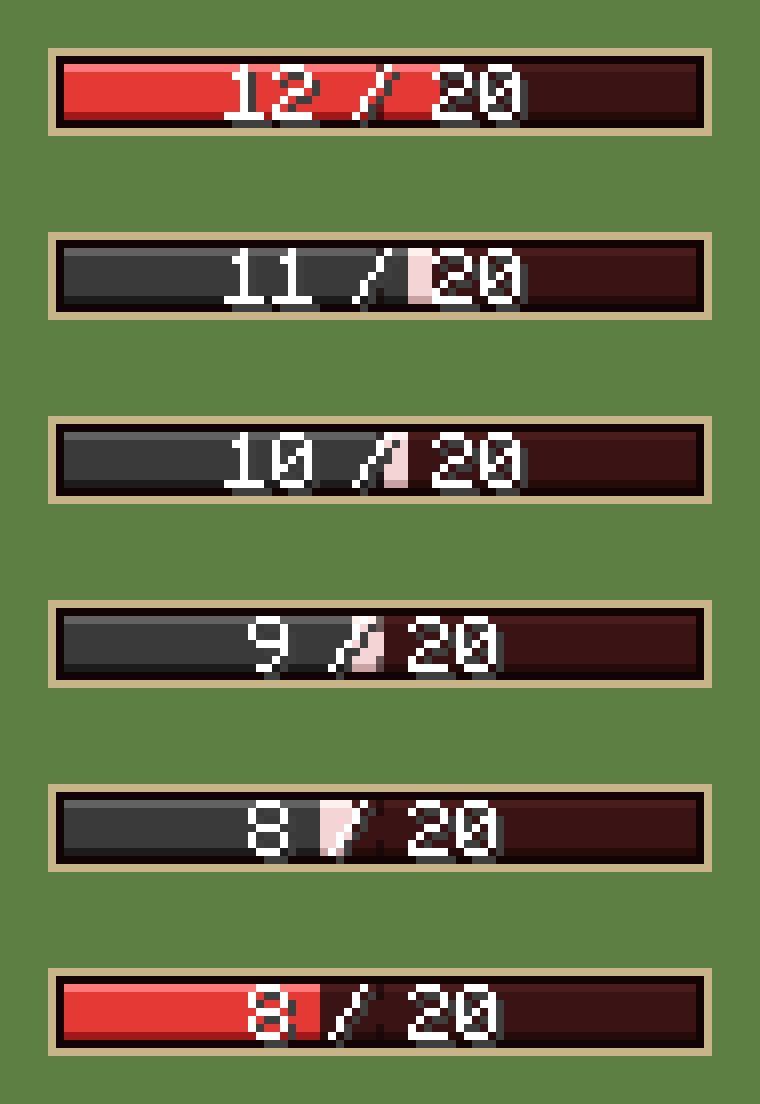
Freezing
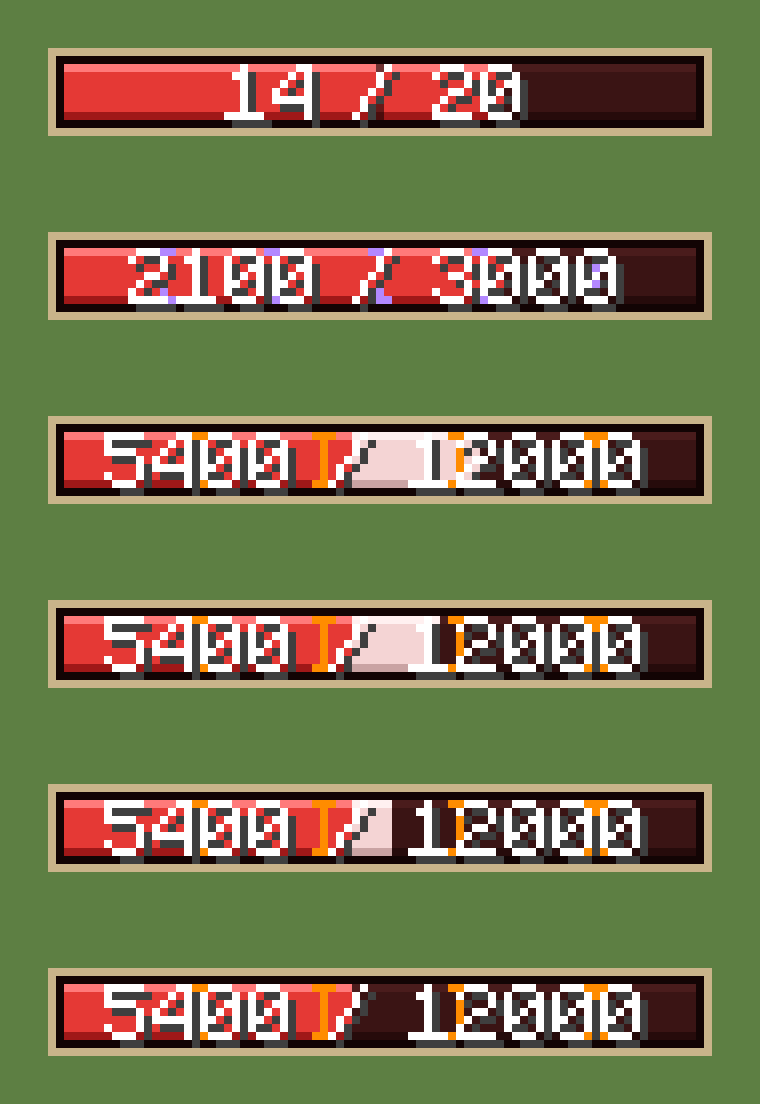
Readable at any max health
The bar always keeps the same size. Tick marks tell you the scale at a glance, even without reading the numbers:
| Max health | One mark means | Look |
|---|---|---|
| up to 200 | 10 health | small dark notch |
| up to 1,000 | 100 health | yellow triangle |
| up to 5,000 | 500 health | purple mark |
| above 5,000 | 2,500 health | orange mark |
Marks are evenly spaced from edge to edge. Great for RPG and boss-fight modpacks.
Absorption
Golden apples and other absorption sources add a gold segment. Damage drains the gold first. Works with Legendary Survival Overhaul's shield health too.
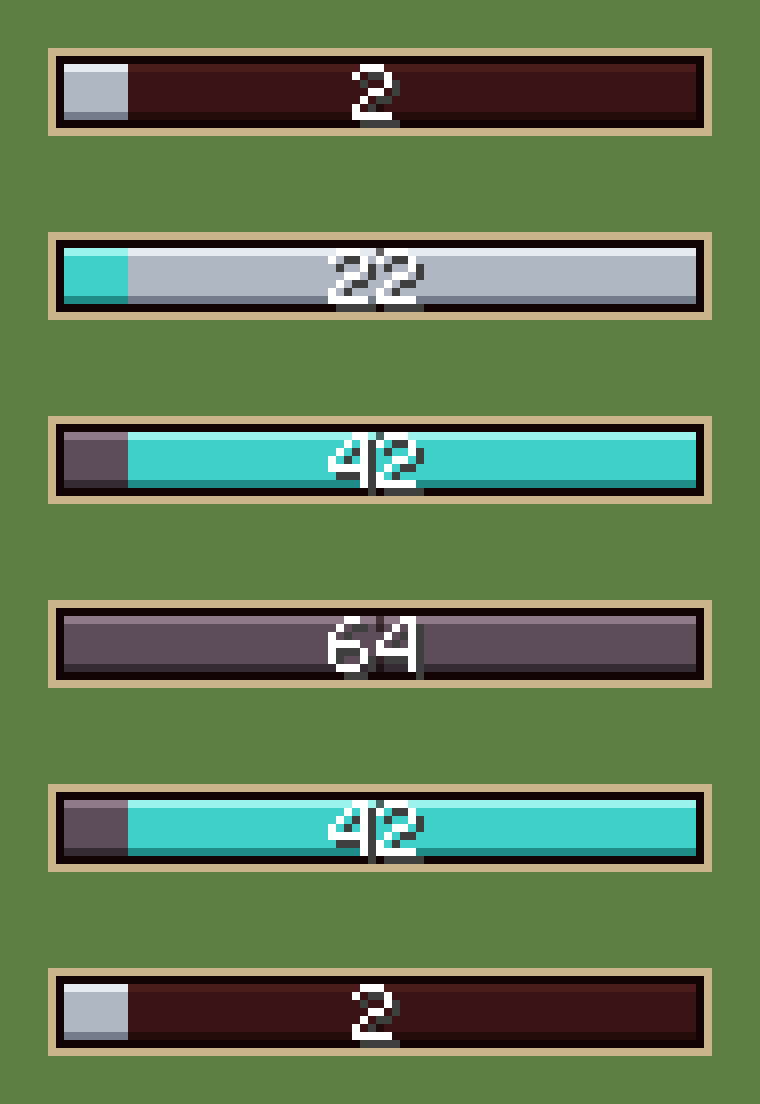
Optional extra bars
Turn on extraBars in the config to get the same framed style for everything else:
- Armor: fills in layers above 20 armor: iron, then diamond, then netherite. No fake "/ 20" limit.
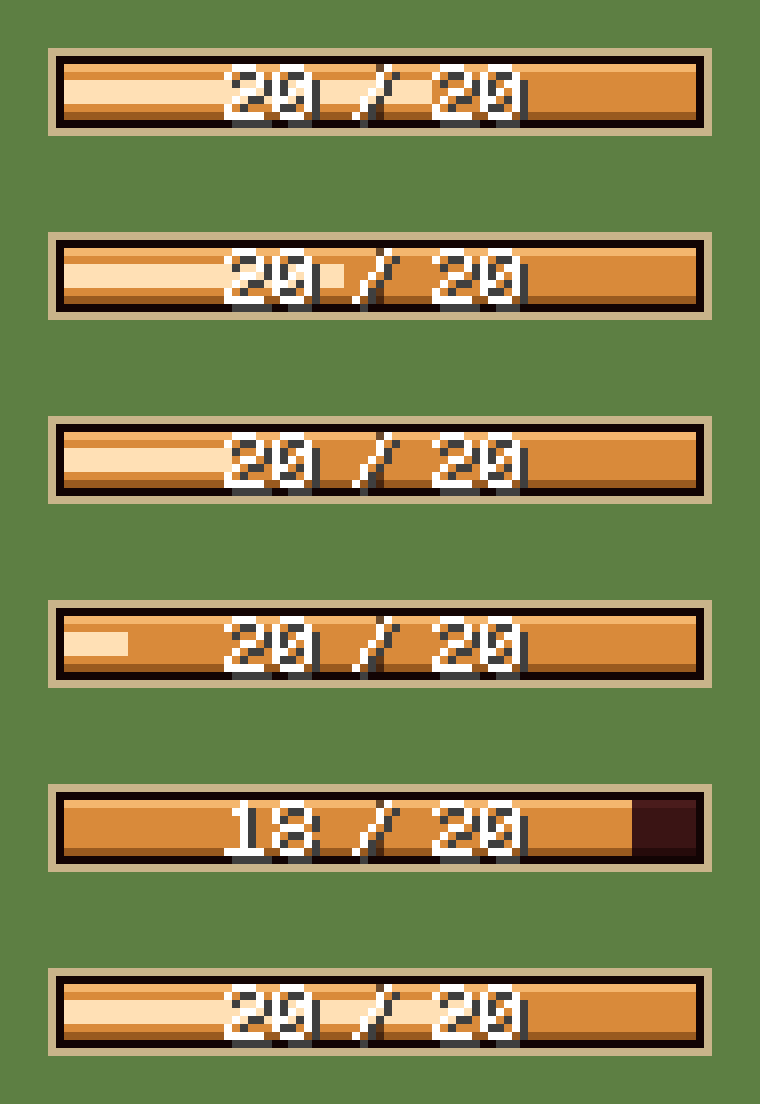
- Hunger: saturation is shown as a thin light bar inside it. Turns green with the Hunger effect.
- Air: only appears while you are under water.
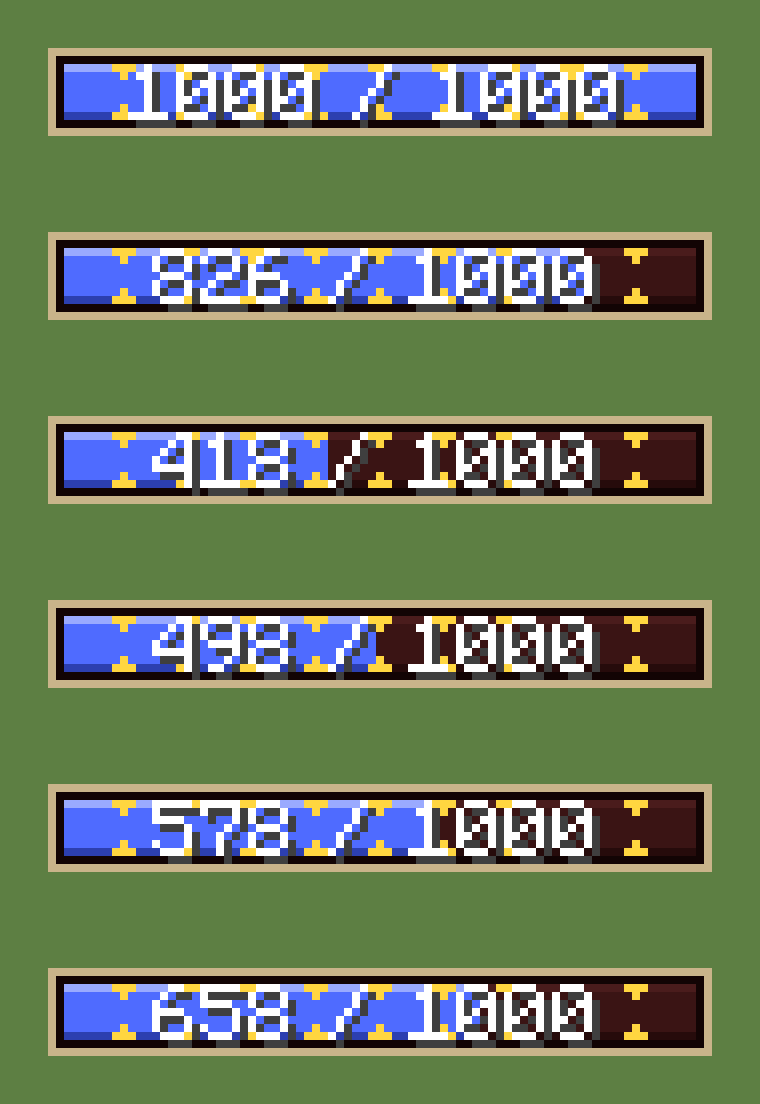
- Mana: with Iron's Spells 'n Spellbooks installed. Replaces Iron's own mana bar.
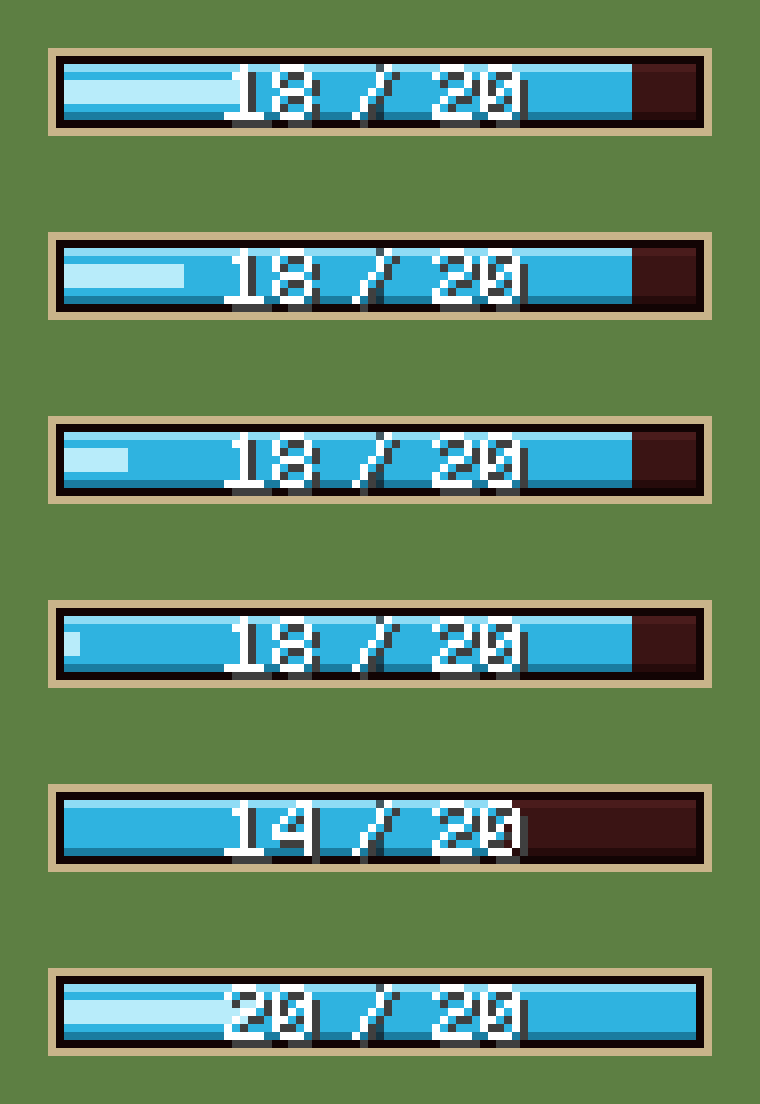
- Thirst: with Legendary Survival Overhaul installed, including hydration saturation. Replaces LSO's own thirst icons.
Vanilla icons (heart, armor, food, air) sit next to the bars and follow your resource pack and status effects. You can turn them off.
Default layout: health, armor and mana on the left; hunger, thirst and air on the right. Without a thirst mod, the mana bar takes the thirst slot above hunger. Every bar's side and order can be changed.
Armor layers
Hunger and saturation
Air

Mana (Iron's Spells)
Thirst (Legendary Survival Overhaul)
Config
Client config, also editable from the Mods menu:
| Option | Default | What it does |
|---|---|---|
| enabled | true | Turn the mod off to get vanilla hearts back |
| showNumbers | true | Show the numbers inside the bars |
| showTicks | true | Show the tick marks |
| showIcons | true | Show the icons next to the bars |
| extraBars | false | Turn on the armor, hunger, air, mana and thirst bars |
| armorBar, hungerBar, airBar, manaBar, thirstBar | true | Turn single extra bars on or off |
| <bar>Side, <bar>Order | see above | Move a bar to the left or right and change its order |
Info
- Client-side only. Install it on your client; servers don't need it.
- Iron's Spells and Legendary Survival Overhaul are optional. Without them, those bars simply don't appear.
- Mods that draw their own icons on top of the vanilla hearts or food may not line up with the bars.
- Minecraft 1.21.1, NeoForge. More versions are planned.
Found a bug or have an idea? Leave a comment or you can ask questions on discord:https://discord.gg/ZBt9yHgcPm
License: All Rights Reserved.
Framed Health Bar Team