


Farout
- By
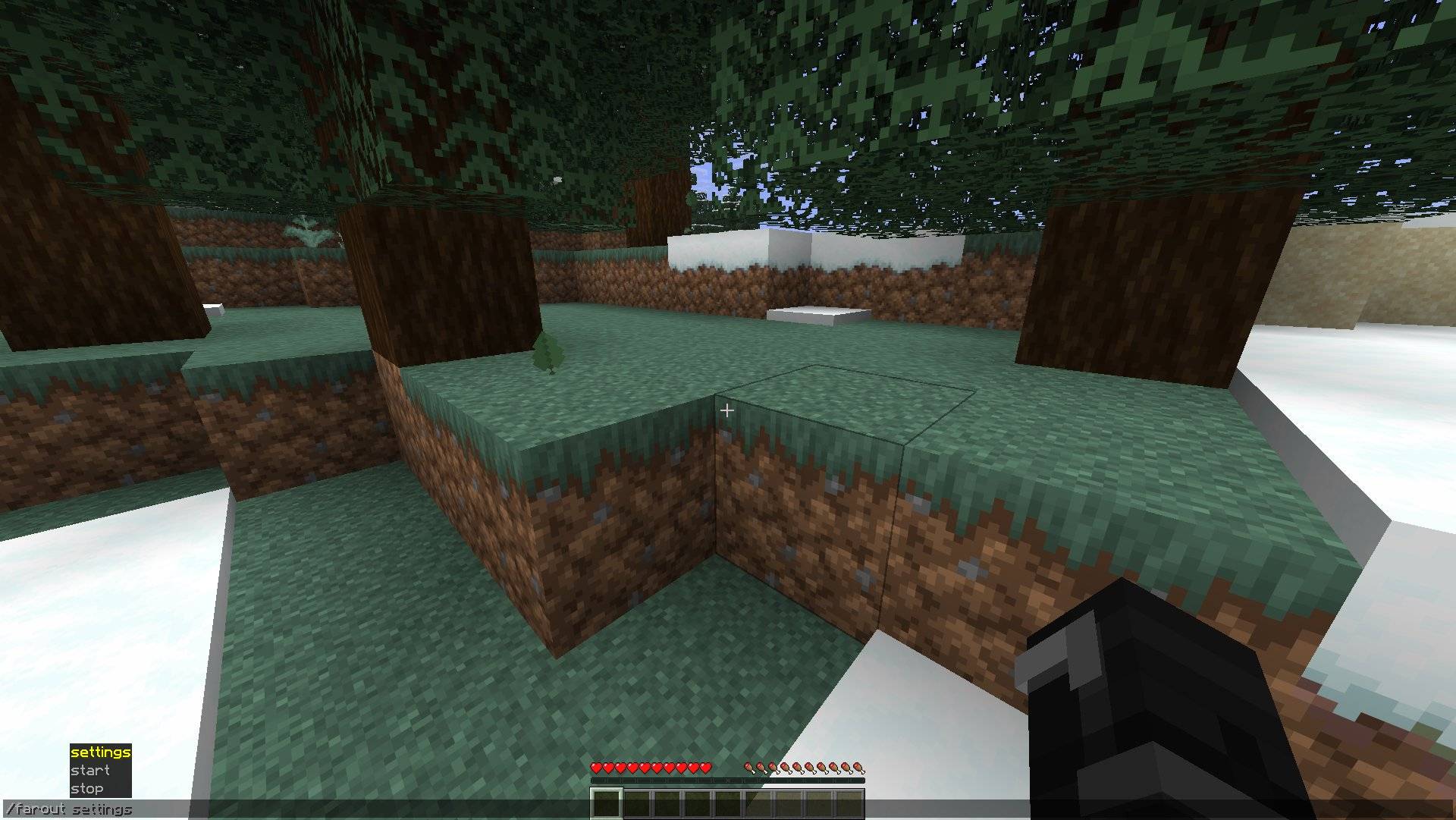
Type /farout in chat to start / stop a game and see the game settings. New feature not in this screenshot: /farout menu for all settings in a nice menu.
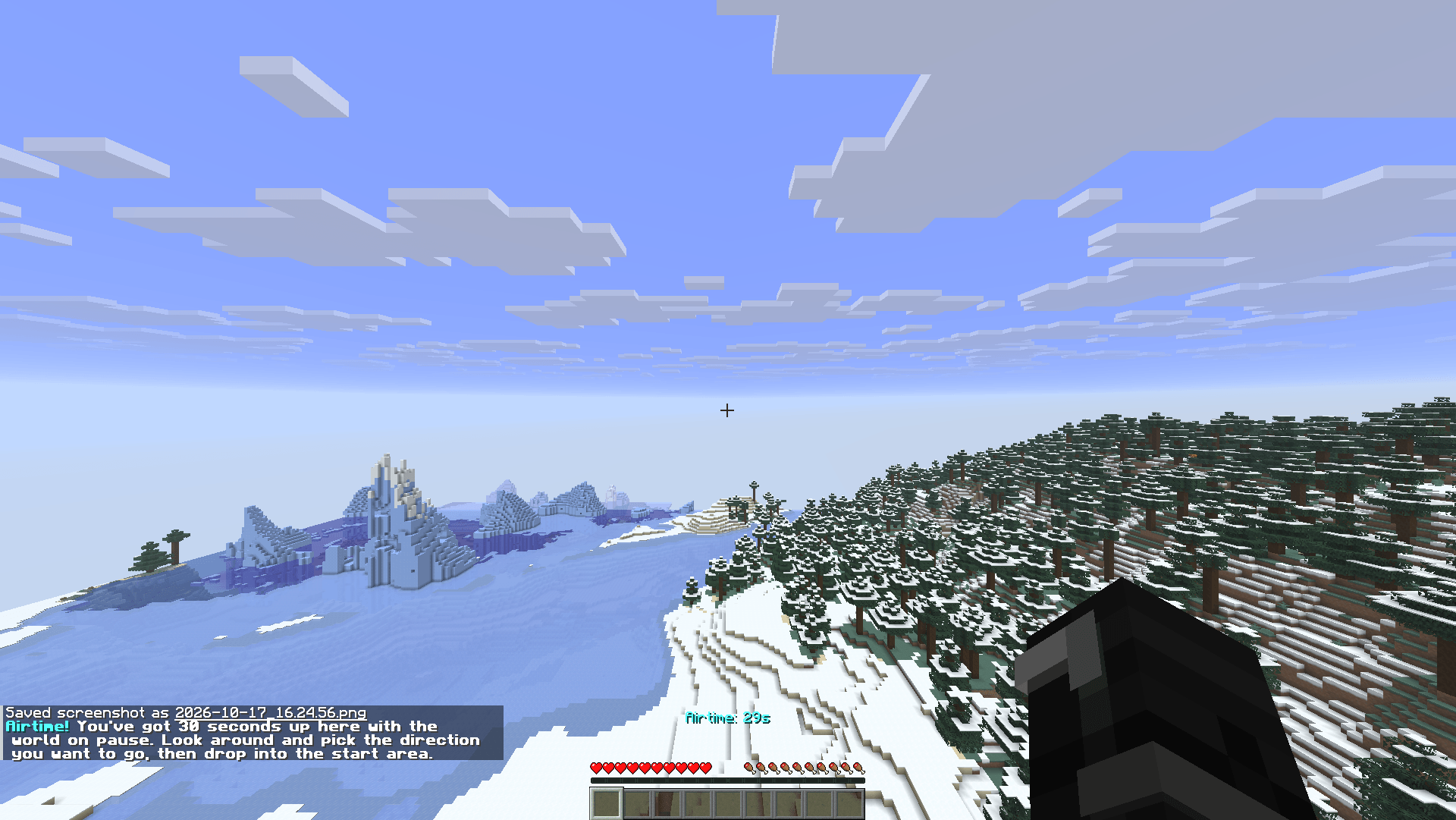
After starting the game, you'll be lifted in the air and frozen there for 30 seconds (configurable in /farout menu) so you can have a look around and see which direction you want to walk 10k blocks in.
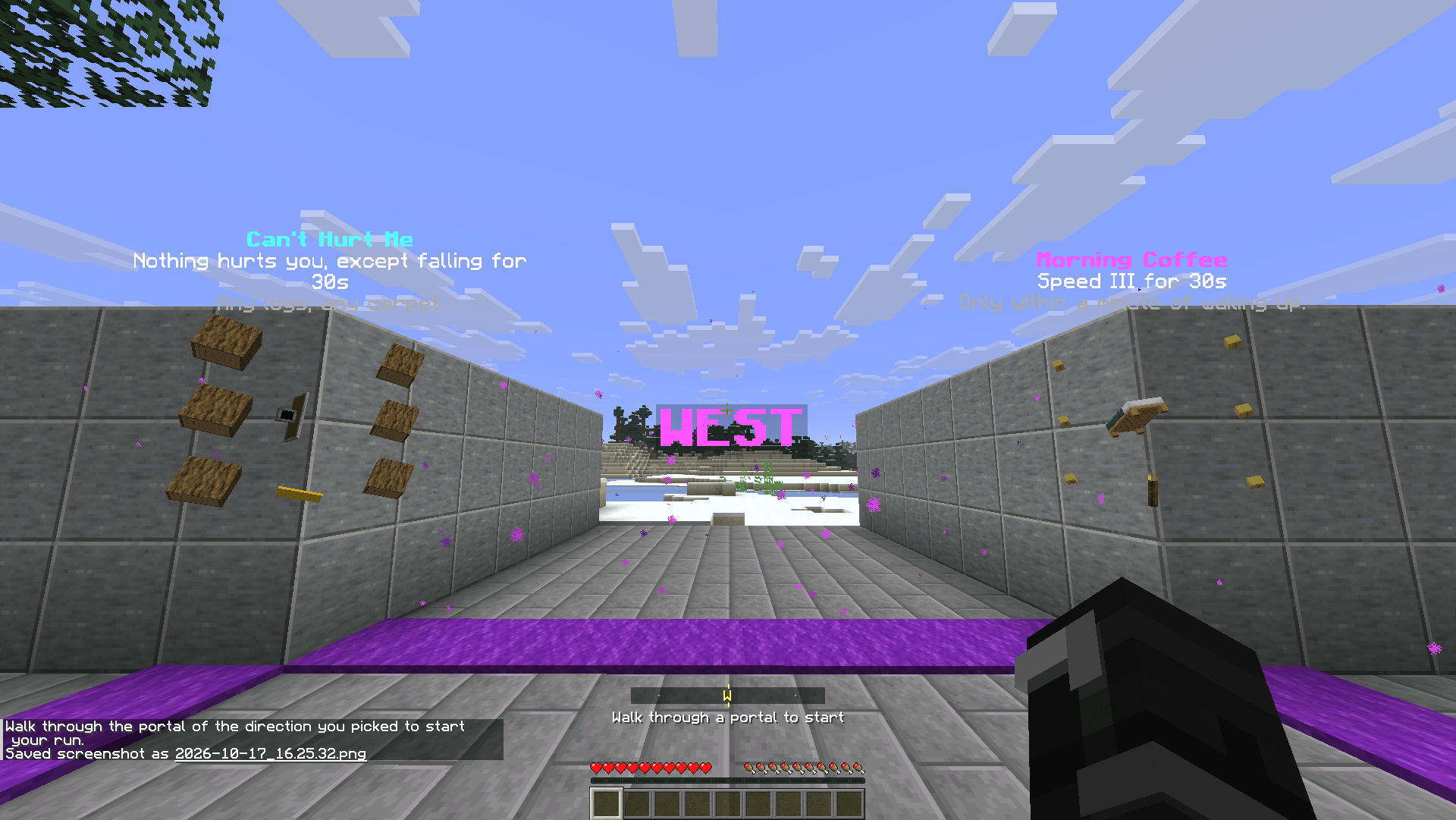
Not really a portal, but a magenta carpet but hey: walk over it and the game starts!
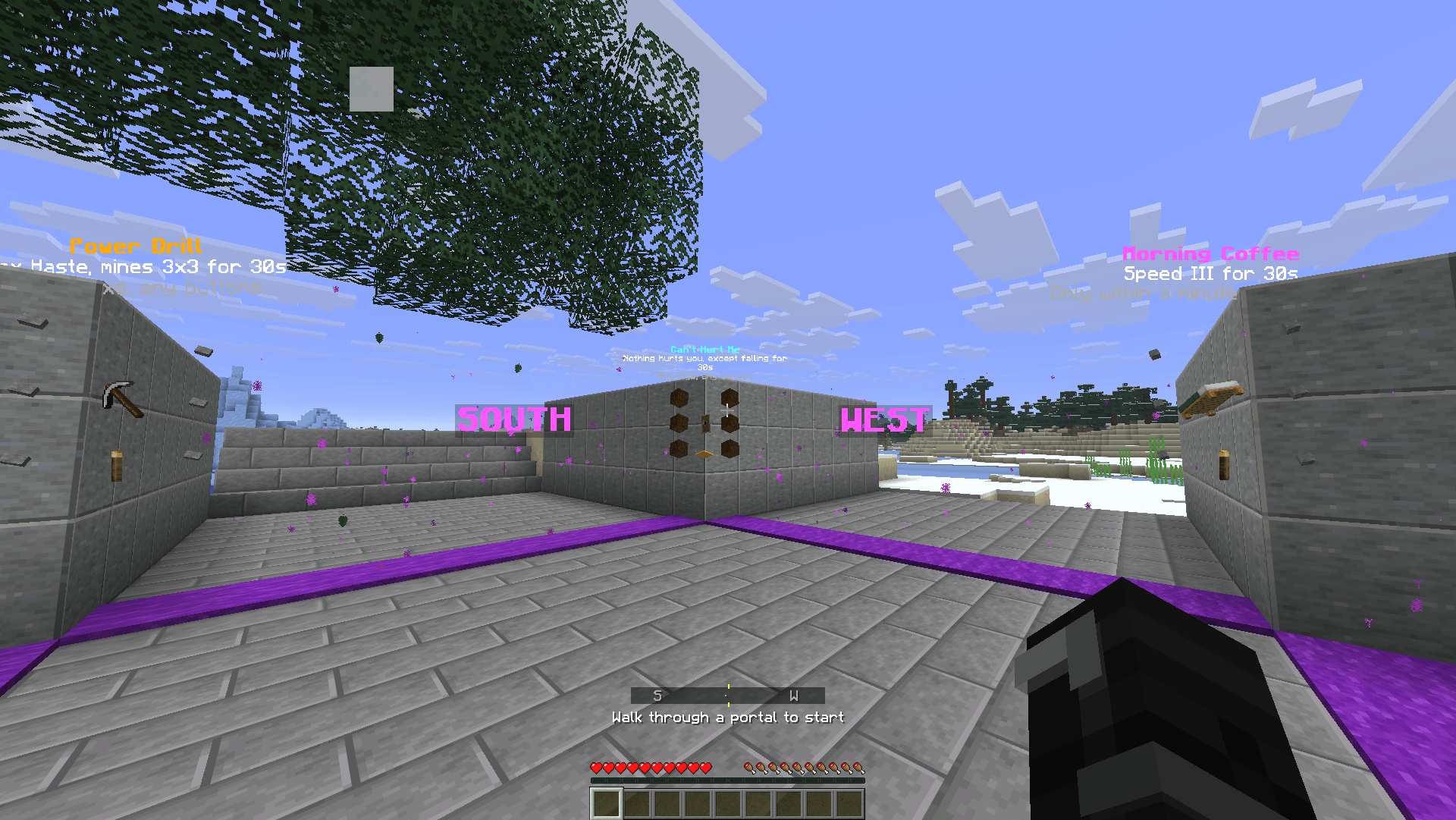
Find the recipes for the 4 power-ups included in this Mod at spawn and in your Recipe Book.
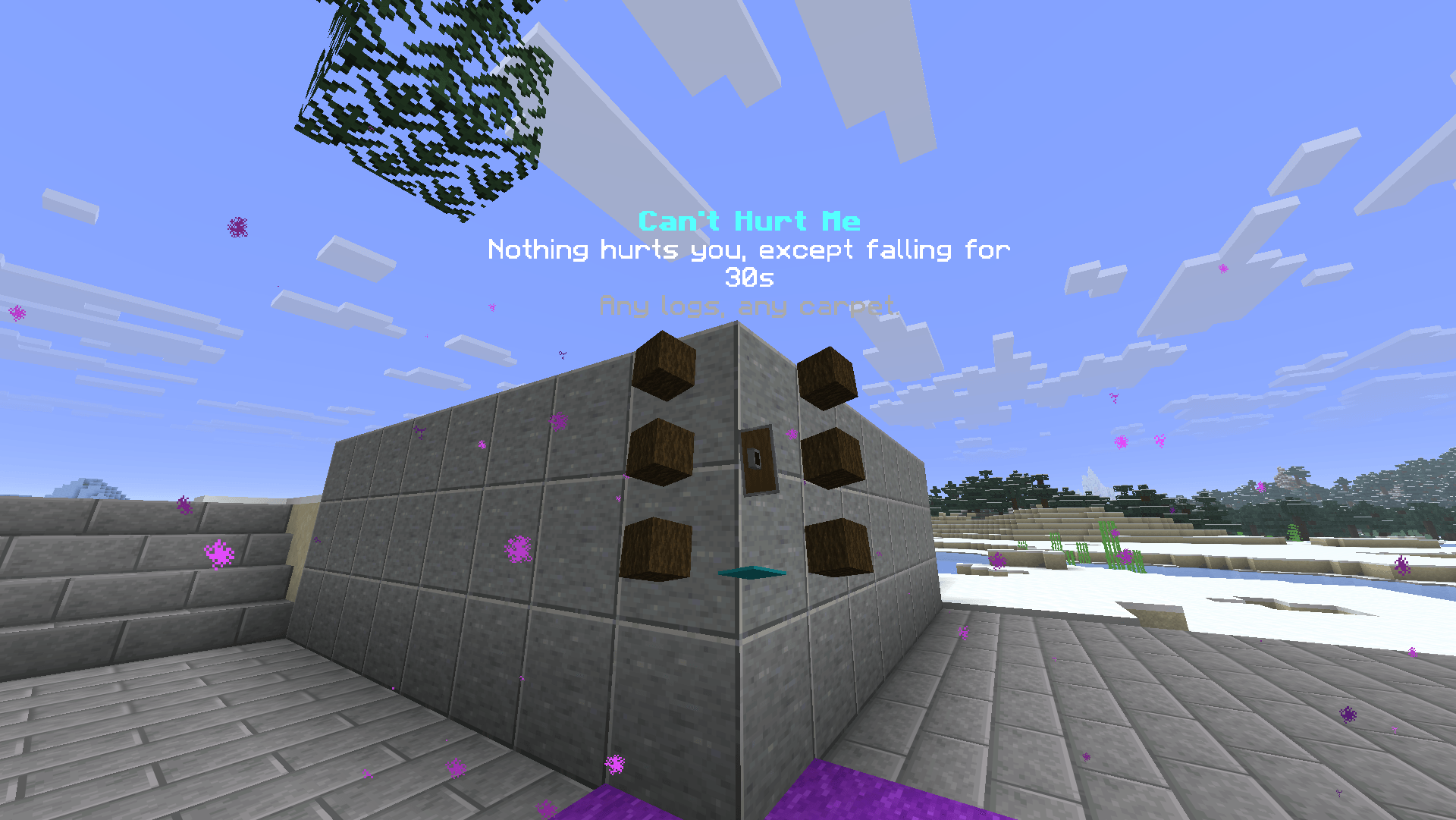
Craft and consume this shield and nothing will hurt you EXCEPT fall damage for 30 seconds.
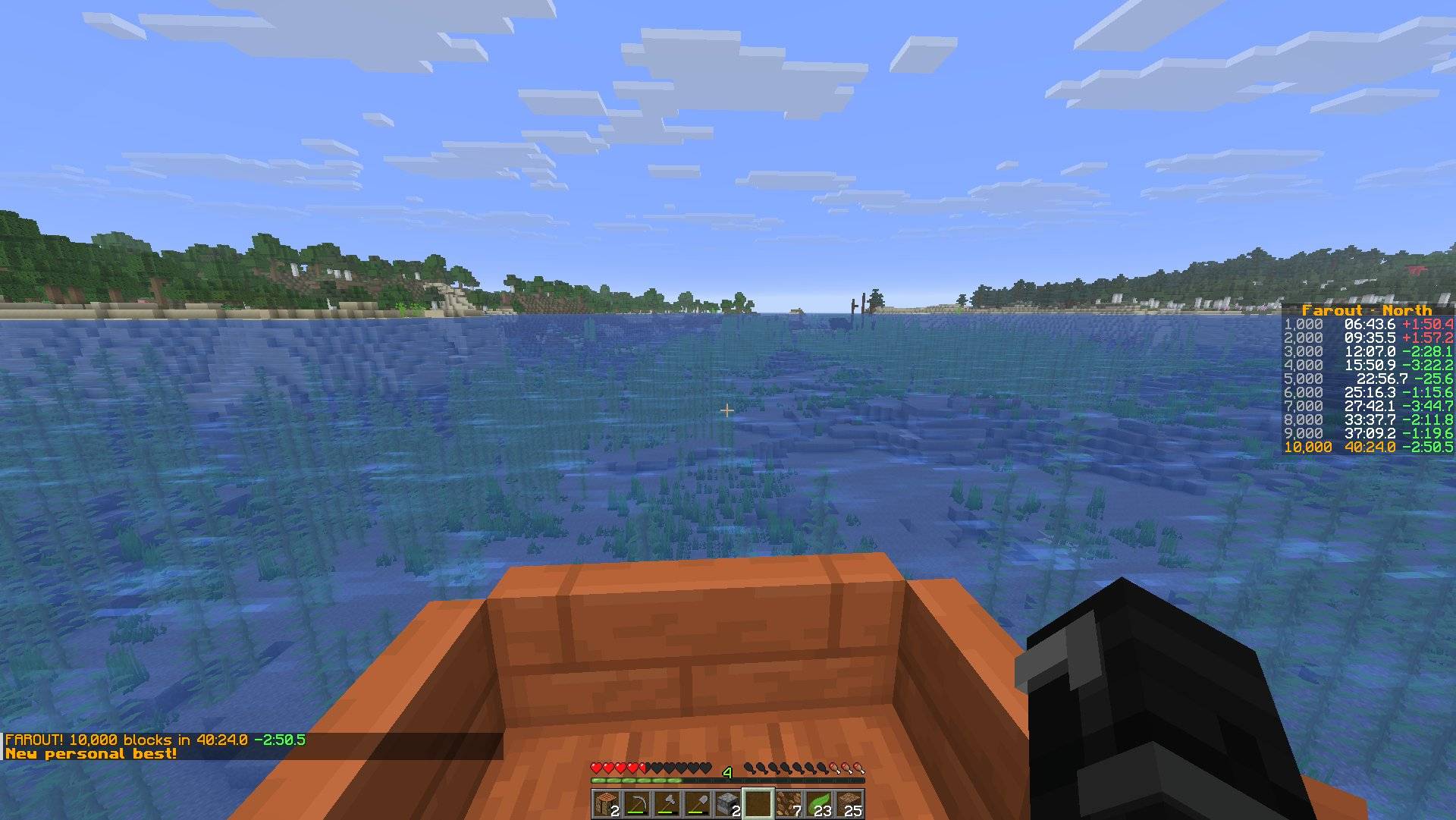
Made it to 10k? The Mod will tell you, audibly and visually. Also your splits and PBs are saved automatically.
Description
Farout is a race to 10,000 blocks. Pick a direction, go in a straight line, and see how fast you can get there.
Every run starts like a brand-new world: empty inventory, full health, dawn and clear skies. Farout times you, shows a split every 1,000 blocks, and keeps a personal best for each direction. North, east, south and west are four separate races.
Starting a run
/farout start
Farout builds a start area at world spawn and lifts you 50 blocks above it, with the world on pause. That's your Airtime: 30 seconds to look around and pick the direction that looks fastest. Zoom mods are welcome. When time's up you drop into the middle of the start area, safe from fall damage.
The start area has a lane for each direction, each with a purple portal line across it. The clock starts the moment you cross one. If a lane runs into a hillside, Farout cuts a staircase out of it, so no direction starts with digging.
In a hurry? /farout start north (or east, south, west) skips the start area and starts the run straight from spawn.
Stay in the lane
Here's the catch: you have to stay inside a lane 7 blocks wide, lined up with where you started. Particles mark its edges ahead of you.
Step outside and every block you travel costs leeway. You get 200 blocks of it per run. While you're out, black fog closes in the further you stray, and a low note sounds for every block you burn. Use it all up and you're struck by lightning. Run over.
So when the lane goes through a mountain, you go through the mountain. Ocean ahead? Better bring a boat.
Power-ups
Four power-ups you can craft along the way. Each one lasts 30 seconds from the first time you use it, then it's gone. Their recipes float in the corners of the start area. You can also see them in your recipes book in your crafting table.
- Mountain Hop Boots: Jump Boost X and no fall damage. Starts when you put them on.
- Power Drill: a pickaxe with max Haste that mines 3x3. Starts on the first block you mine.
- Can't Hurt Me: a shield that makes you immune to everything except falling. Starts when you raise it.
- Morning Coffee: Speed III. Brewed from a bed, and only in the minute after you sleep through a night. Right-click to drink it.
View the crafting recipes on FaroutMC.com.
Boats
Press I while steering a boat to turn it to the nearest of north, east, south or west. It works on water, ice and land. You can rebind it under Options > Controls > Key Binds > Farout.
How a run ends
- Reach 10,000 blocks: FAROUT! You get your time, and a new personal best if you beat the old one.
- Die or run out of leeway: the run fails.
- Leave the Overworld: the run is cancelled. No Nether shortcuts.
/farout stop: gives up the run, clears your inventory and takes you back to the start area.
Settings
/farout settings shows the current values. Change one with /farout settings <name> <value>. Changes apply from your next run.
pathWidth: lane width in blocks (default 7)leewayBlocks: blocks you may travel outside the lane per run (default 200)airtimeHeight: how high Airtime lifts you (default 50,0turns Airtime off)airtimeSeconds: how long Airtime lasts (default 10)
Settings live in config/farout/settings.properties. Personal bests are kept in config/farout/personal-bests.properties, and every finish is logged to config/farout/results.csv with its direction, time and world seed.
NEW: /farout here
Found a cool spot in your map to start Farout from? Type /farout here in chat and your game starts, in a copy of your existing world, right where you were standing!
NEW: Menu for your settings
You can now type /farout menu to see all settings and your saved seeds in one easy-to-use overview.
NEW: PBs are now per direction and per seed
Since it's unfair to compare different runs on different seeds, your PBs are now saved per direction and per seed. If you want to run a seed again, find it in the Farout menu and copy the seed into a new world.
Requirements
- Minecraft 26.1.2
- Fabric Loader and Fabric API
Made for singleplayer. For now.
Enjoy! View the crafting recipes for the power-ups on FaroutMC.com.
Farout Team
