photo_2026-01-15_10-54-52.jpg
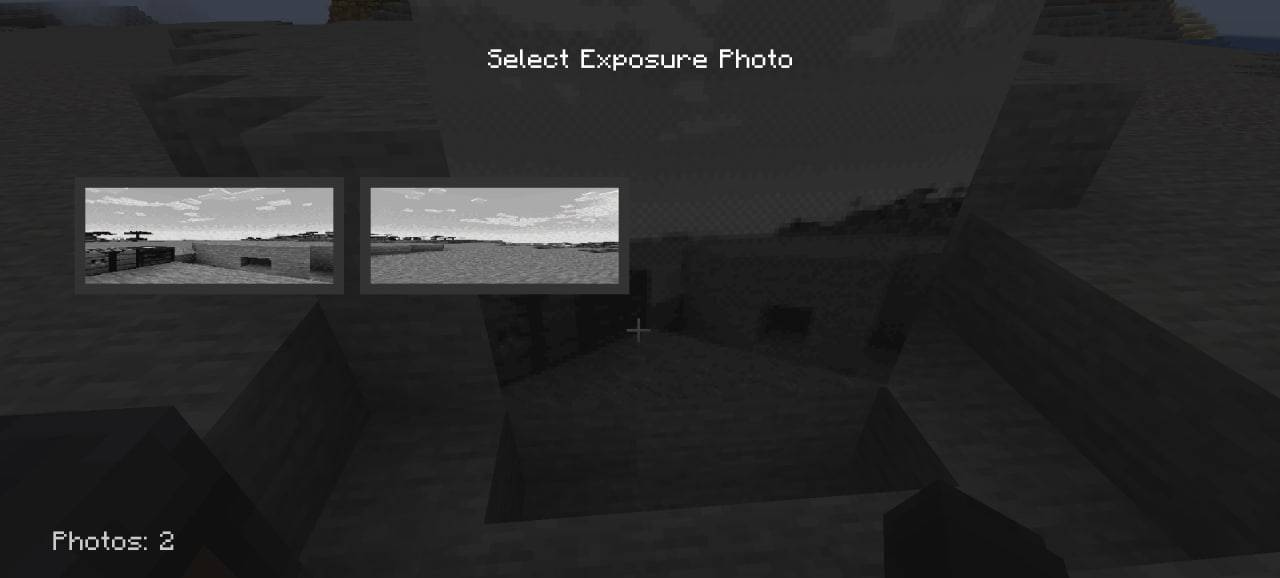
photo_2026-01-15_10-54-54.jpg
Description
Immersive Paintings × Exposure
📖 Description
Immersive Paintings × Exposure is an addon mod that bridges the gap between Immersive Paintings and Exposure, allowing you to use your Exposure photographs as custom paintings in Immersive Paintings frames.
✨ Features
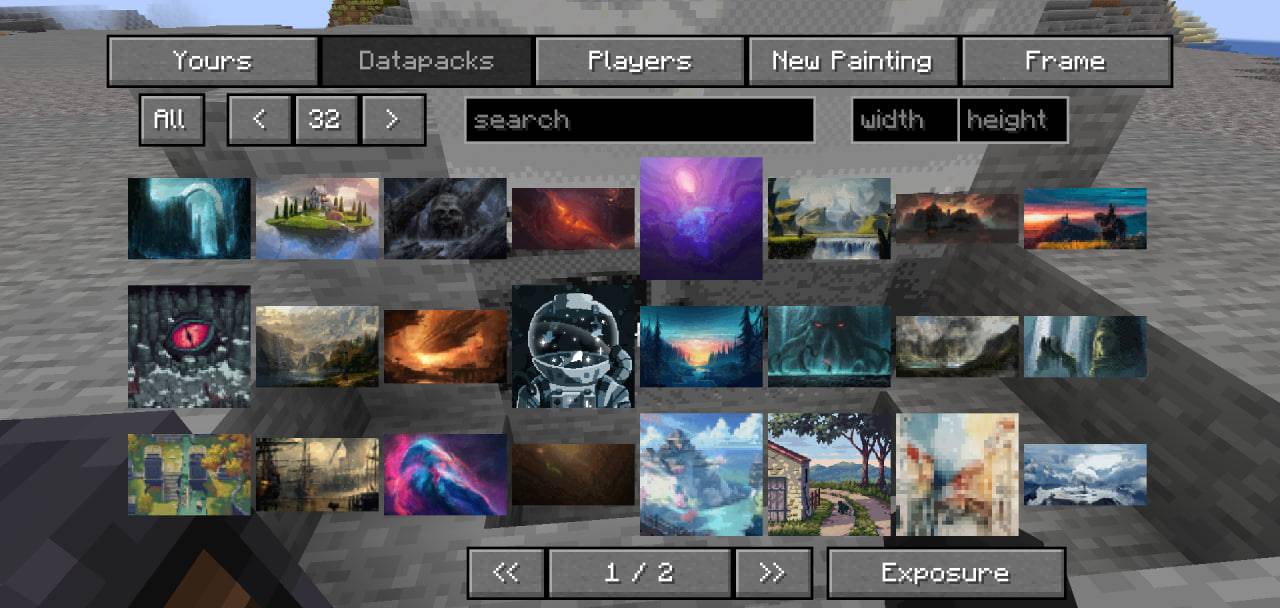
- Seamless Integration: Adds a new "Exposure" tab to the Immersive Paintings GUI
- Photo Preview: View thumbnail previews of your Exposure photographs directly in the selection menu
- Easy Selection: Browse and select photos from your Exposure collection with an intuitive interface
- World-Specific: Automatically detects and displays photos from the current world
- Smart Positioning: Button placement adapts to your GUI layout
🎮 How It Works
- Take photos using the Exposure mod
- Open any painting frame editing interface from Immersive Paintings
- Click on the new "Exposure" tab (located at the bottom next to pagination controls)
- Browse your photos with thumbnail previews
- Select a photo to apply it to your painting frame
- Enjoy your custom artwork!
📸 Photo Location
Your Exposure photos should be located at:
[game_directory]/exposures/[world_name]/[player_name]_[id].png
The mod automatically detects photos from the current world and displays them in the selection menu.
📝 Credits
- Author: MyAngel
- Immersive Paintings: Luke100000
- Exposure: mortuusars
Enjoy creating custom paintings with your Exposure photographs! 🎨📸
The Exposure + Immersive Paintings Team