

This mod will soon be deleted and replaced with the evergrowth mod series.
The mod is now in 26.1.2.
Sadly thids version isnt a complete version. We had to push back a lot of features such as:
- Vertical Slabs
- Horses expansion
- Fox's expansion
- Turtle Armour
- Phantom memrane for invisible stuff
- sniffer expansion
- ocelots expansion
- enviomental prewssure sytem (Felf out of place anyway)
Evergrowth Enchanting: (Complete change coming in 9.0)
Evergrowth replaces vanilla direct-item enchanting with a layered system built around books, risk, gear limits, and recovery tools. Instead of enchanting gear at the enchanting table, you enchant books first, then apply those books to gear in an anvil.
How It Works- Book
- Special Book
- Tome
You do not enchant weapons, tools, or armor directly at the table.
- the enchantment
- the enchantment level
- its own Destruction Chance %
- the enchant may succeed
- the enchant may fail
- on failure, the item may shatter
- a protection rune can prevent one shatter
- current offers
- previous offers
- reroll streak
- generation counter
- Row 1: 1 lapis, 1 level
- Row 2: 2 lapis, 2 levels
- Row 3: 3 lapis, 3 levels
- Row 1: 3
- Row 2: 12
- Row 3: 20
Books
- allows the full enchantment pool
- creates a normal enchanted book
- does not restrict enchant category
- Book of Swords
- Book of Spears
- Book of Axes
- Book of Pickaxes
- Book of Shovels
- Book of Hoes
- Book of Helmets
- Book of Chestplates
- Book of Leggings
- Book of Boots
- Book of Bows
- Book of Crossbows
- Book of Tridents
- Book of Fishing Rods
- Book of Swords favors sword enchants
- Book of Boots favors boot enchants
- Book of Bows favors bow enchants
- they turn into a normal Enchanted Book
- they do not remain special enchanted books
- increases the levels of the current offers by +1
- cannot exceed normal enchantment max level
- rerolls the current offers
- increases the renewal streak
- after repeated renewals, the top offer gets protected from low-value outcomes
- restores the previous set of offers
- not the chance to get the enchant at the table
- not enchant rarity at the table
- the chance that the item will shatter when the book is used in the anvil
- minimum: 5%
- maximum: 95%
- enchant level
- offer tier
- enchant rarity
- special weighting for powerful enchants
- random per-book variance
- weak books are usually safer
- powerful books are usually riskier
- two copies of the same enchant can still have different destruction chances
- 12%
- 27%
- 44%
- the enchant is applied
- the book is consumed
- the item survives
- the enchant does not apply
- the book is consumed
- the item shatters unless protected
- Enchant succeeded.
- Enchant failed. Item shattered.
- Enchant failed. Protection Rune prevented shattering.
- the number of enchantments already on the item
- 12
- Wood / Leather: 1
- Stone / Chainmail: 2
- Gold / Copper / Turtle Helmet: 3
- Iron: 4
- Diamond: 5
- Netherite: 6
- swords
- spears
- axes
- pickaxes
- shovels
- hoes
- helmets
- chestplates
- leggings
- boots
- shield
- shears
- fishing rod
- brush
- bow
- crossbow
- trident
- mace
- elytra
- further enchant applications are blocked unless the cap is increased
- adds +1 enchantment slot cap
- expand how many enchants an item can carry
- increases all current enchantments on the item by +1
- respects enchantment max levels
- can only be used once
- requires the item to already be enchanted
- strengthen finished gear
- applies a protection effect to the item
- prevent one enchantment-book shatter
- change certain break outcomes into shattered state behavior
- protect valuable gear from risky books
- remove shattered state
- clear protection rune
- restore full durability
- reduce destruction chance by 5%
- never reduce below 5%
- make risky books safer
- recover shattered gear
- cannot function properly in combat
- cannot mine properly
- cannot be used normally on entities
- cannot be used normally on blocks
- loses attribute functionality
- shows broken visuals
- displays shattered tooltip text
- the rune is consumed
- the enchant still fails
- the item survives
- the item can enter shattered state instead of being lost normally
Soul Bottle
The Soul Bottle is a controlled XP storage item that allows players to bank and recover experience more safely. It can store up to the total amount of XP needed to reach Level 30, giving players a reliable way to save experience for later use.
The item has 5 total uses, with each store or withdraw action counting toward its durability. If the player is holding the Soul Bottle when they die, only 15% of the stored XP is lost, reducing the usual risk of losing large amounts of experience.
Wither Materials & Corruption System
This system adds a new progression path tied to Wither Skeletons and destructive terrain clearing. Wither Skeletons now drop Wither Bones instead of normal bones, which can then be crafted into Wither Bonemeal at a rate of 1 bone to 3 bonemeal.
Wither Bonemeal is used to clear natural surface clutter in a 5×5 area. It removes blocks such as grass, flowers, bushes, vines, and leaves up to 3 blocks high, making it useful for fast terrain cleanup. It does not affect stone, wood, ores, or player-placed blocks.
Environmental Pressure
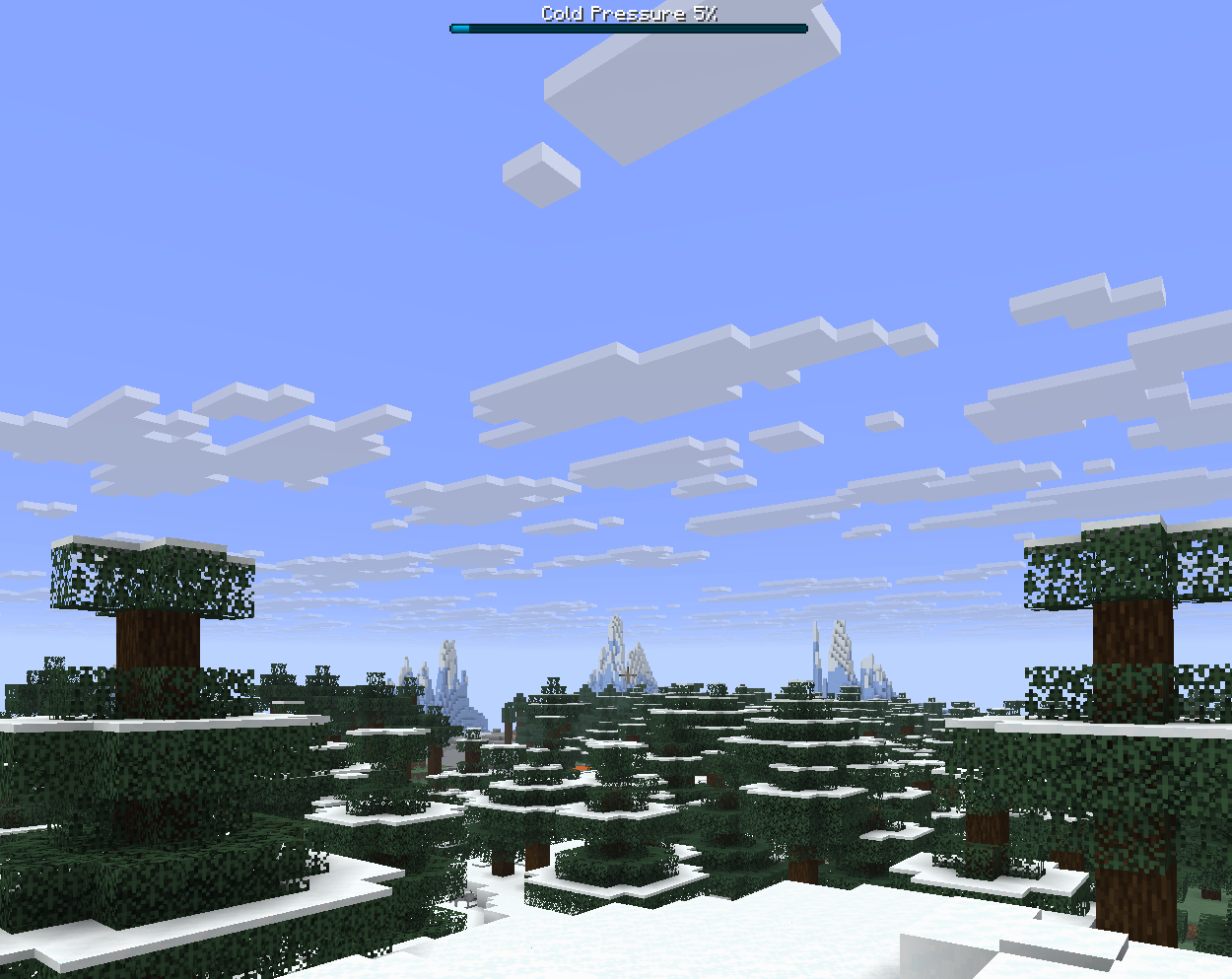
Extreme environments now apply gradual survival pressure instead of relying only on visual temperature effects. Heat builds in deserts and other exposed hot biomes, cold affects snowy mountains and freezing regions, and depth pressure applies in deep ocean or extreme underwater areas.
Each pressure type begins after a short grace period, giving players time to react before the effects start building. The longer a player remains in that environment, the more the pressure escalates, leading to stronger negative effects over time.
Farming and Growth Systems
This system expands farming with more control over crop growth and a few extra progression mechanics. Supported crops can now be growth locked using shears, preventing any further growth from random ticks or bonemeal.
Fully grown crops now grant a small amount of XP when harvested by hand, giving farming a more consistent peaceful progression path. Rabbits that eat fully grown carrots can also build breeding charge and may breed naturally over time.
The system also adds Poisonous Carrots and Poisonous Beetroots, which behave the same way as Poisonous Potatoes. These can be fed to baby animals to permanently stop them from maturing.
Mob / AI / Entity Systems
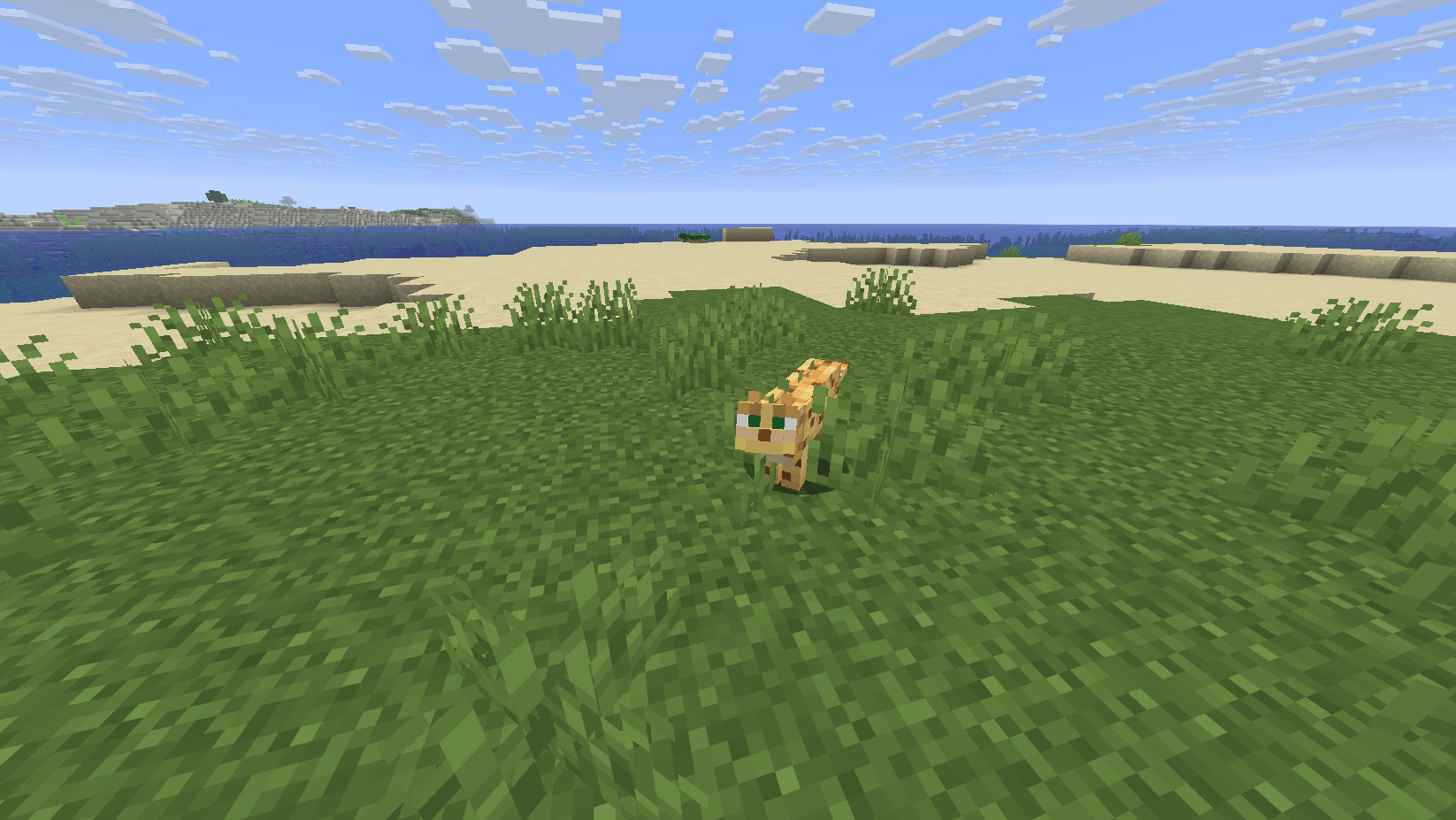
This system adds smaller behaviour changes to existing mobs to make survival feel more dynamic. Breeding two ocelots can now create a Trusted Ocelot, which can follow or sit, suppress hostile spawns in a small area, and lightly harass nearby mobs.
Foxes can now bury items they are holding in dirt or grass, creating a single stash without duplicating items. Dolphins fed with tropical fish will prioritise locating coral reefs before leading players to treasure, while Sniffers have a low chance to uncover rare plants, smithing templates, and pottery sherds.
A Silent Name Tag can also be created by renaming a name tag to “Silent”. Applying it to a mob silences its sounds and hides its nameplate, and renaming the tag again restores normal behaviour. Chickens and Parrots can now also be brushed for feathers, with a cooldown to prevent farming without limits.
Horses, Horn Recall, and Horseshoes
This system expands horses beyond basic transport by adding progression, equipment upgrades, recall mechanics, and mounted combat utility. Players can bind a Recall Horn to the last tamed horse they rode, allowing that horse to be summoned back. Only one horse can be linked at a time, the horn has a cooldown, and it only works with horses the player owns.
Horses can now also equip Horseshoes in a dedicated gear slot. Each material provides different stat bonuses, giving horses a clearer upgrade path. Copper offers a small balanced boost, Iron improves speed and armour, Gold gives higher speed with lower durability, Diamond improves armour and jump stability, and Netherite provides the strongest overall upgrade.
Mounted combat has also been expanded. While sprinting at full speed, horses can trample mobs they collide with, dealing minor damage and knockback based on movement speed. In addition, Horse Armour can now be enchanted, with those effects applying only while mounted and never stacking with the player’s own armour effects.
Fletching Table Overhaul
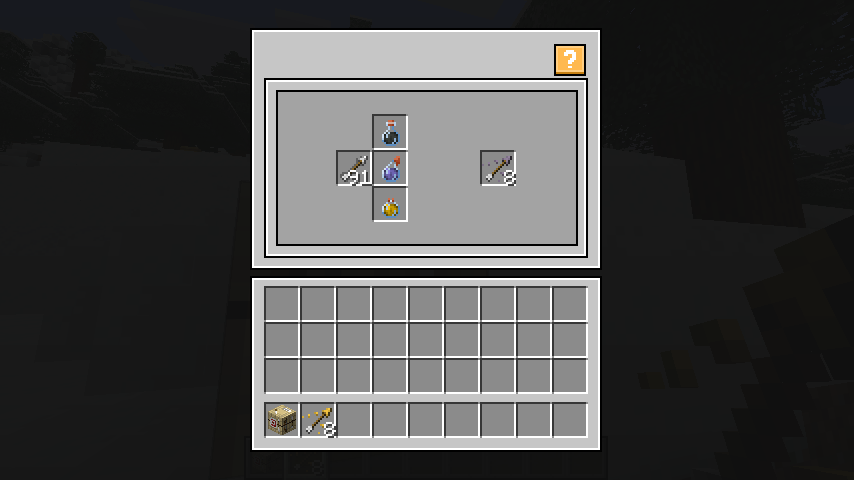
The Fletching Table is now a functional workstation used for crafting potion-based arrows. Instead of being decorative only, it allows players to create custom arrow batches by combining arrows with potion inputs.
Arrows are processed in groups of 8, and up to 3 potions can be inserted at once to create mixed effects. The final arrow output scales with the strength and duration of the potions used, making stronger or longer-lasting potions more valuable in the crafting process.
Cauldron Overhaul
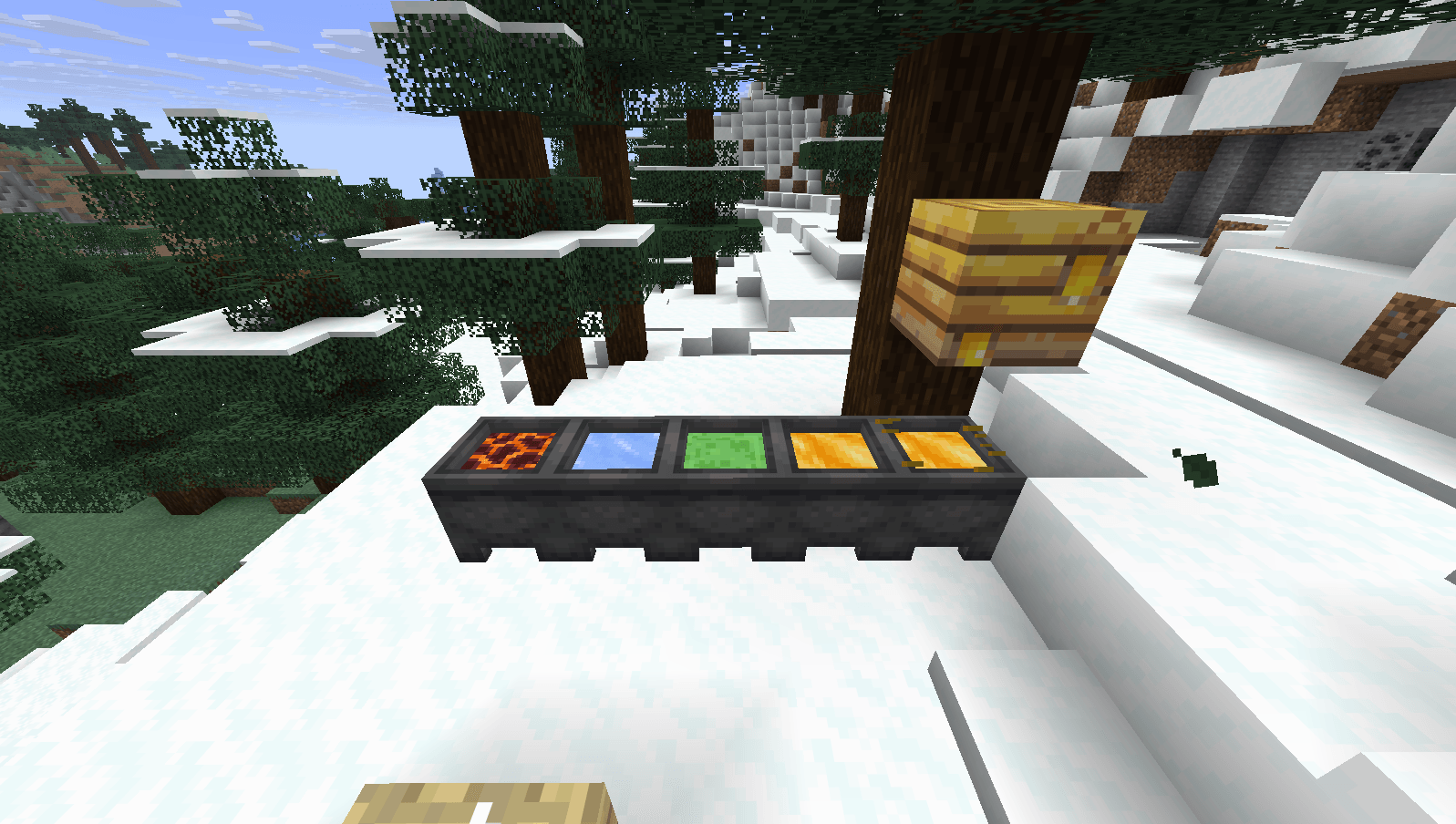
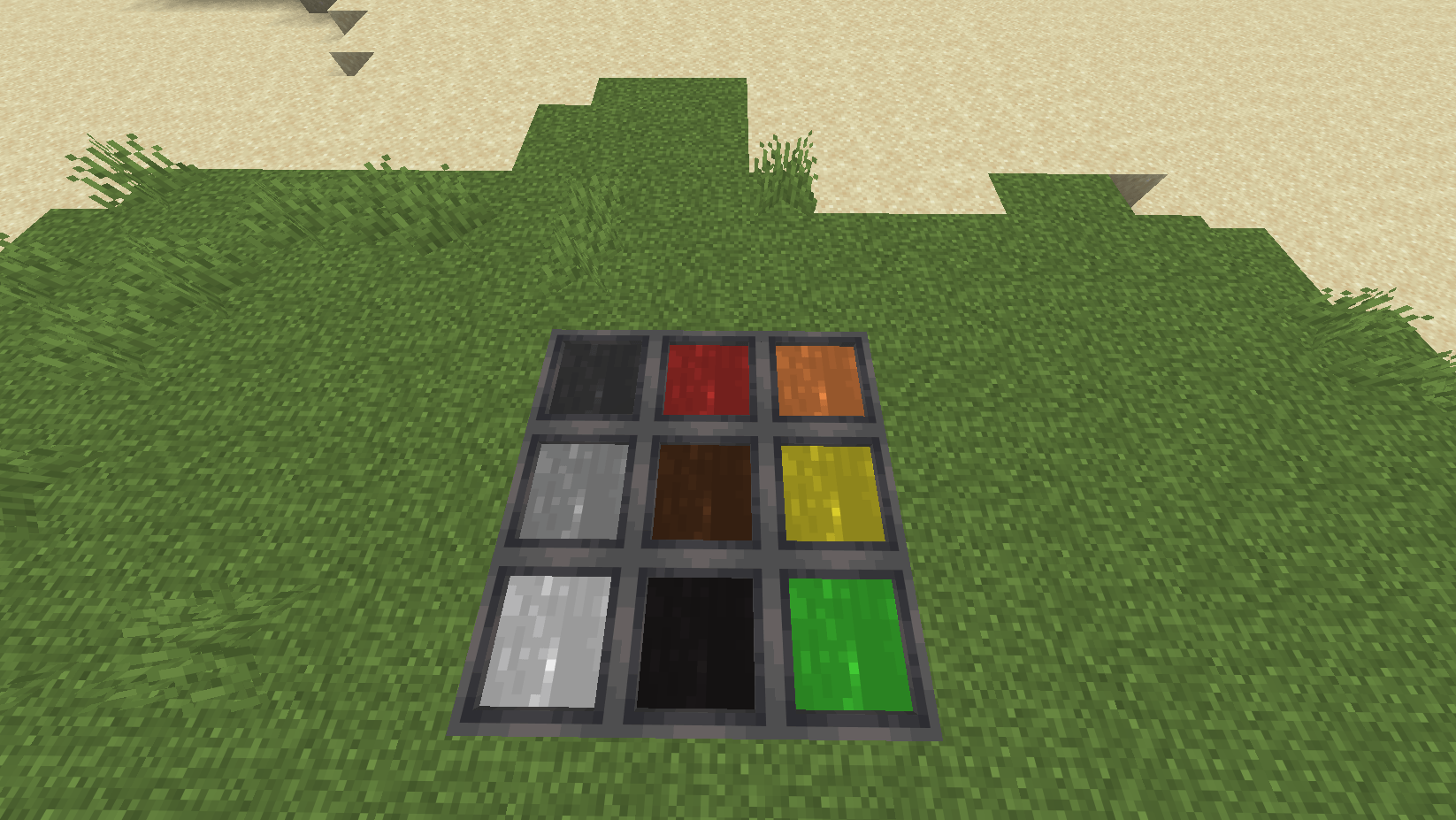
Cauldrons now serve as multi-purpose utility blocks, acting as infusion stations, dye basins, washing units, environmental reactors, and slow-processing containers. Water can be infused with potions to create Infused Water, which carries potion effects, emits particles, and slowly decays over time unless bottled. Adding dye creates Dye Water, which changes the water’s colour and can be used to recolour items.
Cauldrons can also handle small-scale processing by combining 4 matching items into a block form, including Slime Balls into Slime Blocks, Magma Cream into Magma Blocks, and Honey Bottles into Honey Blocks. Their behaviour also reacts to the environment: water can freeze in cold biomes, evaporate in the Nether, and cauldrons can slowly fill from beehives placed two blocks above.
They also support washing, allowing players to remove dye from items such as armour, wool, terracotta, concrete, and banners. The removed colour is transferred into the cauldron water, letting it act as a reusable dye basin.
Vertical Slabs (To be redone)
Slabs can now be placed vertically, giving more flexibility when building without adding extra block types. Placing a slab on the side of a block will create a vertical slab, while placing near the edge of the top or bottom face will align it to that side. Place the slab in the middle of a block will force it to lay down like a normal slab.
Vertical slabs can still combine into a full block when placed against each other from opposite sides, keeping behaviour consistent with normal slabs.
When crouching the slab rules revert back to normal slab placement rules.
Rotating plank blocks
Planks can now be placed with directional grain, allowing for more control when building floors, walls, and ceilings without adding new block types.
The orientation is determined by how you place the block. Placing on the top or bottom follows the direction you’re facing, while crouch-placing flips to the alternate rotation. Placing on a side face aligns the planks to that surface automatically.
This keeps building simple while giving you more intentional control over how wood patterns look.
TNT Barrel (Changed in 8.0)
The TNT Barrel is a custom explosive block that offers more control than normal TNT. After being placed, it can be loaded with up to 16 Gunpowder, allowing players to scale its blast strength instead of being limited to a fixed explosion.
To craft a tnt barrel you need a barrel in the middle and 1 tnt in the middle top.
It starts at a base power of 4.0 and gains +0.6 power per added charge, reaching a maximum of 13.6. The barrel can be ignited with Flint and Steel, Fire Charges, Redstone, burning projectiles, nearby explosions, or through unstable breaking.
When triggered, it becomes a primed explosive rather than detonating instantly, ensuring its stored charge level is preserved correctly. This makes it a more flexible and controllable option for demolition and blasting.
Phantom Membrane Utility
Phantom Membranes can now be used to toggle invisibility on certain display blocks. Right-clicking with one will hide or restore parts of the block while keeping its main visual function intact.
This works on Item Frames, Signs, and Banners. Item Frames become invisible while still displaying the item, Signs hide the post while keeping the text visible, and Banners hide the cloth while leaving the pattern visible. Each use consumes 1 Phantom Membrane.
Clean Filled Maps
Filled maps can now be cleared by washing them in a water cauldron. Right-clicking a filled map on a water cauldron will consume 1 water level and return it as an empty map.
This does not work on locked maps.
Flower Duplication
Using Bonemeal on a small flower will now duplicate that exact flower instead of generating a random variant. This makes flower farming more predictable and gives players more control when decorating or gathering specific types.
The spread uses a small nearby radius with multiple placement checks, and Bonemeal is only consumed if a new flower is successfully placed. This does not apply to tall flowers or dead bushes.
Wet Sponge Climate Drying
Wet Sponges can now dry naturally in warm biomes, giving players a passive alternative to using a furnace. This includes areas such as Deserts, Badlands, Savannas, Jungles, and warm coastal biomes.
A placed wet sponge dries faster than one kept in the inventory. It will not dry while underwater, during rain, or in cold biomes, and the furnace still remains the fastest drying method.
New Music Disks
- squid coast (From Minecraft dungeons)
- Free walk (From Minecraft storymode)