EventTrace
- By
Trace Minecraft events and callbacks to find which mod changed, cancelled, or slowed them down.
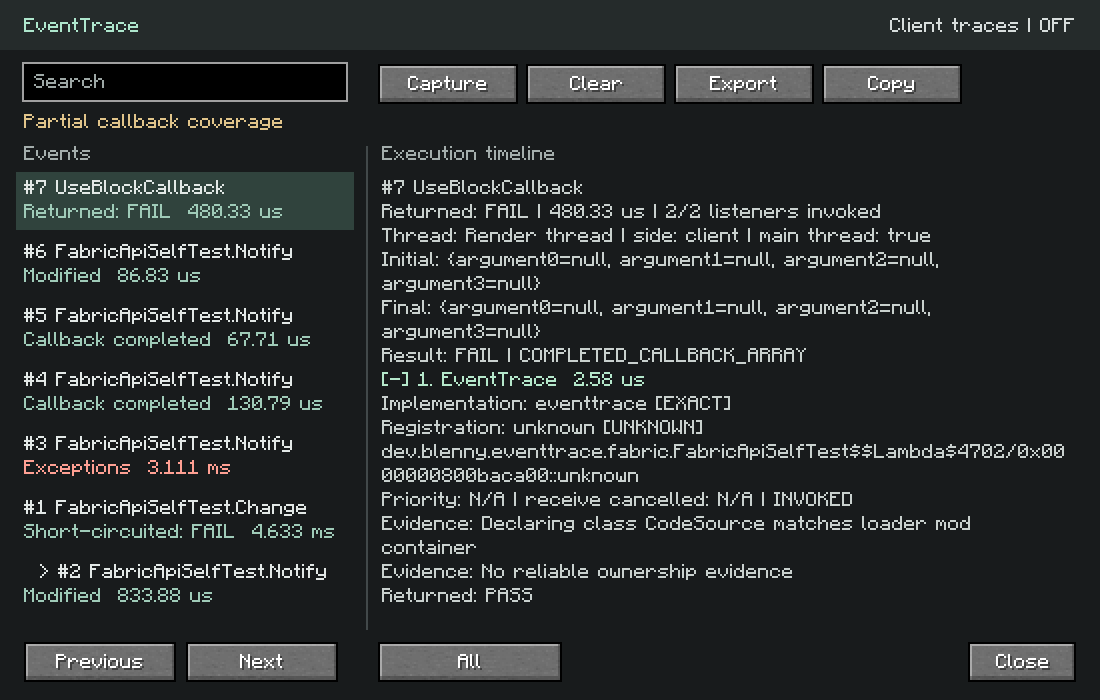
eventtrace-1.18.2-fabric.webp
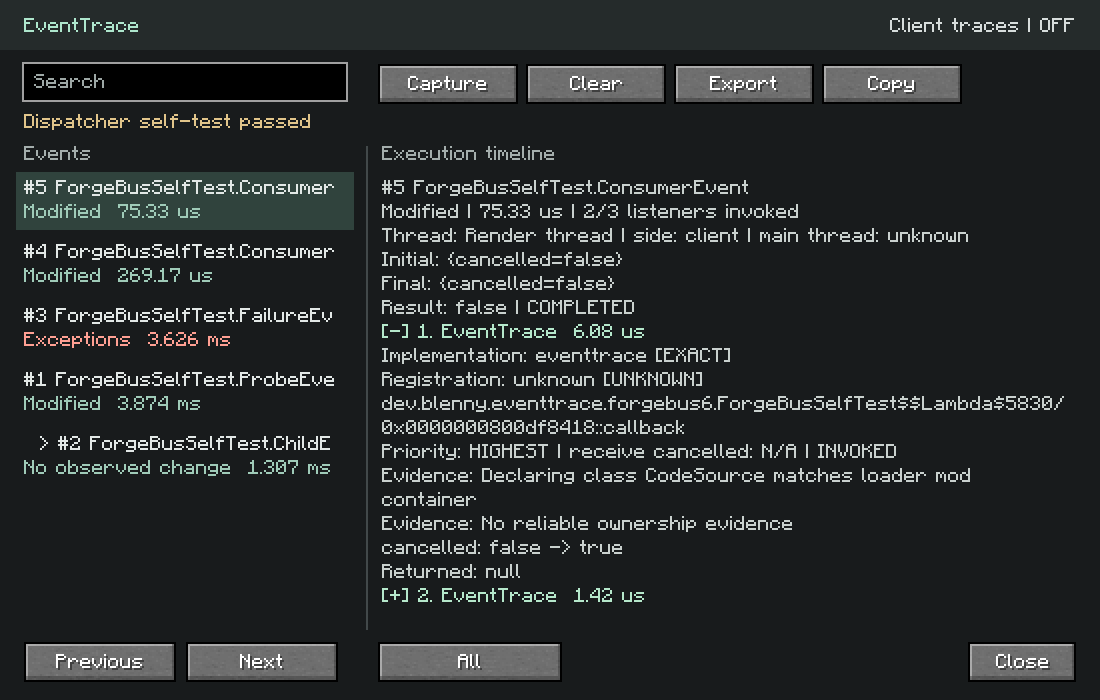
eventtrace-1.18.2-forge.webp
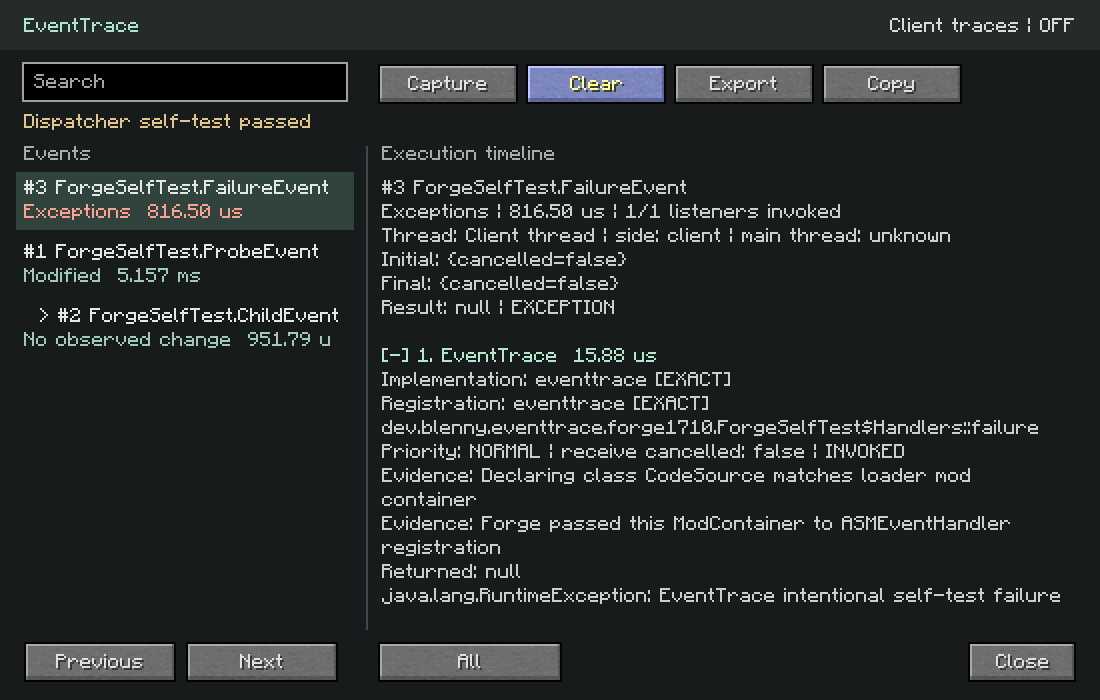
eventtrace-1.7.10-forge.webp
Description
Opening EventTrace & enabling capture
Tracing is off by default. Press F8 in-game to open the UI and start or stop capture.
To capture automatically before joining a world, close Minecraft, change enabled=false to enabled=true in your instance’s config/eventtrace.properties, then restart. Capture begins after EventTrace initializes.
EventTrace is a debugging mod that shows which mods handle, modify, cancel, or slow down Minecraft events.
Instead of disabling mods one by one to find a conflict, EventTrace records the event listener chain and shows what happened.
Features
- See which mod handled an event
- Track listener execution order
- See when an event gets cancelled
- Track important value changes
- Measure listener execution time
- Find slow event handlers
- Trace nested events
- Capture listener exceptions
- Filter traces by event, mod, player, entity, and duration
- Export traces for bug reports
- Dedicated server support
- Forge, Fabric, and NeoForge support where possible
- Broad Minecraft version support, including legacy versions
Example
LivingDamageEvent
Initial damage: 20
examplearmor 20 -> 14 0.12 ms
examplemagic 14 -> 9 0.09 ms
Final damage: 9
Or find exactly what cancelled an interaction:
PlayerInteractEvent
claimmod PASS
protectionmod cancelled: false -> true
Final result: Interaction blocked
Built for debugging
EventTrace is useful for:
- Mod developers
- Modpack developers
- Server administrators
- Compatibility testing
- Finding protection or interaction conflicts
- Tracking unexpected combat changes
- Investigating slow event handlers
Tracing is disabled by default and only runs when you enable it.
EventTrace does not upload your traces, logs, worlds, or server information.
Some loaders expose more event information than others. EventTrace only reports attribution when it can determine it reliably. If the source of a change cannot be identified, it says so.
undefined
The EventTrace Team


Owner