Enderman Grief Control stops Endermen from picking up or placing blocks without disabling mobGriefing for the rest of your world.
It affects only Endermen, preventing new persistent block-carrying Endermen while leaving other vanilla mob behavior unchanged.
Why use Enderman Grief Control?
- Endermen only: Keep the fix focused on the mob causing the problem.
- Pickup and placement blocked: Prevent Endermen from taking blocks or placing carried blocks back into the world.
- No global gamerule tradeoff: Leave
mobGriefing enabled for farms, villagers, sheep, and other mechanics that rely on it.
- Persistent carrier prevention: Stop new block-carrying Endermen from being created and building up over time.
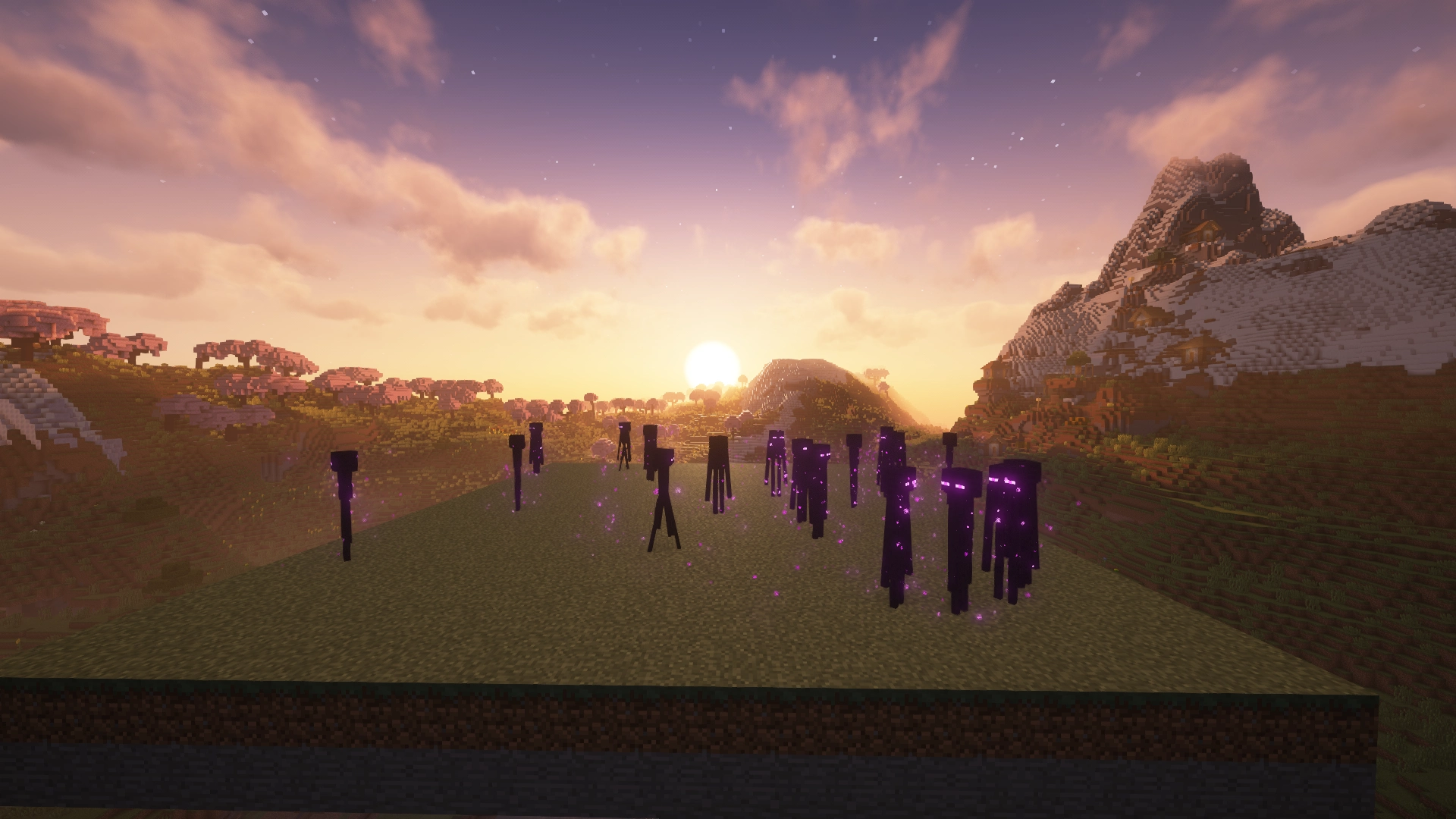
Enderman Grief Control: Enabled
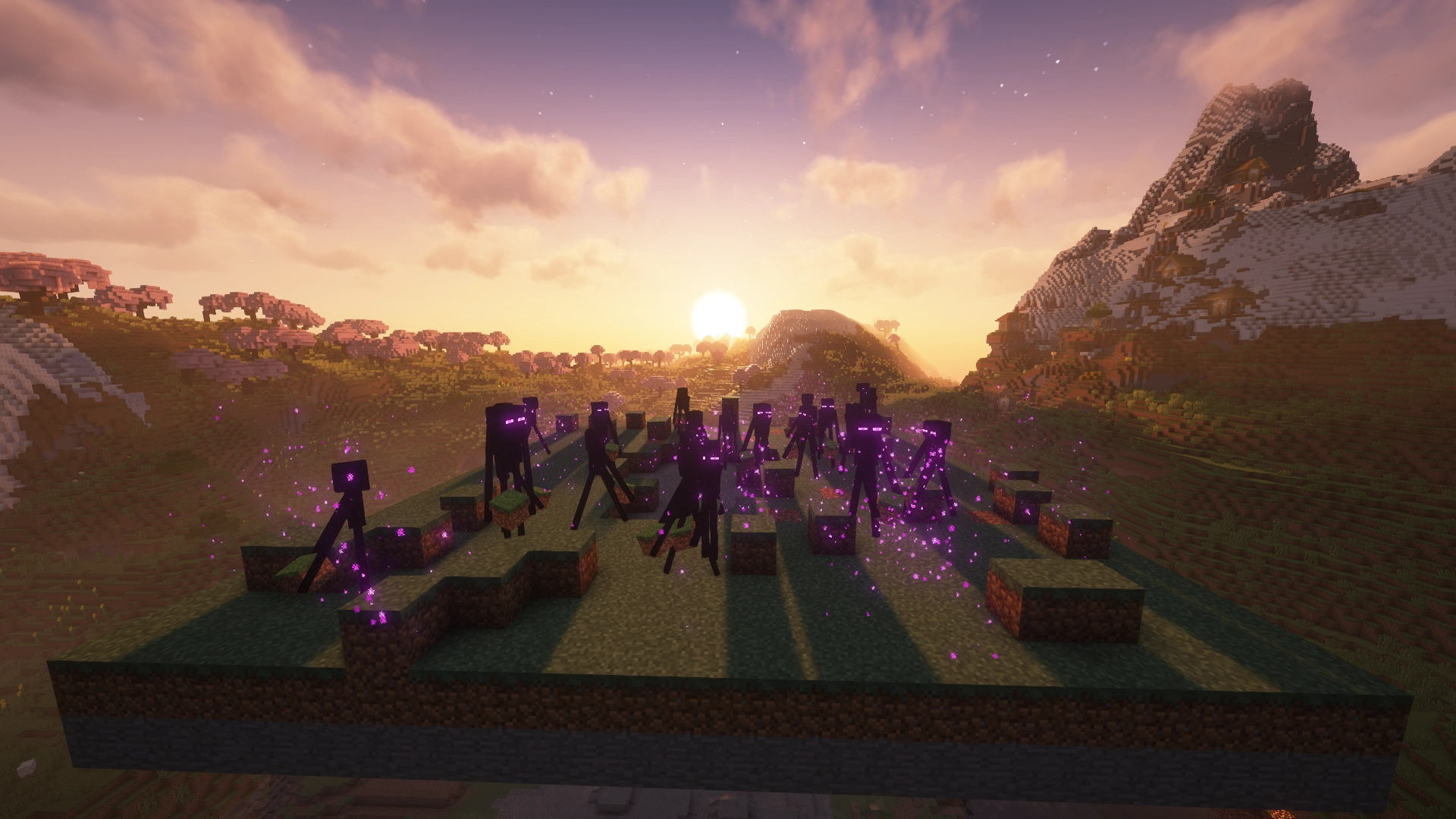
Enderman Grief Control: Disabled
Which download do I need?
Enderman Grief Control has separate builds for Paper and Fabric. Choose the file that matches your setup.
| Your setup |
Use |
| Paper server |
Paper version |
| Fabric server |
Fabric version |
| Fabric singleplayer |
Fabric version |
This project is the Fabric version. The Paper version is here.
Platform features
Paper
- Per-world configuration
- Runtime configuration reload
- Optional event logging
Fabric
- Singleplayer and dedicated server support
- Optional logging
- No Fabric API required
Installation
Paper
- Download the Paper version from the Versions tab.
- Place the
.jar file in your server's plugins folder.
- Restart the server.
Fabric
- Install Fabric Loader for your Minecraft version.
- Download the Fabric version from the Versions tab.
- Place the
.jar file in your mods folder.
- Launch the game or server.
Fabric API is not required.
Configuration
Enderman Grief Control works out of the box with its default settings. Configuration is only needed if you want to customize its behavior.
Paper
Configuration is located at:
plugins/NoEndermanGrief/config.yml
After making changes, reload the configuration with the plugin's reload command or restart the server.
Fabric
Configuration is located at:
config/no-enderman-grief.json
After making changes, restart the game or server for them to take effect.
For a full reference of available configuration options, see the GitHub documentation.
Compatibility
- Paper: Supports
Paper servers only. Bukkit, Spigot, and Purpur are not officially supported.
- Fabric: Requires
Fabric Loader and works in both singleplayer and on dedicated servers.
- Supported Minecraft versions are listed on the Versions tab for each release.
Source, bugs, and feedback
Enderman Grief Control is open source under the Apache 2.0 License.
Bug reports and feedback are welcome.