💬 Join the Eclipse Discord for help, updates and to share your setups.
Eclipse HUD
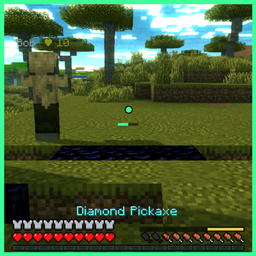
A clean, fully movable HUD in the Eclipse style. Move everything with the HUD editor (Eclipse menu > HUD Editor).
Features
📊 Info lines
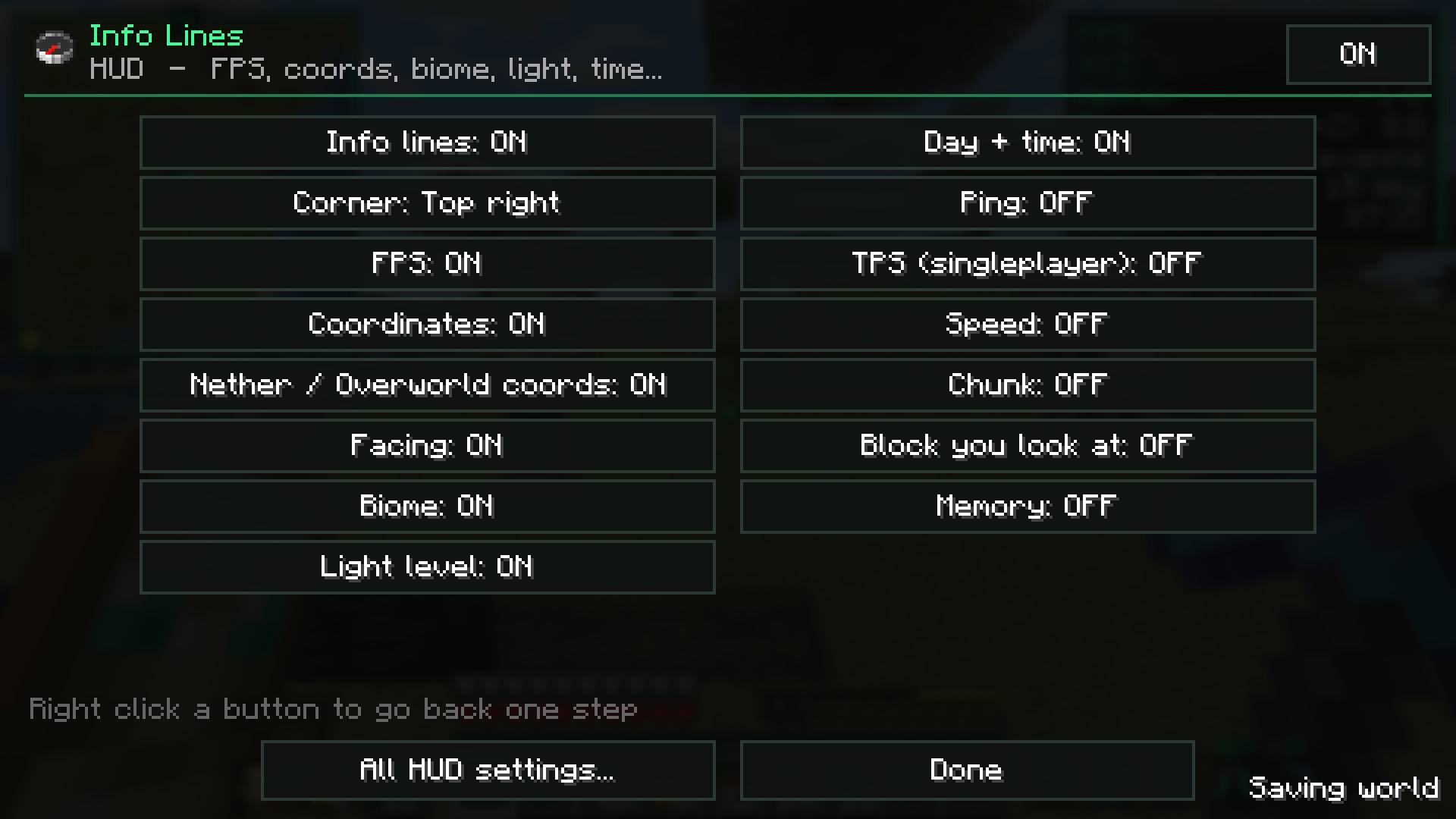
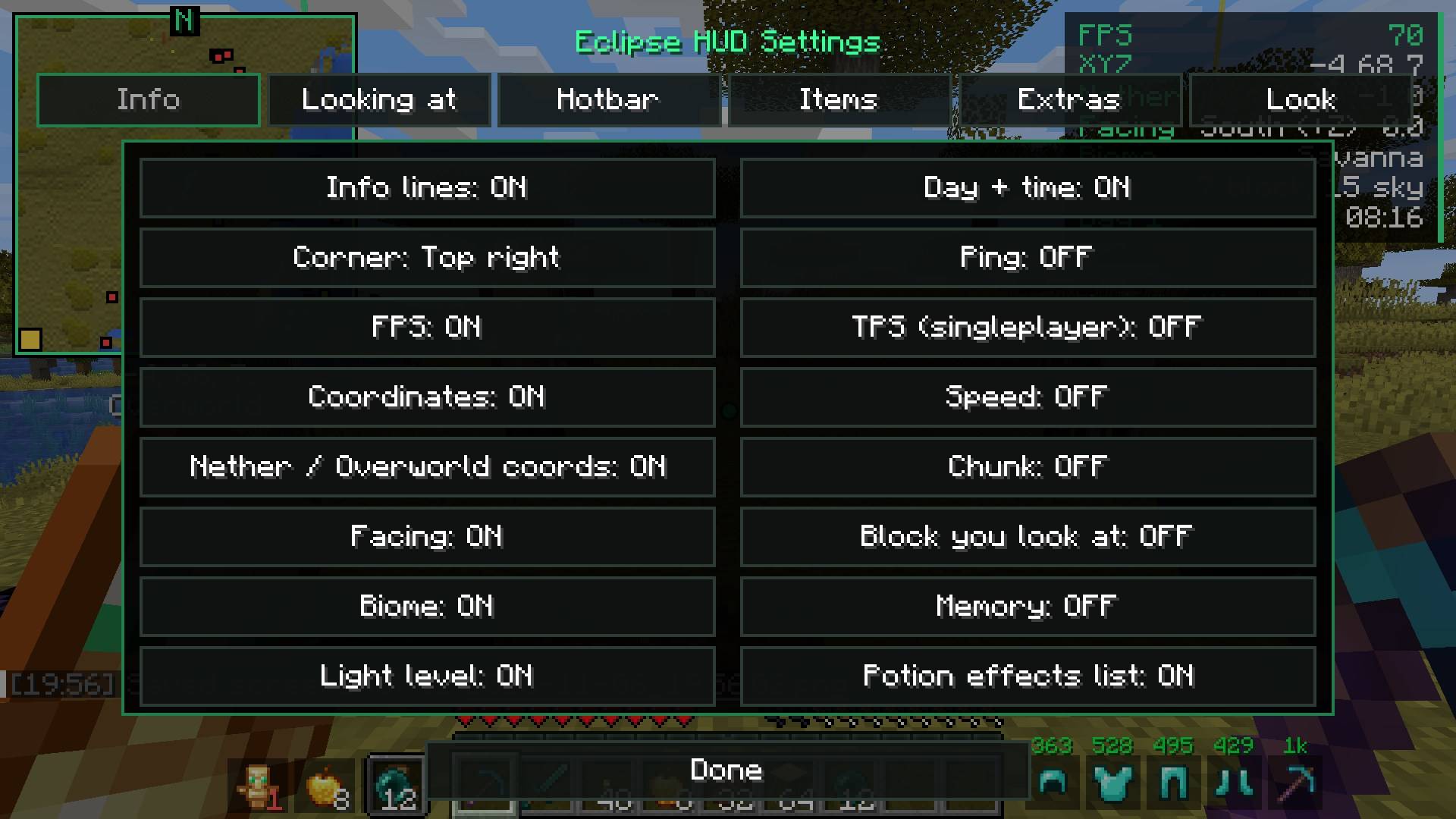
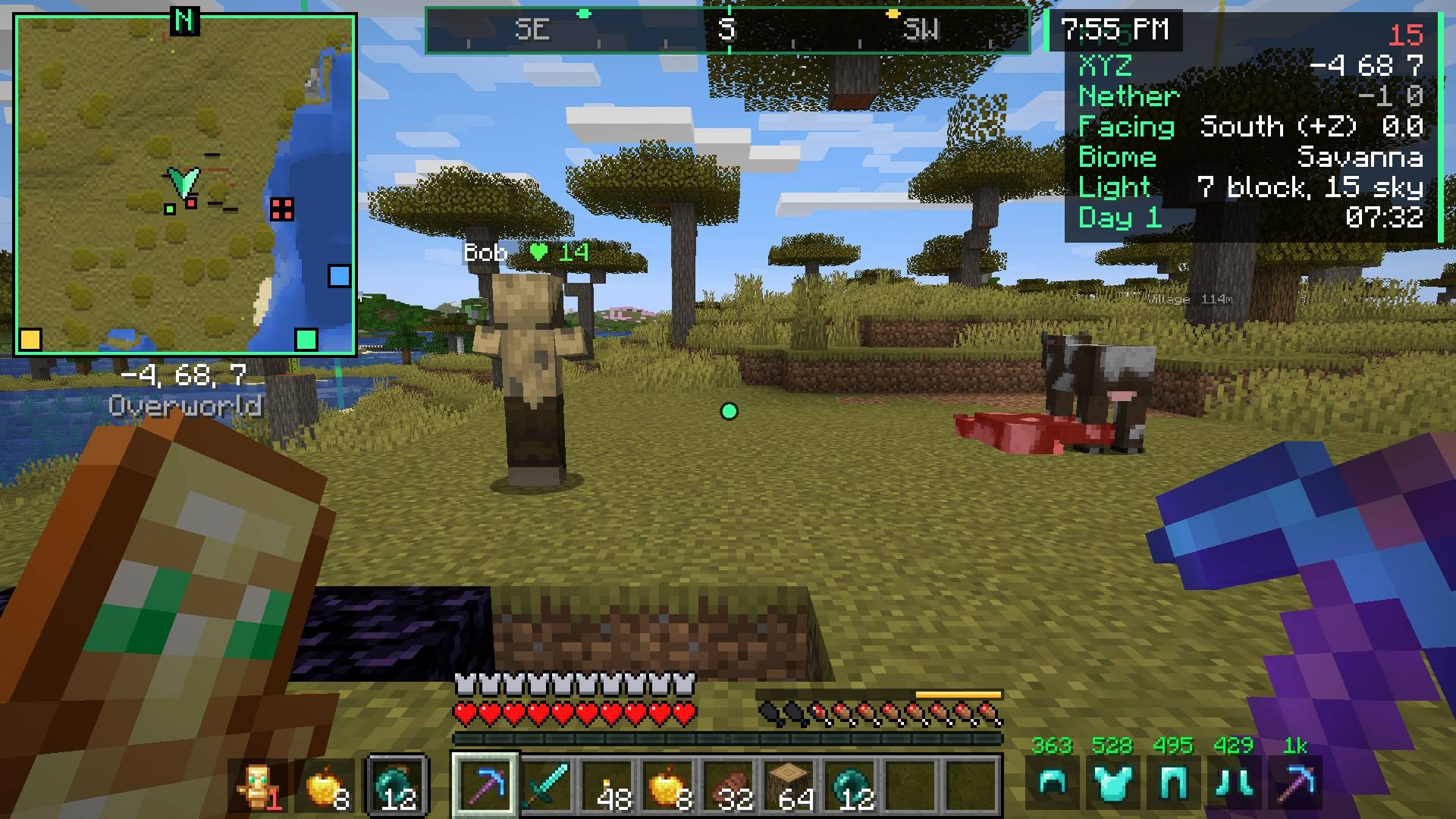
FPS, coords, Nether/Overworld coords, facing, biome, light level, day + time, ping, TPS (singleplayer), speed, chunk, the block you look at, memory. Pick the corner, scale, background and text shadow.
🧭 Compass bar
A compass at the top of the screen with your waypoints and chest finder results as markers.
👀 Looking at
Shows the block or mob you look at: name, health, can you harvest it with your tool, crop growth, mining progress and which mod it's from.
🍖 Food & saturation
- A gold saturation bar above your hunger
- Flashes how much the food in your hand will add
- Food values in tooltips
🛡️ Armor + tools
Armor and held tool durability next to the hotbar, with optional numbers.
More
| Feature |
What it does |
| Potion effects |
Your effects with time left |
| Break warning |
Warns (with a sound) before your tool breaks |
| Low health |
Red edge + heartbeat when you're low |
| Item counter |
How many of an item you have |
| Clock + stopwatch |
Real time (12/24h) and a stopwatch key |
| Keystrokes |
WASD + mouse with CPS |
| Session stats |
Play time, blocks mined, kills, deaths and distance walked |
| Day counter |
Big "Day 39" title each morning |
| Better tooltips |
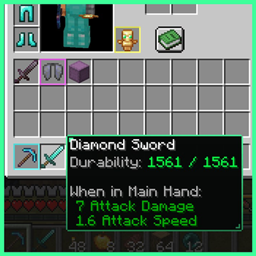
Durability, food values, shulker box preview, rarity borders |
Requirements
- Minecraft 26.2, Fabric, Fabric API, Eclipse Core
Part of the Eclipse Client modpack.
💬 Questions or ideas? Join the Eclipse Discord