Easy Crosshair
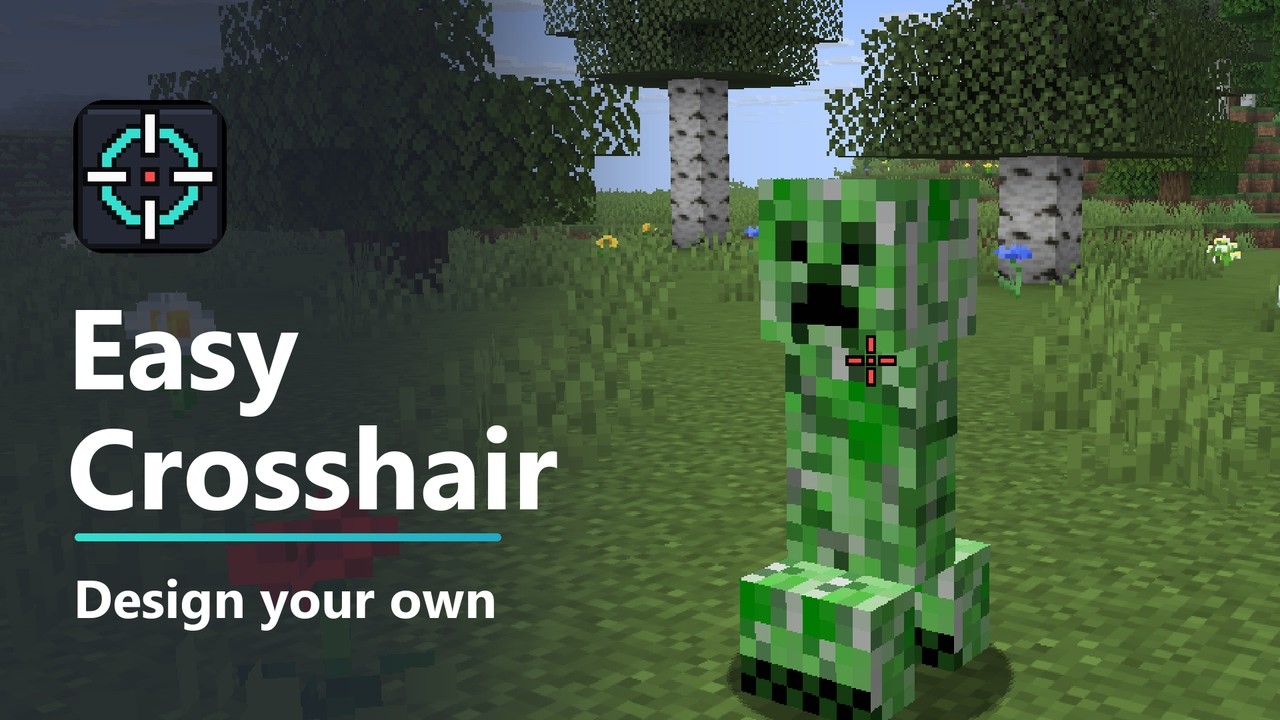
Design your own crosshair. Pick a shape, color, size, gap, thickness and outline, and make it turn red when you aim at a hostile mob.
Description
Easy Crosshair
Design your own crosshair. Pick a shape, color, size, gap, thickness and outline, see it change as you drag the sliders, and make it turn red when you aim at a hostile mob.
Easy Crosshair is a small client-side mod for Minecraft on Fabric, NeoForge and Forge, compatible with Mod Menu on Fabric.
Supported versions: 1.20 to 26.3 on Fabric, 1.21 to 26.3 on NeoForge, 1.20.1 on Forge.
Features
- 8 shapes - Cross, Cross + Dot, Dot, Circle, Circle + Dot, T-Shape, X and Square.
- Any color - red, green, blue and opacity sliders, or Rainbow mode that cycles through every color.
- Size controls - length, gap, thickness and a dark outline that keeps the crosshair visible on snow and sky.
- Target colors - the crosshair changes color while you aim at a hostile mob, a passive mob or another player. All three colors are yours to pick.
- Attack indicator - a charge bar under the crosshair, or a crosshair that fades in as your attack recharges. Both give a short pulse when you are ready to hit. You can also keep Minecraft's own indicator.
- Dynamic spread (optional) - the crosshair opens up while you move, sprint or jump, and closes in while you draw a bow or crossbow.
- Live preview - the settings screen shows your crosshair as you change it.
- Crisp at any size - drawn pixel by pixel on your screen, scaled with your GUI scale.
- Client-side only - there is nothing to install on a server.
The crosshair still follows Minecraft's rules: it hides in third person and when you press F1, and the F3 debug crosshair works as before.
Install
Fabric
- Install Fabric Loader for your version of Minecraft.
- Put Fabric API and the Fabric Easy Crosshair jar for your version in your
modsfolder. - Start the game.
Optional: add Mod Menu to get a settings screen (Mods > Easy Crosshair > Configure).
NeoForge
- Install NeoForge for your version of Minecraft.
- Put the NeoForge Easy Crosshair jar for your version in your
modsfolder. - Start the game. The settings screen is in Mods > Easy Crosshair > Config.
Forge
- Install Forge for Minecraft 1.20.1.
- Put the Forge Easy Crosshair jar in your
modsfolder. - Start the game. The settings screen is in Mods > Easy Crosshair > Config.
Settings
| Setting | Range | Default | What it does |
|---|---|---|---|
| Custom Crosshair | on / off | on | Replace Minecraft's crosshair. Off brings the vanilla one back |
| Shape | 8 shapes | Cross | The crosshair design |
| Color | Crosshair / Hostile / Passive / Player | Crosshair | Which color the sliders below change |
| Color Mode | Solid / Rainbow | Solid | Rainbow cycles through every color and keeps the opacity |
| Red, Green, Blue, Opacity | 0 - 255 | white, fully opaque | The selected color |
| Length | 1 - 20 | 6 | How long the lines are. Circle and Square use Length + Gap as their size |
| Gap | 0 - 20 | 3 | Space between the center and the lines |
| Thickness | 1 - 10 | 2 | Line and dot thickness |
| Outline | 0 - 4 | 1 | Dark border around the crosshair. 0 turns it off |
| Target Colors | on / off | on | Change color while aiming at a mob or player |
| Attack Indicator | Bar / Fade / Vanilla | Bar | How the attack cooldown is shown |
| Dynamic Spread | on / off | off | Open up while moving, close in while drawing a bow |
Length, Gap, Thickness and Outline are measured in half GUI pixels, so the crosshair keeps its proportions when you change the GUI scale.
With the settings screen (Mod Menu on Fabric, the Mods list on NeoForge and Forge), changes apply straight away and are saved when you close the screen. The screen also has a Reset to Defaults button.
Without Mod Menu you can edit config/easycrosshair.json in your game folder and restart the game:
{
  "enabled": true,
  "shape": "Cross",
  "colorMode": "Solid",
  "color": -1,
  "length": 6,
  "gap": 3,
  "thickness": 2,
  "outline": 1,
  "targetColors": true,
  "hostileColor": -46261,
  "passiveColor": -10755237,
  "playerColor": -11556609,
  "attackIndicator": "Bar",
  "dynamicSpread": false
}
Colors are stored as signed ARGB integers. Values that are out of range are corrected automatically. If the file is broken, the game still starts with the defaults and your old file is kept as easycrosshair.json.broken.
Building
./gradlew build -Pminecraft_version=26.3 builds the Fabric jar for one version. Add -Ploader=neoforge or -Ploader=forge (with -Pminecraft_version=1.20.1) for the other loaders. ./gradlew runSelftest -Pminecraft_version=26.3 starts the game with an in-world self-test that checks the crosshair, target colors, attack indicator and settings screen, then closes the game.
License
The Easy Crosshair Team