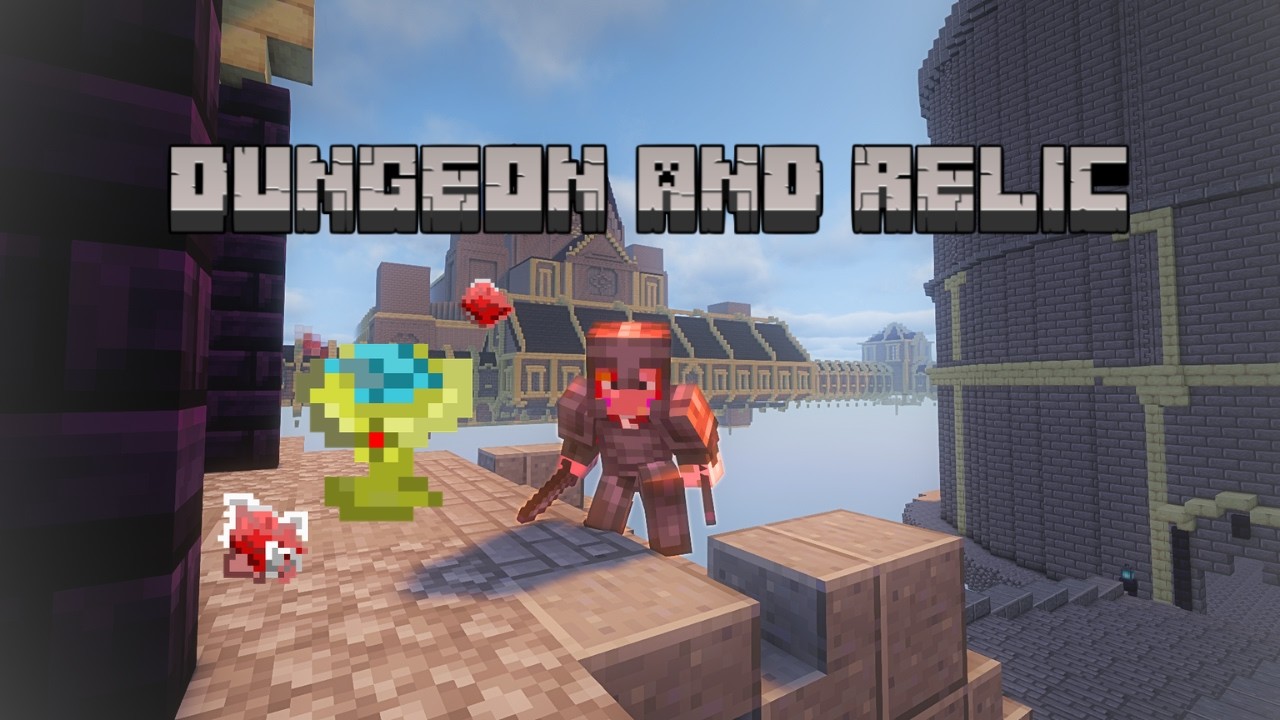
Dungeon and Relic
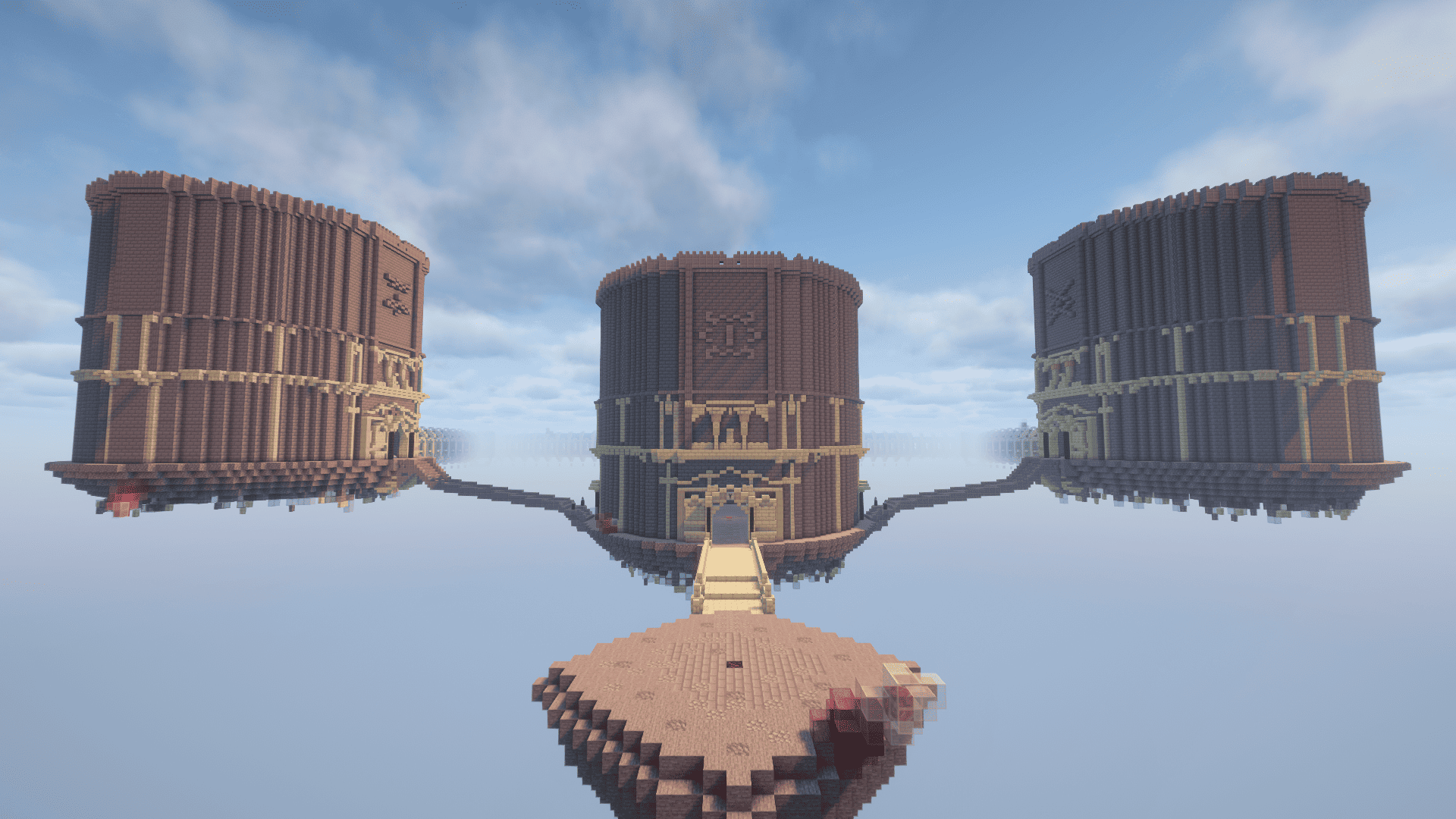
This mod adds a highly configurable dungeon dimension to Minecraft. From the types of enemies that spawn, to the rewards they drop, to the mod's own relic system, almost everything can be tuned to fit your world.
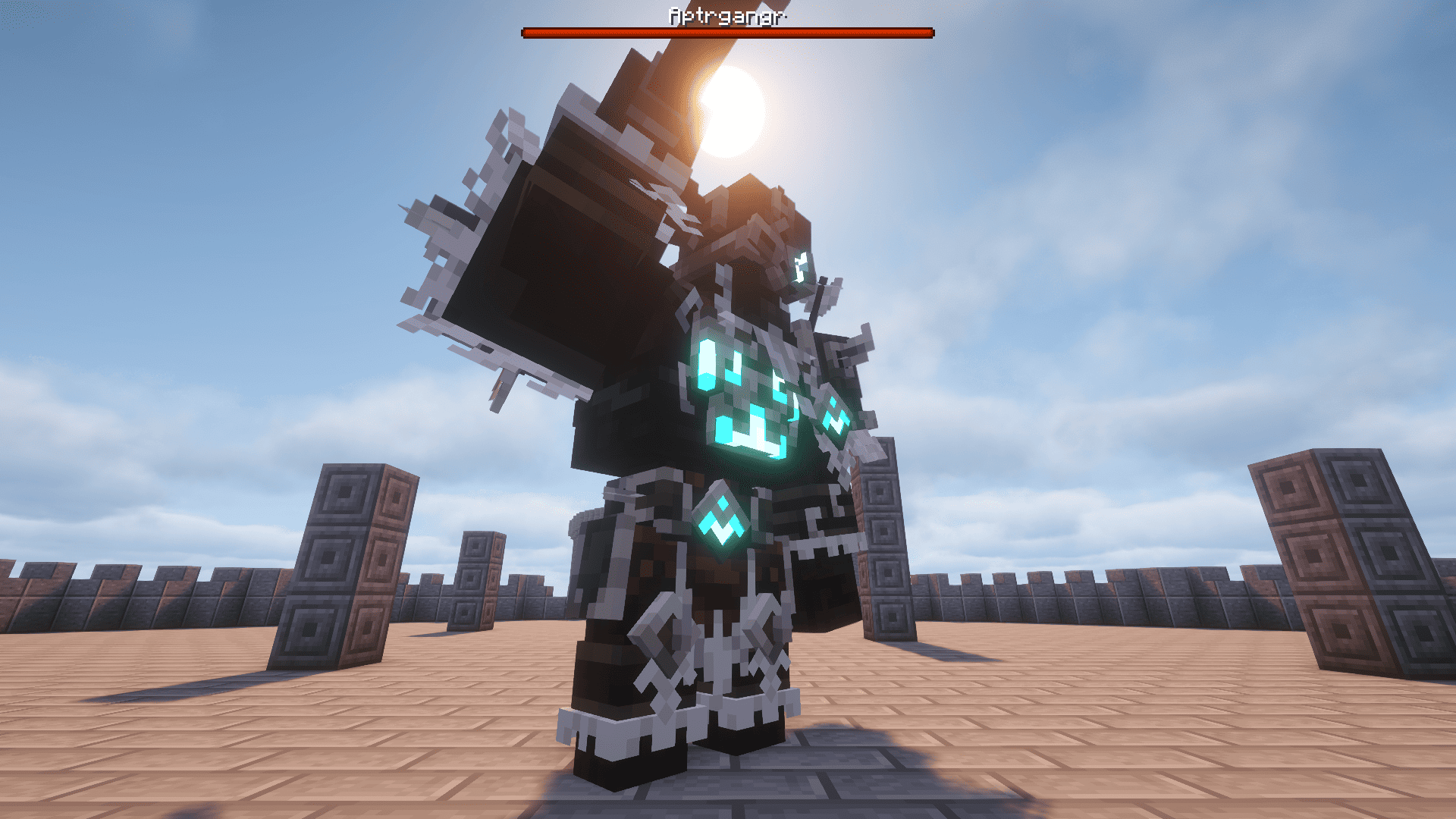
Most modpacks focus heavily on player progression, treating "endgame content" as little more than gear upgrades and a handful of post-game bosses. This mod takes a different approach. Bosses you've already defeated can return stronger, or appear as dungeon-exclusive encounters, and you have fine-grained control over how that happens. The Abyss difficulty is designed to remain genuinely dangerous even after your gear is fully upgraded. In other words, even after "beating the game," the concept is to keep strengthening your gear at that difficulty while fighting randomly selected enemies (fully configurable by the player) and soulslike boss battles, where a single moment of carelessness can mean instant death. (Of course, the difficulty is entirely up to you — you can make it as easy or as brutal as you like.)
That said, the mod does have one limitation: dungeon exploration is session-based, and a maximum of 4 players can be inside a dungeon at the same time. Because of this, it may not be well suited to large servers.
⚙️ Highly Customizable Spawns and Relics
- Default spawns: By default, only Cataclysm mod and vanilla Minecraft mobs will spawn.
- Relic stat variation: By default, relic attribute variation uses the base attributes as a reference.
- Fully customizable: Don't worry — all of the settings above can be freely customized by the user to your liking. See below for details.
Preview
The preview video has background music playing — you can easily recreate it by installing this resource pack!
Dependencies
Required
- Cataclysm
- Lionfish API
- Curios API
Optional
- AttributeFix — without this, an entity's max HP can only be raised up to 1024.
- Apotheosis
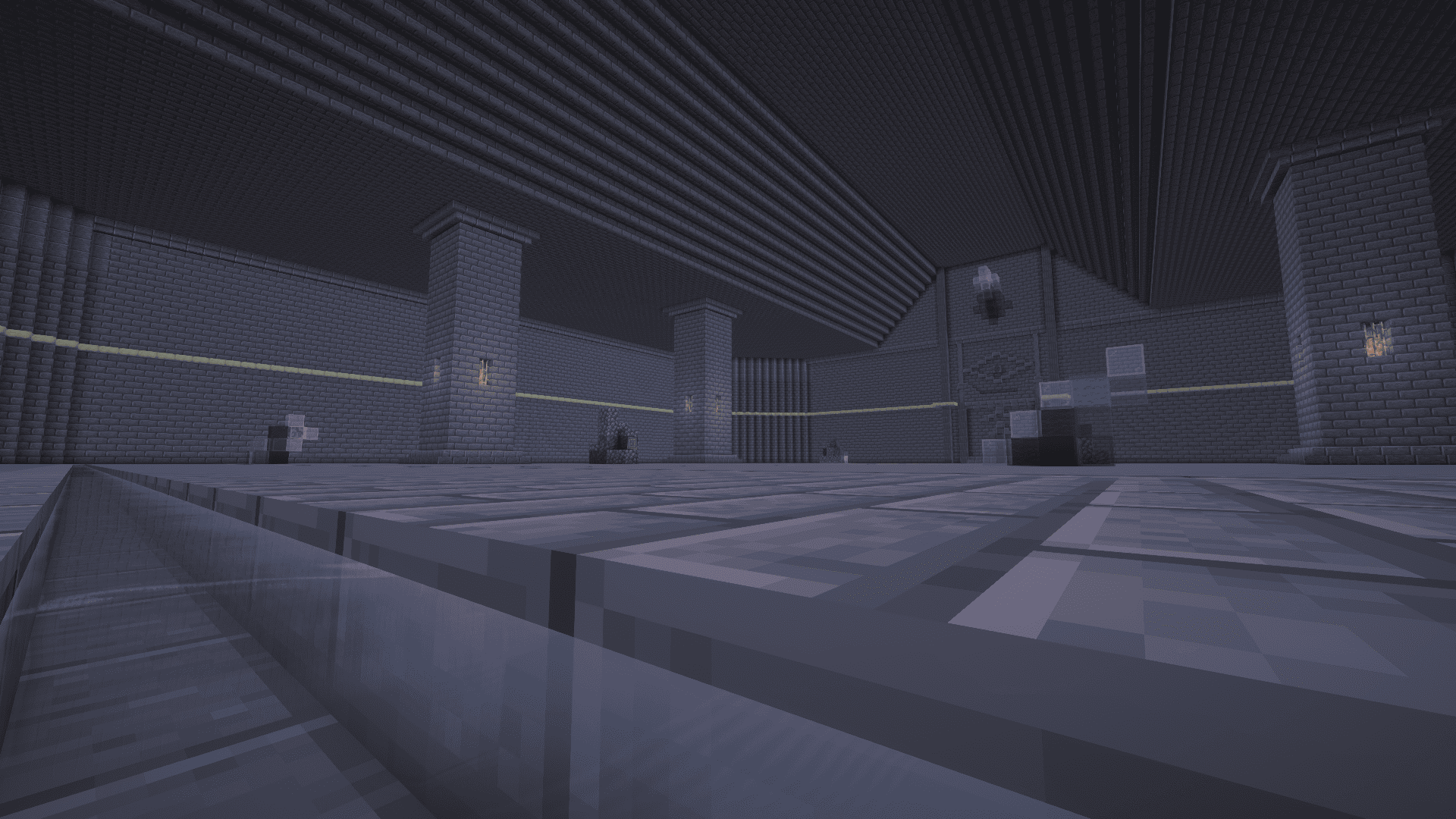
Dungeon Dimension
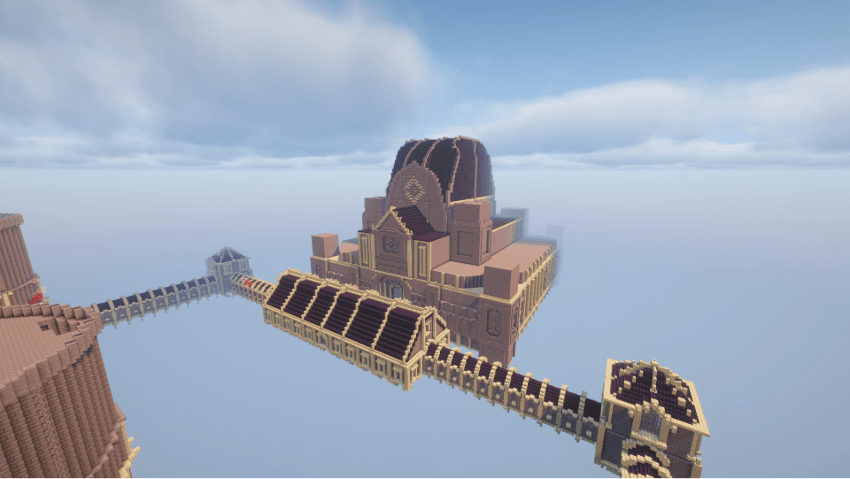
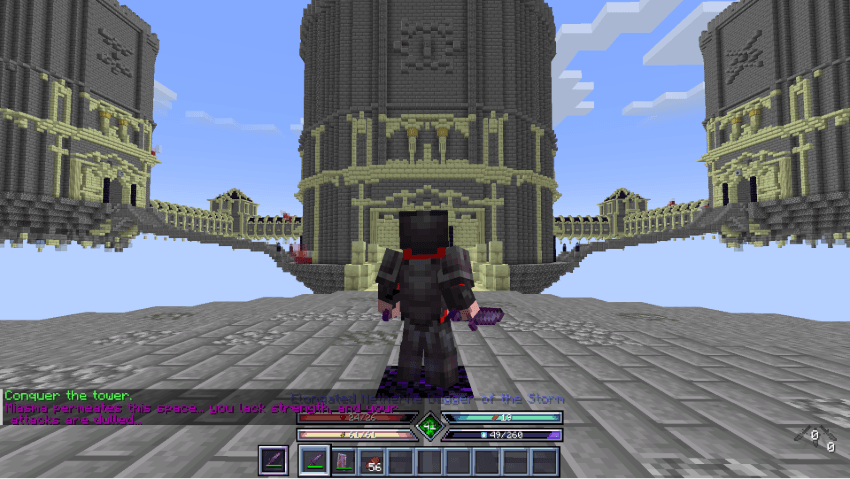
- The dungeon has a total of 6 difficulty levels, unlocked through an advancement-based progression system.
Unlock system
dungeon_and_relic/difficulty_data/difficulty_unlock.json
{
  "unlock_conditions": {
    "0": "none",
    "1": "minecraft:story/enter_the_nether",
    "2": "none",
    "3": "minecraft:end/kill_dragon",
    "4": "none",
    "5": "cataclysm:kill_all_bosses"
  }
}
Here, 0 is Depth 1, and 5 is the Abyss. You can find advancement IDs with /advancement @s grant ....
In multiplayer, if a party member has unlocked a higher difficulty than the player who pressed the button, the difficulty for the next run is still based on what the button-pressing player has unlocked.
- The dungeon's structure is also fully editable.
🗺️ Editing Dungeon Layouts (v1.1.1)
With the features and commands added in version 1.1.1, editing and updating dungeon layouts has become much easier and safer. You no longer need to manually copy folder files or use awkward workarounds!
🛠️ Step-by-Step Guide
1. Create a brand new world dedicated to dungeon editing.
2. Enable debug mode: Run `/dungeon debugMode true`. (This prevents the session ID from advancing unnecessarily and freezes spawner/door internal updates so you can edit safely.)
3. Enter the dungeon: You can now safely enter through the normal entry block! *(Note: The old workaround using `/execute … tp @s 0 100 0` is no longer necessary thanks to the debug mode).*
4. Building tip: When players enter the dungeon during normal gameplay, they always spawn at 0 100 0 facing the +X direction. Keep this spawn location in mind when building your starting area!
5. Freely build and place elements using the custom spawner items listed below. (Spawners are fully visible, breakable, and editable while debug mode is ON).
6. Save the layout: Once you're done editing, run the following command to save your changes to the global template: `/dungeon_and_relic save`
⚠️ Note: After running the save command, be sure to reconnect to the world before re-entering the dimension.
📦 Custom Blocks and Spawners
Use the commands below to obtain spawner blocks and special items for your dungeon.
/give @s dungeon_and_relic:boss_spawner_block — Spawns the main boss.
/give @s dungeon_and_relic:mini_boss_spawner_block — Spawns a mini boss (drops key fragments).
/give @s dungeon_and_relic:enemy_spawner_block — Spawns regular enemies.
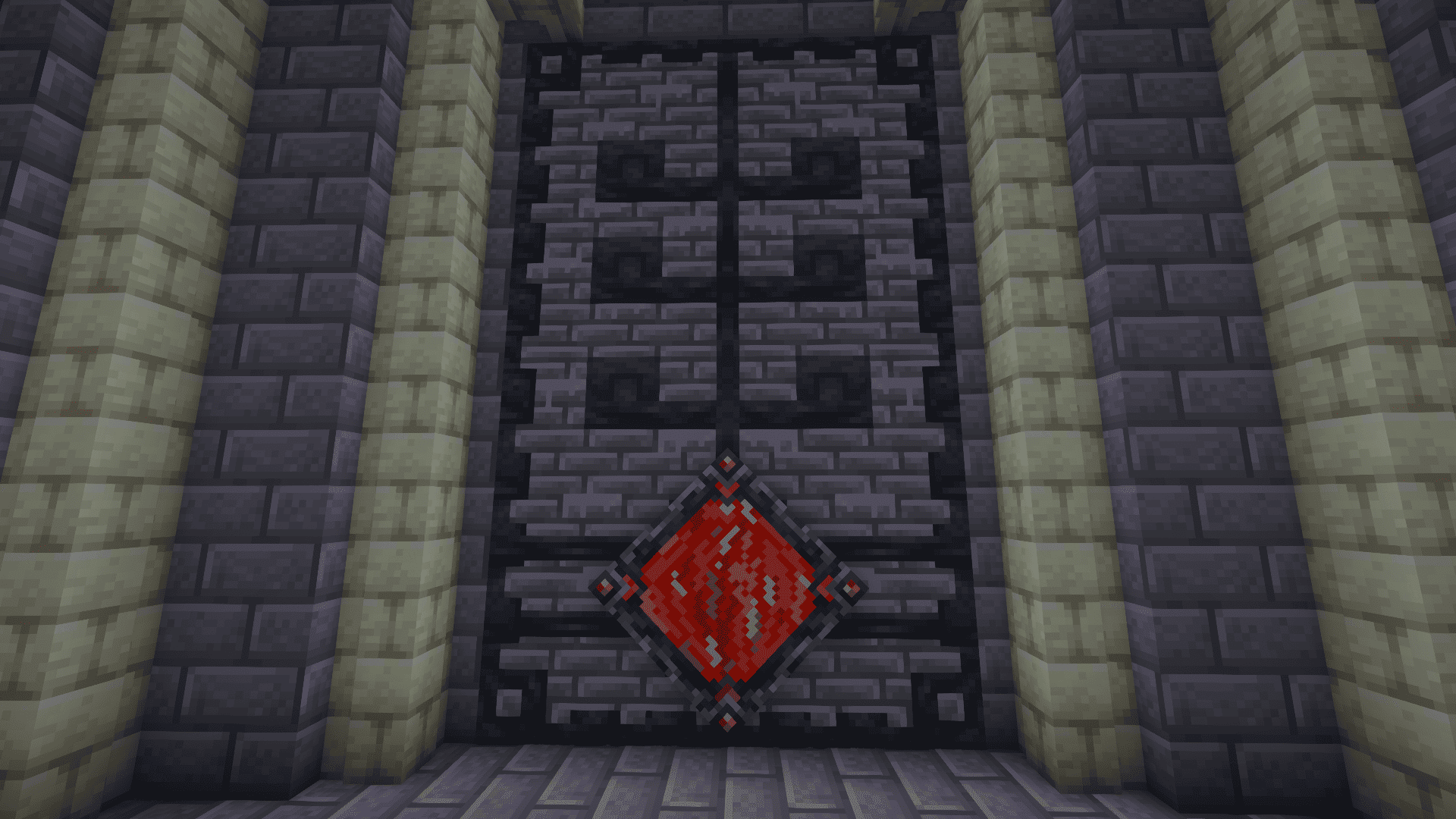
/give @s dungeon_and_relic:dungeon_sealed_door — A door that opens with a key. (Due to how block entities work, it may become invisible from too far away, so partially concealing it can make it easier to work with.)
/give @s dungeon_and_relic:dungeon_bonefire — A campfire that grants players an effect similar to a Totem of Undying.
/give @s dungeon_and_relic:dungeon_return_block — Lets players return from the dungeon.
/give @s dungeon_and_relic:dungeon_boss_barrier — Turns into a solid stone brick block with collision while the main boss is nearby.
- All block breaking is disabled inside the dungeon dimension (as is entity/mob griefing). However, players in Creative mode can break blocks as normal.
- If you log out while inside the dungeon dimension, the next time you launch the game you will start in the Overworld.
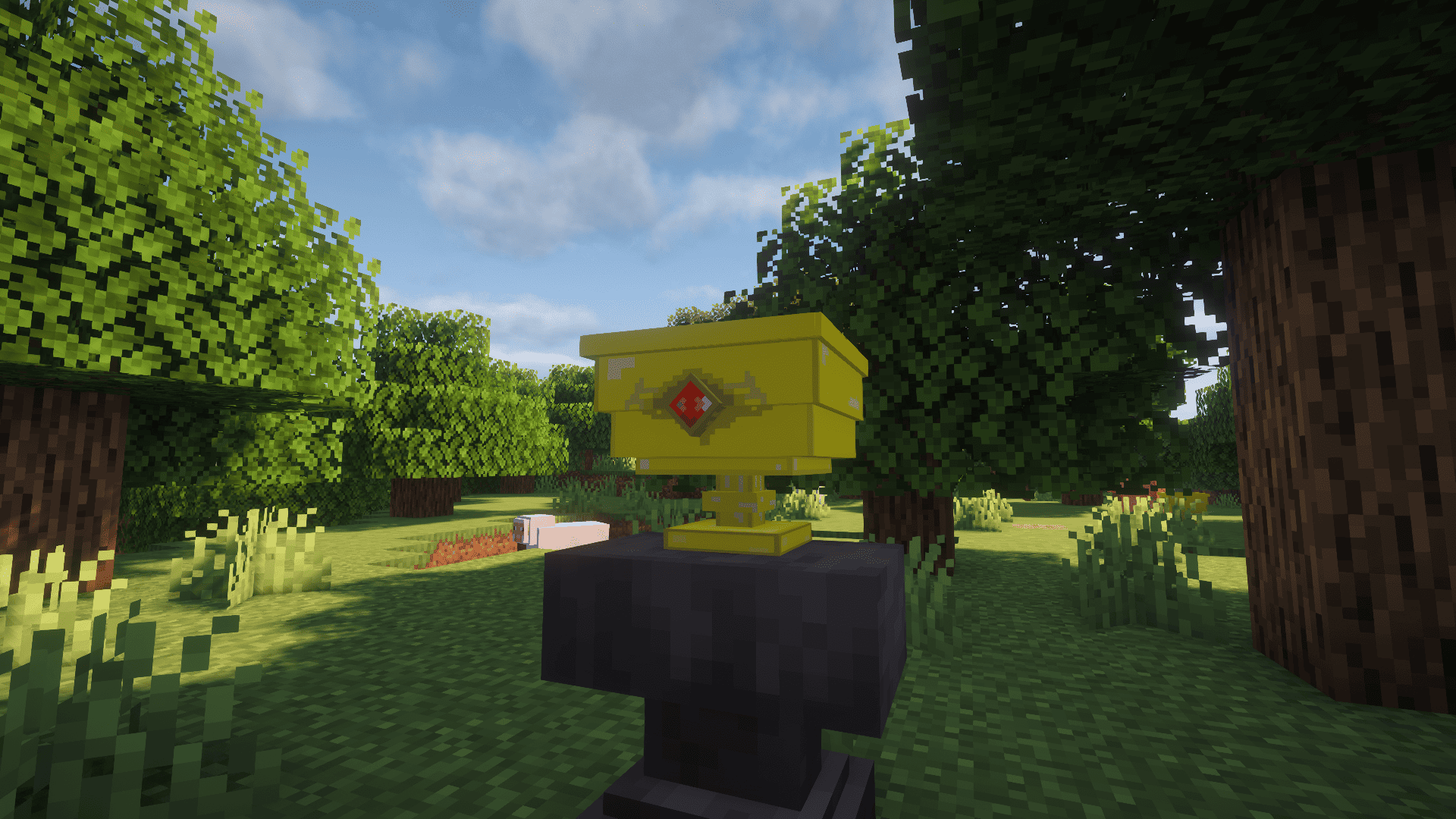
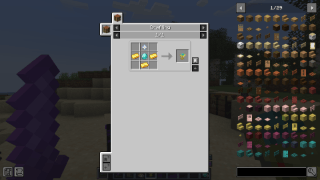
- To enter the dungeon dimension, craft the Great Dungeon Grail using a Nether Star, gold, and diamonds.
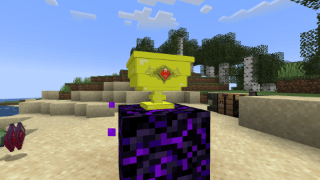
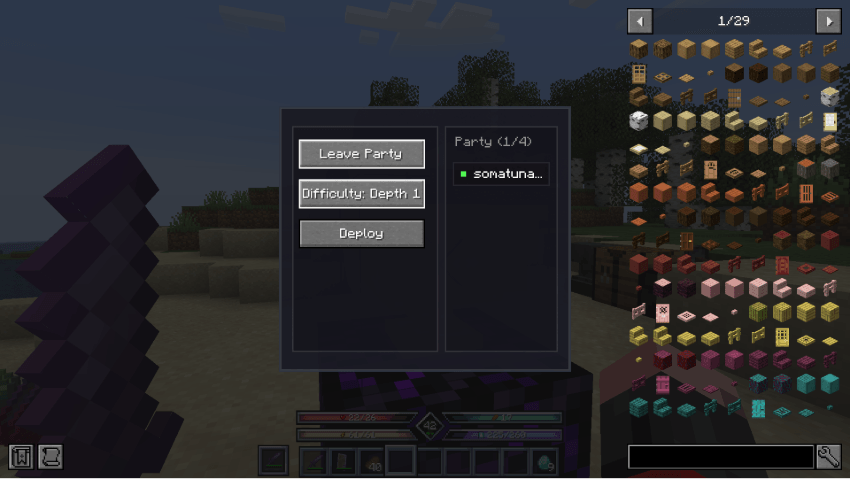
- Restricted items — you can configure certain items to be unusable inside the dungeon.
Item usage restrictions
data/dungeon_and_relic/restrictor_item.json
[
  "minecraft:chorus_fruit",
  "waystones:warp_stone"
]
Items listed here can no longer be right-clicked or left-clicked while inside the dungeon dimension. (Unfortunately, other uses of the item are still possible.)
If you want this restriction to apply to all worlds/dimensions, use this file together with a global datapack mod.
- To challenge the main boss, you must first craft a key inside the dungeon. Keys normally cannot be taken outside the dungeon — meaning you can't stockpile a key and head straight for the boss room next session, since the key is deleted the moment you leave the dungeon.
- In multiplayer, keys (and key fragments) can be traded between players. Aim at another player and drop the item, and it will go directly into their inventory.
- If a player carrying a key dies inside the dungeon, the key drops on the ground.
👥 Party & Revive System
- Co-op mechanics: In multiplayer parties, the game isn't immediately over when a player dies, as long as at least one teammate is still alive.
- Spectator mode: Fallen party members seamlessly switch to spectator mode to watch over their surviving allies.
- Campfire revival and boss resurrection: Surviving members can use a campfire to revive fallen teammates. Additionally, when the dungeon boss is defeated, all dead players are automatically revived!
- At higher difficulties, a cursed dungeon event can occur, which debuffs players while also increasing rewards. This is fully configurable.
Highly Configurable Enemies
- Players can configure enemies in detail via
dungeon_and_relic/boss_data.
- The entity that spawns is chosen completely at random from among those in
boss_data that meet the conditions. To ensure variety, the same mini boss will not be selected more than once within the same session.
- This mod does not add any new entities. Players are encouraged to bring their own favorite mob mods — the more mobs you add, the greater the dungeon's variety and randomness will be.
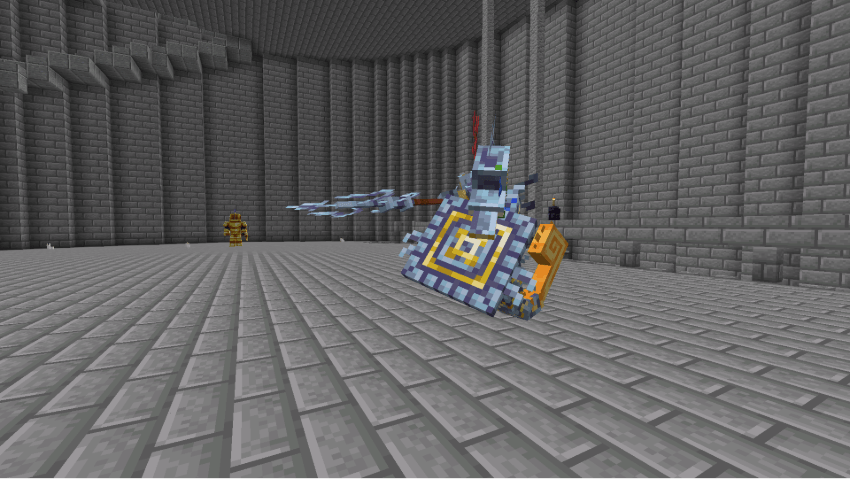
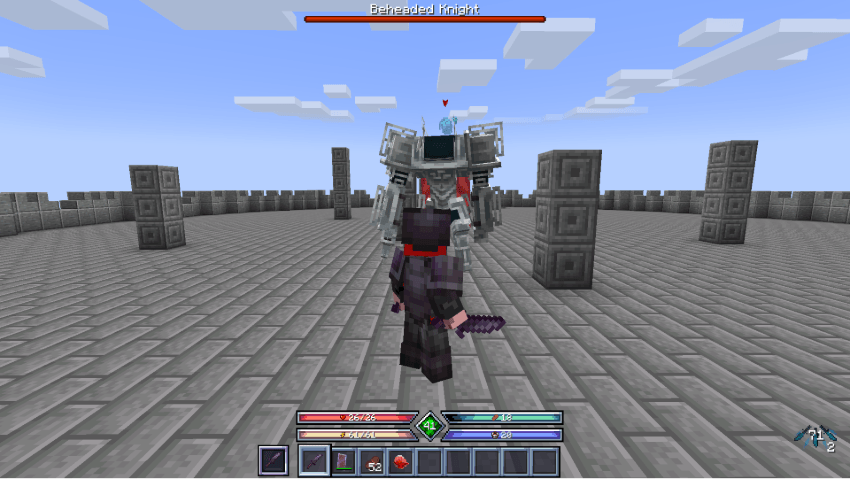
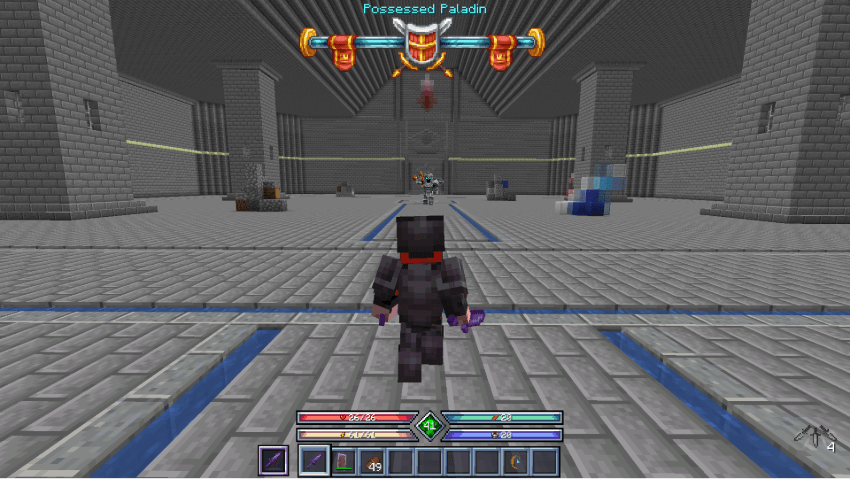
- If a boss mod has a damage cap option, it's recommended to set it very high or disable it entirely.
JSON Structure
Inside boss_data there are boss.json, mini_boss.json, and enemy.json. These are registry files that tell the mod which per-entry .json files to load from the bosses, enemies, and minibosses folders respectively.
Example boss.json:
{
  "registered_bosses": [
    "ignis.json",
    "maledictus.json",
    "the_leviathan.json",
    "scylla.json",
    "ender_guardian.json",
    "ancient_remnant.json",
    "netherite_monstrosity.json",
    "the_harbinger.json",
    "wither.json"
  ]
}
This makes ignis.json, maledictus.json, the_leviathan.json, scylla.json, ender_guardian.json, and so on available from the bosses folder.
Example entry scylla.json (inside bosses):
{
  "entity_id": "cataclysm:scylla",
  "base_health": 500.0,
  "base_attackdamage": 15.0,
  "health_multiplier_per_difficulty": {
    "0": 1.0,
    "1": 1.5,
    "2": 2.0,
    "3": 3.0,
    "4": 4.0,
    "5": 5.0
  },
  "attack_multiplier_per_difficulty": {
    "0": 1.0,
    "1": 1.2,
    "2": 1.5,
    "3": 2.0,
    "4": 2.5,
    "5": 3.0
  },
  "multiplier_per_player_count": {
    "1": 1.0,
    "2": 2.0,
    "3": 3.0,
    "4": 4.0
  },
  "requires_previous_defeat": true,
  "has_boss_bar": false,
  "min_difficulty": 1,
  "experience_multiplier_per_difficulty": {
    "0": 1.0,
    "1": 1.2,
    "2": 1.5,
    "3": 2.0,
    "4": 3.0,
    "5": 5.0
  }
}
entity_id — The entity that gets summoned.base_health / base_attackdamage — Overrides the entity's normal stats. The entity is summoned with exactly these values, which are then multiplied by the fields below.health_multiplier_per_difficulty — HP multiplier per difficulty (0 = Depth 1, 5 = Abyss).attack_multiplier_per_difficulty — Not the entity's attack stat. This multiplies the actual damage the entity deals (including projectiles).multiplier_per_player_count — Adjusts HP and experience based on party size.requires_previous_defeat — This entity can only be selected if it has been killed at least once before in this world.has_boss_bar — Forces a boss bar to display even for entities that normally don't have one (such as mini bosses), making HP easier to track.min_difficulty — The minimum difficulty at which this entry can be selected (0 = Depth 1, 5 = Abyss). In the example above, it only appears from Depth 2 onward.experience_multiplier_per_difficulty — Experience multiplier per difficulty.
Mini bosses and regular enemies use the exact same structure and can be customized in just as much detail.
Special Tags
data/dungeon_and_relic/tags/remove_entity.json:
{
  "values": [
    "modid:test",
    "modid:test_2"
  ]
}
Entities listed here will be instantly removed if they spawn inside the dungeon.
data/dungeon_and_relic/tags/underwater_boss.json:
{
  "values": [
    "minecraft:elder_guardian",
    "cataclysm:the_leviathan"
  ]
}
Inside the dungeon only, air blocks near entities tagged here are treated as if they were underwater, allowing you to build proper underwater combat encounters.
Reward System
Configured via dungeon_and_relic/reward_config.json.
Configuration and Full Examples
For complete configuration files (such as reward_config.json and relic.json), check the Gist link below. 👉 https://gist.github.com/somatunaringo/a9f0172a1285226f9df02bce353b111e
Important note: Regular enemies drop the same rewards as mini bosses of the same difficulty.
For example, depth_5_boss:
"depth_5_boss": {
      "roll_count": 3,
      "roll_chance": 0.9,
      "first_roll_chance": 1.0,
      "entries": [
        { "item": "minecraft:netherite_ingot", "min": 1, "max": 2, "weight": 5 },
        { "item": "apotheosis_compat:epic_item", "min": 1, "max": 1, "weight": 2 },
        { "item": "apotheosis_compat:mythic_item", "min": 1, "max": 2, "weight": 8 },
        { "item": "apotheosis:mythic_gem", "min": 1, "max": 2, "weight": 8 },
        { "item": "l2artifacts:random_5", "min": 1, "max": 3, "weight": 5 },
        {
          "item": "minecraft:enchanted_book",
          "min": 1,
          "max": 1,
          "weight": 10,
          "nbt": "{StoredEnchantments:[{id:\"minecraft:mending\",lvl:1}]}"
        }
      ]
    }
roll_count — Maximum number of rolls.first_roll_chance — Chance for the first item to drop.roll_chance — Chance to roll again (1.0 = 100%).entries — The most important part: which items drop.
min / max — Minimum/maximum quantity dropped per roll.weight — The relative probability of this entry being chosen. A higher weight means a higher chance of being selected. The exact numbers are entirely up to you.nbt (optional) — You can also specify NBT data, as shown above with the Mending enchanted book.
The reward system also takes loot enchantments and the player's Luck attribute into account. luck_multiplier for roll_count means that each point of Luck increases the chance of an extra roll by 0.2. In practice, this means every 5 points of Luck grants one additional roll.
cursed_multiplier — Increases reward rolls/chances during a cursed dungeon event.party_size_multipliers — Adjusts reward quantity based on party size.
Apotheosis Compatibility
This mod is compatible with Apotheosis. Using apotheosis_compat:<rarity>_item (or apotheosis_compat/<rarity>_item) as an item ID in reward_config.json will drop an item with that rarity's prefix. apotheosis:<rarity>_gem will drop a gem of that rarity. 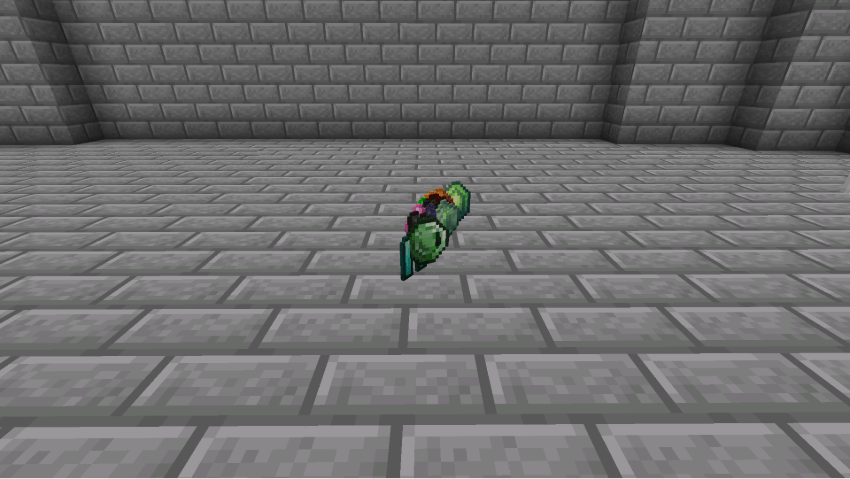
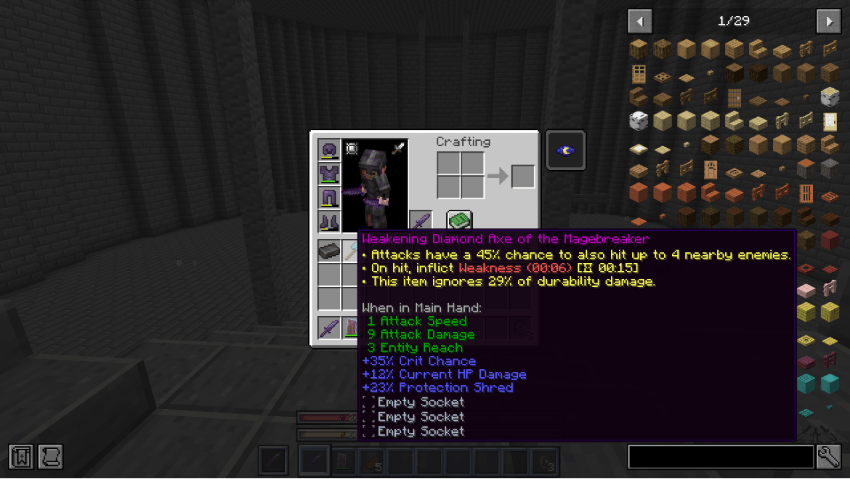
These IDs are only valid inside reward_config.json. They do not work externally with /give.
Affixes can only be applied to items listed in data/dungeon_and_relic/compat/apotheosis/<rarity>_item.json. Example ancient_item.json:
{
  "items": [
    "minecraft:netherite_sword",
    "minecraft:netherite_axe",
    "minecraft:netherite_helmet",
    "minecraft:netherite_chestplate",
    "minecraft:netherite_leggings",
    "minecraft:netherite_boots"
  ]
}
This lets you obtain Ancient-affix Netherite gear that's normally unobtainable.
Relic System
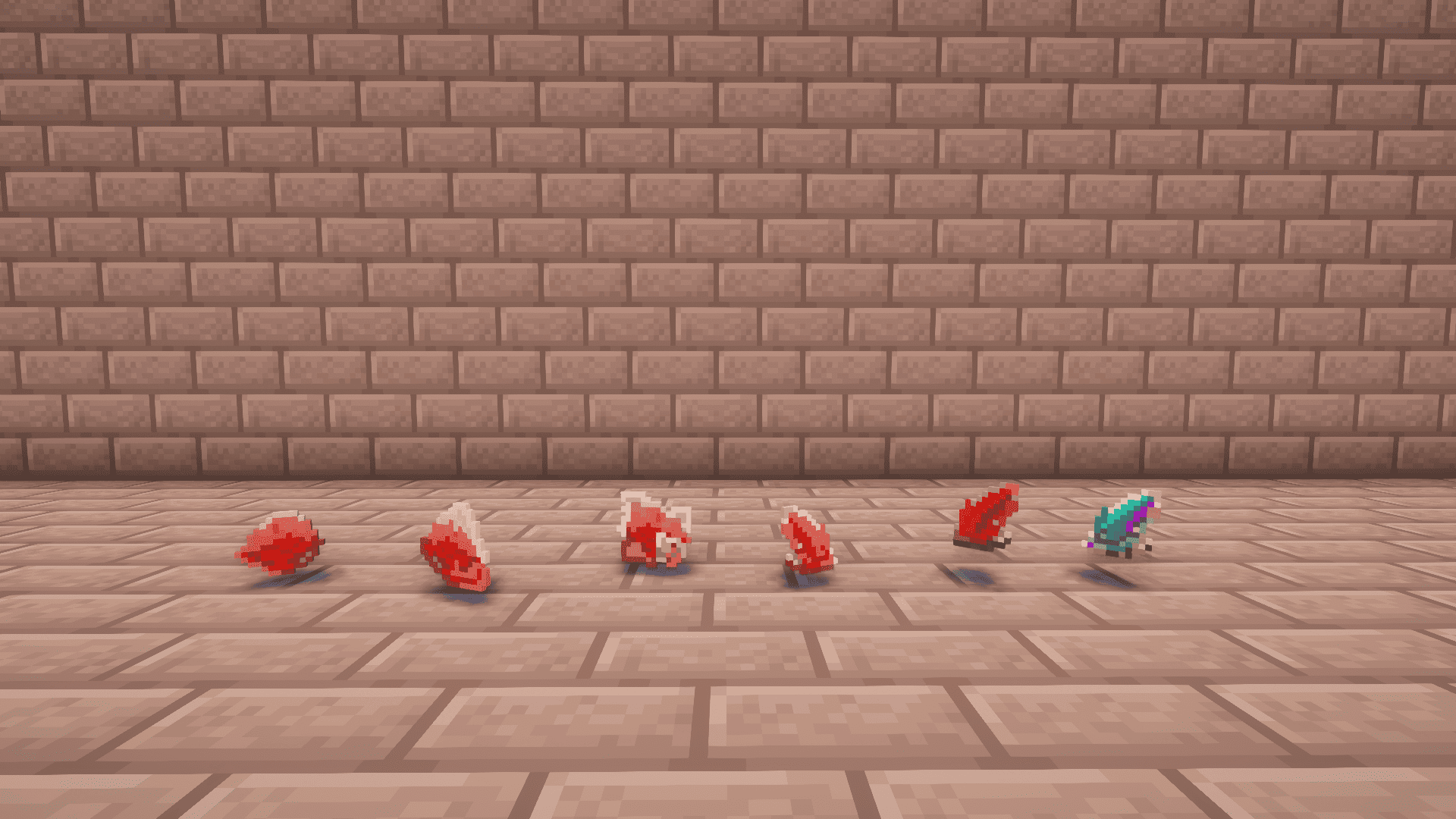
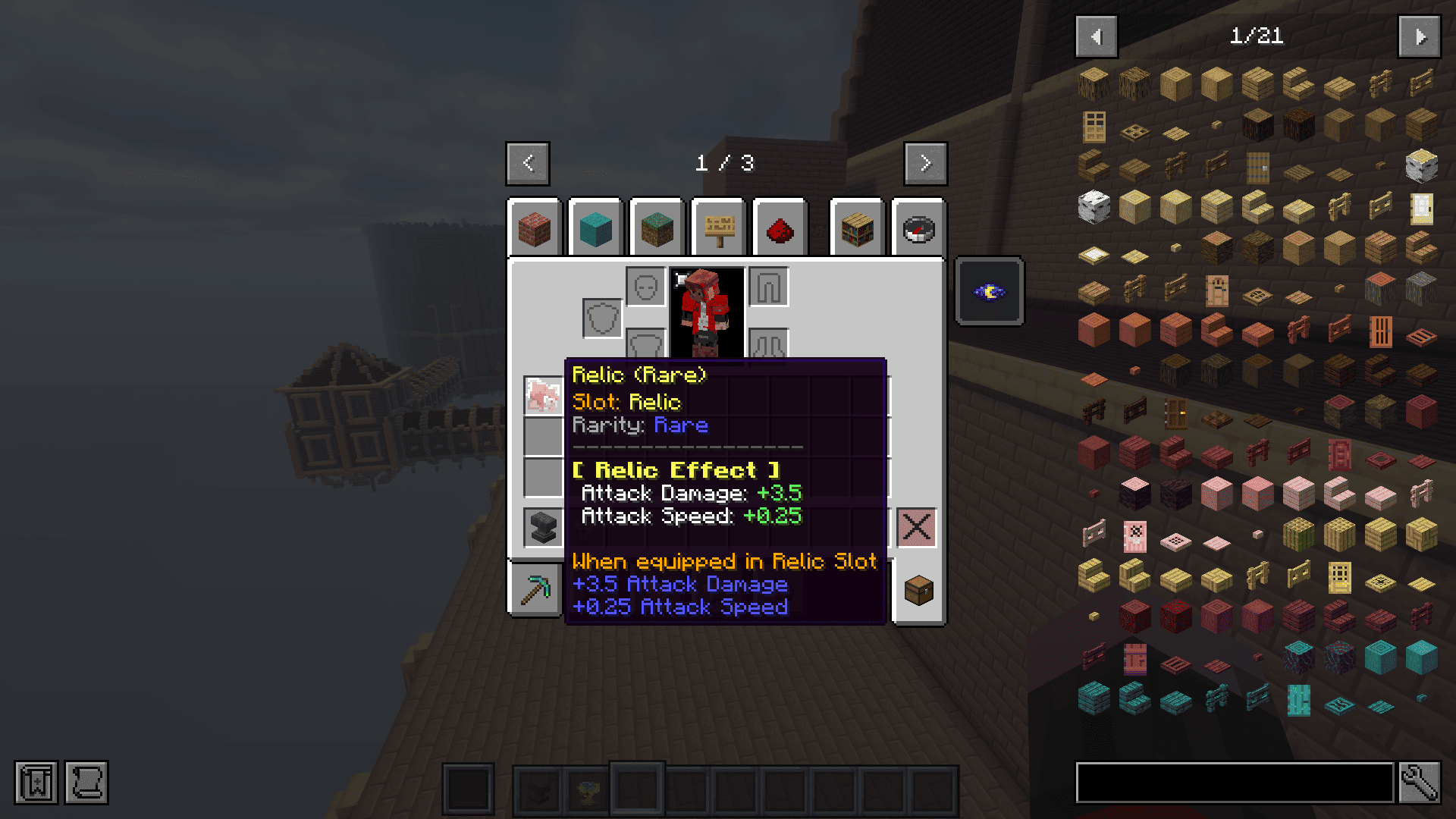
This mod adds Curios accessory items with randomized stats. When a relic is generated, it's given random stats based on the JSON configuration. 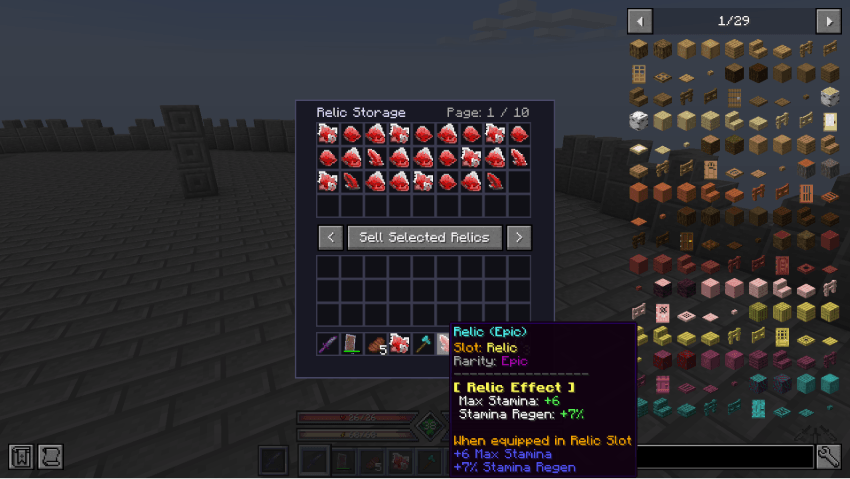
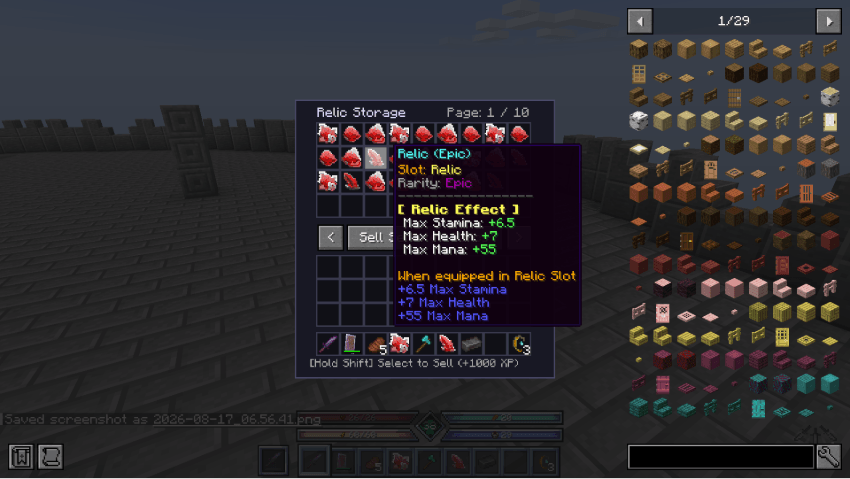
Relics are configured via dungeon_and_relic/relic.json and the JSON files inside dungeon_and_relic/relic_data.
relic.json
{
  "allow_duplicate_attributes": false,
  "luck_weight_factor": 0.05,
  "experience_values": {
    "1": 50,
    "2": 150,
    "3": 400,
    "4": 1000,
    "5": 2500,
    "6": 10000
  },
  "drop_settings": {
    "enemy": {
      "drop_chance": 0.2,
      "base_count": 1,
      "party_scale_factor": 1.0,
      "rarity_boost": 1.0
    },
    "miniboss": {
      "drop_chance": 1.0,
      "base_count": 2,
      "party_scale_factor": 1.0,
      "rarity_boost": 1.5
    },
    "boss": {
      "drop_chance": 1.0,
      "base_count": 4,
      "party_scale_factor": 1.0,
      "rarity_boost": 2.0
    }
  },
  "rarity_roll_settings": {
    "relic_1": { "min_rolls": 1, "max_rolls": 2, "next_roll_chance": 0.3, "attribute_access_chance": 1.0 },
    "relic_2": { "min_rolls": 1, "max_rolls": 2, "next_roll_chance": 0.5, "attribute_access_chance": 1.0 },
    "relic_3": { "min_rolls": 2, "max_rolls": 3, "next_roll_chance": 0.4, "attribute_access_chance": 1.0 },
    "relic_4": { "min_rolls": 2, "max_rolls": 4, "next_roll_chance": 0.6, "attribute_access_chance": 1.0 },
    "relic_5": { "min_rolls": 3, "max_rolls": 5, "next_roll_chance": 0.5, "attribute_access_chance": 1.0 },
    "relic_abyss": { "min_rolls": 4, "max_rolls": 5, "next_roll_chance": 0.8, "attribute_access_chance": 1.0 }
  },
  "difficulty_rates": {
    "depth_1": { "relic_1": 0.70, "relic_2": 0.25, "relic_3": 0.04, "relic_4": 0.01, "relic_5": 0.0, "relic_abyss": 0.0 },
    "depth_2": { "relic_1": 0.50, "relic_2": 0.40, "relic_3": 0.20, "relic_4": 0.05, "relic_5": 0.01, "relic_abyss": 0.0 },
    "depth_3": { "relic_1": 0.30, "relic_2": 0.40, "relic_3": 0.50, "relic_4": 0.18, "relic_5": 0.05, "relic_abyss": 0.0 },
    "depth_4": { "relic_1": 0.15, "relic_2": 0.25, "relic_3": 0.35, "relic_4": 0.40, "relic_5": 0.10, "relic_abyss": 0.04 },
    "depth_5": { "relic_1": 0.05, "relic_2": 0.20, "relic_3": 0.20, "relic_4": 0.35, "relic_5": 0.40, "relic_abyss": 0.05 },
    "abyss": { "relic_1": 0.00, "relic_2": 0.05, "relic_3": 0.20, "relic_4": 0.25, "relic_5": 0.40, "relic_abyss": 0.30 }
  }
}
allow_duplicate_attributes — Whether the same attribute can appear twice on one relic.
true: The same attribute can appear multiple times — useful if you want to build a fully specialized relic.false (default): The same attribute won't repeat (though addition and multiply versions of the same stat are treated as separate attributes, so both may appear) — good for encouraging build variety.
luck_weight_factor — The higher a player's Luck attribute, the higher the chance of obtaining rarer relics.experience_values — The amount of XP gained when selling a relic of each rarity in the Relic Vault GUI (see below).drop_settings — Drop settings per enemy type:
drop_chance — Chance to drop a relic (1.0 = 100%).base_count — Base number of relics dropped (slightly increased by Looting).party_scale_factor — Adjusts the amount based on party size: base * (1 + (partySize - 1) * party_scale_factor).rarity_boost — Increases the chance of obtaining rarer relics depending on the difficulty being played.
rarity_roll_settings — Determines how many stats a relic of a given rarity gets.
min_rolls — Guaranteed minimum number of stats.max_rolls — Maximum number of stats.next_roll_chance — After the minimum number of rolls, there is a chance to roll one more stat, up to max_rolls. This repeats until either that count is reached or a roll fails.attribute_access_chance — After next_roll_chance succeeds, this determines whether that stat is actually granted. In hindsight, this field may not have been necessary. It's recommended to leave it at the default of 1.0 (100%).
difficulty_rates — The drop chance of each relic rarity, per difficulty.
relic_data
Two examples: attack_damage_addition.json and attack_damage_mult.json. The file name can be anything you find convenient.
Addition example:
{
  "attribute_id": "minecraft:generic.attack_damage",
  "operation": "addition",
  "precision": "0.5",
  "rarity_configs": {
    "relic_1": { "min": 0.5, "max": 1.5, "weight": 1.0 },
    "relic_2": { "min": 1.0, "max": 2.5, "weight": 1.0 },
    "relic_3": { "min": 2.0, "max": 4.0, "weight": 1.0 },
    "relic_4": { "min": 3.5, "max": 6.0, "weight": 1.0 },
    "relic_5": { "min": 5.0, "max": 9.0, "weight": 1.0 },
    "relic_abyss": { "min": 8.0, "max": 10.0, "weight": 1.0 }
  }
}
Multiplication example:
{
  "attribute_id": "minecraft:generic.attack_damage",
  "operation": "multiply_total",
  "precision": "0.01",
  "rarity_configs": {
    "relic_1": { "min": 0.01, "max": 0.03, "weight": 0.8 },
    "relic_2": { "min": 0.02, "max": 0.05, "weight": 0.8 },
    "relic_3": { "min": 0.04, "max": 0.08, "weight": 0.8 },
    "relic_4": { "min": 0.06, "max": 0.12, "weight": 0.8 },
    "relic_5": { "min": 0.10, "max": 0.18, "weight": 0.8 },
    "relic_abyss": { "min": 0.15, "max": 0.25, "weight": 0.8 }
  }
}
To add a new attribute, just create a new .json file inside relic_data — it will be loaded automatically.
attribute_id — The same ID you'd get from /attribute @s .... Combining this with a mod that adds new attributes opens up a huge number of possible variations.operation — Whether the value is added to or multiplied with the player's existing stat. multiply_total multiplies the final result (usually what you want); multiply_base multiplies the base value.precision — Values are randomly chosen in steps of this size. In the addition example above, precision is 0.5, and relic_1 has a min/max of 0.5 and 1.5. So the possible values are 0.5, 1.0, or 1.5.rarity_configs — Min/max range for each rarity. weight determines how likely this attribute is to be chosen compared to other candidate attributes when rolling a relic's stats.
Clearing Depth 1 unlocks the Relic Vault menu (default keybind: 0), which can store up to 360 relics to exchange for XP.
Configuration
Full config file
#Dungeon reward system settings
[rewards]
    #Whether to enable the custom reward system
    customRewardEnabled = true
    #Whether to ignore/remove normal Loot Table drops for entities in the dungeon dimension
    ignoreNormalDrops = true

#Relic system settings
[relic]
    #Whether to enable the relic system and its slots
    relicEnabled = true
    #Number of relic slots provided to the player by default
    #Range: 0 ~ 10
    relicSlotCount = 3

#Bonfire settings
[bonfire]
    #Minimum difficulty required for the bonfire to activate (0=Depth 1 ... 5=Abyss, 6=Disabled)
    #Range: 0 ~ 6
    bonfireMinDifficulty = 3
    #Cooldown for the bonfire (in seconds)
    #Range: 0 ~ 3600
    bonfireCooldownSeconds = 60

#Compatibility settings
[compat]
    #Whether to enable Apotheosis rewards (e.g., apotheosis:<rarity>_item/gem).
    #Automatically ignored if Apotheosis is not installed.
    apotheosisEnabled = true

    #Settings for blocking external boss/mod attribute multipliers inside the dungeon dimension
    [compat.attribute_fix]
        #Whether to block external attribute modifiers (like config multiplier configs from boss mods) in the dungeon
        blockExternalModifiers = false
        #List of entity IDs whose attribute modifiers should be blocked in the dungeon dimension
        blockedAttributeEntityIds = []

#Cursed dungeon settings
[cursed_dungeon]
    #Whether to enable cursed dungeon events
    cursedEnabled = true
    #Minimum difficulty required for cursed dungeon events to occur (0=Depth 1 ... 5=Abyss)
    #Range: 0 ~ 5
    cursedMinDifficulty = 3
    #Probability of a cursed dungeon occurring on entry (0.0 - 1.0)
    #Range: 0.0 ~ 1.0
    cursedChance = 0.1
customRewardEnabled — Toggles the reward_config.json reward system.ignoreNormalDrops — Whether vanilla loot table drops are disabled, but only inside the dungeon dimension.relicEnabled — Fully toggles the relic system. When off, relics stop dropping, the Relic Vault GUI won't open, and relic Curios slots are removed.relicSlotCount — How many relic Curios slots are added.bonfireMinDifficulty — The minimum difficulty at which the totem-granting bonfire becomes usable. Set to 6 to disable it.bonfireCooldownSeconds — Cooldown time before the bonfire can be used again.apotheosisEnabled — Toggles the Apotheosis reward IDs in reward_config.json. When disabled, these IDs become invalid. It's recommended to leave this as true.blockExternalModifiers — Only active inside the dungeon dimension. Disables attribute instance overrides (HP and attack damage only) from other mods. For example, if a boss mod's config has its own health multiplier, this fixes the issue where the value set in this mod's boss JSON files gets overridden by that multiplier. Even when enabled, it only affects the entity IDs listed below.blockedAttributeEntityIds — The entity IDs that blockExternalModifiers applies to.cursedEnabled — Toggles cursed dungeon (debuff) events.cursedMinDifficulty — The minimum difficulty at which cursed events can occur.cursedChance — The probability of a cursed event occurring.
Bonus: Commands
/dungeon debugMode <true/false> — Toggles debug mode for dungeon editing and layout creation.
- When set to
true, entering the dungeon prevents the session ID from advancing unnecessarily.
- Freezes internal updates for spawners and doors so you can safely edit layouts without triggering unwanted behaviors.
- Makes spawner blocks fully visible and breakable.
/dungeon_and_relic save — Saves your current dungeon layout edits to the global template.
- Note: After running this command, be sure to reconnect to the world before re-entering the dimension.
/dungeon_and_relic reset — Resets the current dungeon state or reloads the layout template. Useful for clearing out test data during development.
/makerelic rarity random/attribute{...} — Grants a relic with stats. random generates it the same way as a normal drop. attribute{...} lets you create a relic with specific stats of your choosing.
/dungeonattribute <targets> <max_health|attack_damage> <value> — An admin command that overrides an entity's max health or attack damage. It's automatically adjusted based on the dungeon difficulty and party size.
Requires OP level 2 or higher.
Formula (when executed inside dungeon_and_relic:dungeon):
finalValue = baseValue × difficultyMultiplier × playerMultiplier
baseValue: The value specified in the command.difficultyMultiplier: The multiplier per difficulty from difficulty.json (indices 0–5).playerMultiplier: 1.0 + ((activePartySize - 1) × 0.3) — increases by 0.3 for each additional party member.- Outside the dungeon, all multipliers are
1.0 (no scaling).
- Changing the max health value also syncs the entity's current health to the new value.
Multipliers are read from dungeon_and_relic/difficulty.json.
{
  "multipliers": [1.0, 2.0, 3.0, 4.0, 5.0, 6.0]
}
(Left = Depth 1, right = Abyss.) Admittedly, this command has fairly limited use cases.
/dungeon_border — Creates and manages a safe, damage-free custom world border. Useful for restricting movement or sealing off specific areas (like a boss room).
/dungeon_border add <radius> — Creates a border centered on the player with the given radius (internally registered as a diameter of radius × 2)./dungeon_border remove — Removes the border closest to the player's current position.
Normal world borders deal continuous damage and show a red warning screen when crossed, but this mod's custom border has damage and warning effects completely disabled (setDamageAmount/setDamagePerBlock = 0.0, setWarningBlocks/setWarningTime = 0). This lets you cleanly section off areas of the dungeon without killing the player (e.g., "you can't go any further this way").
Mod Compatibility
Iron's Spells 'n Spellbooks
You can block specific spells from being cast inside the dungeon by listing their spell IDs in dungeon_and_relic/compat/irons_spell.json .
By default, pocket dimension and portal spells are included to prevent bugs or exploits in the dungeon.
Etc.
data/dungeon_and_relic/tags/remove_entity.json — Entities listed in this tag will be immediately discarded upon spawning inside the dungeon.
A Final Word
This mod was developed with AI assistance. I'm also a beginner at mod development myself, so there may be a few bugs — thank you for your understanding. Feedback is always welcome!
BGM The BGM used in the preview: "The Great Hollow" from Elden Ring Nightreign. ▶ https://www.youtube.com/watch?v=kKHlAJb28-w