Screenshot_20260904-155849.png
Screenshot_20260904-155827.png
Screenshot_20260904-155724.png
Screenshot_20260904-155657.png
Screenshot_20260904-155632.png
Join Now!
Create your game server with 

Description
DroidBridge Dual Screen HUD
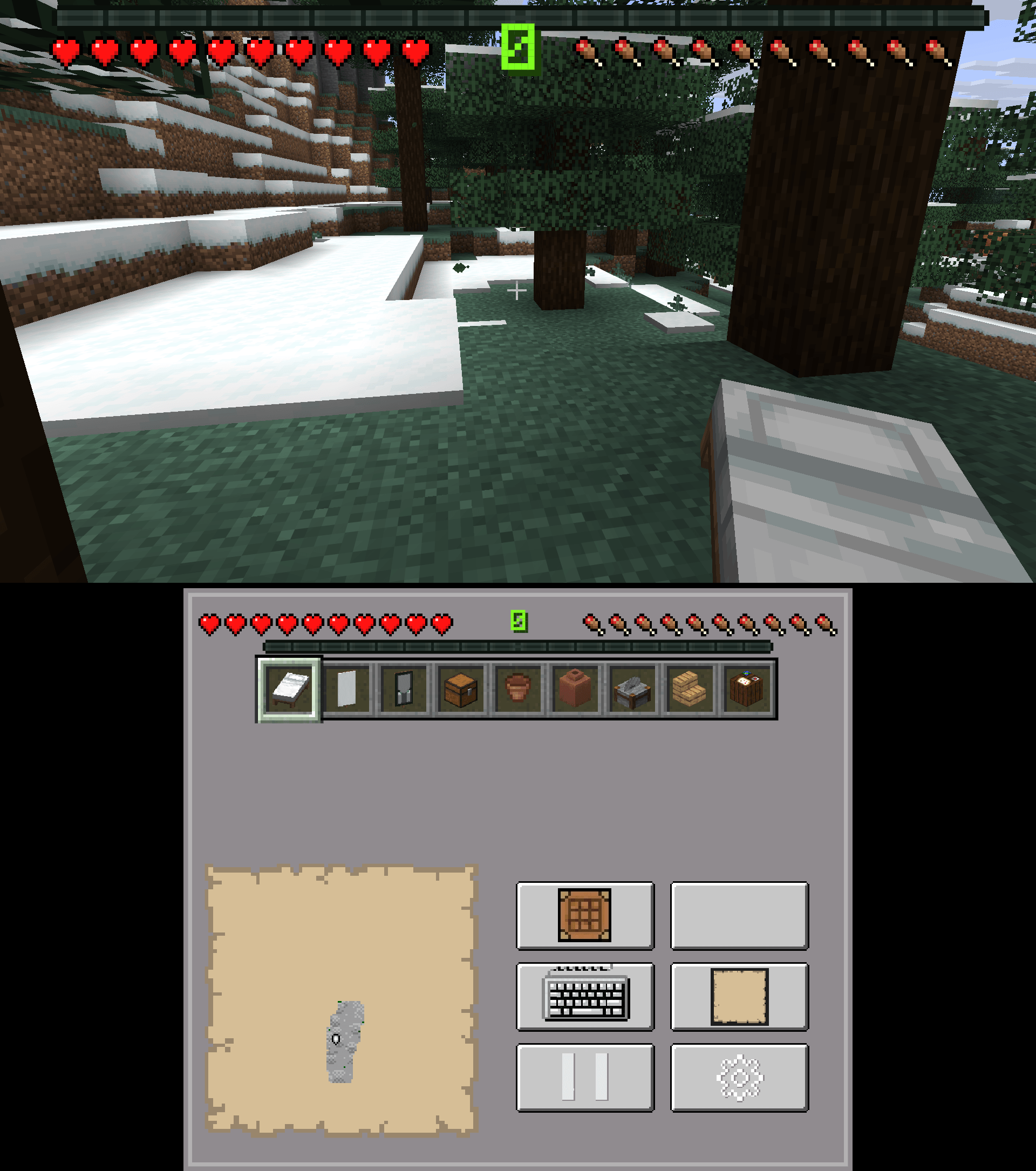
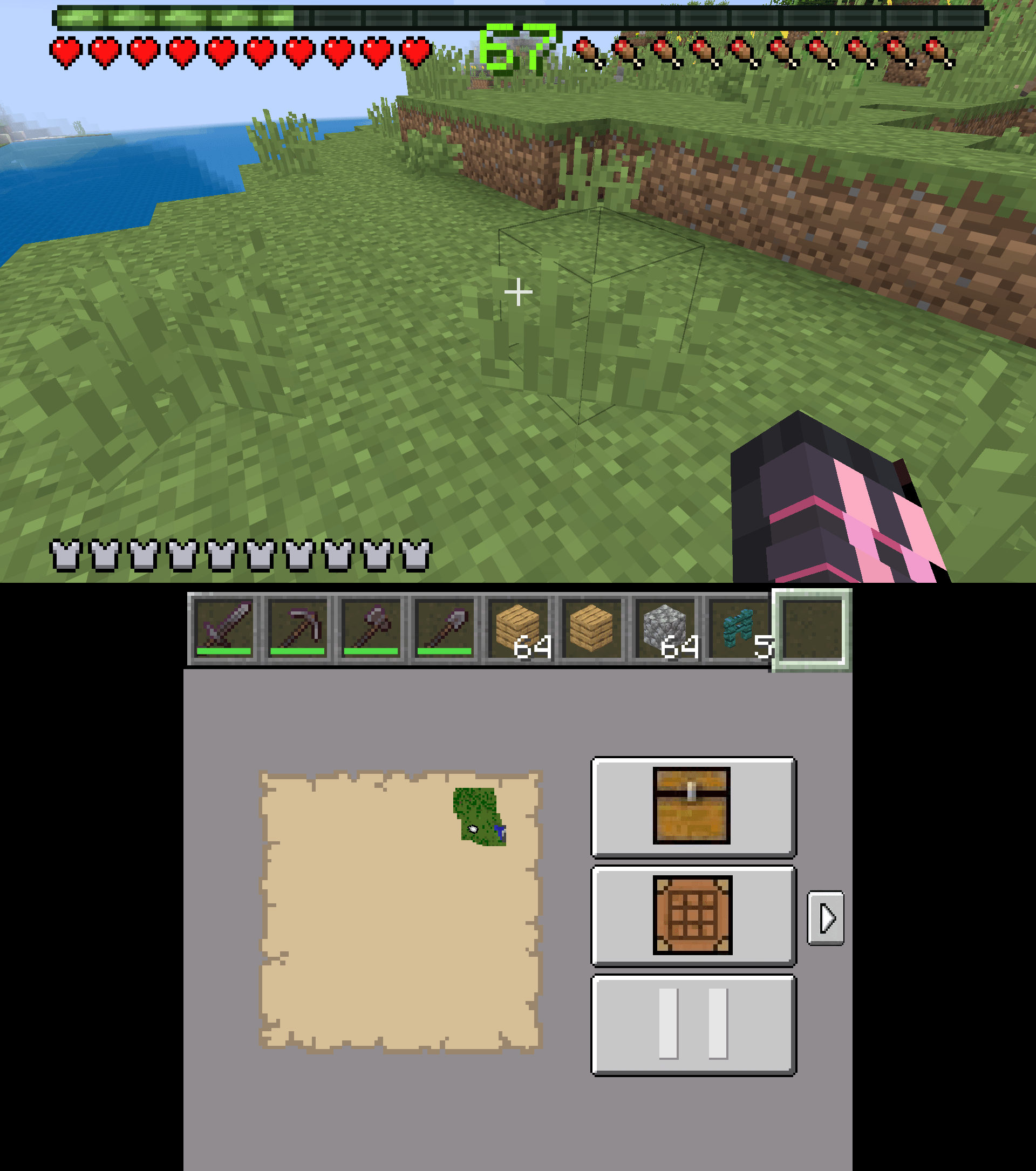
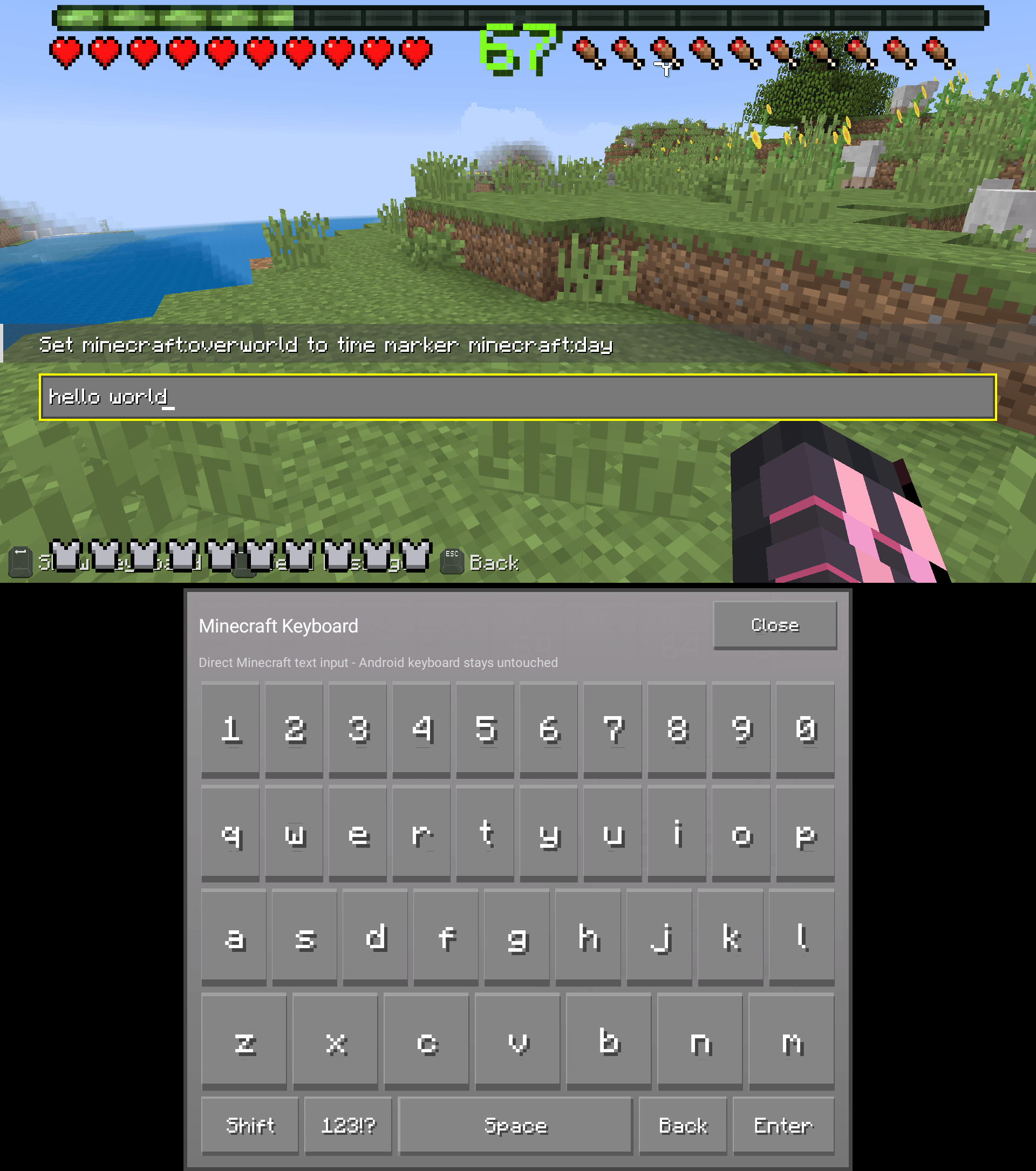
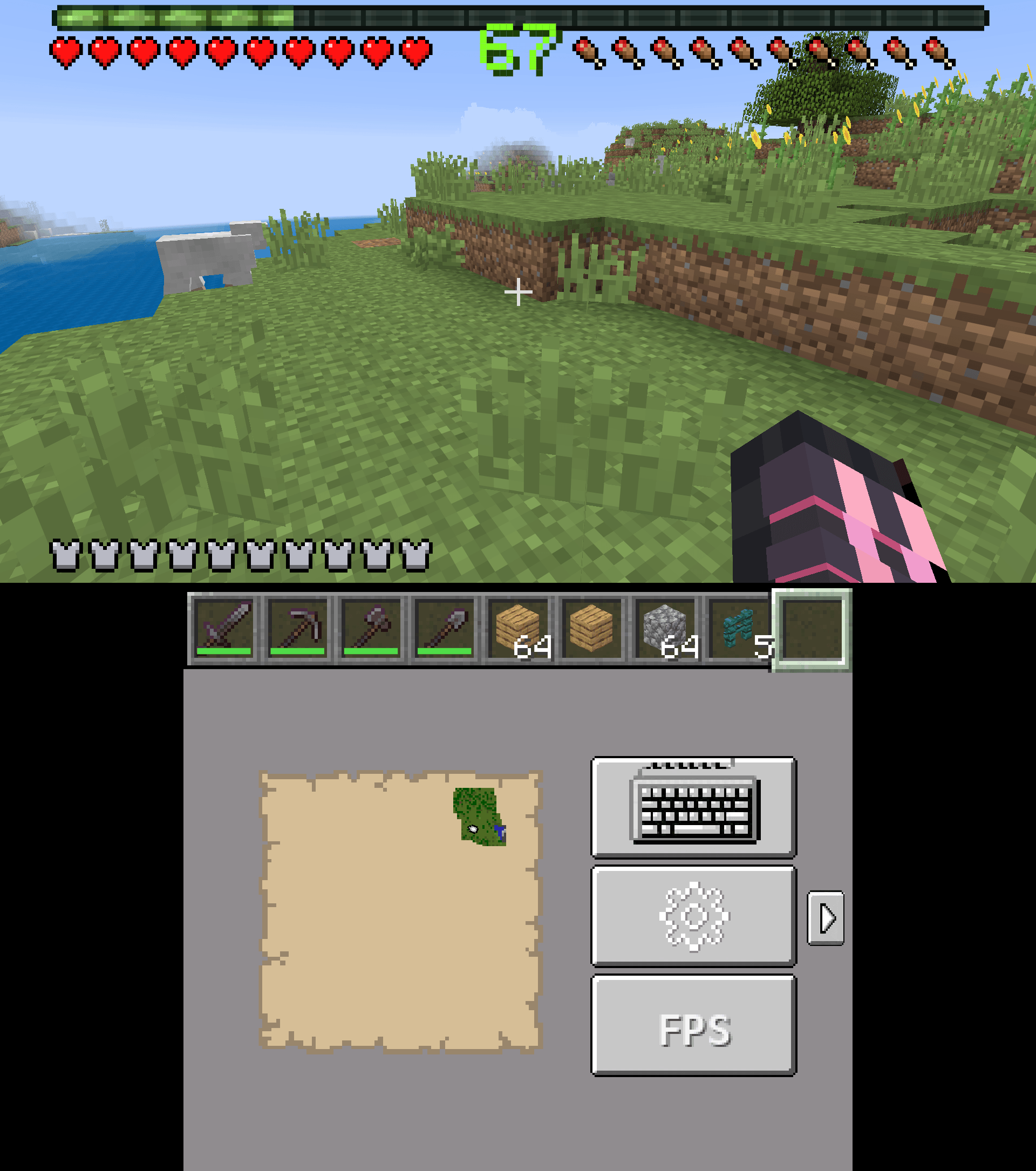
**DroidBridge Dual Screen HUD** is the companion mod for **DroidBridge Launcher dual-screen mode** on Android. It lets DroidBridge separate the Minecraft world view from the Android HUD/control screen: the external display can stay focused on the Minecraft world, while the phone or handheld screen mirrors the Minecraft HUD, hotbar state, health, hunger, armor, XP, and other HUD assets used by DroidBridge.
This mod is designed for players using DroidBridge Launcher with an external display, handheld dual-screen setup, TV, dock, or similar Android multi-display workflow.
Important Compatibility Note
This mod currently only works with **DroidBridge Launcher on Android**. https://play.google.com/store/apps/details?id=ca.dnamobile.droidbridgelauncher

It is not a standalone dual-screen mod for normal desktop Minecraft (YET), example. Curseforge Launcher won't work with this mod currently, the official Minecraft Launcher, MultiMC, Modrinth App, CurseForge App, or other PC launchers. The mod depends on DroidBridge Launcher’s Android dual-screen system to read the exported HUD state, display the bottom-screen HUD, handle the touch deck, and control the external display behavior.
If you install this mod outside of DroidBridge Launcher on Android, it will not provide the intended dual-screen HUD experience by itself.
What it does
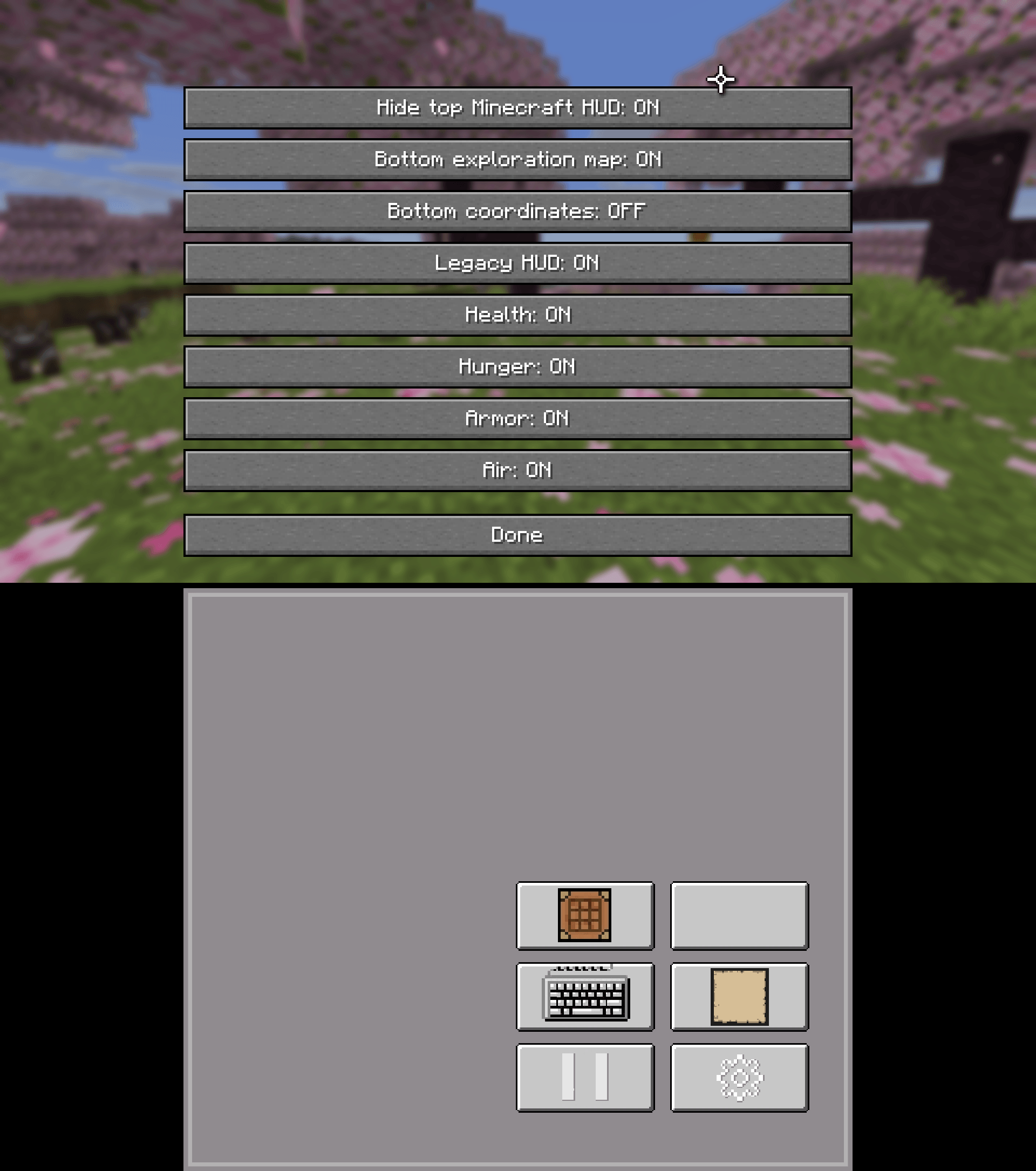
DroidBridge Dual Screen HUD sends live Minecraft HUD state to DroidBridge Launcher so the Android bottom screen can show the hotbar, HUD, Coordinates, and World Maps. The World Maps keep generating based on the chunk borders so you can have multiple maps rendering based on your players position. The external display remains focused on gameplay and hides the hot bar, hud, players health/armor etc so it's just a clean display.
It also exports vanilla HUD sprites, model JSON, special item/entity textures, and DroidBridge-private supplemental item reference assets used by DroidBridge’s Android-side renderer. As of August 18th 2026 the bottom screen also has the ability to show a World Map and Cooridinates in the settings of the mod. This is toggled off by default but if you want to utilize this feature which many do, you now have this cool new option!
The mod includes a configurable external-screen HUD toggle. The vanilla Minecraft HUD can be shown normally on the external screen, or hidden so the external display stays cleaner while DroidBridge mirrors the HUD on the Android screen.
Compatibility
This release is currently only for:
- DroidBridge 0.8.3 + Launcher on Android
- Fabric (currently)
- Minecraft 1.21.6 and newer
- DroidBridge Launcher dual-screen mode
- Client-side use
It is **not currently for Forge, NeoForge, Quilt-only setups, Minecraft versions older than 1.21.6, desktop launchers, or other Android launchers that aren't listed**.
The current code targets the newer Minecraft/Fabric HUD and item-definition pipeline used by Minecraft 1.21.6+ / newer DroidBridge 26.x-style builds. Older Minecraft versions use different rendering and HUD internals, so they are not supported by this release.
Requirements
- DroidBridge Launcher on Android
- DroidBridge Launcher dual-screen support
- Fabric Loader
- Fabric API
- Optional: Mod Menu for the config screen
Install
Place the jar in the instance `mods` folder inside DroidBridge Launcher, launch through DroidBridge Launcher on Android, and enable/use dual-screen mode. Mod Menu is optional but recommended for changing the external HUD setting in-game.
Notes
This is a companion mod for DroidBridge Launcher on Android. It does not turn a normal desktop Minecraft setup into a dual-screen Android launcher by itself.
- Using Resourcepacks MIGHT cause issues rendering
- If graphics load a rounded corner (cardview) icon with a dot, restart the instance, the graphics will render the second time around. The mod caches existing assets so if you played 26.1.2 for example then started playing 26.3 and had a Yellow Shulker Box it won't render slow because it's cached into the launcher's data/directory.
How-To
Watch this guide on YouTube to learn how to play the latest update with DroidBridge Launcher now on Google Play! How To Guide
Dual Screen Hud (Android) Team

Owner