Web Droid For WebDisplays
- By
Bring the internet into Minecraft Java Edition on Android!
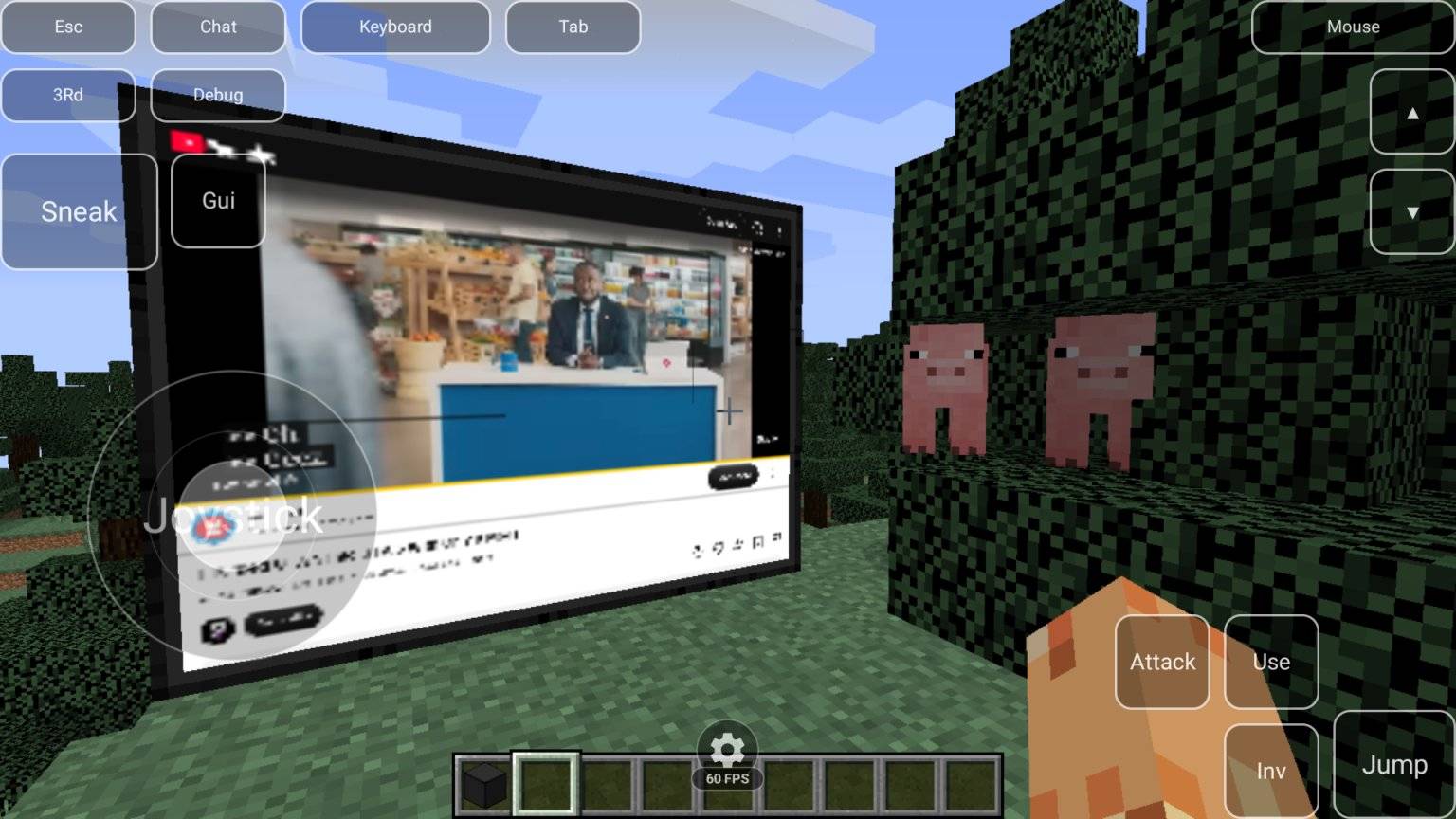
Screenshot_20261020-130728.jpg
Screenshot_20261020-120537.jpg
Description
Web Droid
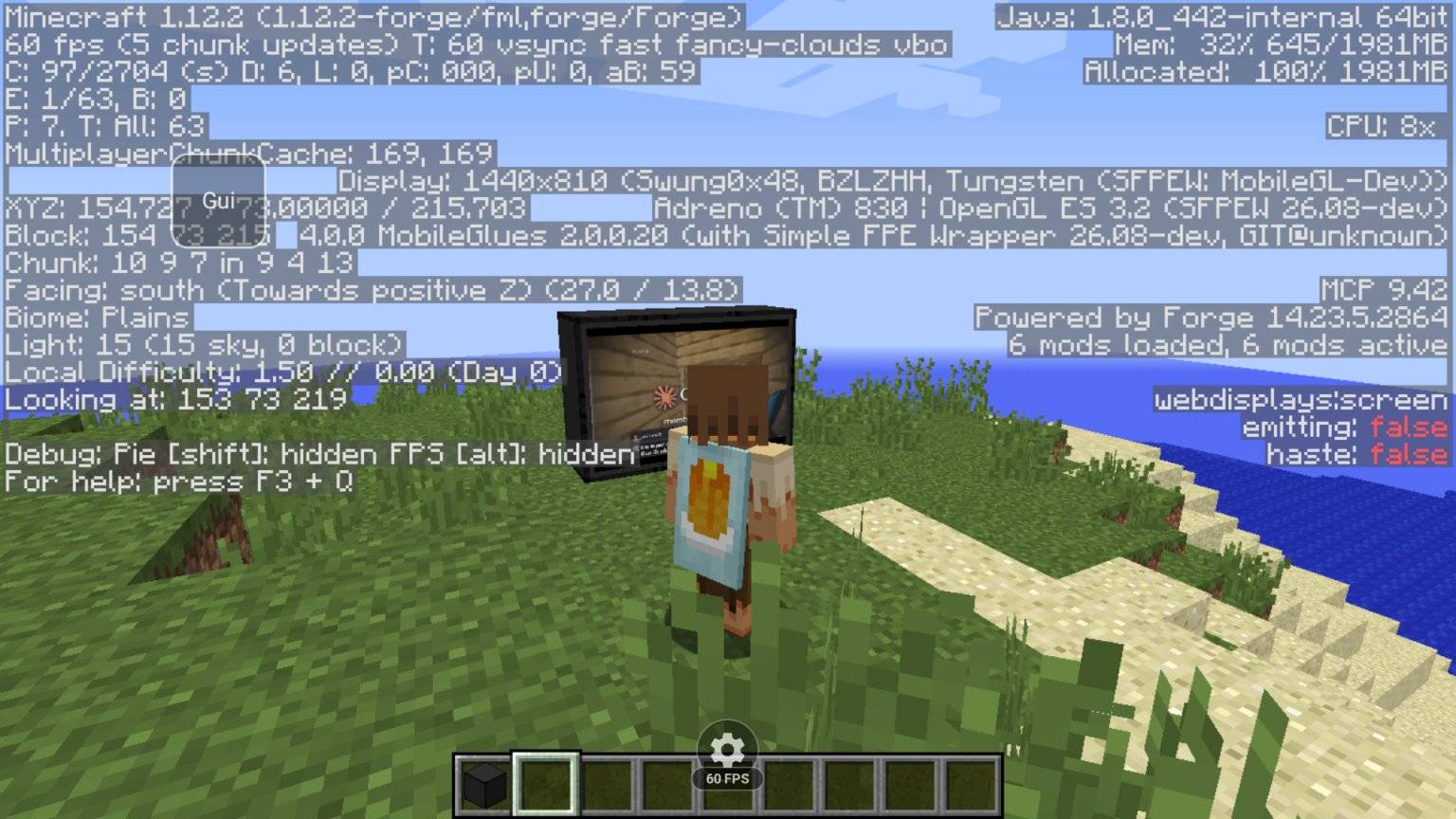
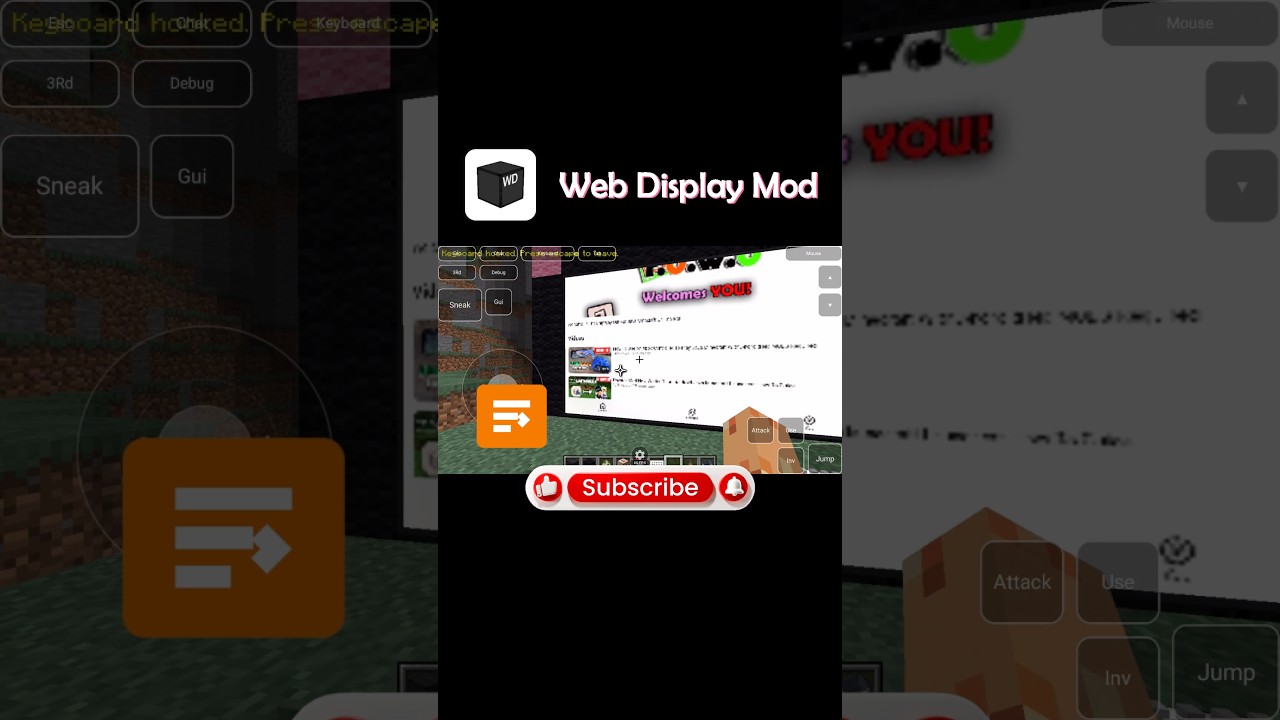
Web Droid is an Android compatibility bridge for the popular WebDisplays Minecraft mod, allowing players to browse websites, watch YouTube videos, and interact with web content directly on screens inside their Minecraft worlds.
WebDisplays traditionally relies on desktop browser technologies such as MCEF and ForgeCEF, which are not designed to run natively on Android devices.
Web Droid changes that!
Instead of relying on desktop Chromium Embedded Framework (CEF), Web Droid connects WebDisplays to Android's built-in, Chromium-based WebView engine through DroidBridge Launcher Version Update 0.10.21+ only works.
This allows real websites and videos to appear directly on Minecraft's in-game screens without requiring a desktop browser engine.
Features
- Real website browsing: Open and interact with websites directly inside Minecraft.
- YouTube video playback: Watch videos on WebDisplays screens with working audio.
- Fullscreen video support: Expand compatible HTML5 videos to fill the in-game browser screen.
- Hardware-accelerated video: Uses Android's graphics and WebView capabilities for video rendering.
- Mouse and keyboard interaction: Navigate websites and interact with browser controls.
- Adjustable performance: Configure browser rendering resolution and frame rate through DroidBridge Launcher.
- Multiple Minecraft versions: Separate compatibility builds for older and newer WebDisplays releases.
- Forge and NeoForge support: Supports tested loader/version combinations.
Supported Minecraft Versions
Web Droid currently has tested builds for:
|
Minecraft Version |
Mod Loader |
|
1.10.2 |
Forge |
|
1.12.2 |
Forge |
|
1.18.2 |
Forge (has some issues but that's the fault of the original Webdisplays mod) |
|
1.19.2 |
Forge |
|
1.20.1 |
Forge / NeoForge |
|
26.2 |
Fabric |
|
Other Version Info |
If a version doesn't exist as the main Webdisplays mod or a fork then this mod won't simply work because it requires either the original mod or a fork. |
NOTE ABOUT VERSIONS THAT WORK
If Webdisplays has issues already, then there's not much I can do to fix these issues without the developer fixing them. Example I found a weird bug in 1.18.2 which breaks the keyboard but it works fine in 1.19.2 using 2.0.1 or above of Web Droid. So stay tuned for this info.
Each supported version requires its corresponding WebDisplays release and matching Web Droid compatibility JAR.
Support for additional Minecraft versions may be introduced in future updates.
Requirements
Web Droid currently requires DroidBridge Launcher.
You'll need:
- A supported version of Minecraft Java Edition running through DroidBridge Launcher.
- The original WebDisplays mod for your Minecraft version.
- The matching Web Droid compatibility JAR.
- DroidBridge Launcher with its integrated Android WebView host.
- A working Android System WebView implementation.
Important: Web Droid replaces the desktop browser integration needed by the supported WebDisplays versions. Do not install desktop MCEF or ForgeCEF alongside the corresponding Web Droid replacement.
How It Works
Web Droid uses two components working together.
Minecraft-side compatibility bridge
The Web Droid mod provides the browser interfaces expected by WebDisplays, manages browser communication, and transfers browser frames into Minecraft's rendered screens.
Android-side browser engine
DroidBridge Launcher runs the actual browser through Android WebView, which is based on Chromium. This handles website loading, JavaScript, video playback, audio, and HTML5 fullscreen functionality.
The two components communicate locally, allowing browser content rendered by Android to appear on Minecraft screens.
This is not a standalone desktop Chromium or CEF port. It is an Android-native solution designed around the browser technology already available on Android devices.
Performance
Web Droid includes browser performance settings through DroidBridge Launcher, including adjustable rendering frame rates and resolutions.
Performance depends on your device, Minecraft version, renderer, website, and the complexity of the content being displayed.
Video playback and certain websites may behave differently depending on the Android WebView implementation and device graphics driver.
Compatibility Notes
- Designed for Minecraft Java Edition on Android.
- Requires the original WebDisplays mod.
- Currently depends on DroidBridge Launcher's Android WebView implementation.
- Other Android Minecraft launchers are not currently supported.
- Not every website or browser feature is guaranteed to work, including DRM-protected video services.
- Shader and graphics-mod compatibility may vary depending on the renderer and Minecraft version.
Bringing WebDisplays to Android
Web Droid was created to bridge the gap between desktop Minecraft browser technology and Android devices.
Whether you're building an in-game entertainment room, displaying webpages inside your Minecraft world, or watching YouTube on a virtual screen, Web Droid brings a new level of browser functionality to Minecraft Java Edition on Android.
Web Droid — Basic Controls & Setup Guide
🖥️ Setting Up a WebDisplays Screen
-
Place your WebDisplays screen blocks in a rectangular shape (minimum 2×2 for the original Forge versions).
-
Activate the screen using the appropriate WebDisplays interaction or Screen Configurator.
-
Set your preferred website URL.
-
To connect a keyboard, use the Linking Tool on the screen first, then on the keyboard block.
⌨️ Keyboard & Mouse Controls
- Left Click on Screen — Interact with webpages, click buttons, select videos and activate text fields.
- Right Click on Linked Keyboard — Enter keyboard typing mode.
- ESC — Exit keyboard typing mode.
- Spacebar — Scroll down on compatible webpages when a text field isn't active.
- Screen Configurator — Adjust available screen settings, such as resolution and rotation.
- Sneak + Right Click on Screen — Change the website URL on supported legacy Forge versions.
🔼 Scrolling — Forge 1.10.2 & 1.12.2
- Shift + Up Arrow — Scroll webpage upward.
- Shift + Down Arrow — Scroll webpage downward.
- Page Up / Page Down — Additional scrolling shortcuts in supported Web Droid builds.
Shift + Up/Down has been confirmed working on Forge 1.10.2. Forge 1.12.2 uses the same compatibility fix.
🖱️ Scrolling — Fabric 26.2
- Mouse Wheel Up — Scroll webpage upward.
- Mouse Wheel Down — Scroll webpage downward.
- Shift + Mouse Wheel — Standard WebDisplays webpage scrolling control.
- Ctrl + Mouse Wheel — Webpage zoom, where supported.
- Tab — Toggle the webpage cursor, where supported.
📌 Important Notes
- Web Droid requires the matching WebDisplays mod and a compatible Android launcher with Web Droid WebView support.
- Controls may differ slightly depending on your Minecraft and WebDisplays versions.
- Multiple WebDisplays screens are supported, but playing multiple YouTube videos simultaneously on one Android device is not yet guaranteed.
- Avoid entering sensitive passwords through shared multiplayer keyboard blocks.
Web Droid — The Web, Inside Your Minecraft World.
Web Droid For WebDisplays Team
Owner