DaySpot

DaySpot shows time, coords, biome, weather, FPS, and more in a clean HUD. It also alerts you to hostile mobs outside your view with smart proximity warnings. Fully customizable, simple, and built to keep you informed and alive.
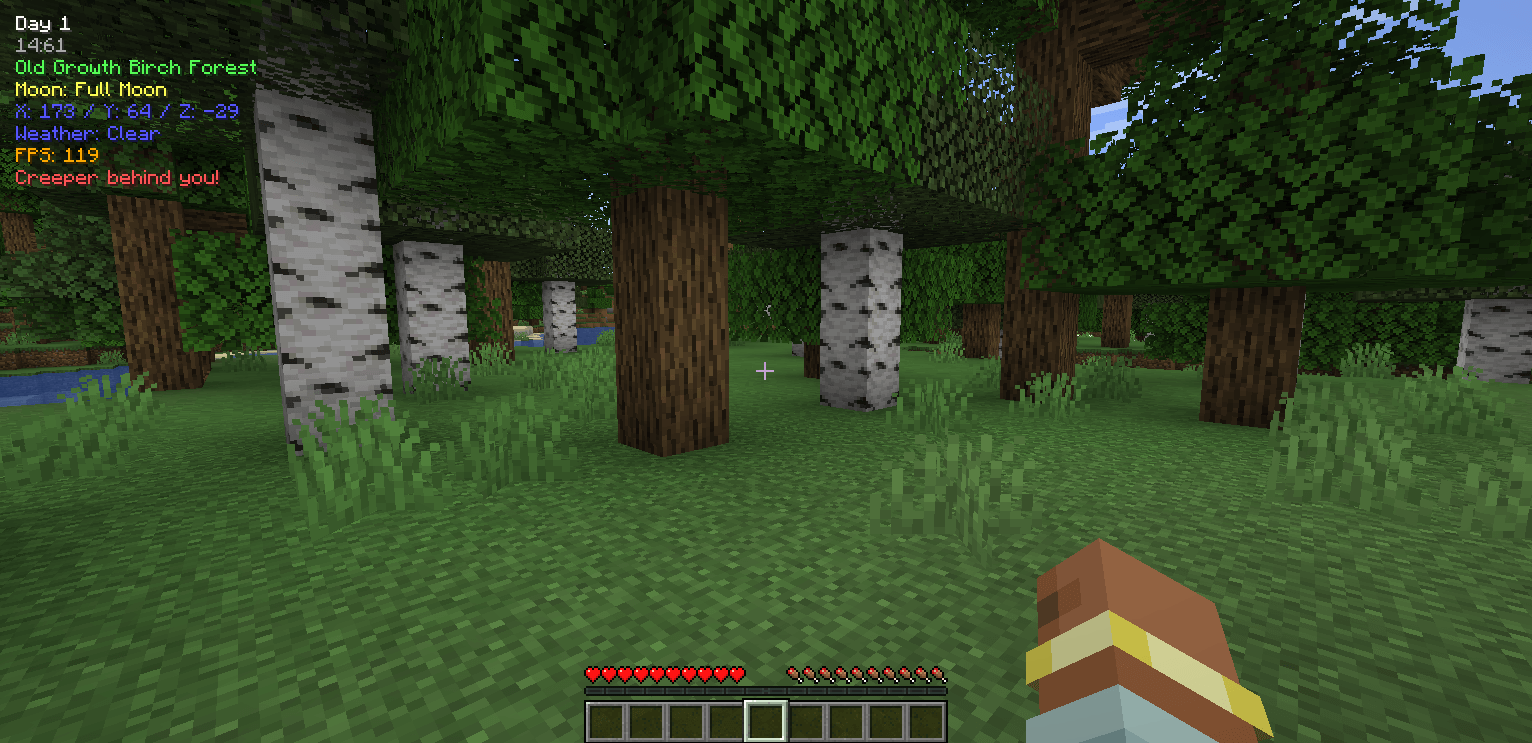
Danger text style in a minimal format, showing only the enemy’s name.

Danger text style in a minimal format, showing only the enemy’s name.

item image
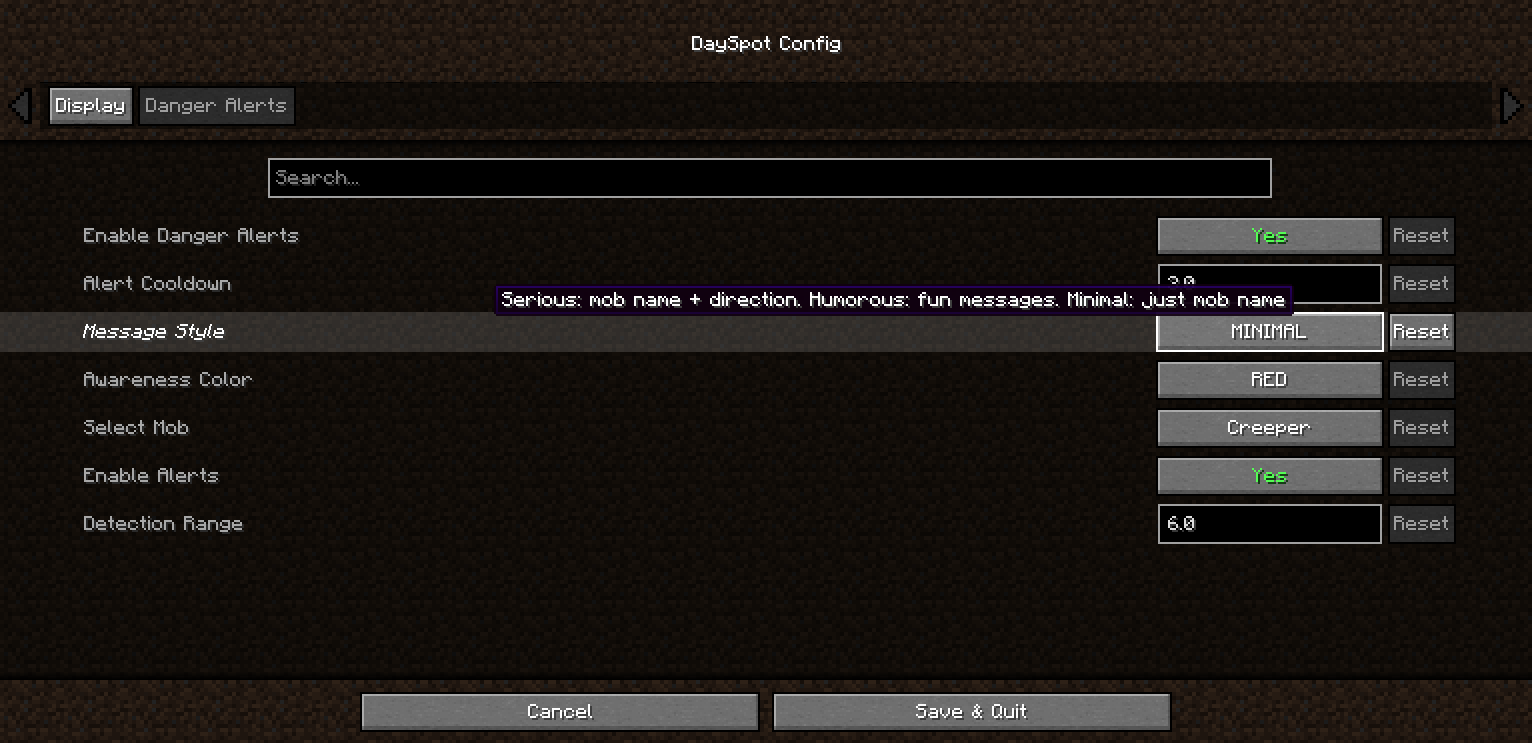
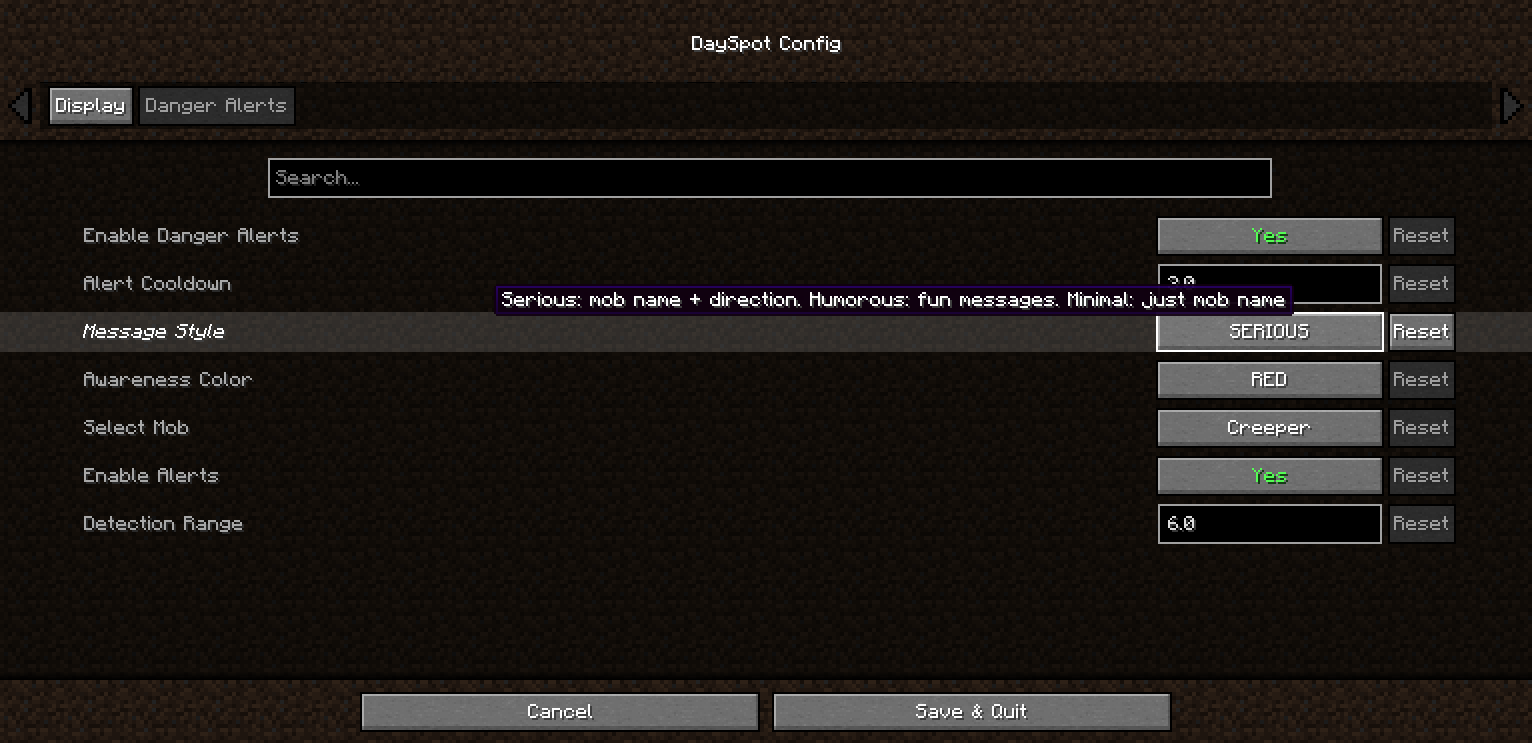
Gameplay showing some settings in action, including configurable enemies, message styles (serious, humorous, or name-only), and an alert for a nearby creeper.

Gameplay showing some settings in action, including configurable enemies, message styles (serious, humorous, or name-only), and an alert for a nearby creeper.

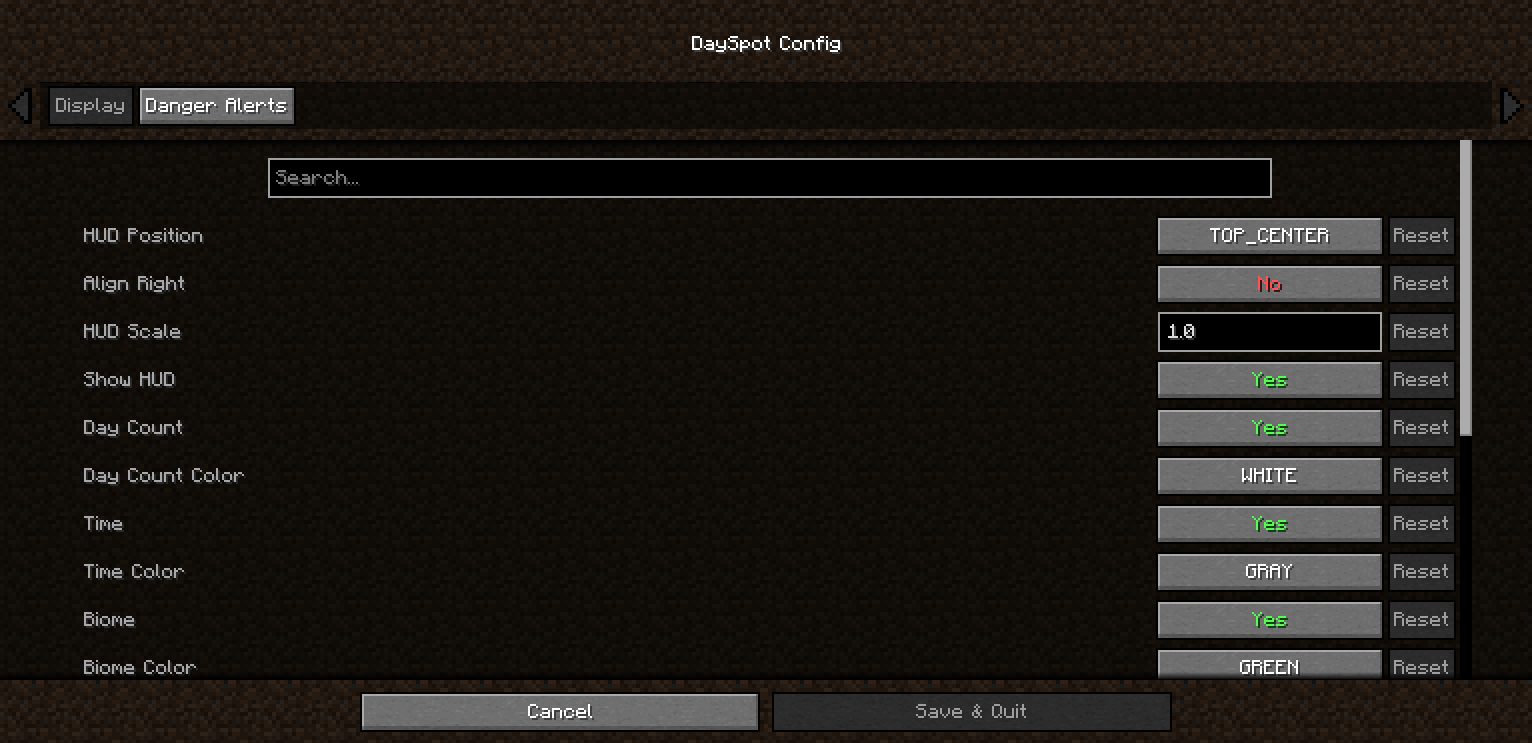
A tab where you can customize general settings such as coordinates, moon phase, day, and more.

A tab where you can customize general settings such as coordinates, moon phase, day, and more.

Description

DaySpot

Lightweight HUD overlay showing day, time, biome, moon phase, coords, weather & FPS, plus a smart danger alert system that warns you about hostile mobs outside your view.


Features

  • 6 HUD Positions — Top Center (default), corners, above hotbar
  • Per-line Control — Toggle + 11 color options per info line
  • Time Format — 24h or 12h (AM/PM)
  • Adjustable Scale — 0.5x → 1.5x
  • Danger Alerts — 3 tiers: Awareness / Warning / Danger
  • Out-of-view Detection — Know what you don’t see
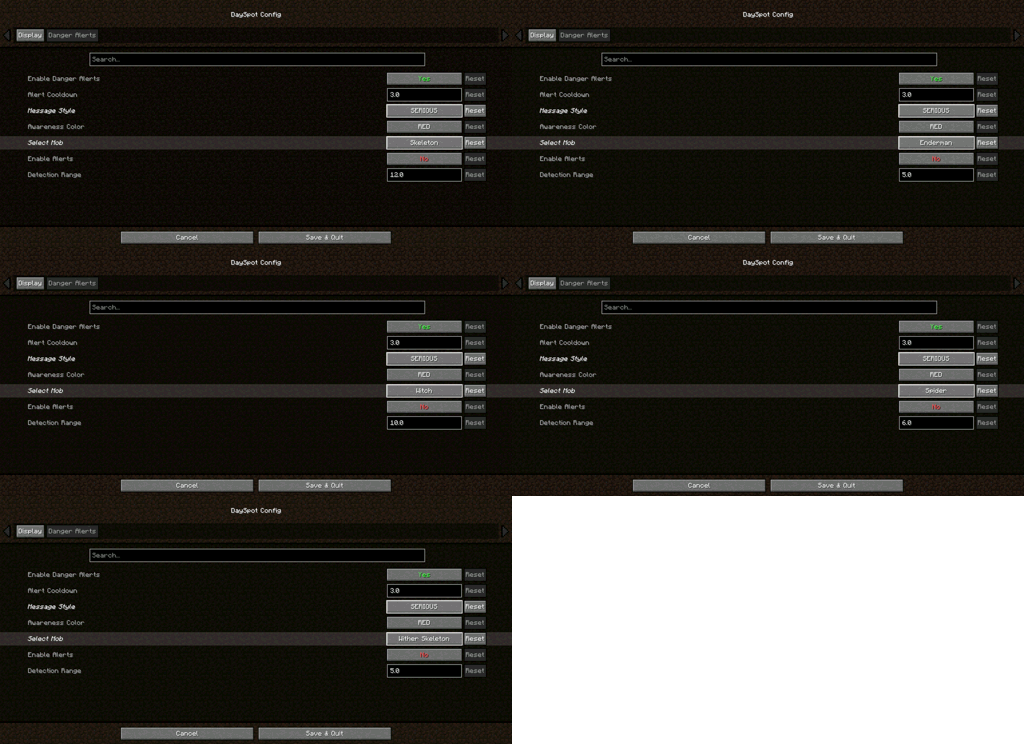
  • Per-Mob Settings — Creeper, Zombie, Skeleton, Enderman, Witch, Spider, Wither Skeleton
  • 3 Alert Styles — Serious / Humorous / Minimal
  • Direction Indicators — Know where the threat is coming from


Requirements

  • Minecraft: 1.20.1 / 1.21.1
  • Loader: Forge / NeoForge / Fabric
  • Cloth Config (Forge/NeoForge): 11.x+ / 15.x+
  • YACL (Fabric): 3.6.x+

Client-side only — no server install required


Installation

  1. Install your mod loader
  2. Download DaySpot
  3. Put the .jar in .minecraft/mods/
  4. Launch and configure via Mods menu

Configuration

Open: Mods → DaySpot → Config

  • Display: Position, scale, alignment, colors
  • Danger Alerts: Toggle alerts, cooldown, style, per-mob range

All settings are client-side.


Compatibility

  • Supports Forge, NeoForge, Fabric (1.20.1 / 1.21.1)
  • Works on any server
  • Modpack use allowed (MIT License)

FAQ

Can I use this in a modpack?
Yes — MIT licensed.

Does it work on servers?
Client-side only. Install it locally.

Have ideas, questions, or feedback? Feel free to visit the official page of Arvani Creations for more information and updates.


MIT License • Arvani Creations

The DaySpot Team

profile avatar
Owner
  • 2
    Projects
  • 1.7K
    Downloads

More from Arvani

  • Arvani Textures project image

    Arvani Textures

    • 1.5K
    • Resource Packs

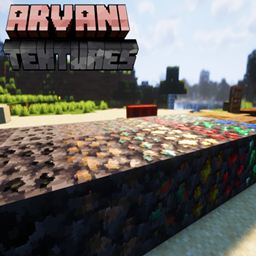
    Arvani Textures reimagines vanilla Minecraft with unique patterns, resolutions from 32x–512x, and full PBR shader support for stunning reflections and depth.

    • 1.5K
    • May 31, 2026
    • Resource Packs
    • +2
  • Arvani Textures project image

    Arvani Textures

    • 1.5K
    • Resource Packs

    Arvani Textures reimagines vanilla Minecraft with unique patterns, resolutions from 32x–512x, and full PBR shader support for stunning reflections and depth.

    • 1.5K
    • May 31, 2026
    • Resource Packs
    • +2