


DAIndicator - HUD target information
- By
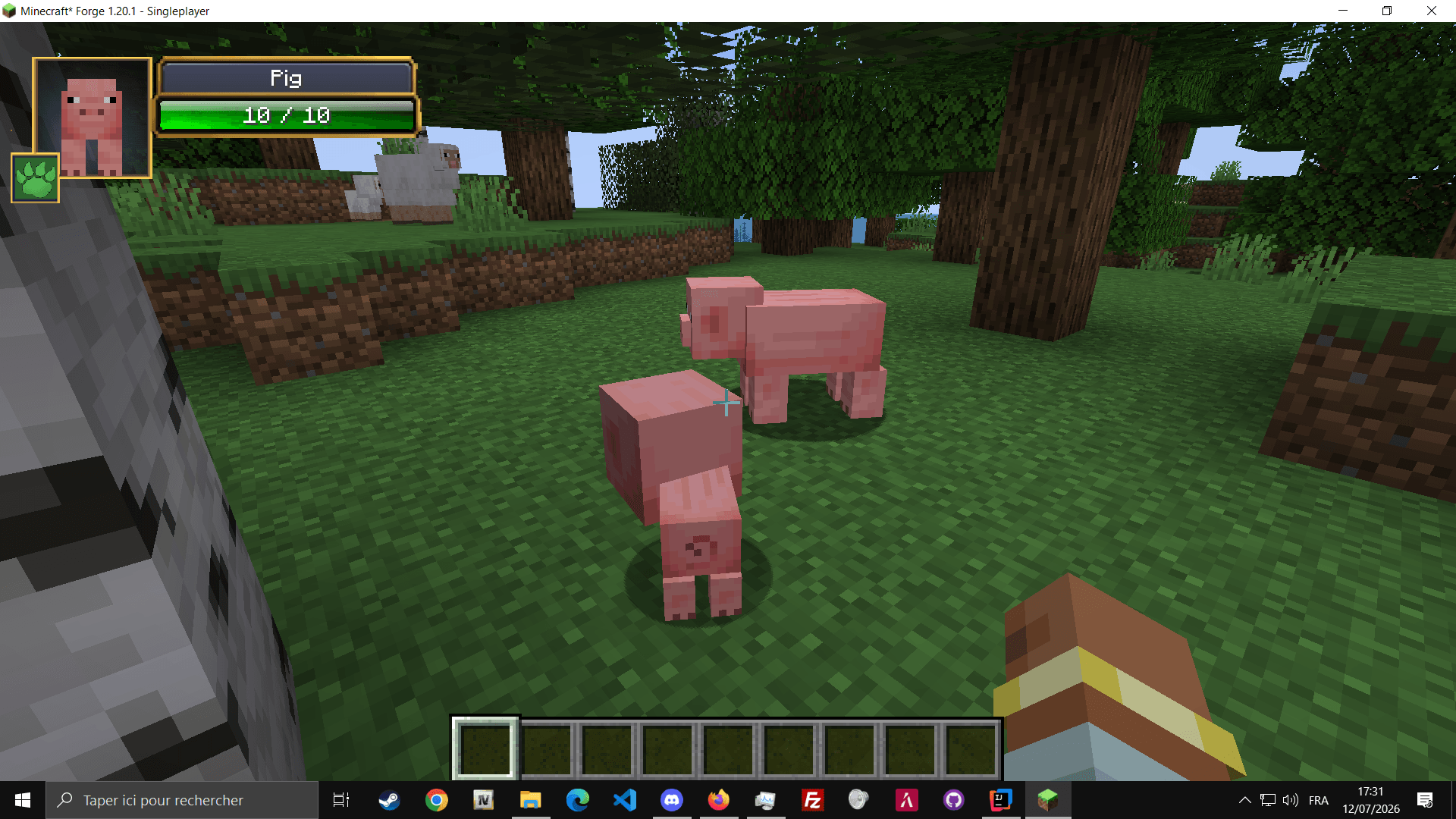
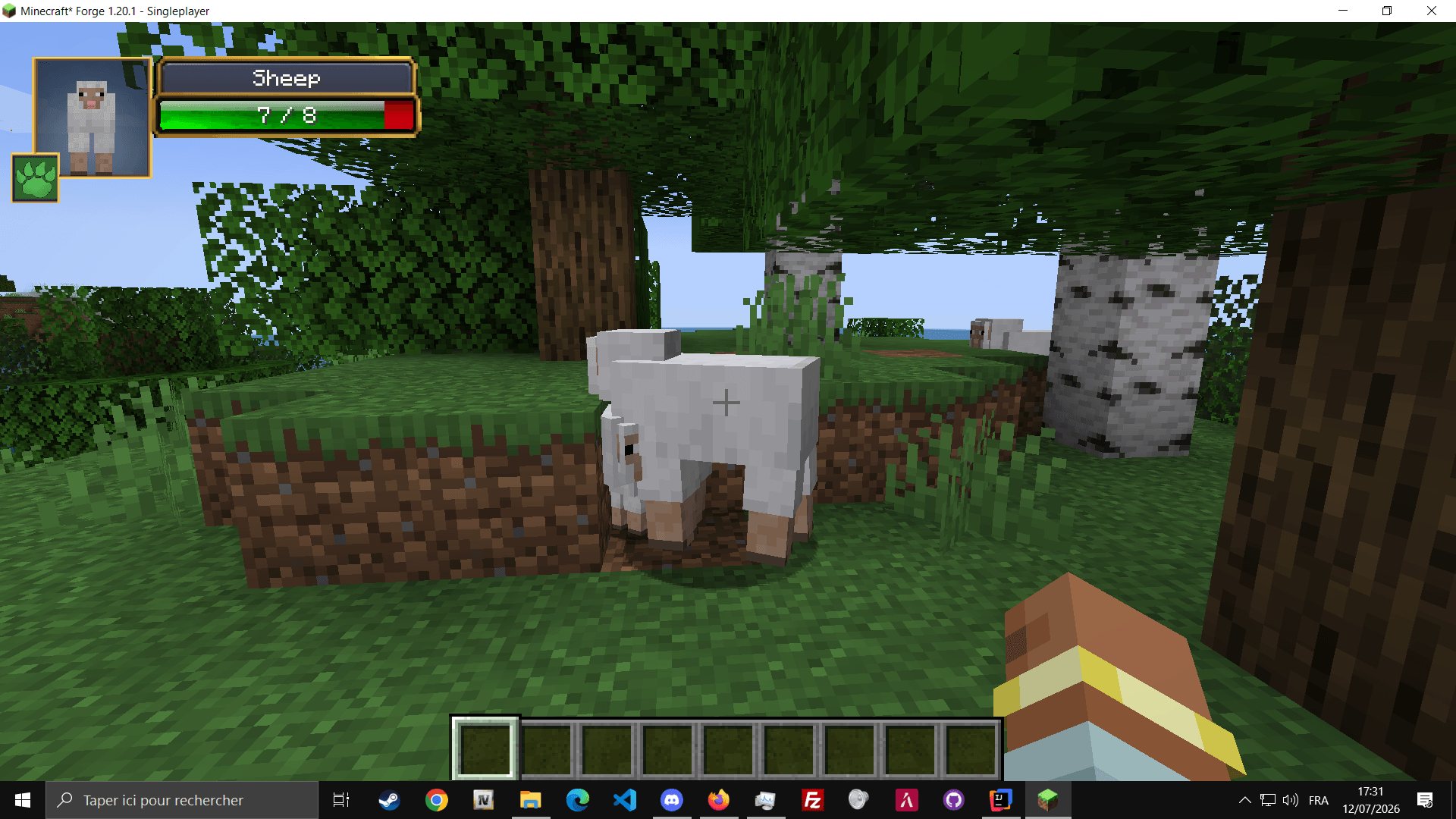
A customizable target information HUD for Minecraft Forge 1.20.1, displaying health, damage, healing, active effects, and entity information.
2.png
3.png
3.png
1.png
Description
DAIndicator
Modern Rework of the Classic Damage Indicators Mod
Minecraft 1.20.1 Forge Client Side Unofficial Rework
About DAIndicator
DAIndicator is a modern and customizable target information HUD for Minecraft Forge 1.20.1.
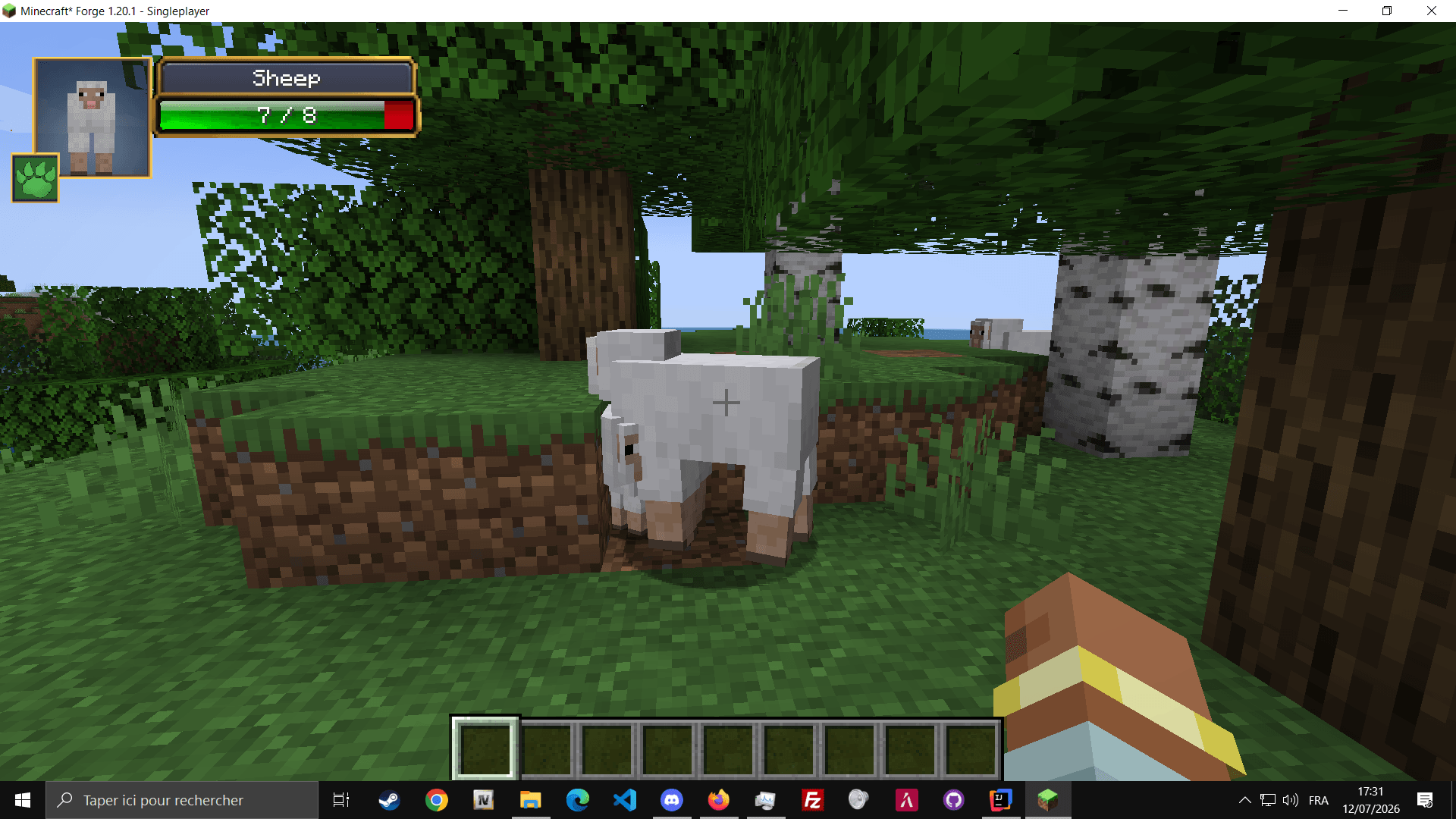
It displays useful combat information about the entity you are currently looking at, including its name, health, absorption, active potion effects, damage, healing and critical hits.
Legacy, Inspiration & Credits
DAIndicator is an unofficial modern rework inspired by the original Damage Indicators Mod created by rich1051414.
The original mod introduced the well-known concept of displaying an entity portrait, current health and animated damage values directly inside Minecraft.
DAIndicator reimagines this concept for Minecraft Forge 1.20.1 with a redesigned interface, modern configuration options, customizable HUD positioning, multiple visual skins, healing indicators, critical-hit labels and active-effect information.
This project is not an official update or continuation of the original mod and is not affiliated with its original creator. Full credit for the original concept goes to rich1051414 and the original Damage Indicators Mod.
Features
❤ Target Health
Displays current health, maximum health and absorption.
⚔ Damage Numbers
Shows floating damage numbers and critical-hit labels.
✚ Healing Numbers
Displays healing values directly above affected entities.
✦ Active Effects
Displays potion effects with their remaining duration.
◎ Entity Portrait
Shows a rendered portrait of the targeted entity.
⚙ Customizable HUD
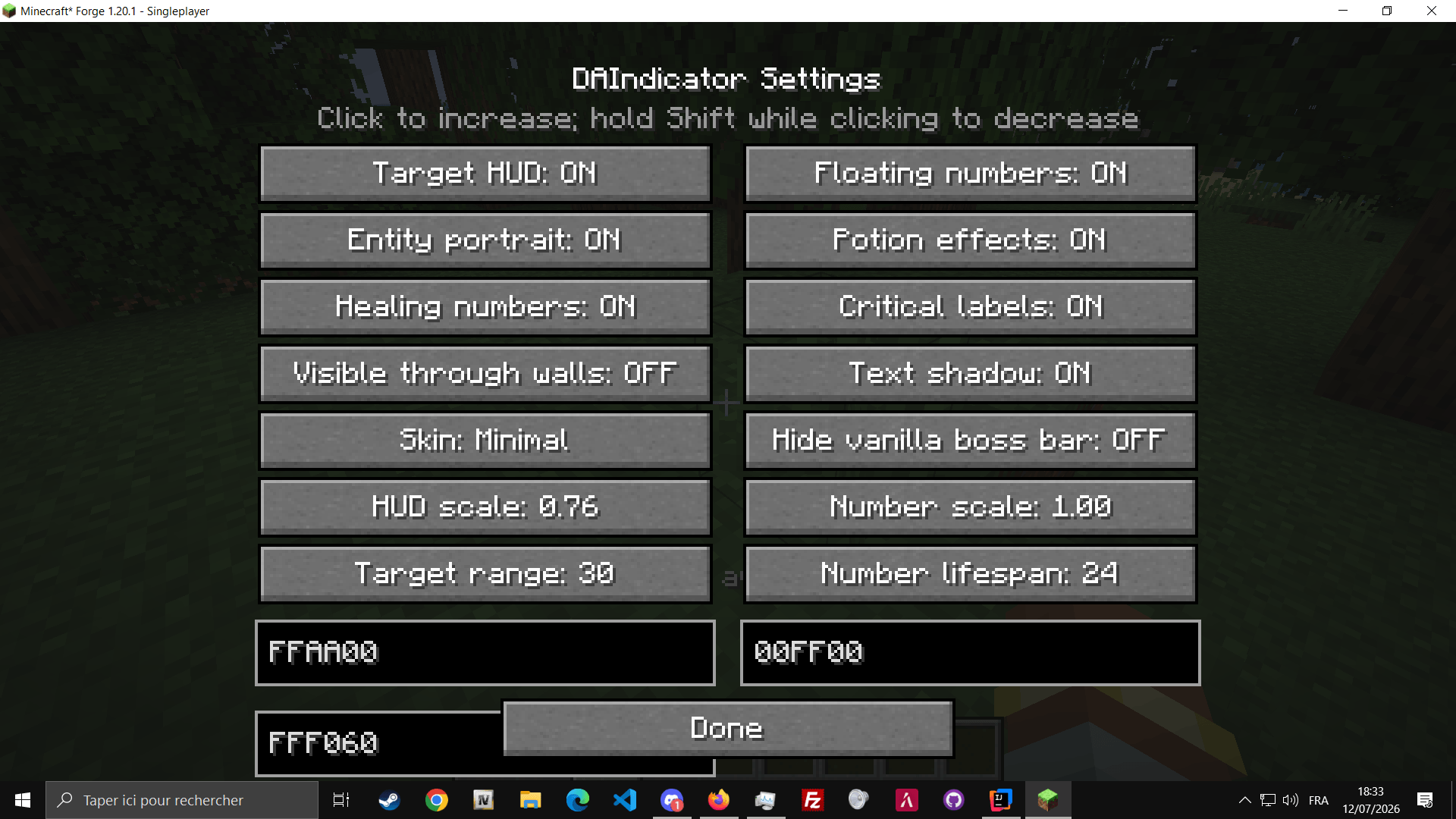
Configure scale, colors, range, visibility and HUD style.
HUD Positioning
Use the command /hud to open the HUD position editor.
Move the interface anywhere on your screen by dragging it with the mouse, or enter precise X and Y coordinates.
Coordinates such as X: 0 and Y: 0 are fully supported. Positions are saved separately using each player's UUID.
Controls
| Control | Action |
|---|---|
P |
Open DAIndicator settings |
. |
Open the HUD position editor |
/hud |
Open the HUD position editor |
Available Skins
Default Minimal WoW-like
Requirements
- Minecraft: 1.20.1
- Mod Loader: Forge 1.20.1
- Java: Java 17
Installation
- Install Minecraft Forge 1.20.1.
- Download DAIndicator.
- Place the mod file inside your
modsfolder. - Launch Minecraft using the Forge profile.
A modern interpretation of a classic Minecraft combat interface.
DAIndicator - HUD target information Team

Owner




![[TACZ] Supervisor Warfare project image](https://media.forgecdn.net/avatars/thumbnails/1860/675/256/256/639168609182392411.png)