


Curvegen
- By

Turn ellipses, equations and Bézier curves into blocks, slabs, stairs, walls and more. Preview the build in game, then place it or export it to Litematica.
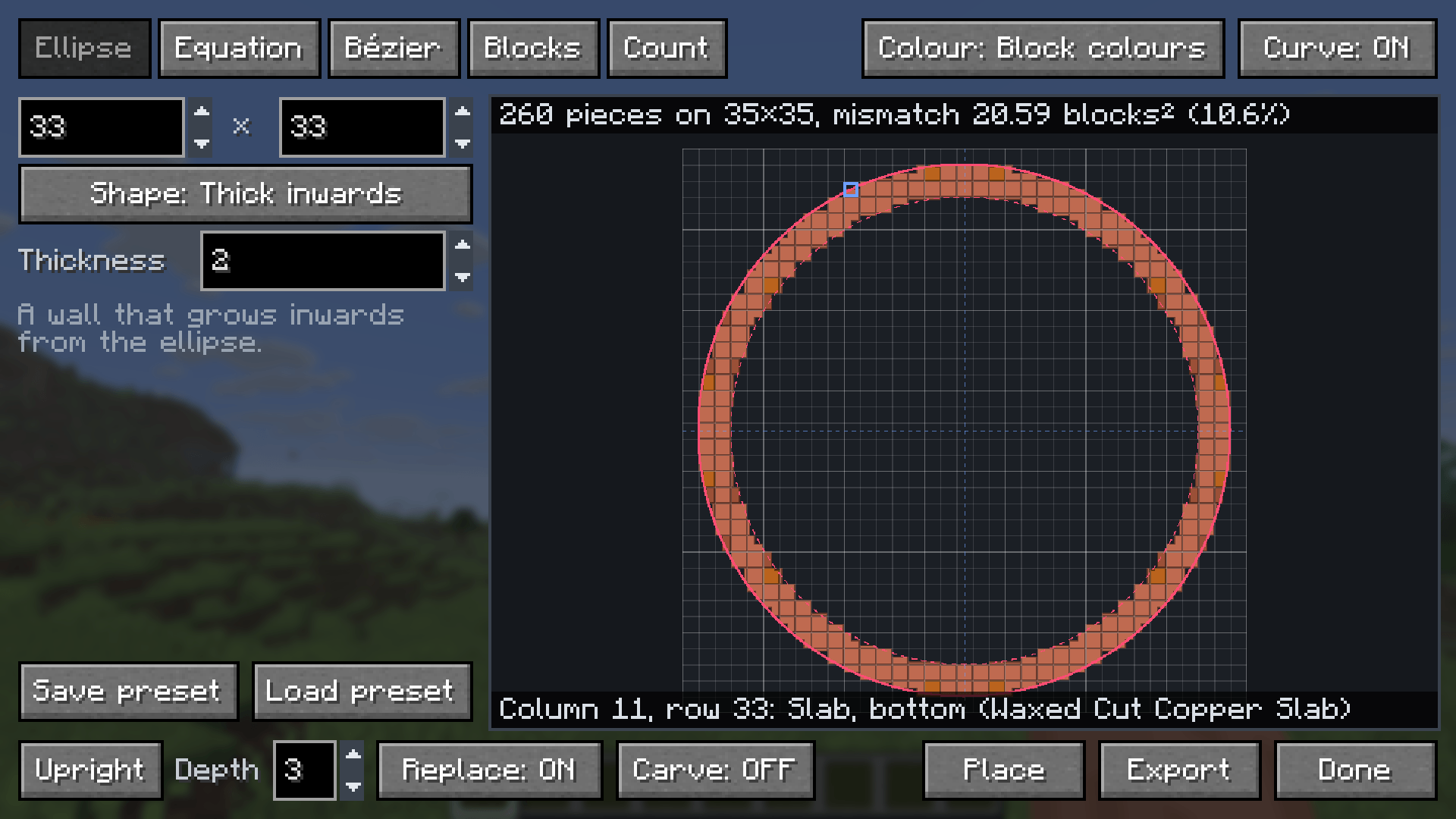
The Ellipse tab previews a 33 by 33 ring built from full blocks, slabs and stairs, with the ideal curve drawn over it.
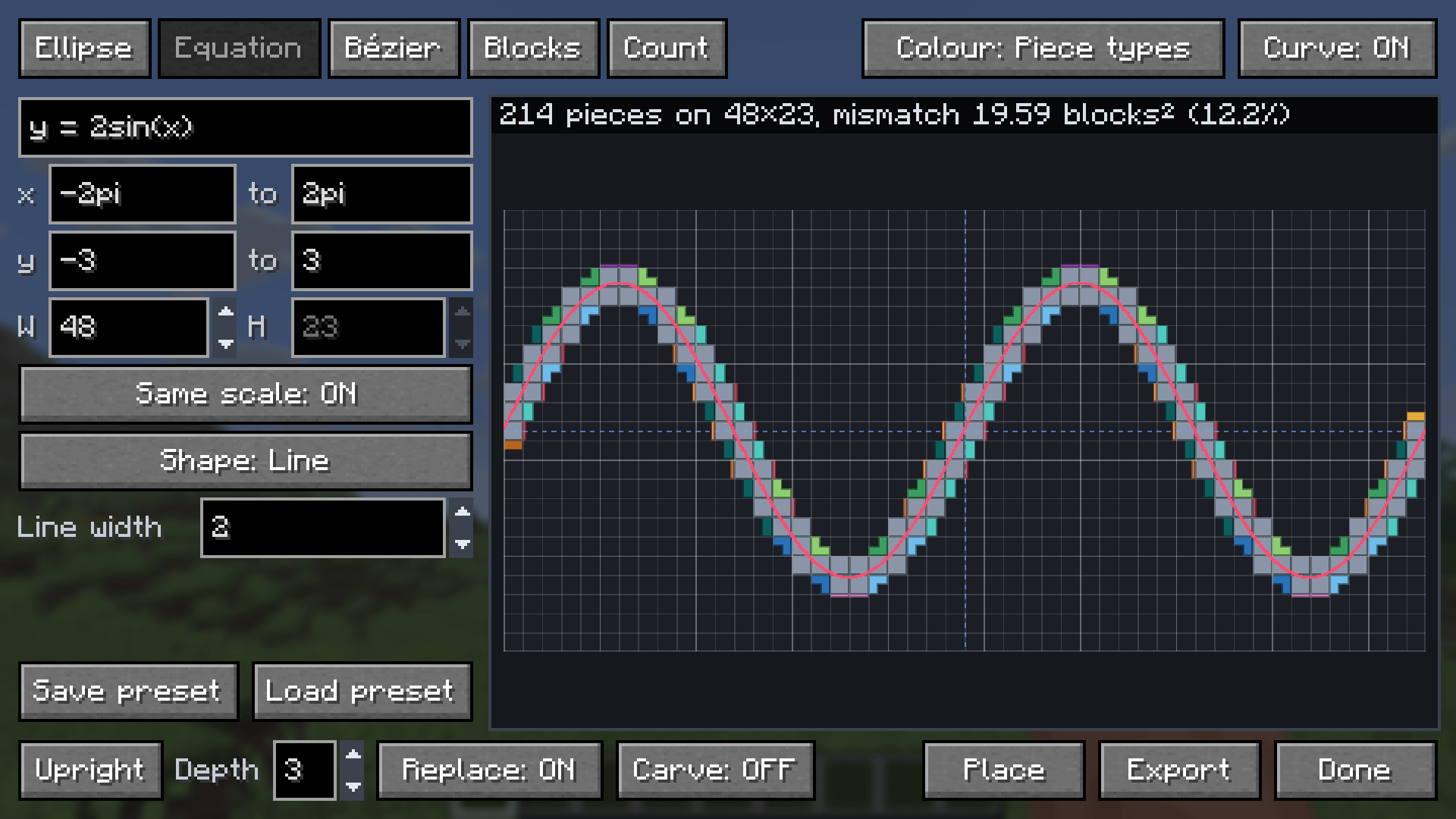
The Equation tab turns `y = 2sin(x)` into blocks, with each piece type shown in its own colour.
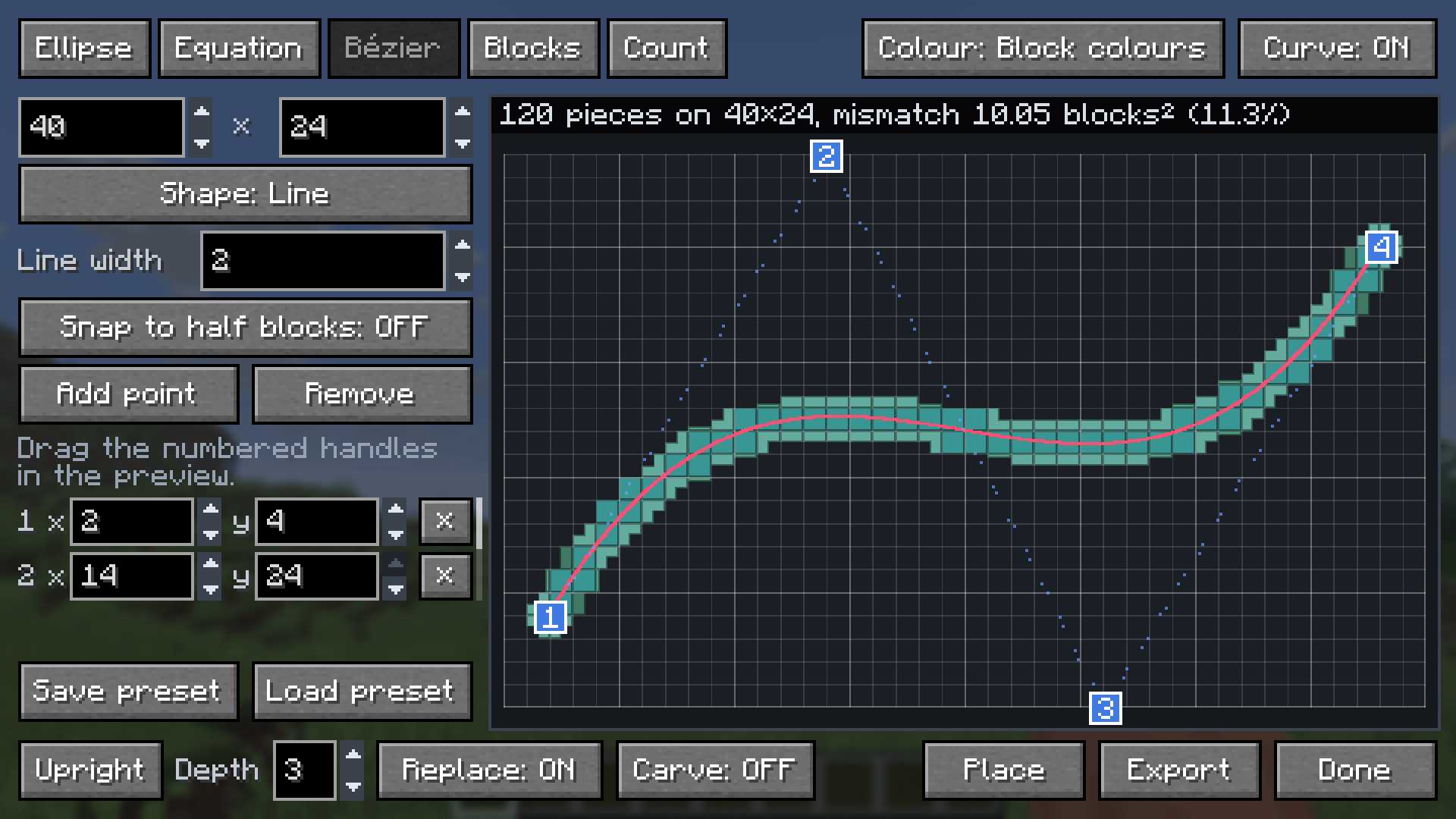
The Bézier tab shapes a curve with numbered handles that you drag in the preview or set by typing coordinates.
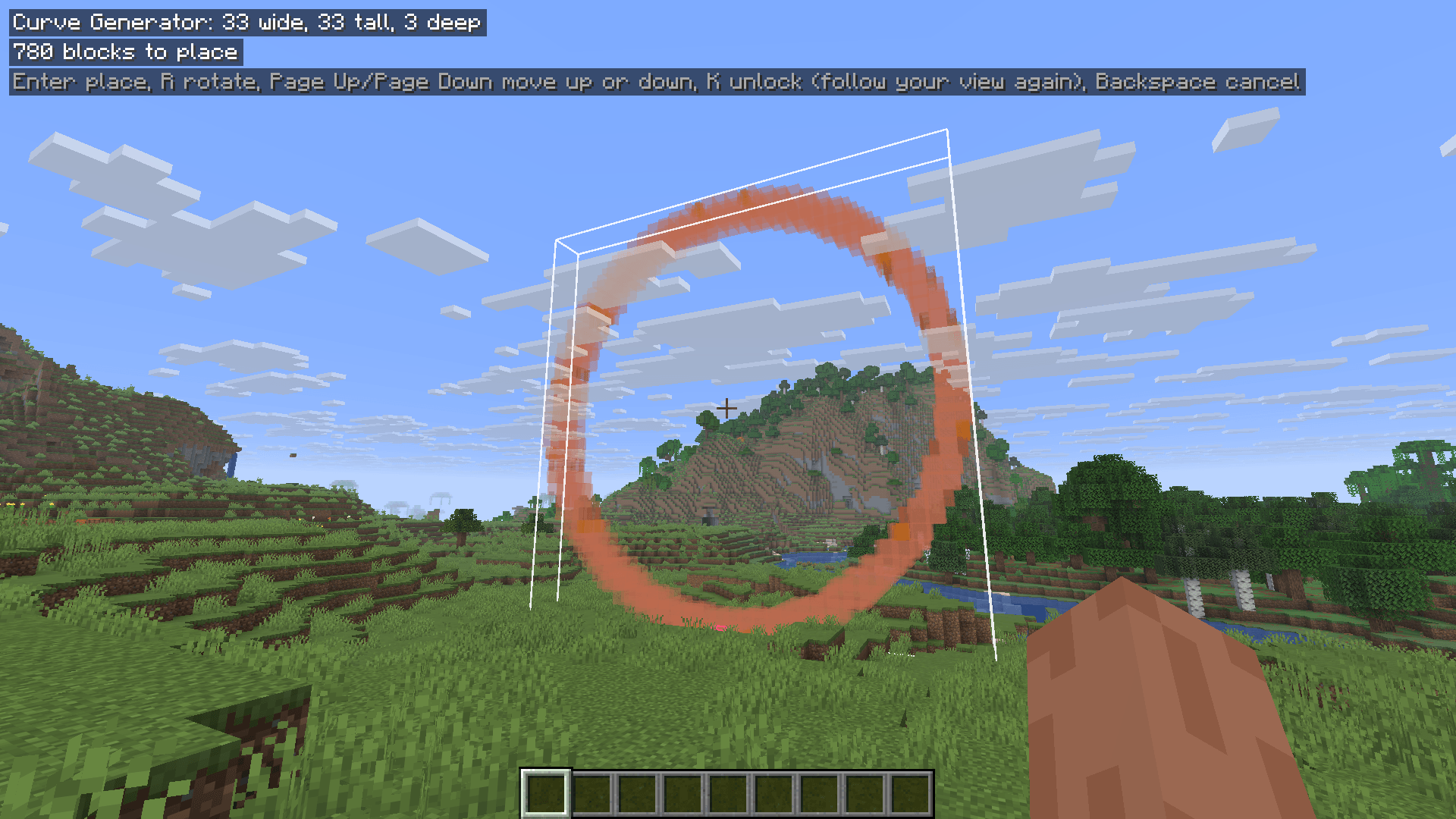
After pressing Place, a see-through preview shows where the ring will go, with the placement keys listed at the top.
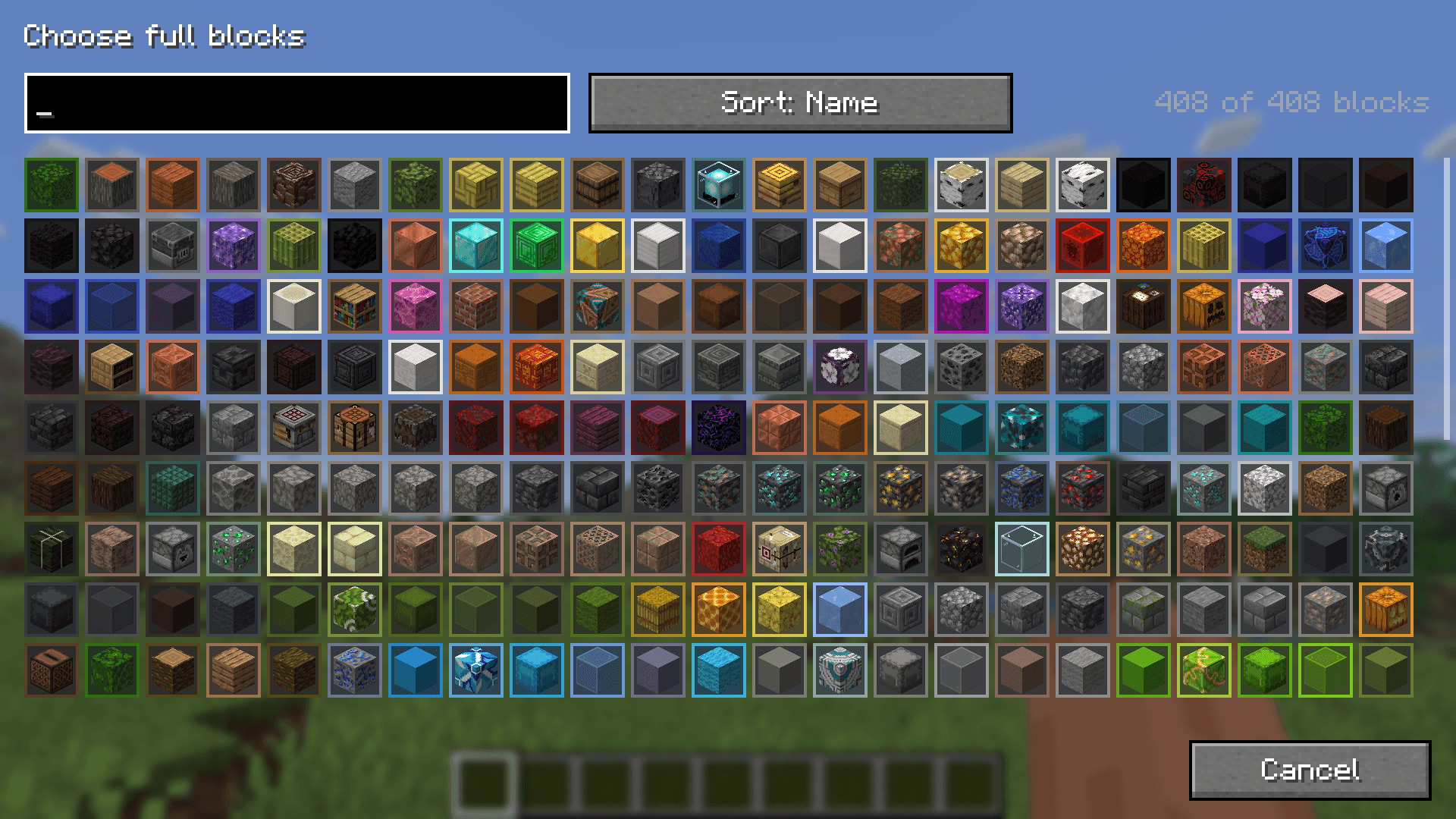
The block picker lists every block that fits a piece type, with a search box and sorting by name or colour.