Create: Train Workshop
- By
Design a train and watch it build itself. One-click stations, whole railway lines, blueprints and on-demand dispatch.
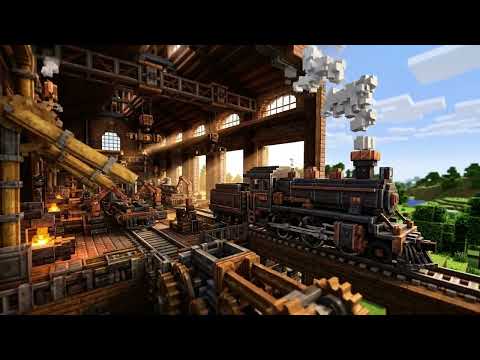
2_featured_ingame_banner.jpg
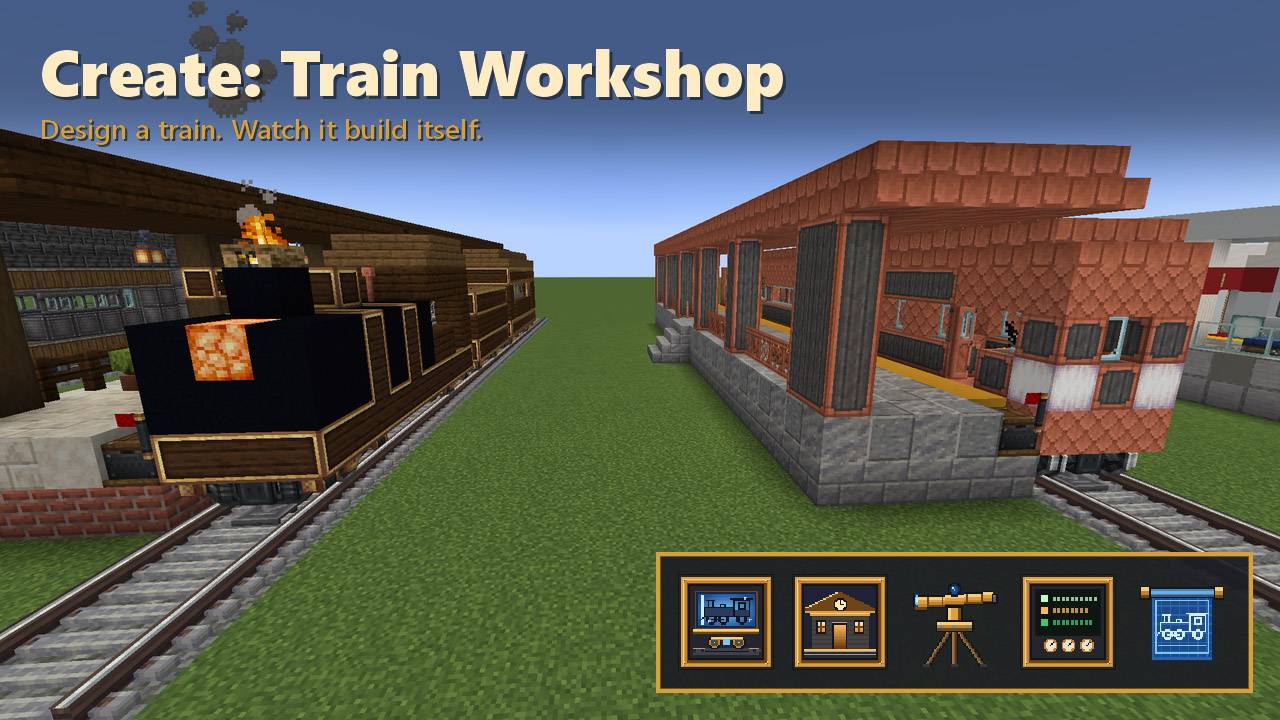
2_featured_ingame_banner_alt.jpg
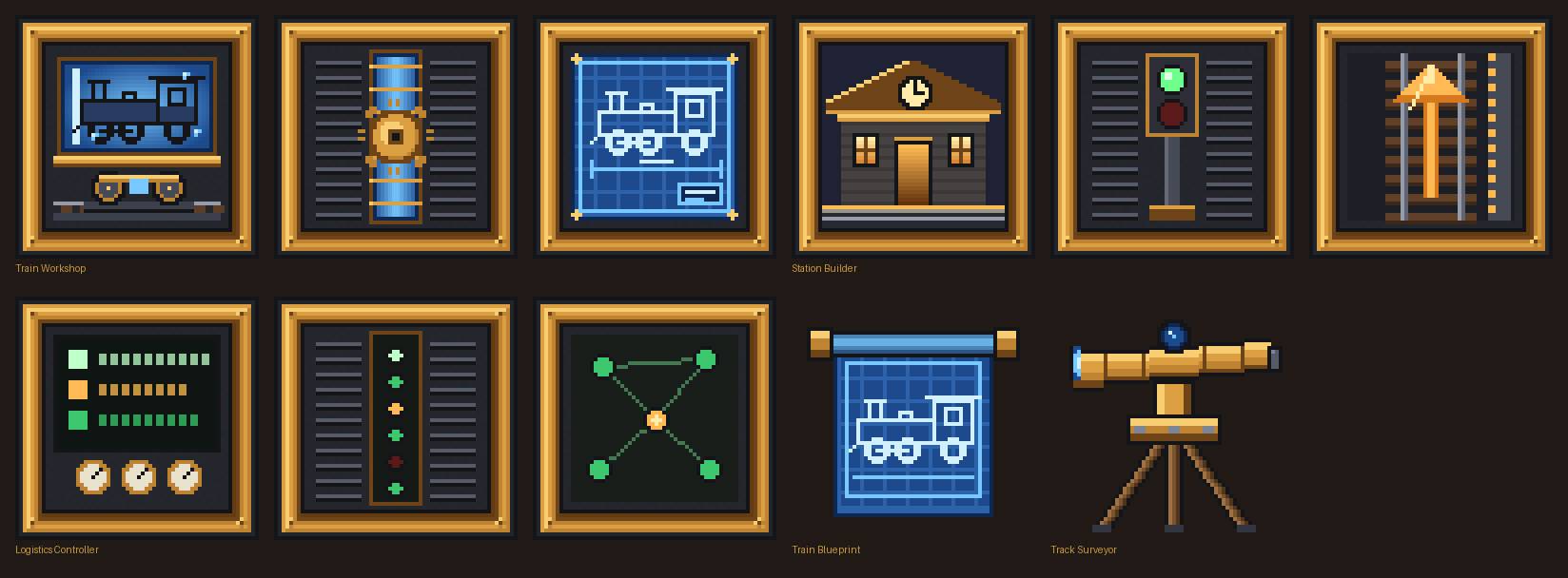
5_64x64_blocks_and_items_textures.jpg
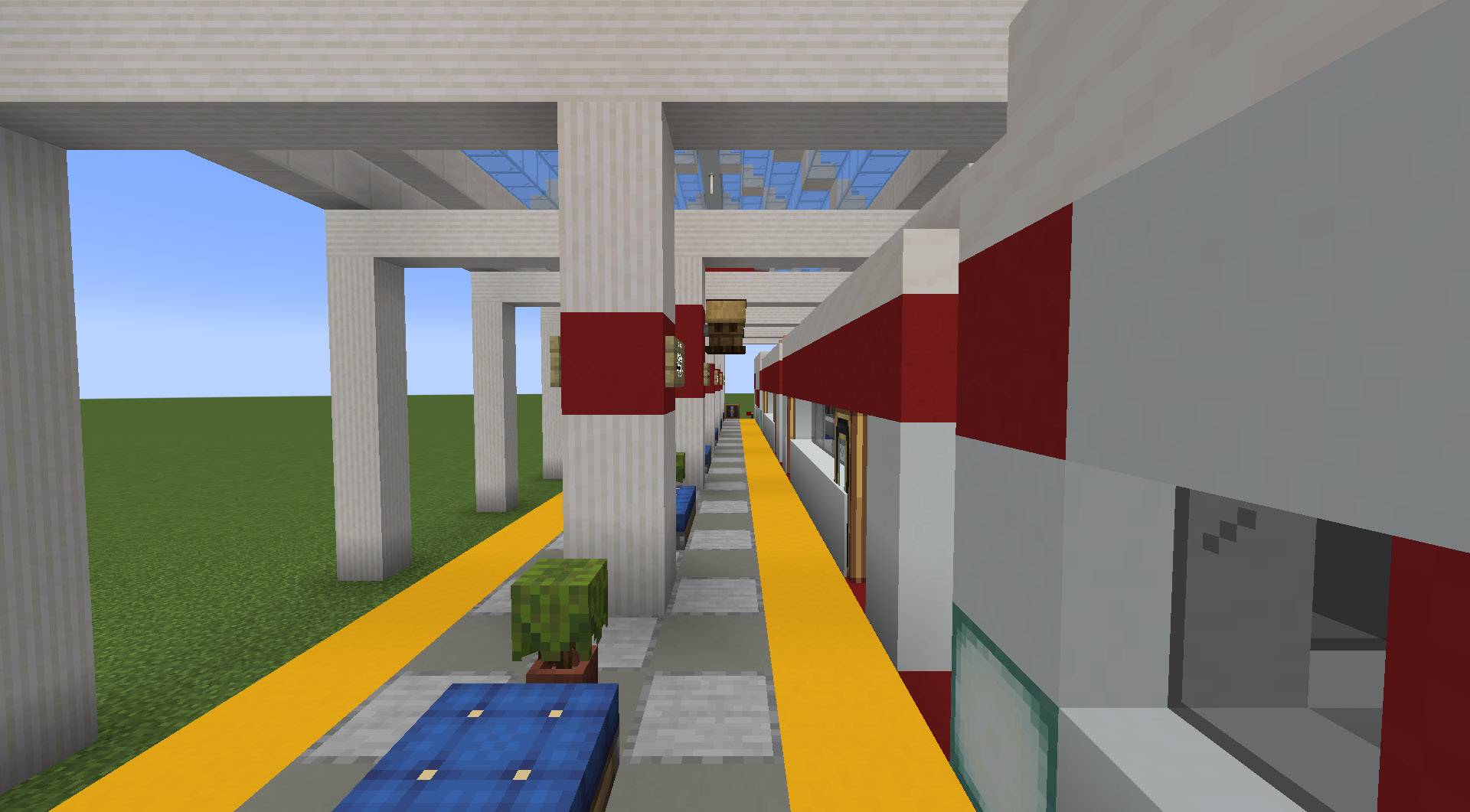
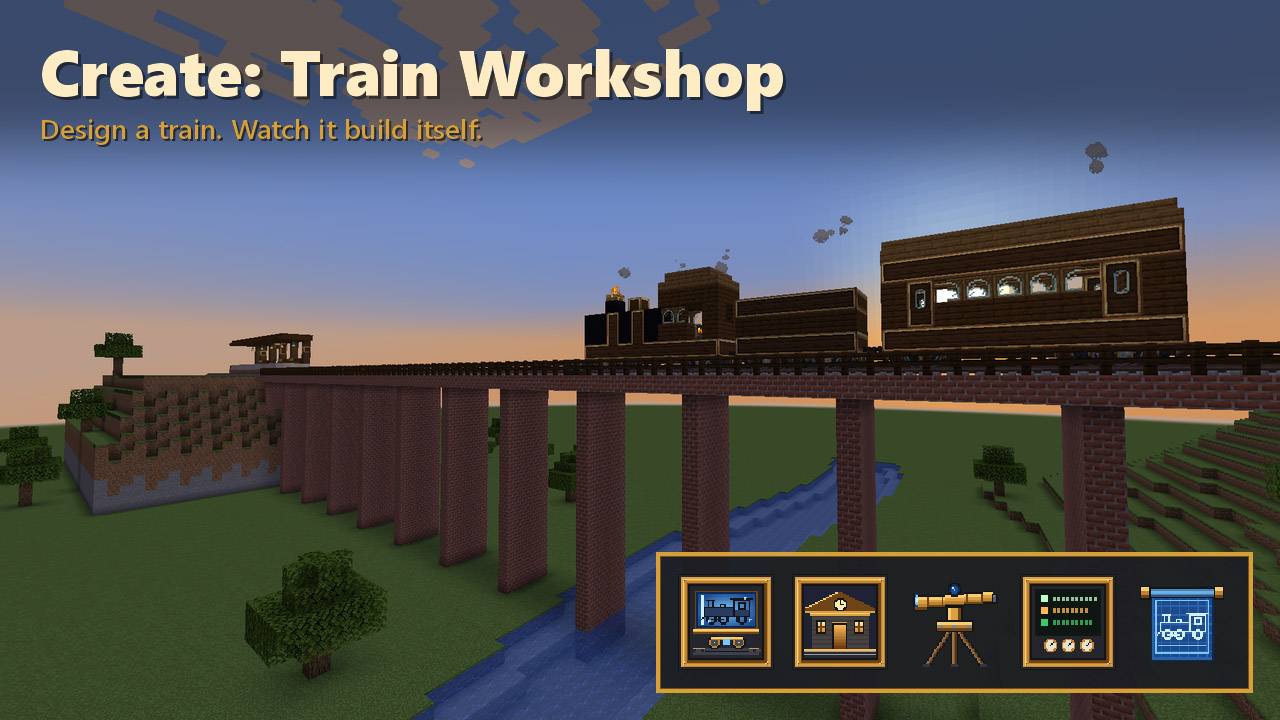
03_island_station_train_shed_platform.jpg
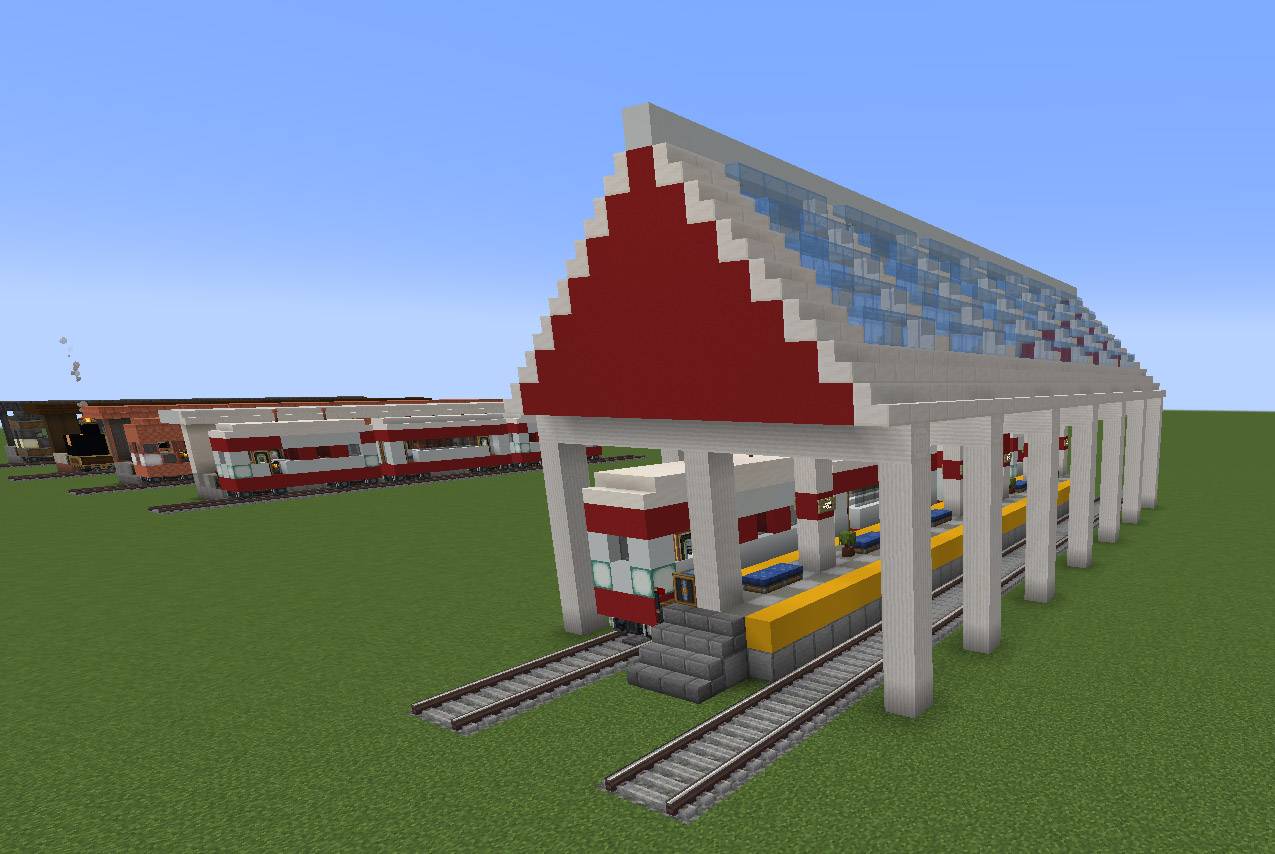
04_modern_express_island_station.jpg
Create: Train Workshop
Create your game server with 

Description
Create: Train Workshop
Design a train, press a button, and watch it build itself. Glued, assembled, and running on a schedule. Then build the station, lay the line, and let trains dispatch themselves.
Create's trains are amazing, and building them by hand is a lot of work. Train Workshop does the busywork, so you can spend your time on the network instead of gluing bogeys.
Every block has an in-game Ponder tutorial: hover over it and hold W.
Train Workshop: design it, build it, drive it
- Engines: diesel, electric (with pantograph) or steam (with coal tender), plus an optional rear engine.
- 10 car types: passenger, dining, sleeper, box car, hopper, vault car, tanker, flatbed, crane car and caboose.
- 4 styles: Industrial, Brass Heritage, Copper Line and Modern Express.
- Paint: recolour the body and trim in any dye.
- Bogeys: narrow or wide trains, and any bogey style you have installed, including Steam 'n' Rails.
- 12 presets, and modpacks can add more.
- Build & Assemble: places every block, glues each carriage, assembles the train and starts its route.
- Routes: this station → up to 4 stops → back, forever, with a wait time at each.
- Live preview of the train, with its length, cargo slots, seats and material cost.
Blueprints and share codes
- Copy any train parked at a station, even one you built by hand, into a Train Blueprint.
- Build copies of a blueprint at any Workshop, as many as you like.
- Share codes: copy a blueprint as text and paste it into chat, Discord or a forum post. Anyone can paste it into their own Workshop.
Station Builder: a finished station in one click
- Layouts: side platform, island platform (two tracks, one per direction) or freight yard.
- Roofs: a glazed train shed on girder trusses, a platform canopy, or open air.
- Extras: lamps, benches, signs and a station clock.
- Optional add-ons: a linked Workshop, a starter train, a dispatch controller and a postbox.
- Freight yards come with loading and unloading bays that line up with the Freight Hauler train's ports.
- Preview outlines the footprint before you commit.
Track Surveyor: lay whole lines, not just single track pieces
Click where the line starts, click where it ends, and press Build Line.
- Track: curves, S-bends, slopes and diagonals, all valid Create track.
- Shapes: turnarounds and full return loops are picked for you. Draw mode lets you click every corner yourself, with the route shown live in green.
- Double track with matching curves.
- Crossings: over or under existing lines, or level crossings.
- Remove mode takes a line back up and refunds it.
- Viaducts with pillars over valleys and water.
- Embankments across dips.
- Tunnels through hills, lined where needed and lit.
- Signal pairs at the spacing you choose.
- Any track material, including Steam 'n' Rails gauges.
Dispatch: trains on demand
Put a Logistics Controller next to a station and choose its role.
| Role | What it does |
|---|---|
| Depot | Idle trains wait here. |
| Provider | Has the goods. |
| Requester | Wants the goods. |
When a requester runs low, a depot train is sent out automatically: provider → requester → back home.
Right-click the controller to open it. Sneak + right-click it with an item to choose what it handles.
Create 6 mail by train: give stations a postbox and depot trains collect waiting packages and deliver them to the station whose postbox matches the address. Stock Keeper orders can now cross your whole rail network.
Scrap Train
Take any parked train apart and get every block and all its cargo back in chests. Nothing is lost, in creative or survival.
Survival friendly
- Costs: every build costs real materials, using Create's schematicannon rules.
- Where materials come from: your inventory, or a chest touching the block.
- Creative: free.
Server and modpack friendly
- Land claims: respects FTB Chunks, Open Parties and Claims, and any protection mod that blocks breaking.
- Permissions: a permission level for each tool.
- Config: a cost multiplier, plus limits on cars, train size and line length.
- Datapack presets: add your own trains in
data/<namespace>/train_presets/, as a design or a blueprint code. - JEI / EMI info pages, and blueprint material lists on Shift.
- Translations: English, 简体中文, Русский, Português (Brasil) and Deutsch, covering screens, Ponder and JEI.
Requirements
- Minecraft 1.21.1
- NeoForge 21.1.219+
- Create 6.0.10+
Optional: Steam 'n' Rails, and JEI or EMI.
FAQ
My train won't run its schedule. Create needs a conductor. The default Blaze Burner behind the controls counts as one; a seat only works with someone sitting in it.
My train won't drive to the other station. Create stations are one-way: a train can only stop at a station it arrives at in the station's own direction. Turn the station round, or let the Track Surveyor add a return loop.
Items loaded into a box car aren't in the barrel I opened. Loading ports fill the whole car as one inventory. Check the other barrels, or choose Chests cargo in the Workshop for wall-mounted chests you can open from the door.
Can I raise the 20-bogey limit? Yes. It's Create's own setting, maxBogeyCount in config/create-server.toml.
Create: Train Workshop Team