Create: Train Auto-Glue
- By
2_featured_cover_banner.jpg
5_64x64_tools_and_blocks_textures.jpg
Description
Create: Train Auto-Glue
Building detailed locomotives, coal tenders, and passenger cars in Create and Create: Steam 'n' Rails is awesome—until you try to assemble the train and realize half of your boiler, cab walls, or roof didn't get Super Glued and gets left behind on the tracks!
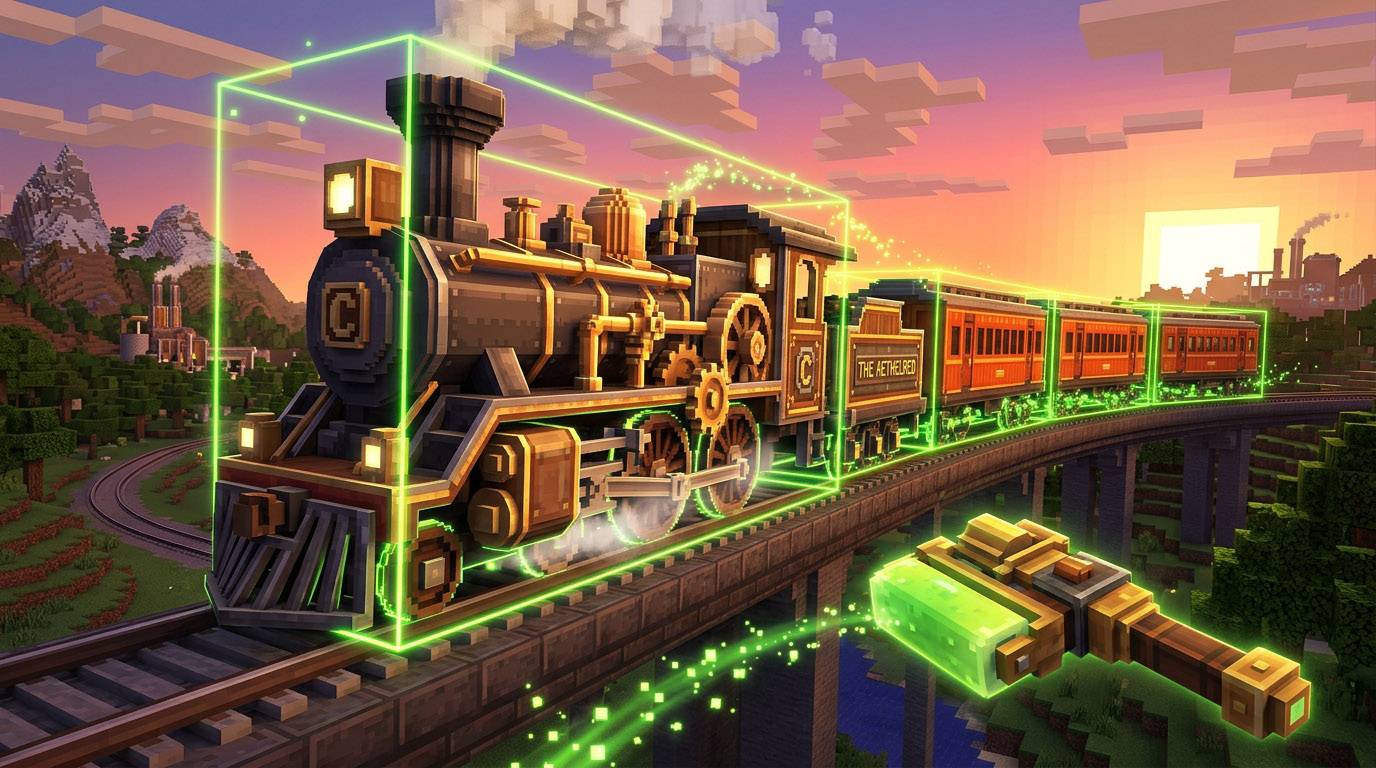
Create: Train Auto-Glue completely eliminates the tedious headache of manually gluing train carriages block-by-block. Glue entire locomotives and train cars in one click, define exact bounding boxes with 4-Corner Markers (adjustable 4–10 blocks high), or automate your railyard with the Train Auto-Gluing Station!
Key Features
- One-Click Train Carriage Glue Wand:
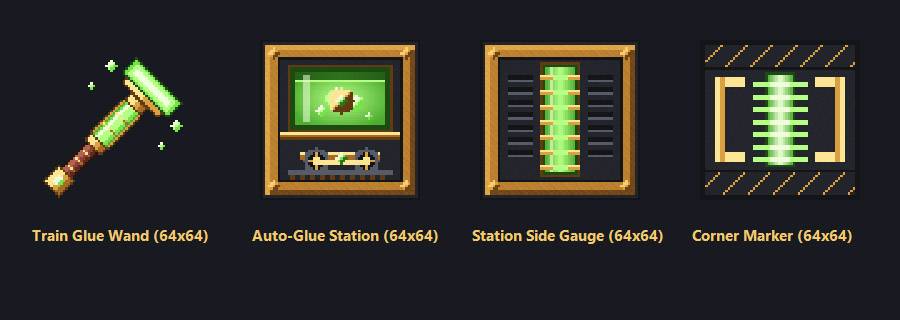
- Right-Click any block on a train carriage (boiler, cab, seat, or bogey) to automatically detect and Super Glue the entire connected carriage structure in one clean bounding box.
- Shift + Right-Click any block on a carriage to strip/remove all existing Super Glue so you can remodel or fix mistakes instantly.
- Shift + Right-Click an Assembled Train: Disassembles a moving/assembled train entity right in-place on the tracks back into editable blocks!
- 4-Corner Boundary Markers (4–10 Block Adjustable Height):
- Place Train Glue Corner Markers at the corners of your carriage build.
- Right-Click any marker to cycle the vertical capture height between 4 and 10 blocks (with visual particle height indicators).
- Shift + Right-Click a marker (or power it with Redstone) to auto-glue everything inside the 3D box!
- Ctrl + Shift + Right-Click to strip all glue inside the marker zone.
- Train Auto-Gluing Station:
- Place next to your track or Train Station.
- Right-Click to auto-glue the nearest carriage, Shift + Right-Click to adjust height (
4–10blocks), or trigger automatically with a Redstone signal!
- Smart 2-Bogey Limit & Track Protection:
- Enforces Create's maximum 2 bogeys per carriage rule—preventing accidental multi-car fusion while ignoring internal decorative cogwheels, flywheels, and valve handles.
- Never glues tracks, rails, or natural ground blocks underneath your wheels!
- Full support for standard Create bogeys and all Create: Steam 'n' Rails custom bogeys (large, medium, single/double/triple-axle, trailing, monorail, and invisible bogeys).
Built-In Utility Commands
Stuck with a partially glued train that already left the station? Use these built-in commands:
/autoglue disassemble— Safely disassembles the nearest assembled train contraption within 32 blocks strictly in-place back into world blocks on the track./autoglue snap— Automatically detects off-track bogeys displaced by 1 block and snaps the entire carriage (including block NBT) right back onto the center of the rails./autoglue undo— Undoes the last/autoglue snapoperation using a full block + NBT snapshot.
Compatibility & Requirements
- Minecraft:
1.21.1 - Mod Loader:
NeoForge(21.1.75+) - Required:
Create(1.21.1-6.0.10+) - Compatible With:
Create: Steam 'n' Rails,Create: Copycats+, and custom train schematic builds.
Create: Train Auto-Glue Team