Create: Swatches
- By
Pick a colour or theme and pull matching blocks straight out of your Create storage with the Swatch Carousel.
CreateSwatches is a Create addon for builders. Put a Swatch Carousel on your storage, pick a colour or a theme, and it pulls out the blocks that match. It reads the vault or chest it sits on, or a whole Create logistics network.
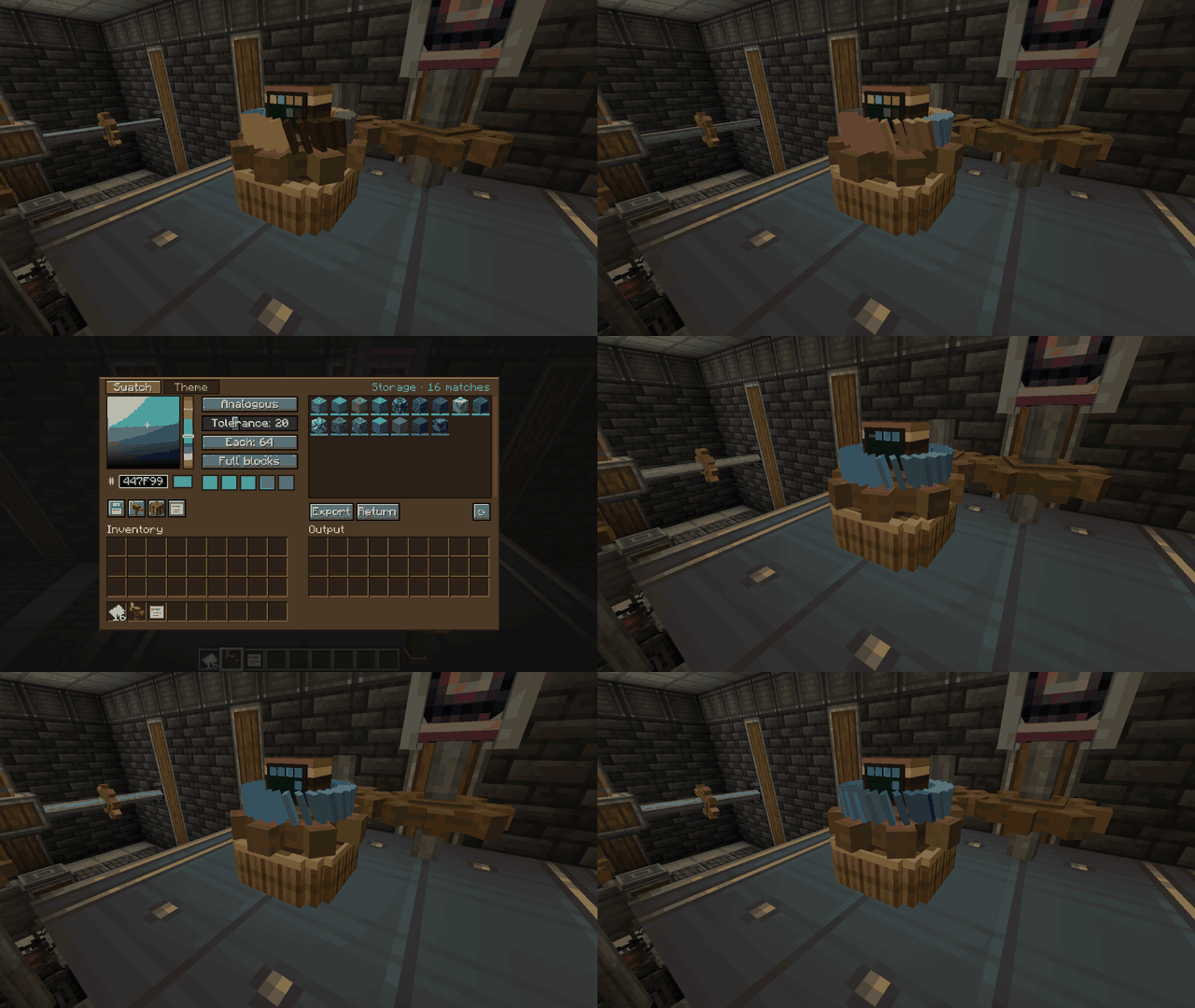
Swatch Carousel
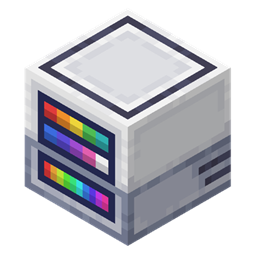
- A ribbed brass stand with a ring of swatch cards and a terminal monitor. The cards show your palette, or the stocked blocks sorted by hue when no palette is set.
- Place it on a vault, chest or any inventory to read it. Or tune it on a Stock Link (like a Stock Ticker) to read the whole network.
- Its base is a Create small cogwheel. Mesh it with cogs beside it, a large cog diagonally, or a shaft from below. Small SU cost (1 SU per RPM, configurable).
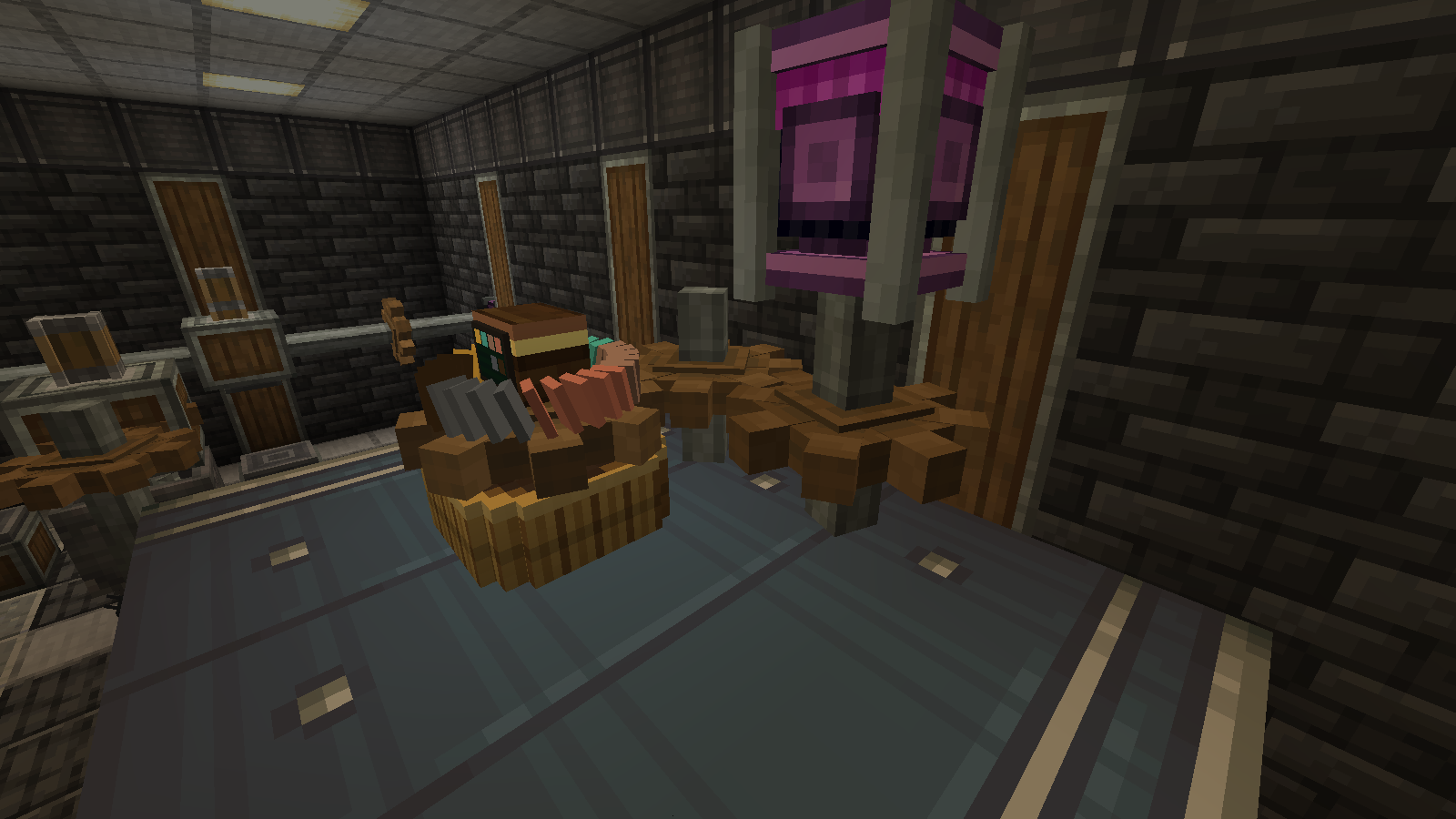
Swatch tab
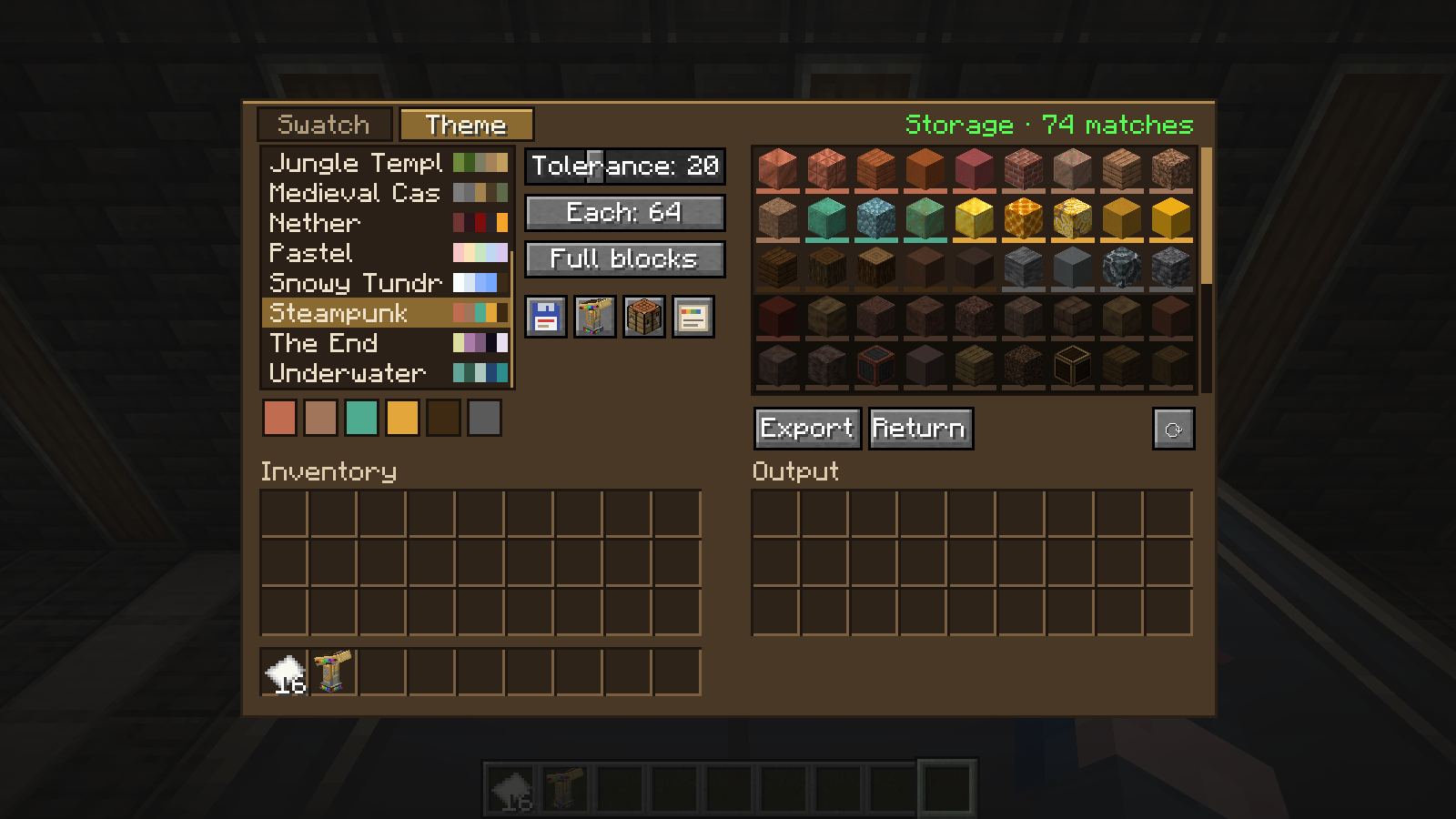
Pick a colour (HSV square, hue bar or hex), then a scheme: single, monochrome, analogous, complementary, split complementary or triadic. Tolerance sets how close a block's colour must be (CIELAB ΔE, see below). Each sets how many of every block to pull. Full blocks hides slabs, stairs and the like.
Theme tab
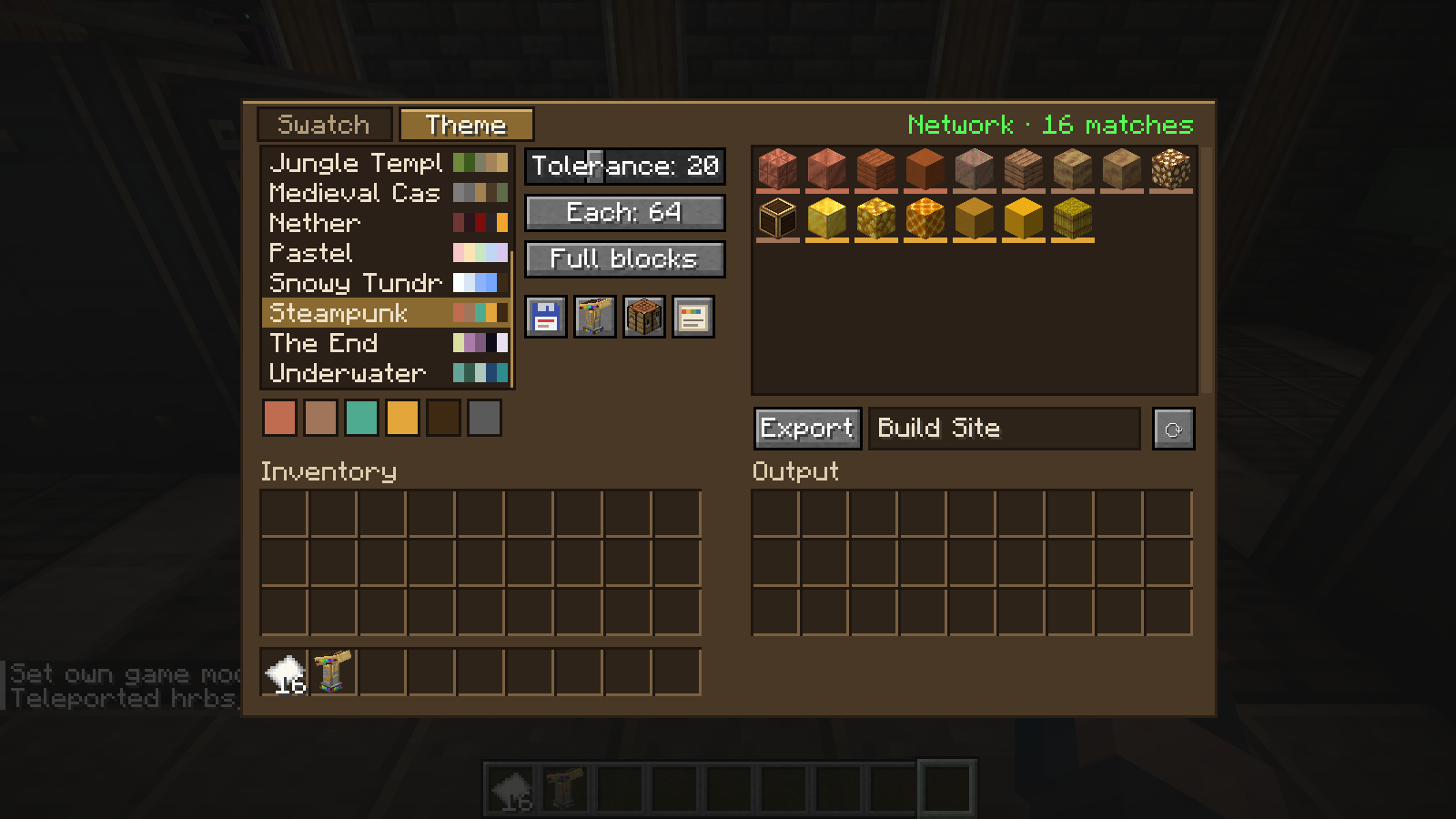
14 built-in themes (Autumn, Cyberpunk, Steampunk and more), plus your own saved themes. Save and load swatches and themes as JSON.
Export and Return
- Storage: Export pulls the picks into the carousel's 27 output slots. Return puts them back.
- Network: type a delivery address and Export orders the picks as packages. The carousel unpacks packages delivered into it.
- Click blocks in the grid to choose exactly which ones export.
- Uses the same json import/export as AppliedSwatches and all themes/swatches on https://www.ae-swatches.xyz/ are compatible.
How colour matching works
Block colours are read from each block's own textures on your client, so resource packs change the matches.
CIELAB ΔE76. CIELAB is a colour space built around human eyesight. Each colour gets three values: L (lightness), a (green to red) and b (blue to yellow). Unlike RGB, equal distances in CIELAB look equally different to us, whatever the colour. ΔE ("delta E") is the distance between two colours in that space, and 76 is the original 1976 formula: straight-line distance, simple and accurate enough for block textures.
ΔE = √( (L₁ − L₂)² + (a₁ − a₂)² + (b₁ − b₂)² )
Example: a block at (54.4, −6.8, −39.6) against your colour at (54.7, −0.3, −42.3) gives √(0.3² + 6.5² + 2.7²) ≈ 7.0.
Scores and Tolerance. Each block is scored against its closest palette colour, and lower means closer. Roughly: 0–2 is indistinguishable, 2–5 you'd only notice side by side, 5–20 is the same colour family, 20–40 is related but drifting, and 40+ is a different colour. Tolerance is the cut-off (1 to 60, default 20): 5 gives near-exact matches, 40 gives loose, creative picks. Hover a block in the grid to see its ΔE. After you change it, the slider rests for 3 seconds.
Export order. It takes turns: the best block for colour 1, then colour 2, and so on round the palette, then the second-best for each, until the output is planned. Every palette colour gets a share instead of whichever colour you own the most of. Themes can also pin signature blocks (like sandstone for Desert), which are always included if you have them.
Swatch Card
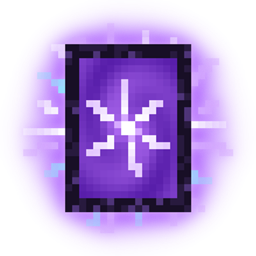
Print the current palette and picked blocks onto a Swatch Card (uses one paper). Use a card on any carousel to open it on that palette.
Swatch Applicator
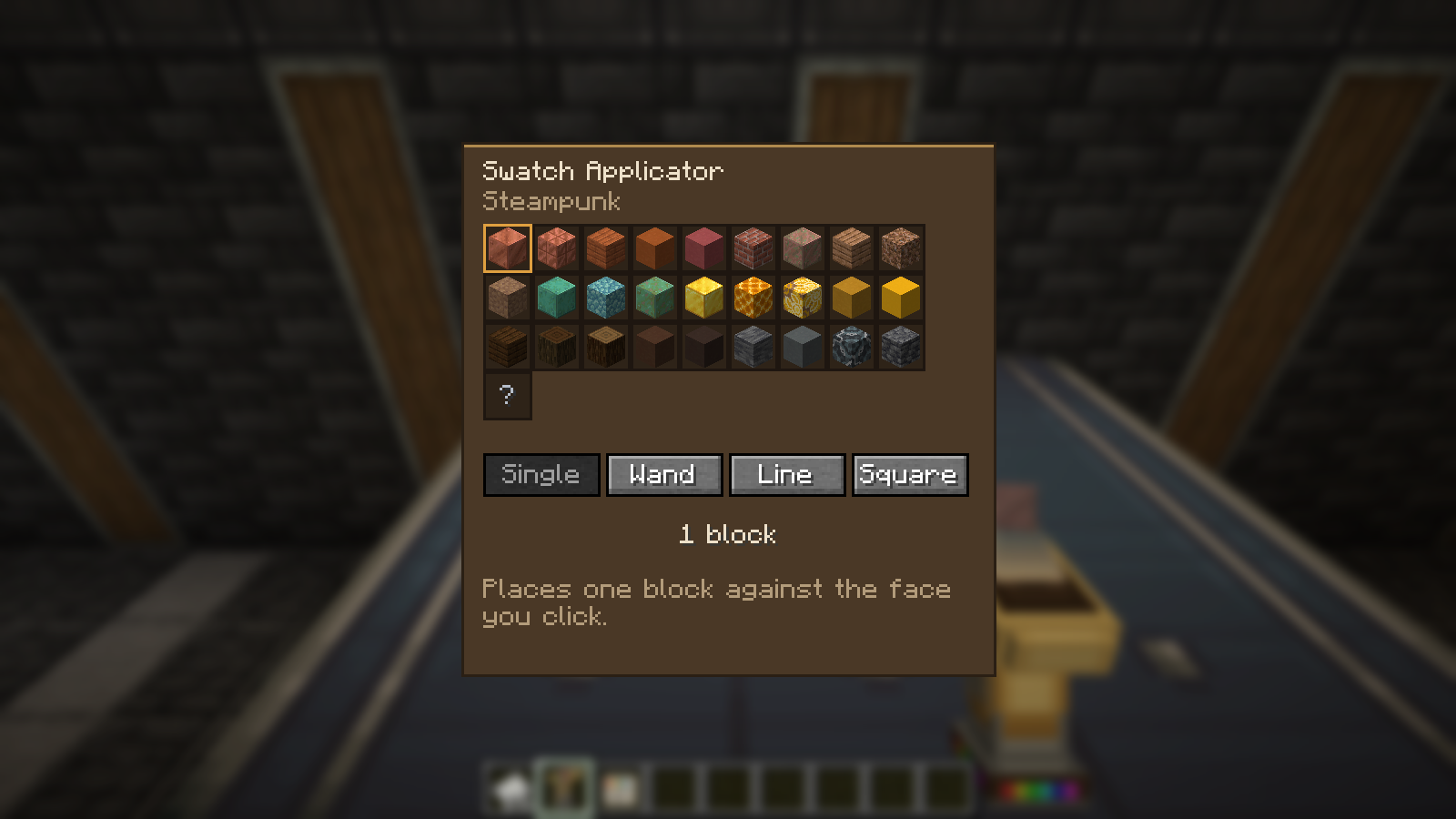
A brass and copper sprayer with a pressure gauge. Load it from a carousel, then place palette blocks straight from the carousel's output or storage. Shift + right-click for settings (Single, Wand, Line, Square), Shift + scroll to change block.
Recipes
- Swatch Carousel: paper, 2 brass sheets, brass casing, shaft
- Swatch Applicator: electron tube, 2 brass sheets, brass hand, andesite alloy
Requirements
- Minecraft 1.21.1, NeoForge 21.1+
- Create 6.0+
- Install on client and server.
Source: https://github.com/l0cks-acab/createswatches More on CIELAB
Create: Swatches Team