Create: Colossal Cannons
- By
A Create & Create Big Cannons addon for building custom colossal cannons and massive physics-driven 3000mm shells on Sable sub-levels.
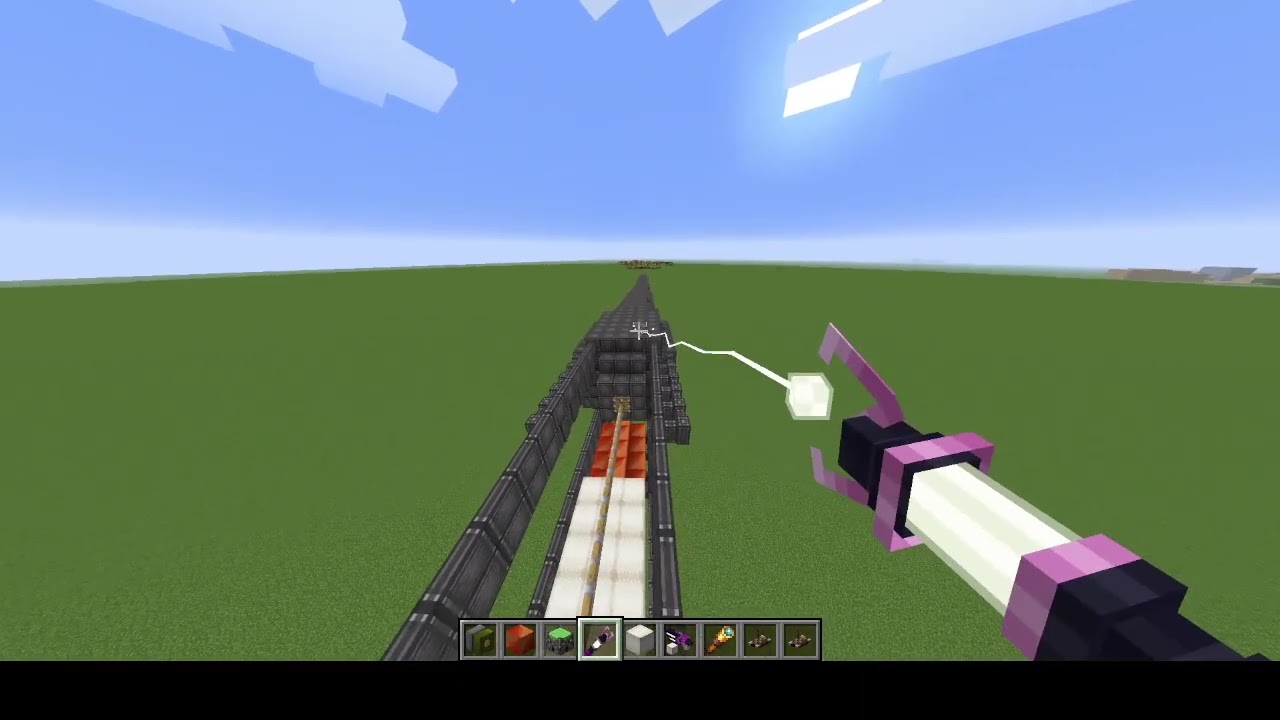
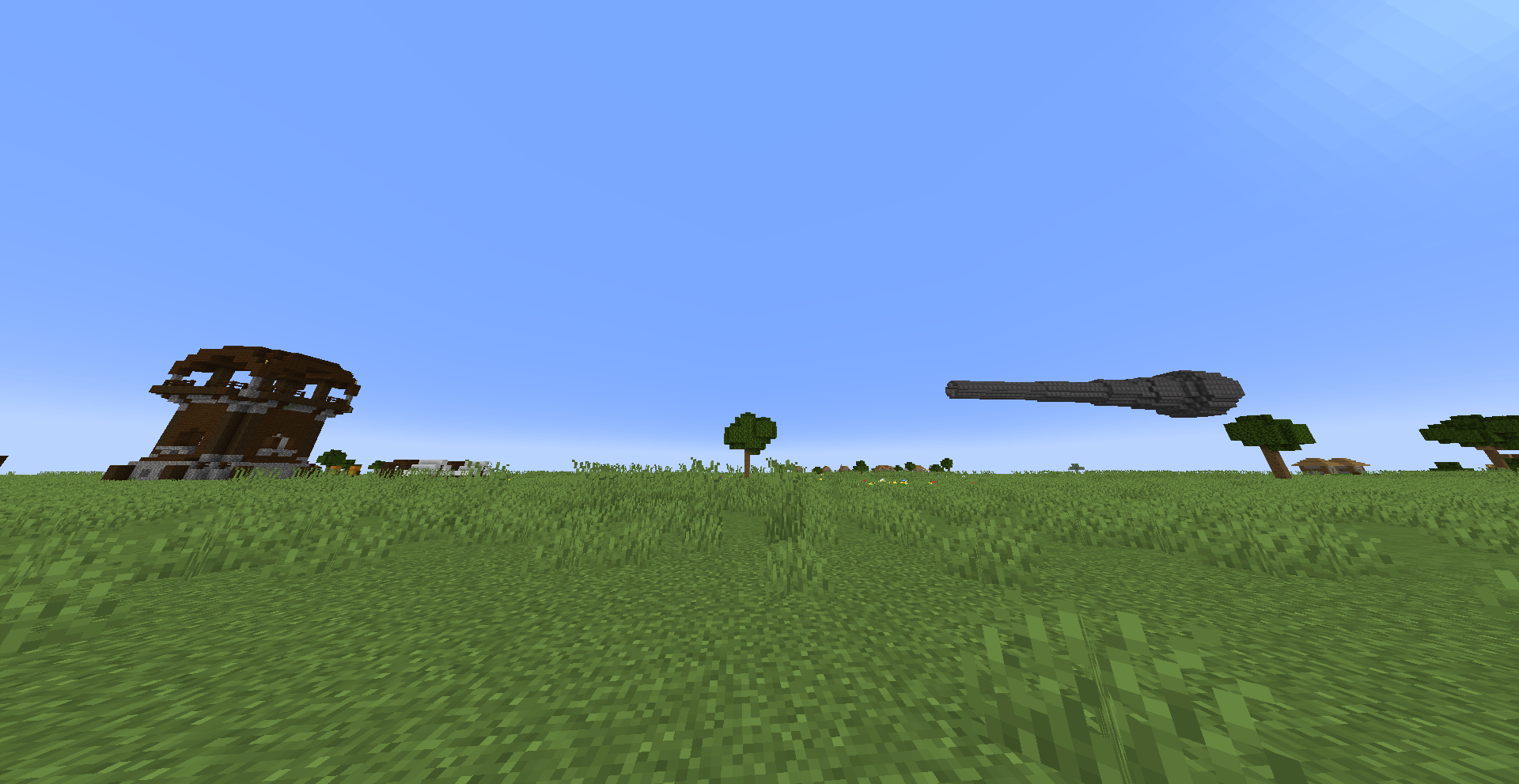
2026-11-19_16.54.33.png
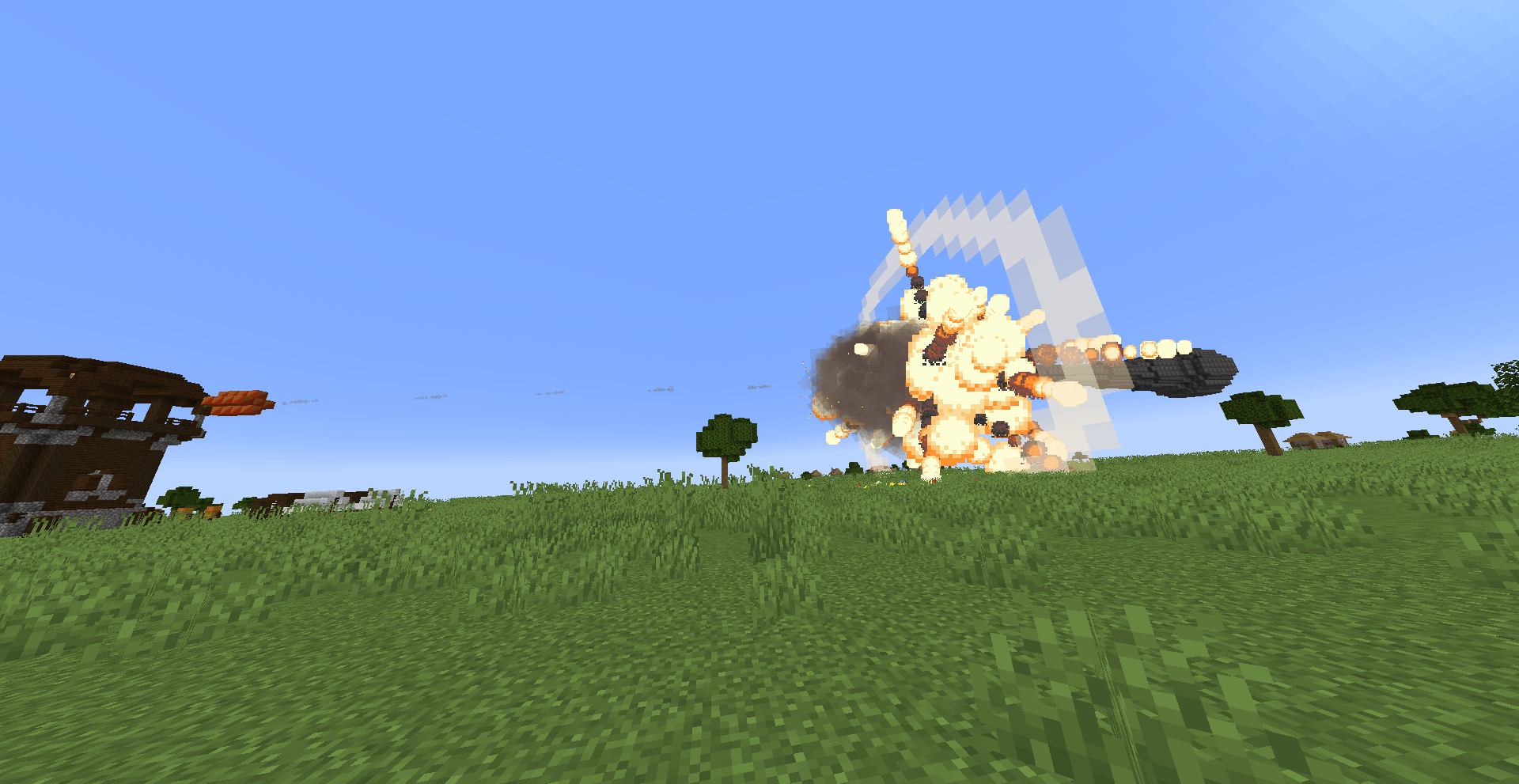
2026-11-19_16.54.35.png
2026-11-19_16.58.58.png
2026-11-19_17.07.45.png
2026-11-19_17.09.34.png
Description
Create: Colossal Cannons
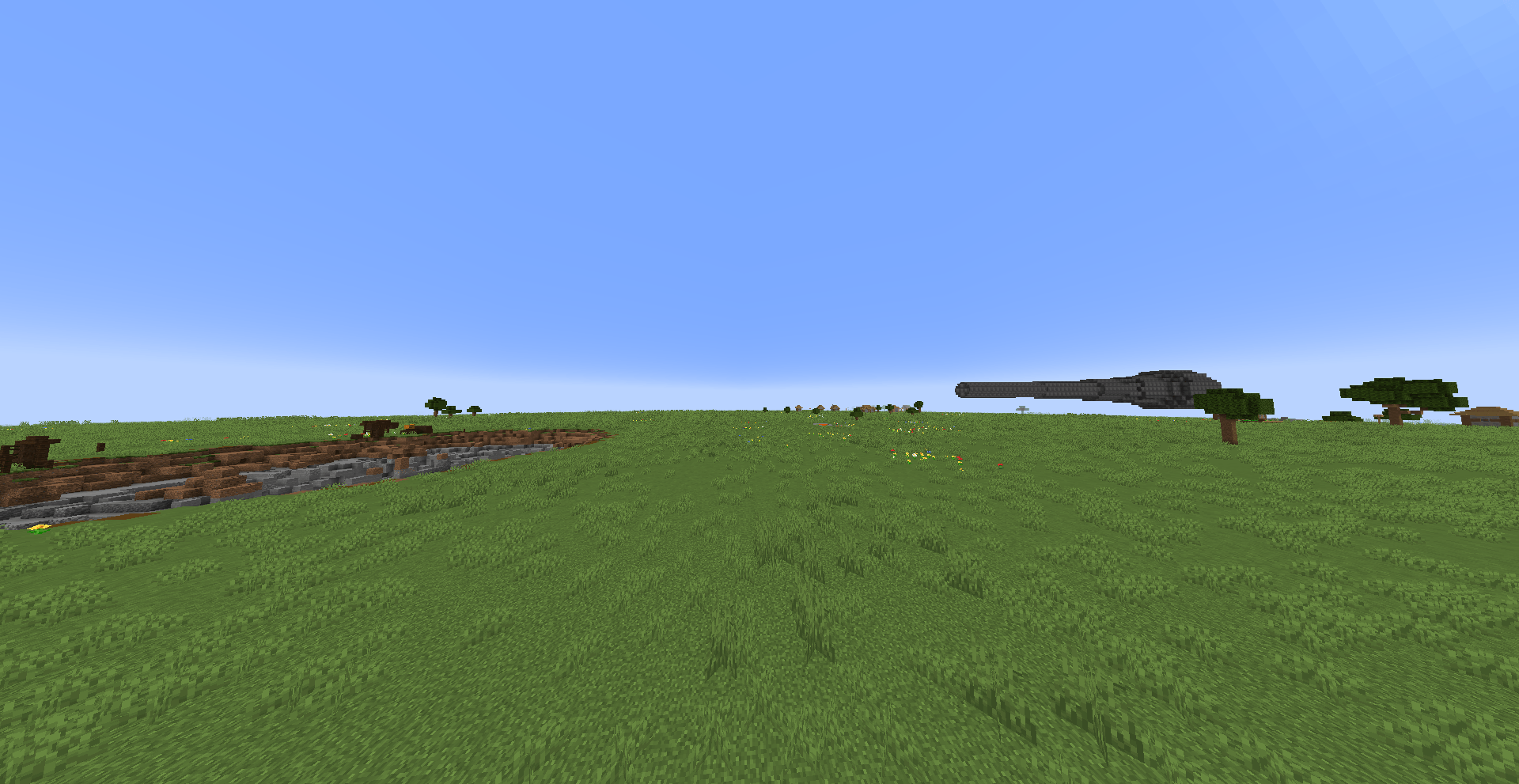
Create: Colossal Cannons is an addon for Create, Create Big Cannons, and Sable that lets you engineer custom 3000mm artillery shells block-by-block and fire them from full-scale colossal cannons with realistic breech pressure, 9-pillar armor penetration, dynamic block erosion on impact, and aerodynamic ballistics.
Quick Start Guide
examples of guns: https://www.dropbox.com/scl/fi/oj4ufakj2hg41n96eros2/ccc_demo.nbt?rlkey=qafwfk58rekcdfzk01u0cavjp&st=a4dmd34w&dl=1
1. Designing a Custom Shell
Build your shell as a Sable sub-level within a 3×3 cross-section (up to 6 blocks of body length behind the nose):
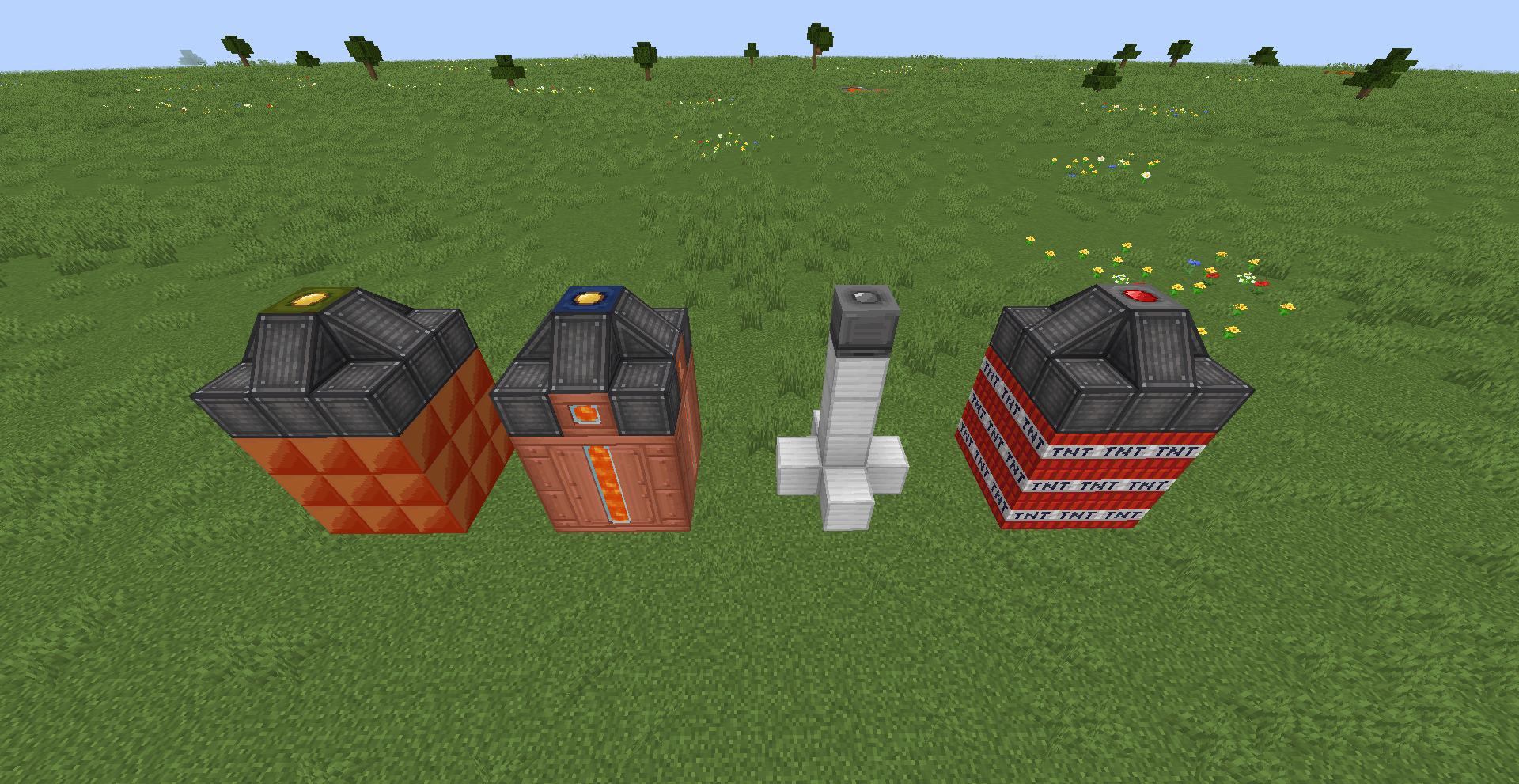
- Nose / Origin: Place a Shell Tip or any Detonator at the front of your shell (leave air directly in front and shell blocks behind it so the forward direction is detected automatically).
- Armor & Shape:
- Every block uses Create Big Cannons armor properties to calculate mass and 9-pillar penetration durability.
- Dynamic Impact Erosion: As a shell punches through obstacles, each of its 9 pillars takes independent damage and physically wears down block-by-block from front to back — weaker nose blocks get sheared off on impact, so armor placement matters.
- Use Shell Casing Plates and Ballistic Wedges (stackable Create Copycat blocks) filled with any armor material to fine-tune caliber and reduce aerodynamic drag.
- Keep your shell balanced — an off-center Center of Mass (CoM) causes mid-air tumbling and dispersion.
- Payload:
- Pack High Explosive blocks (5× TNT yield) or standard explosives.
- Include filled Create Fluid Tanks to build fluid-burst shells.
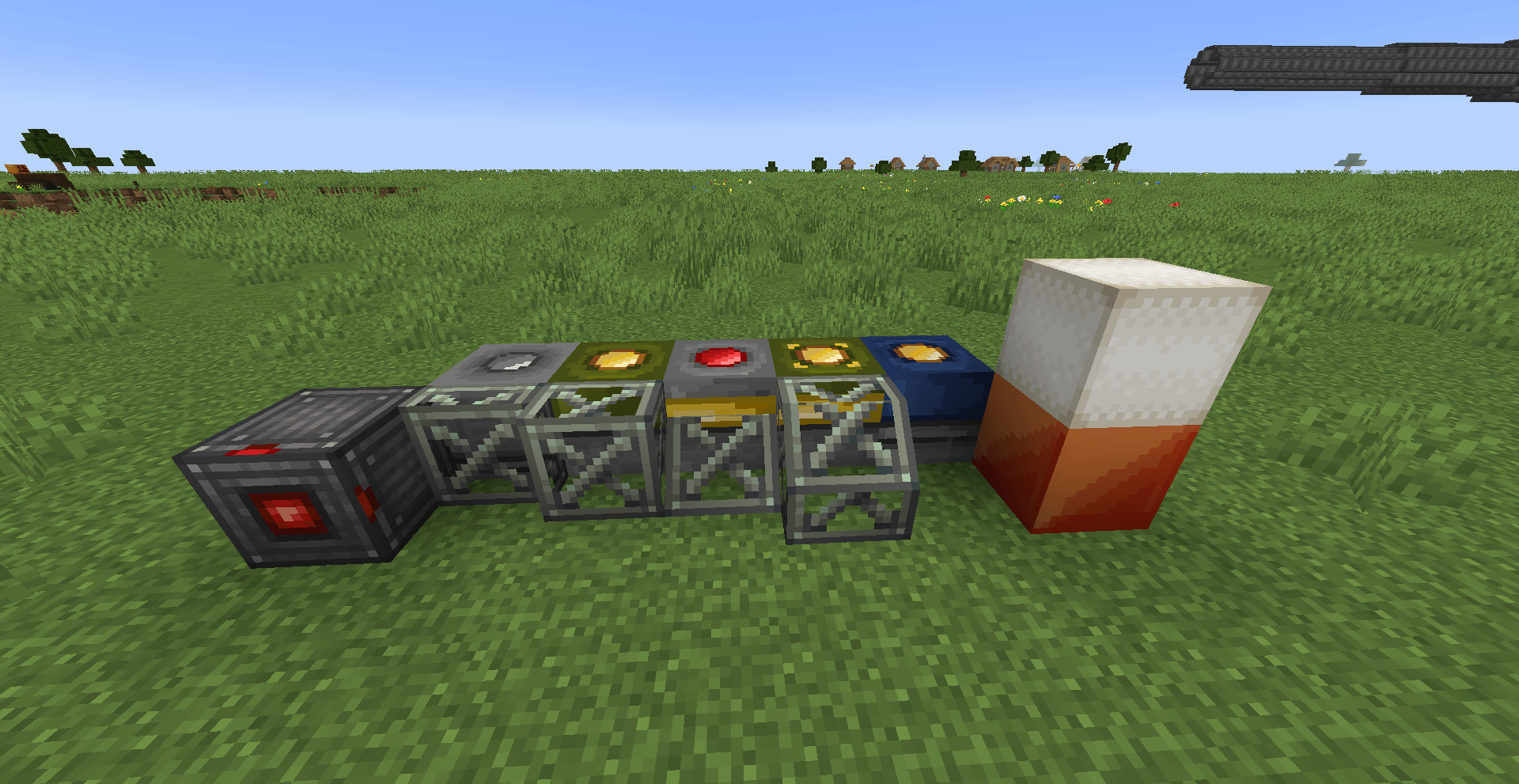
- Fuzes / Detonators (Right-click in air or on the placed block to configure):
- Contact Detonator — detonates immediately on impact.
- Delayed Impact Detonator — detonates after a set tick delay after hitting armor (ideal for bunker-busting APHE shells).
- Timed Detonator — detonates after a configured flight duration.
- Remote Proximity Detonator — airbursts when approaching a target within the configured distance after its arming delay.
2. Building & Firing a Colossal Cannon
- Barrel: Build a barrel with a 3×3 inner bore (5×5 outer walls, up to 64 blocks long). Works both as a static emplacement or mounted on a Sable sub-level (with full physical recoil!).
- Cannon Igniter: Place the Cannon Igniter at the breech facing forward down the bore. Fire it with a direct redstone signal, or Right-click it to assign a wireless Create Redstone Link frequency.
- Loading:
- Place Powder Blocks in front of the Cannon Igniter (directly or as a Sable sub-level charge).
- Load your shell sub-level into the barrel ahead of the propellant.
- Pressure, Seal & Breech Safety:
- Longer barrels and tighter 3×3 bore clearance give higher muzzle velocity.
- Too little propellant will fizzle out without launching the shell.
- Watch your breech armor! Jamming an oversized shell or exceeding the breech wall strength causes a catastrophic breech burst — reinforce it with armored blocks.
3. Testing with the Shell Scanner
Use the Shell Scanner to inspect or test-fire shells without building a full cannon:
- Right-click a Sable sub-level (or Create contraption) to scan the shell and read its Mass, Penetration, Explosive power, Drag, CoM offset, Fuze, and Fluid payload.
- Shift + Scroll or Shift + Right-click to set launch velocity (
0.5–10.0 b/t). - Left-click to launch the scanned shell.
Requirements (NeoForge 1.21.1)
- Create (
6.0.10+) - Create Big Cannons (
5.11.4+) - Ritchie's Projectile Library (
2.1.2+) - Sable (
2.0.x) - Create Aeronautics (optional)
Localization
Available in English, Ukrainian, and Russian.
Note: Version 0.1.0 is an early release — feedback and bug reports are very welcome.
Create: Colossal Cannons Team