


Aeronautic Crew
- By
2026-11-06_19.23.14.png
2026-11-06_19.25.23.png
2026-11-06_19.42.28.png
2026-11-06_19.43.09.png
2026-11-06_19.33.37.png
2026-11-06_19.32.51.png
Description
Quick Start
- Build a ship with Create Aeronautics.
- Right-click the ship with the Ship’s Logbook. A warship (the ship’s management object) is created, the logbook binds to it and opens its menu.
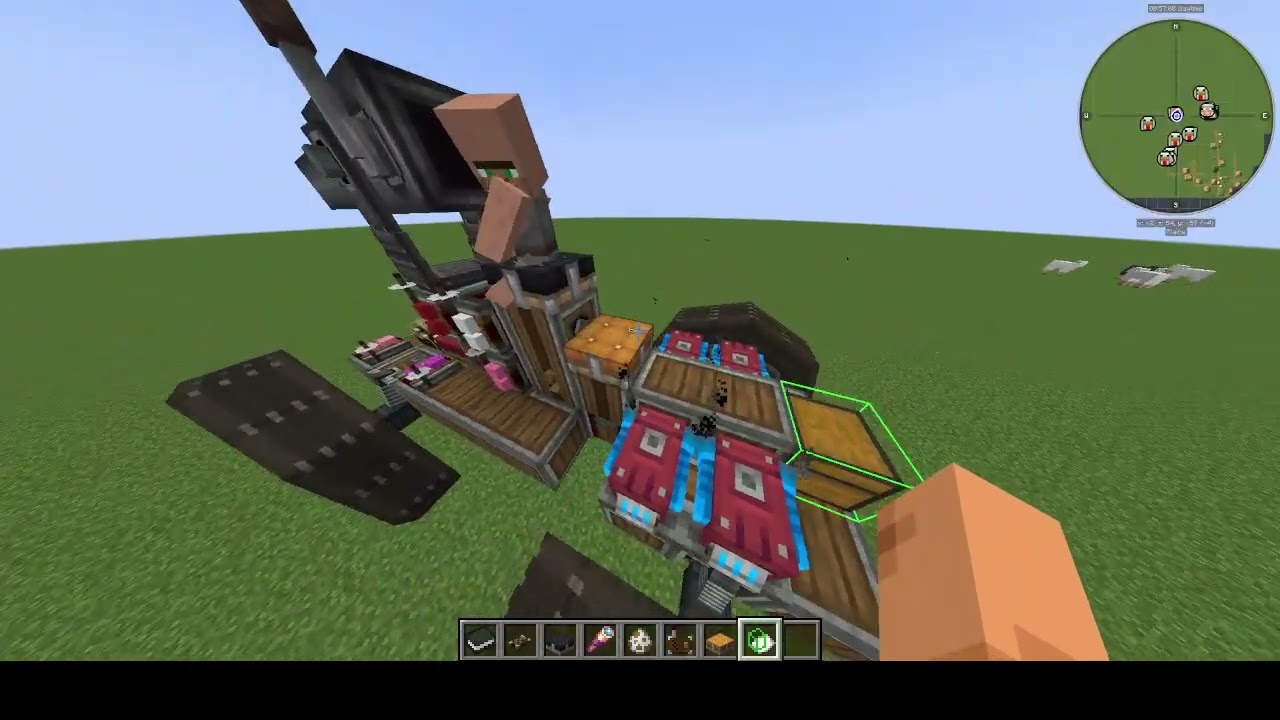
- Use the Ship Zone Marker to select zones:
- Mechanical zones (wings, engines, propellers).
- A seat zone (the seats where the crew will sit).
- A storage zone (chests with repair materials and shells).
- Hire recruits in a village, give them an order to follow you with the Crew Commander’s Flag, and seat them in the seats.
- Connect cannons to the gunner and loader seats with the Cannon Sight.
Items
Ship’s Logbook
Right-click a ship to create a warship and open the menu with the Zones, Turrets, Crew and Storage tabs. Shift+right-click an attached ship to make it a child ship.
Ship Zone Marker
Selects zones on a ship and records them in the warship.
Cannon Sight
Connects a gunner or loader seat to the cannon they operate.
Crew Commander’s Flag
Orders a recruit to wander, follow you, or sit in a seat.
Radio
Right-click a gunner seat to connect the seat to the radio.
Right-click anywhere else (not on a seat) to activate it: all connected cannons aim at the block in the player’s look direction, 50 blocks away. Change the distance with the mouse wheel. Obstacles on the way to the target are ignored.
Left click fires the cannons.
Warship and the Ship’s Logbook
A warship is a ship manager. It is bound to a sub level, constantly looks for damaged zones, and recounts the crew and the resources in storage.
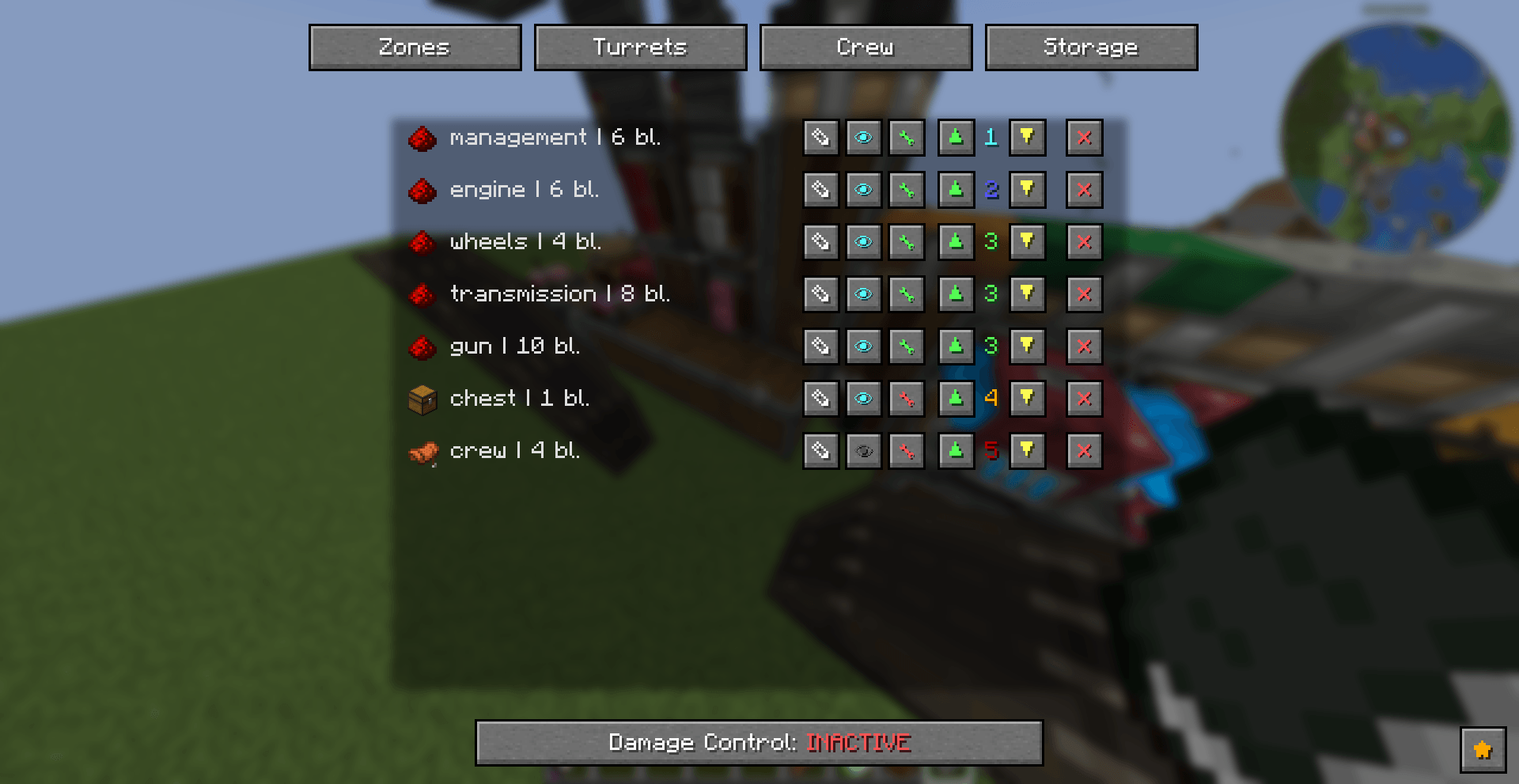
The logbook menu has four tabs:
Zones
All connected zones. You can delete them, change their priority and start repairs.
Creative repair restores the ship one block per tick, and every block keeps all of its tags (creative mode only).
The Damage Control button makes mechanics repair the ship.
Turrets
Shows child sub levels.
Crew
Crew and seat statistics (how many people are on board, how many seats of each type).
Storage
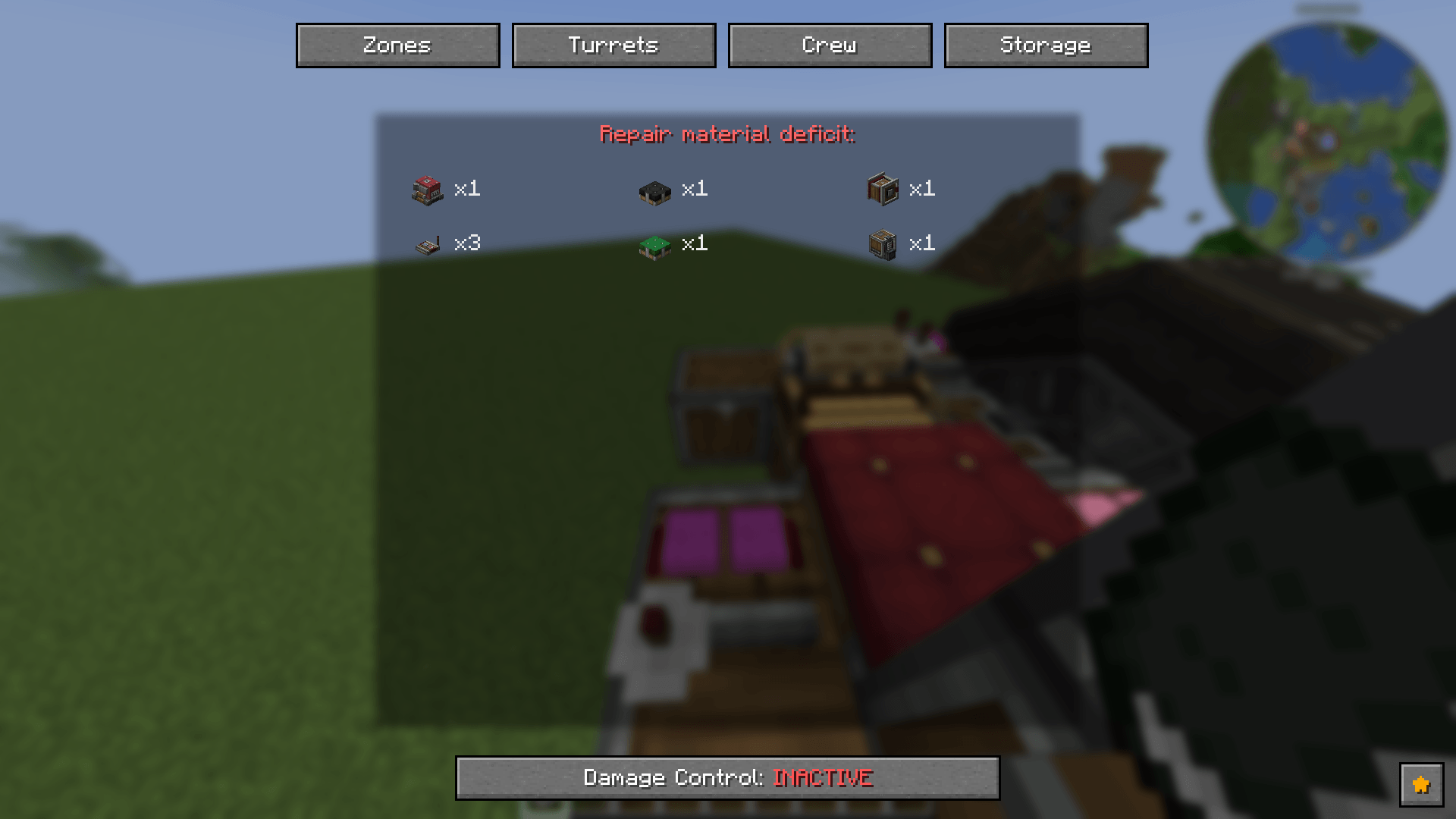
The resources missing for repairs.
Zones
A zone is a selected part of a ship. It stores its blocks with their tags, its priority, type and name.
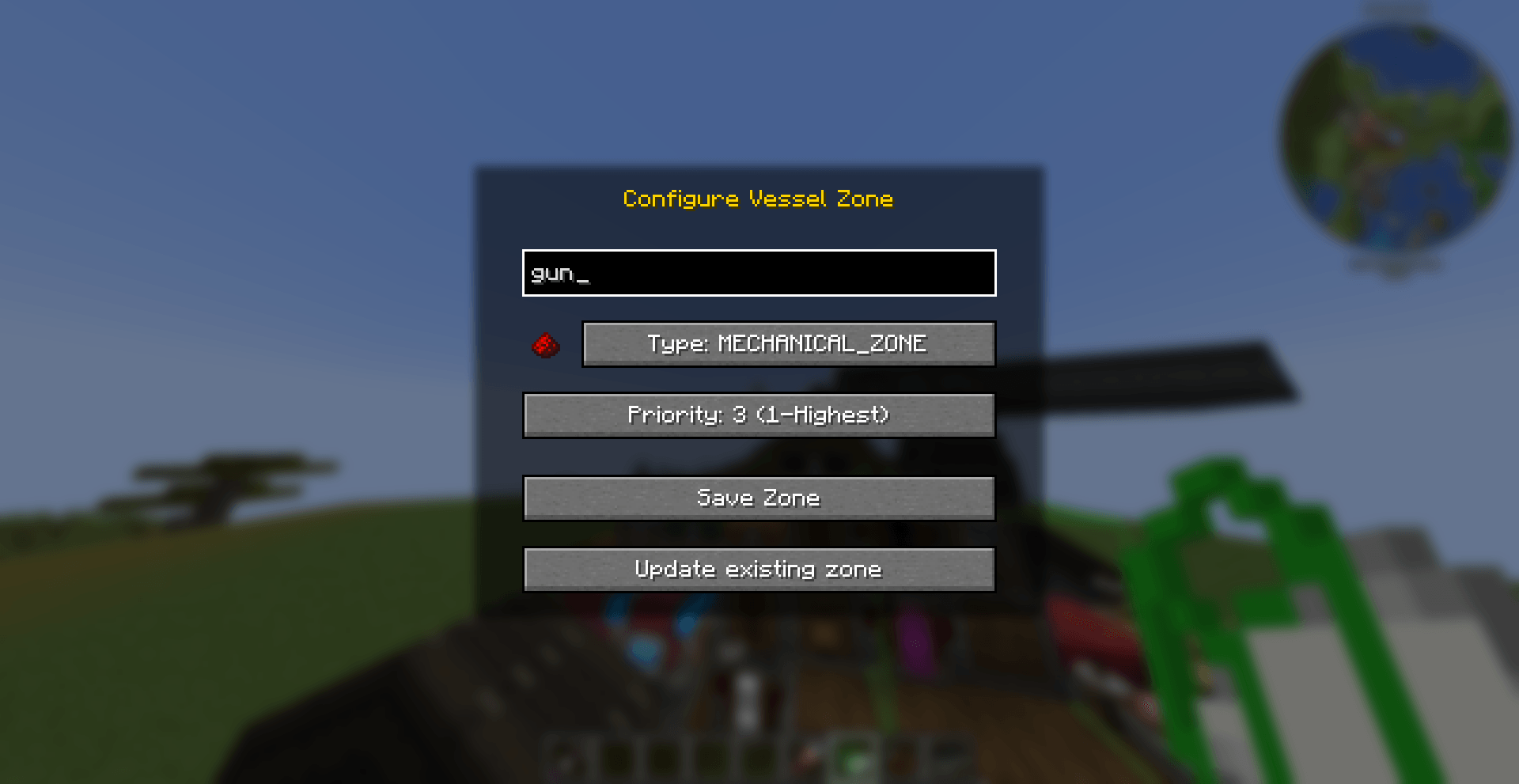
Zones are configured in the Configure Vessel Zone window: name, type, priority (1 is the highest).
Mechanical zone
Gets repaired when damaged. Good for wings, ailerons, engines and propellers.
Seat zone
The warship looks here for seats used for ship control, repairs, reserve movement and statistics. It can be repaired as well.
Storage zone
The warship takes resources from here for repairs and reloading.
Professions and Seats
There are four seat types. A seat only works while someone is sitting in it.
Gunner
The gunner seat connects to a cannon with the Cannon Sight and Create Linked Controller.
A configured Create Linked Controller goes into it, and the seat reads its frequencies:
- Forward: raise the cannon
- Back: lower the cannon
- Left / Right: rotate the cannon
- Space: signal that the cannon is almost aimed
- Shift: fire
Loader
Connects to a cannon with the Cannon Sight (right-click the seat).
Takes shells from storage (if there are any) and returns spent casings there.
Reload time depends on the distance to the shell storage and on the distance from the seat to the cannon. The closer, the faster.
Mechanic
When the mod notices a damaged zone on a sub level and the player orders the ship to be repaired, it finds the nearest occupied mechanic seat and starts the repair.
Speed depends on the distance from the seat to the zone and on the distance from the storage with the needed resource to that same zone.
Reserve
If the mod sees an empty gunner, loader or mechanic seat, it looks for the nearest occupied reserve seat, starts a timer (its length depends on the distance to the empty seat) and teleports the crew member into place.
Child Ships
A connected ship can be made a child ship: Shift+right-click the Ship’s Logbook on a sub level that is connected to the main ship with a bearing or a docking station.
The child ship remembers its parent, and the parent remembers its child.
This lets you:
- Repair the child ship with the parent’s mechanics and vice versa.
- Rotate reserve crew between ships.
- Use each other’s storage.
If the physical connection disappears (docking ports or the bearing disconnect), the ships separate automatically.
Recruits
Hiring
In a village, place a Recruitment Board and set a price.
The price affects how quickly villagers respond (and, in the future, their skill level).
When a villager decides to become a recruit, it walks up to the board. You have one in-game day to hire it.
If time runs out, the villager gets temporary immunity and stops volunteering.
Commands
Use the Crew Commander’s Flag to order a recruit to wander, follow you or sit in a seat.
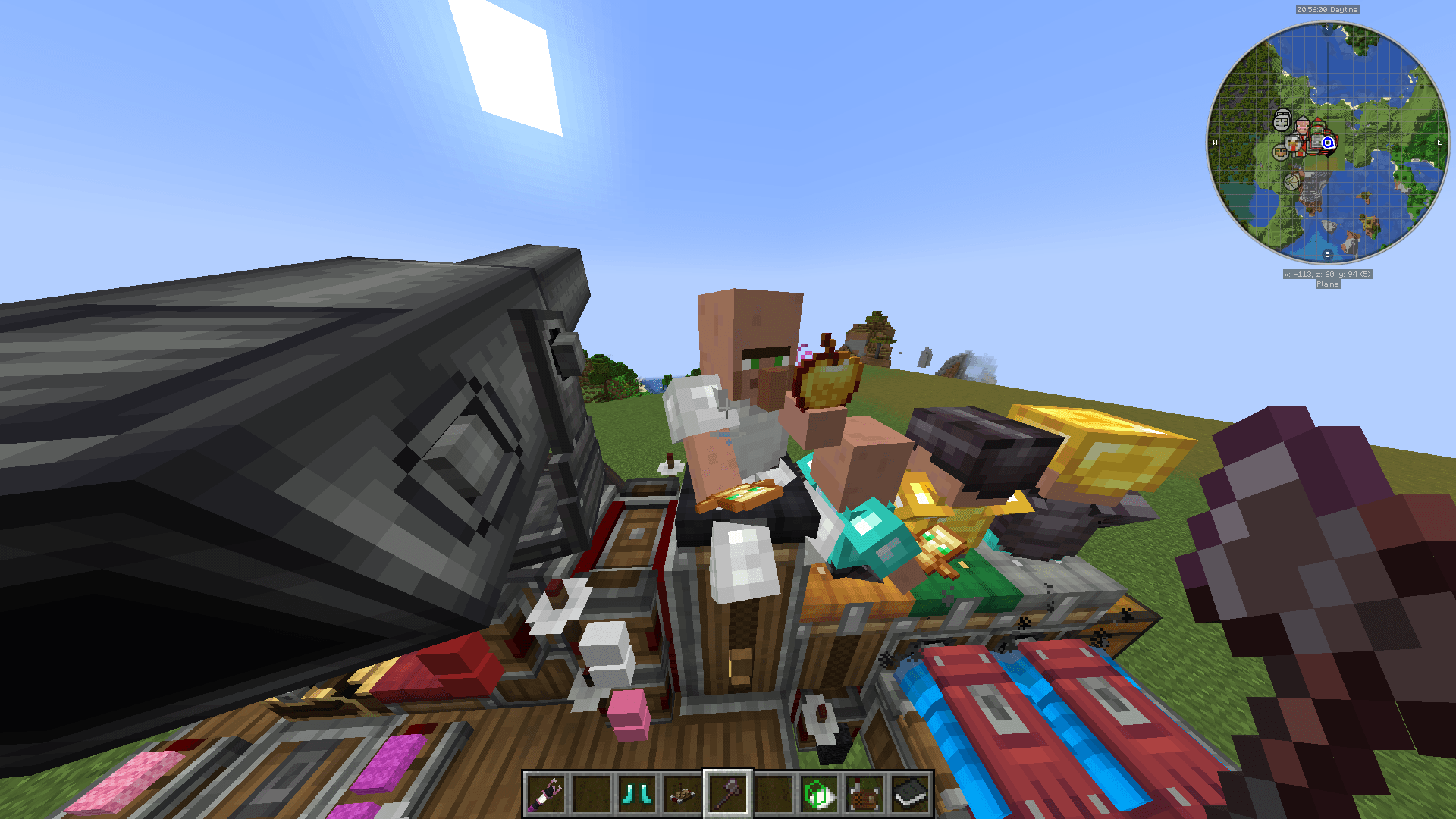
If a recruit is following you and you or it end up on a sub level (or on different sub levels), it jumps determinedly to get aboard.
Recruit Inventory
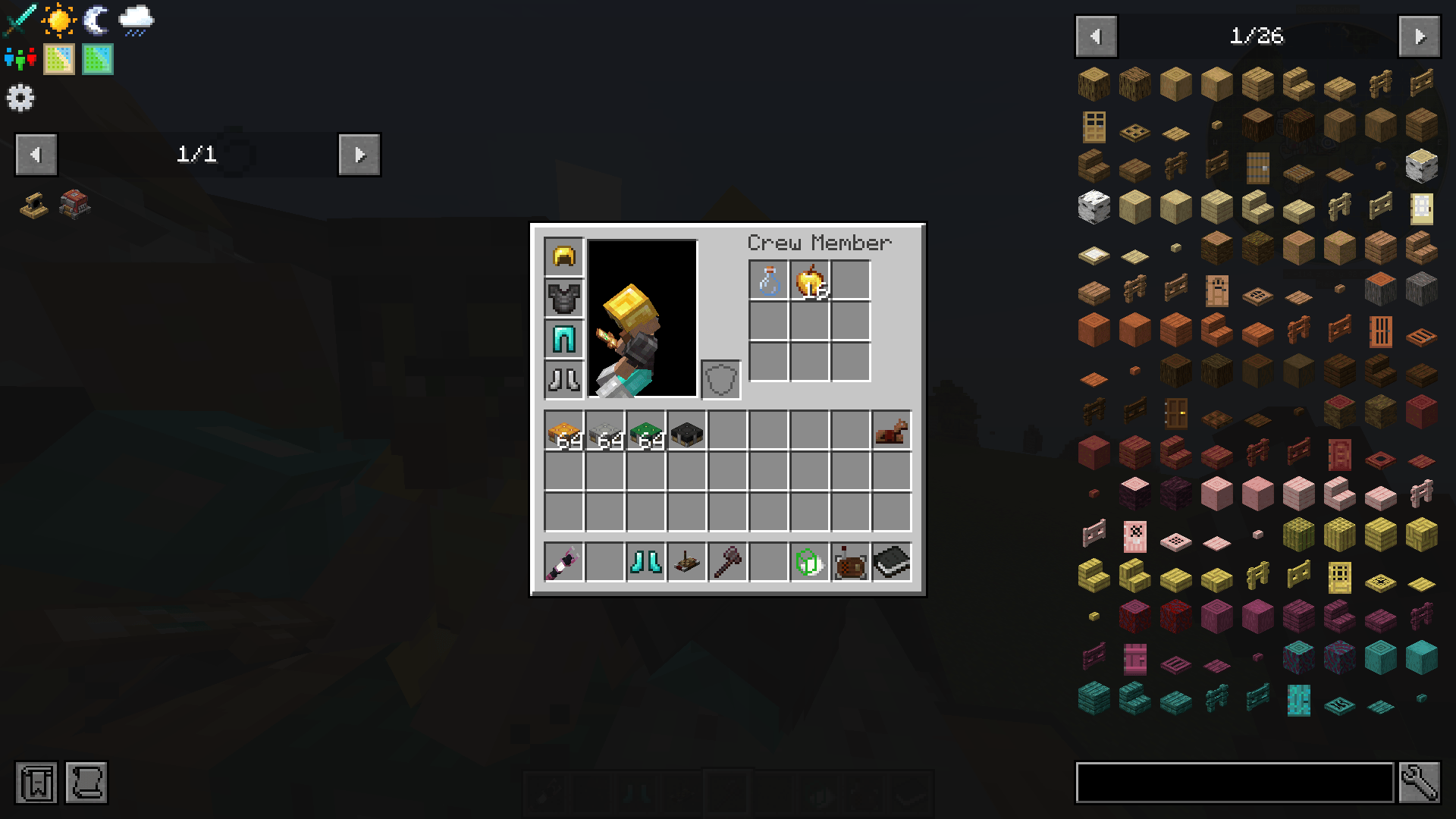
Shift+right-click a recruit to open its inventory: armor slots, the left hand and 9 slots for items.
Recruits use items on their own:
- Totem of Undying is held in the main hand.
- Slow falling potions are used when falling.
- Milk is drunk to remove harmful effects.
- Golden apples and healing or regeneration potions are used when health drops below 50%.
Give them a few of these items and your crew will survive longer.
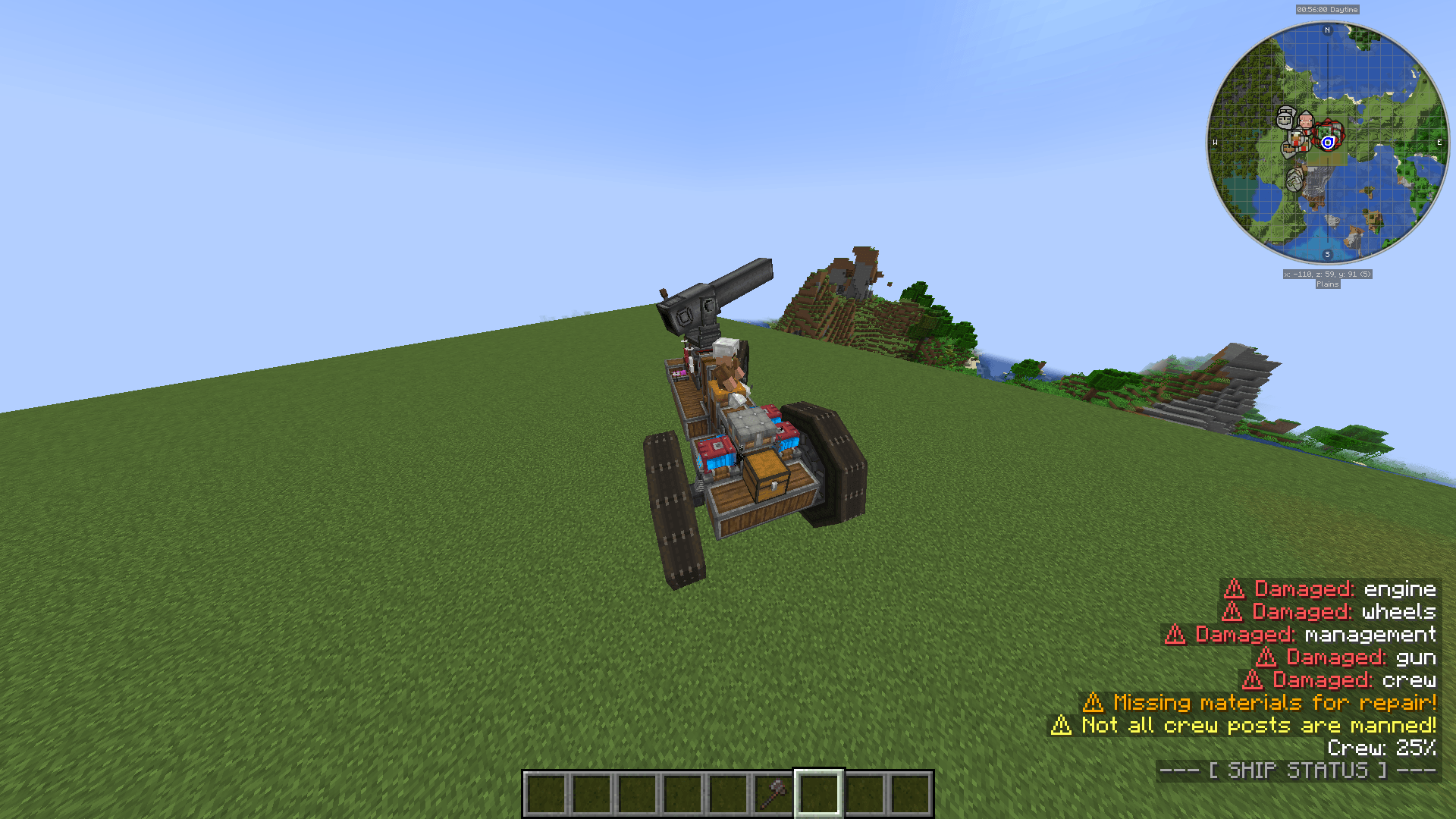
Ship HUD
The bottom-right corner shows the ship’s status:
- The list of damaged zones.
- The percentage of crew positions filled.
- A warning if there are not enough people in the gunner, loader or mechanic roles.
- A message if repair materials are missing (see the Storage tab for details).
Dependencies
Aeronautic Crew requires the following mods (Minecraft 1.21.1, NeoForge):
Aeronautic Crew Team
