


Create: Catalyst
- By
A mod that optimizes create mod for ~40% FPS gain (and adds ScalableLux support with Aeronautics)
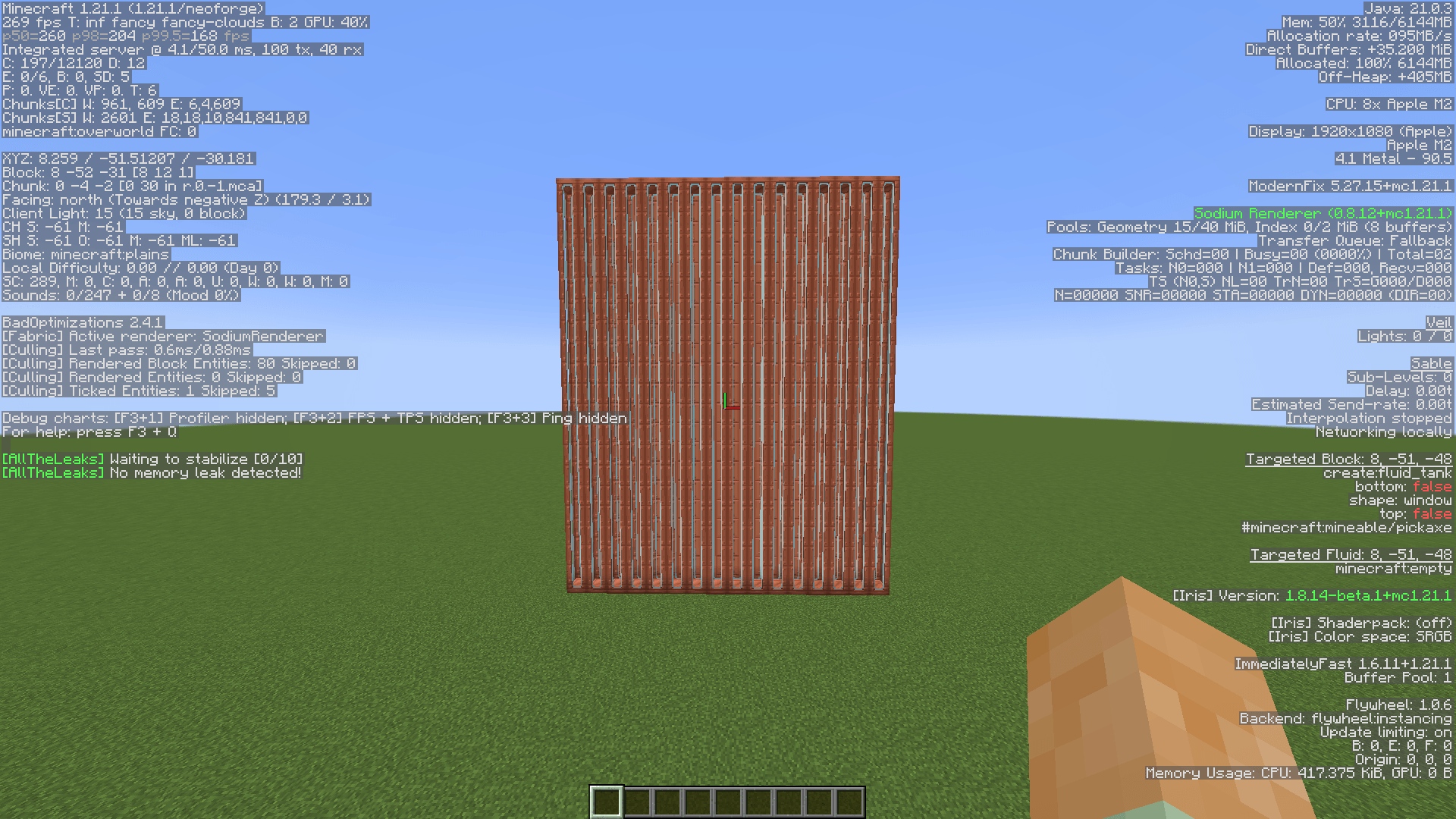
After Catalyst
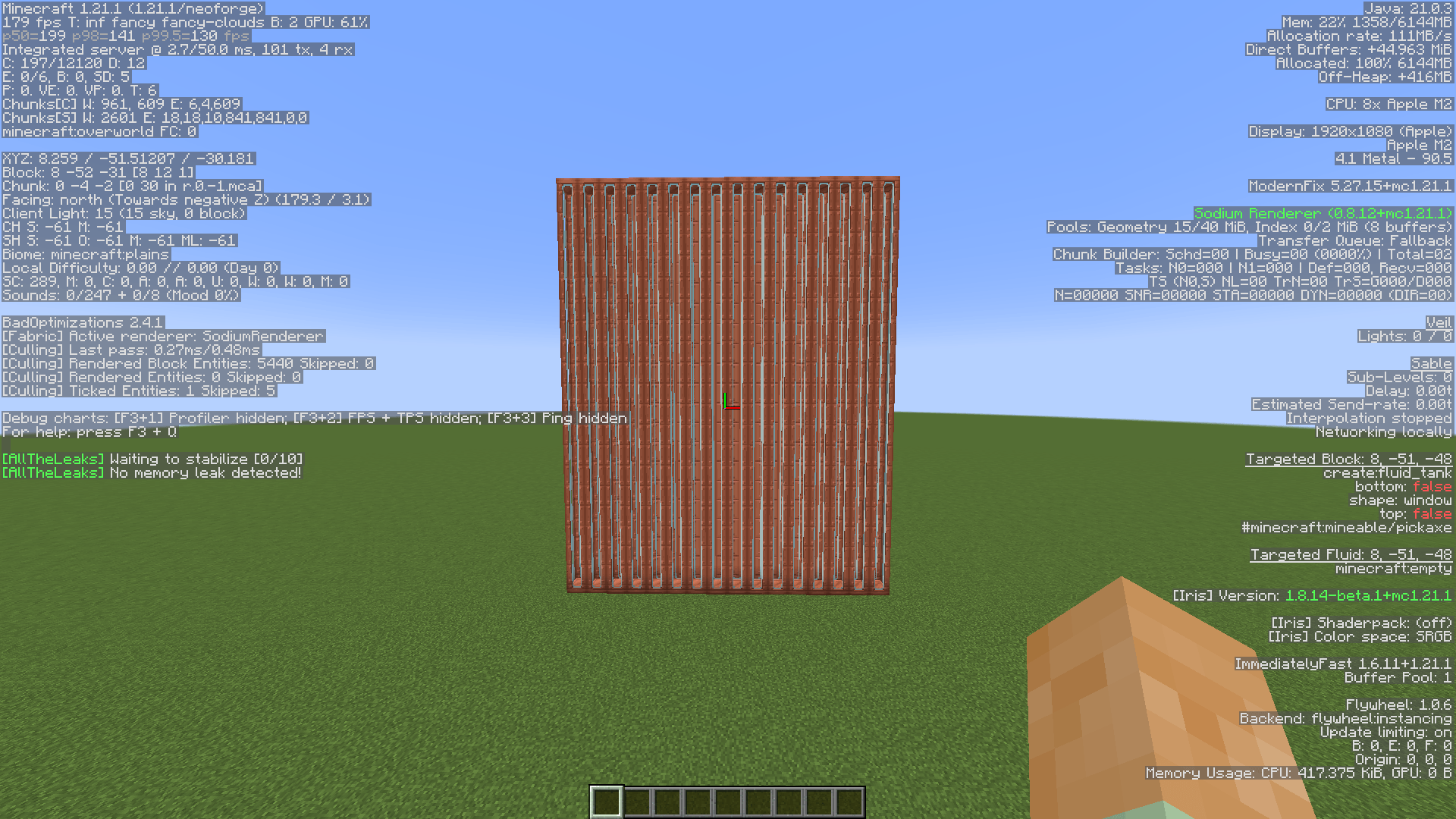
Before Catalyst
Description
Catalyst
Client-side performance patches for Create on NeoForge 1.21.1. Everything is toggleable in config/catalyst-client.toml.
Performance
- Blaze burner smoke costs ~46% of frame time in a burner chunk, so Catalyst spawns half the plumes and gives about 30% more FPS there.
- Your particle setting now applies to burner smoke, which Create deliberately bypassed.
- Multiblock tanks made Sodium process every segment when only the controller draws, dropping lighting cost from 2.10s to 0.17s in a tank farm.
- Fluid rendering copied two matrices per vertex, about 4,500 wasted objects per tank per frame.
- Distant fluid faces draw as one panel, turning a 3x30 tank wall from 90 quads into 1.
- Belt items stop drawing past 32 blocks, though the belt still renders.
- Belt stacks draw their pile of models within 8 blocks instead of 16, the main fix for belts carrying thousands of items.
- Belt lighting is reused between items on the same segment with no visual change.
- Machine display items on basins, depots, ejectors, saws, deployers and crafters stop drawing past 32 blocks.
- Filter and redstone link boxes stop drawing past 20 blocks.
- Create block entities stop rendering past 48 blocks instead of 64.
- Contraption rendering caches its Flywheel backend check per tick instead of per block entity per frame.
- The goggles check, which can scan Curios inventories every frame, is cached per tick.
Audio
- Machine farm stutter is fixed by limiting duplicate sound starts, measured at 3.1s of render thread stalls in 86 seconds.
- Crackling and cutting out audio in burner farms is fixed by capping campfire crackles at 2 per tick.
- A global budget limits Create sounds started per tick, with dropped plays retrying next cycle.
- Sounds are never limited by distance.
Compatibility
- Requires Create 6.0.0+ on 1.21.1 NeoForge.
- Tested with Sodium, Flywheel and Sable / Create Aeronautics.
- Compatibility with ScalableLux is added, just install ScalableLux + Aero + Create
- Airship blocks render and sound correctly because distance comes from the renderer, not the player.
Comparison
Before
After
Create: Catalyst Team

Owner


![Capybara [Forge] project image](https://media.forgecdn.net/avatars/thumbnails/754/647/256/256/638092482955711455.png)