Create: Better Mechanical Arms
- By
Enhances Create’s Mechanical Arm with direct inventory access, configurable transfer amounts, and an item filter, all managed through a simple settings menu.
Create: Better Mechanical Arms upgrades the existing Mechanical Arm from Create, there is no additional arm to craft. Extract items directly from chests, barrels, and other supported inventories, or insert items into them. Set a maximum transfer amount and choose which item type your arm is allowed to pick up.
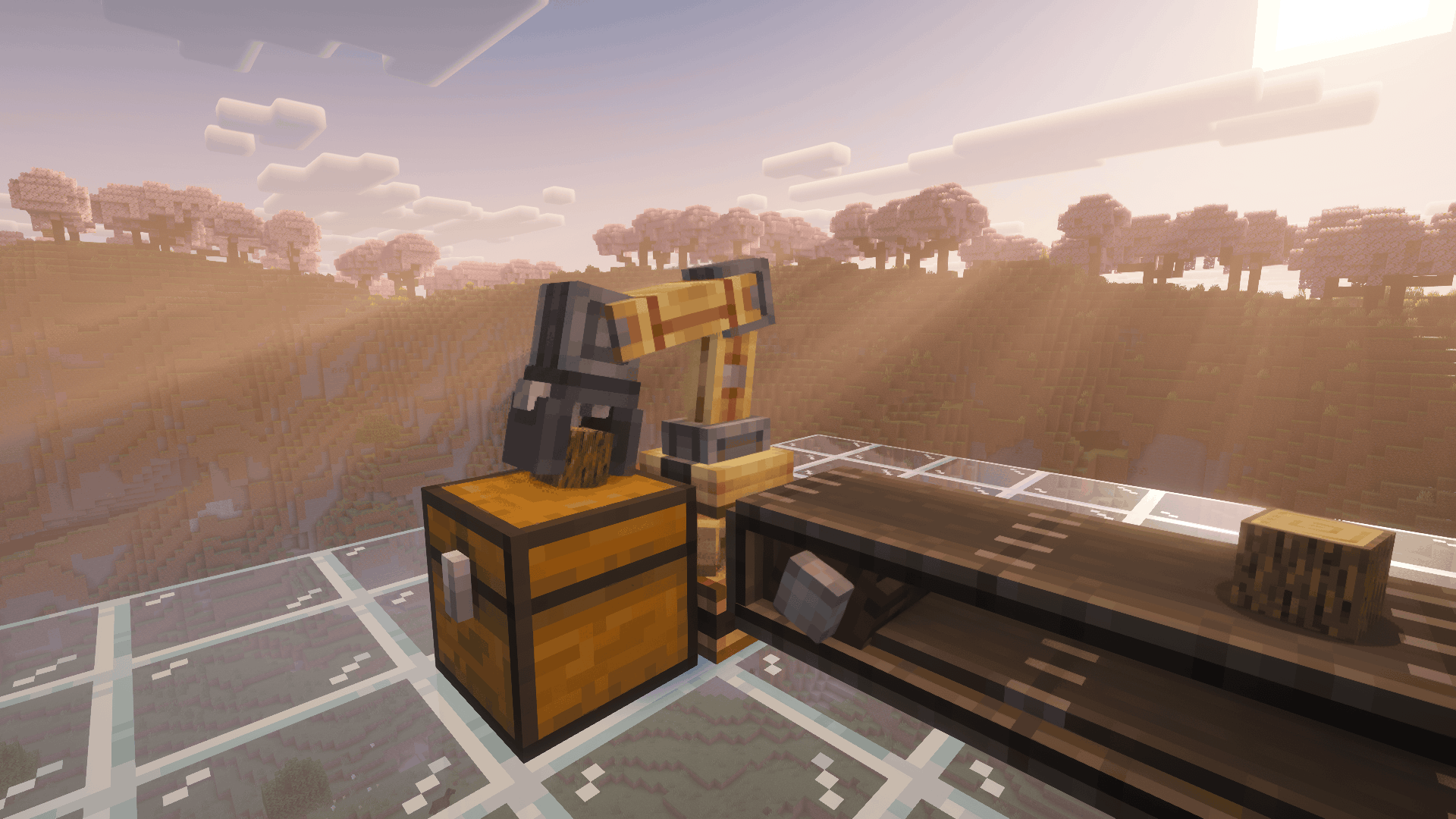
No extra transfer station needed! The Mechanical Arm can take items directly from supported containers and deliver them to its selected destinations.
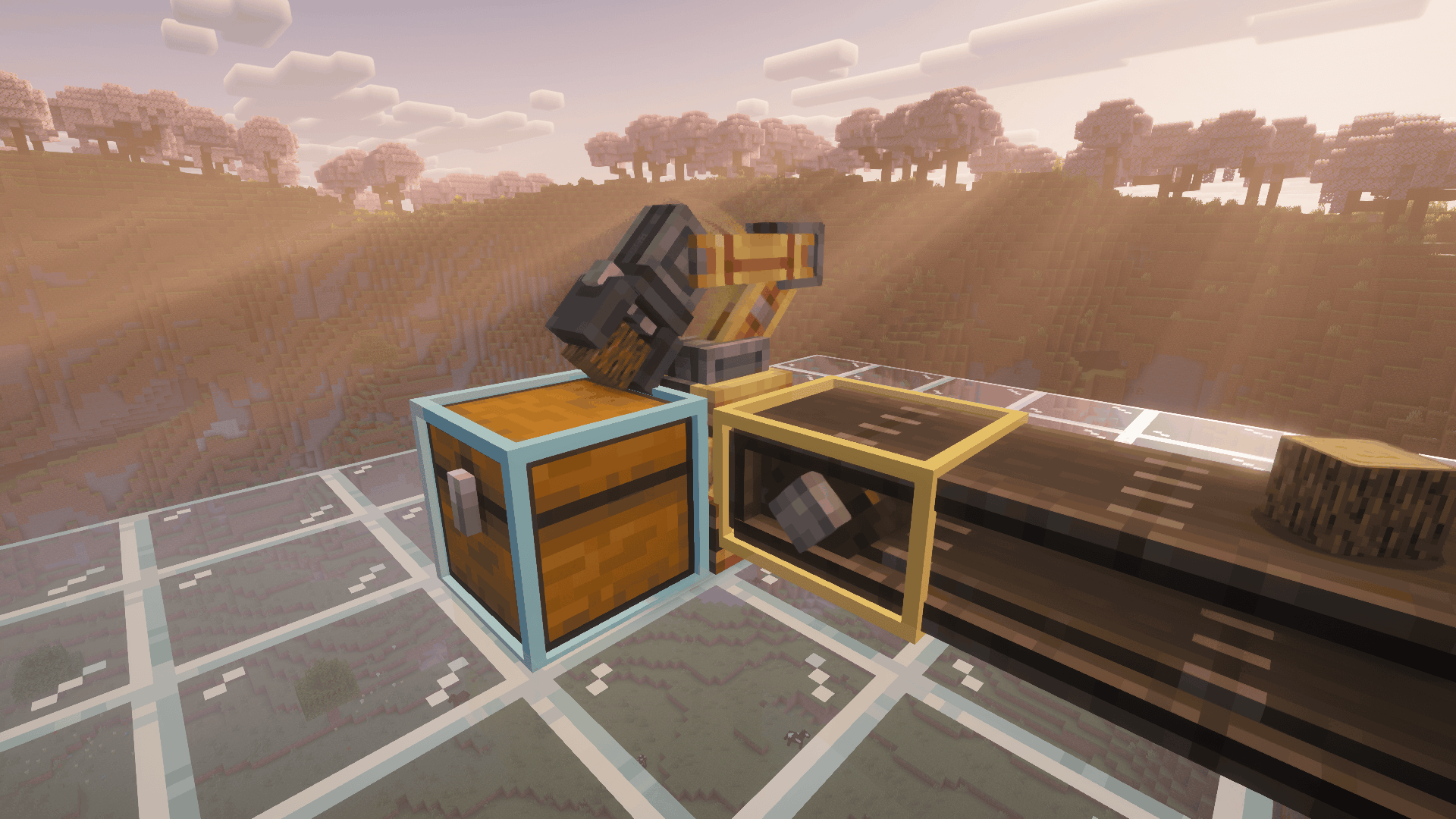
Select containers as inputs or outputs using Create’s familiar setup:
- Blue: Extract items.
- Yellow: Insert items.
The arm’s normal Create functionality remains available.
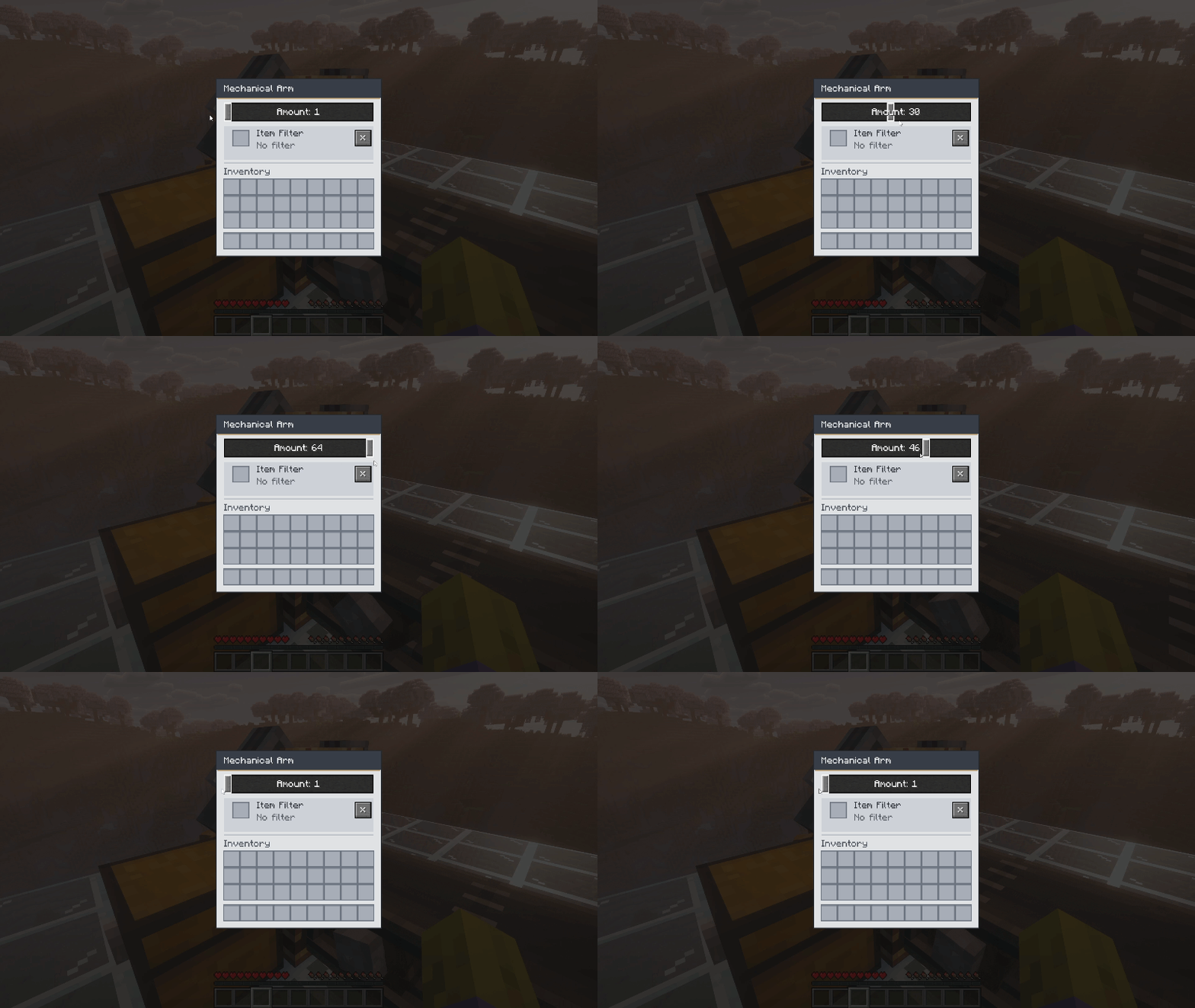
Open the settings menu by Shift + Right-clicking a placed Mechanical Arm. Use the slider to select a maximum transfer amount between 1 and 64 items.
The arm does not need to wait for a full batch. If the amount is set to 16 but only 5 matching items are available, it can transfer those 5. Each item’s maximum stack size is also respected.
Every arm has its own amount setting.
Choose which item type an arm should pick up—even when different items arrive on the same belt.
To set a filter:
- Open the arm’s settings menu.
- Shift-click an item in your inventory, or pick up an item with your cursor and click the filter slot.
- The arm remembers that item type.
The sample item is not consumed. Your item stays with you.
To clear the filter, use the “×” button or click the filter slot with an empty cursor. With no filter selected, the arm can pick up any item type again.
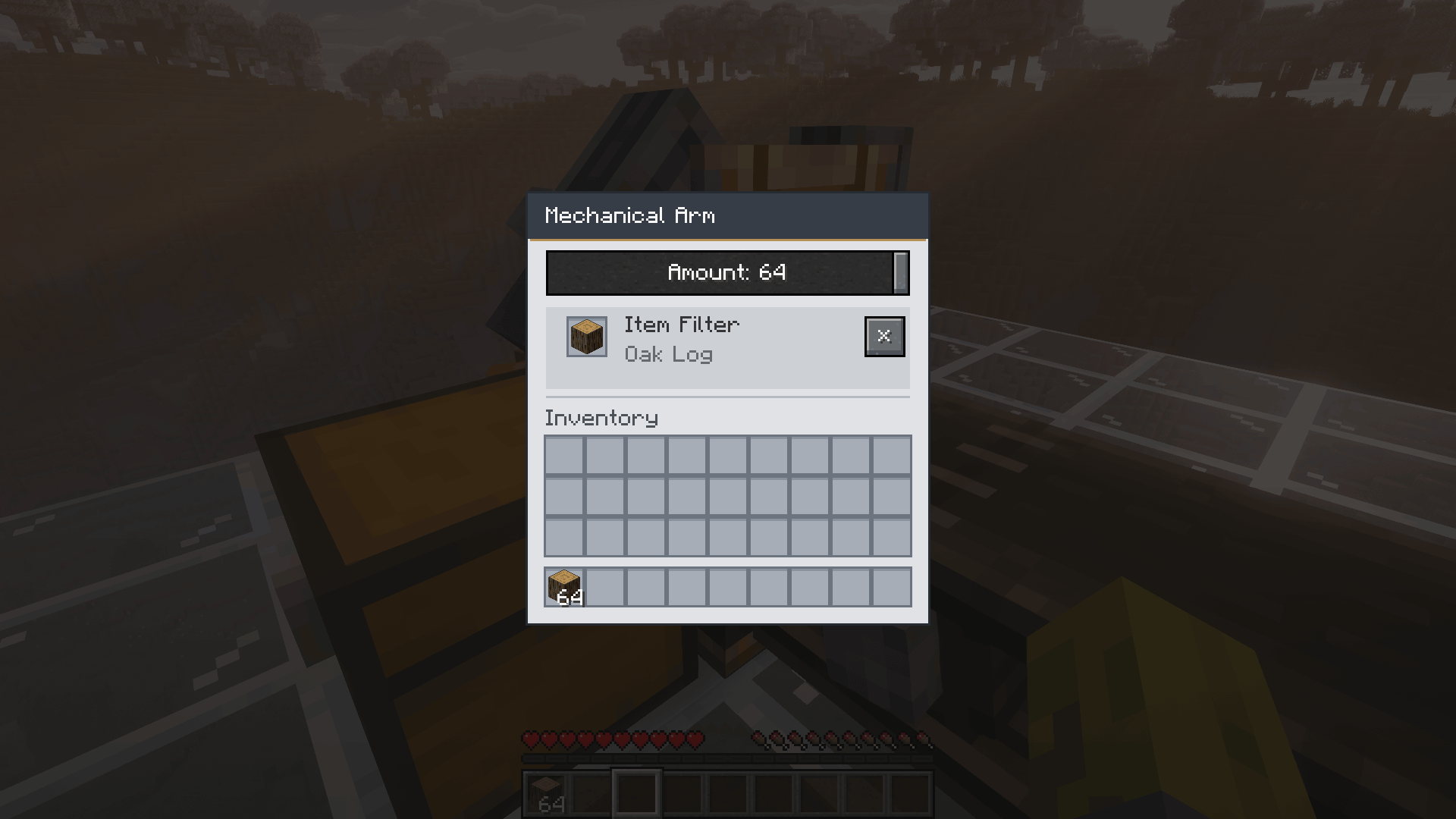
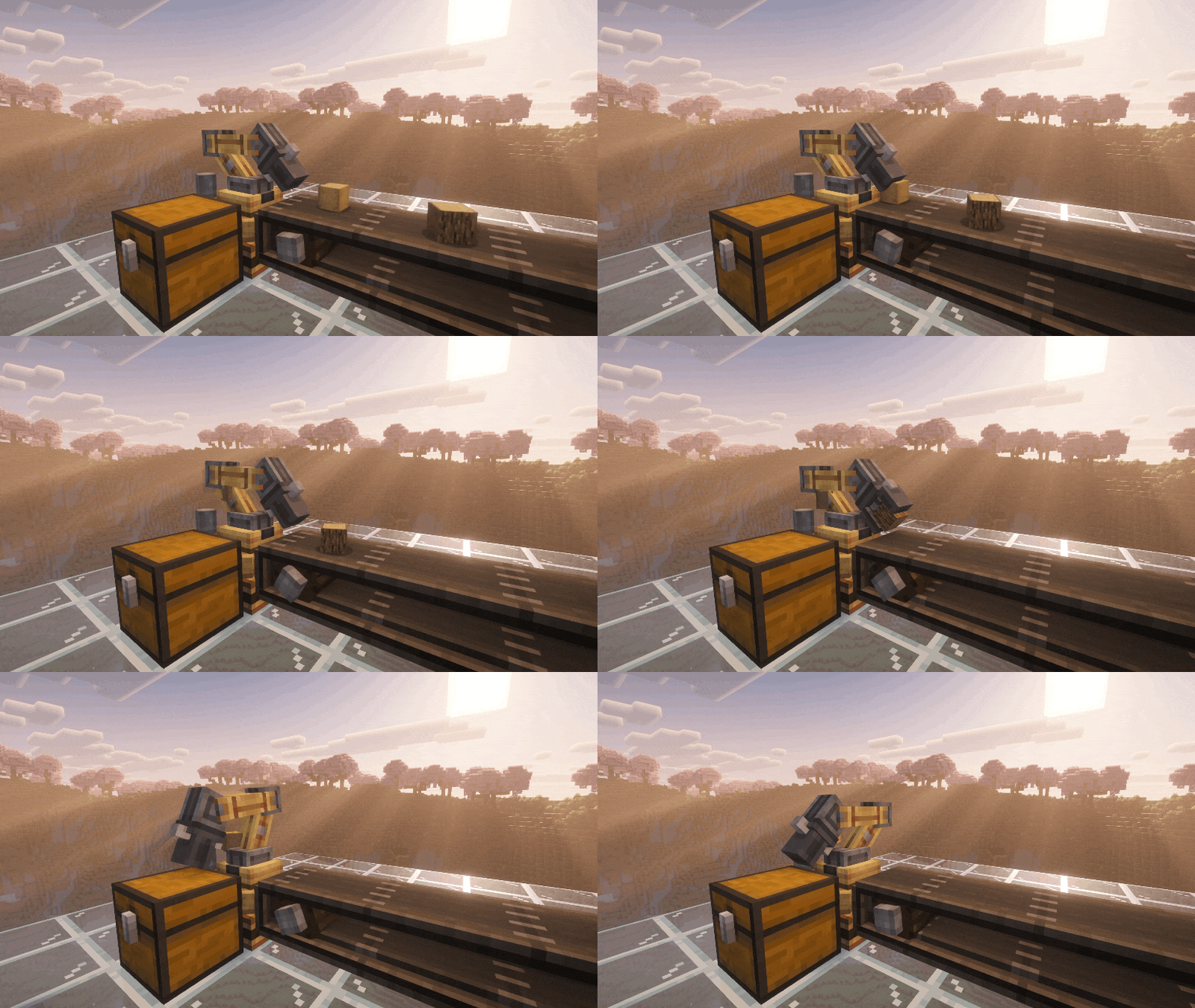
All additional settings are available in one place:
- Draggable transfer amount slider.
- Filter slot displaying the selected item.
- Shift-click support for quickly setting the filter.
- Clear-filter button.
- English and German translations.
- Color-highlighted instructions in the Mechanical Arm’s item tooltip.
You are free to include this mod in your modpacks.
Create: Better Mechanical Arms Team

Owner