Create: Advanced Electricity Addon
- By
Powered lamps, fuse boxes, subsea cables and a modern diving suit for Create: Crafts & Additions.
Screenshot 2026-10-14 180912.png
Screenshot 2026-10-14 180940.png
Screenshot 2026-10-14 181241.png
Screenshot 2026-10-14 181257.png
Screenshot 2026-10-14 181313.png
Description
Crafts & Additions: Lamps & Fuses
Put your Crafts & Additions power grid to work. This addon adds lamps that actually need electricity, real fuse boxes with circuits and breakers, long-distance subsea cables, a control room computer that watches your grid, and a modern diving suit with a working dive computer.
Everything runs on Forge Energy (FE) from Create: Crafts & Additions and connects with its normal wire spools and connectors.
Requirements
- Minecraft 1.20.1 with Forge
- Create
- Create: Crafts & Additions
- Optional: MrCrayfish's Furniture Mod: Refurbished (the Power Box can supply its lamps and appliances)
Install the mod on both the server and the client.
---
💡 Lighting
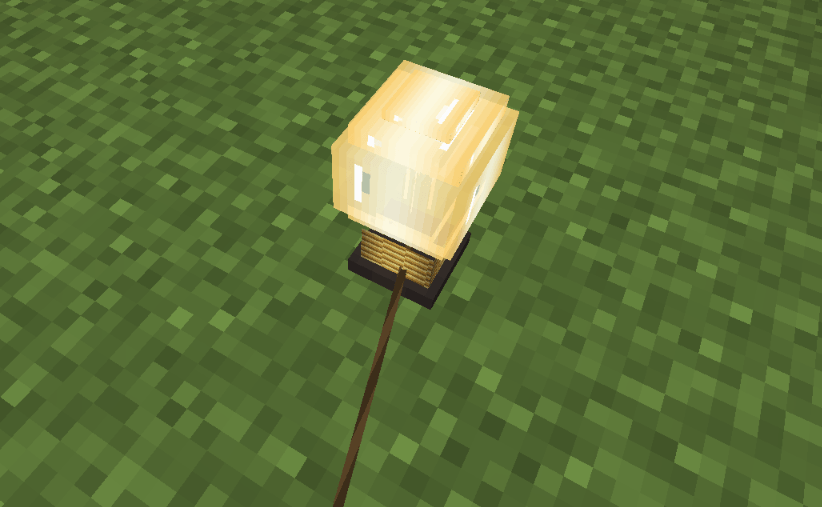
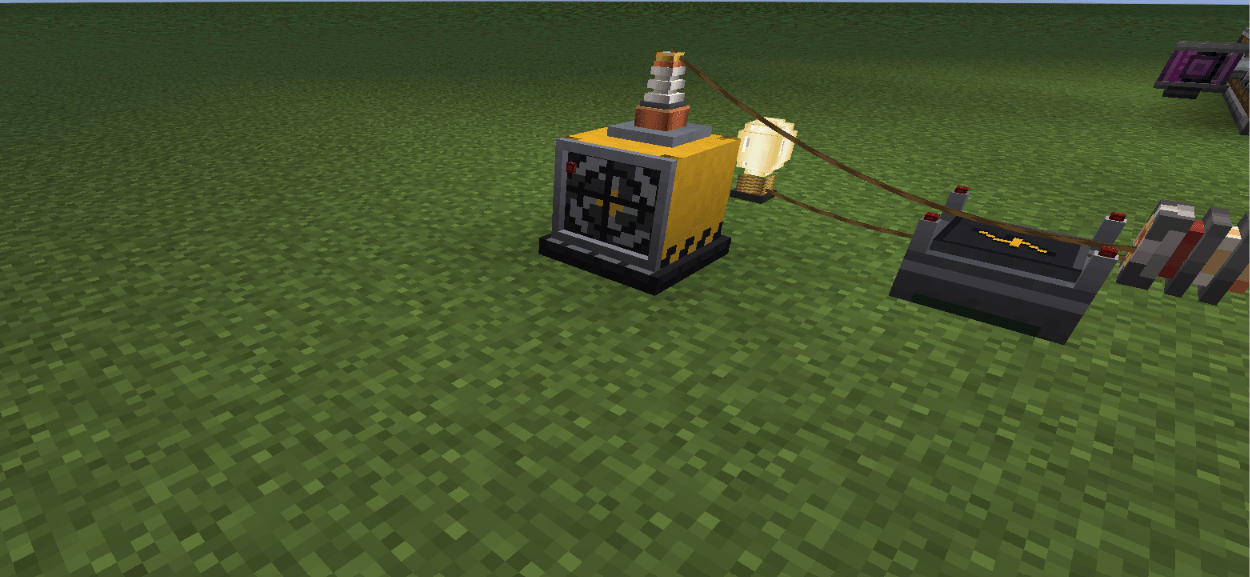
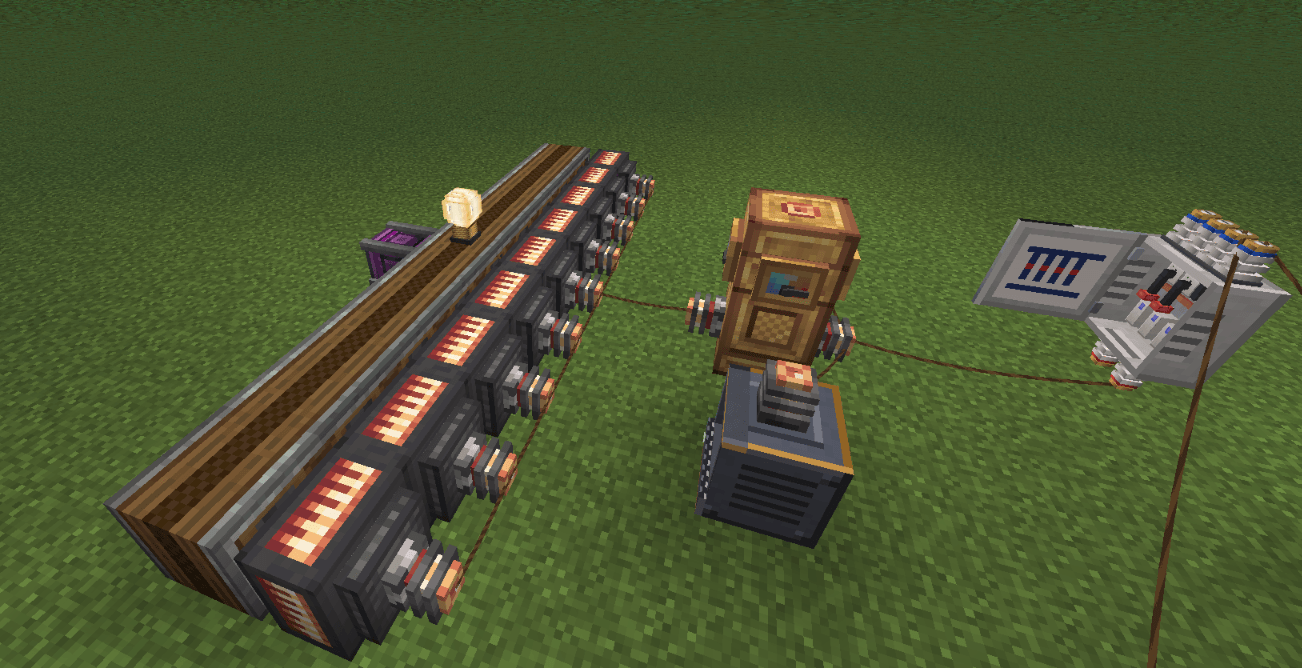
- Light Bulb and Industrial Lamp: they only light up while they receive power. Wire them up with a Crafts & Additions spool. They turn off within a fraction of a second when the power is cut, and they don't flicker.
- Alarm Lamp: a flashing red light with a siren. It is triggered by redstone. Right-click it with an empty hand to switch between siren, horn, bell and silent.
⚡ Power Distribution
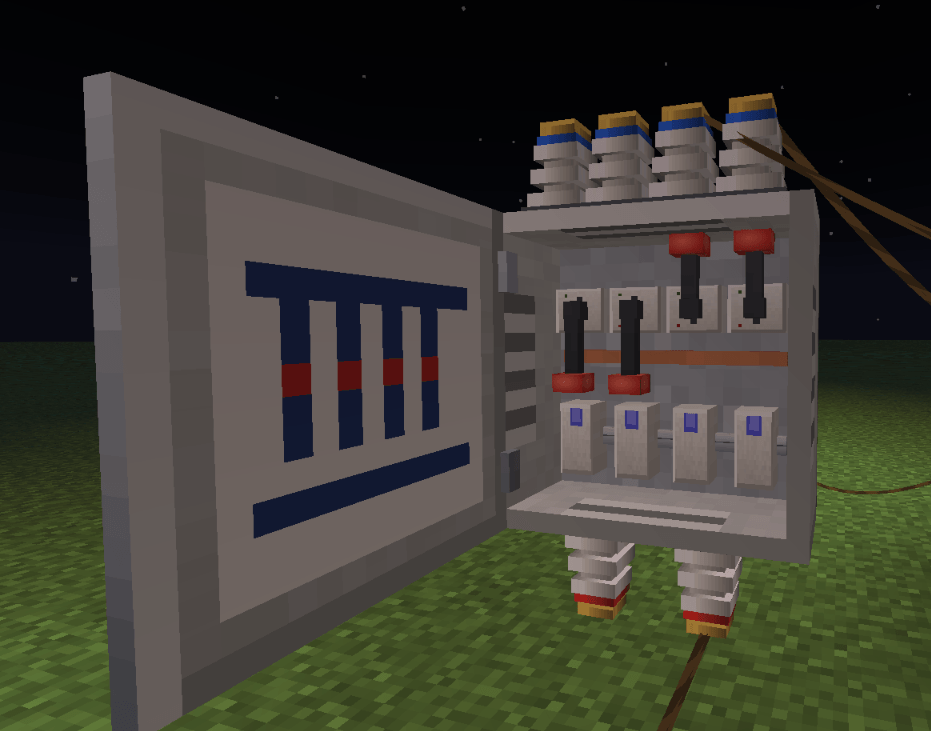
- Fuse Box:
- The door opens and closes, and an analog gauge on the door shows the current load.
- It has 2 inputs at the bottom (red terminals) and 4 circuits at the top (blue terminals).
- Every circuit has its own lever and its own fuse.
- The menu shows demand, throughput and an energy meter for each circuit.
- Fuses from 16 A up to 500 A:
- Overload a circuit for too long and its fuse blows. Short load spikes are tolerated.
- A blown fuse can be repaired with wire in a crafting table.
- Circuit Breakers from 16 A up to 500 A: they trip instead of burning out. Flip the lever back on and you're done.
- Control Panel: a switch with a power meter that sits in the line. It can be locked with a Key, and keys can be copied in a crafting table.
- Power Box: a small junction box for walls and ceilings. It powers the block it is mounted on. With Refurbished installed, you can link that mod's lamps and appliances to it.
🌊 Long Distance & Underwater
- Subsea Cable:
- A waterproof cable that lies on the seabed and carries power over very long distances, even through unloaded chunks.
- You place it like Create train tracks. Right-click a placed cable to select it as the start, aim at the target and watch the live preview, then right-click to lay the whole line.
- The line follows the terrain and curves smoothly out of the direction the start cable points in.
- Subsea Cable Converter: connects the subsea cable to a normal Crafts & Additions grid. Put a regular connector on top; the converter sets the connector's mode for you.
🖥️ Control Room Computer
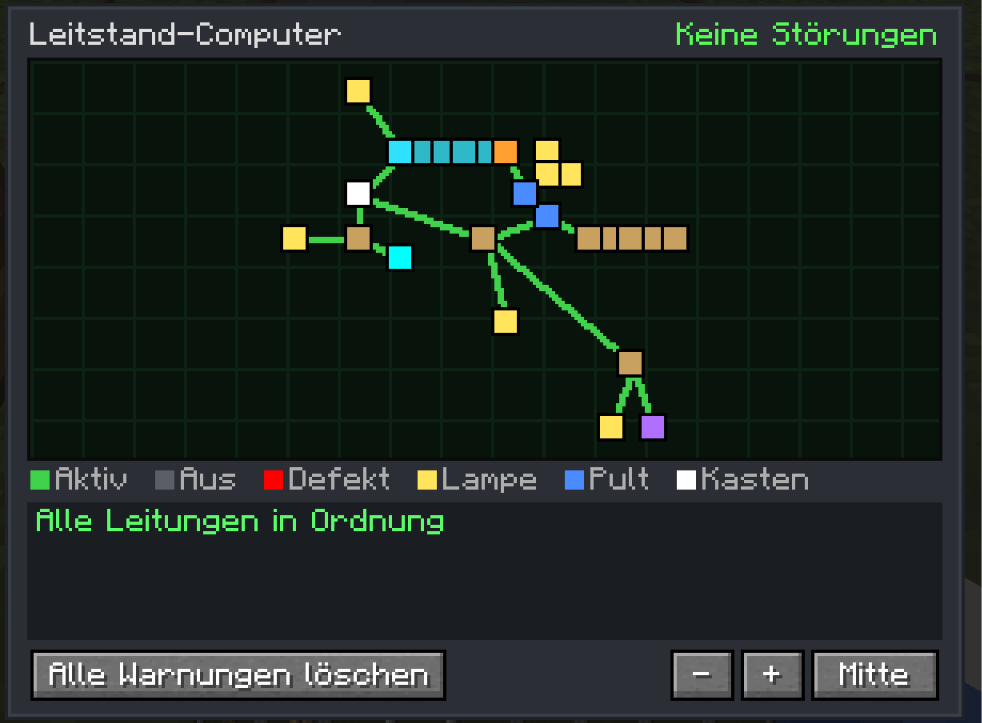
A live map of your whole grid. It shows fuse boxes, panels, lamps, connectors and subsea lines, and it updates the moment something is built or broken.
- It reports broken wires, missing blocks, blown fuses, overloads and switched-off circuits.
- It gives a redstone signal when there is a fault, which is handy together with the alarm lamp.
- Warnings can be dismissed one by one.
🤿 Modern Diving Suit
- Helmet: a full-face helmet with a transparent visor, so your face stays visible. It has a headlamp that lights up underwater.
- Suit: a drysuit with a built-in battery.
- Leggings and Boots: they make you swim faster.
- Full suit: protects you from electric shocks. Bare Crafts & Additions wires that hang in water will shock you otherwise!
- Air supply, used in this order:
1. Air Hose connected to an electric Air Pump
2. Oxygen Tank (refill it at the pump)
3. the suit's battery as a reserve
- Charging Station: recharges the suit.
🫧 Decompression & Dive Computer
The diving system uses a realistic pressure model:
- Every 10 blocks of water adds 1 bar of pressure. Your body takes up pressure over time while you breathe compressed air.
- Ascend too fast after a deep or long dive and you get decompression sickness: nausea, then slowness and weakness, then damage. Diving back down (recompression) helps.
- Descend too fast and you get a barotrauma.
- Shallow dives down to about 8 blocks never need a stop, just like real diving.
A dive computer on your screen shows:
- depth and pressure
- ascent and descent speed
- remaining air and battery
- tissue saturation
- the next decompression stop
- flashing warnings
Follow the stops and nothing will happen to you.
⚙️ Configuration
You can adjust a lot in the common config file:
- power use of every block
- fuse ratings, tolerance and overload time
- subsea cable throughput and length
- air, tank and battery values
- electric shock
- every decompression setting, or switch decompression off completely
🌍 Languages
English and German.
---
Requires Create and Create: Crafts & Additions. This is an independent addon and is not affiliated with the Create or Crafts & Additions teams.
Create: Advanced Electricity Addon Team