


Screenshot 2026-10-16 095321.png
Screenshot 2026-10-16 193845.png
Screenshot 2026-10-16 095229.png
Screenshot 2026-10-16 095238.png
Screenshot 2026-10-16 095139.png
Description
CraftPy — Mod Minecraft Inside Minecraft
Write a few lines. Press Run. It's in your world! No Java, no restarts, no installing anything. Python comes built in.
VERY IMPORTANT - How to Install
IF YOU DON'T DO THIS THE MOD WON'T WORK!
For clients
- 1. Download the mod alongside Modern UI and install it
- 2. Go to my Python Installer and download the right Python installer and run it
- 2.1. This File also contains a guide on how to install it
- 3. Open a terminal and run
python -m pip install soundfile. Without it some features break - 3.1 If
pythonis not found try usingpython3 - 4. Enjoy
For servers
The server needs Python 3.13 or newer installed (Windows or Linux). Modern UI is not needed on a server.
If you can't access a terminal on your server or don't know how, download the version with built in python from my Github Releases and drop it in your /mods folder. Curseforge's Upload Policy refuses to allow .jar files with installers built in, if you need support ask for it on CraftPy's Discord Server
Windows server
- 1. Install Python 3.13+ from https://www.python.org/downloads/. Choose "Install for all users" and tick Add python.exe to PATH
- 2. Open a new terminal and check:
python --version - 3. Put the mod file into the server's
mods/folder - 4. Start the server once. If the log says Python was not found, open
config/craftpy-common.tomland set the path:
pythonPath = "C:/Python313/python.exe"(Use forward slashes.)
- 5. Restart the server
Linux server
- 1. Check your version:
python3 --version. If it is 3.13 or newer, skip to step 3 - 2. If it is older, install Python 3.13 without root:
   curl -LsSf https://astral.sh/uv/install.sh | sh
   uv python install 3.13
   uv python find 3.13
Copy the path that the last command prints
- 3. Put the mod file into the server's
mods/folder and start the server - 4. Find your exact Python path with
which python3.13 - 4.1. If the log says Python was not found, open
config/craftpy-common.tomland set the path:pythonPath = "/path/you/copied/bin/python3.13" - 5. Restart the server
CraftPy looks for Python in this order: pythonPath in config/craftpy-common.toml, then python / python3 on PATH.
Code Example
ruby = Item("ruby", texture="ruby.png", glow=True)
goblin = Mob("goblin", model="goblin.geo.json", hostile=True, drops=ruby)
rage = Effect("rage", attributes=Attributes("attack\_damage", 4))
@on.block_break(block="diamond_ore")
def surprise(event):
world.spawn(goblin, event.pos)
event.player.effect(rage, seconds=20)Break a diamond, a goblin pops out :D
What you can make
- 🧱 Blocks, items, tools, armor, food. Recipes and loot too, all live while you play.
- 👾 Mobs. Pig, spider, villager… or your own GeckoLib models with animations. Spawn eggs and natural spawning included.
- 🧪 Potion effects. Your own icon, colors and stat boosts, plus code that runs every second.
- 🏰 Structures. Build it with structure blocks, import it, and let it spawn in the world like villages (jigsaw support, yes).
- 🪟 Windows & HUDs. Buttons, sliders, lists, a drag-and-drop designer.
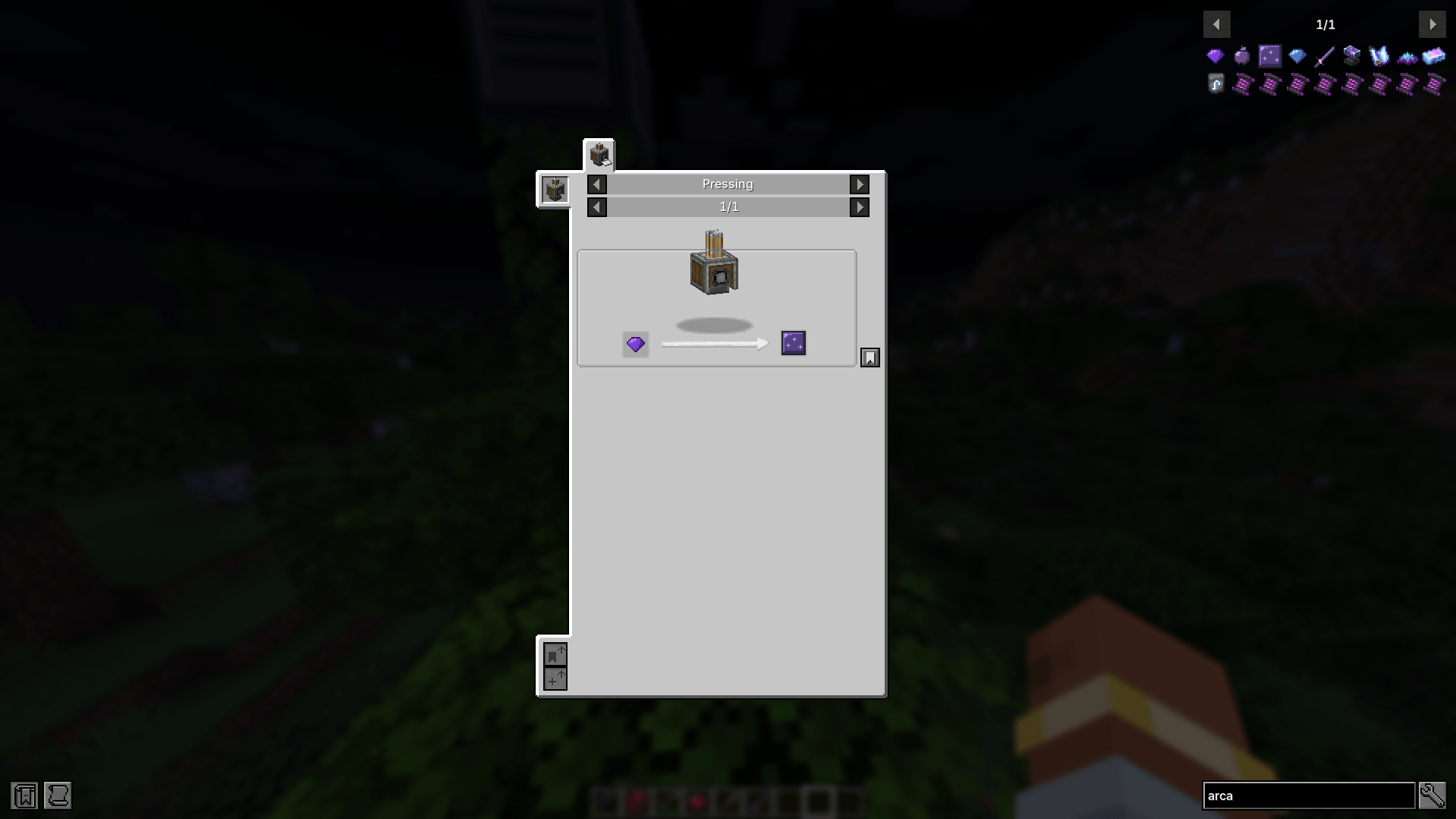
- 🔌 Works with your modpack. Create, Mekanism, Curios, JEI and more: use their items, recipes, slots and stats.
Built in IDE 💻
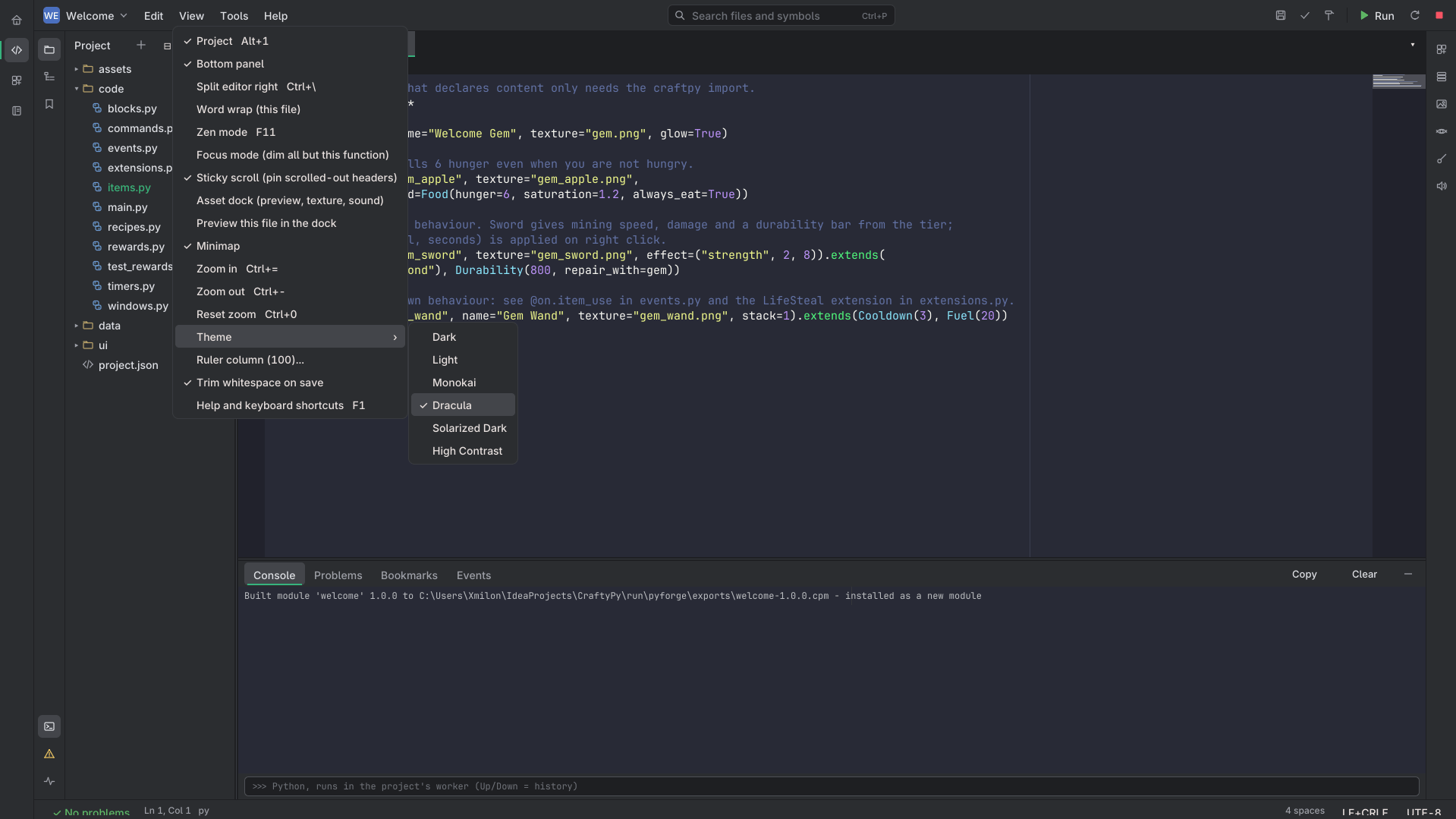
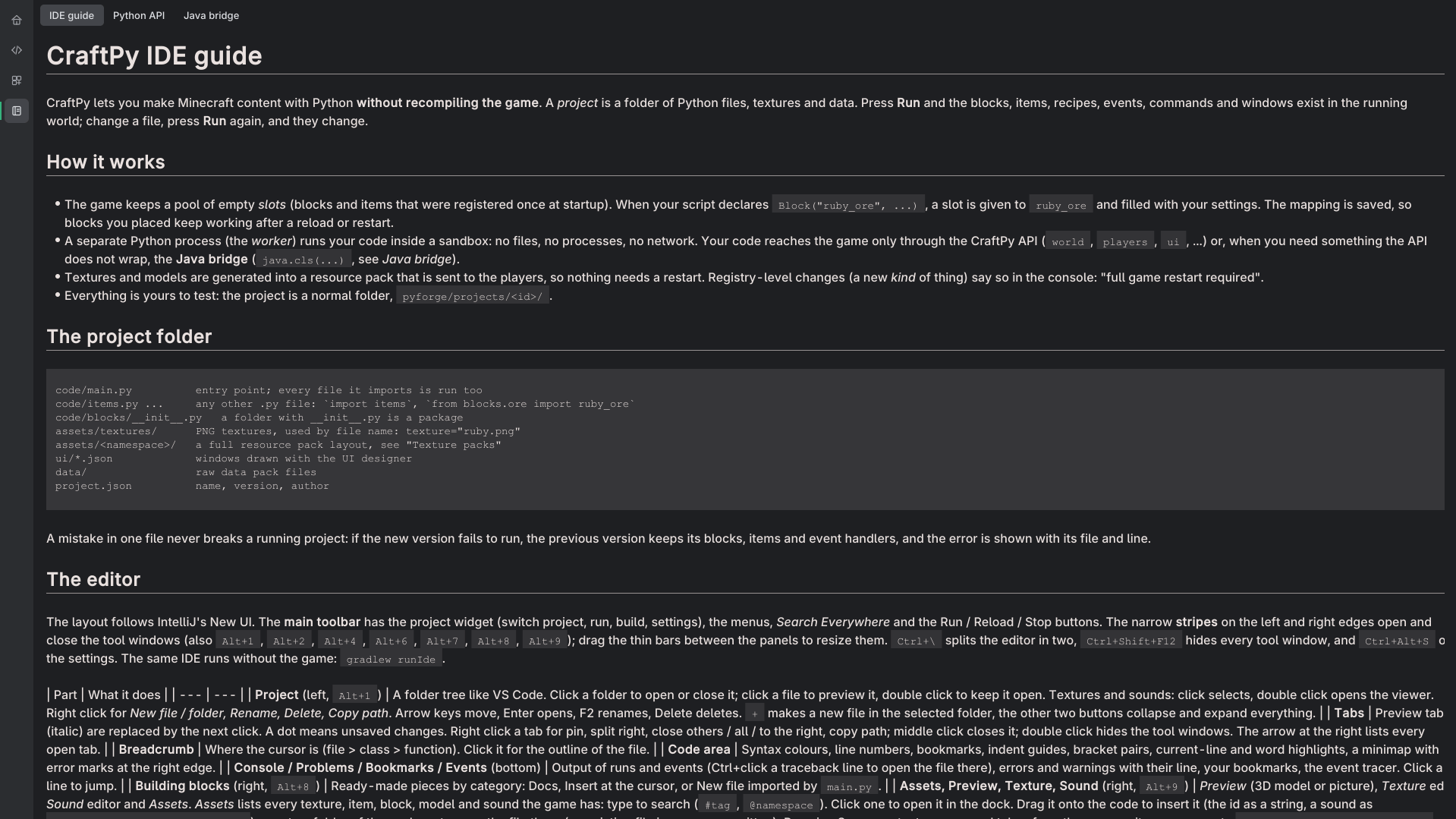
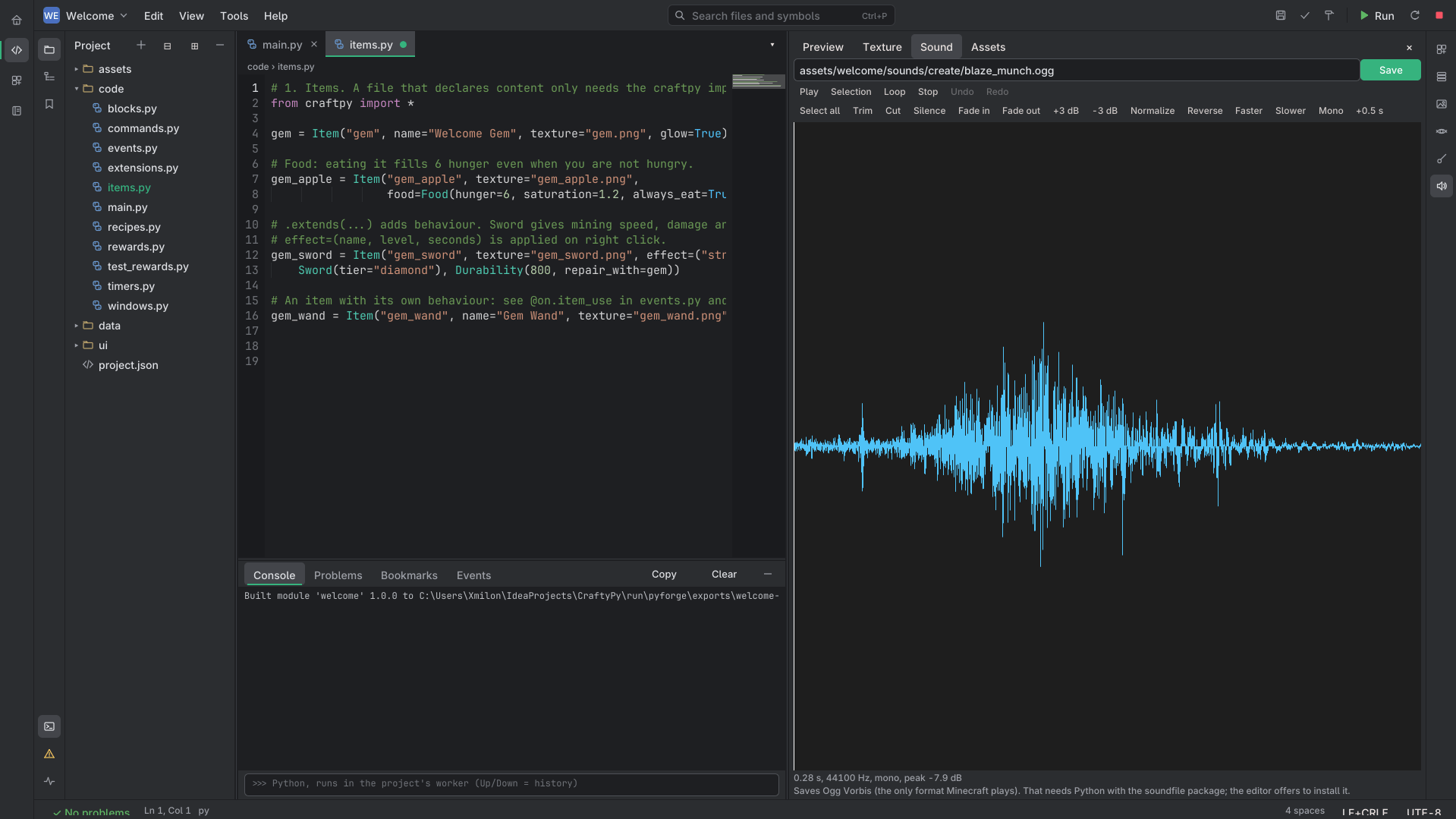
A full code editor inside the game, styled like IntelliJ. Autocomplete that knows every mod you have installed, errors while you type, a pixel editor, a sound editor, UI builder; a 3D preview of items, blocks, mobs, models and recipes (custom one supported); a Python console and an event tracker, and some ready-made snippets to get you started.
Sharing Your Work
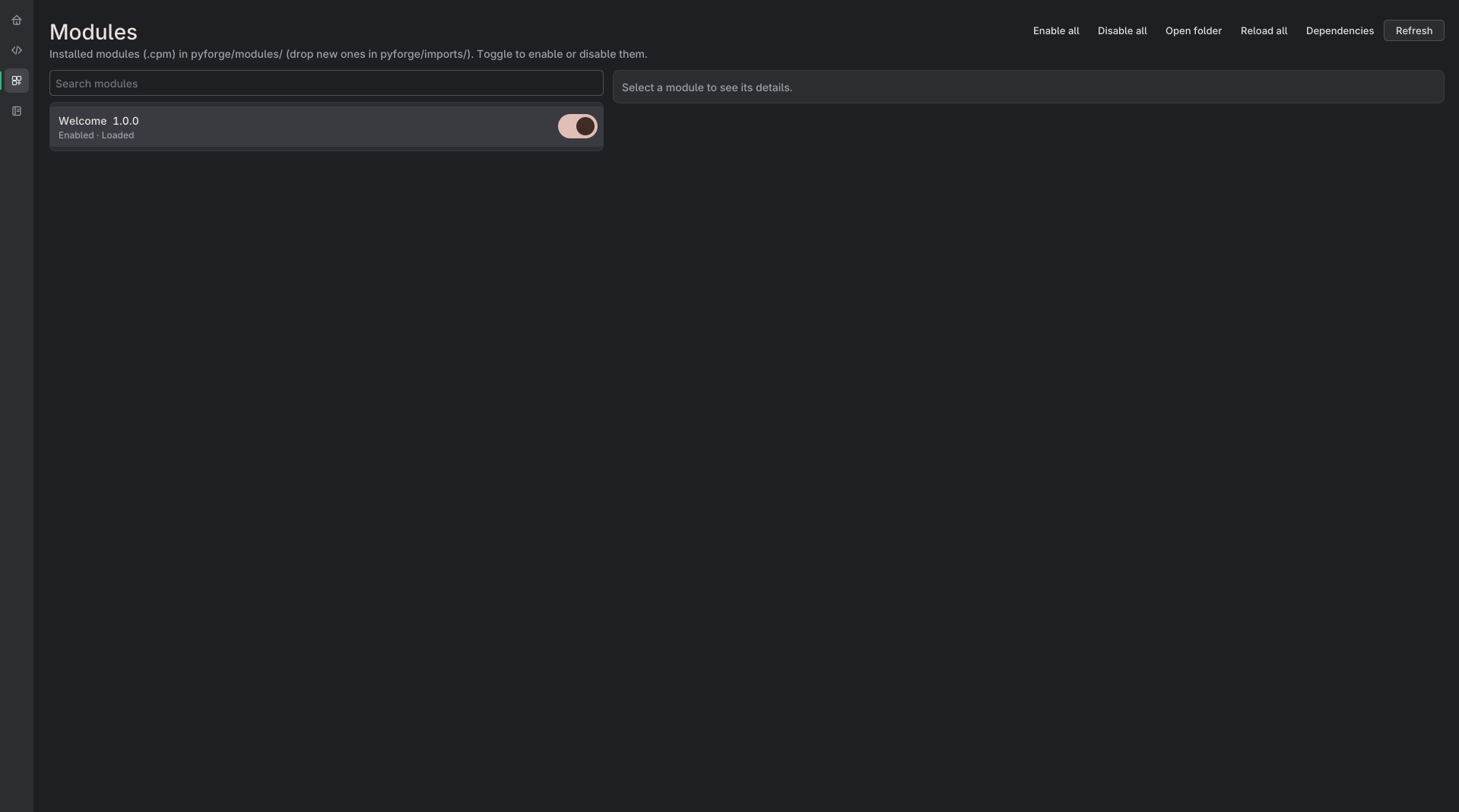
Pack your project into a module and send it to a friend. They drop it in a folder and they're playing it. Every world keeps its own list of active modules, so nothing sneaks into a new save.
How to Get Started
Install CraftPy + Modern UI
Craft the CraftPy Computer and right-click it.
Open Welcome, press Run. That's it, you're a modder now!
Minecraft 1.21.1 · NeoForge · Servers don't need Modern UI.
DISCLAIMER
The mod ships with built in security features to make it harder for people to break out of the game and possibly mess with your pc or access online features. I suggest using modules from trusted sources or checking them manually via the in game Decompiler or provided tools at: CraftPy Tools
I WILL NOT BE HELD RESPONSIBLE FOR ANY DAMAGED CAUSED BY MODULES MADE FROM 3RD PARTIES!
!Support for Linux and MacOS is not guaranteed!
Discord Server: https://discord.gg/jC4ZU4PjYU
CraftPy Team
