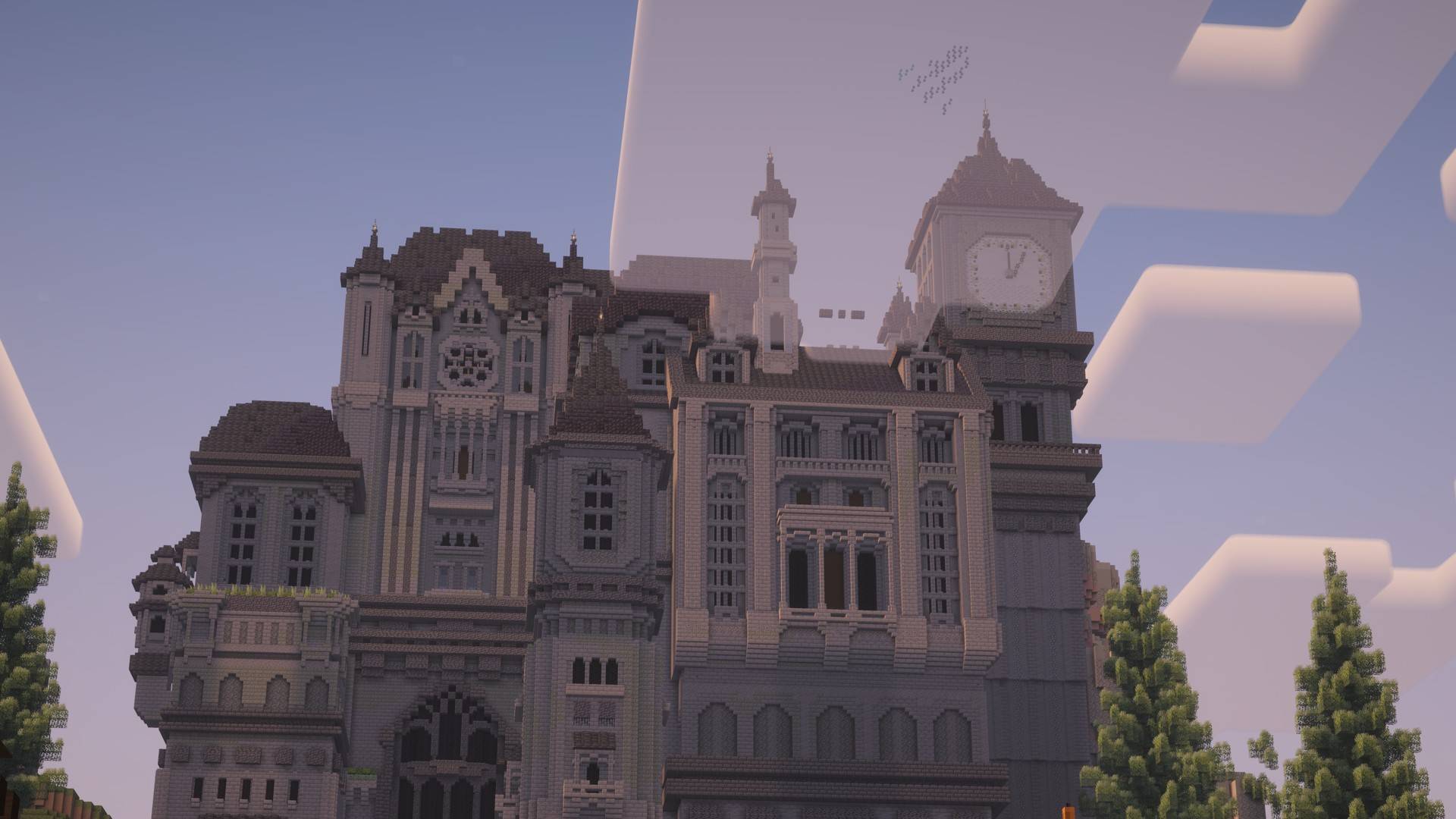
1_photo_8k.jpg
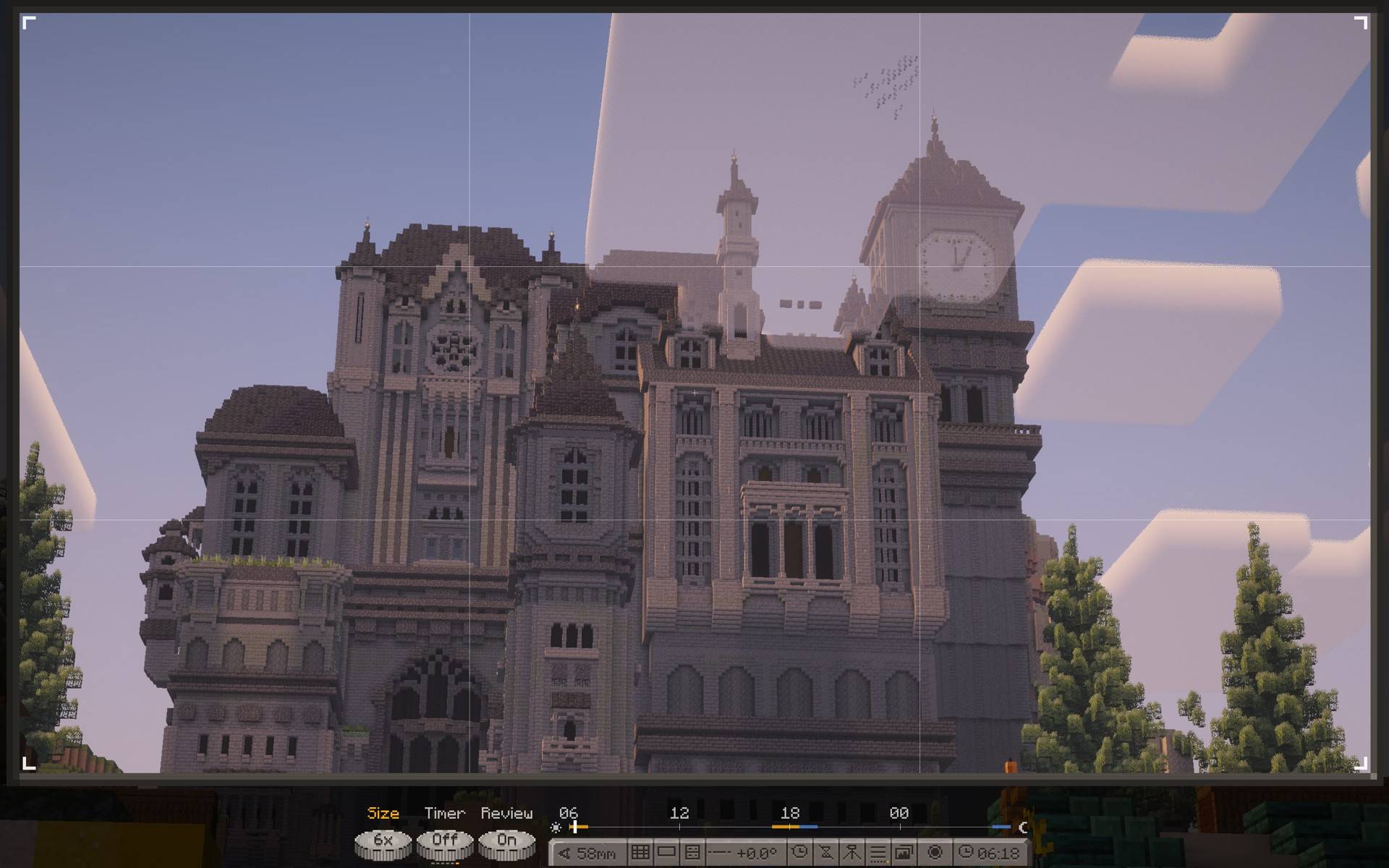
2_viewfinder.jpg
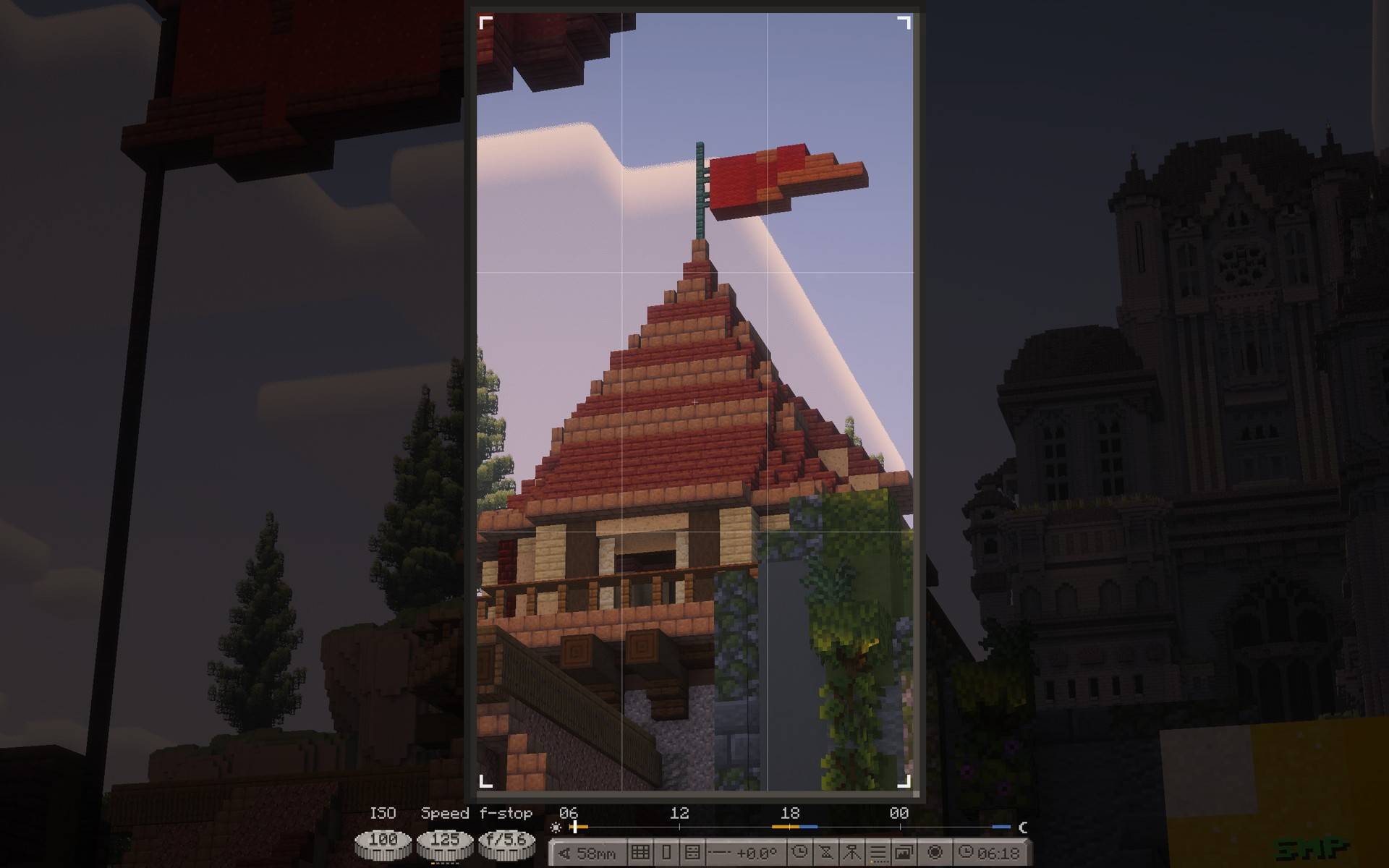
3_portrait.jpg
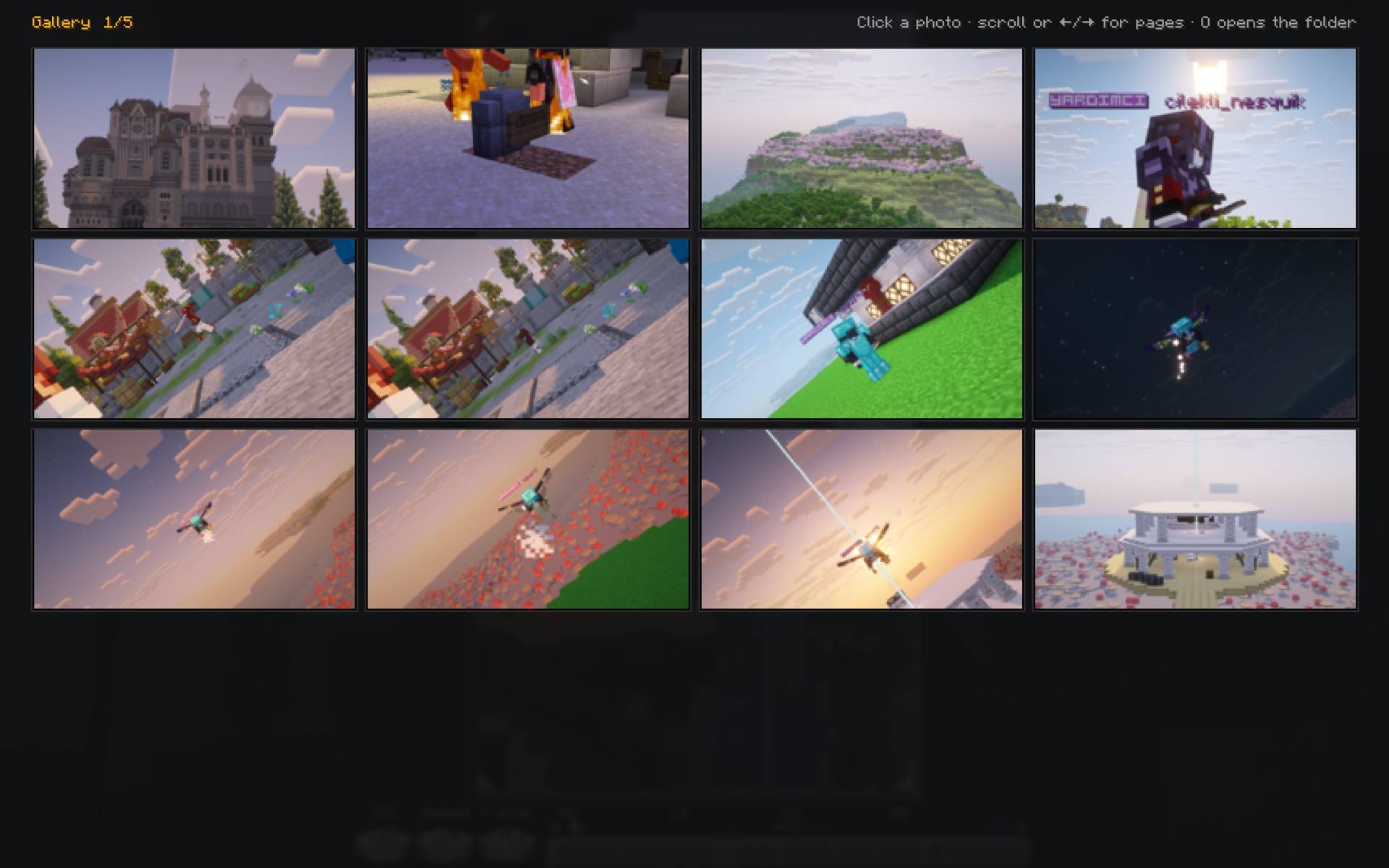
4_gallery.jpg
Description
Craftography turns your screen into a camera. Frame a shot, pick a lens, set the exposure and take a clean photo, with no HUD in it.
Client-side only. Nothing is sent to the server: time, weather and moon phase you pick are visual only.
Press F7 for camera mode. F8 frees the cursor to turn the dials. F9 sets the camera on a tripod.
Features
- Aspect ratios: 16:9, 3:2, 4:3, 1:1, 4:5, 9:16, 2.39:1 and free.
- Composition guides: rule of thirds, phi grid, centre, diagonals, quarters.
- Lens from 10 to 200 mm, with mouse sensitivity that follows the zoom.
- ISO, shutter speed, aperture, white balance, tint, grain, focus with depth of field, focus peaking and a histogram.
- Camera roll with a level.
- Time of day, weather and moon phase, on your screen only.
- Tripod: walk into your own shot. Self-timer: 3 or 10 seconds.
- Photos up to 8K (7680 px), saved to
screenshots/craftography/. - Gallery with the date, lens, aspect ratio and size of each photo.
- Works with Sodium and Iris, shaders on or off.
Requires
Fabric API. Minecraft 26.2.
Craftography Team