


Control Flex - Controller Support
- By

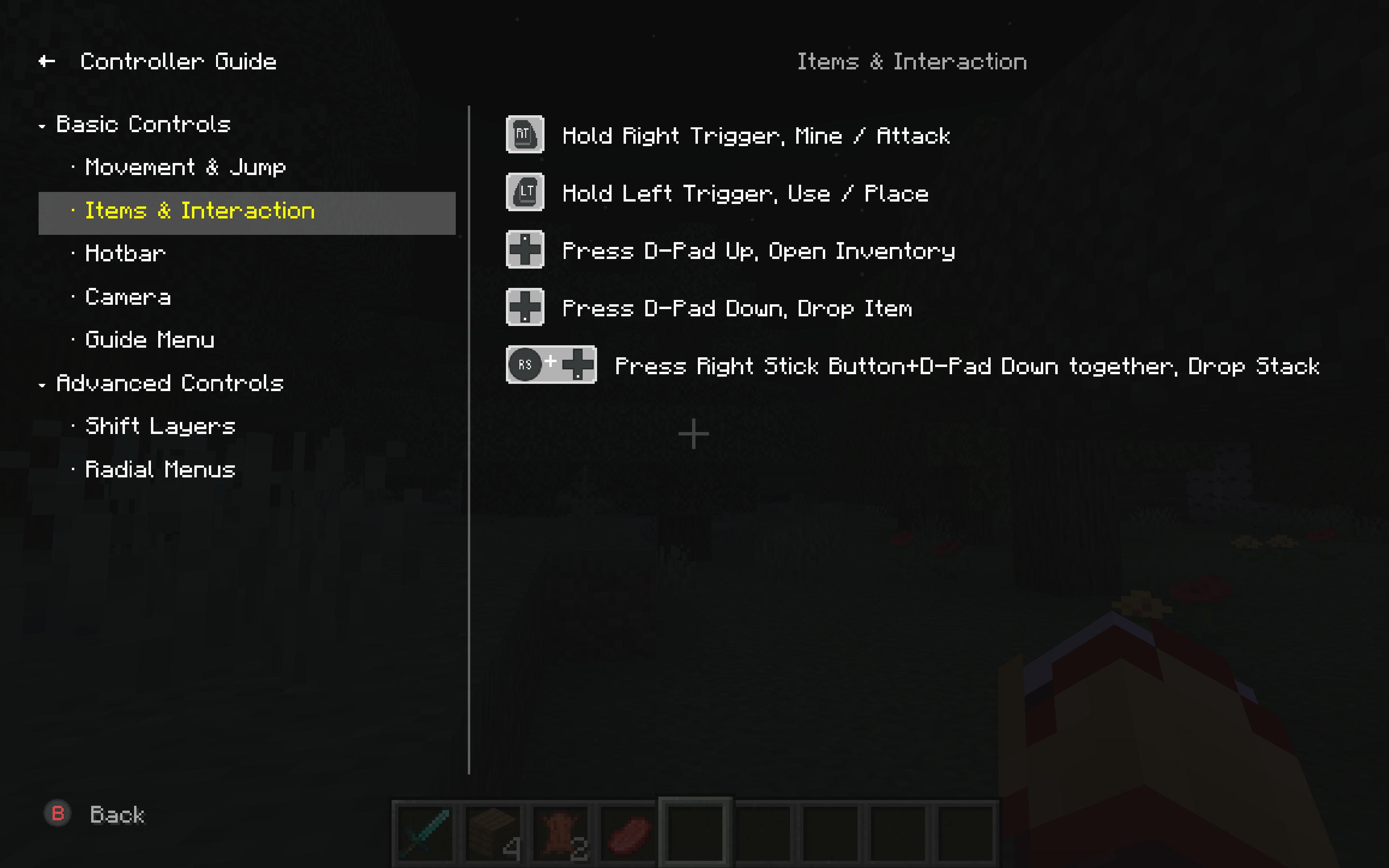
The built-in Controller Guide lists all gameplay bindings by category — movement, combat, inventory, Shift layers, radial menus, and more. Each row shows the actual controller glyphs for your layout, so you can look up any action without leaving the game.
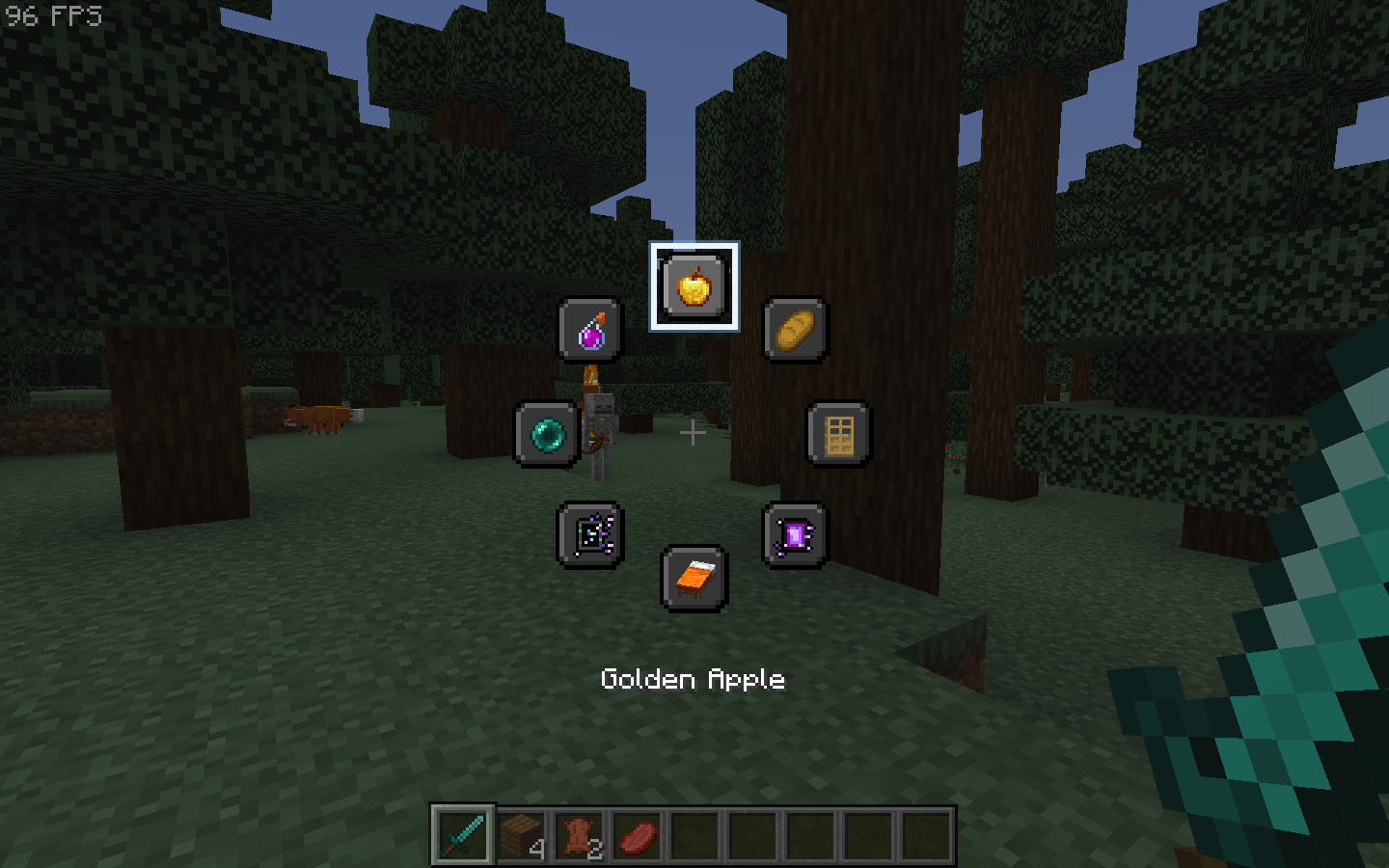
Open a radial menu with Hold (release to close) or Press (tap to open). Each of the 8 slots can be a key binding, a chat command, or use item. Icons can be auto, item-based, or custom. Up to 5 menus can be bound to different buttons and layers.
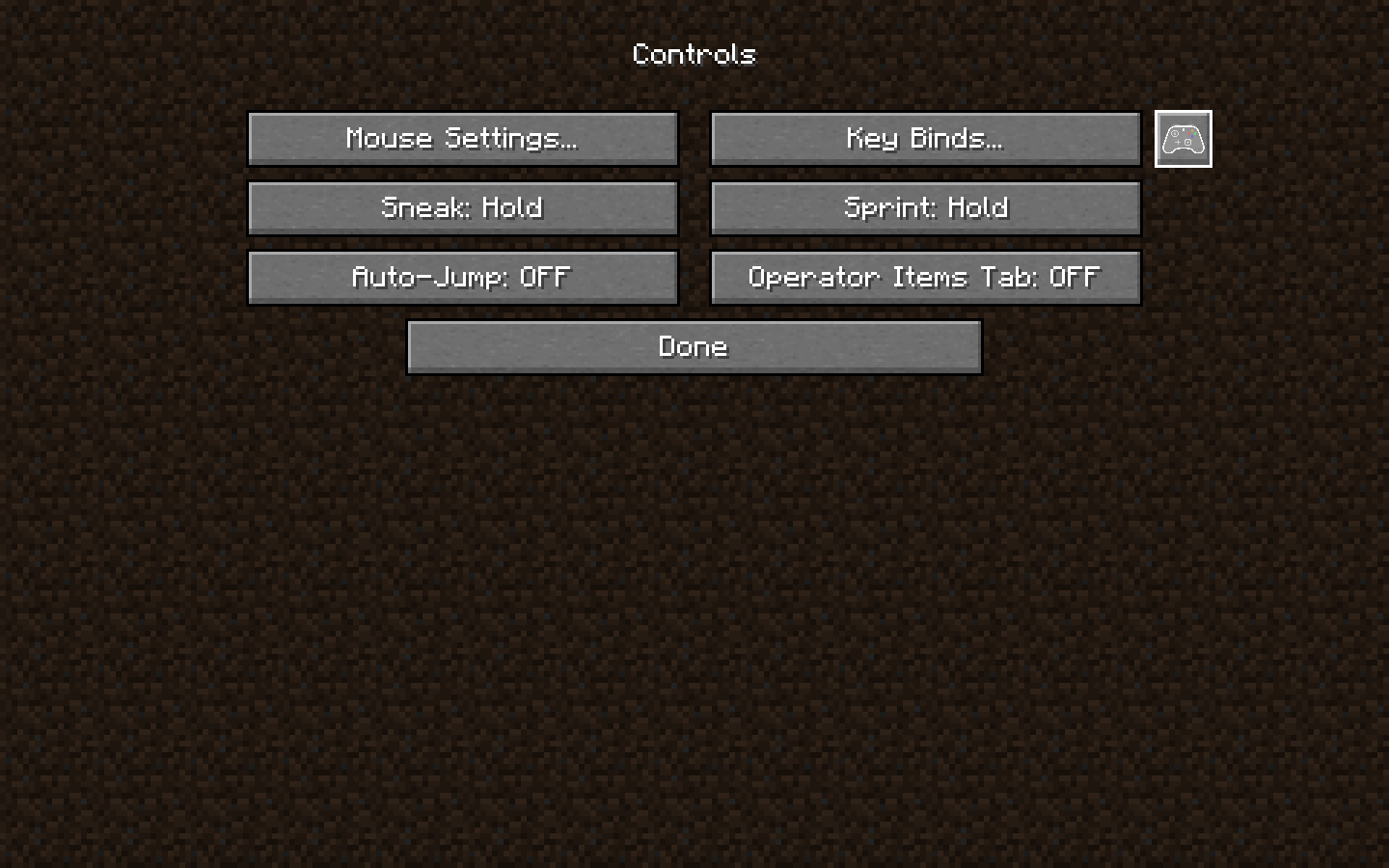
Open Options → Controls in Minecraft. Next to Key Binds..., the gamepad button opens the ControlFlex settings screen.
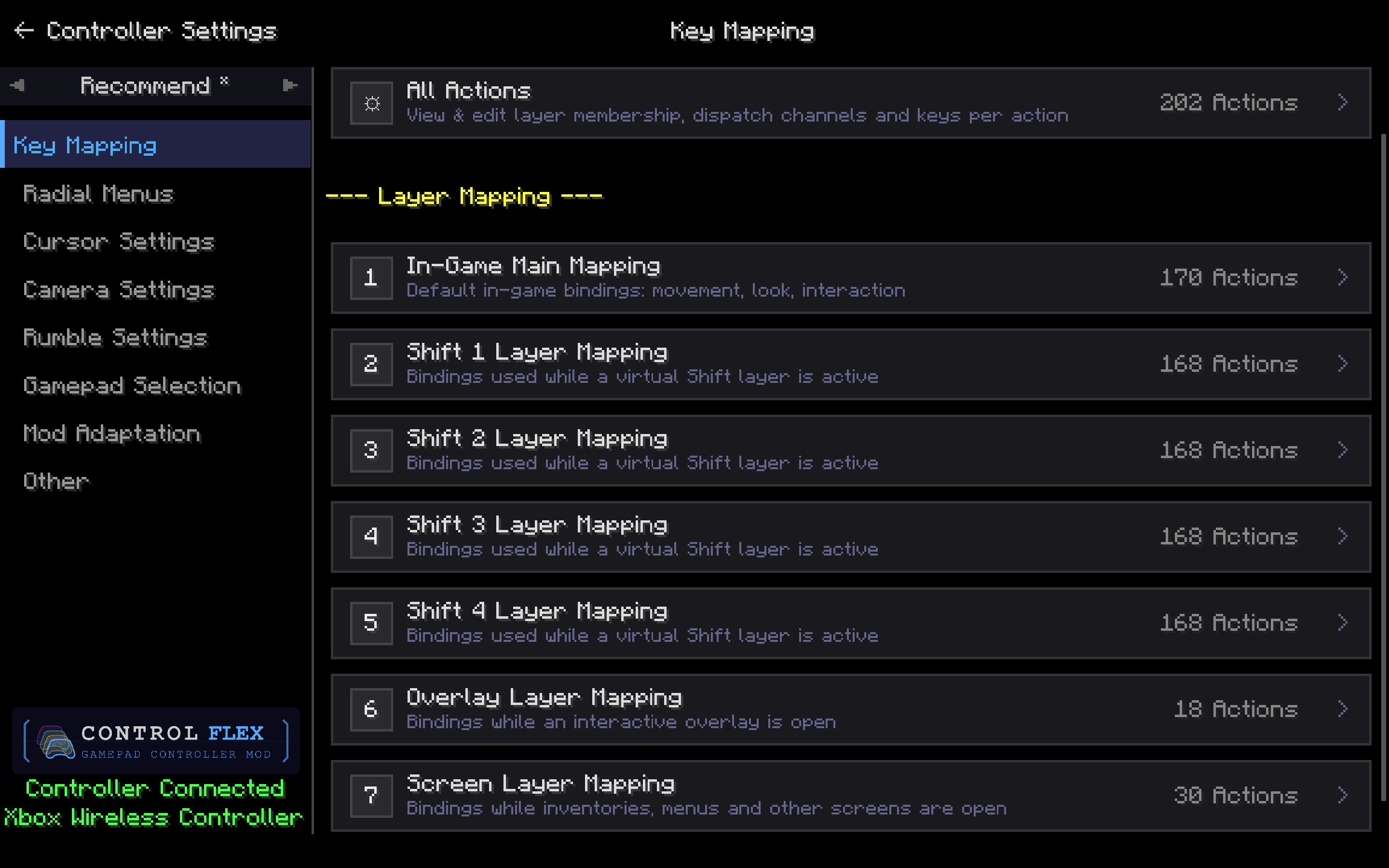
Bind controller buttons across multiple layers: in-game, four virtual Shift layers, overlay, and screen. Open All Actions to edit every mapping, or pick a layer to remap it on its own.
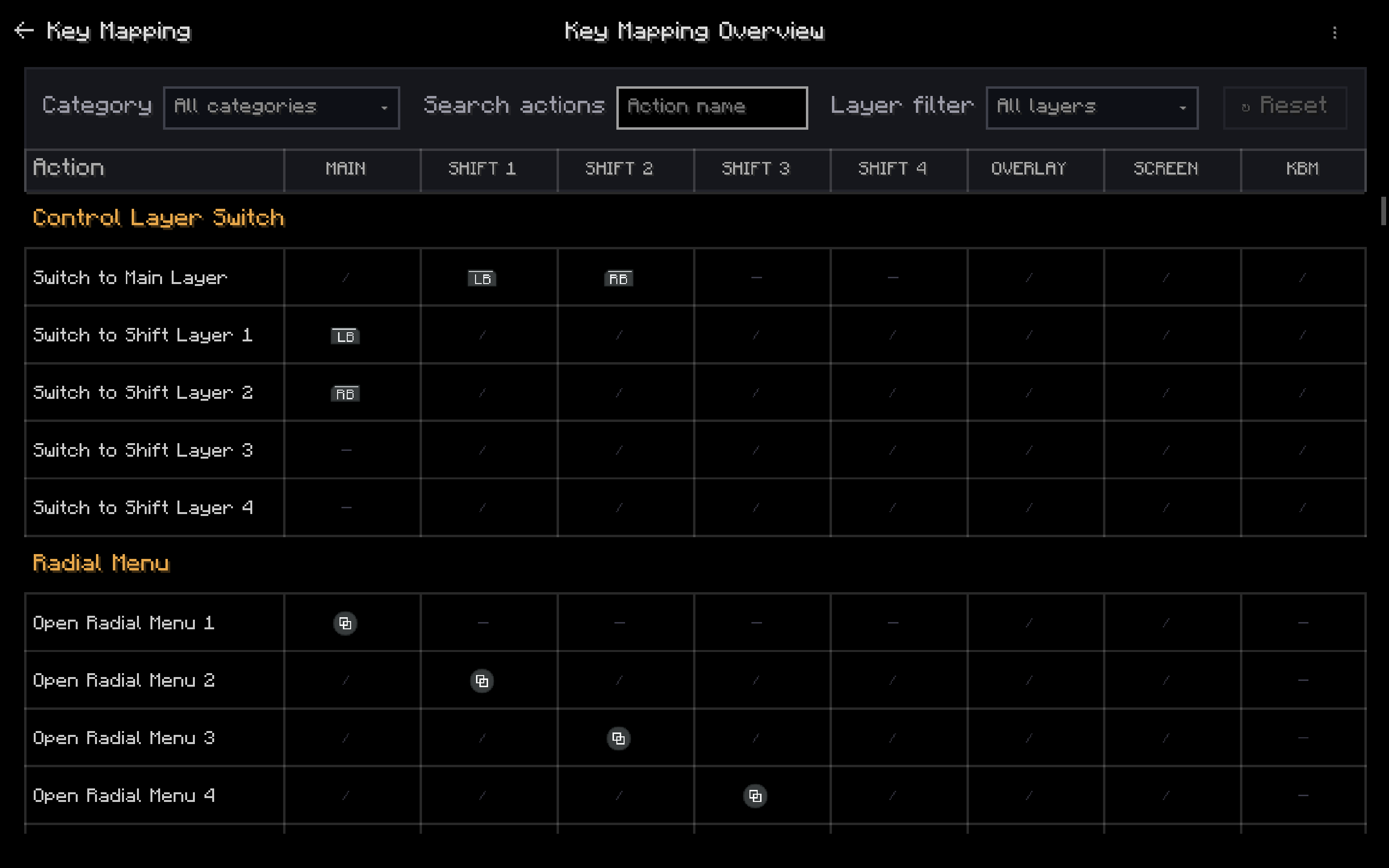
See every action across MAIN, SHIFT 1–4, OVERLAY, SCREEN, and keyboard/mouse. Filter by category or layer, then compare how the same button changes when you hold a Shift layer.
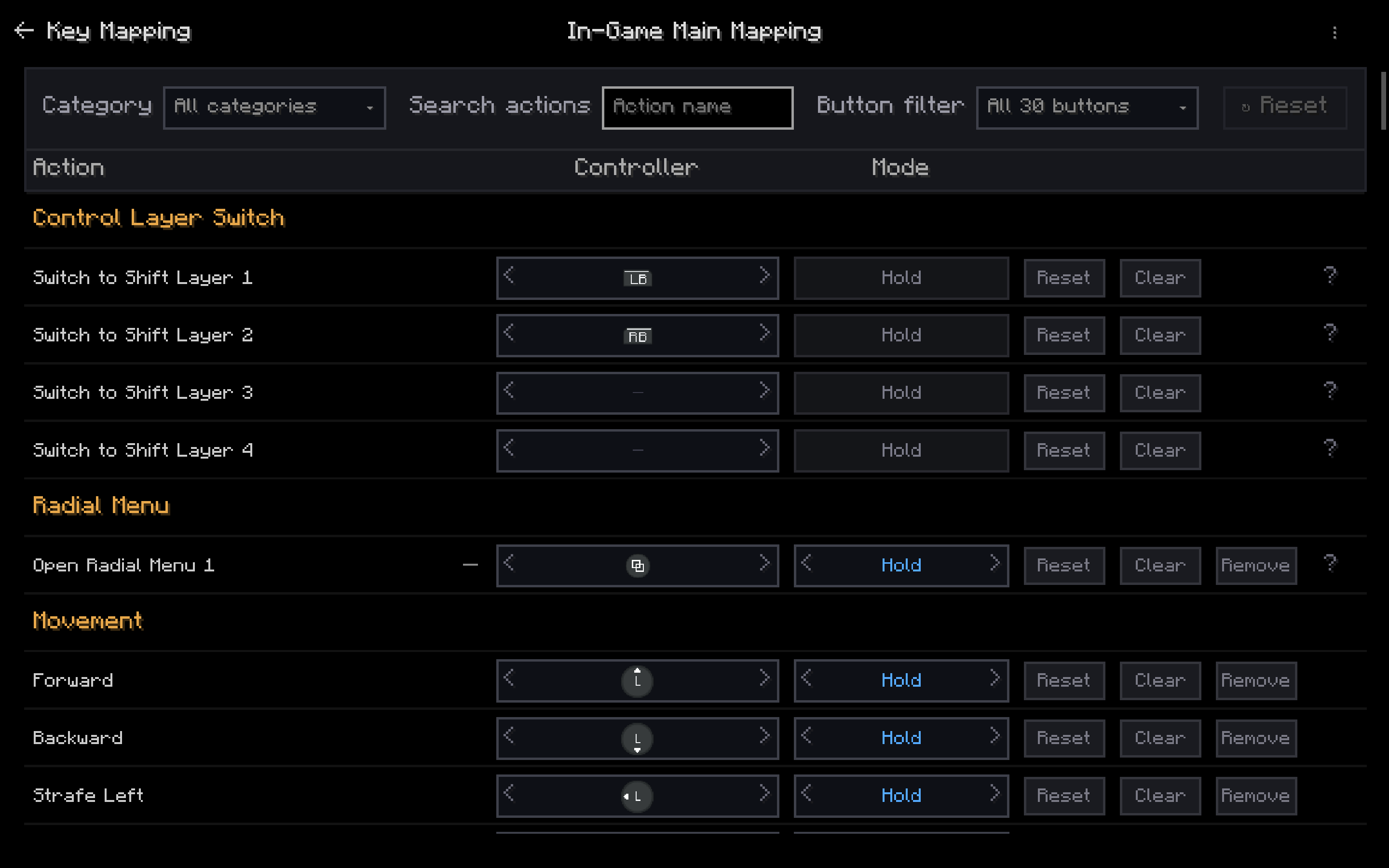
Map each in-game action to a controller button, then choose Hold or Press. Use LB/RB as Shift layers, bind radial menus, and keep movement on the left stick.
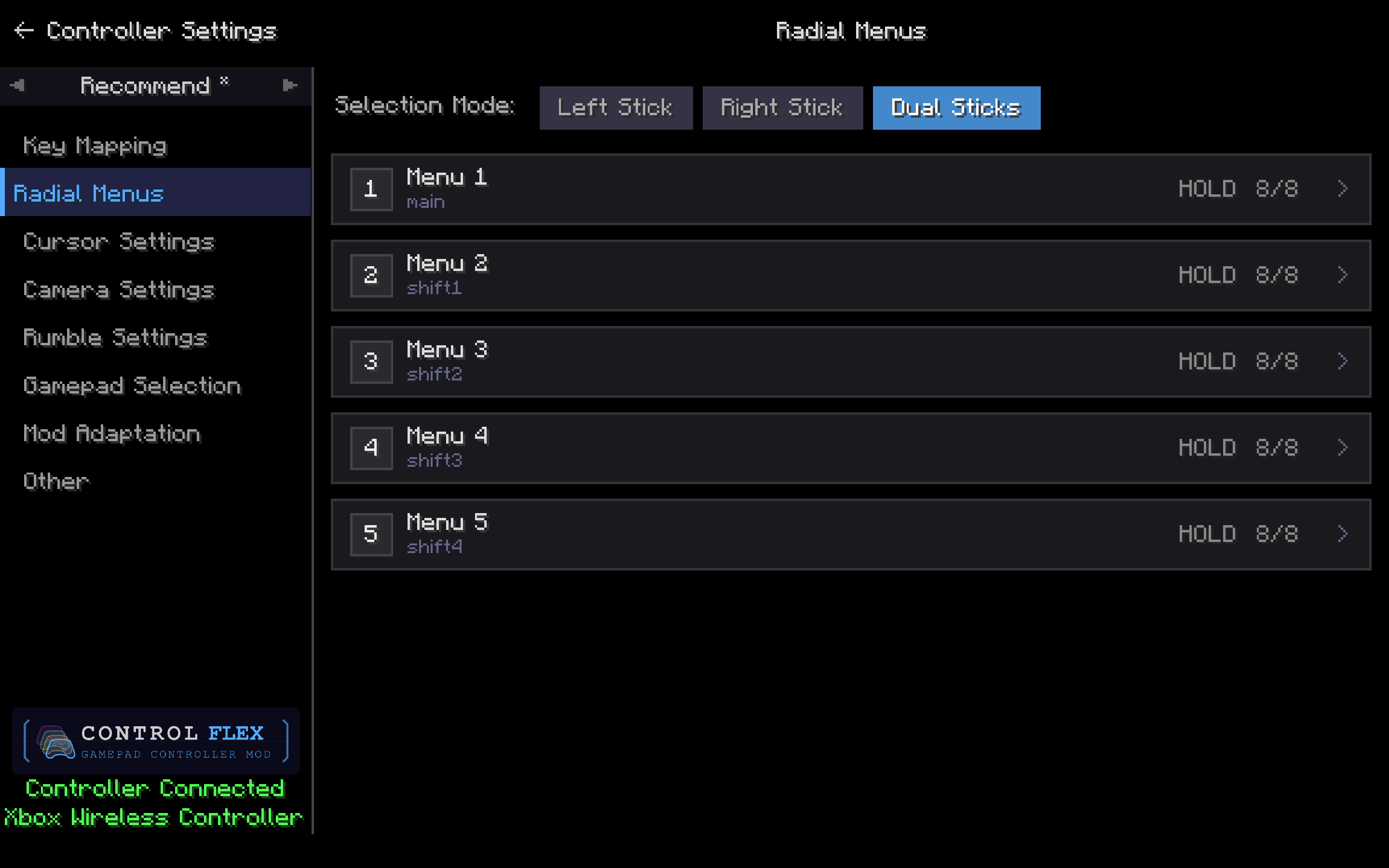
Build up to five radial menus for main play and Shift 1–4. Pick Left Stick, Right Stick, or Dual Sticks to select items, then open a menu to fill its slots.
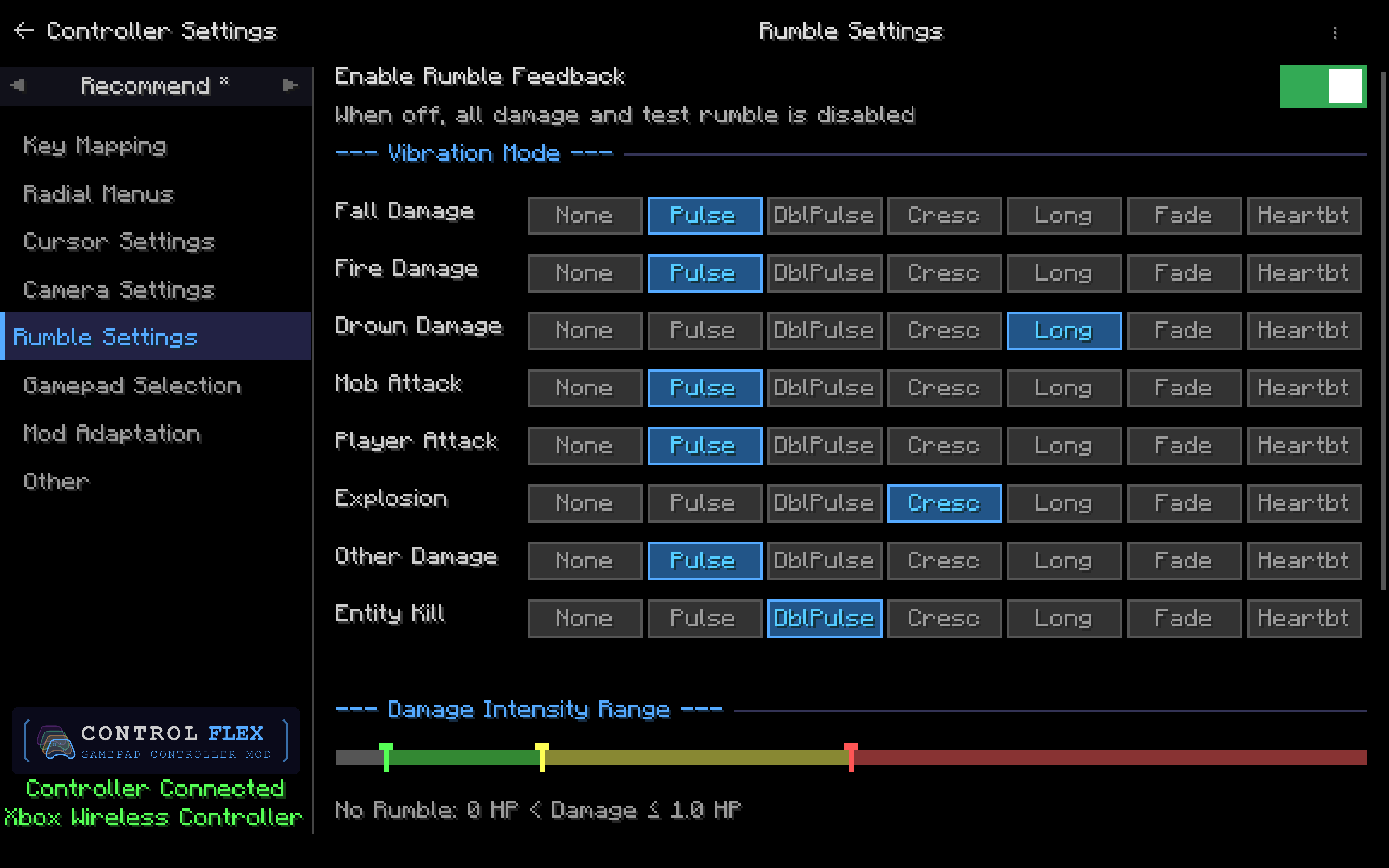
Turn rumble on or off, then assign Pulse, Long, Crescendo, and other patterns to fall, fire, drown, attacks, explosions, and kills. Use the intensity bar to skip tiny hits and ramp up on heavier damage.
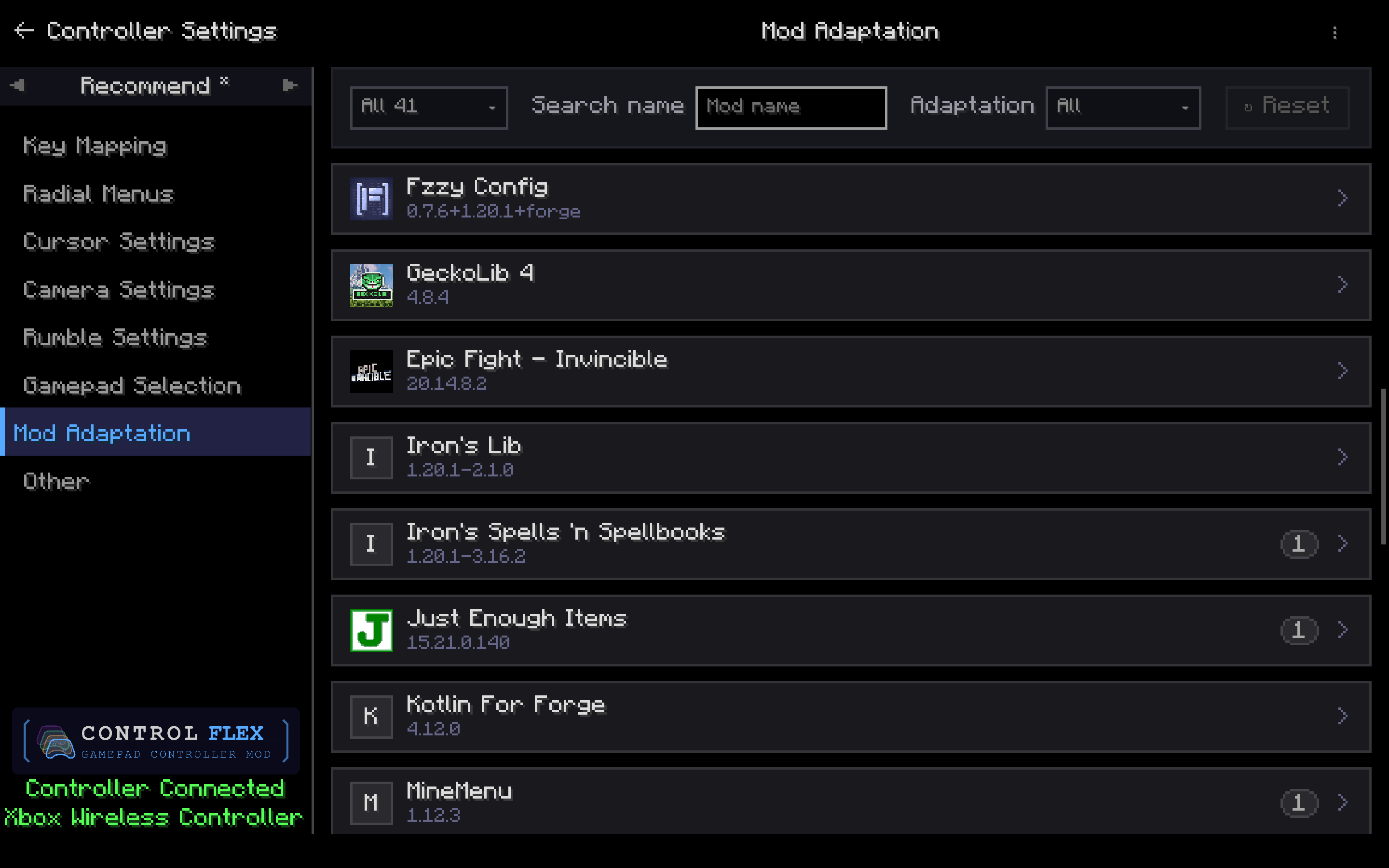
Browse installed mods and apply community adaptations when a badge appears (for example Iron's Spells 'n Spellbooks, JEI, or MineMenu). Search or filter by adaptation status to find what needs a controller setup.
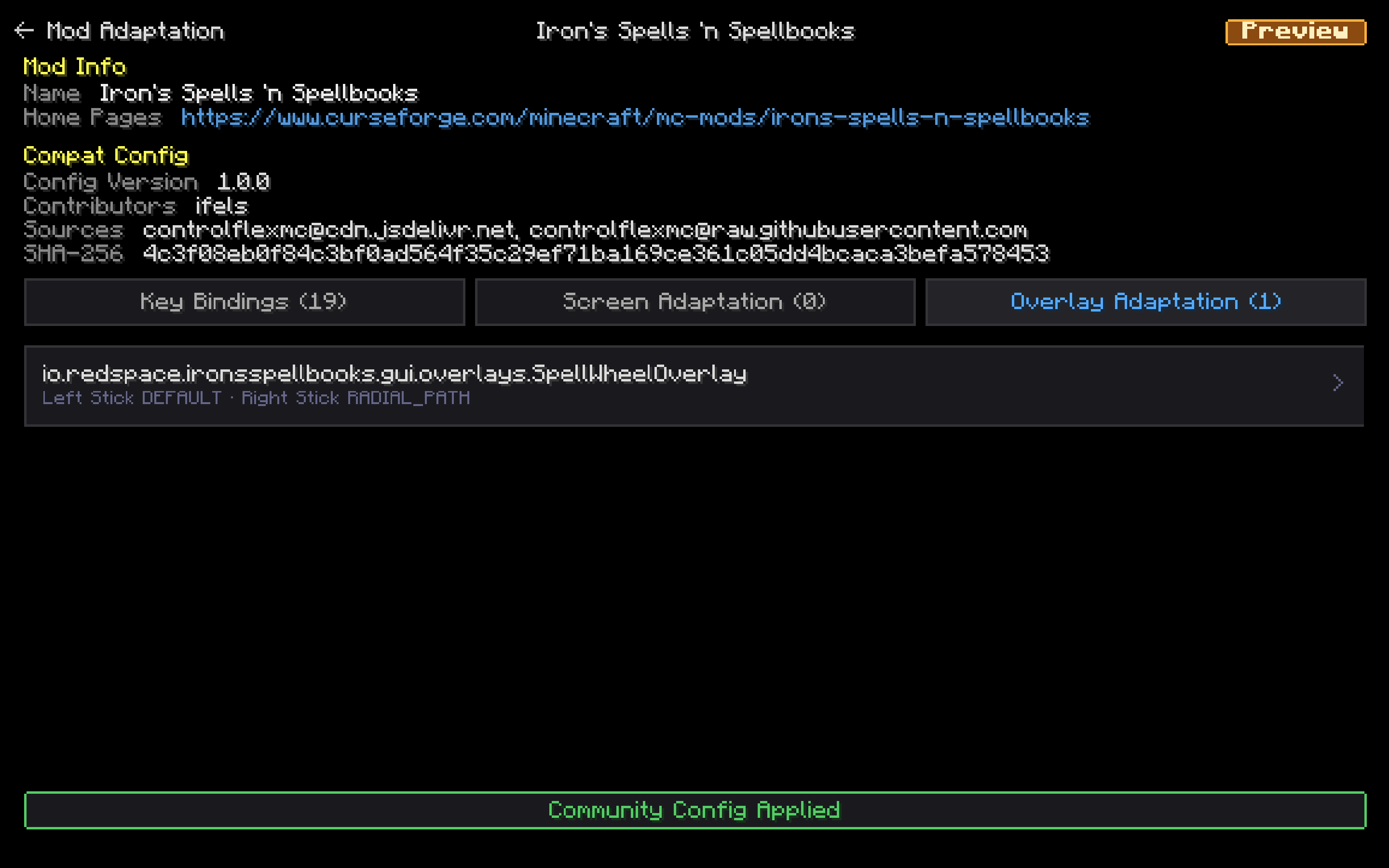
Open a mod to review its key bindings, screen rules, and overlay rules. Apply the community config, then adjust analog-stick behavior for that mod's overlays.
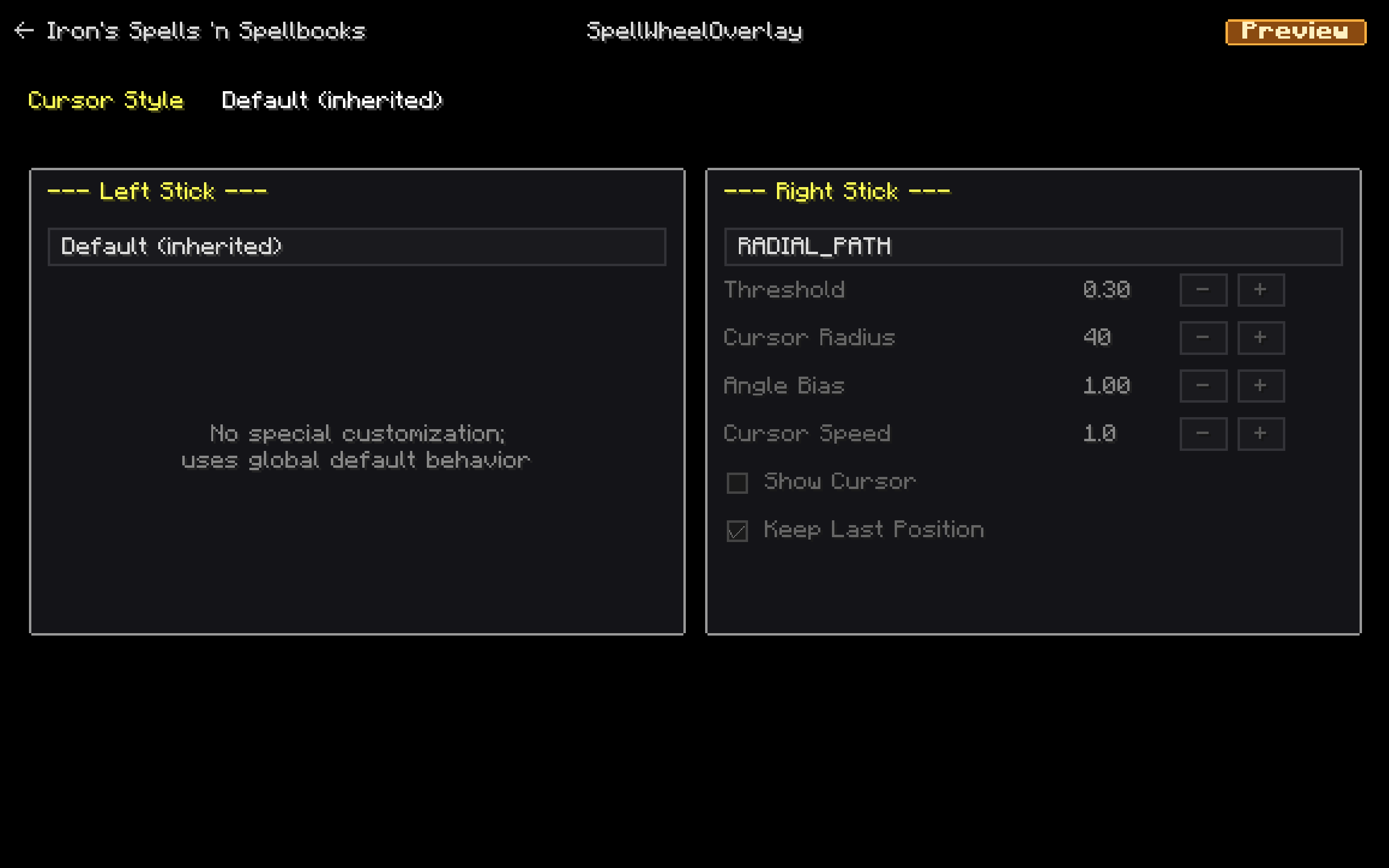
Set how each stick behaves on a specific overlay. Keep the left stick on the global default, or switch the right stick to RADIAL_PATH and tune threshold, radius, and speed.