Continue Button Continued
- By
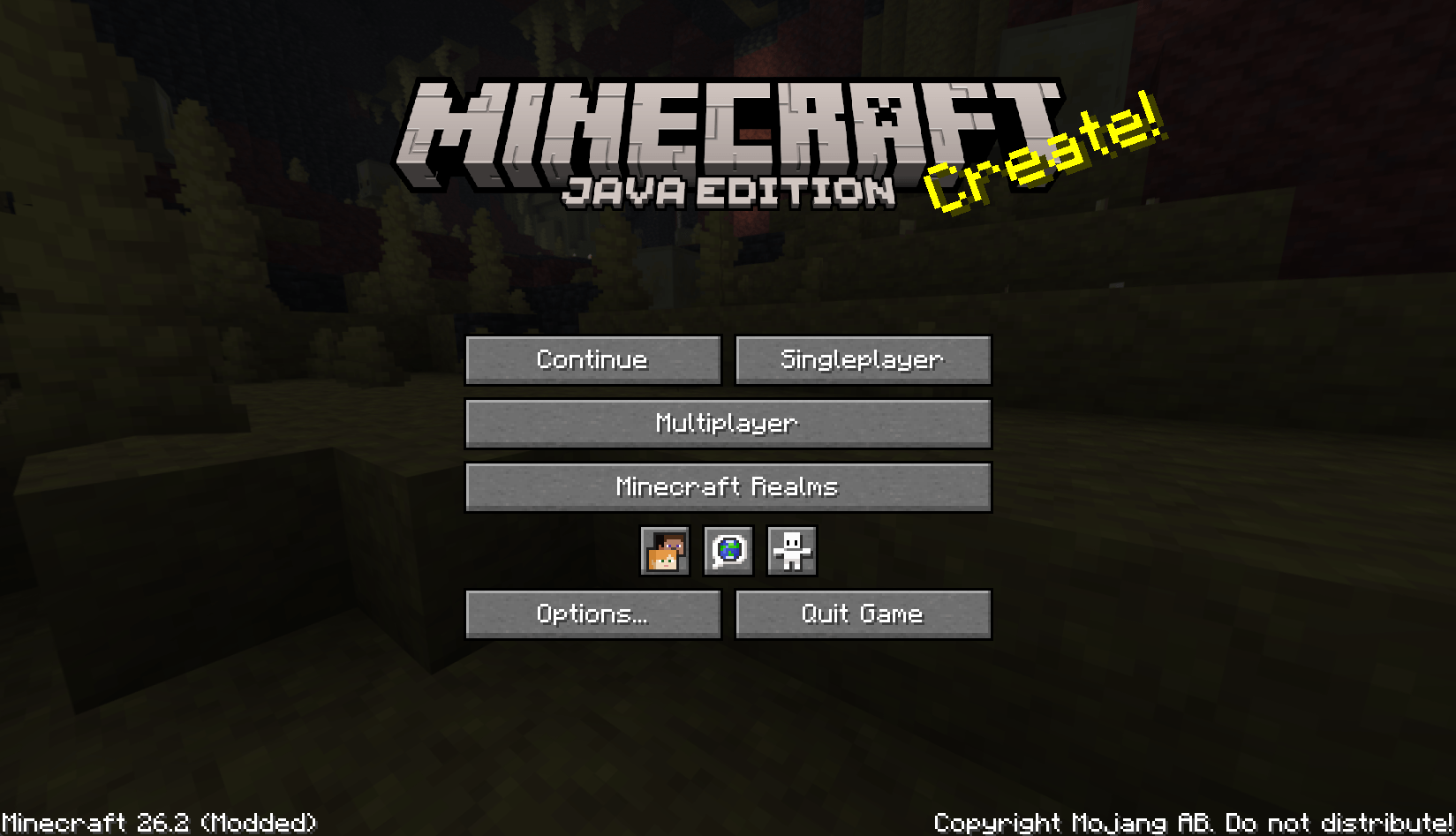
Continue the last save or server you played from the main screen. Continuation version of the Continue Button.
screenshot.png
Description
Continue Button Continued




A lightweight Fabric and NeoForge client-side mod that adds a compact Continue button to Minecraft's main menu.
Continue Button Continued remembers the last singleplayer world or multiplayer server you joined, then lets you jump back in with one click from the title screen.
Features
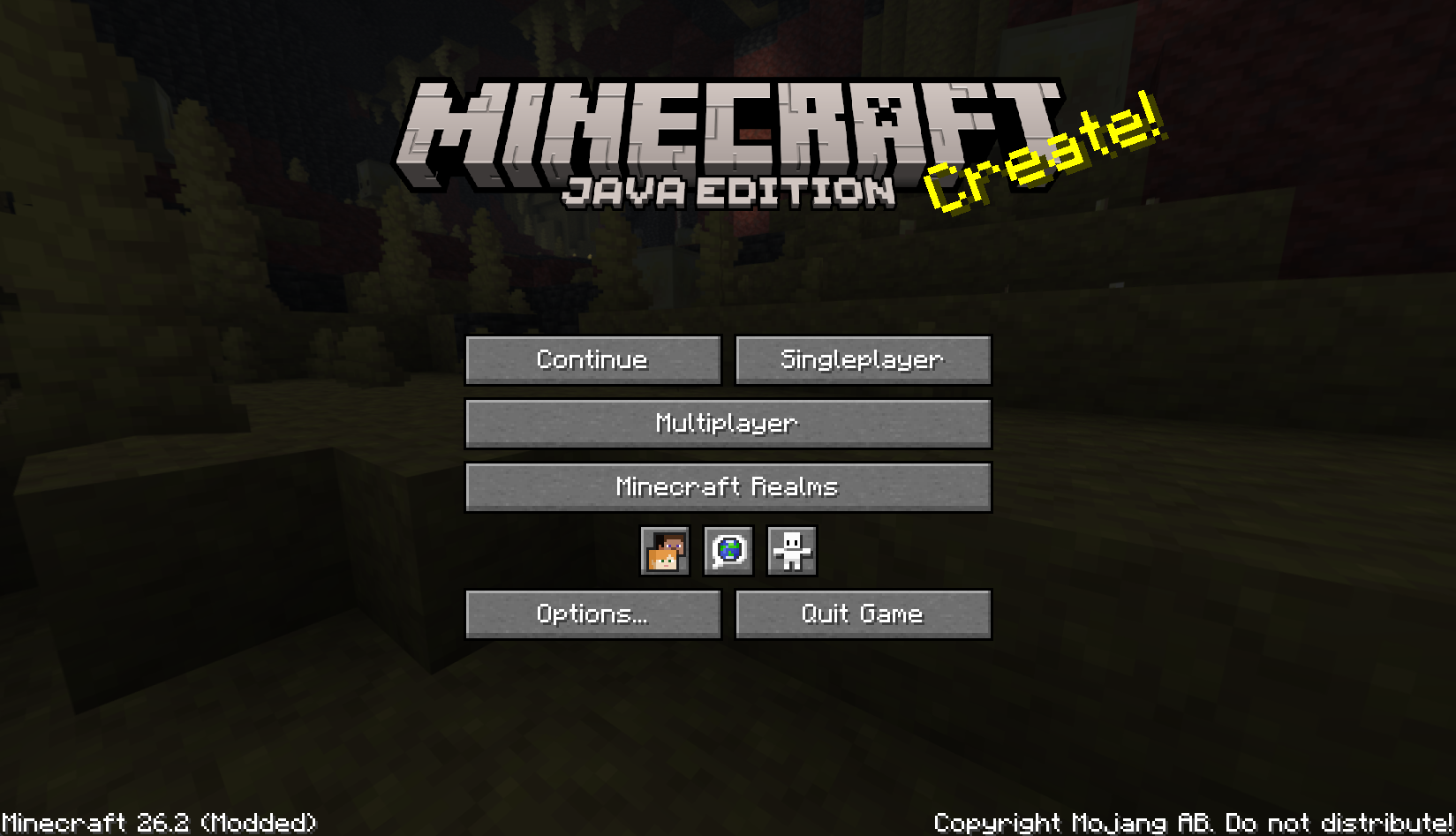
- Adds a compact Continue button to the main menu.
- Opens the last played singleplayer world automatically.
- Reconnects to the last joined multiplayer server automatically.
- Falls back to the world/server selection screen when the saved target is missing.
- Shows helpful tooltips for the saved world or server.
- Pings the last multiplayer server before showing its status tooltip.
- Migrates legacy
continuebuttonconfiguration tocontinuebuttoncontinuedwhen possible. - Client-side only; servers do not need to install this mod.
- Includes translations for multiple languages.
Installation
- Put the Continue Button Continued
.jarfile into your.minecraft/modsfolder. - Start the game and use the Continue button on the main menu.
Configuration
The mod stores its last target in:
.minecraft/config/continuebuttoncontinued/config.propertiesOlder Continue Button installations used:
.minecraft/config/continuebutton/config.propertiesOn first launch, Continue Button Continued attempts to copy the legacy configuration into the new location so existing users can keep their last saved world or server.
Credits
Continue Button Continued is a continued fork of Continue Button by umollu.
License
This project is licensed under the MIT License.
The original Continue Button copyright notice is preserved in
LICENSE, and the
continued project copyright notice has been added there as well.
Continue Button Continued Team