CompassLocator
📌 This is a client-side mod. A server-side plugin version is also available → Modrinth · CurseForge
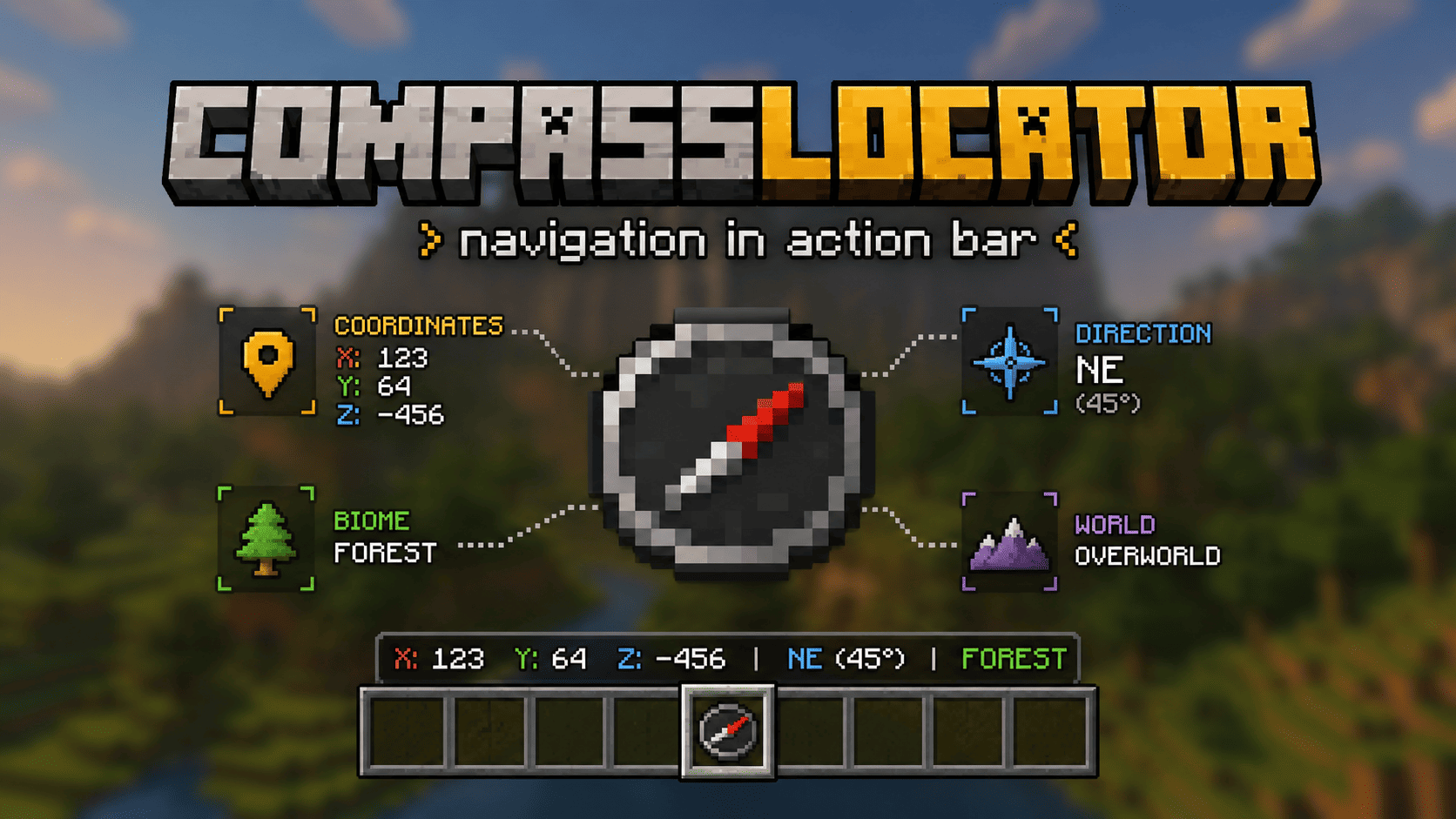
CompassLocator is a client-side mod for Minecraft 1.21.6+ that adds useful compass information directly to the action bar. A port of the CompassLocator plugin, now with even more features and an in-game config GUI.
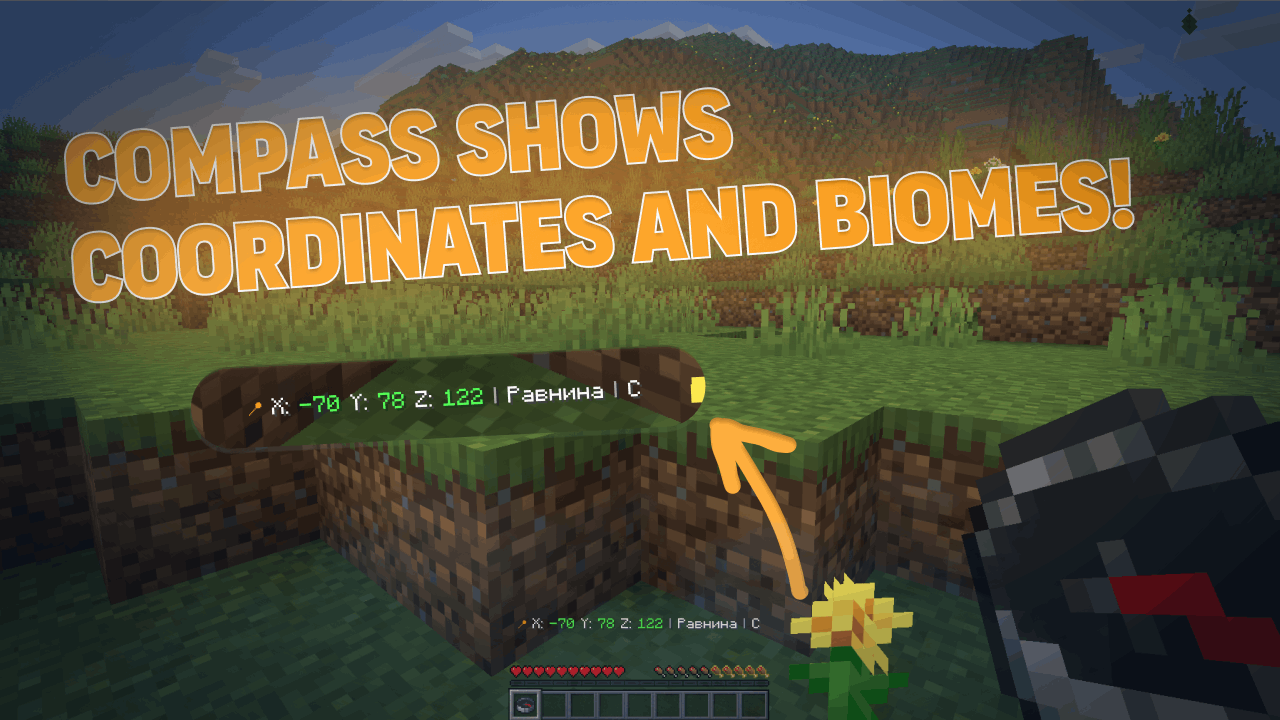
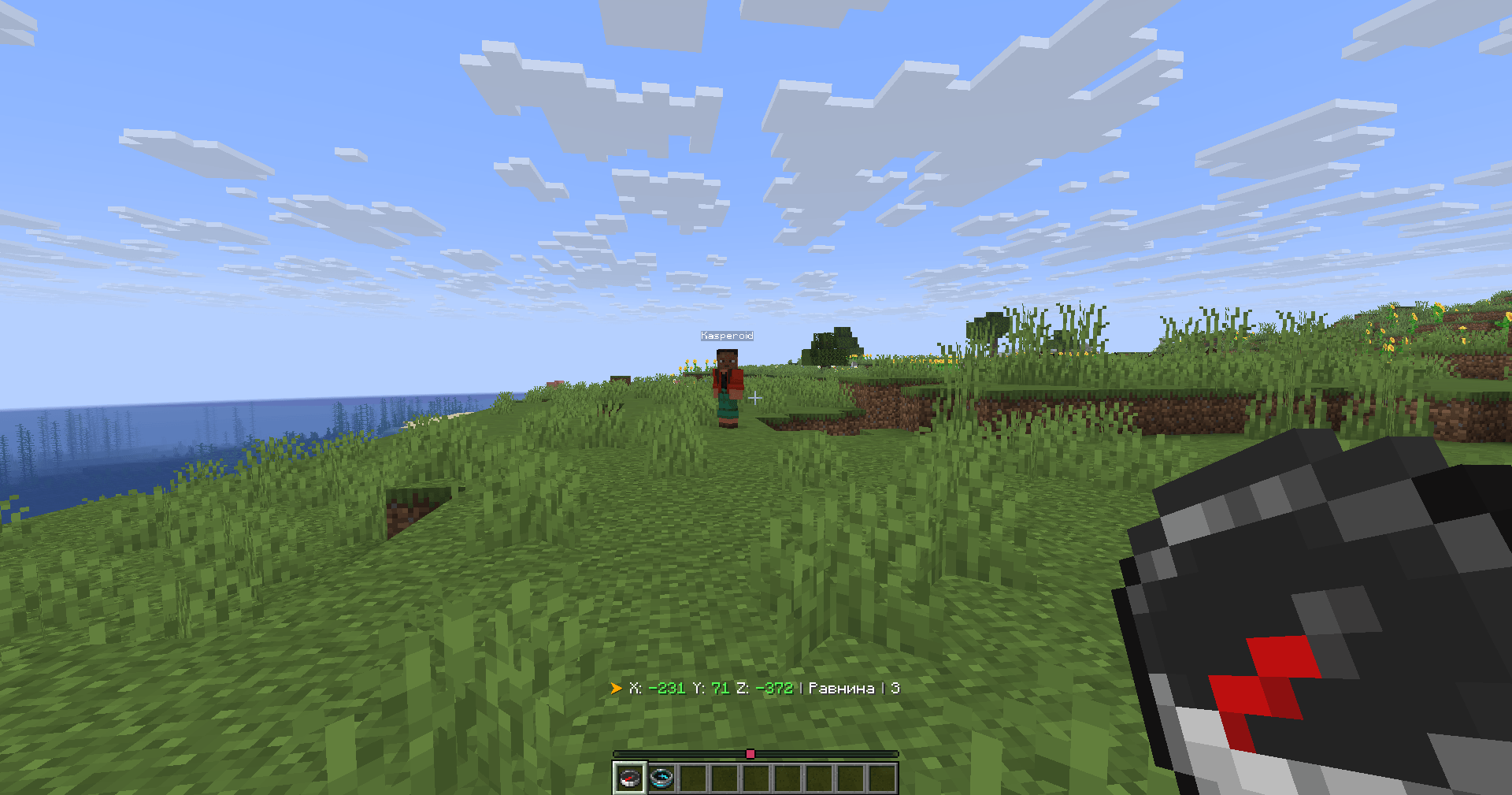
No more opening F3. Just hold a compass and see:
- where you are
- which direction you're facing
- what biome you're in
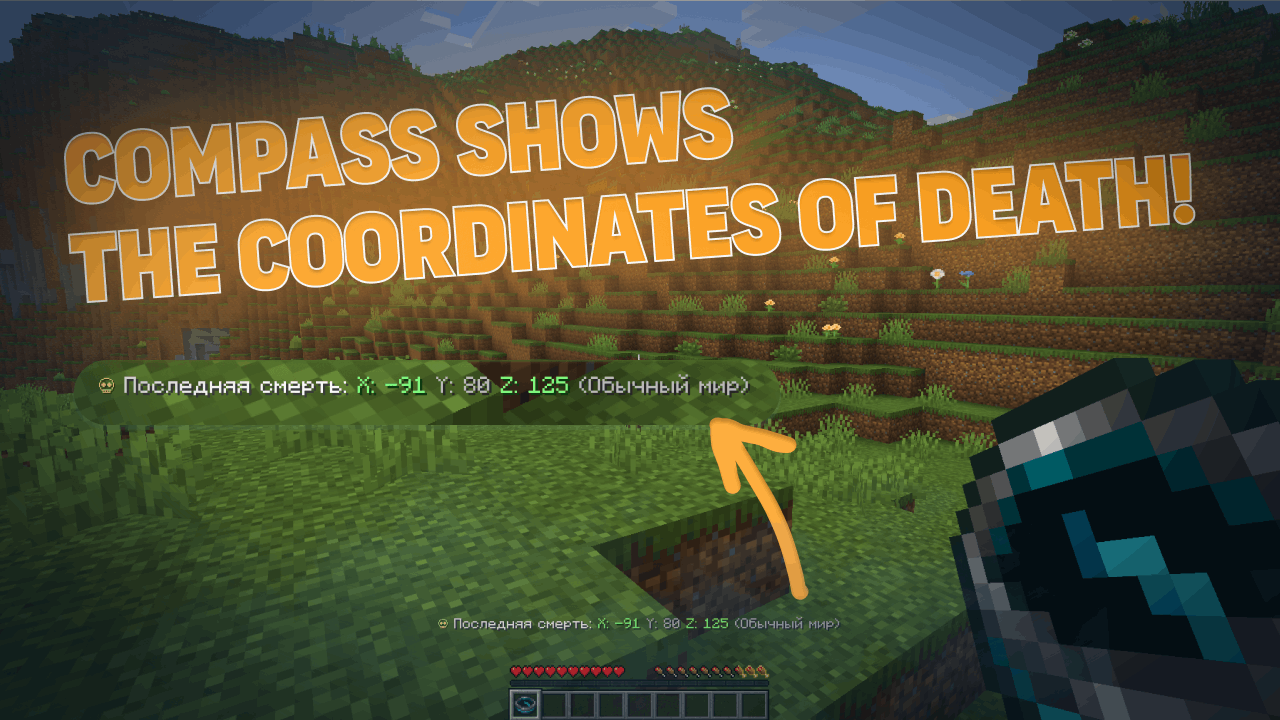
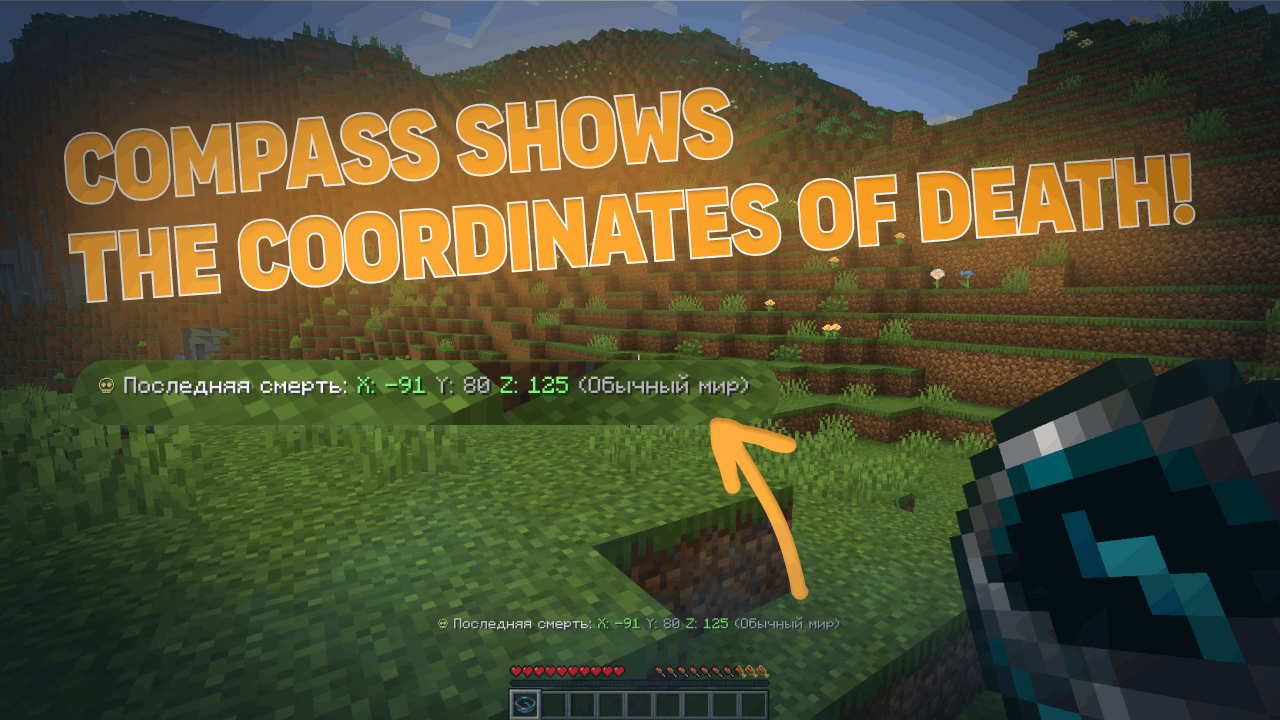
- where you died last time
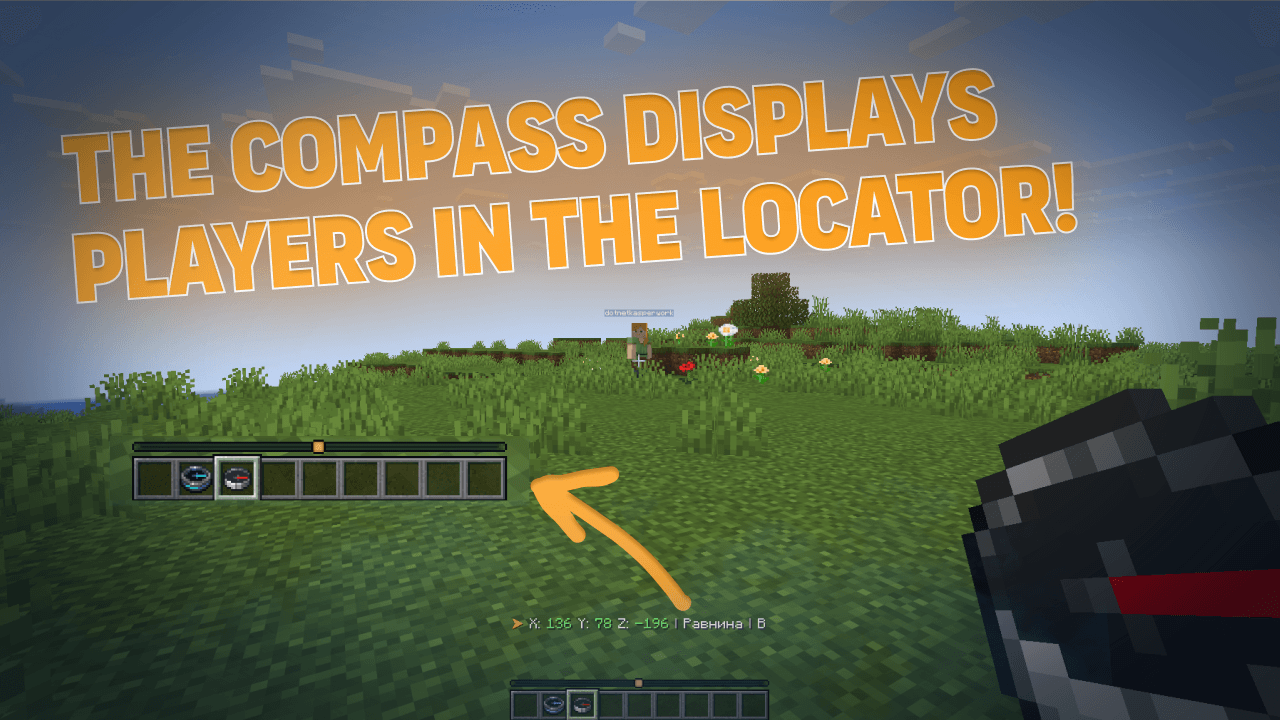
- players around you on the radar
Features
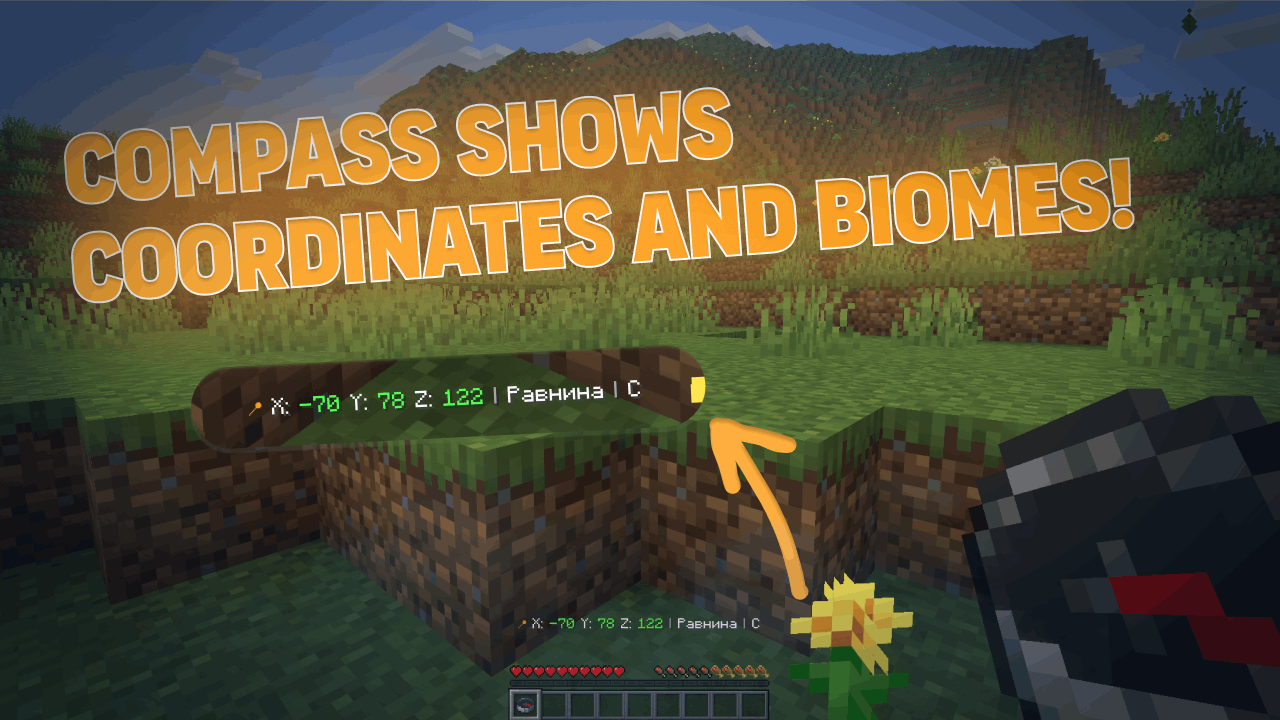
Normal Compass
- Coordinates (adjustable precision — integer or decimal)
- Current biome
- Cardinal direction (North/South or N/S)
- Time of day (optional)
- World name (optional)
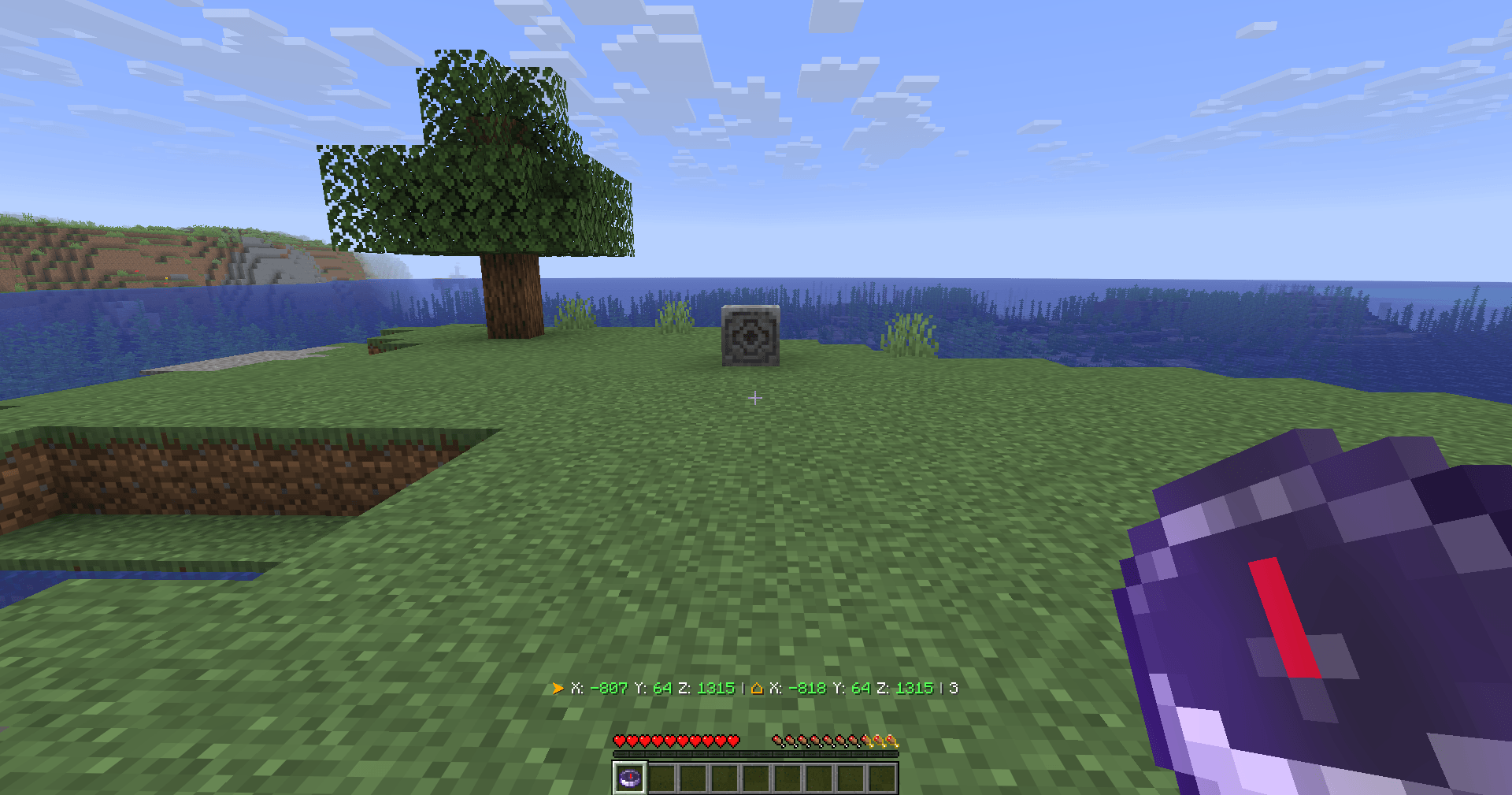
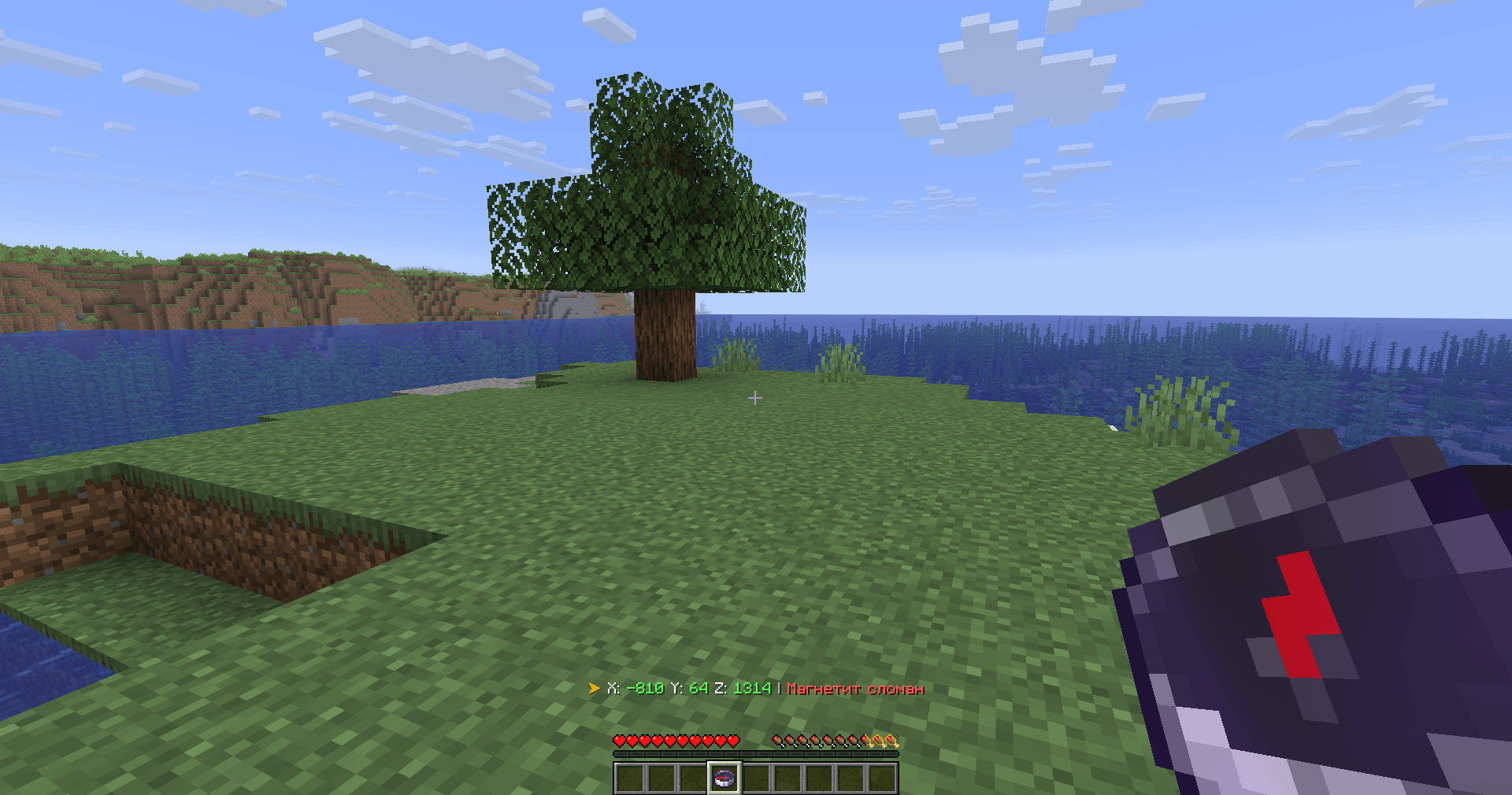
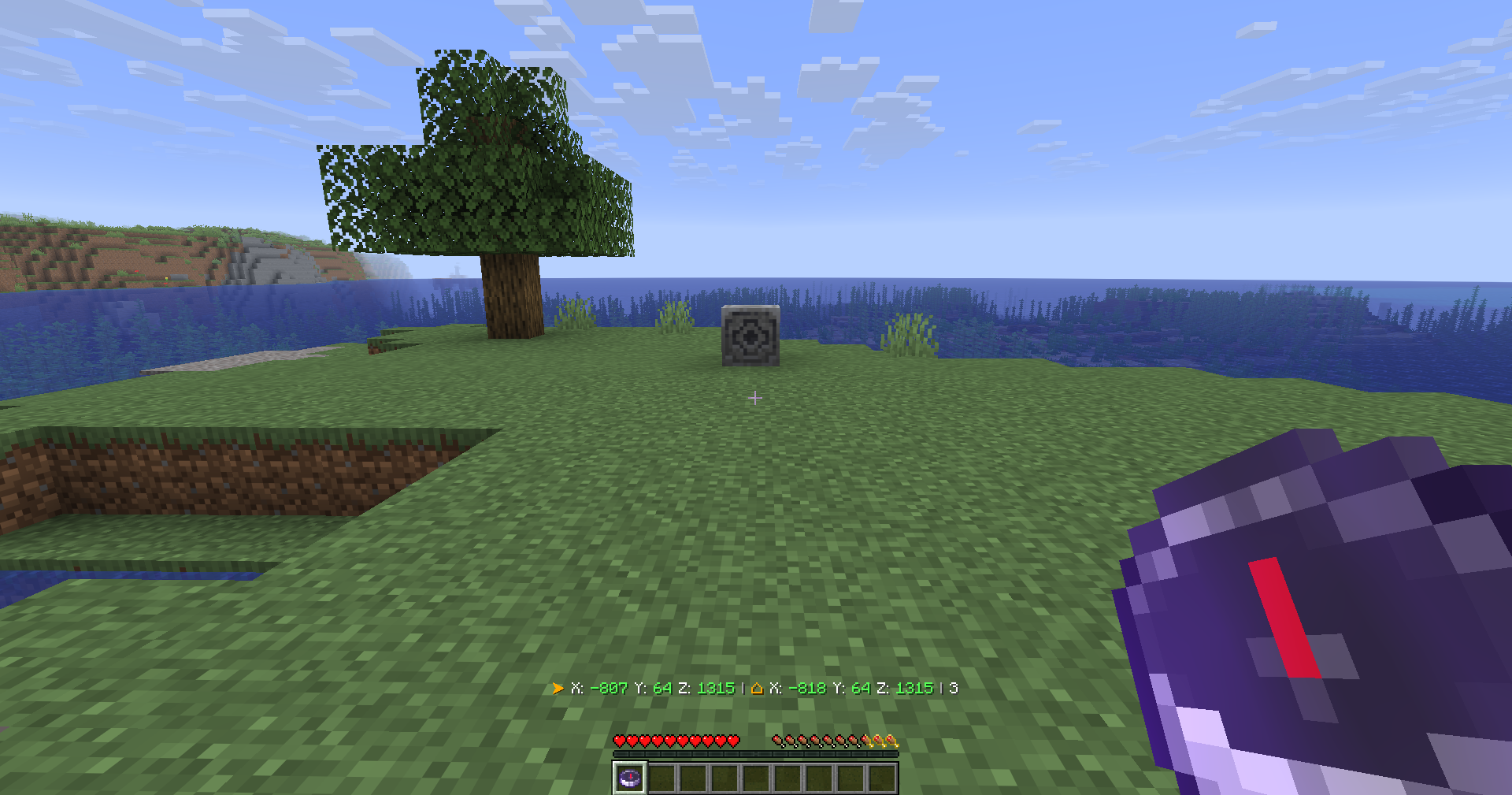
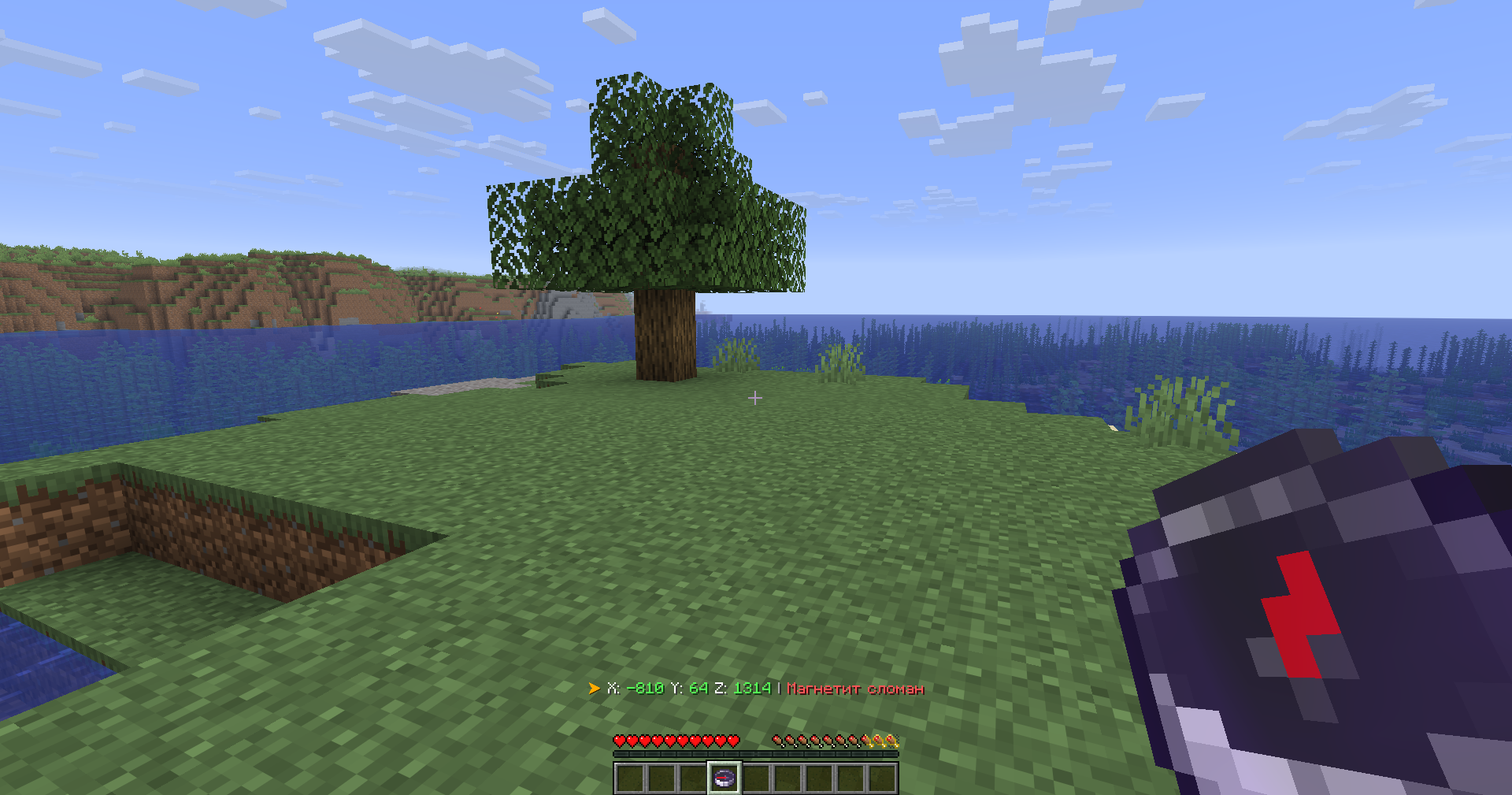
- Lodestone support — shows the coordinates your compass is linked to, even if broken (shows last known position)
Recovery Compass
- Where you last died (coordinates)
- Which world
- Time since death
- Distance to death location
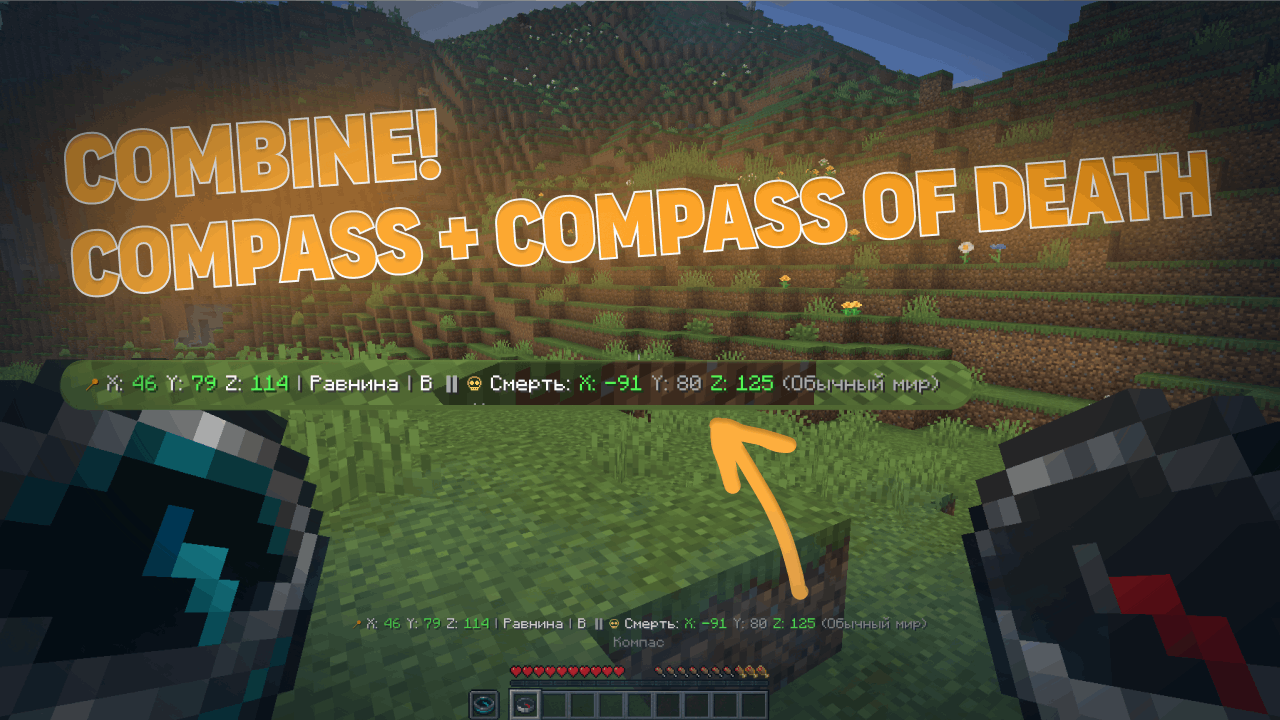
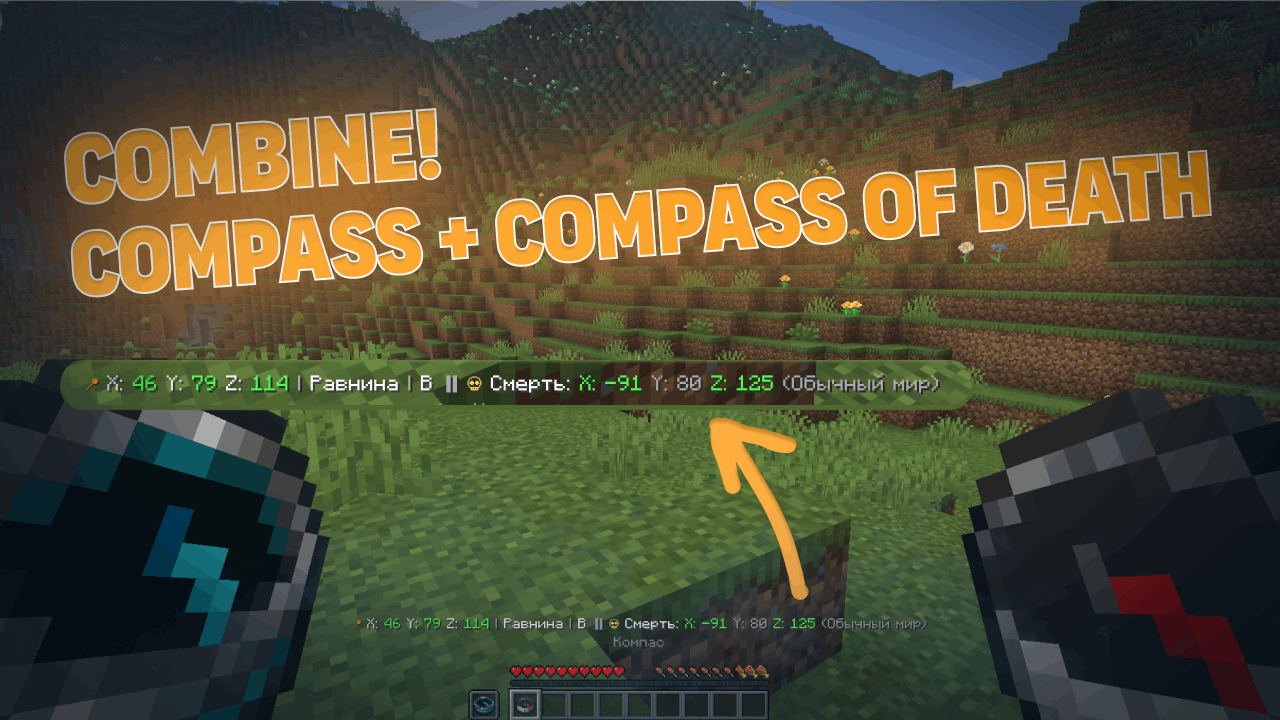
Combined Mode
- Hold a normal compass in one hand and a recovery compass in the other
- The action bar shows information from both at once
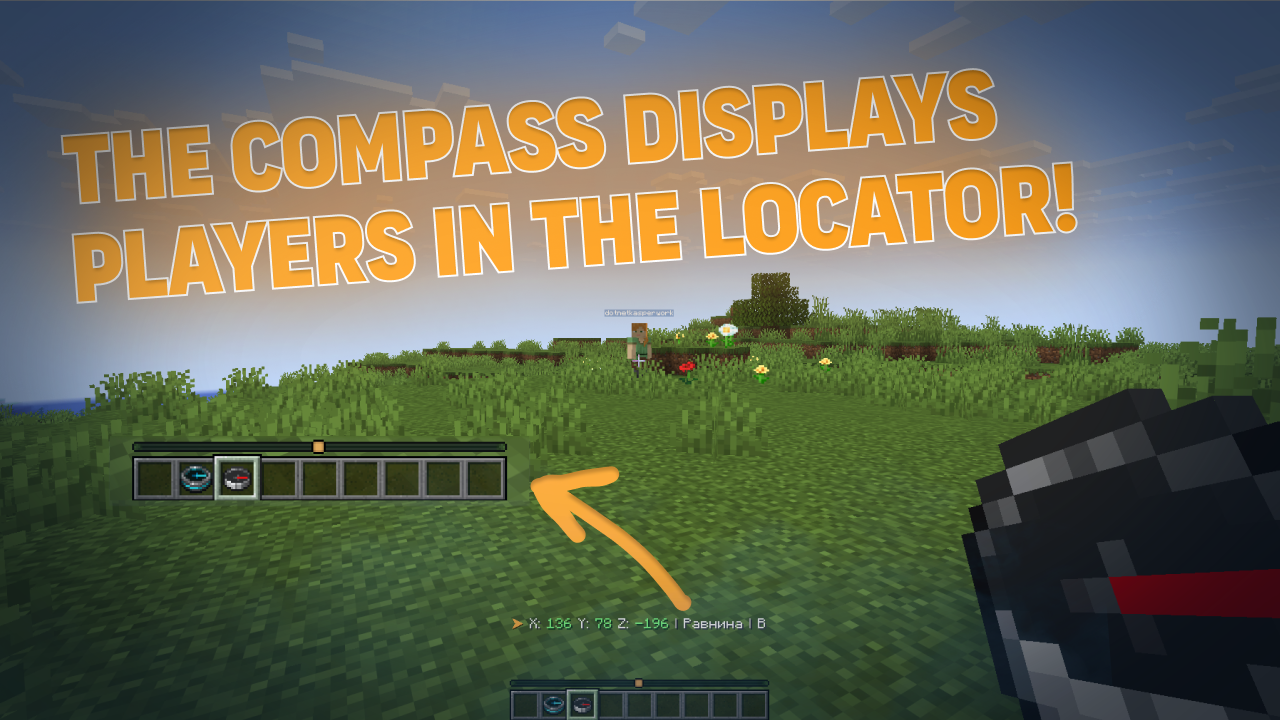
PvP/HCF-style Locator Bar
- See nearby players on your radar
- Shows player direction relative to you
- Perfect for competitive gameplay
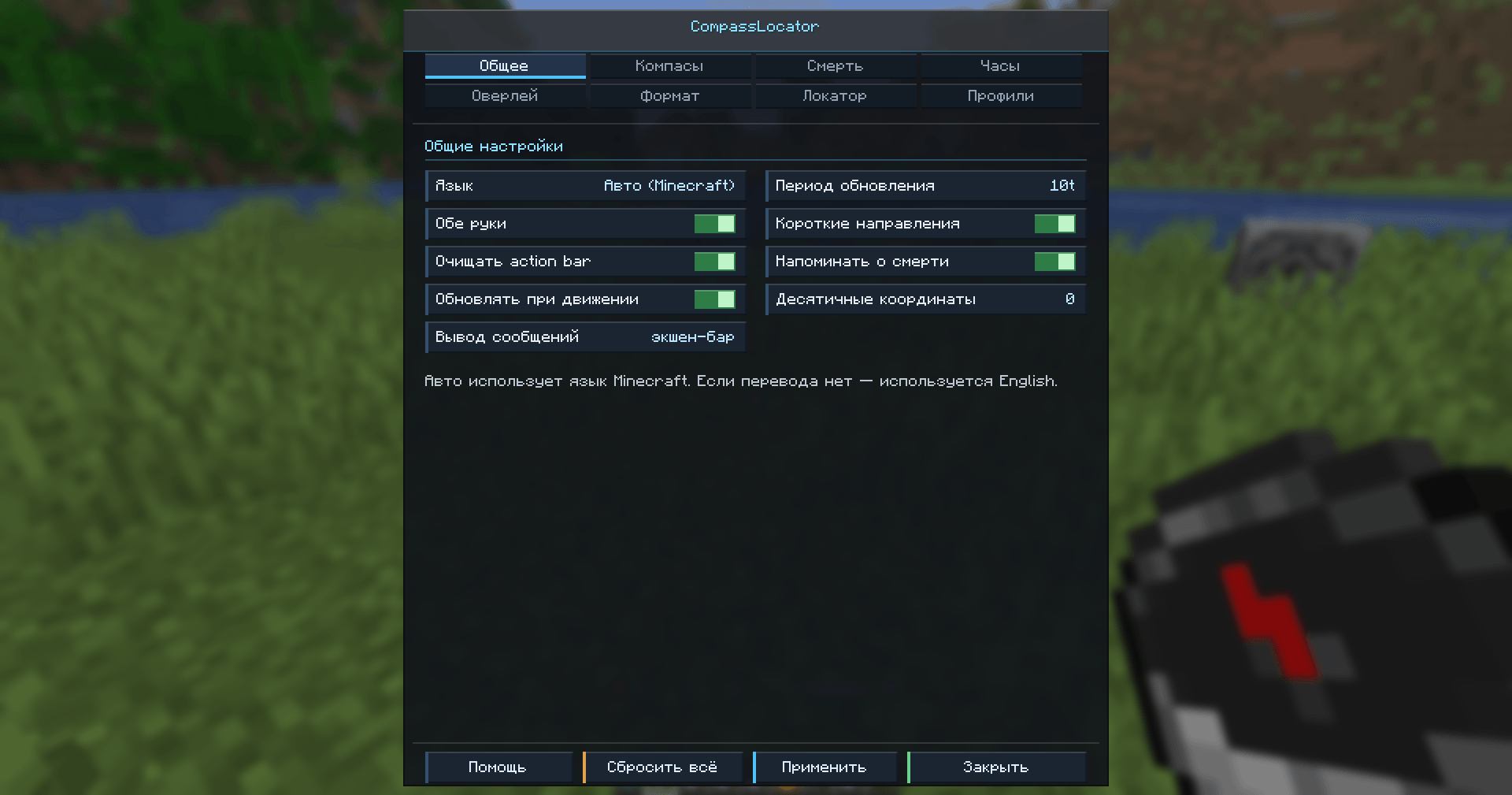
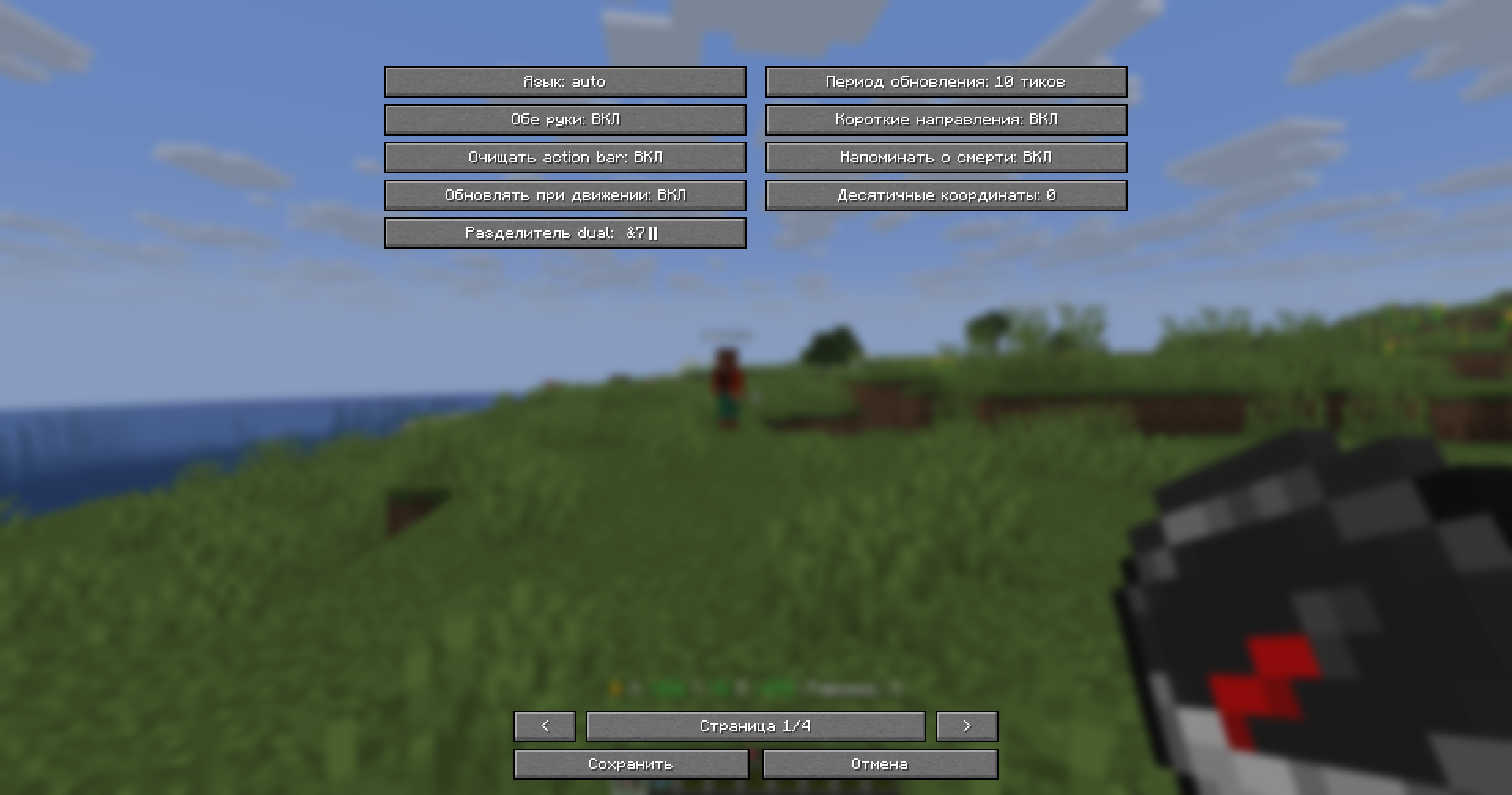
In-Game Configuration GUI
- Full configuration menu right in your game
- No need to edit files manually (but you still can)
- Changes apply instantly
Gallery
Normal Compass
Recovery Compass
Combined Mode
Locator Bar
In-Game Config GUI
Lodestone (Working)
Lodestone (Broken)
Usage
Simply hold a compass in your hand. That's it.
The mod works with both hands — main hand and offhand.
Configuration
The mod offers two ways to configure everything:
| Method |
What you can do |
| In-Game GUI |
Change settings on the fly, see changes immediately |
| YAML Files |
config.yml and lang.yml — all original plugin settings preserved |
You can toggle every feature individually, change colors, adjust update frequency, and much more.
Installation
Fabric
- Install Fabric Loader for Minecraft 1.21.6+
- Put Fabric API and CompassLocator in your
mods/ folder
- Launch the game
Forge
- Install Forge for Minecraft 1.21.6+
- Put CompassLocator in your
mods/ folder
- Launch the game
Dependencies
Fabric
Required:
Optional (recommended):
- Mod Menu — for the configuration screen
- Cloth Config API — for advanced config options
Forge
No required dependencies.
Requirements
- Minecraft 1.21.6+
- Java 21
There's also a server plugin version!
A server-side plugin for Paper/Spigot/Purpur on Minecraft 1.21+.
👉 CompassLocator — Plugin Version Modrinth
👉 CompassLocator — Plugin Version CurseForge
FAQ
Do I need to install anything on the server? No. This is a client-side mod. It works on any server, even vanilla.
Does it work in multiplayer? Yes. The Locator Bar shows other players even if they don't have the mod installed.
What's the difference between the mod and the plugin? The plugin runs on the server. The mod runs on your client and has access to more features (like the in-game GUI and client-side optimizations).
Do I need Mod Menu and Cloth Config? No, but they're recommended. Without them, you can still edit config.yml manually.
Does the compass work in both hands? Yes, you can hold it in either hand. Both are checked.
Links
Modrinth • Telegram • GitHub • kasperoid
© 2026 kasperoid — All Rights Reserved