


4.png
3.png
2.png
1.png
Description
[Unofficial] Port of DoubleNegation's Compact Ores Mod for Newer Versions of Minecraft
📖 Description
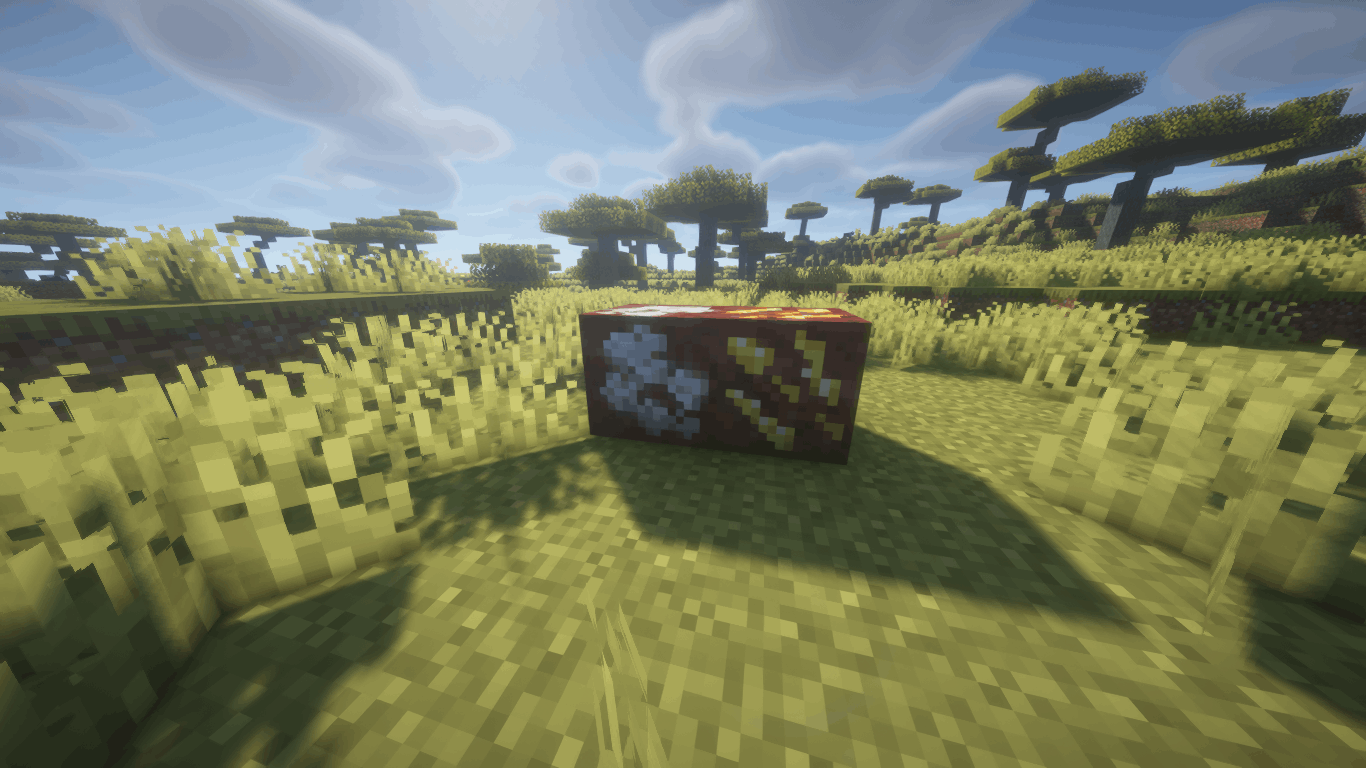
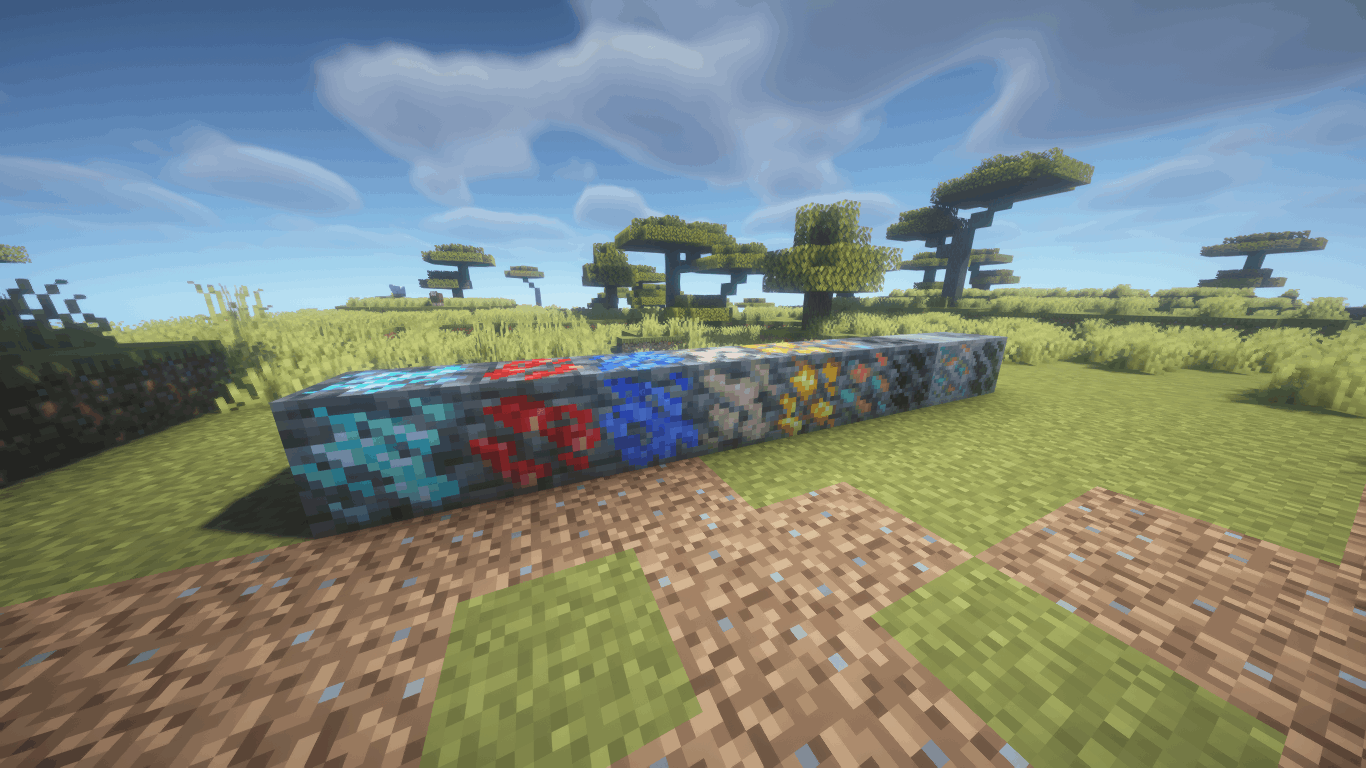
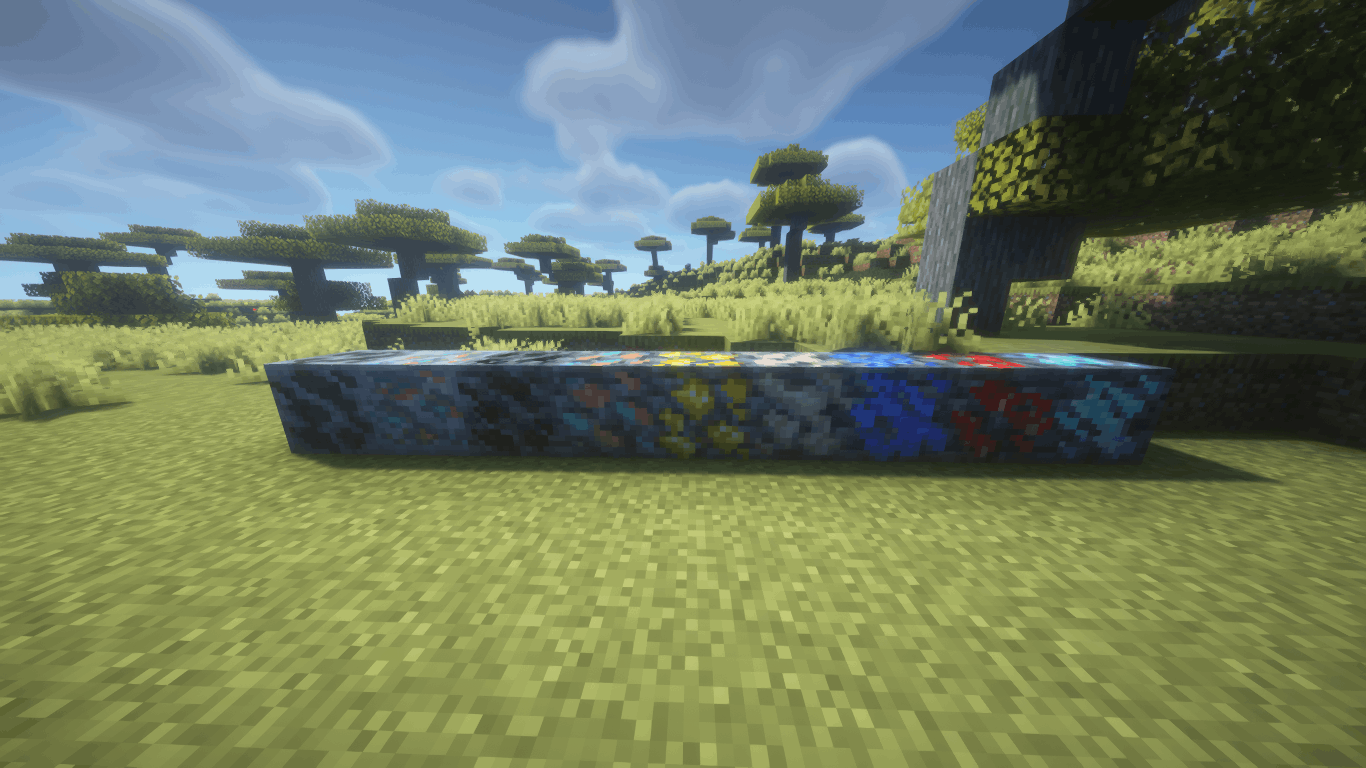
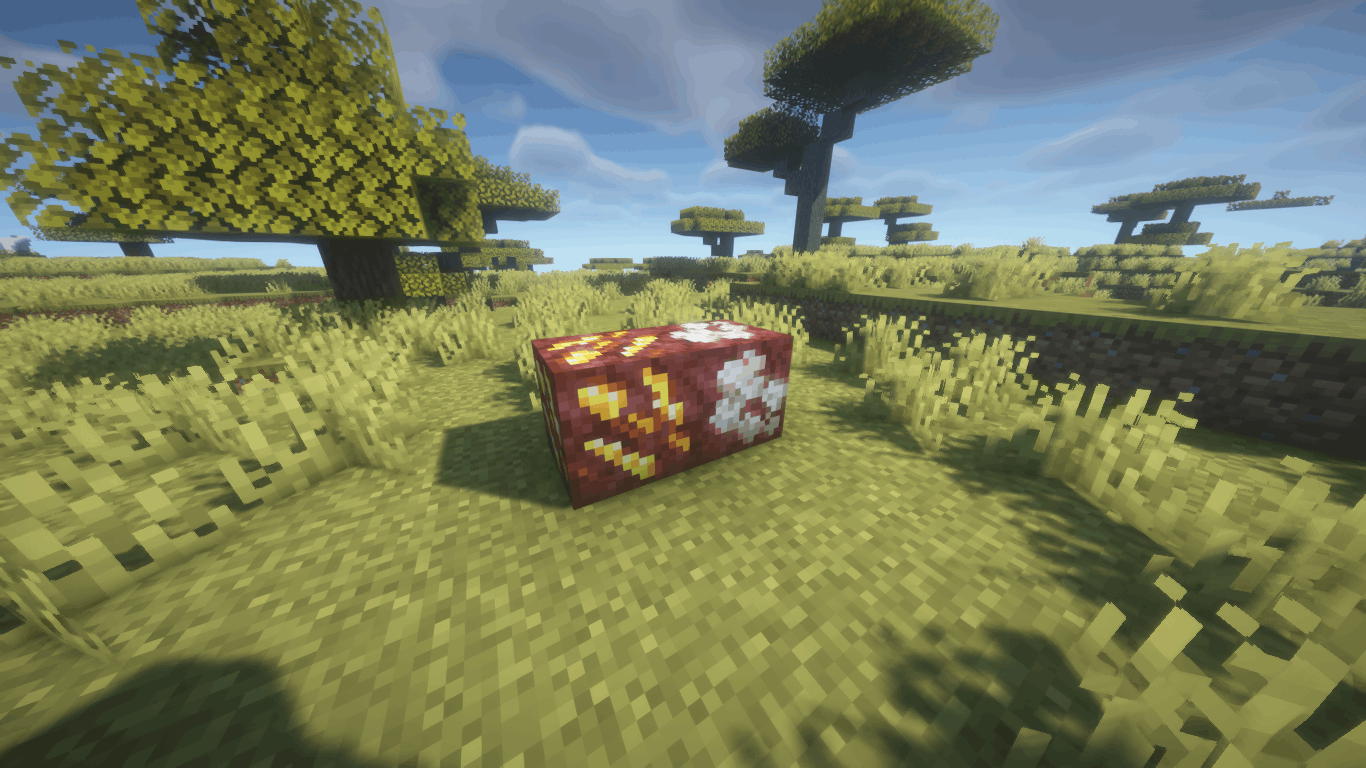
Compact Ores Port adds compact ores to the world — rare variants of regular ores that drop 3–5× more resources when mined. They generate naturally alongside their base ores and are visually distinct thanks to auto-generated textures.
The mod faithfully recreates the original's functionality and is compatible with any modded ores through configuration files. Both Forge and Fabric versions are available.
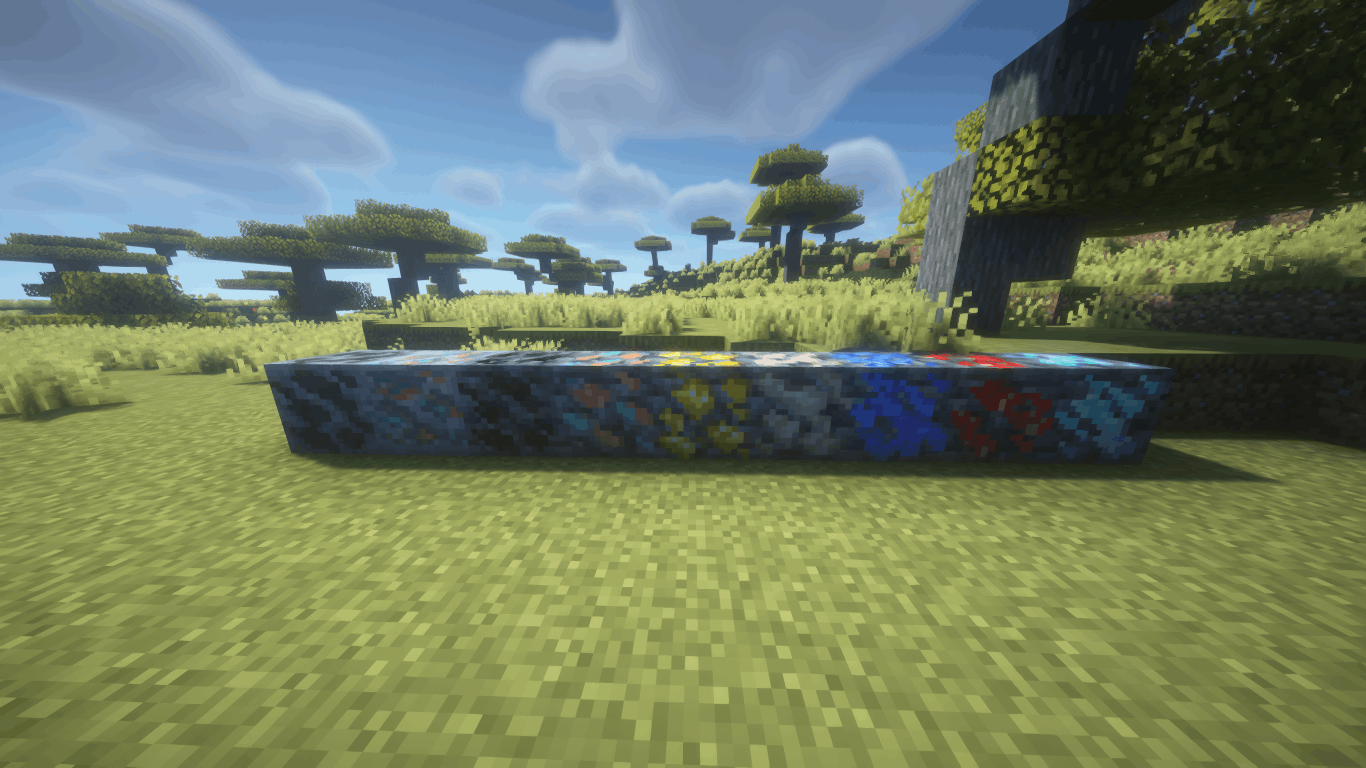
✨ Features
- 🪨 Compact Ores — rare ore variants with increased drops (×3–5 by default)
- ⚙️ In-Game Config Screen — full settings GUI with tooltips (Mods → Compact Ores Port → Config)
- 🔍 Ore Browser - View and add blocks from any mod as compact ore directly in the game by pressing the (K) key.
- 🔄 Hot Reload — changes apply instantly via
/compactores reload, no restart needed - 🎨 Automatic Texture Generation — the mod creates textures for all compact ores at startup
- 🌍 Retro Generation — compact ores appear even in already-explored chunks
- 📦 Modded Ore Support — works with any mod that adds ores; auto-discovers ores from installed mod JARs
- 🏷️ Creative Tab — a dedicated tab in the creative menu with all registered compact ores
- 🌐 Localization — full Russian and English language support
🔧 Configuration
All settings are accessible through the in-game config screen with hover tooltips:
| Setting | Description | Default |
|---|---|---|
| Min Rolls | Minimum drop multiplier | 3 |
| Max Rolls | Maximum drop multiplier | 5 |
| Spawn Probability | Chance for an ore to be replaced by compact variant | 10% |
| Generate Textures | Automatically create compact ore textures | ON |
| Retro Generation | Generate compact ores in existing chunks | ON |
| Color Difference Mode | Texture generation algorithm (Shading-Aware) | ON |
| Late Generation | For ores added by worldgen after the standard phase | OFF |
| Use GetDrops | Alternative drop calculation method | OFF |
Individual ores can be enabled/disabled, and new ores can be added from any installed mod via the Ore Browser screen.
📂 Supported Versions
| Minecraft | Forge | Fabric |
|---|---|---|
| 1.19.2 | ✅ | ✅ |
| 1.20.1 | ✅ | ✅ |
| 1.21.1 | ✅ | ✅ |
| 1.21.4 | ✅ | ✅ |
| 1.21.8 | ✅ | ✅ |
| 1.21.10 | ✅ | ✅ |
| 1.21.11 | ✅ | ✅ |
📥 Installation
- Install Forge or Fabric (+ Fabric API) for your Minecraft version
- Download the matching mod JAR file
- Place it in the
.minecraft/mods/folder - Launch the game — compact ores will generate automatically
💡 Tips
- Use
/compactores reloadto apply config changes without restarting - Open the Ore Config screen to enable/disable specific ores or adjust per-ore settings
- The Ore Browser lets you add ores from any installed mod with one click
- Config files are stored in
.minecraft/config/compactores/as TOML — editable by hand if needed
The Compact Ores port Team
