Cloudscape Volumetric
- By
Voxel-shaped volumetric clouds, adjustable wind and gradual weather transitions for Complementary Reimagined.
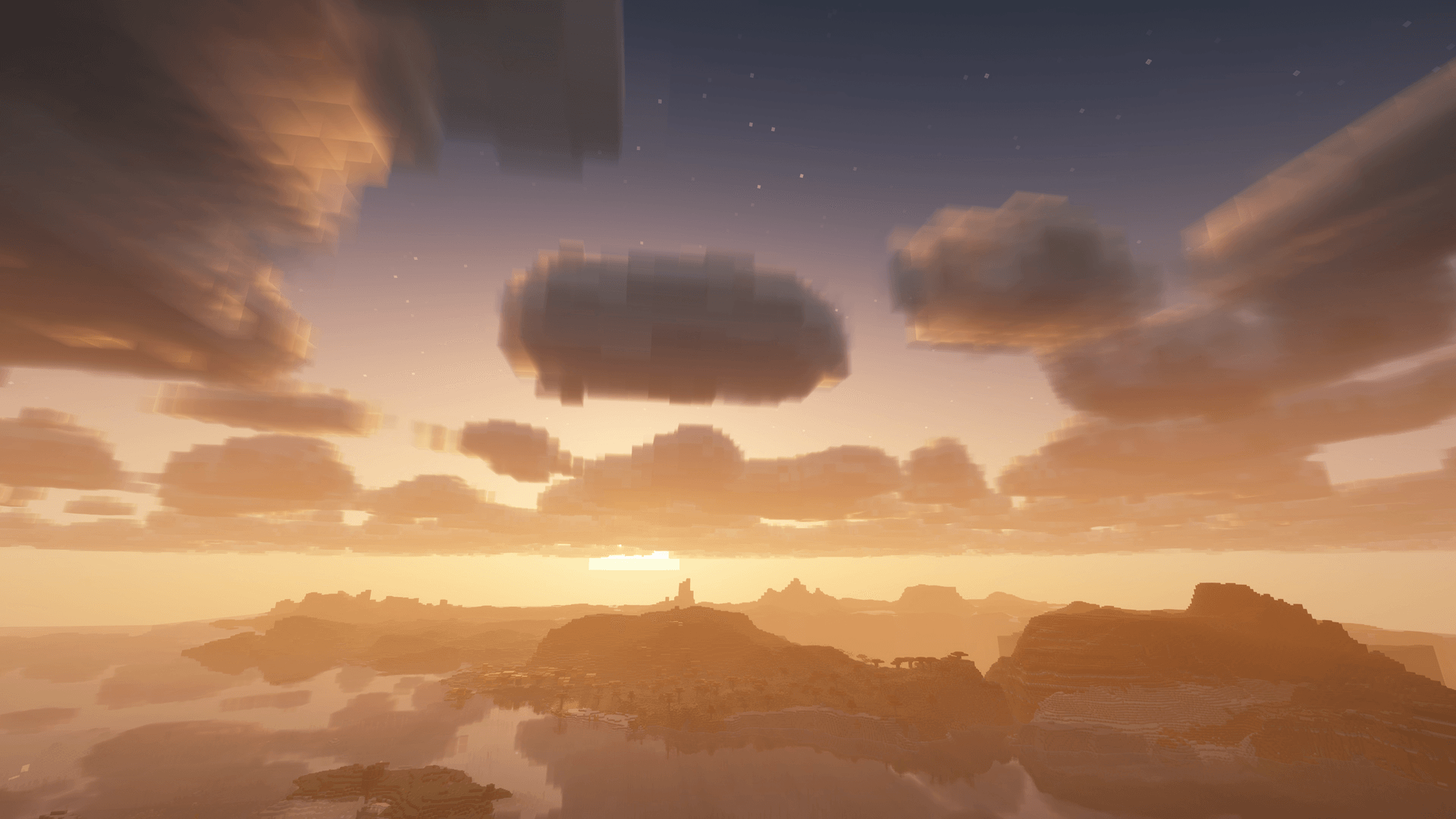
Voxel-shaped clouds at sunset. Cloudscape 0.5.7-rc.1; Complementary Reimagined r5.9.3; DH 3.3.4. Actual game capture, high filming settings. Lighting/water: Complementary. Not an FPS benchmark.
Description
Cloudscape Volumetric brings depth to Minecraft's familiar block-shaped clouds. Enjoy varied formations, adjustable wind and smooth transitions from clear skies to overcast weather.
- Volumetric clouds you can view from below, above or inside.
- Changing cloud cover and varied shapes that keep the cubic style.
- Cloud lighting, shadows and reflections integrated with Complementary Reimagined.
- In-game settings in English and Russian.
Compatible with Distant Horizons (DH) 3.3.4. DH is optional.
Installation
- Use Minecraft Java 26.3, Java 25 and Fabric Loader 0.19.5, with Iris 1.11.7 and Sodium 0.9.2 for Minecraft 26.3.
- Download Complementary Reimagined r5.9.3 separately. Keep the shader pack's original ZIP filename, put it in
shaderpacksand select it in Iris. - Close Minecraft and put the Cloudscape JAR in
mods. Keep only one Cloudscape JAR; save your previous JAR and configuration if updating. - In the shader pack's cloud settings, choose Reimagined / style 1, height 256, quality 3, and enable cloud shadows.
- Open Options → Cloudscape → Weather, choose Shapes: Varied shapes, enable Weather variation, then press Apply. Fresh installations start in Classic mode, so this step enables the look shown in the gallery.
If you also use Better Clouds, disable its cloud replacement (cloudOverride=false).
Cloudscape Volumetric Team