Cinematic Belongings
- By
Reach into your bag: a 3D inventory and animated backpacks, made to match Cinematic Interactions.
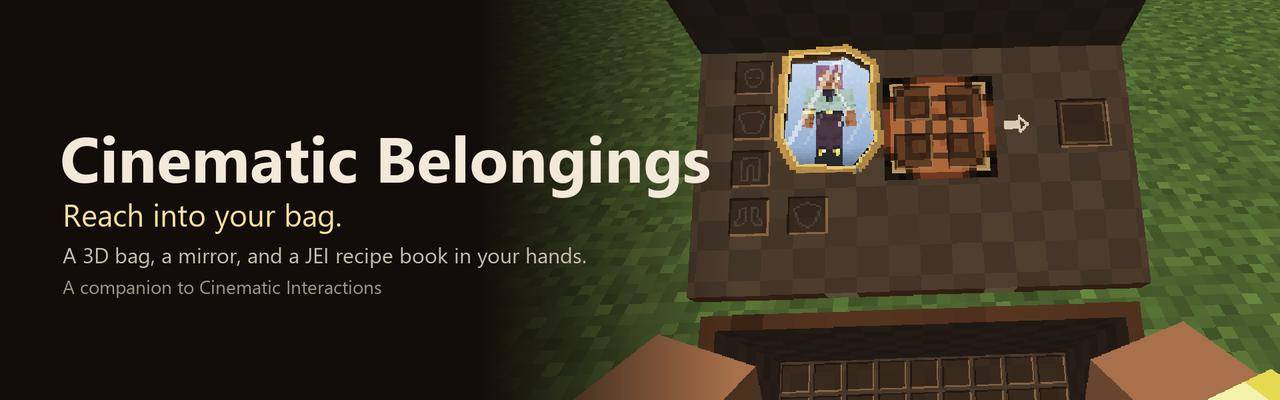
Your inventory deserves the Cinematic treatment.
Cinematic Interactions turned crafting tables, furnaces and anvils into hands-on scenes. Cinematic Belongings does the same for the things you carry: press E and you pull a satchel off your hip, throw back the flap and reach in for what you need.
Reach into your bag
Every item lies in the open bag as a real 3D item. Point at one and your hand hovers over it; click and you take it; click a pocket to put it down. The layout is the one you already know:
- Hotbar in front, set apart by a stitched seam, with your selected slot framed in gold
- Three main rows behind it
- The flap thrown back above the bag holds a crafting pad (2x2 grid on crafting-table planks, with its result) and pockets for armour and your offhand, outlined like the inventory window
- Stack counts in small badges that never run together
- Every gesture of the inventory window: shift-click, drag to spread a stack, double-click to gather, number keys, Q to drop, middle-click to sort
At every Cinematic workstation
At a furnace, crafting table, anvil or any other Cinematic station, the inventory strip at the top of the screen gives way to your bag, held open at your side. Point into it and Cinematic's own hand reaches in, takes the item and carries it to the station. Every click is still Cinematic's, so everything behaves exactly as before.
Pick your style
Press C while the bag is open to switch, or set it in the config:
| Style | |
|---|---|
| Full 3D | Items lie in the bag in 3D (default) |
| Semi 3D | The inventory panel lies flat inside the bag, its top half on the flap |
| Hybrid | The normal window, with the bag held beside it; your hand follows your mouse |
| Pouch | A small belt pouch opens and the normal window appears |
Press Tab at any time for the full window (recipe book, mod buttons).
Backpacks, too
With Sophisticated Backpacks, a worn backpack swings round off your shoulder into your hands, a held one is lifted and opened, and a placed one is opened as you lean over it. It is always the real backpack: its colours, upgrades and window.
❤️ Support
Cinematic Belongings is my second mod, if you like the mod and would like to support the development or even support me making more mods in the future, you can; https://buymeacoffee.com/xayd Thank you so much!!
Built to fit in
- Arms, skins, arm styles and easing come straight from Cinematic Interactions, so it looks native
- The real windows and menus are never replaced: server rules, permissions and other mods' screens keep working
- Sorting: uses Quark's sort when installed, otherwise a built-in sort that works on any server
- Shoulder Surfing: you return to your shoulder camera afterwards
- Client-side only: friends without it can still join your server
- Configurable: animation speed, camera and hand movement, reduced motion, bag size, item size, how steeply you look in, sounds, hints, and more
Good to know
- The 3D inventory styles are experimental. Feedback is very welcome.
- Creative mode keeps the pouch with the creative window.
- Other players don't see your animation; it is drawn on your screen only.
Not affiliated with Cinematic Interactions or Sophisticated Backpacks.
Gallery
| File | Title | Description |
|---|---|---|
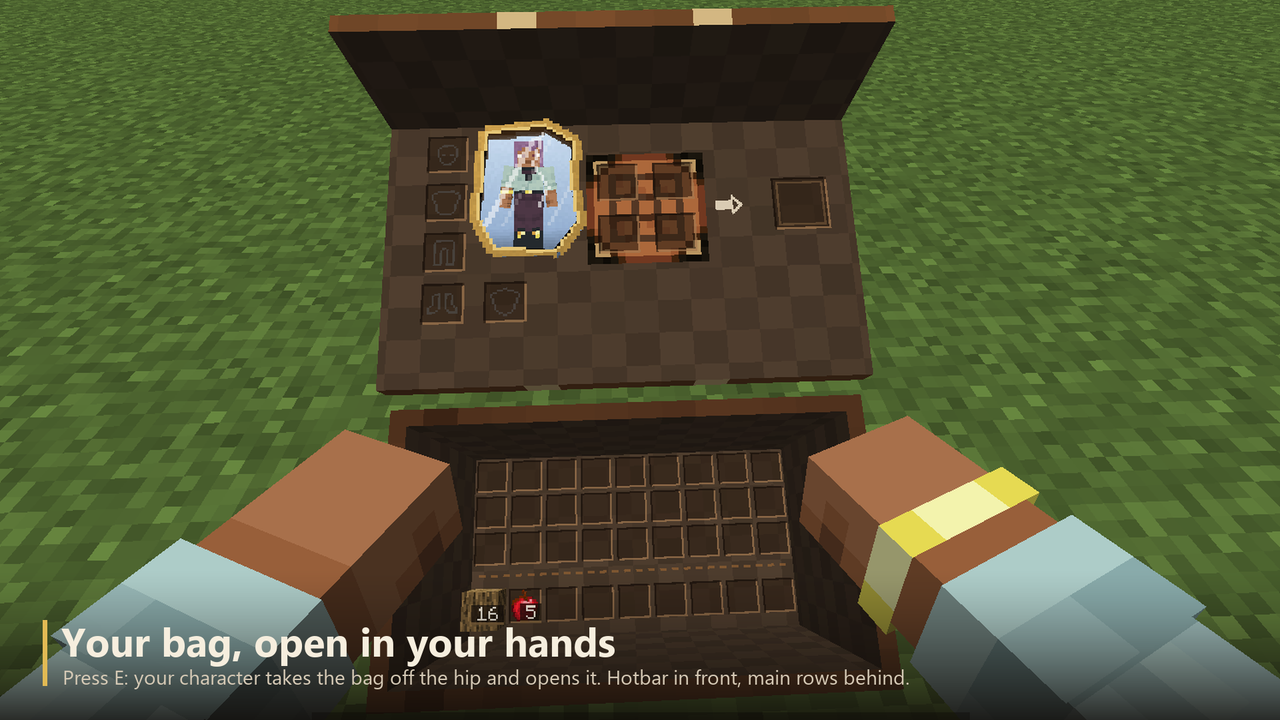 |
Your bag, open in your hands | Press E: your character takes the bag off the hip and opens it. Hotbar in front, main rows behind. |
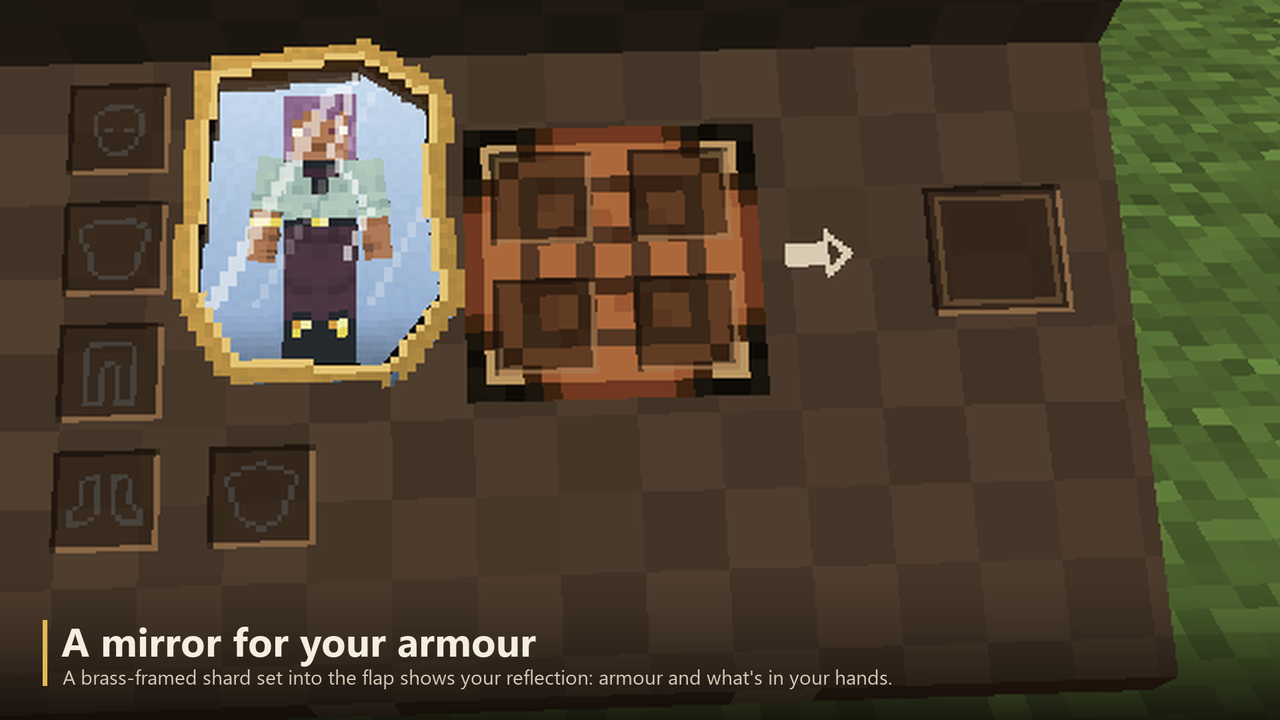 |
A mirror for your armour | A brass-framed shard set into the flap shows your reflection: armour and what's in your hands. |
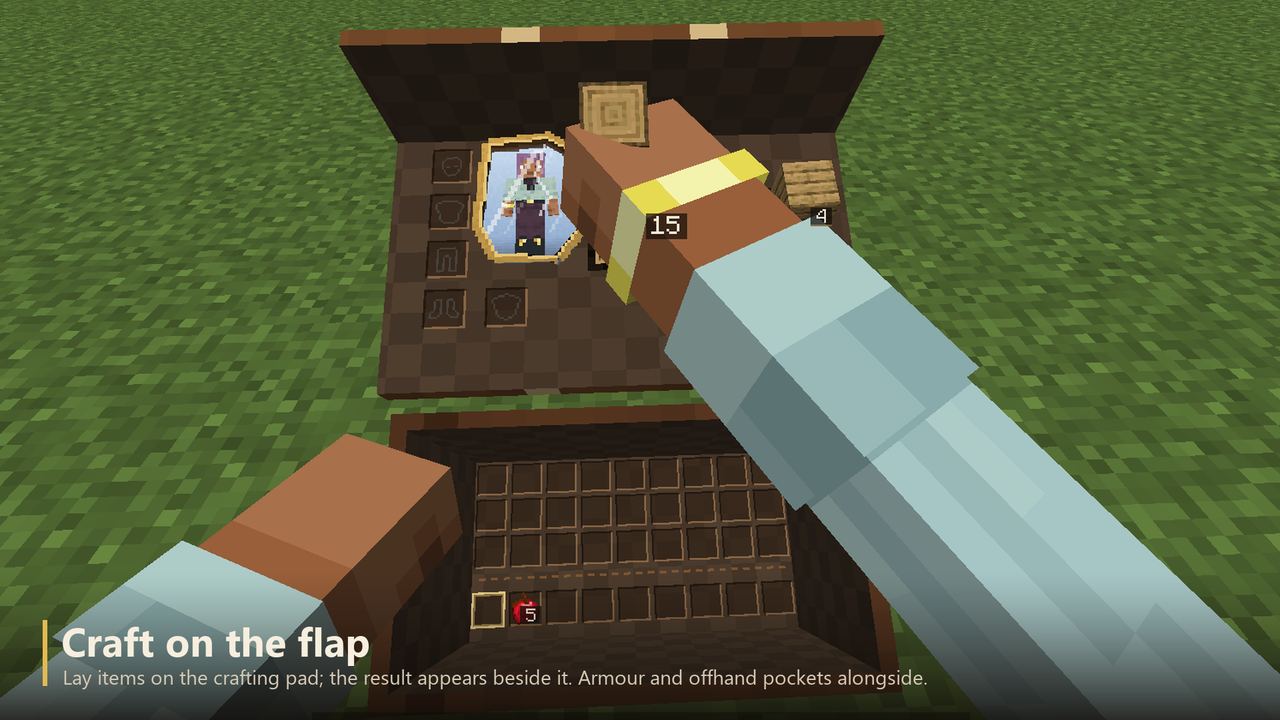 |
Craft on the flap | Lay items on the crafting pad; the result appears beside it. Armour and offhand pockets alongside. |
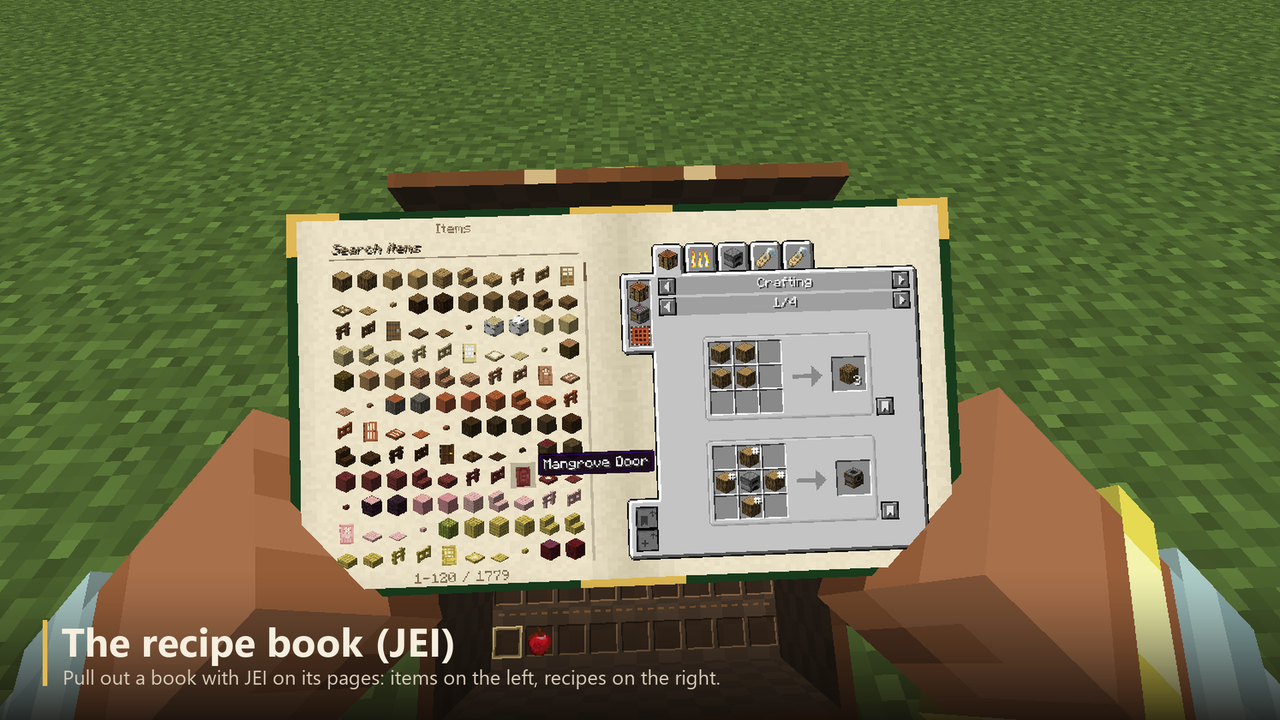 |
The recipe book (JEI) | Pull out a book with JEI on its pages: items on the left, recipes on the right. |
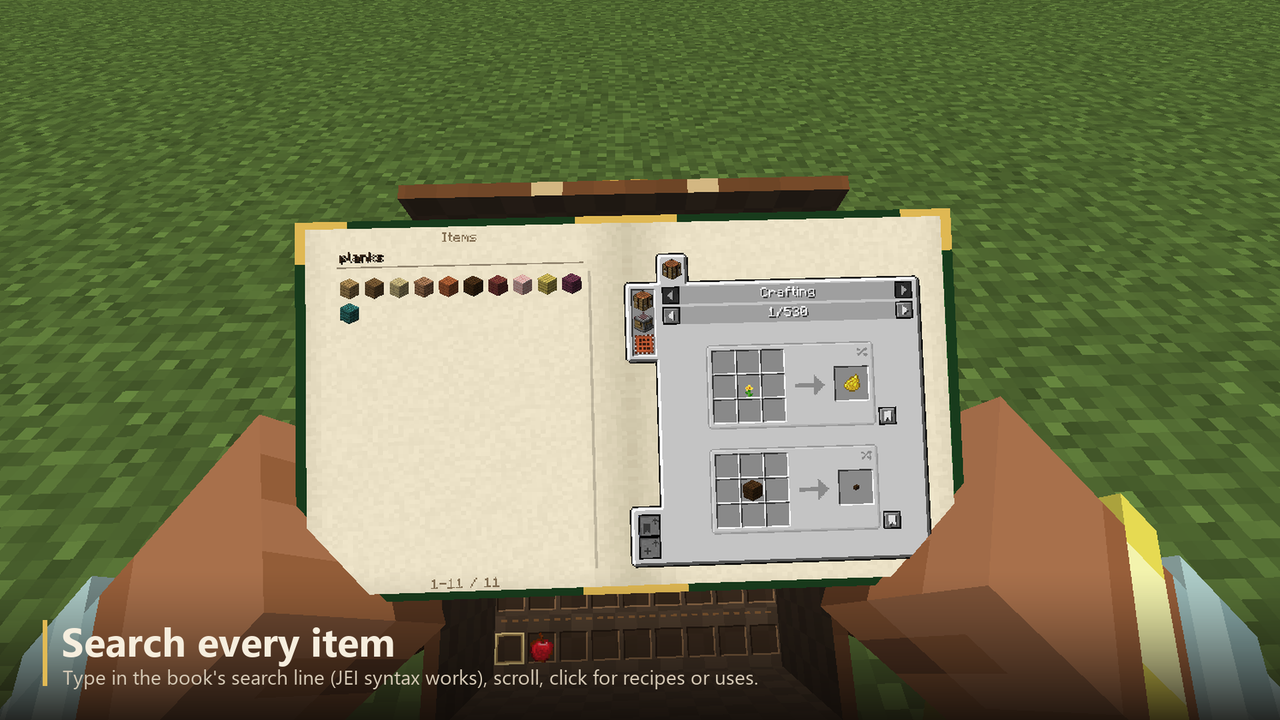 |
Search every item | Type in the book's search line (JEI syntax works), scroll, click for recipes or uses. |
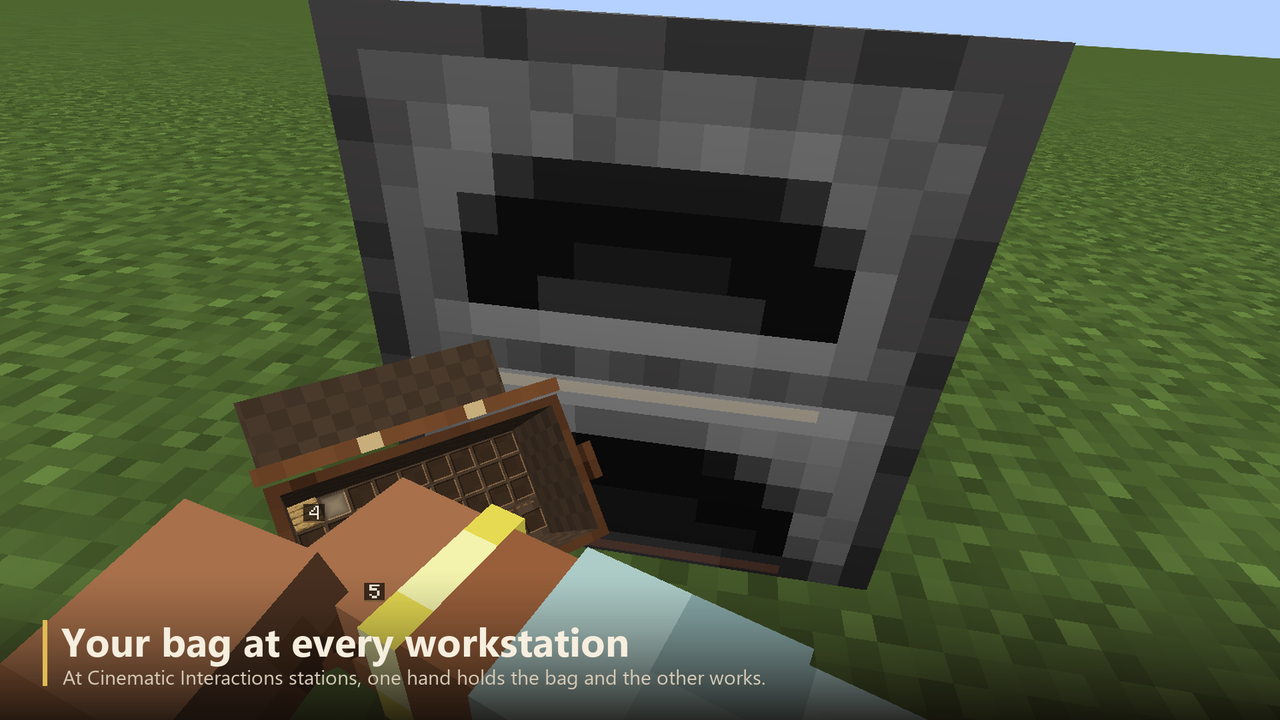 |
Your bag at every workstation | At Cinematic Interactions stations, one hand holds the bag and the other works. |
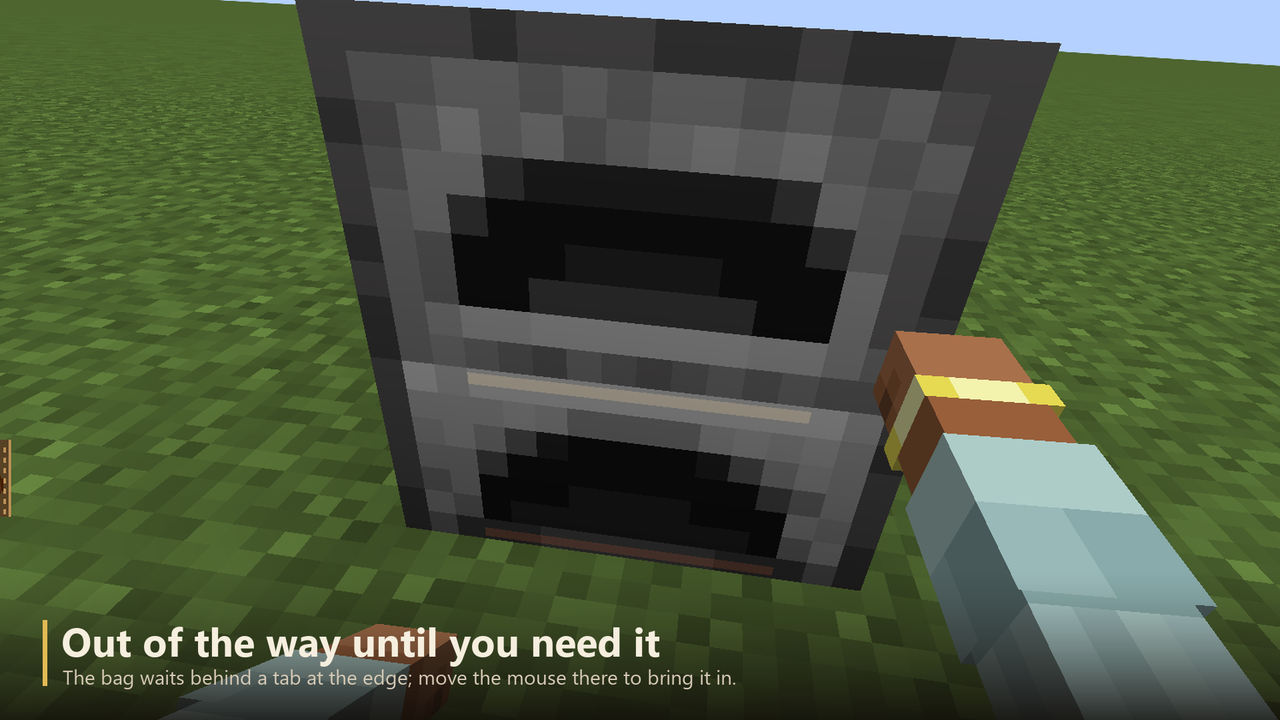 |
Out of the way until you need it | The bag waits behind a tab at the edge; move the mouse there to bring it in. |
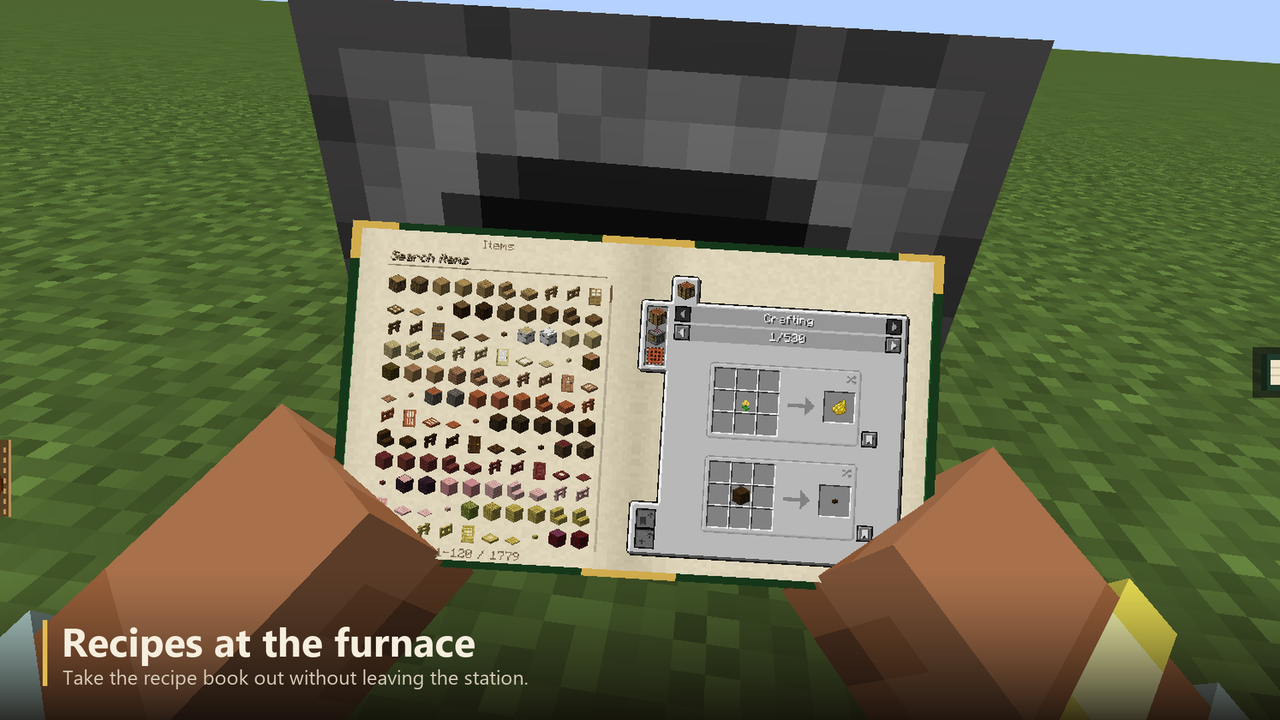 |
Recipes at the furnace | Take the recipe book out without leaving the station. |
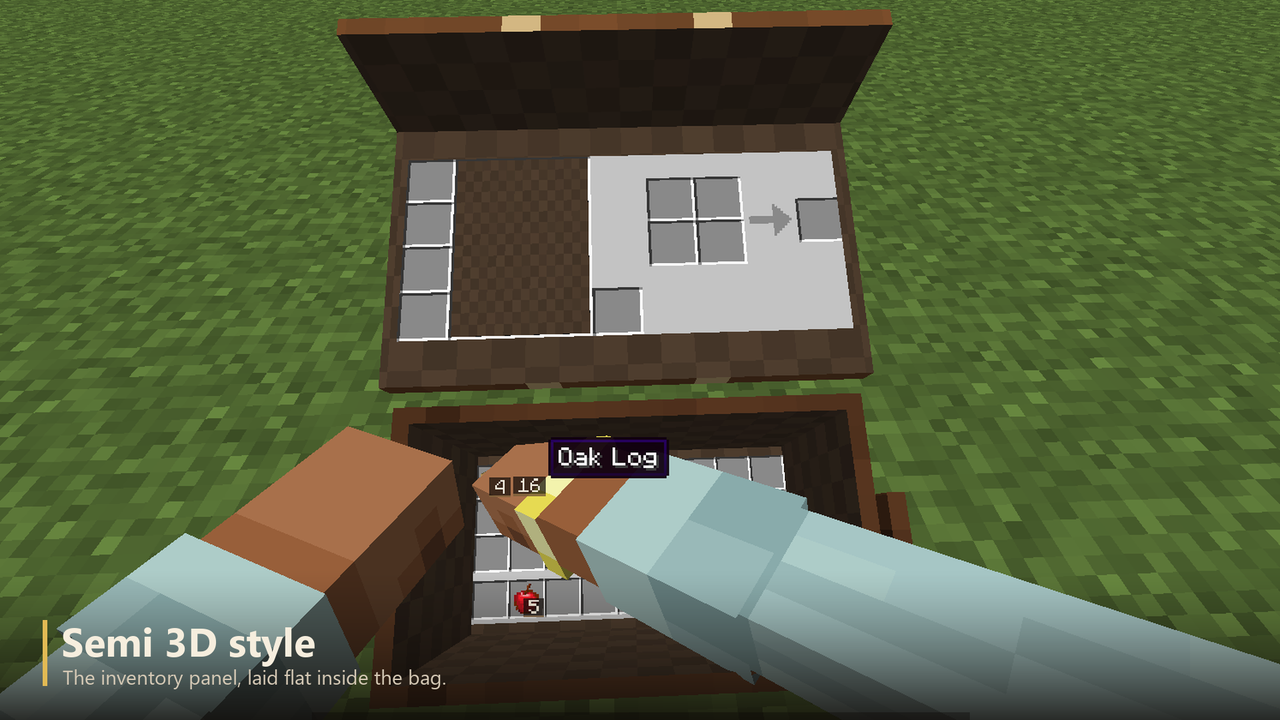 |
Semi 3D style | The inventory panel, laid flat inside the bag. |
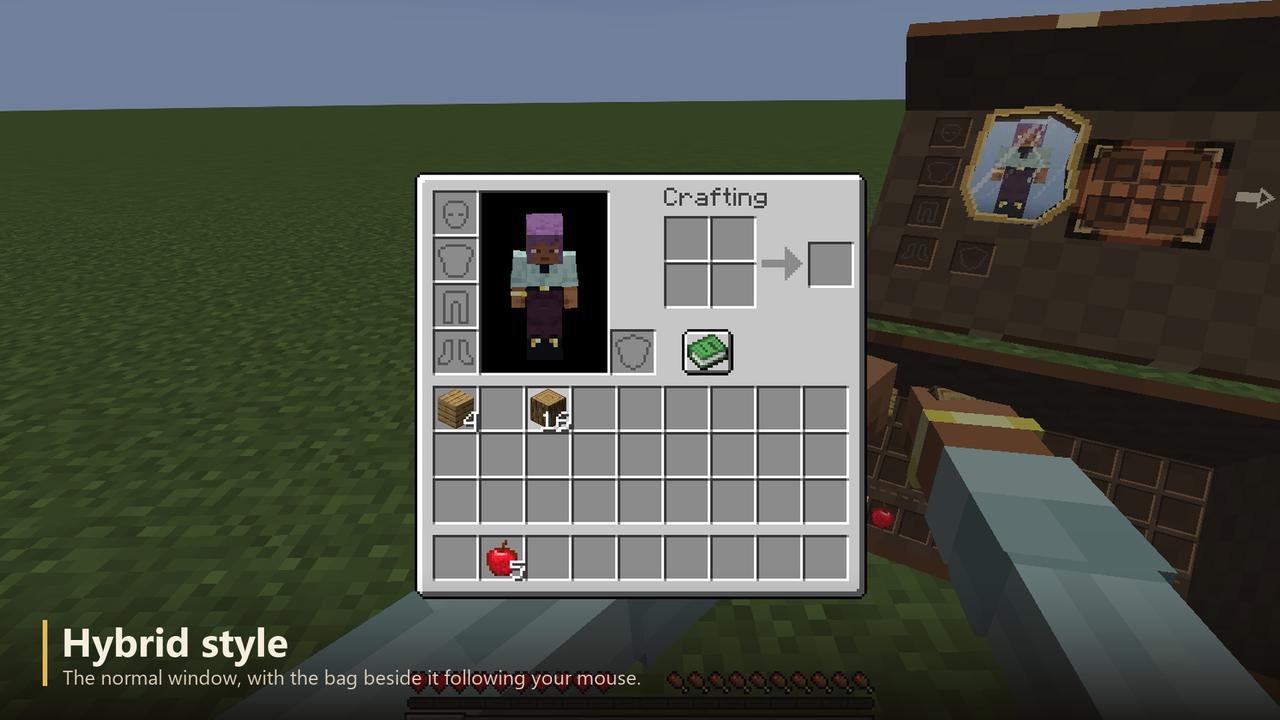 |
Hybrid style | The normal window, with the bag beside it following your mouse. |
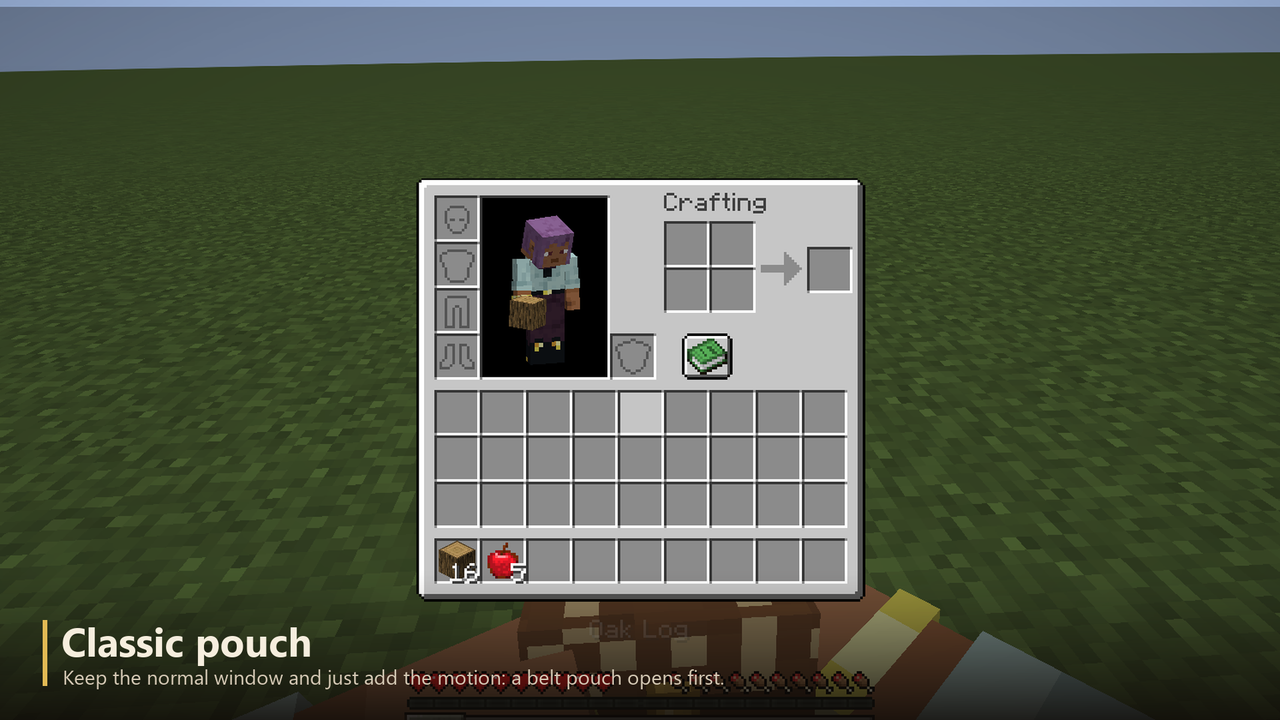 |
Classic pouch | Keep the normal window and just add the motion: a belt pouch opens first. |
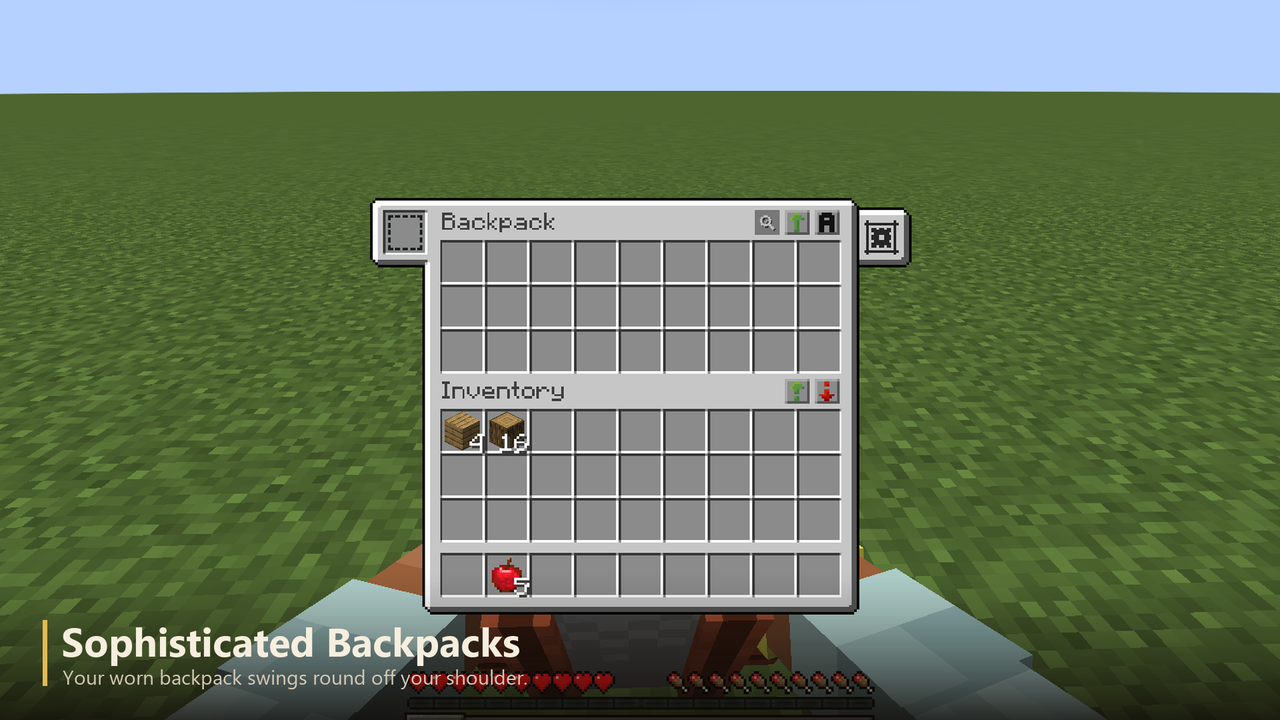 |
Sophisticated Backpacks | Your worn backpack swings round off your shoulder. |
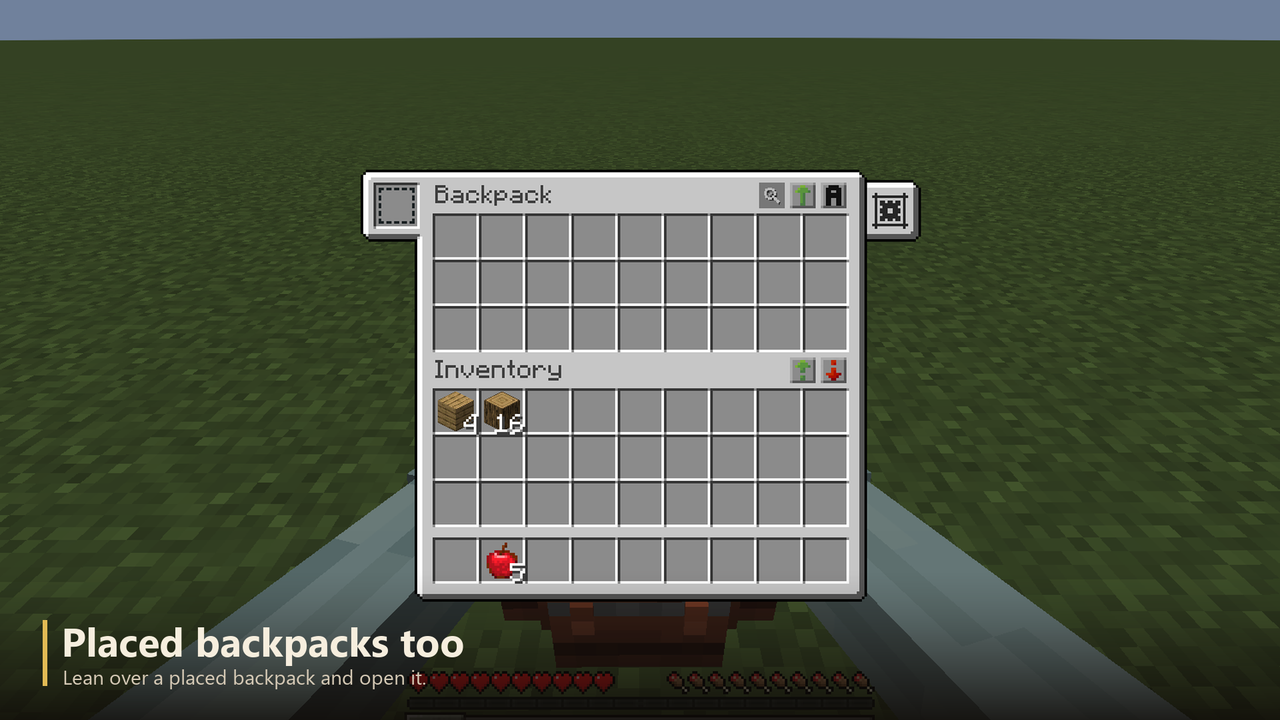 |
Placed backpacks too | Lean over a placed backpack and open it. |
RECOMMENDED
It is heavily recommended to install, Cinematic Interactions, JEI Sophisticated Backpacks
Cinematic Belongings Team