Chest Front Labels
- By
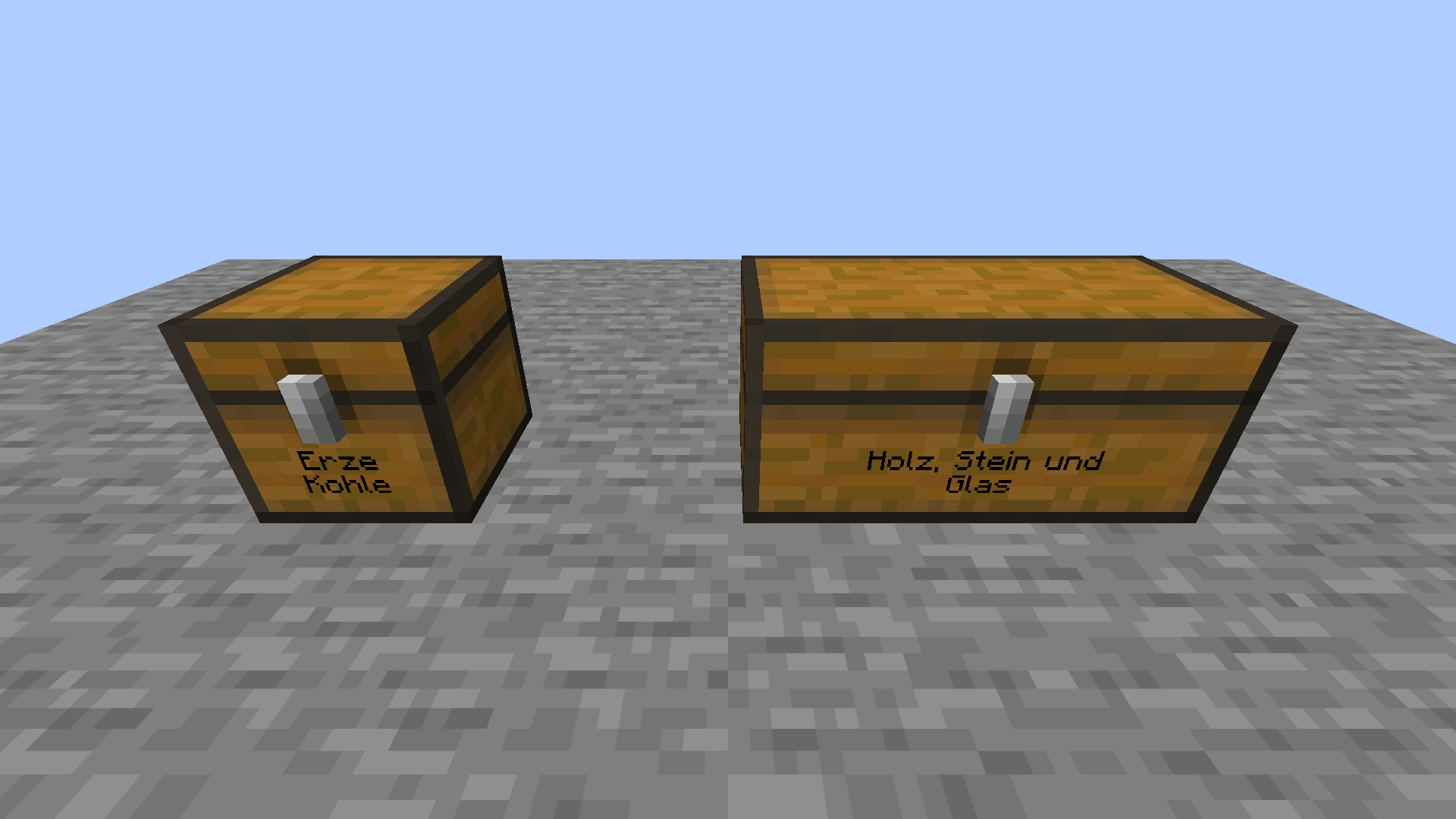
Label your chests like signs. The text sits right on the chest front, and double chests get one wide label.
truhen.png
editor.png
Description
Label your chests like signs. The text is drawn directly on the chest front, below the latch.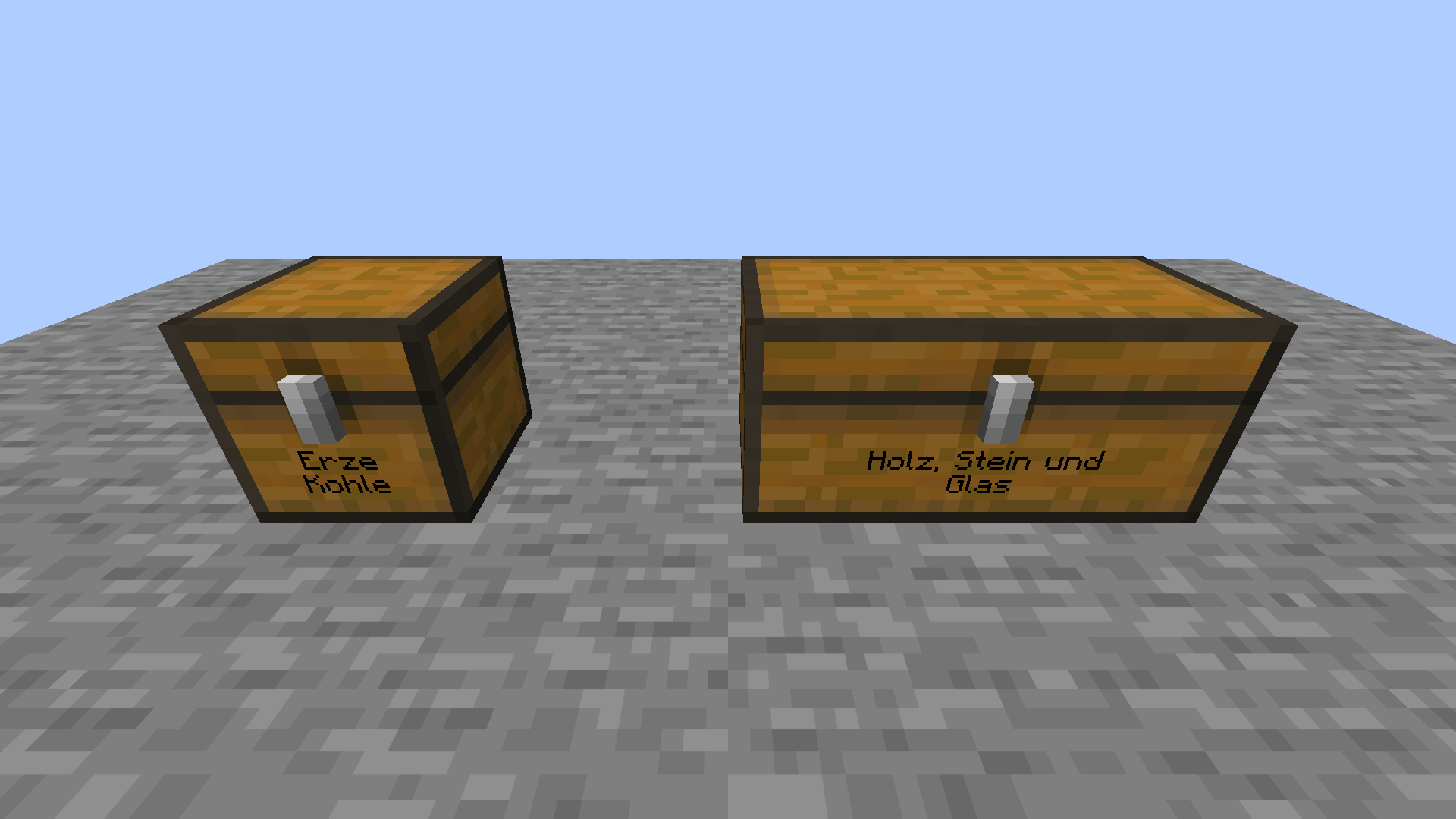
How to use
- Keep both hands empty.
- Sneak and right-click a chest.
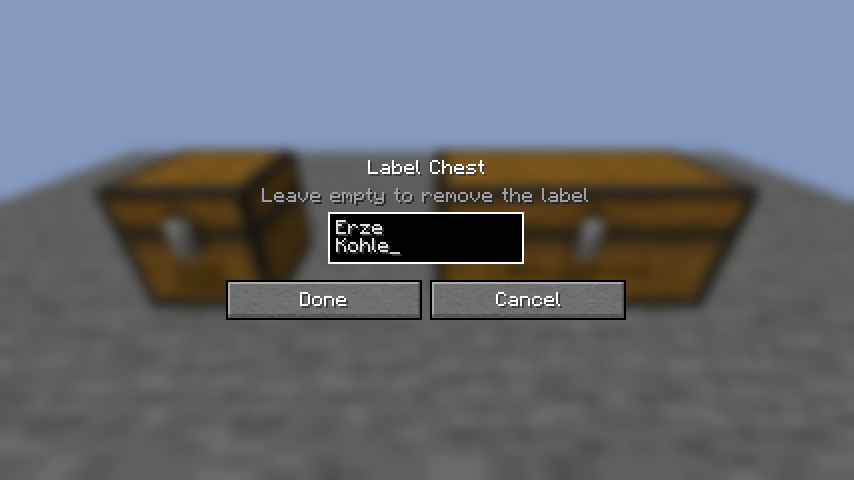
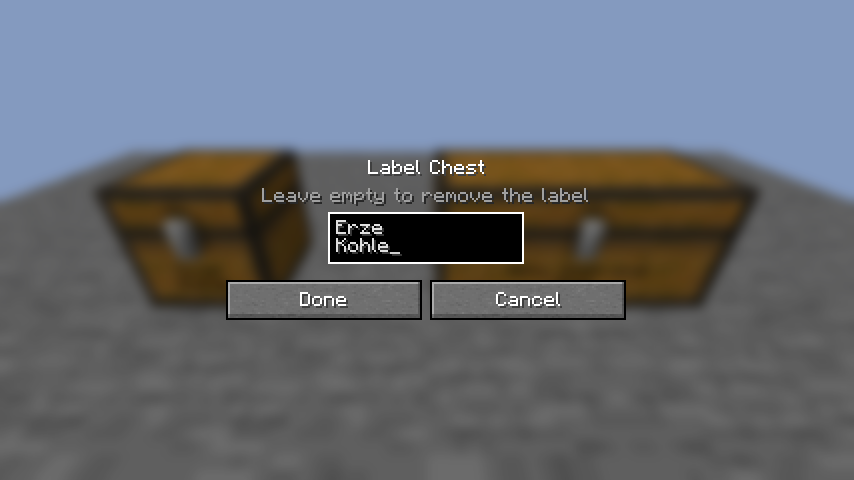
- Type your label like on a sign: up to two lines, Enter starts the second line.
- Click Done.
Details
- Double chests get one shared, wider label.
- Long text wraps and is drawn smaller.
- Confirm an empty text to remove the label.
- Works on chests and trapped chests.
- Labels are saved with the chest and shown to every player.
Requirements
- Minecraft 26.3, Fabric Loader 0.20+, Fabric API
- Install on the server and on every client.
Chest Front Labels Team