Chef's Workbench
- By
Build a functional Minecraft kitchen to cook, fry, bake, steam, and boil food with specialized cooking stations.
Chef's Workebench
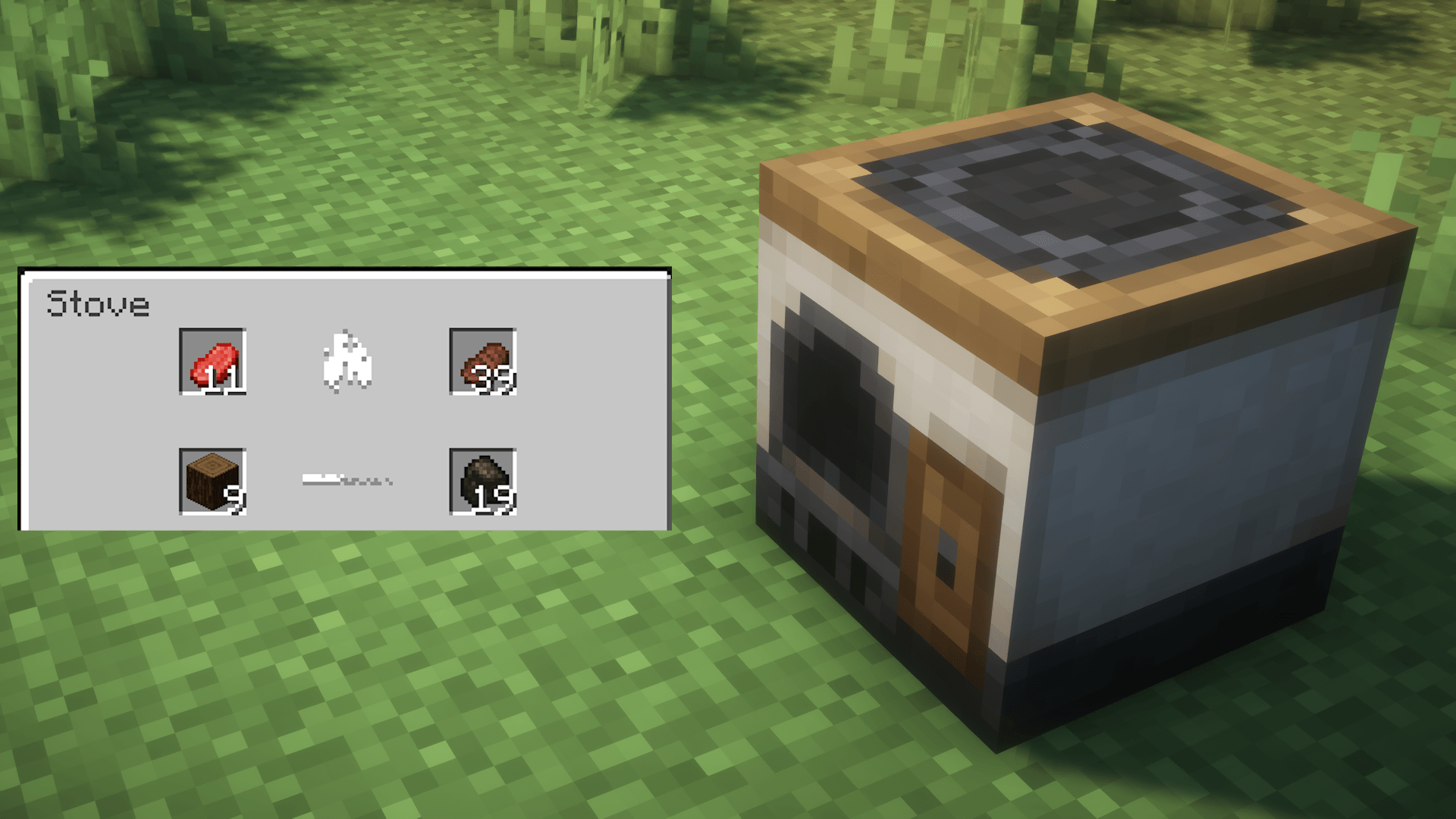
Stove Recipe Preview
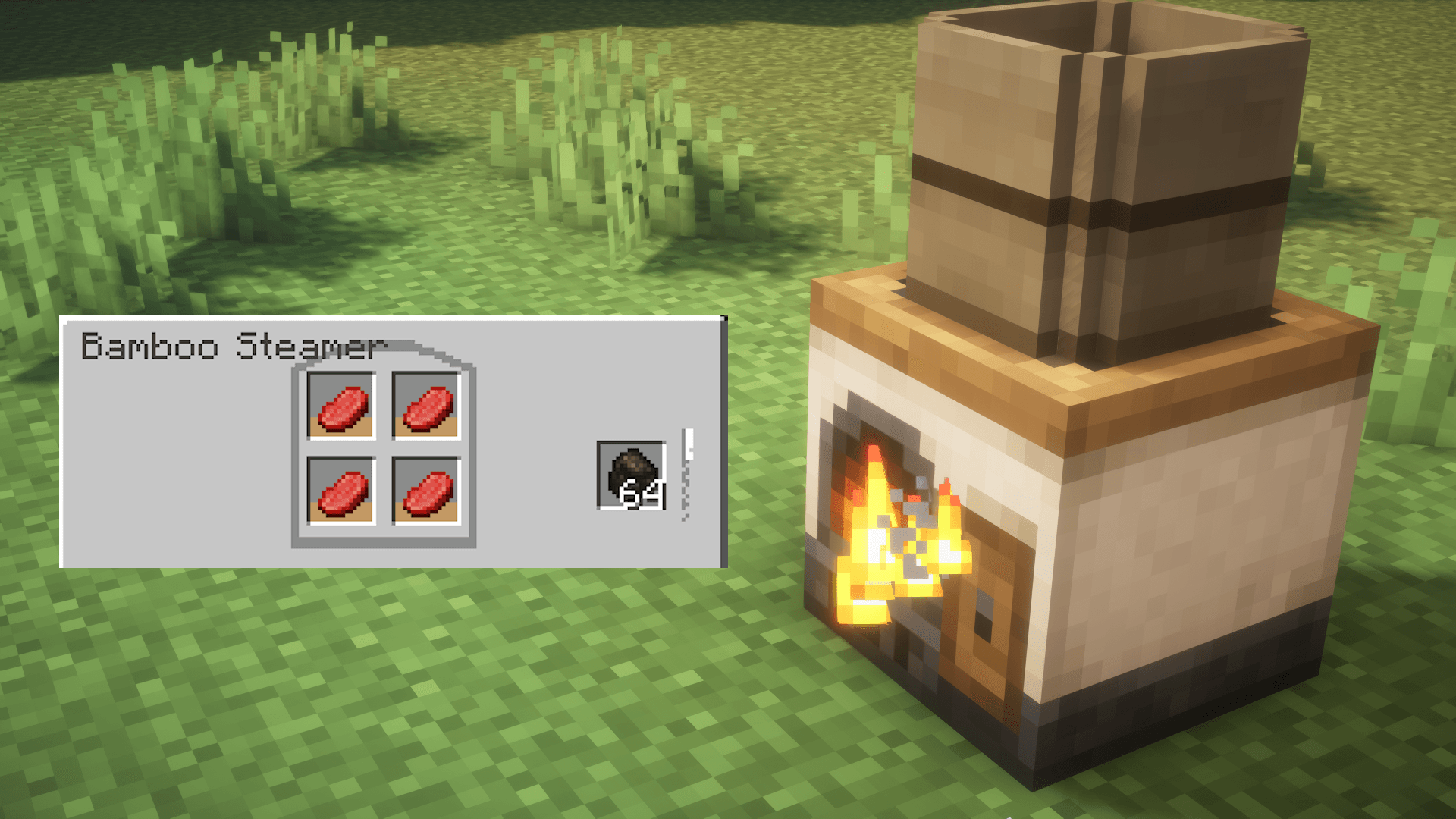
Stove With Bamboo Steamer Recipe Preview
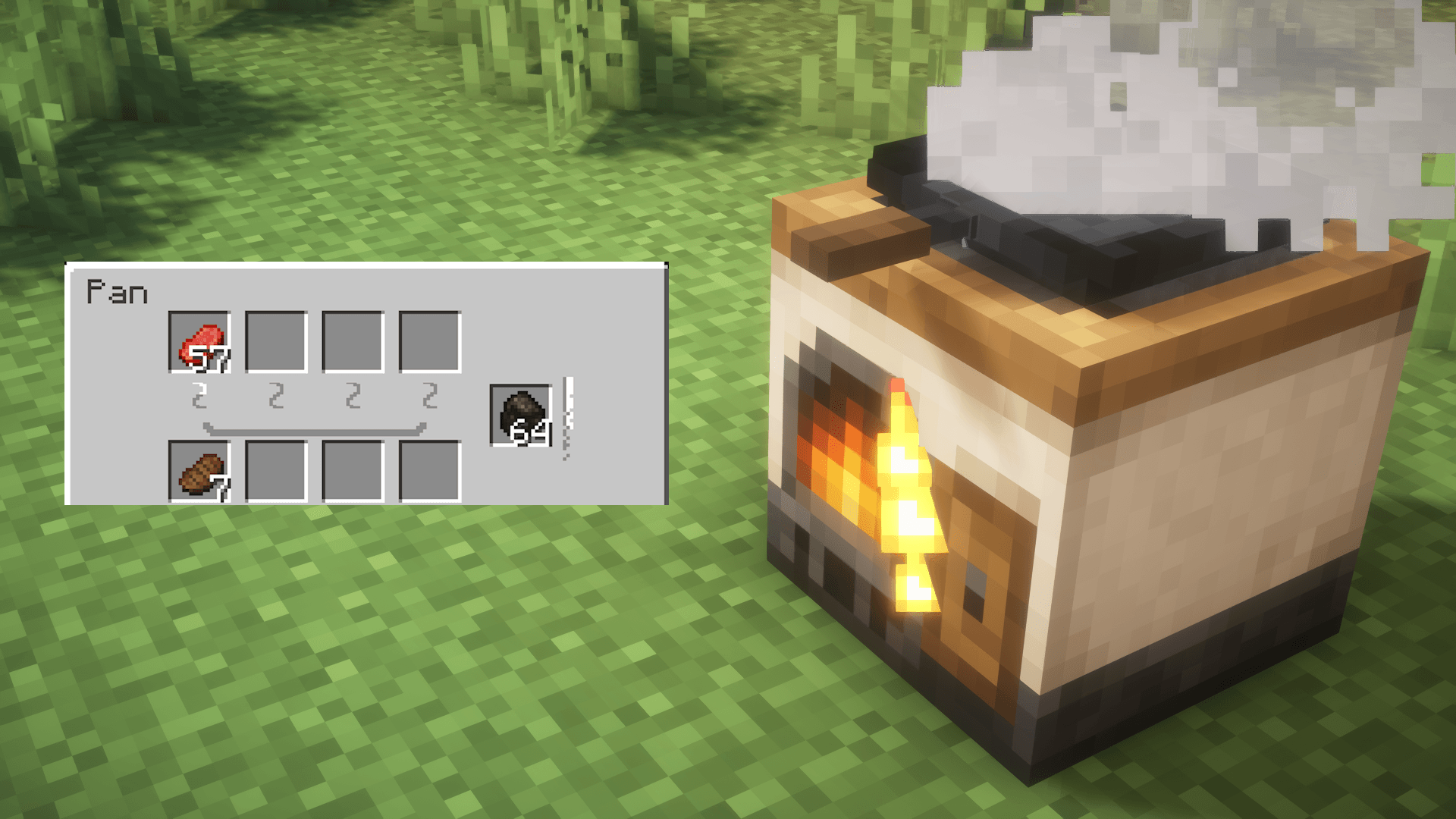
Stove With Pan Recipe Preview
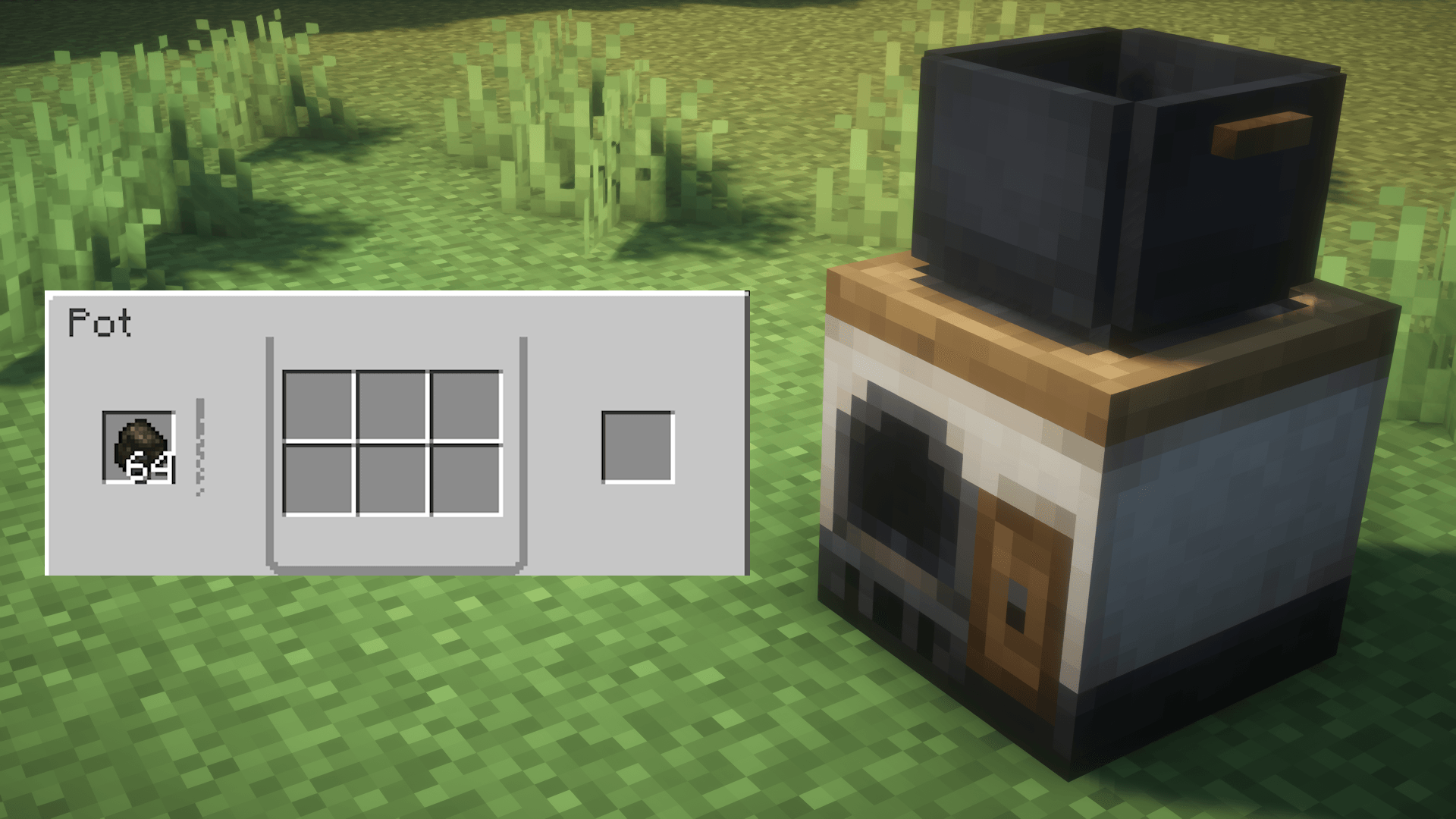
Stove With Pot Recipe Preview
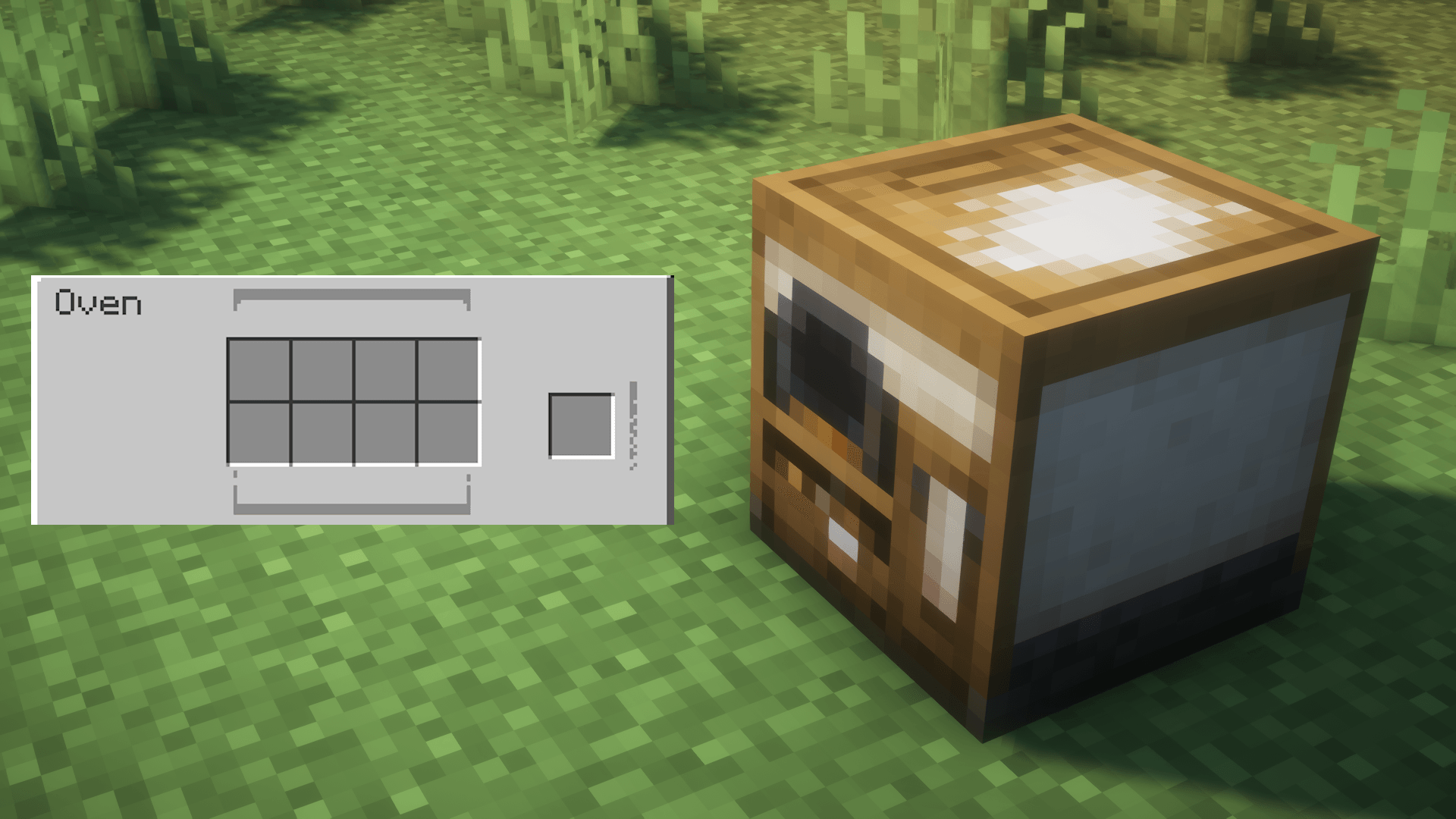
Oven Recipe Preview
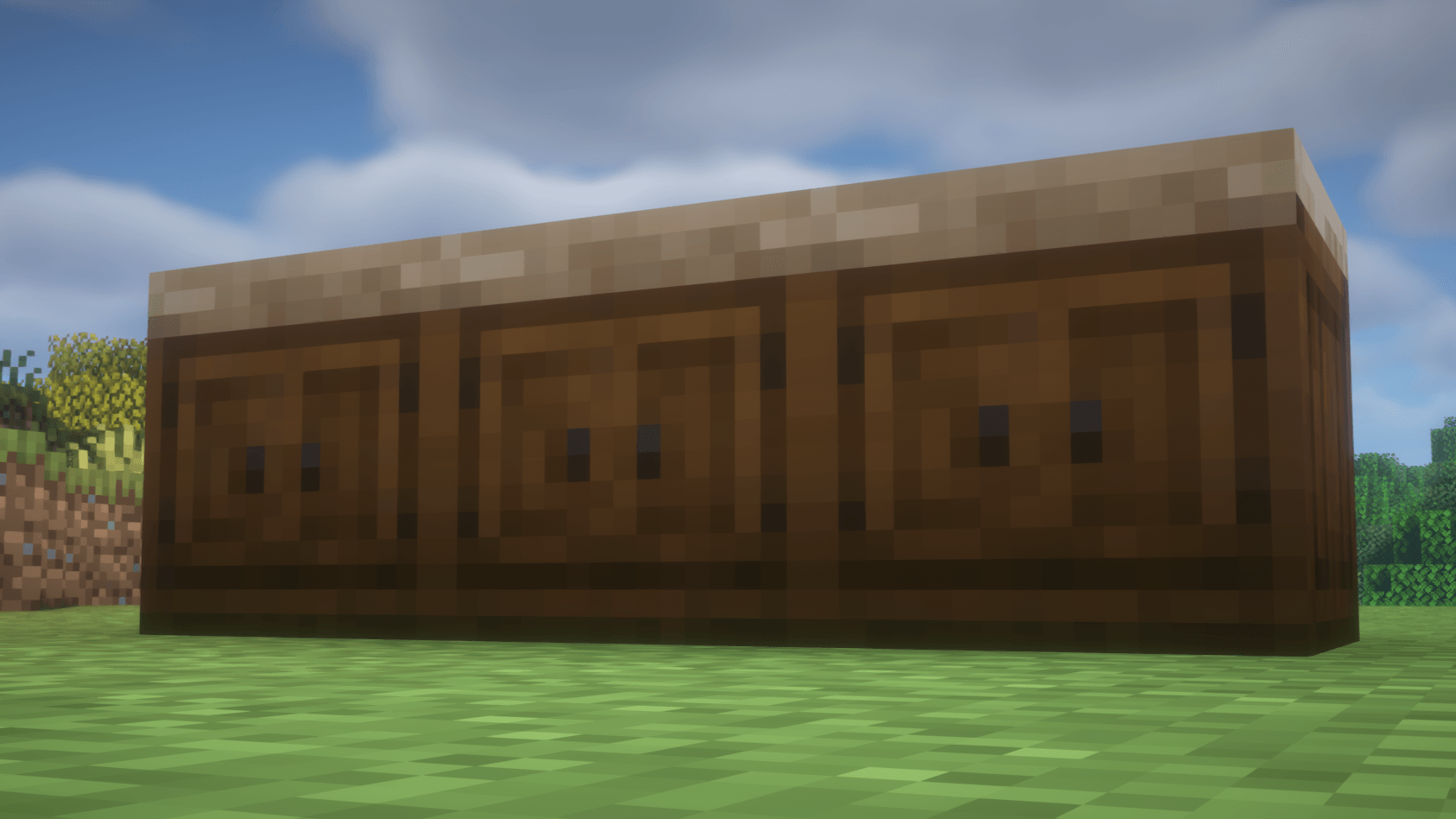
Counter
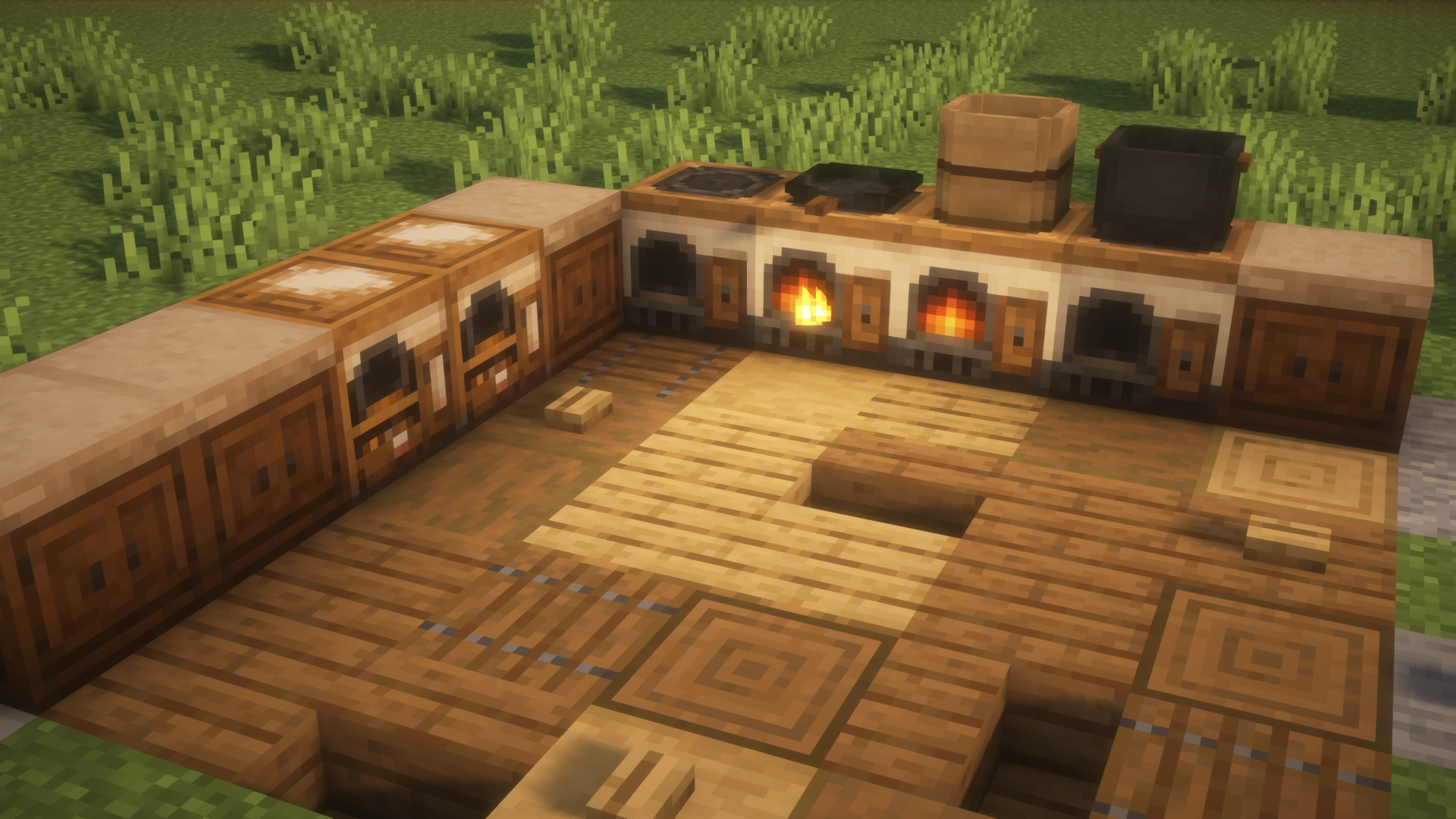
All Block Preview
Description
Chef's Workbench
Build a functional Minecraft kitchen with stoves, pans, pots, ovens, bamboo steamers, and counters.


Chef's Workbench turns cooking into a small kitchen system instead of a single furnace block. Use fuel, cookware, batch baking, and custom datapack recipes to build a kitchen that feels useful in survival and flexible in modpacks.
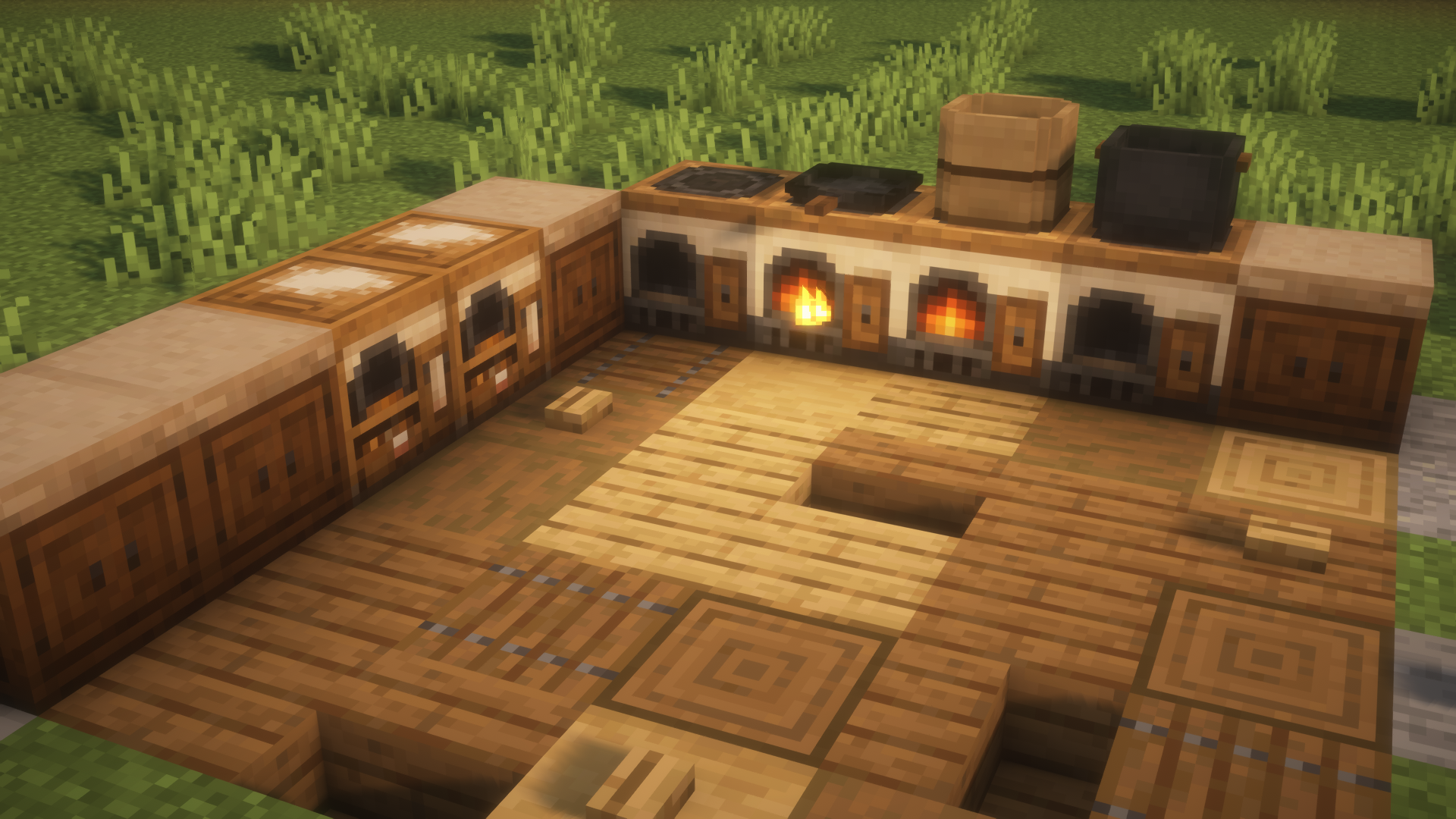
Kitchen Blocks
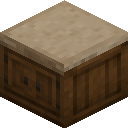
| Block | Crafting recipe | What it does |
|---|---|---|
| Stove | 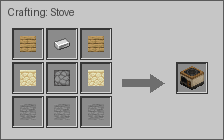 |
Burns fuel, cooks food, and can produce a byproduct. Also supplies heat to cookware placed above it. |
| Pan | 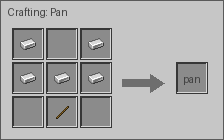 |
Place directly on a Stove to fry up to four separate items or one combined recipe. |
| Pot | 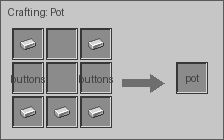 |
Place directly on a Stove to boil up to six ingredients into one output. |
| Oven | 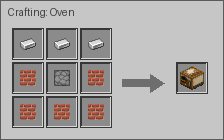 |
Uses its own fuel slot and bakes in eight independent slots. Each slot accepts up to one stack of the same item. |
| Bamboo Steamer | 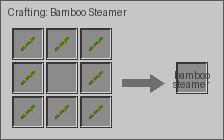 |
Place directly on a Stove to steam food in four independent slots. |
| Counter | 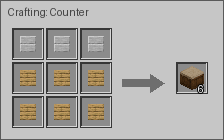 |
A matching kitchen surface for building a cleaner cooking area. |
Cooking Examples
| Recipe type | Preview | Notes |
|---|---|---|
| Stove Cooking | 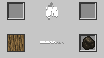 |
One input, one fuel slot, one main result, and optional byproduct. |
| Pan Frying |  |
Independent frying can run per slot. Combined recipes consume all required inputs together. |
| Oven Baking | 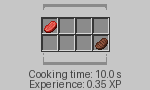 |
Eight independent baking slots. Larger stacks take longer and scale output and experience. |
| Bamboo Steaming | 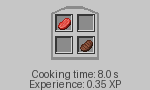 |
Four independent steaming slots, powered by the Stove below. |
| Pot Boiling | 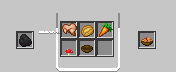 |
Six inputs combine into one output, powered by the Stove below. |
Custom Recipes
Chef's Workbench supports datapack recipes for every cooking station. Datapack authors can add new foods, replace built-in recipes, and tune cooking time or experience without editing the mod jar.
Open the datapack recipe guide
Supported Versions
| Minecraft | Mod loaders |
|---|---|
| 1.19.4 | Forge, Fabric |
| 1.20.1 | Forge, Fabric |
| 1.20.6 | Forge, Fabric, NeoForge |
| 1.21.1 | Forge, Fabric, NeoForge |
| 1.21.11 | Fabric, NeoForge |
| 26.1.2 | Fabric, NeoForge |
| 26.2 | Fabric, NeoForge |
Always use the file made for your exact Minecraft version and loader.
Recipe Viewers
Recipe viewers are optional. Chef's Workbench works without one, but installing a supported viewer makes every custom cooking recipe easier to browse in-game.
| Minecraft | Forge | Fabric | NeoForge |
|---|---|---|---|
| 1.19.4 | JEI, EMI, REI | JEI, EMI, REI | |
| 1.20.1 | JEI, EMI, REI | JEI, EMI, REI | |
| 1.20.6 | JEI | JEI, EMI, REI | JEI, EMI, REI |
| 1.21.1 | JEI | JEI, EMI, REI | JEI, EMI, REI |
| 1.21.11 | JEI, REI | JEI, REI | |
| 26.1.2 | JEI, REI | JEI, REI | |
| 26.2 | JEI, REI | JEI, REI |
Install
- Download the file that matches your Minecraft version and mod loader.
- Place the downloaded
.jarfile in yourmodsfolder. - Start Minecraft and look for the Chef's Workbench creative tab.
- Craft a Stove, add fuel, and begin building your kitchen.
Need Help?
Found a bug or have an idea? Report it on the Chef's Workbench issue tracker.
Chef's Workbench Team

Owner