Chatrix
- By
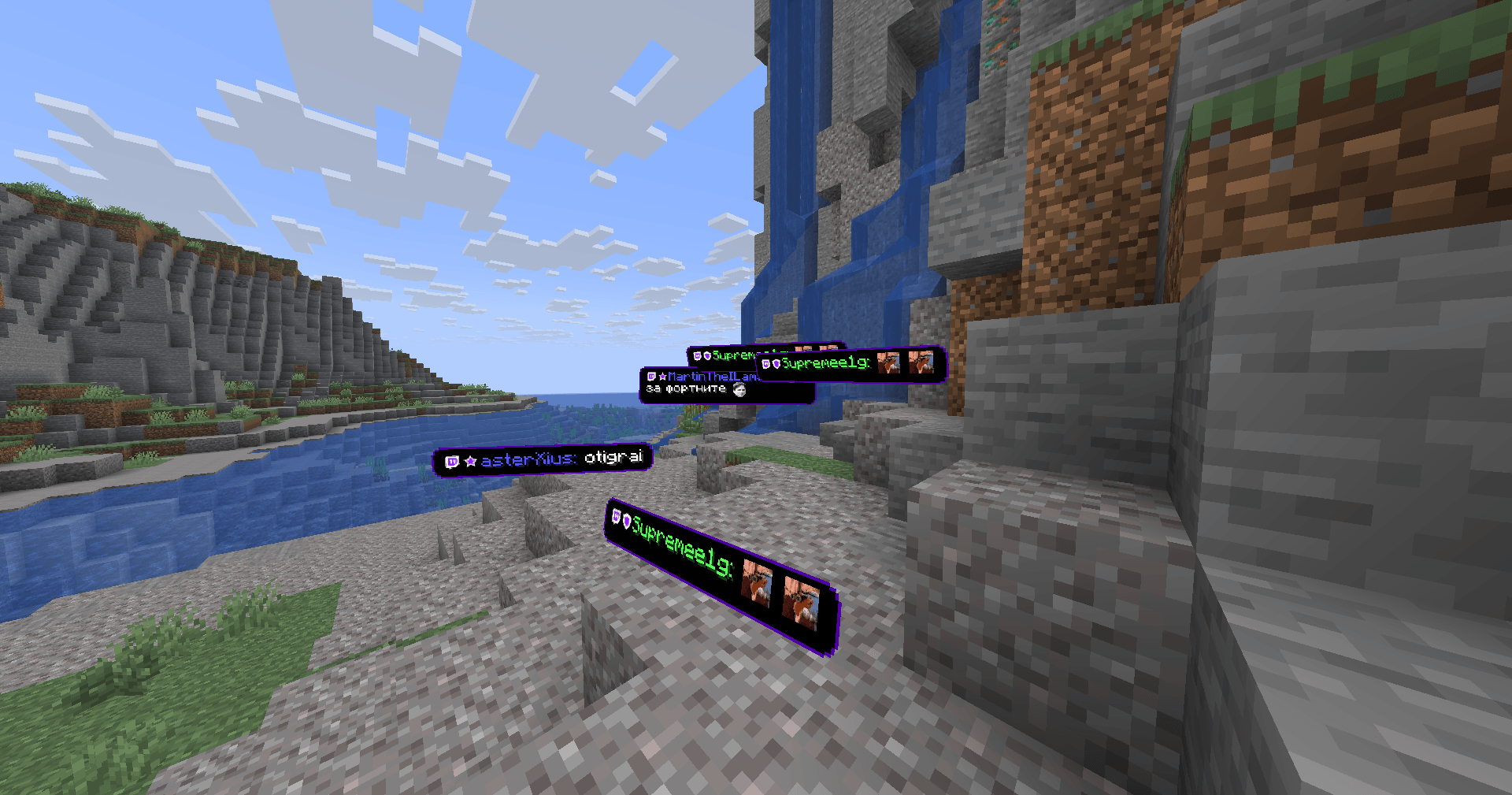
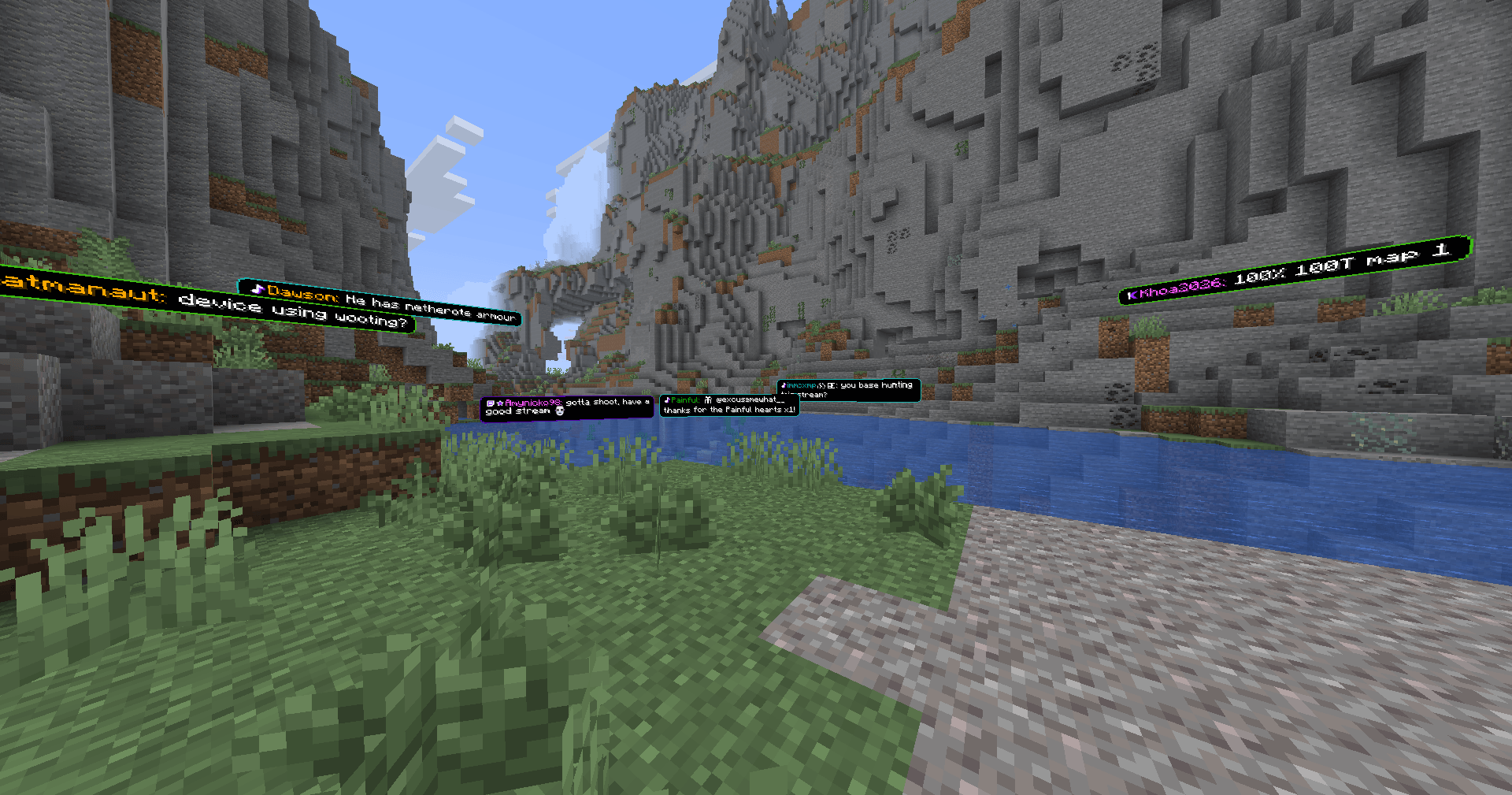
Bring Twitch, YouTube, Kick, and TikTok chat into Minecraft with floating messages, a screen overlay, and a look you can make your own.
2026-10-17_13.45.05.png
2026-10-17_13.49.19.png
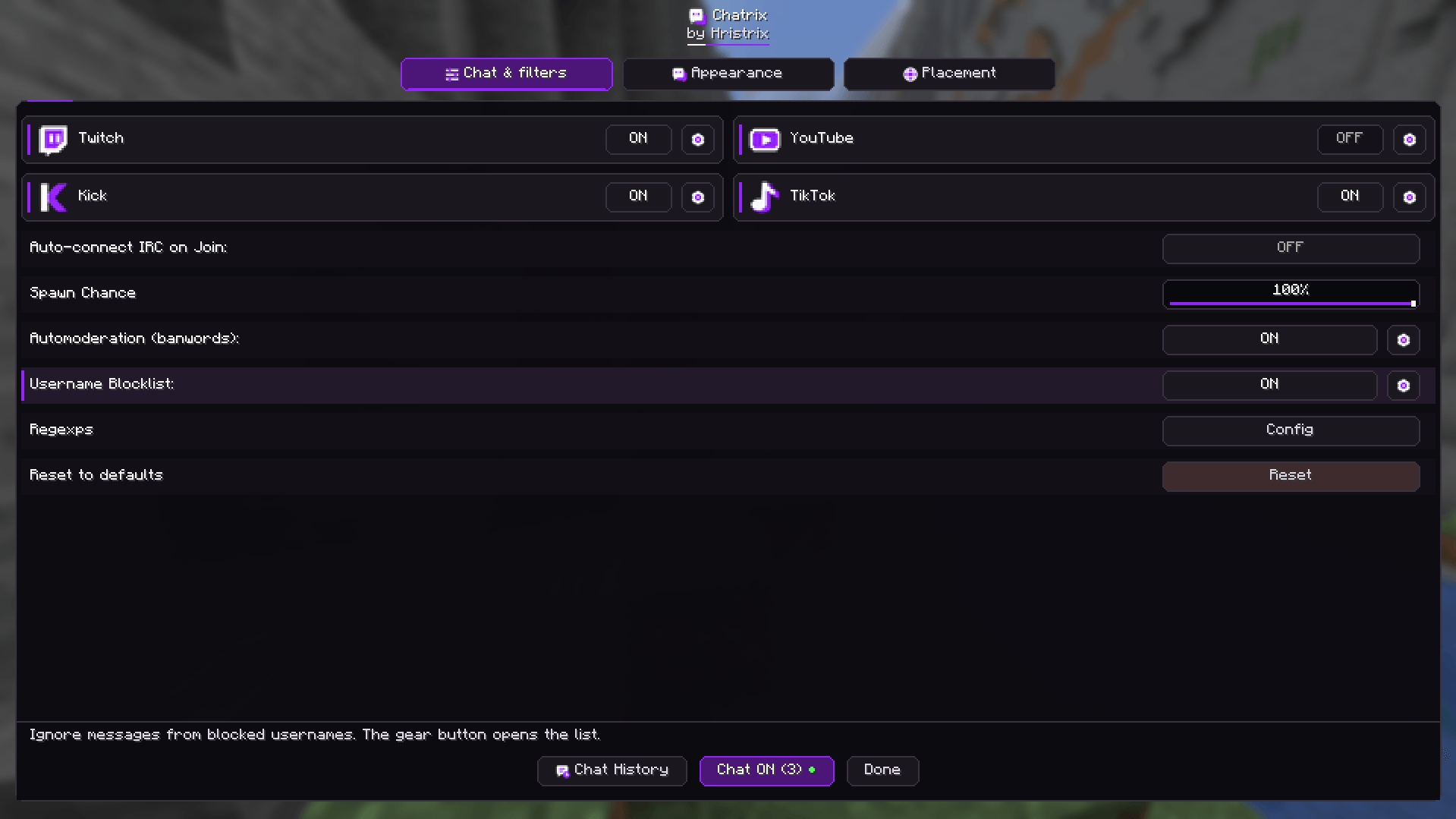
chatrix1.png
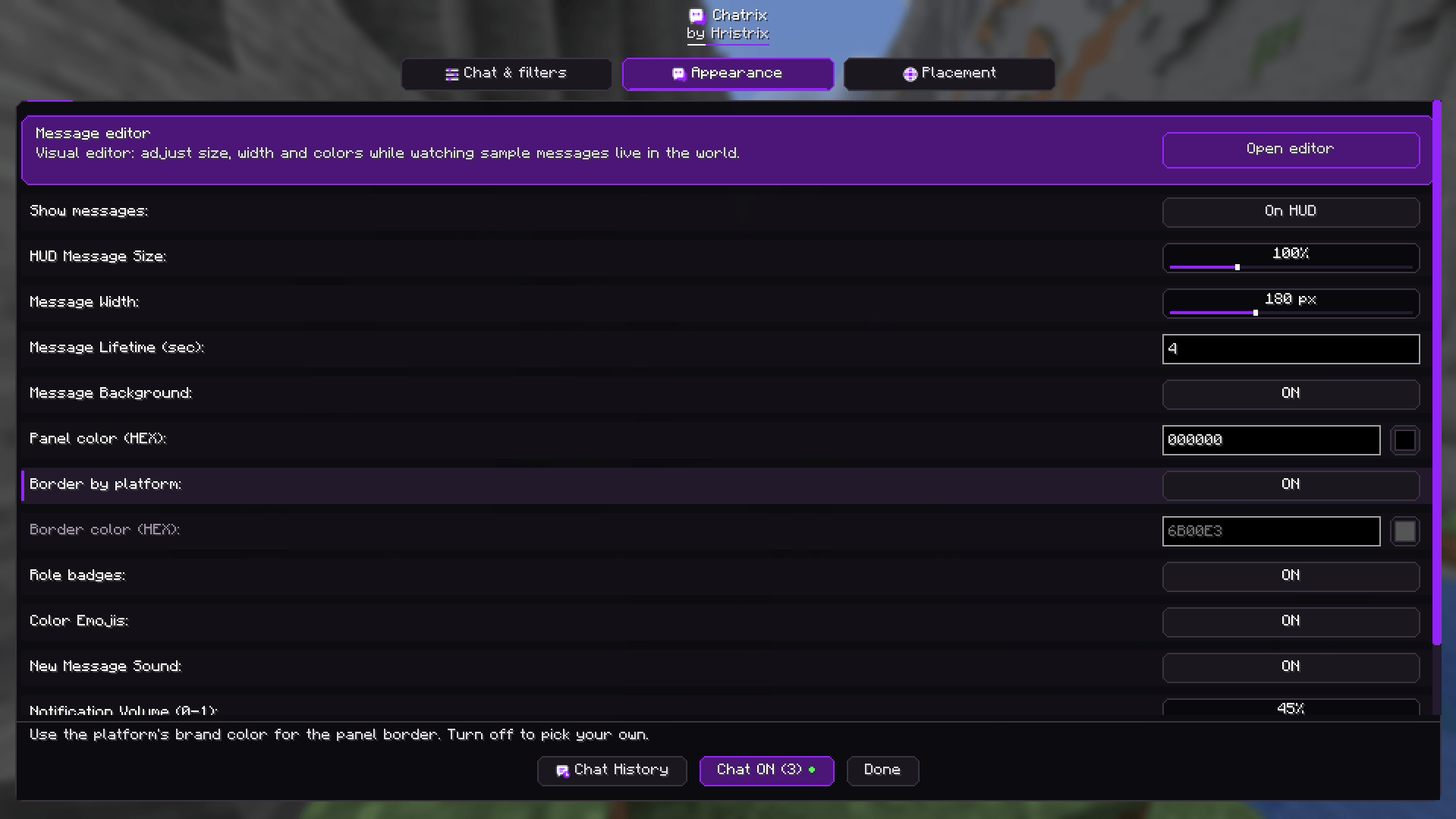
chatrix2.png
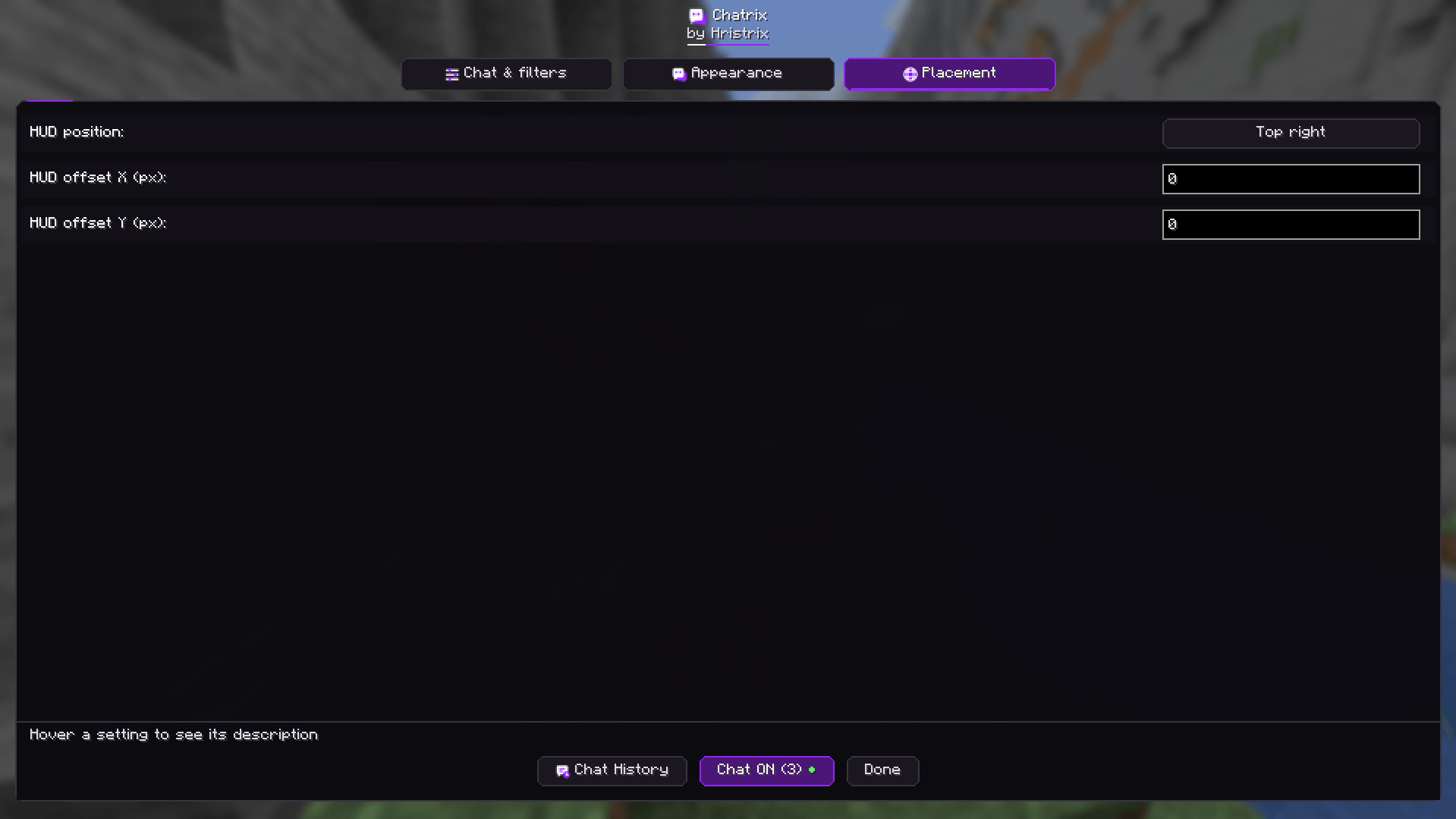
chatrix3.png
Description
Keep your chat close while you play. Chatrix brings messages from Twitch, YouTube, Kick, and TikTok into Minecraft, so you can follow the conversation without switching windows.
Let messages float around you in the world, or keep them neatly in a corner of your screen. Connect several platforms at once and bring your communities together while you build, explore, or survive.
Make it yours
Choose the size, colors, and placement of your messages. Adjust how long they stay visible, turn notification sounds on or off, and try your changes in the visual editor before going live.
Emotes, emoji, and role badges help familiar faces stand out. You can pin a favorite message, browse chat history, or show a message again if you missed it.
Keep chat comfortable
Filter unwanted words, block usernames, and choose which viewer roles appear. You can also show TikTok gifts and new followers alongside your chat.
Getting started
- Install Fabric Loader and Fabric API.
- Put the Chatrix file for your Minecraft version in your
modsfolder. - Enter a world and press
]to open settings. - Add your channels and enable the platforms you want.
- Press
[to connect or disconnect.
Press **\** to open chat history. Want to try it first? Type /chatrix test Hello! to display a sample message.
Compatibility and languages
Available for Minecraft 1.21.10, 1.21.11, 26.1, 26.1.1, 26.1.2, 26.2, and 26.3 with Fabric. Choose the file that matches your version; the 26.1 file also supports 26.1.1 and 26.1.2.
Chatrix only needs to be installed on your computer. Your server and friends do not need it.
Available in English, Bulgarian, Russian, German, Spanish, French, and Simplified Chinese.
Made by Hristrix.
Chatrix Team