Chat Stickers
Bring your Minecraft conversations to life with an easy-to-use sticker system.
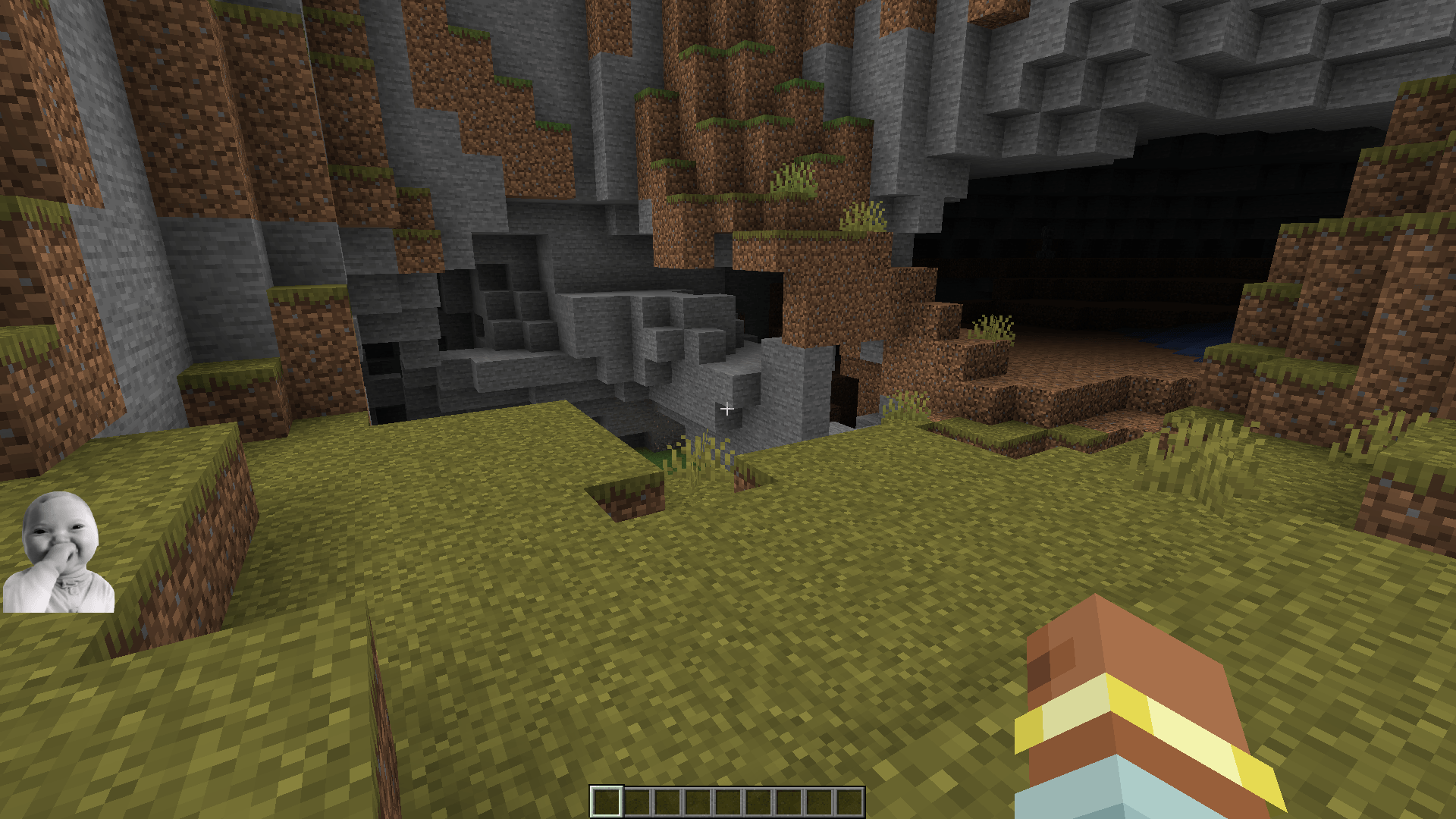
Send expressive stickers directly in chat
to react, joke around, celebrate, or simply make every conversation more fun.
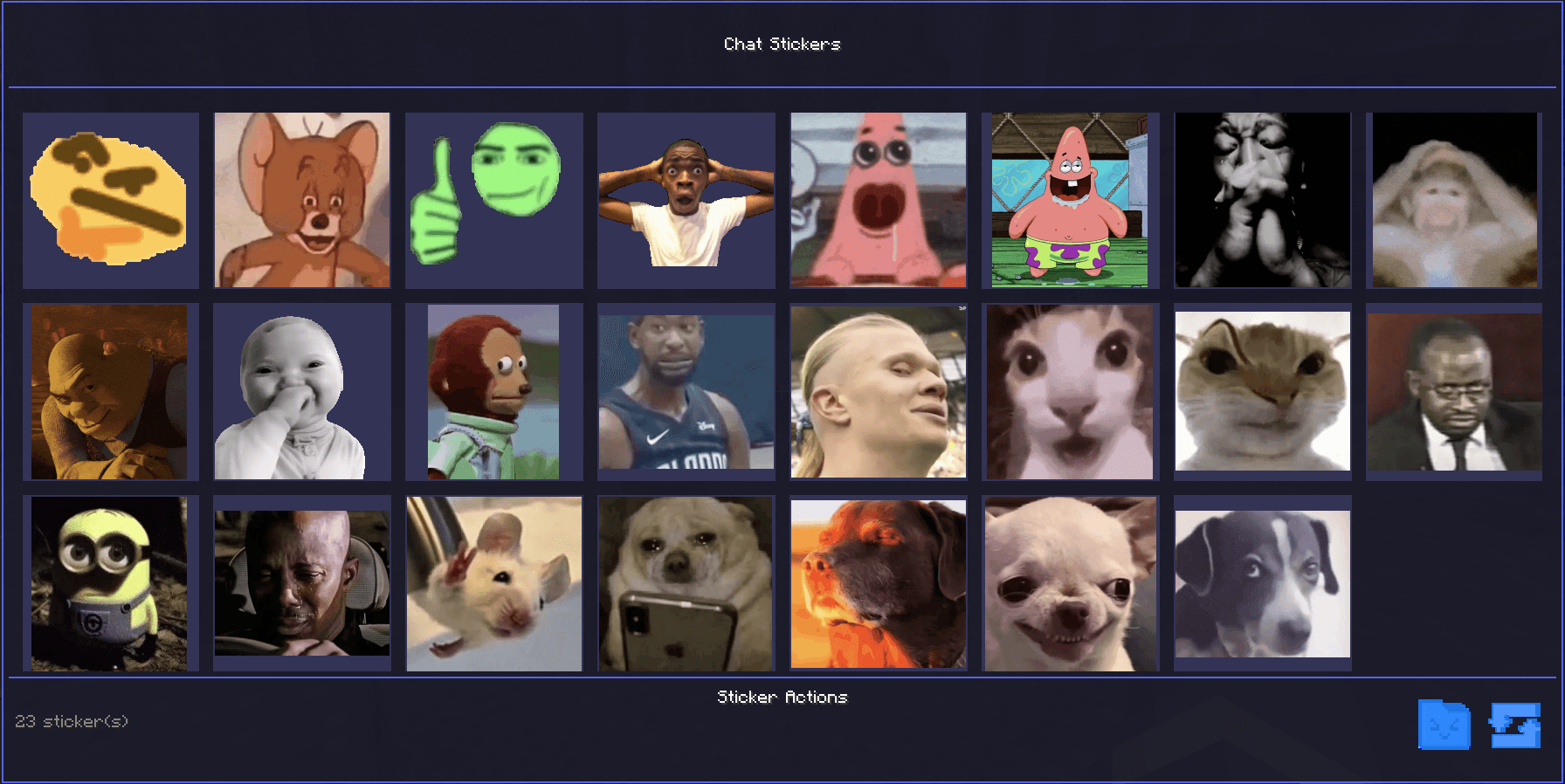
Browse your sticker collection through a clean and intuitive interface, then send your favorite stickers with just a few clicks.
Perfect for multiplayer servers,
adding personality and visual expression to every message.
Make chat more expressive, social, and fun with stickers!
Instructions:
• Stickers must be in PNG format.
• Image size must be between 300×300 px and
800×800 px.
• Place your stickers inside the
config/ChatStickers folder.
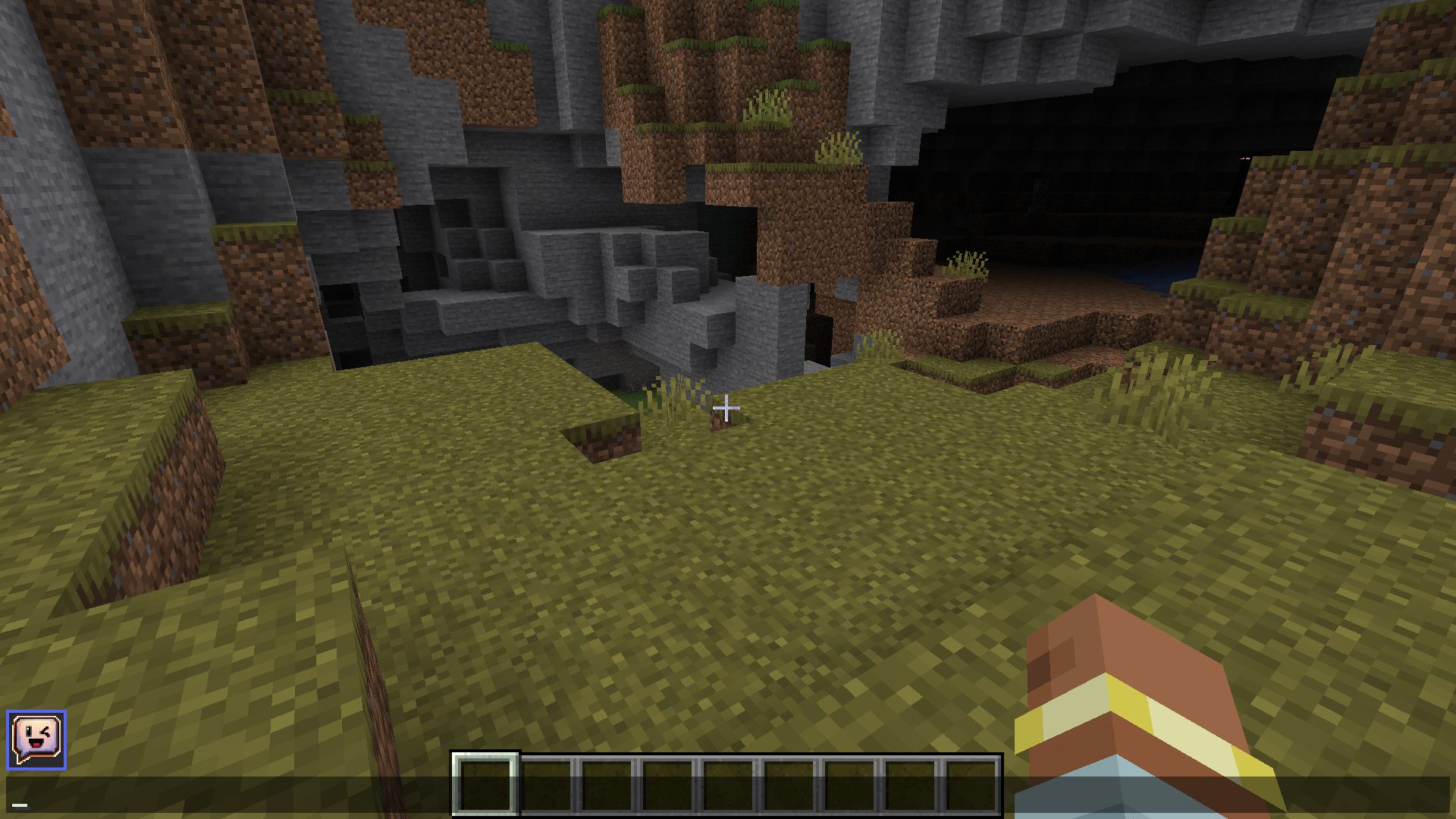
• This folder can be opened directly from the sticker menu inside the in-game chat.