Description
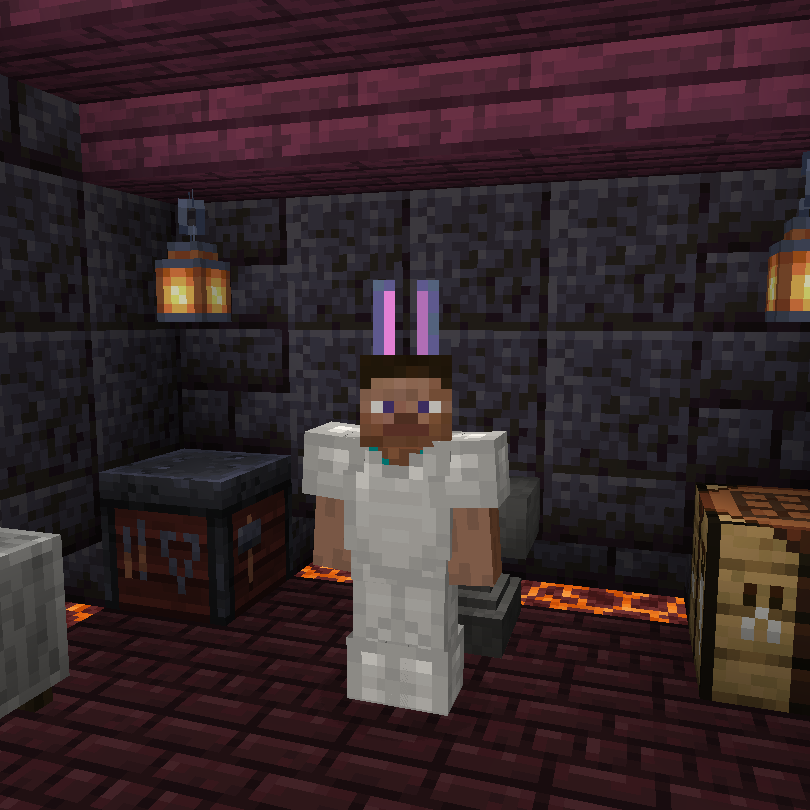
Bunny Ears is a client-side-only mod that gives you the power to customize armor models by renaming armor items. Add your own models using a resource pack, share that resource pack with friends, and voila! You have bunny ears instead of a boring old helmet!
How to use:
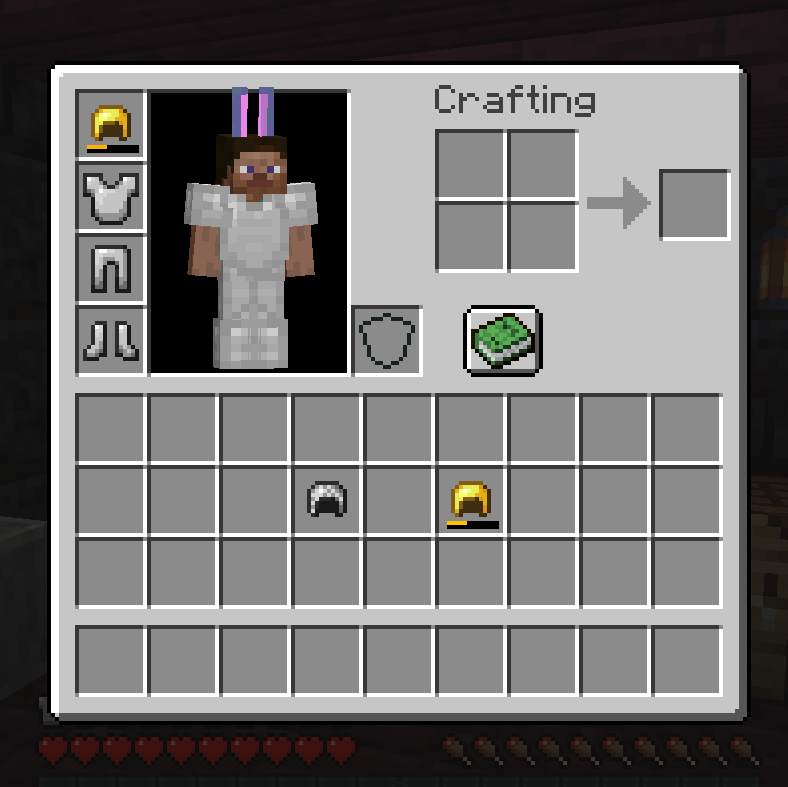
Use an anvil to rename an armor piece to one of the names supported in your resource pack. Now, instead of the normal armor model, you will see your custom model! The mod can even load different models based on durability.
This mod can change all armor models, not just the helmet!
Adding custom models:
To add a custom hat, create a resource pack with the following:
- Model
- Texture
hats.json
Model
This mod uses the same model format as blocks and items. The model must be saved under assets/[namespace]/models/hat/[model_name].json
Tips for designing your model:
- The player head is 8x8x8 and is centered underneath the 0,0 plane facing north
- Textures that are the same size as a block or item (16x16) are the most compatible. If larger textures are required, keep the image size a power of 2 (eg, 32x32 or 64x64)
Texture
The texture for each model is defined in the model itself. These do not need to be registered anywhere. You can use existing block textures or make your own.
For example, the texture ID bunnyears:head/bunny_ears loads a texture at assets/bunnyears/textures/head/bunny_ears.png
JSON
Register the model by adding an entry to assets/bunnyears/hats.json. The JSON file must contain the following:
[equipment_slot]: the name of an item equipment slot. Can be"head","chest","legs", or"feet"[body_part]: the body part to render the model. Can be"head_part","chest_part","left_arm_part","right_arm_part","left_leg_part", or"right_leg_part". Contains one or more of the following:damage: the minimum amount of durability damage for the model to apply. Optional. Defaults to 0.model: the namespaced ID of the model. Required.
Example
The following is an example hats file located at assets/bunnyears/hats.json.
It specifies that head items with the custom name "bunny" should display the model at assets/bunnyears/models/head/bunny_ears.json when the item has no damage.
The hat will use the model at assets/bunnyears/models/head/bunny_ears_one_down.json when the item has at least 65% damage.
The hat will use the model at assets/bunnyears/models/head/bunny_ears_both_down.json when the item has at least 75% damage.
Additionally, a head item with this custom name will render a chest model at assets/bunnyears/models/chest/bunny_tail.json . The chestplate armor model will still render.
Next, the file specifies that leg items with the custom name "bunny" should display the models at assets/bunnyears/models/left_leg/bunny_left_leg.json and assets/bunnyears/models/right_leg/bunny_right_leg.json .
There are no entries under chest or feet , so this resource pack will not register any additional models for those equipment slots.
"head": { // the equipment slot
"bunny": { // the head item custom name
"head_part": [ // models to render on the head
{
"model": "bunnyears:head/bunny_ears" // the model location
},
{
"damage": 65, // the minimum percent damage required to choose this model, defaults to 0
"model": "bunnyears:head/bunny_ears_one_down"
},
{
"damage": 75,
"model": "bunnyears:head/bunny_ears_both_down"
}
],
"chest_part": [ // models to render on the chest
{
"model": "bunnyears:chest/bunny_tail"
}
],
"left_arm_part": [ ], // models to render on the left arm, not required
"right_arm_part": [ ] // models to render on the right arm, not required
}
},
"chest": { },
"legs": {
"bunny": {
"left_leg_part": [
{
"model": "bunnyears:left_leg/bunny_left_leg"
}
],
"right_leg_part": [
{
"model": "bunnyears:right_leg/bunny_right_leg"
}
]
}
},
"feet": { }
}
You can download an example resource pack for 19.0.2 here.
Original idea from Decimal#0617
The Bunny Ears Team


Owner