Build Variant Preview
- By
Compare two material variants on an existing Minecraft build with an in-place client-side preview.
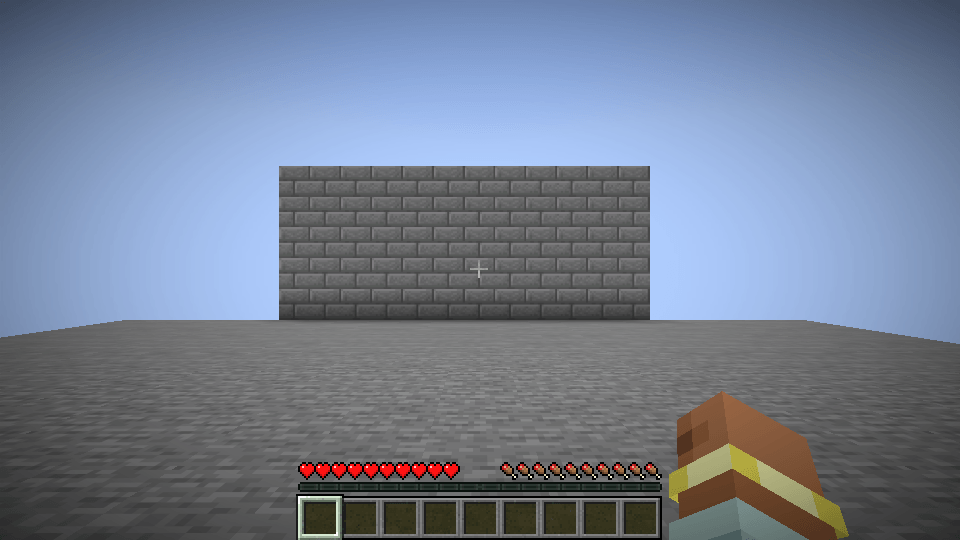
01-original.png
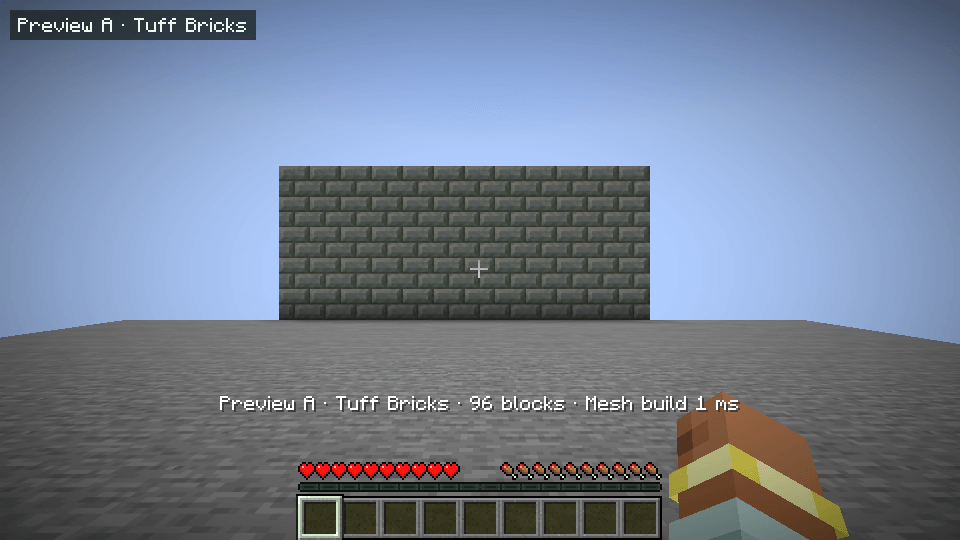
02-tuff-variant.png
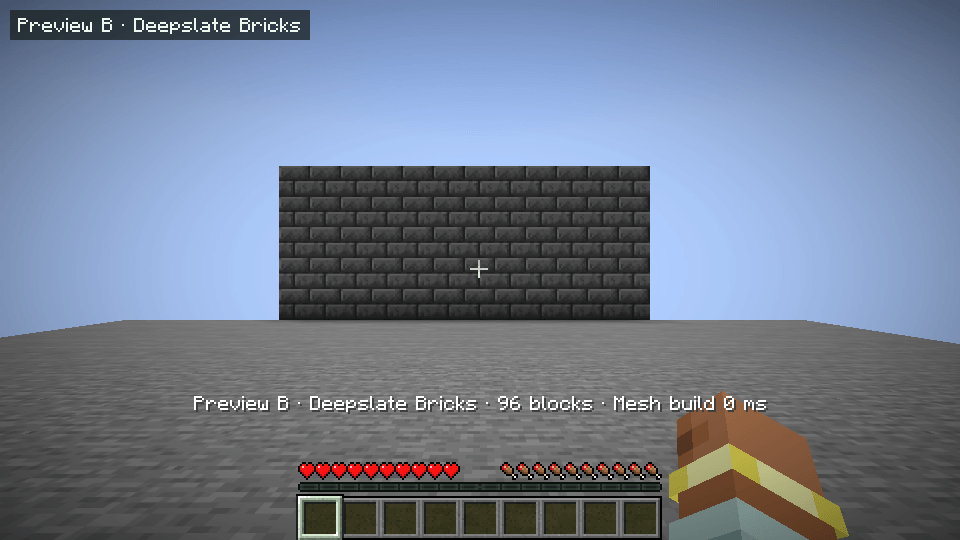
03-deepslate-variant.png
Description
Build Variant Preview lets you compare two materials on an existing build. Mark a section of wall, choose two palettes and switch views while walking around the build. The preview uses the world's lighting and runs locally in your client.
Controls
- F6 marks the two corners of a selection. The first block selects the source material.
- B cycles through Original, A and B.
- F10 opens the menu for changing both materials, viewing a variant directly and clearing the selection.
Installation
Install Fabric Loader and the Fabric API for your Minecraft version. Place the matching Build Variant Preview JAR in your profile's mods folder. On Java Edition 1.21.x, use Java 21 or newer. On 26.x, use Java 25 or newer. See the file details for the exact supported Minecraft version.
Alpha scope
The alpha supports selected opaque full blocks with the standard renderer and standard resource packs. Selections hold up to 8,192 positions and matches may span up to 16 chunk sections. Material choices last for the current play session. Use a screenshot of the issue and include your game version, Fabric Loader version and enabled mods when reporting a problem.
Build Variant Preview Team