


BlockDraft
- By

Preview and position schematics, capture builds, and paste or undo in Creative.
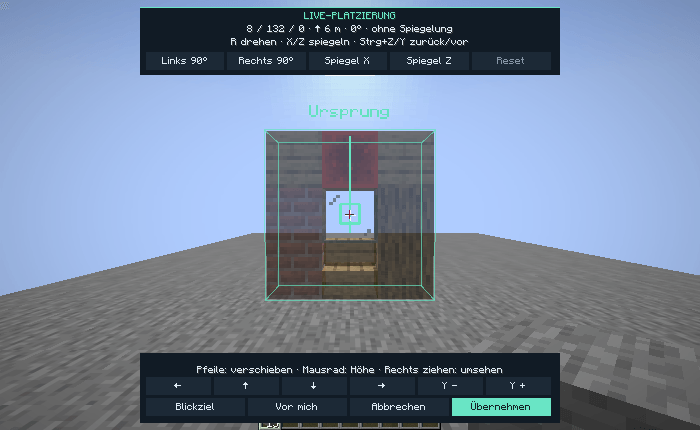
Move, rotate or mirror a schematic in the world before confirming its placement.
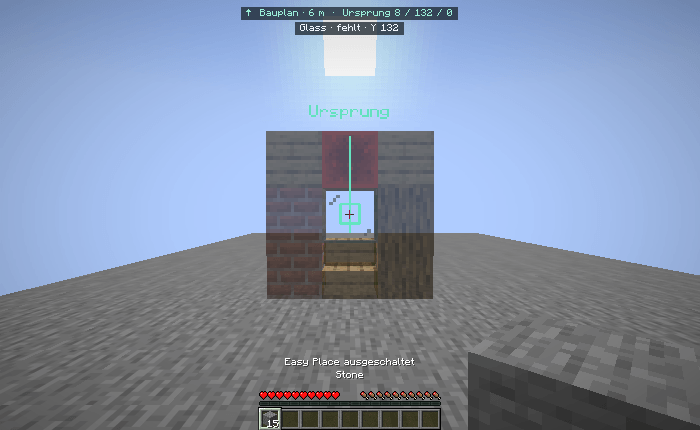
Preview a schematic with Minecraft block textures and see the origin, distance and target block at a glance.
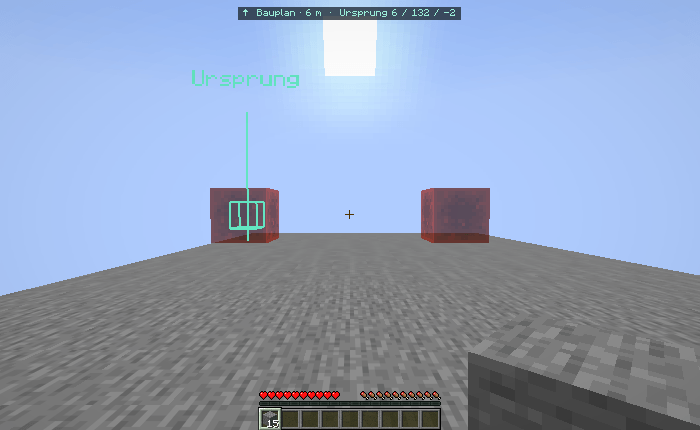
Place the same schematic more than once and position each copy independently.
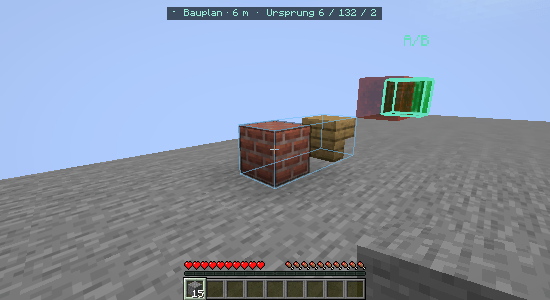
Outline separate parts of a build and save them together in one .litematic file.
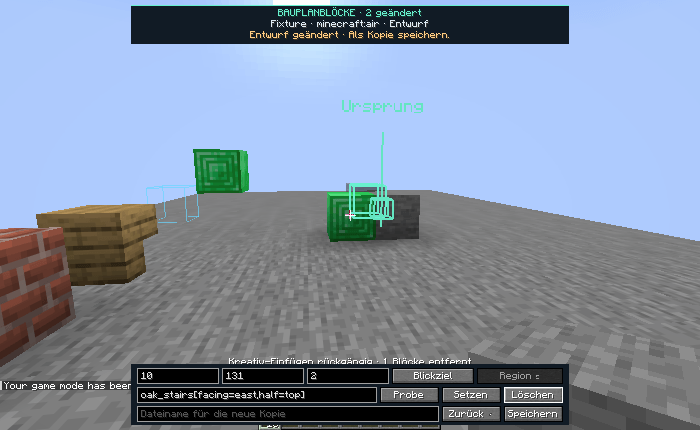
Edit individual blocks in a schematic draft and save the changes as a separate copy.
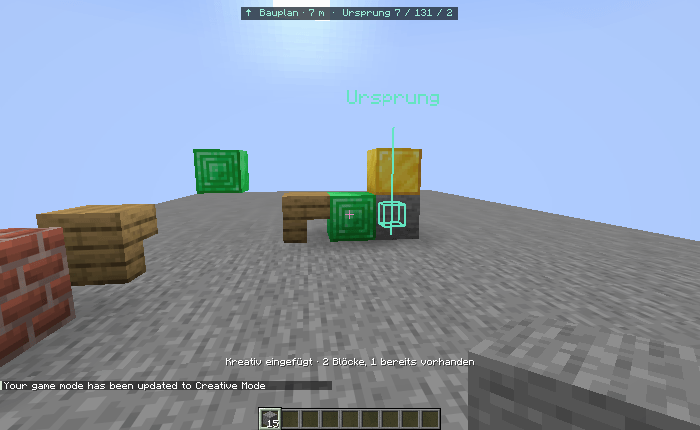
Paste a placement in Creative mode and undo the latest paste in the same world session.
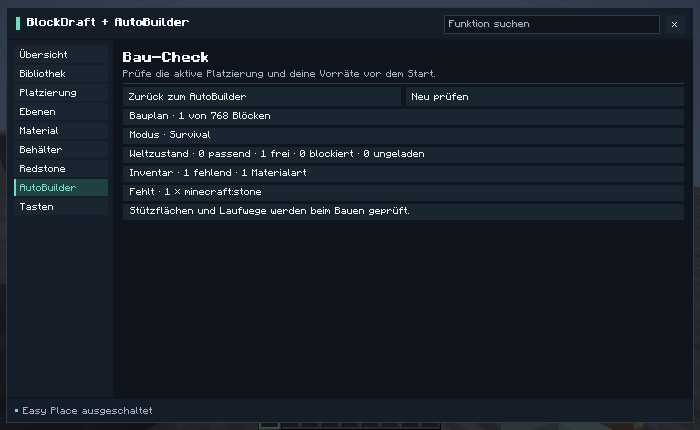
Check the active placement and inventory before starting AutoBuilder in Survival.
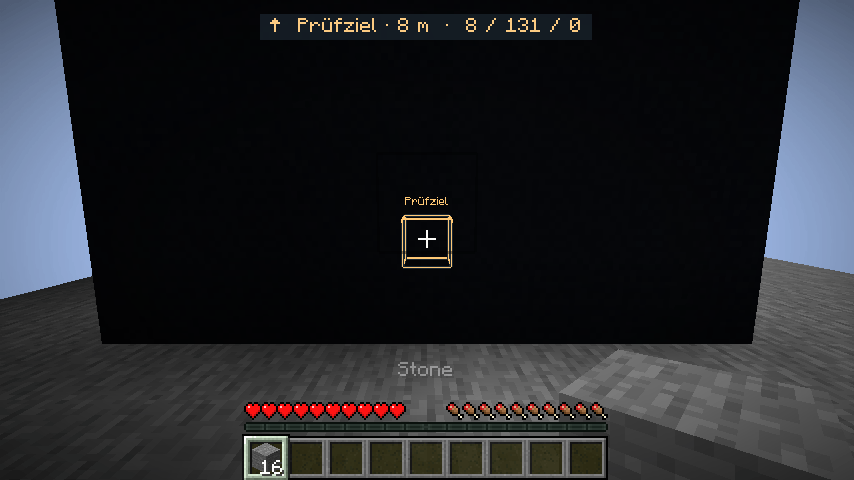
Keep the selected inspection target visible through terrain on older Minecraft versions. Shown on Minecraft 1.21.6.