


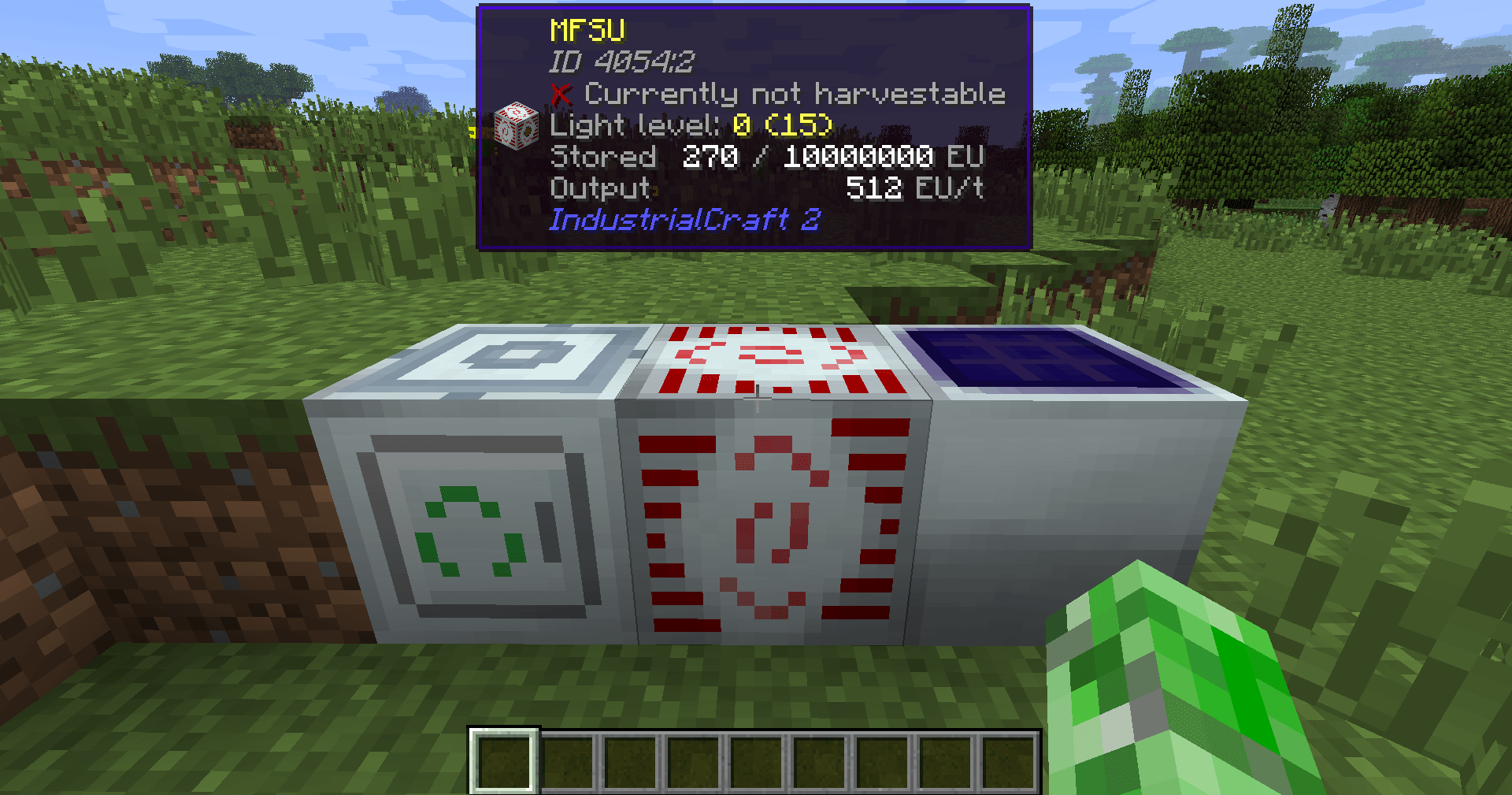
Block Helper shows the current block and adds useful info - just like WAILA!
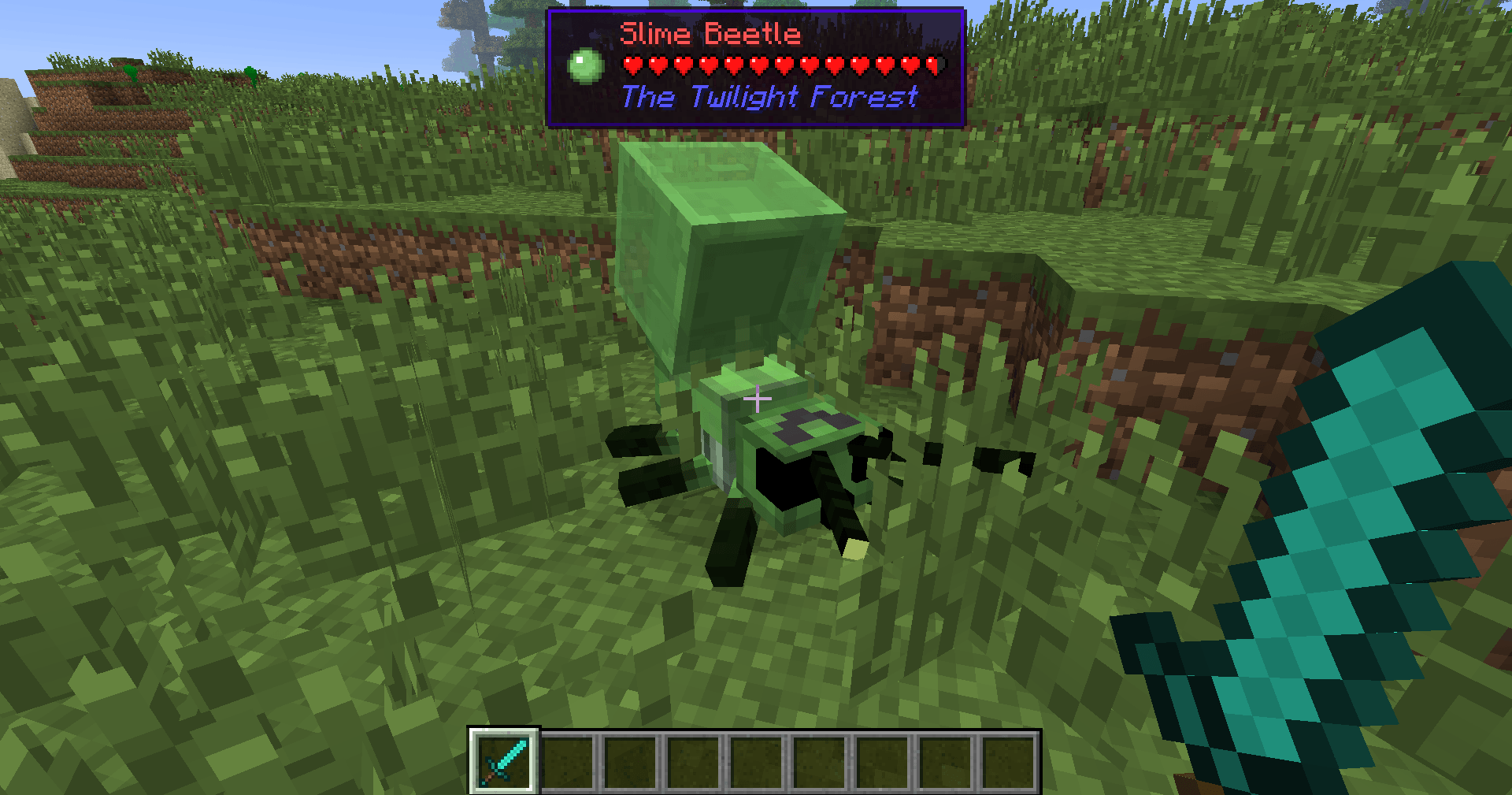
Block Helper also shows mob info such as health and mod!
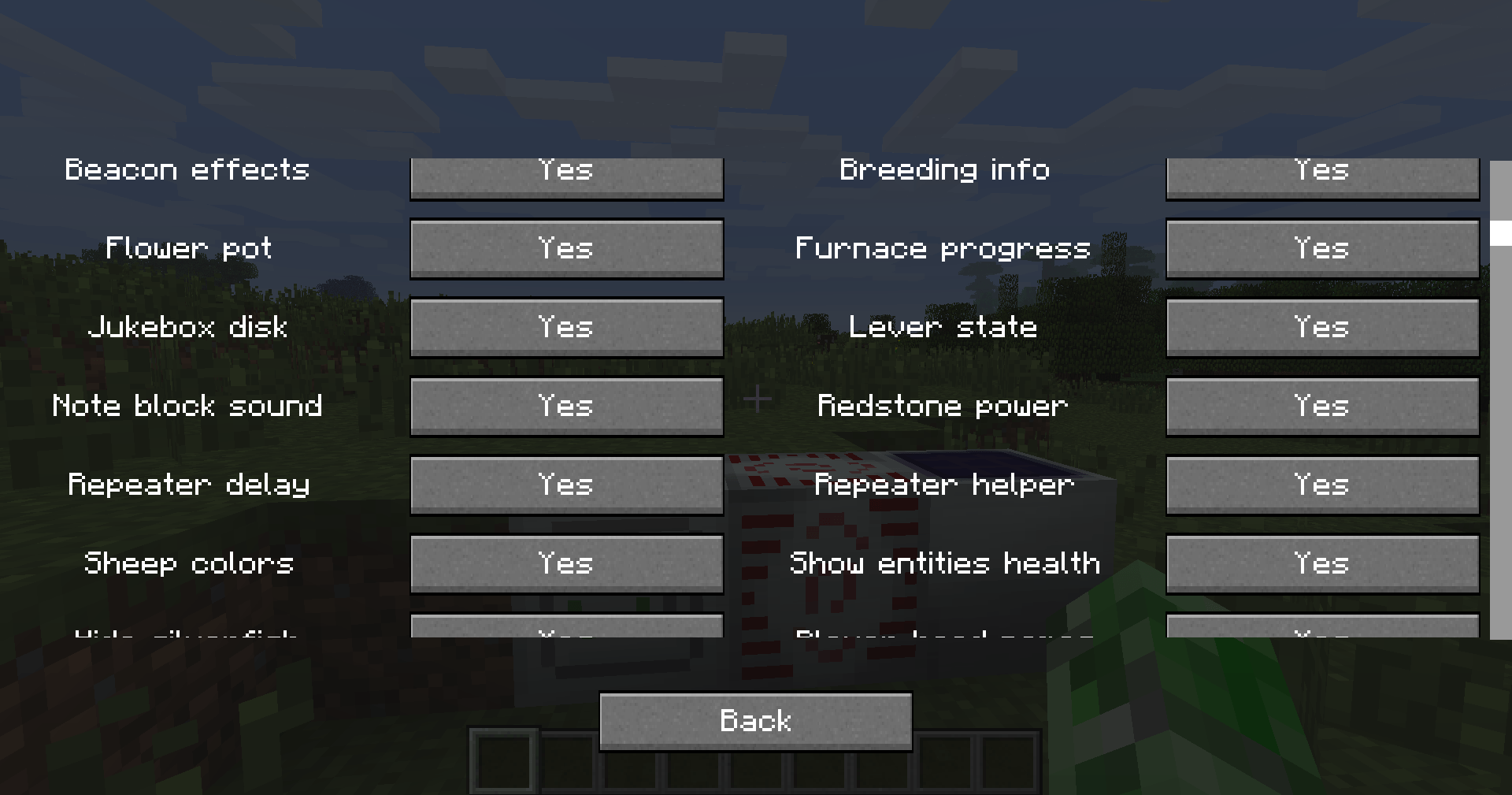
By pressing NUM0 (default), you can configure almost every Block Helper feature ingame!
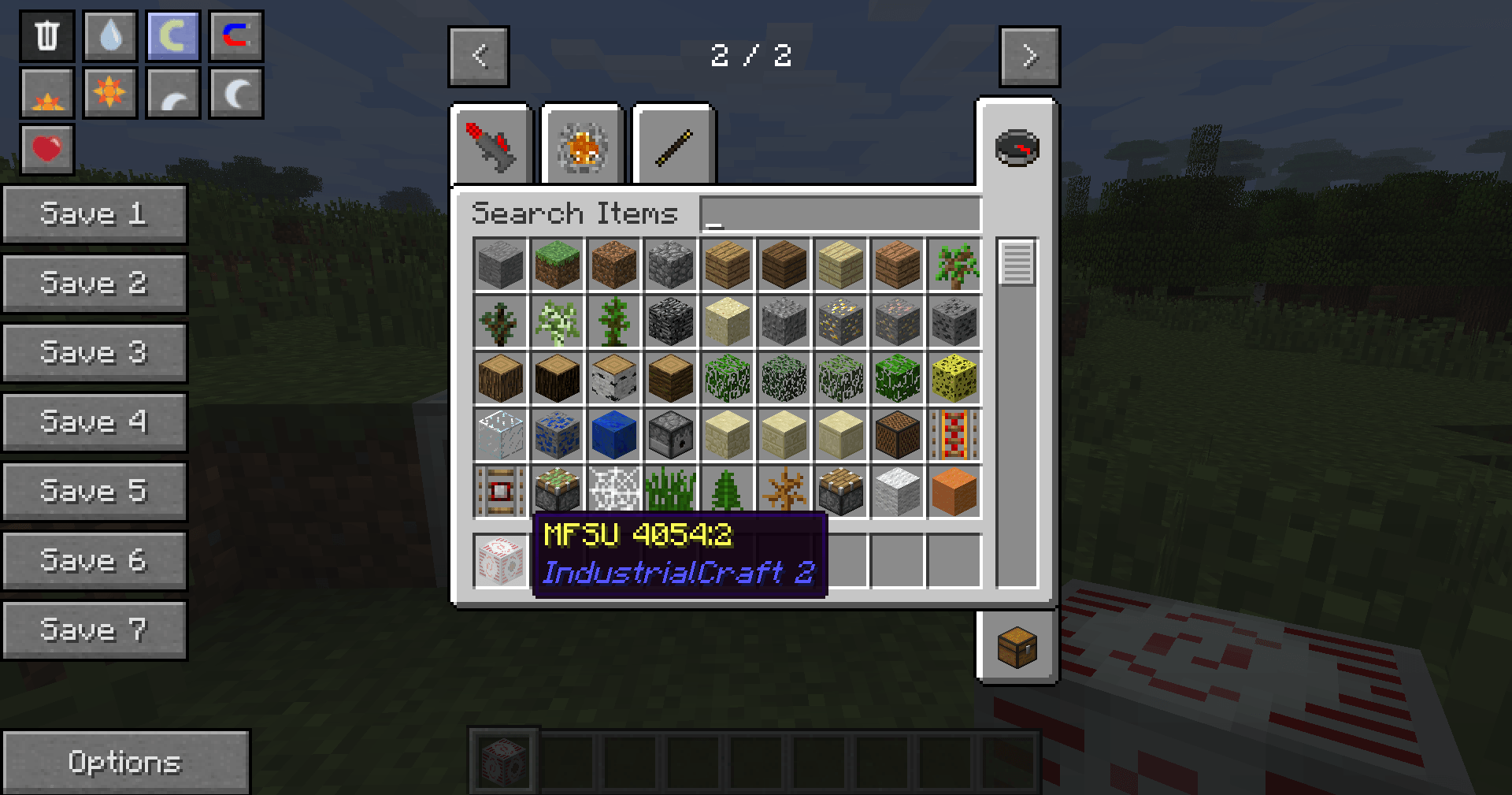
When NEI/AMI/HMI is loaded, the mod an item belongs to is shown in the tooltip within inventories
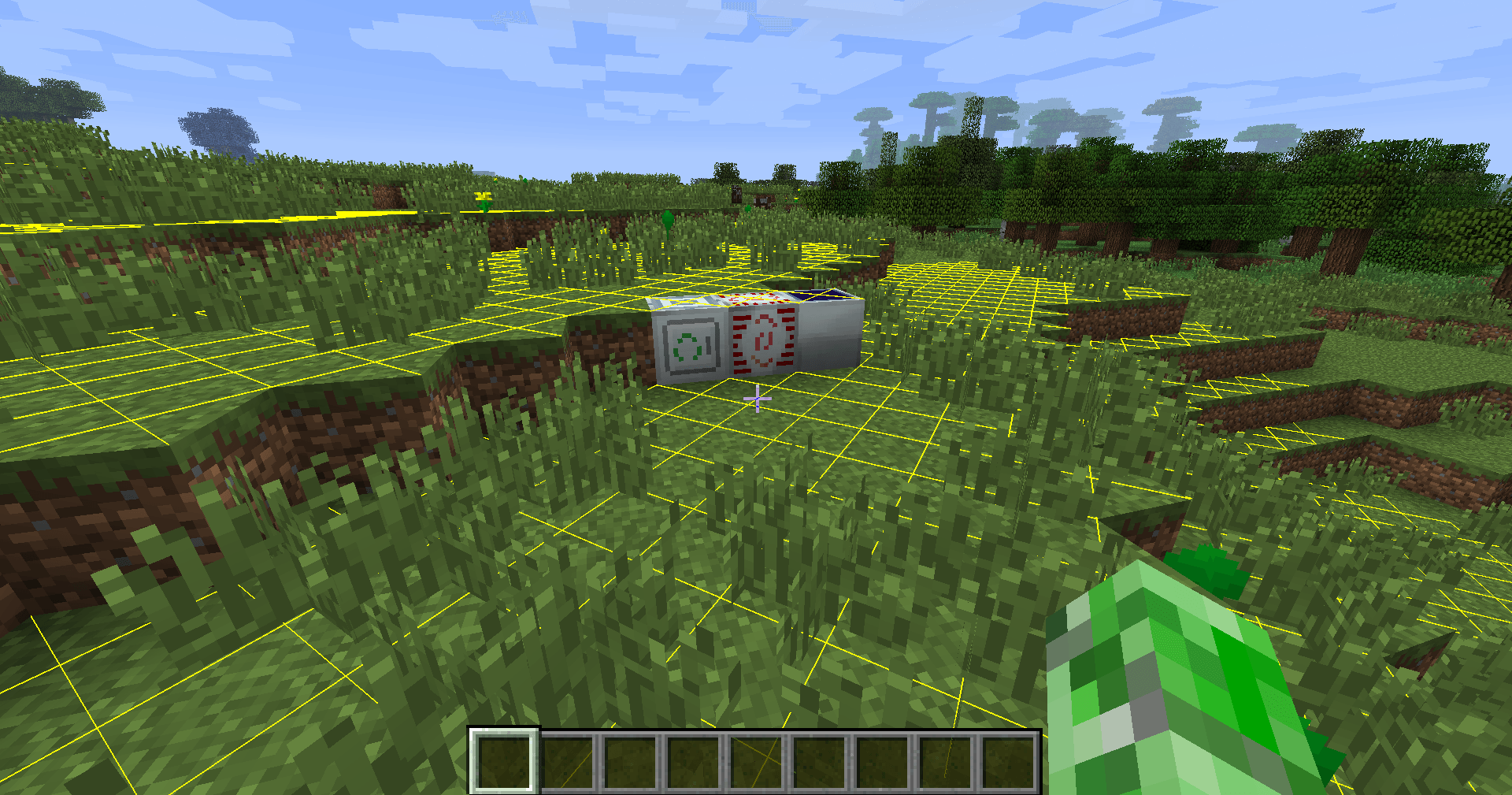
When clicking F7 (default), a light level overlay is shown that tells you where mobs can spawn!
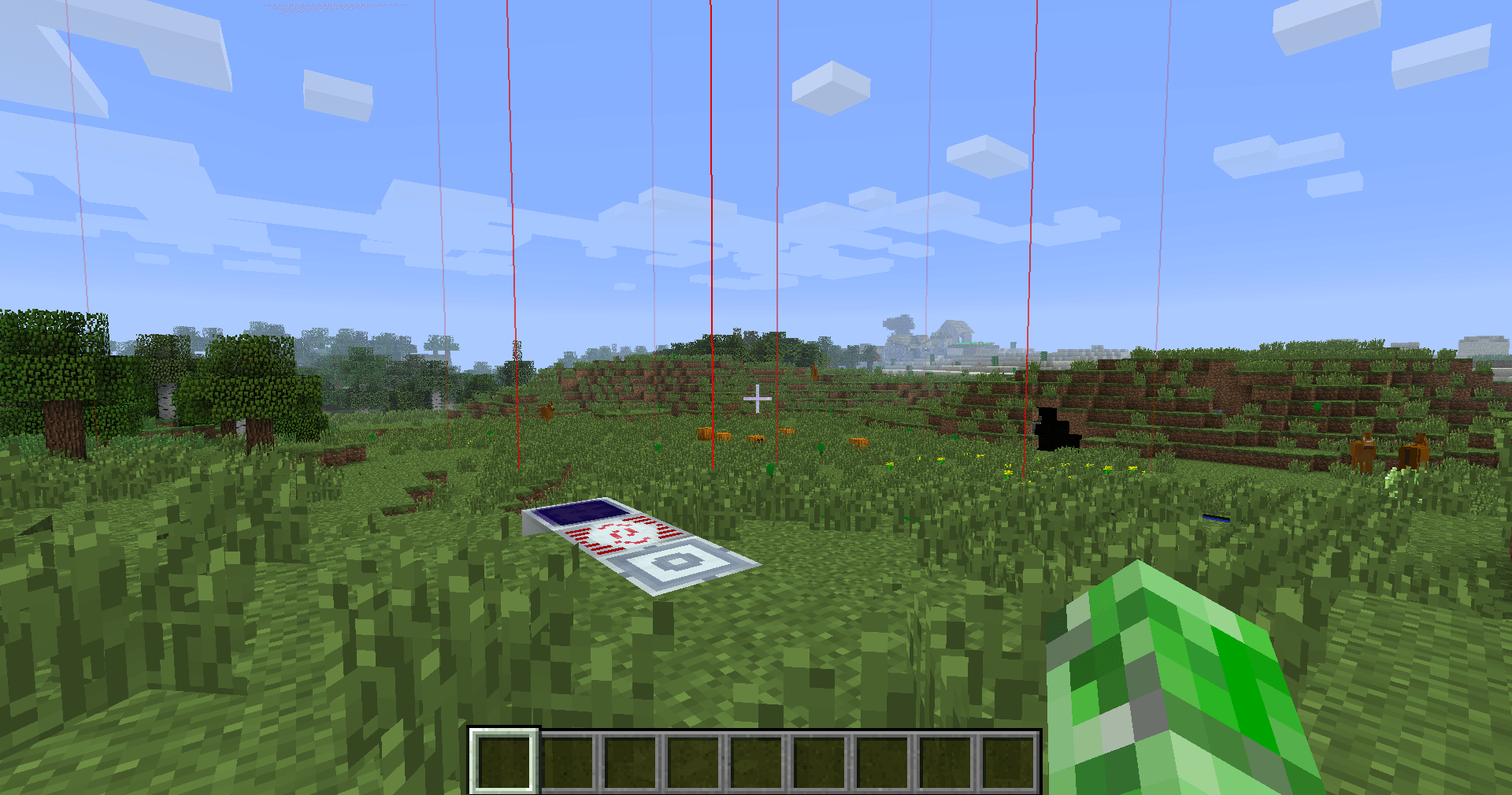
The borders/corners of chunks can be shown by pressing F9 (default)...
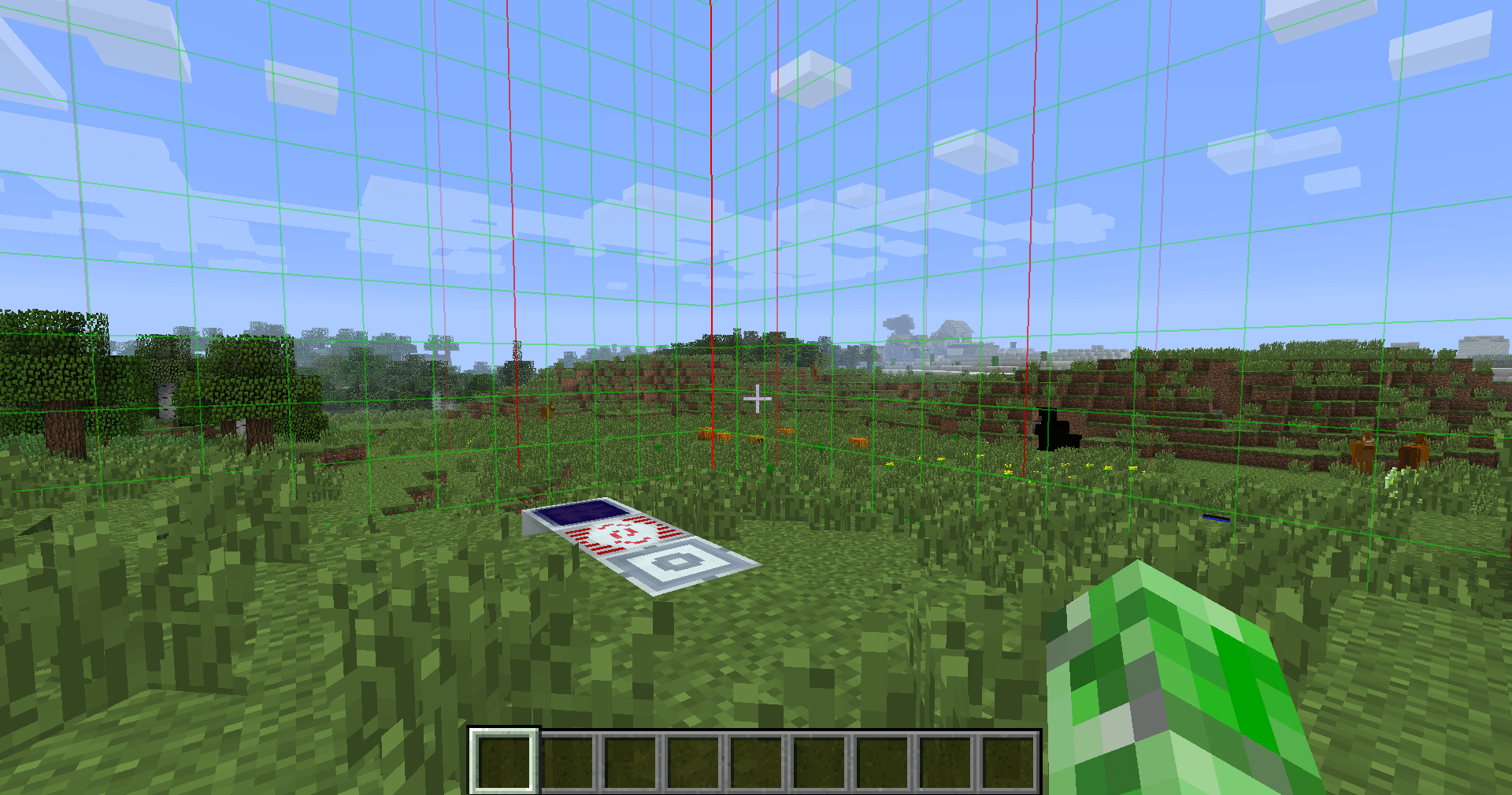
... the current chunk can even be highlighted in green
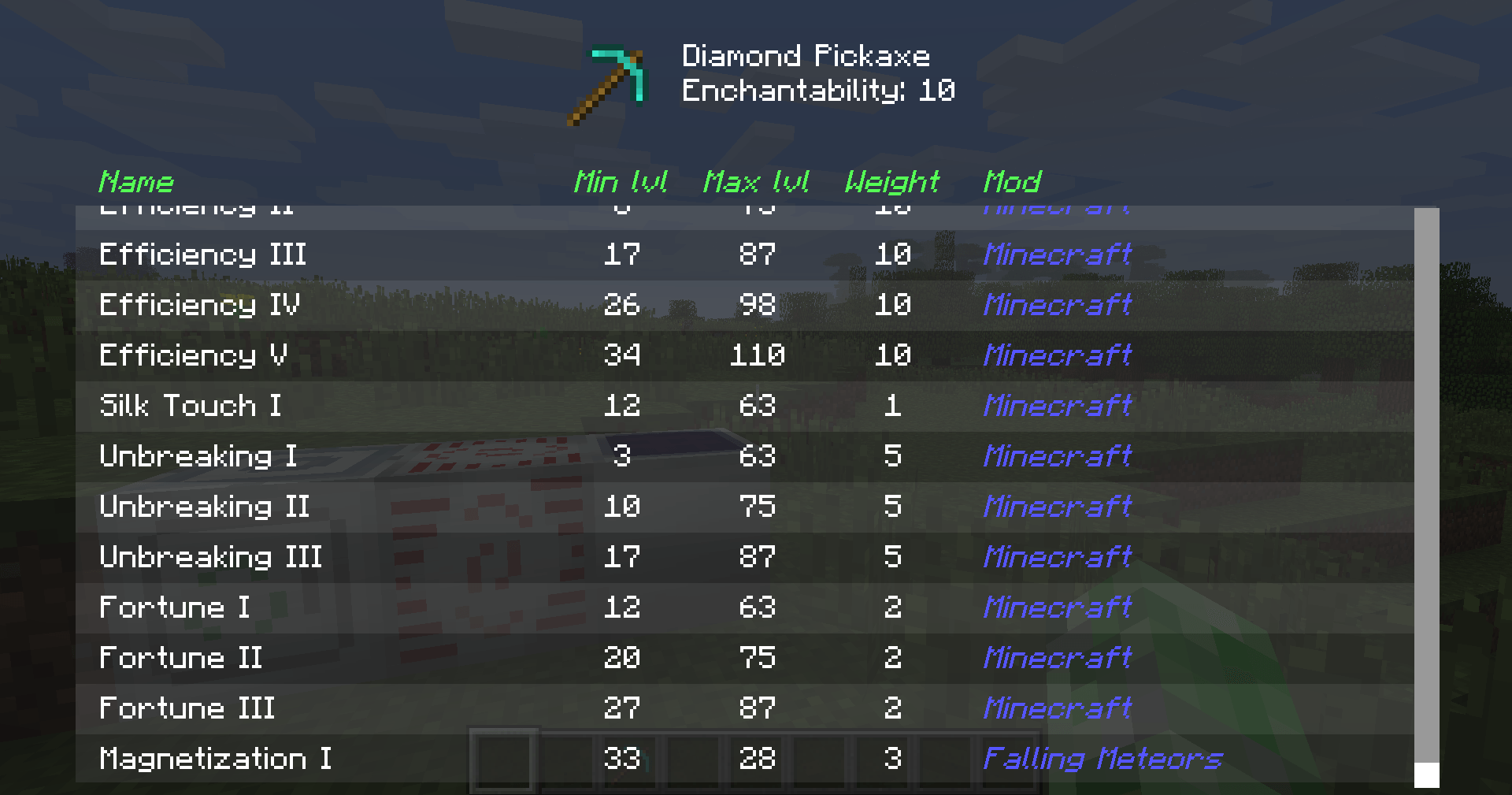
When NEI is loaded, all possible enchantments for an item can be listed (hover over an item and click "I" (default))

(OLD - Version 1.x) All Blocks, that are in a Vanilla-Creative-Tab show either "Minecraft" or "Unknown"

(OLD - Version 1.x) Modded Blocks show either "Minecraft, when they are in a Vanilla-Creative-Tab, its own modded Creative-Tab-Name or "Unknown".

(OLD - Version 1.x) Hostile mobs' names are shown in red

(OLD - Version 1.x) Many blocks have extra information which is also shown in the HUD!