Biome Tinter
- By
Client side mod that allows for biome sky, fog, and lightmap tinting with smooth crossfades between biomes!
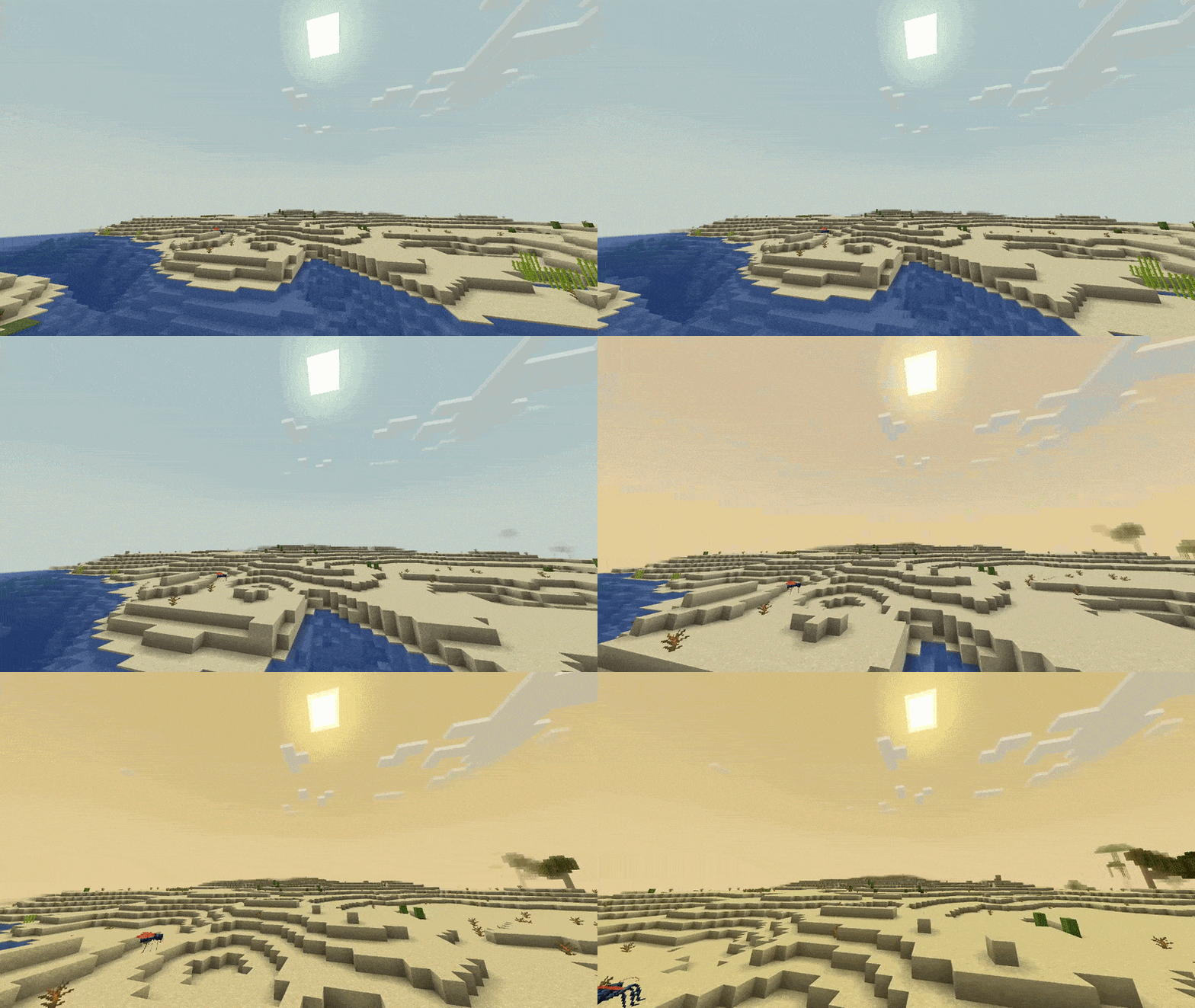
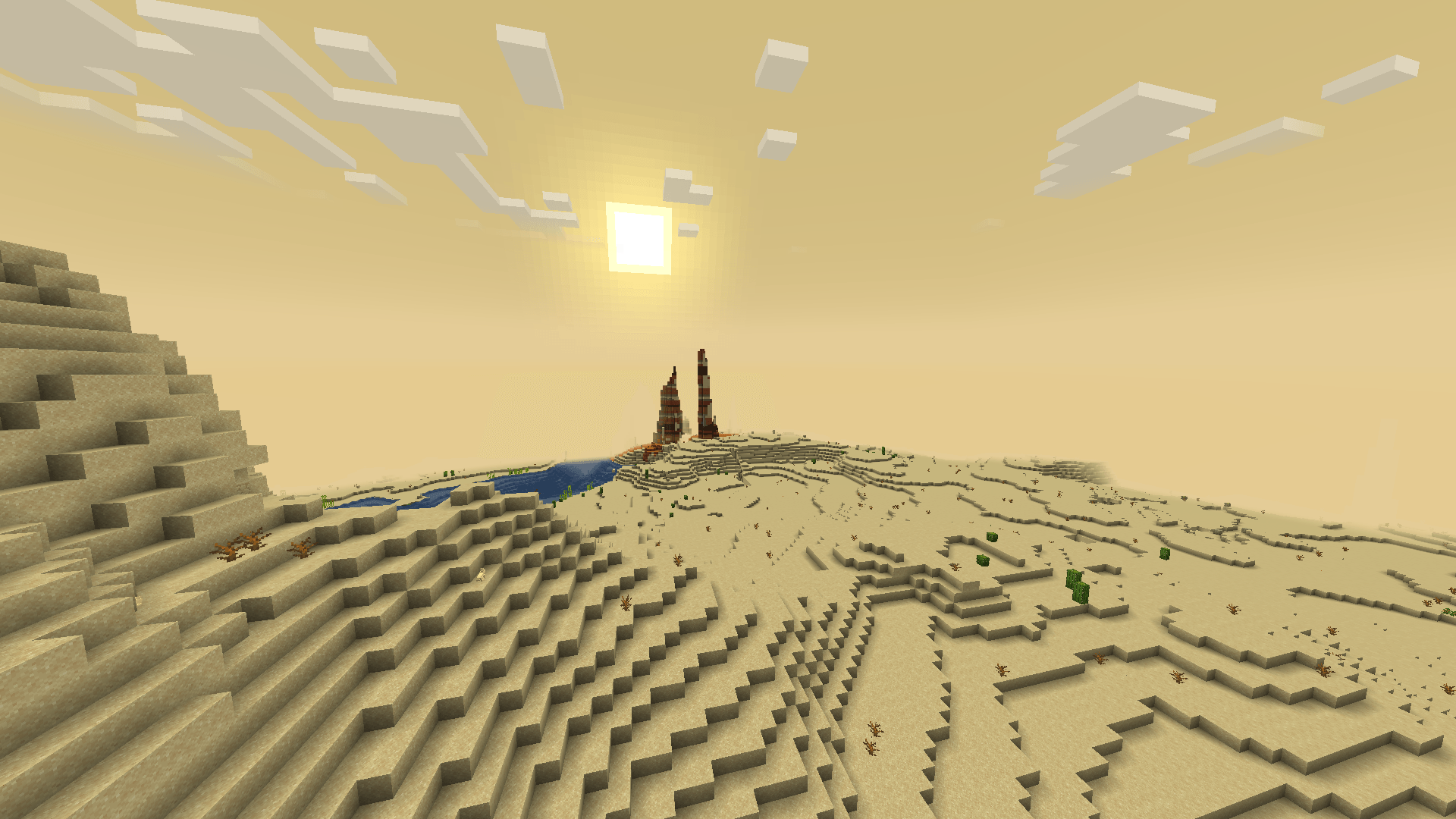
Here is what custom colors in the desert look like
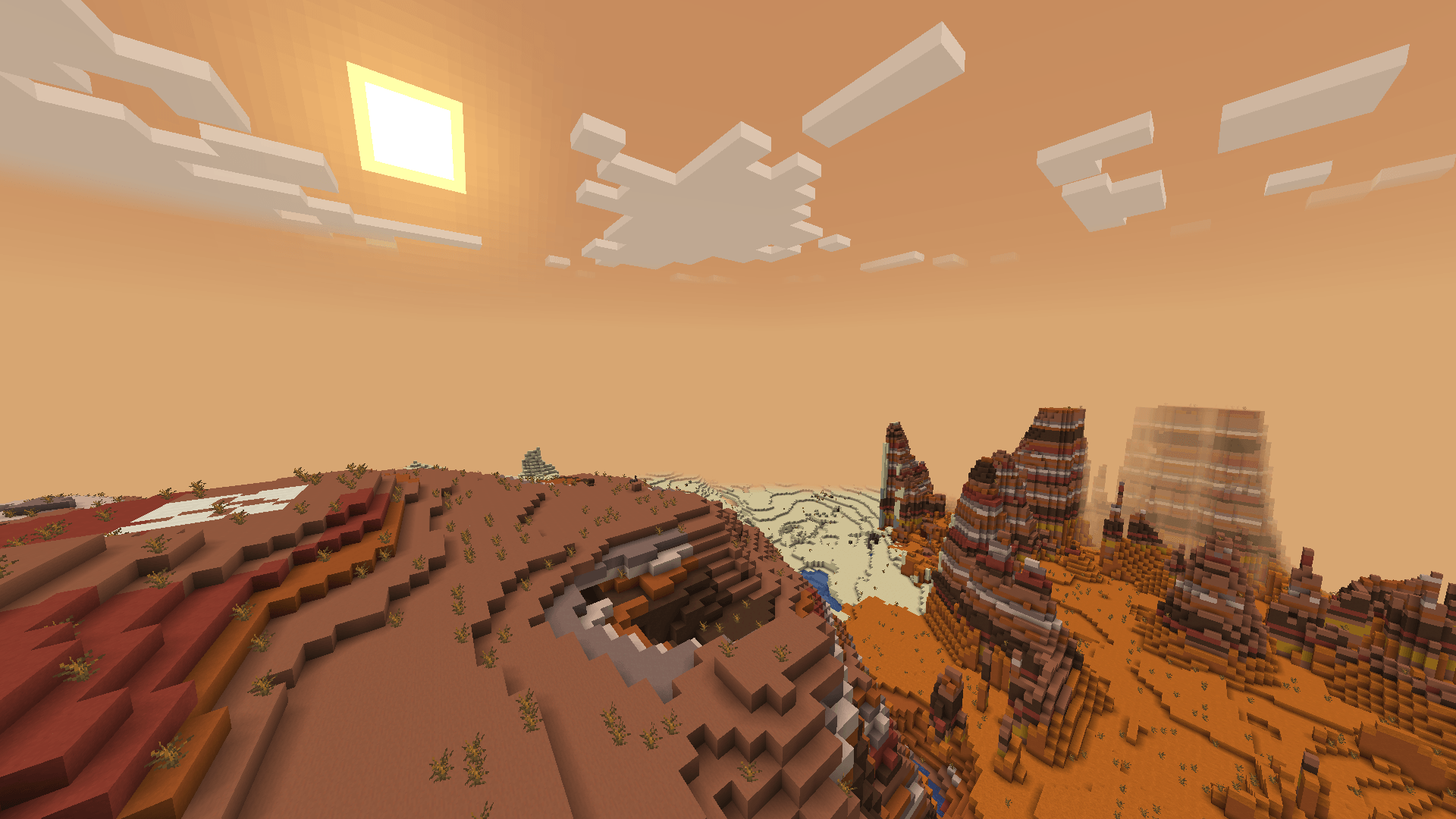
Here is what custom colors in the eroded badlands look like
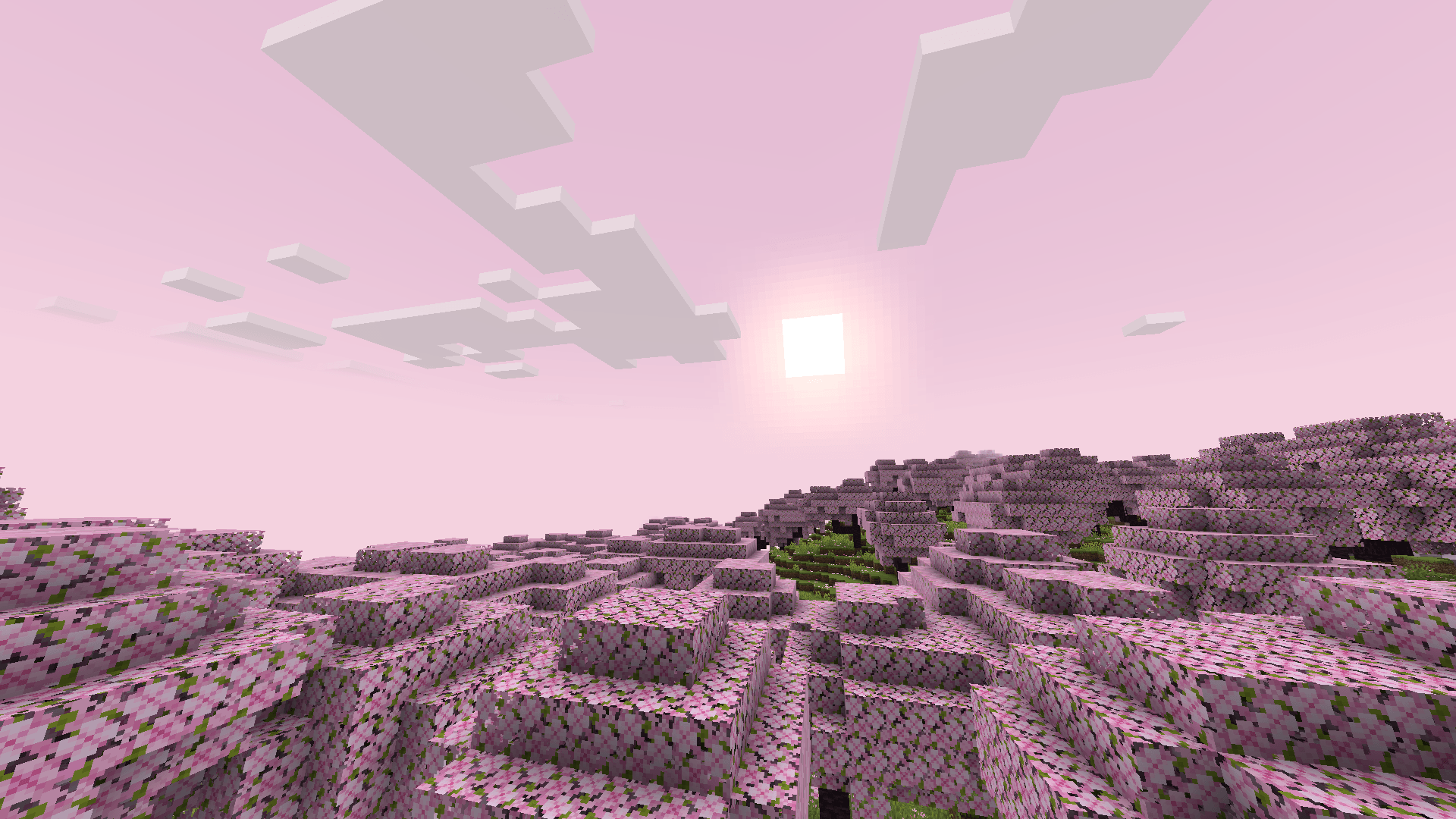
Here is what custom colors in the cherry blossom look like
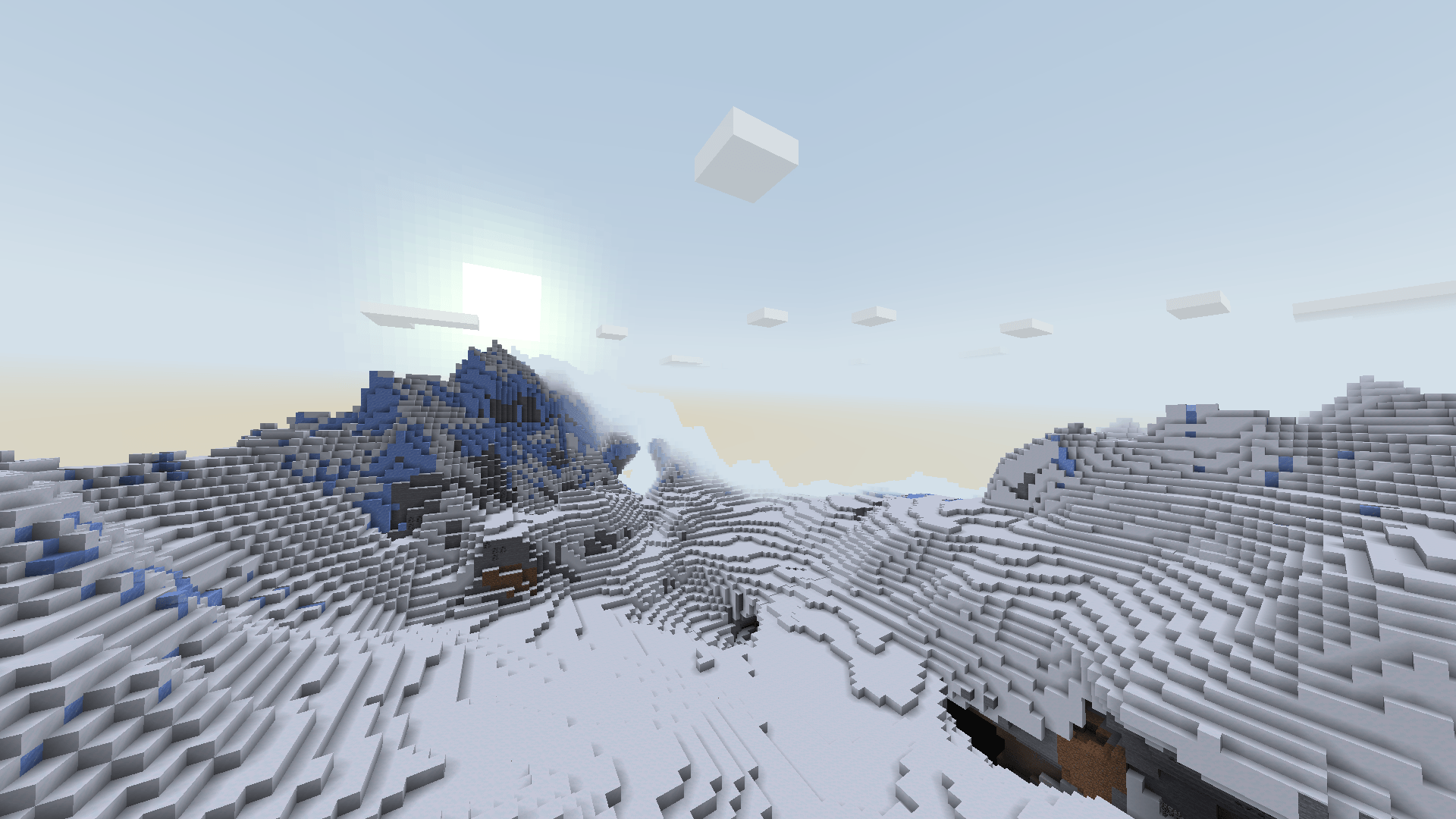
Here is what custom colors in the snowy slopes look like
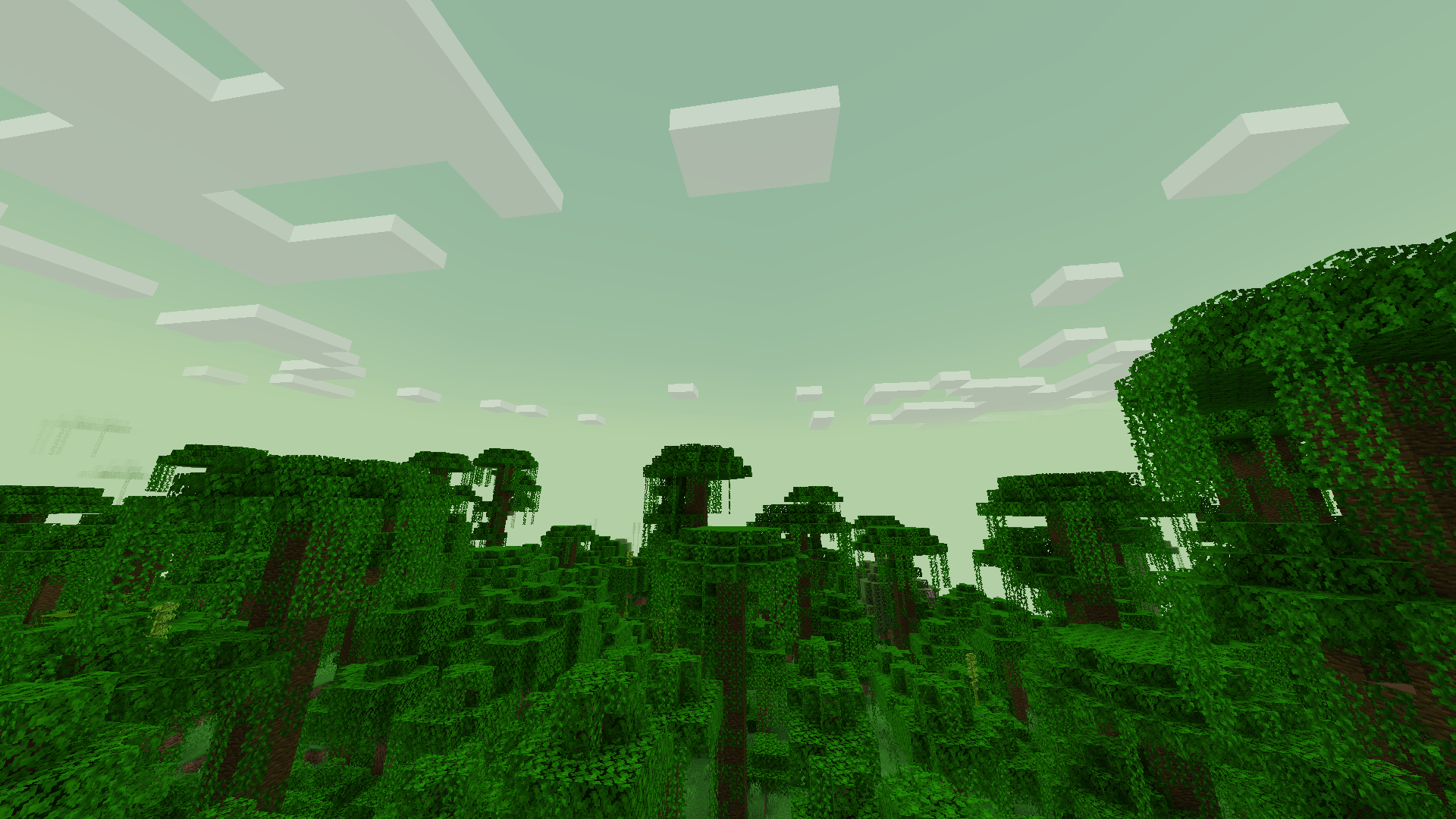
Here is what custom colors in the jungle look like
Description
Biome Tinter is a client-side mod that lets you set the sky, fog, and lighting colours for every biome in your pack, with smooth fades as you cross the borders.
I made it because I wanted the biomes in my modpack to actually feel different from each other. Feel free to use it in yours too!
Every biome starts switched off, so installing it changes nothing until you decide what you want to tweak. As of 1.2.0, Biome Tinter ships with a built in atmosphere for 150 vanilla + modded biomes! Currently supported mods are: Biomes o Plenty, Incendium, Alex's Caves, Defiled Lands and Aether. You can add support yourself or you can suggest for it if you wish!
Features
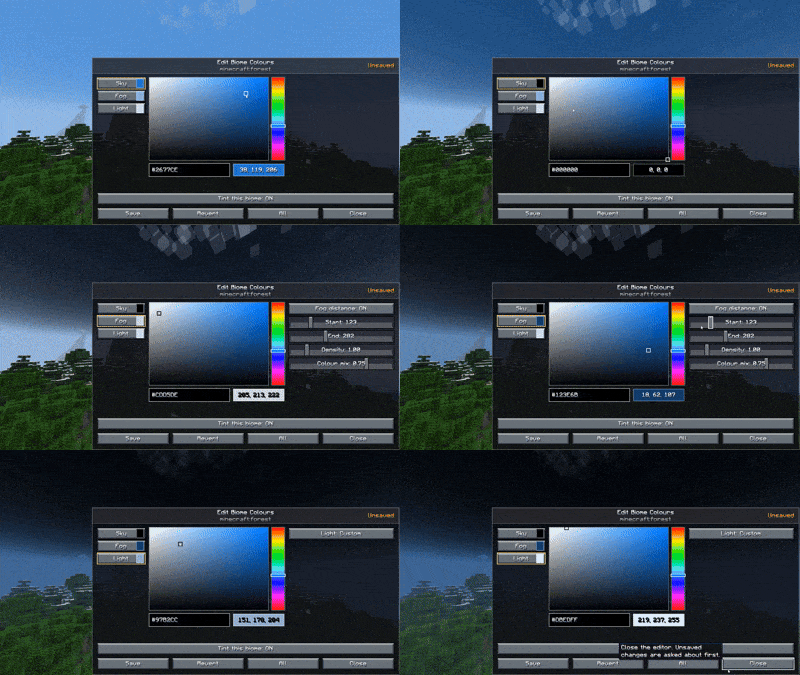
- Colour editor in-game
- Per-biome sky colour, fog colour, and lightmap tint
- Smooth crossfades between biomes instead of an instant swap, with a configurable fade length
- Colours release at night on vanilla’s own darkening curve, so your bright desert sky doesn’t glow through midnight
- Live config reload, edit a colour while the game is running and watch it fade in a second later
- Fully client-side, works on any server including vanilla ones
- Every biome in your pack gets an entry generated automatically, modded ones included
- Config is split into one file per mod, so your edits to modded biomes don’t sit in the same file as your vanilla ones
- Lightmap tint can follow the sky colour or be set on its own, for when you want a red sky without red ground
Configuration
Join a world once and the mod writes config/biometinter/, one .toml per mod that adds biomes, plus a shared settings.toml.
Each biome looks like this:
["minecraft:desert"]
    enabled = true
    skyColor = "#CEB97C"
    fogColor = "#E4CC97"
    lightmapTint = "#F3EDDD"
Set enabled = true and give it a hex colour. Leave a field blank and that channel keeps its vanilla colour. Leave lightmapTint blank and it follows whatever the sky is doing, which is usually what you want.
settings.toml holds the global knobs:
enabledis the master switch, false turns everything off without touching your per-biome worktransitionTicksis how long a fade takes (60 by default, which is 3 seconds). Drop it to 10 while you are picking colours so you aren’t waiting between editsliveReloadwatches the folder and applies your edits without a restart (on by default)
Editing colours while playing
/biometinter edit opens the picker for the biome you are standing in and the sky updates as you drag, this is the easy way.
If you’d rather work in the files, open the toml in any text editor with the game still running, change a hex, save, and about a second later the sky fades to it.
Two things worth knowing:
- Stand in the biome you are editing, since the fade applies to wherever you currently are
- Run
/time set noonfirst, because the override backs off as the sun goes down and you will be chasing a moving target at dusk
If your editor’s save doesn’t seem to land, run /biometinter reload. Some editors write through a temp file and rename it, which can slip past the watcher.
Commands
/biometinter editopens the colour editor for the biome you are standing in/biometinter reloadreloads the config from disk by hand (rarely needed, the configs update in real time as you save them)/biometinter statustells you what is actually loaded, entry count, fade length, and whether live reload is on
All three are client commands, so they need no permissions and work on servers that don’t have the mod.
Requirements
Nothing besides this mod!
Notes
Colours only apply to the biome you are standing in. This is a tinting mod and not a shader, so don’t expect it to change how a distant biome looks from a mountaintop.
Performance cost is effectively zero. There is no world generation, no entities, no packets, and nothing registered into the game’s registries.
The Biome Tinter Team