Better Server Sync
- By
Keep your server’s mods and resource packs in sync. Offer downloads and updates, recommend optional content, and manage bans through an in-game menu.
better-server-sync-administration-overview-jpeg.jpeg
better-server-sync-custom-client-mods-jpeg.jpeg
better-server-sync-installed-client-mods-jpeg.jpeg
better-server-sync-mod-bans-and-permissions-jpeg.jpeg
better-server-sync-mod-download-progress-jpeg.jpeg
better-server-sync-player-mod-inventory-jpeg.jpeg
better-server-sync-recommended-client-mods-jpeg.jpeg
Description
Better Server Sync
Joining a modded server should be straightforward. Better Server Sync lets players download the mods and resource packs offered by a server without searching for every file themselves.
Server admins choose what is required, what is recommended, and what is allowed. Players review the offered downloads and decide whether to accept them.
How it works
- Install Better Server Sync on the server and each player’s client.
- Set up your required mods, optional recommendations, and resource packs.
- Players connect normally using the server address.
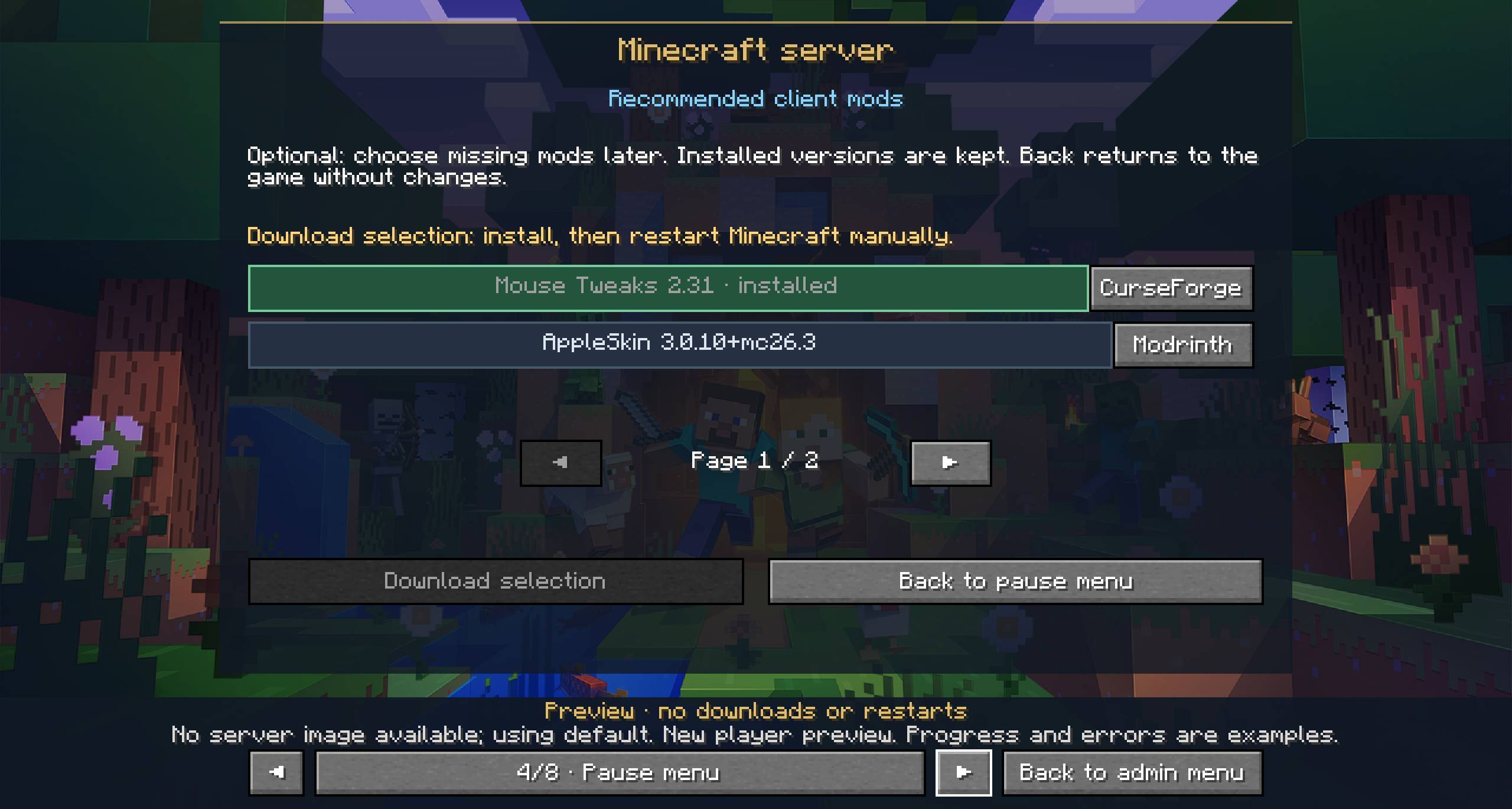
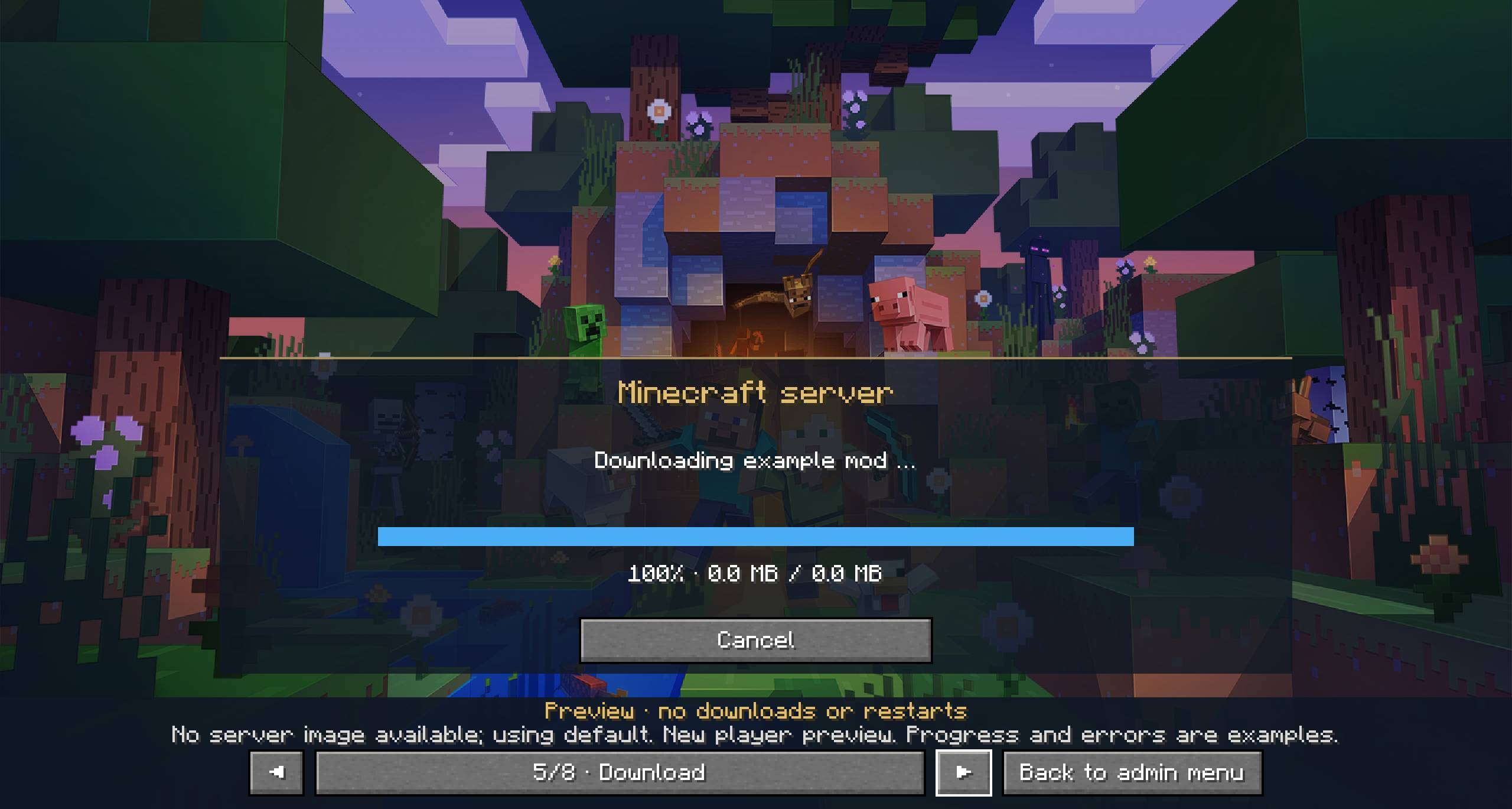
- BSS checks their installed content and asks for permission before downloading anything.
- After installing mods, players close Minecraft using the completion button and start the same profile again from their launcher. BSS then reconnects them automatically.
Resource packs can be downloaded and activated without restarting Minecraft.
When the server offers updated files, BSS checks for the changes on the next connection.
Required mods and optional recommendations
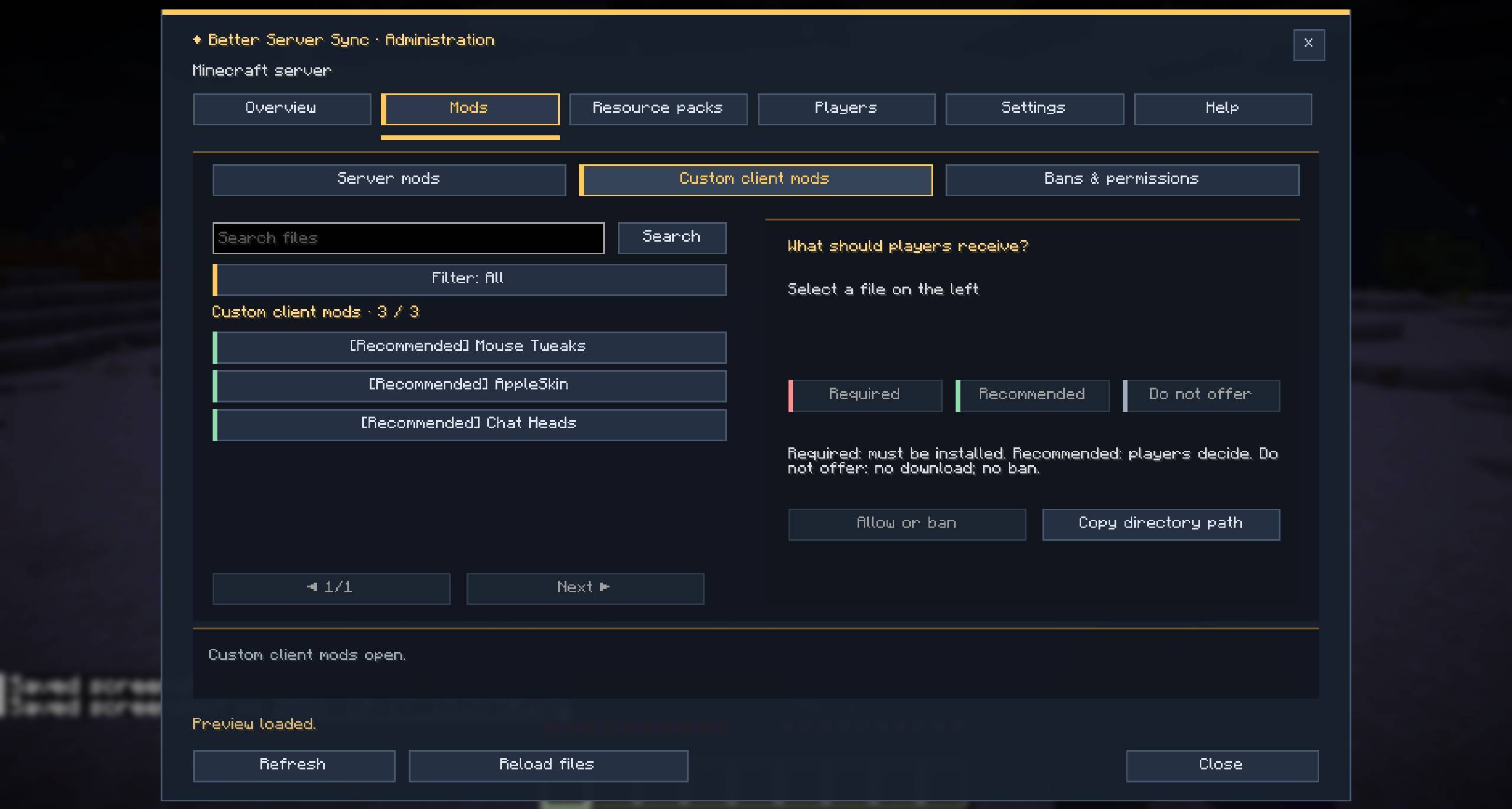
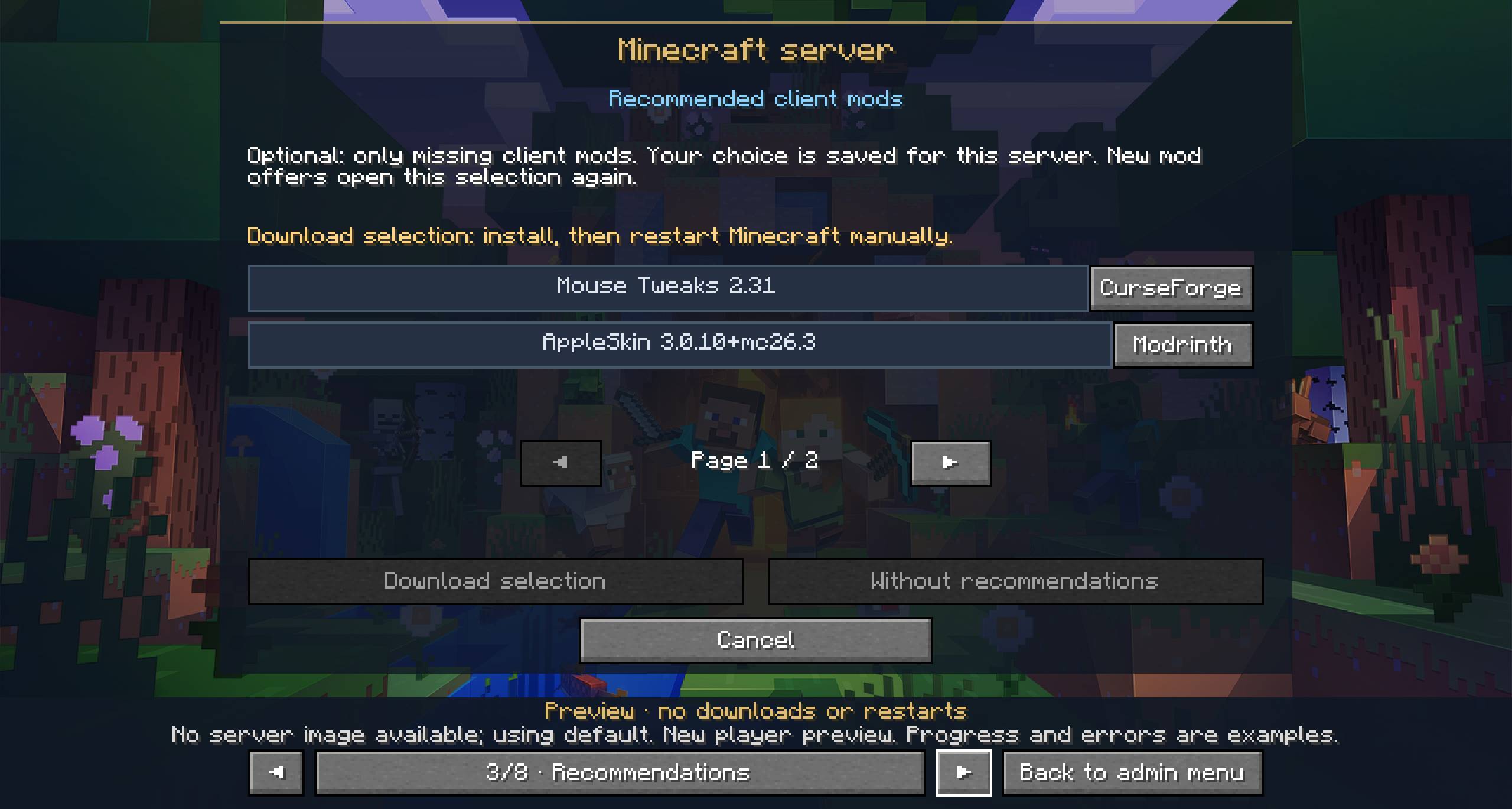
Offer the mods players need to join, along with optional client mods they might enjoy.
BSS automatically detects client requirements where reliable information is available and includes necessary dependencies. Admins can review the results and manage offers through the menu.
Optional recommendations are the player’s choice. BSS remembers their decisions for each server and shows the selection again when new recommendations become available. Already installed recommended mods are recognized, including newer versions.
Players can revisit offered mods and resource packs from the pause menu. Each button appears only when the server offers content for that category.
Control what is allowed
Manage client mods and resource packs independently:
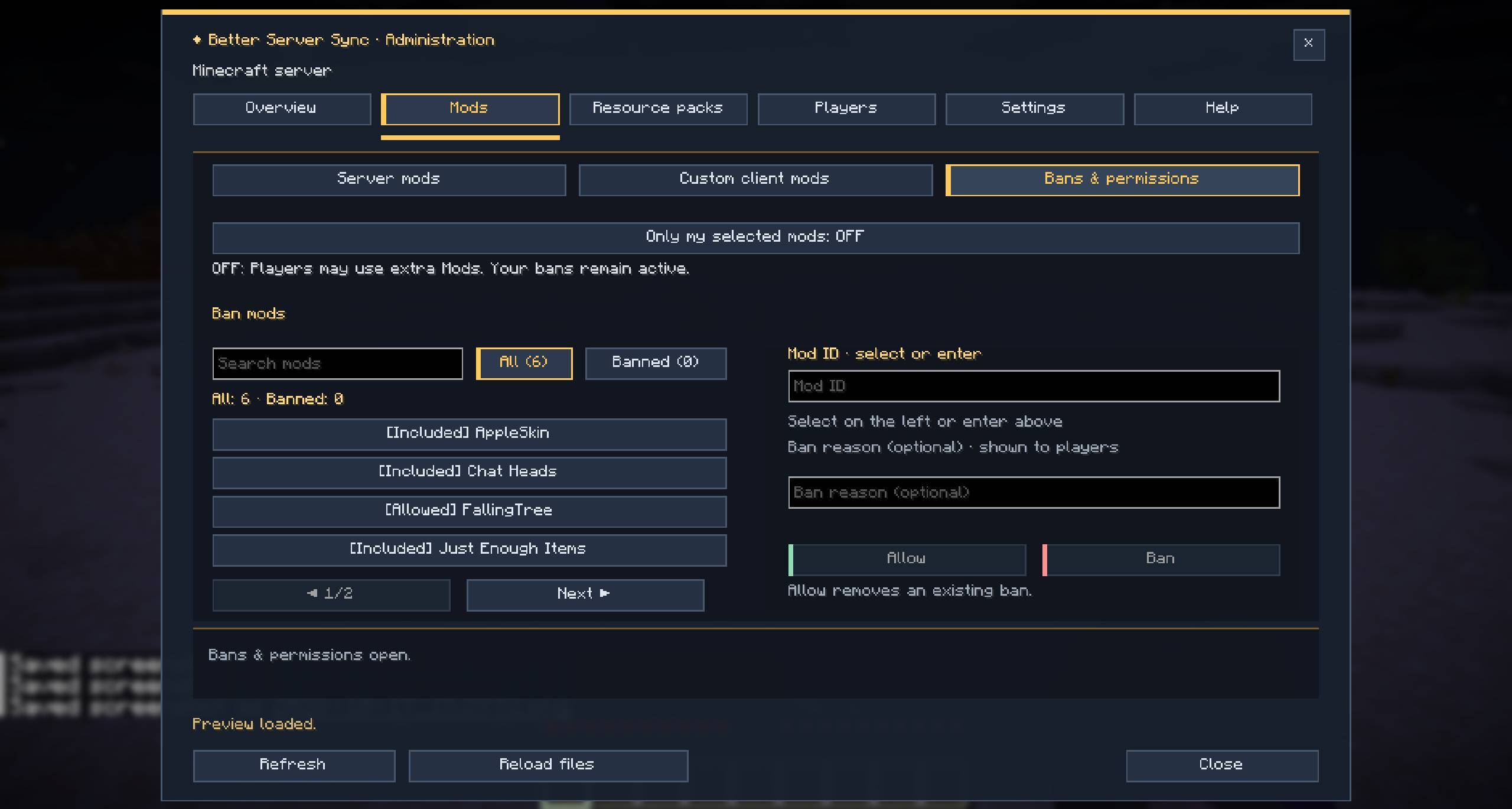
- Ban specific client mod IDs across all versions.
- Block resource packs by their contents, even if the files are renamed.
- Allow only the content selected by the server.
- Allow extra mods while restricting resource packs, or the other way around.
- Add a reason that affected players see when they cannot join.
Mod bans take priority over download offers. Banning an offered mod withdraws its download while the remaining download service stays available.
These checks rely on client reports and are not complete anti-cheat protection.
An admin menu built into the game
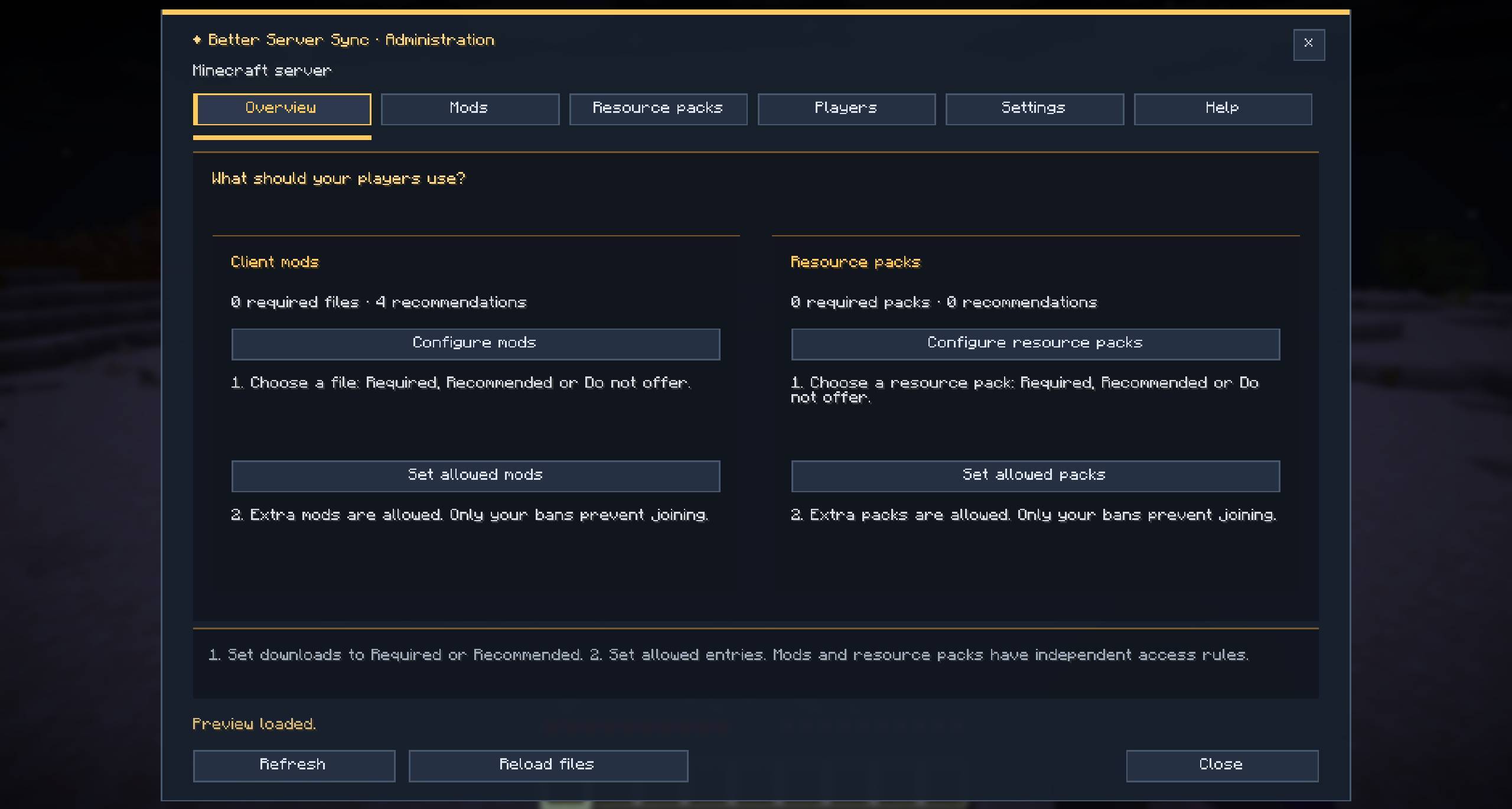
Open /bss to manage:
- Required mods, recommendations, and resource packs.
- Individual bans and allowed-content settings.
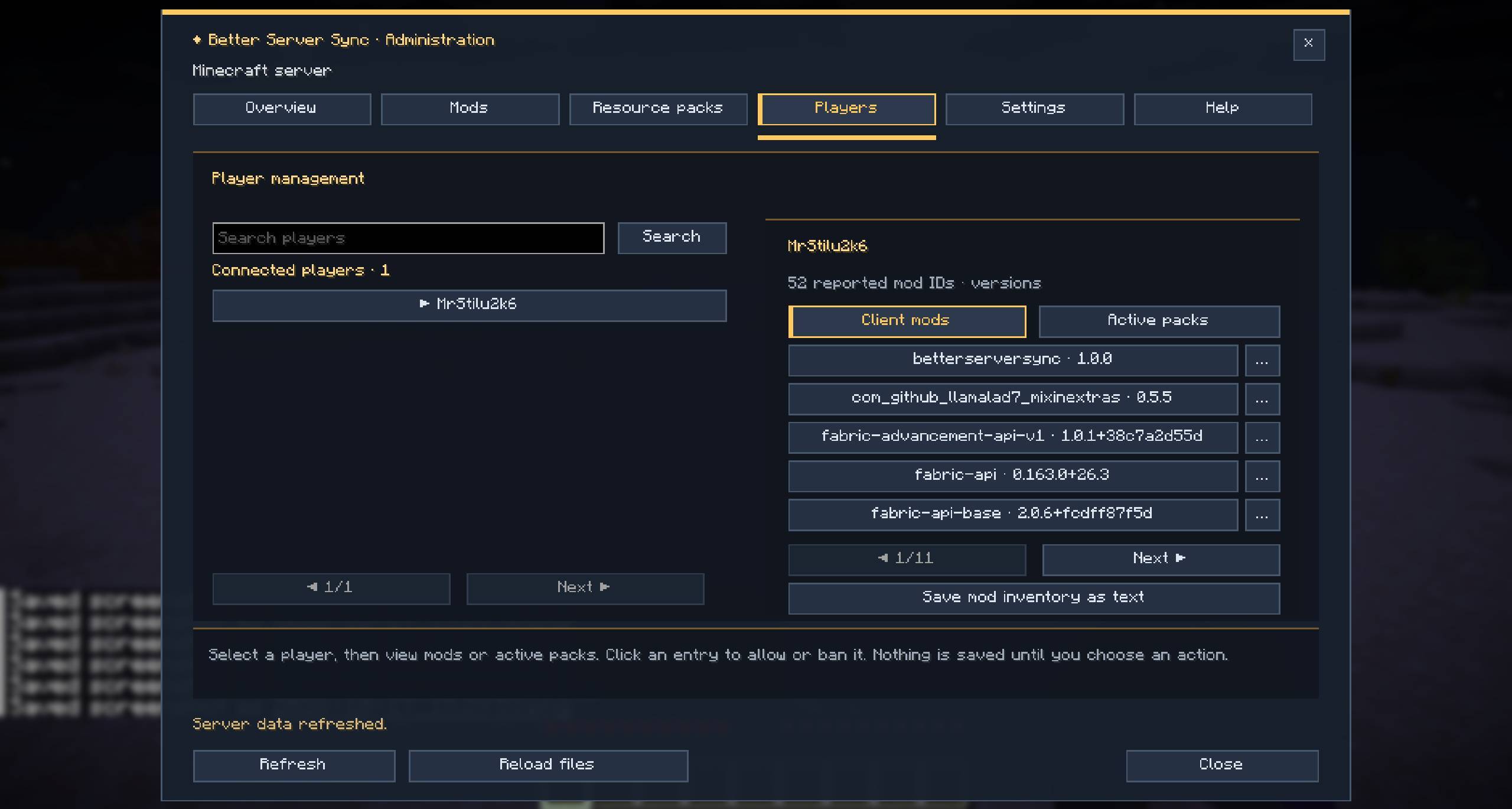
- Connected players’ reported client mods and active resource packs.
- Automatic or manual text reports.
- Project links for mods and resource packs.
- Download settings and loading-screen appearance.
Use your own server name and background image, then preview the player screens directly from the menu.
Downloads and LAN support
BSS supports HTTPS with PEM or PKCS12/PFX certificates, as well as configurable HTTP downloads. Clients receive the download address from the server, so players do not need to configure a download port themselves.
Open to LAN worlds support automatic downloads over HTTP without a certificate.
Credits
Made by MrStilu2k6.
If you find a bug or have an idea for the mod, feel free to leave a comment or open an issue. I do read suggestions, and quite a few features have already come from player and modpack feedback.
If you enjoy the mod and want to support further development:
Better Server Sync Team