promotional bannermobile promotional banner

Better Armorstands

Armor stands, done right: the Bedrock poses, arms by default, smooth turning with R, and a cleaner look

Better Armorstands

Armor stands, done right. All 13 poses from Bedrock Edition, arms on every stand, and a way to turn them that actually feels good.
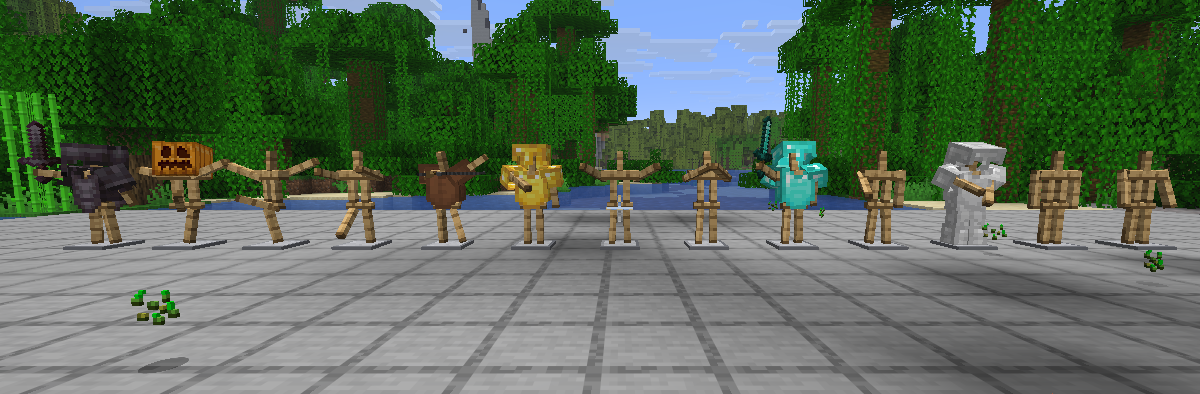
All 13 armor stand poses side by side, some stands in iron, gold, diamond and netherite armor

Poses

Sneak and right-click an armor stand with an empty hand to switch to the next pose: Solemn, Athena, Brandish, Honor, Entertain, Salute, Riposte, Zombie, Can-can, Hero and more. Or wire it up: a redstone signal next to a stand picks a pose by its strength.
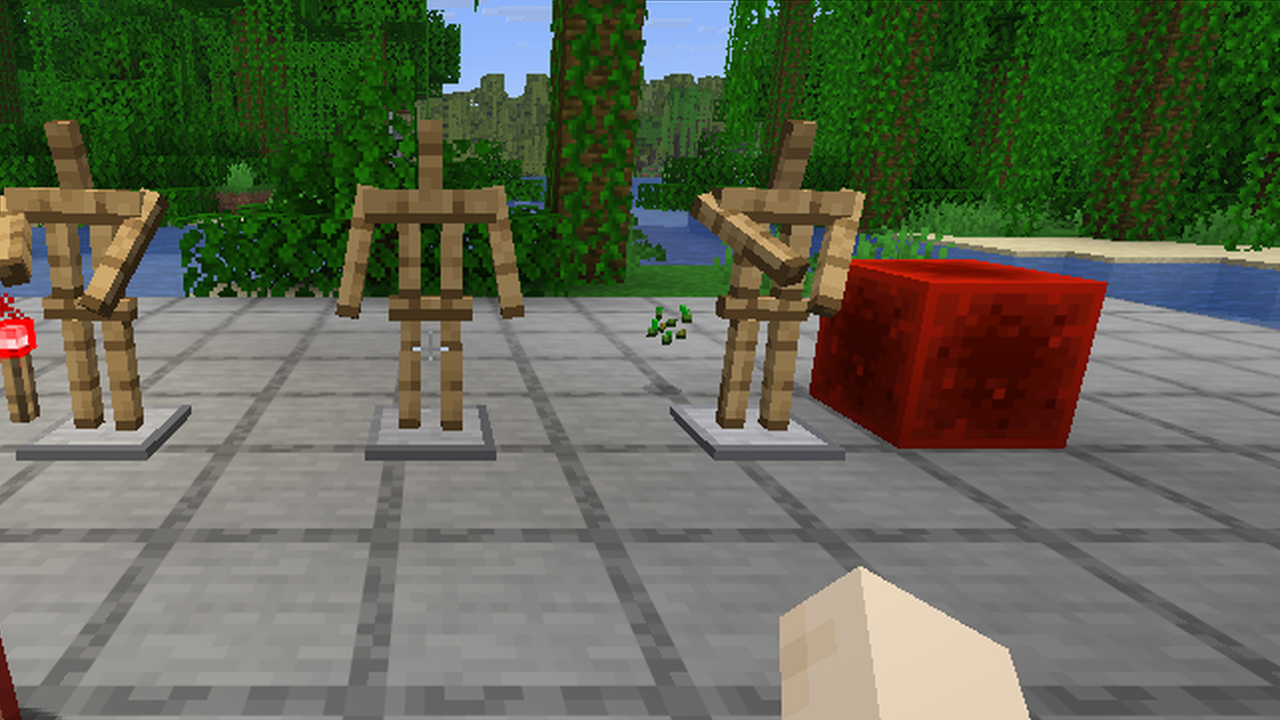
Two armor stands next to a redstone block and a redstone torch switched to the Solemn pose, the middle one keeps the default pose

Turn them with R

Look at a stand, hold R and move your mouse. The stand turns smoothly, your camera stays still and the base plate stays put. Sneak for clean 15 degree steps.

The small things

  • Every new armor stand has arms, like in Bedrock.
  • Shears remove the base plate, for clean displays. Click again to bring it back.
  • Sneak and look at a stand to see its pose and the next one.
  • A cleaner armor stand texture: warm oak with grain and a polished stone base.
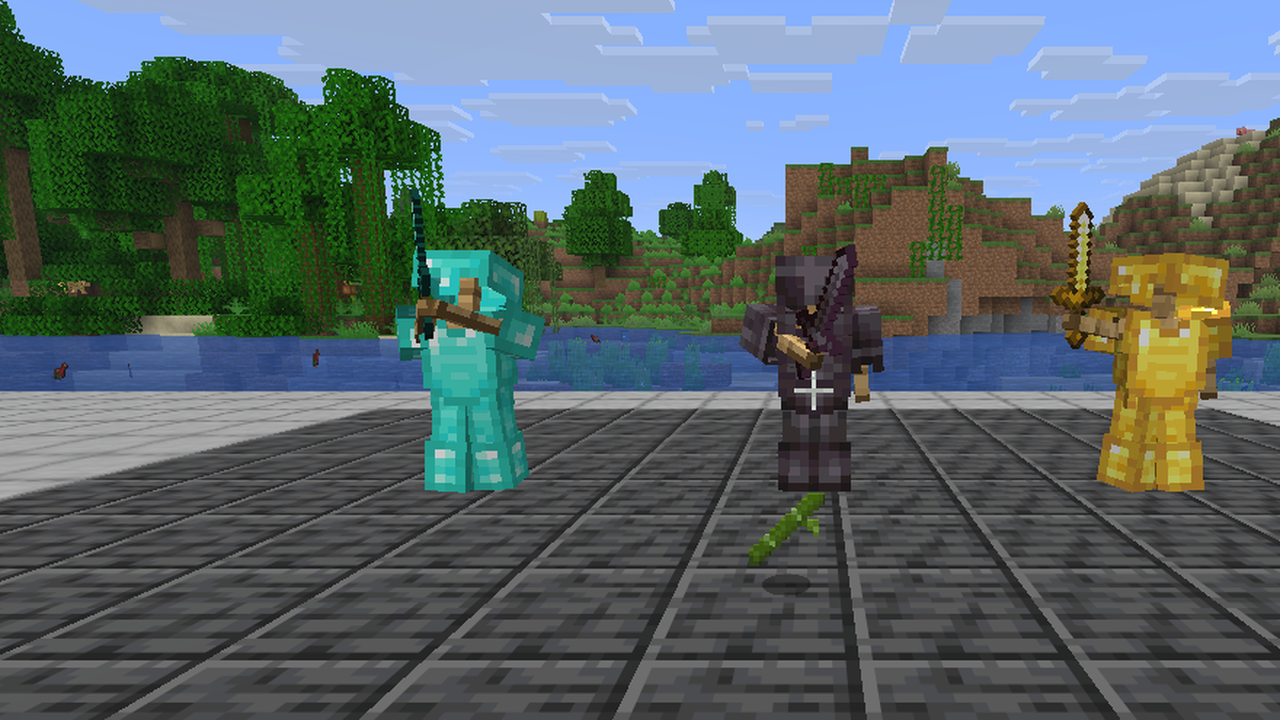
Three armor stands without base plates in diamond, netherite and gold armor, posed Honor, Salute and Hero

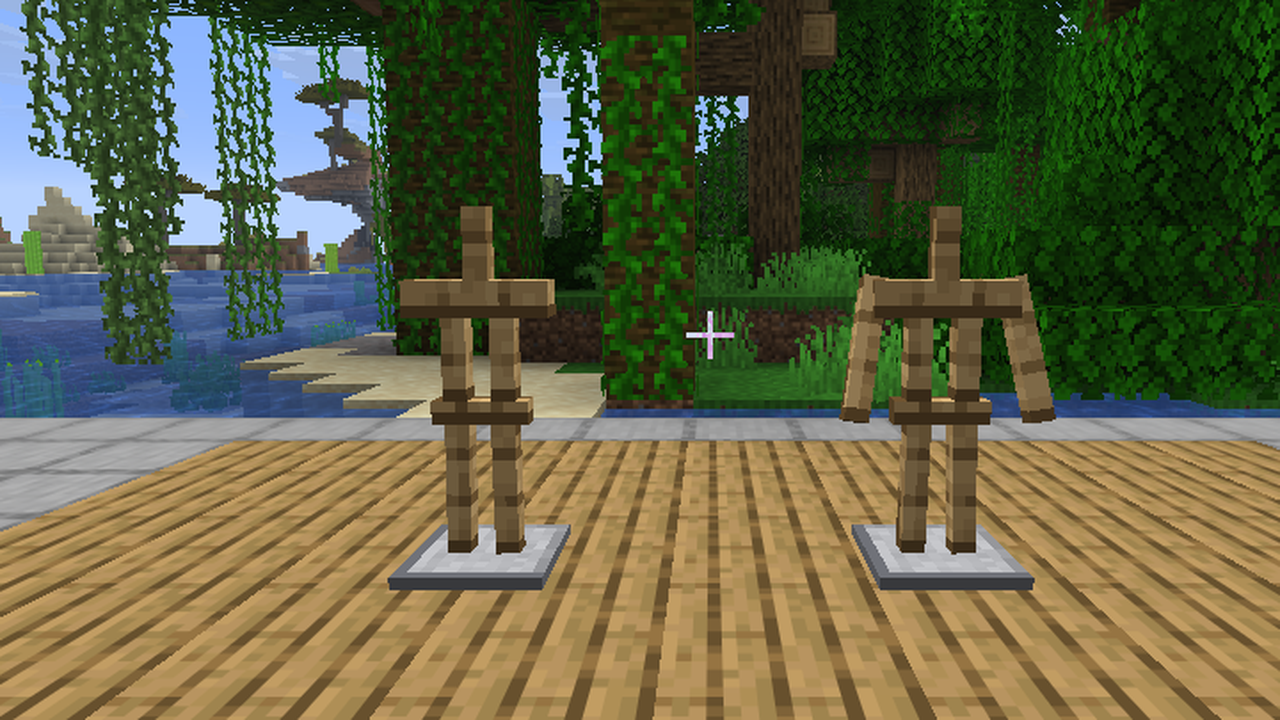
A vanilla armor stand without arms next to one with arms

Server friendly

The poses, arms and base plate work for every player on a server with the mod, even without the mod on their client. Players with the mod also get R, the pose preview and the new look.

Requires Mycel. Fabric, Forge and NeoForge, Minecraft 26.1 to 26.3. Wiki · Discord

Better Armorstands Team

profile avatar
  • 16
    Projects
  • 14.0K
    Downloads

Hey, Its MyCelium

More from MyCeliumGGView all

  • Brewing Plus project image

    Brewing Plus

    Click the button on the brewing stand, pick any potion, and see its full recipe, which ingredients you carry and what to add next.

    • 783
    • November 4, 2026
  • Colored Nether Portal project image

    Colored Nether Portal

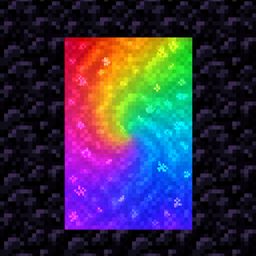
    Any color for your Nether portals: dyes, gradients, rainbows and pulses, with matching particles. Right-click with a dye.

    • 401
    • November 4, 2026
  • Better Librarians project image

    Better Librarians

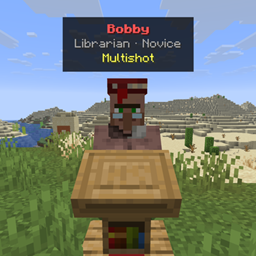
    Look at any librarian to see the enchanted books they sell on a small card, without opening the trading menu.

    • 951
    • November 4, 2026
  • Dark Mode project image

    Dark Mode

    Dark mode for all of Minecraft: dark menus, inventories and the Mojang loading screen, including screens from other mods.

    • 307
    • November 4, 2026
  • Brewing Plus project image

    Brewing Plus

    Click the button on the brewing stand, pick any potion, and see its full recipe, which ingredients you carry and what to add next.

    • 783
    • November 4, 2026
  • Colored Nether Portal project image

    Colored Nether Portal

    Any color for your Nether portals: dyes, gradients, rainbows and pulses, with matching particles. Right-click with a dye.

    • 401
    • November 4, 2026
  • Better Librarians project image

    Better Librarians

    Look at any librarian to see the enchanted books they sell on a small card, without opening the trading menu.

    • 951
    • November 4, 2026
  • Dark Mode project image

    Dark Mode

    Dark mode for all of Minecraft: dark menus, inventories and the Mojang loading screen, including screens from other mods.

    • 307
    • November 4, 2026