Dark Mode
- By
Dark mode for all of Minecraft: dark menus, inventories and the Mojang loading screen, including screens from other mods.
Dark Mode
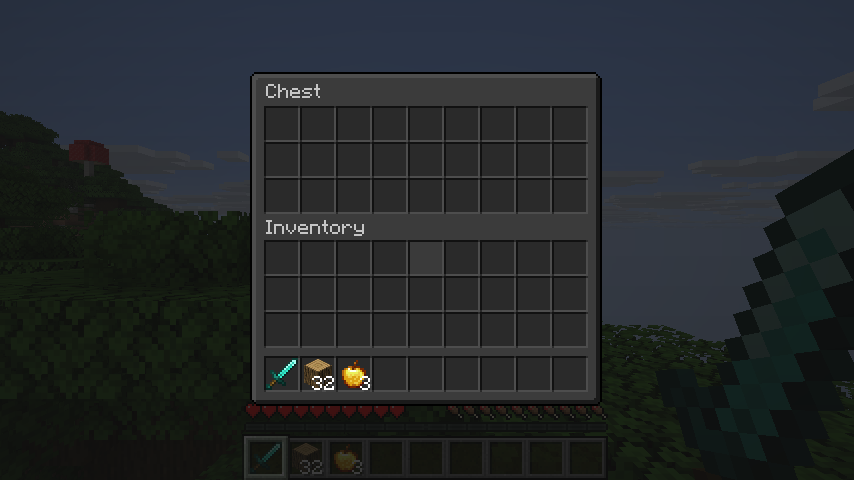
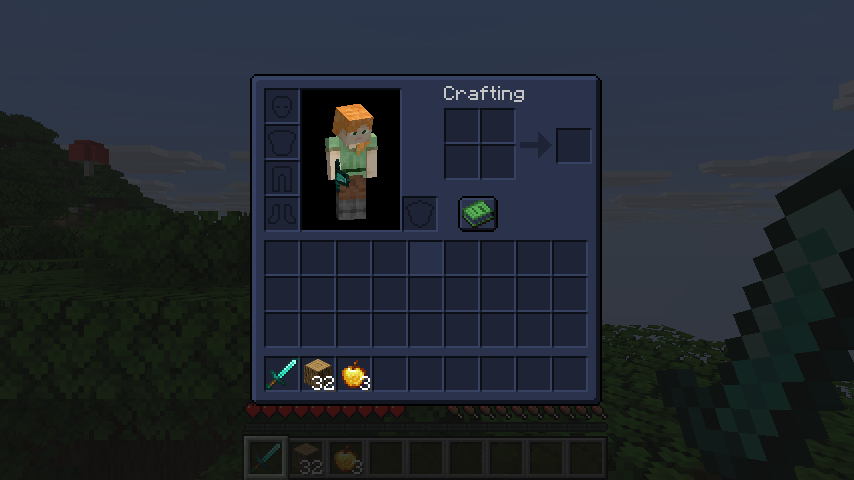
Turn the whole game dark, in one install. Menus, inventories, books, the creative menu and the red Mojang loading screen all go dark.
Screens from other mods go dark too, so you don't need a separate resource pack for each mod.
What you get
- Dark menus, inventories, chests, furnaces, anvils and books
- Dark screens from other mods, with no per-mod setup
- A black Mojang loading screen, or charcoal, midnight or plum
- Items, hearts and logos keep their colors
- Dark text gets brighter so you can still read it
Make it yours
Find the Dark Mode button in the top left of the Options menu.
- Themes: Neutral, Midnight, Forest, Plum and Ember
- Brightness: from nearly black to soft grey
- HUD: darken the hotbar too, if you like
- Mods to leave alone: keep any mod's screens as they are
Good to know
- Client-side: servers don't need it
- Requires Mycel
- Fabric, Forge and NeoForge, Minecraft 26.1 to 26.3
- On Forge and NeoForge, the first loading window is still red the very first time you start. It's black from the next start on.
- If a screen from another mod looks wrong, add that mod under Mods to leave alone
Dark Mode Team