AutoKit Refill
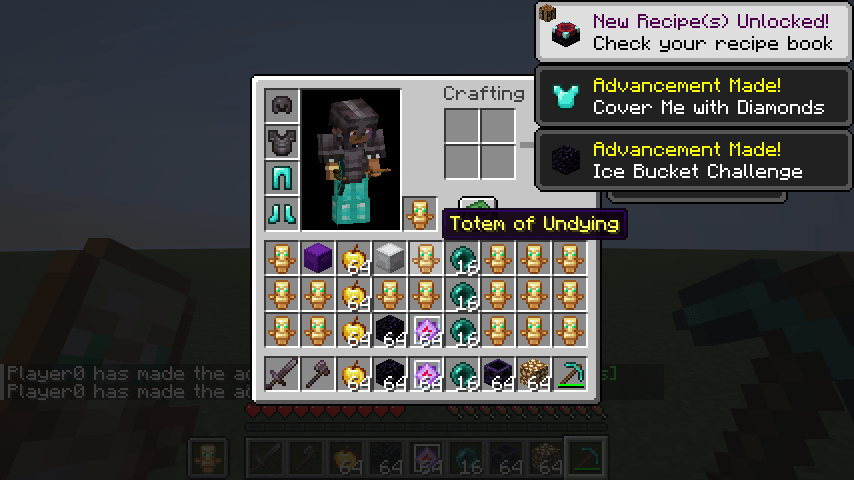
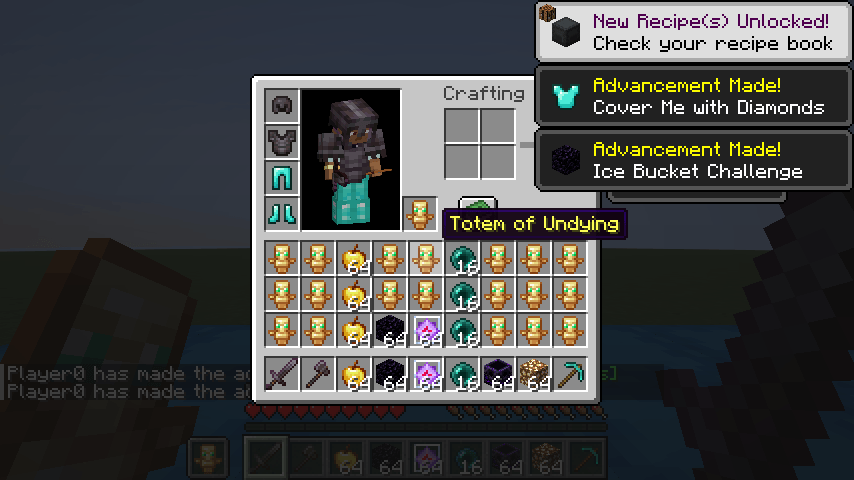
Places shulker boxes from your inventory, loots them and rebuilds your saved kit layout in a few ticks.
What it does
Save your kit layout once. When you run low, press one key: AutoKit places the shulker boxes from your inventory, takes exactly what your kit needs and puts every item back into its saved slot — hotbar, armor and offhand included.
- One-key restock — press
K and your saved layout is rebuilt in a few ticks.
- Exact slots — every item goes back where you saved it.
- Optional shulker pickup — mine the shulker box after looting so you don't leave it behind.
- Several kits — open the kit menu with
J, keep multiple named kit slots, save your inventory into one and pick which kit to rebuild.
Keys and commands
| Key / command |
Action |
K · /autokit restock |
Restock your kit |
J · /autokit gui |
Open the kit menu |
/autokit save |
Save your current inventory as the kit (also a rebindable key) |
/autokit break |
Toggle mining the shulker after looting |
/autokit reload |
Reload the kit from the config file |
Requirements
- Minecraft 1.21.11
- Fabric Loader
- Fabric API
Client-side only — nothing to install on the server.
Some multiplayer servers don't allow automation or macros. Check the server's rules before you use this mod — you are responsible for how you use it.
Made by Proton · YouTube: @CS_Proton · Discord: modwala