


AutoBuildMod
- By

AutoBuild lets you automatically place blocks to build faster and easier in Minecraft. Perfect for large and repetitive builds
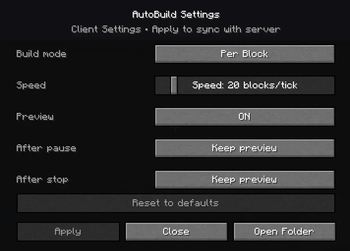
The AutoBuild Settings Menu gives you full control over how your structures are built. Easily adjust build modes, placement speed, preview behavior, and automation options to match your workflow
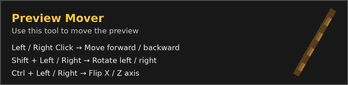
The Preview Mover Tool allows you to move, rotate, and flip the schematic preview using simple mouse clicks and key combinations, without placing any blocks.
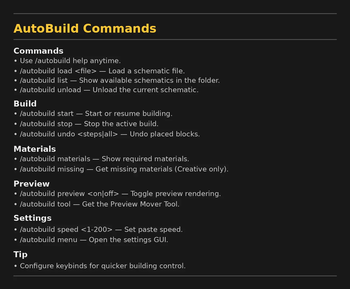
In game command list showing all available AutoBuild commands, including loading schematics, starting builds, adjusting speed, undoing actions, accessing tools etc...
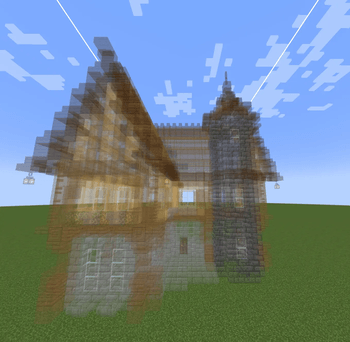
Live schematic preview rendered directly in the world, showing the exact shape and position before building starts. Perfect for precise placement and large structures.
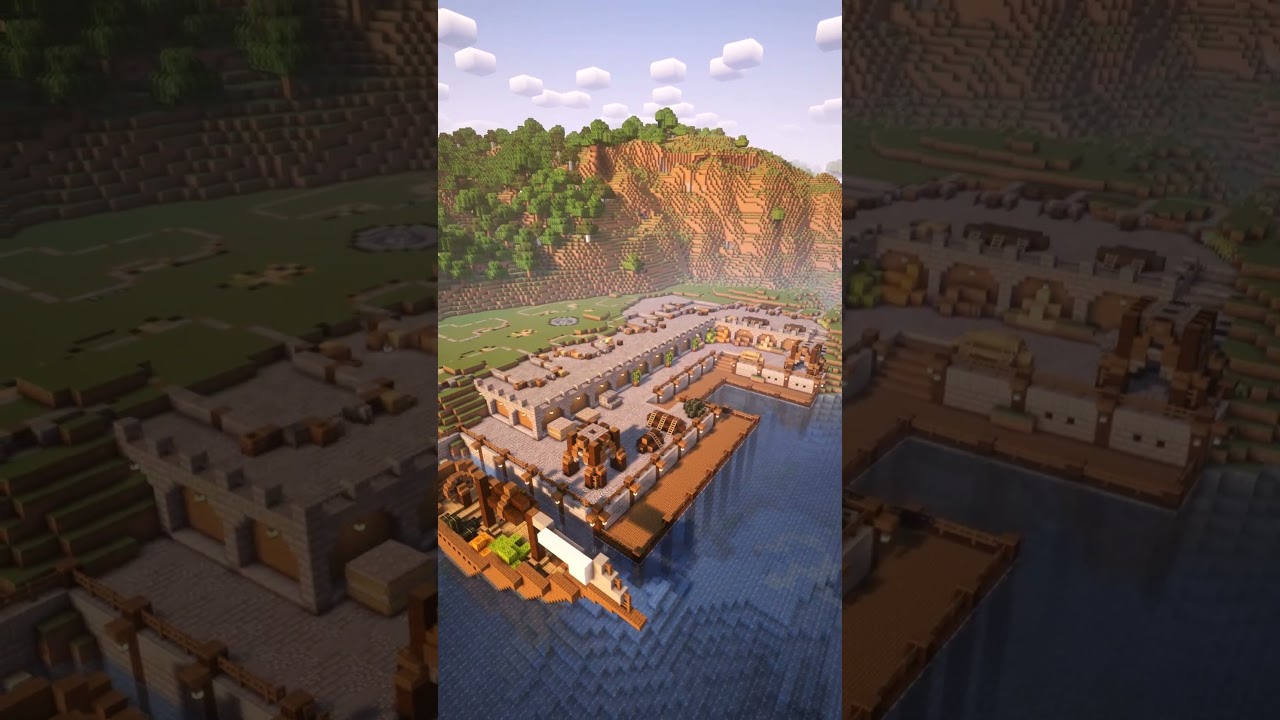
medieval harbour
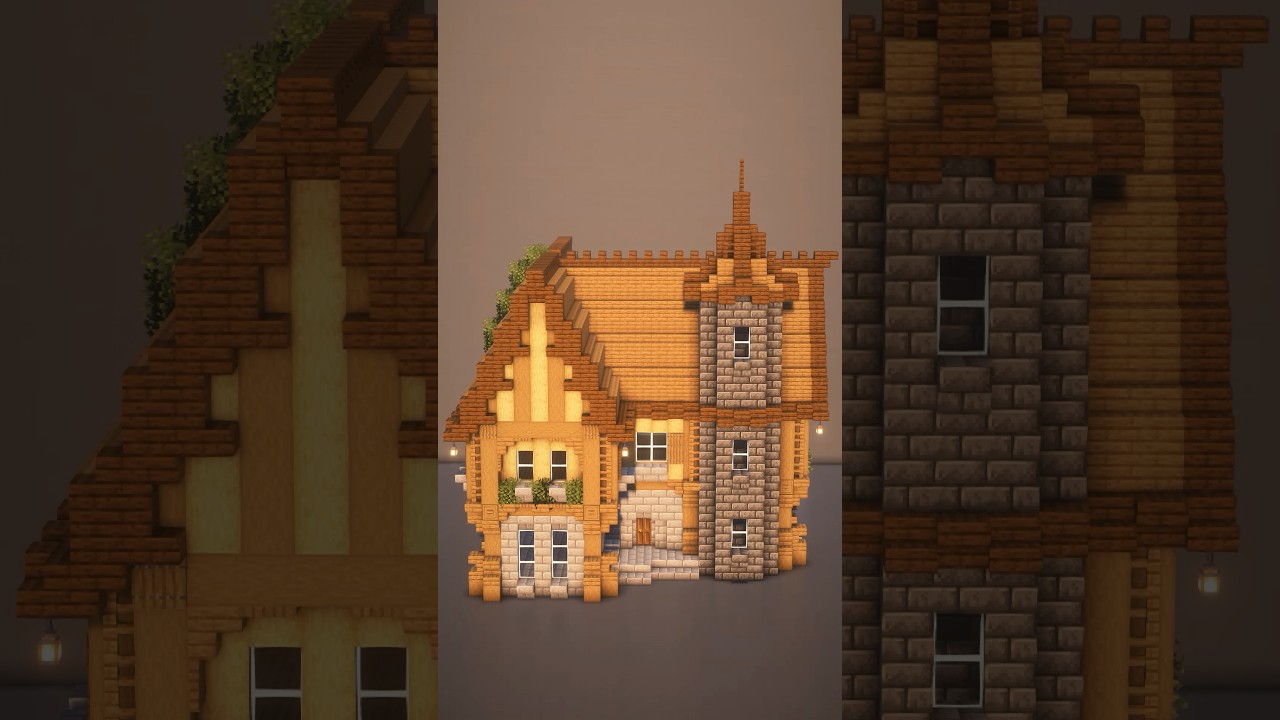
main video