Auto-Hide Hotbar
- By
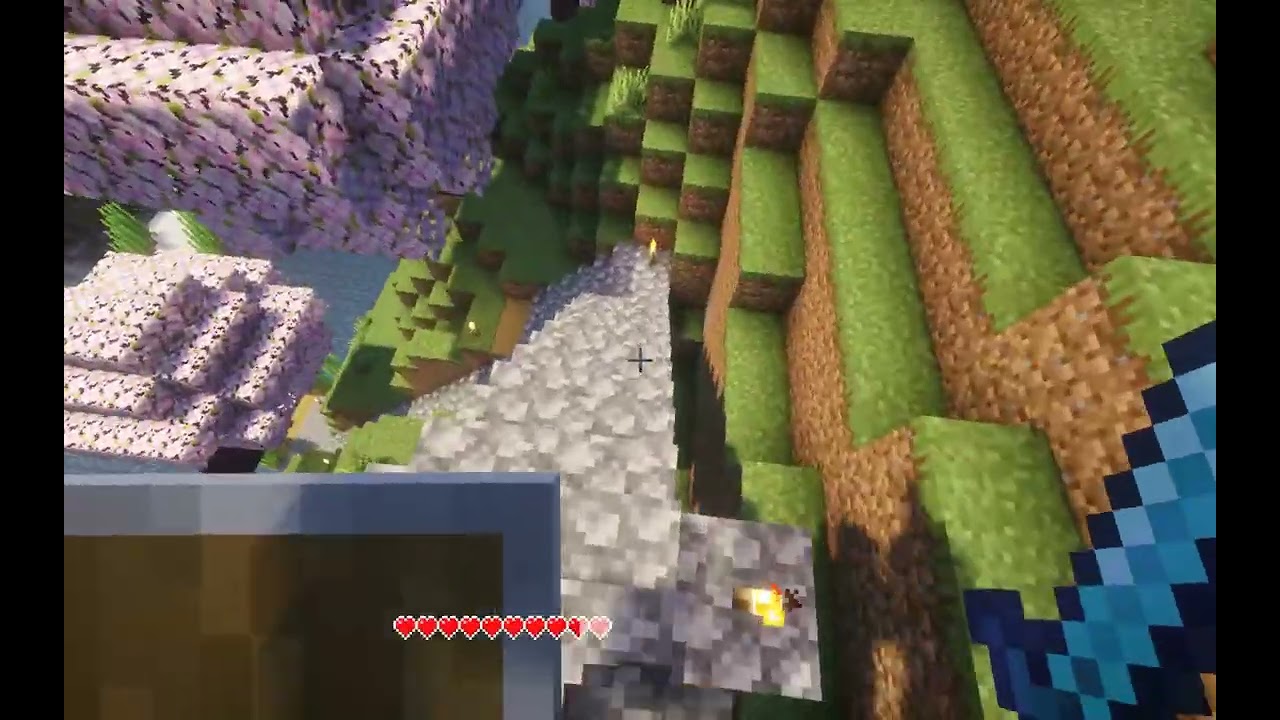
Automatically dims or hides Minecraft's HUD when not in use to protect OLED displays from burn-in and provide a more minimal experience.
Description
Auto-Hide Hotbar
Automatically dims or hides Minecraft's HUD when not in use to protect OLED displays from burn-in and provide a more minimal experience.
Note: This project is a fork of Alphayt's mod OLED Saver with extra features, support for NeoForge, and support for Minecraft 26.1+.
Features
- Supports both Fabric and NeoForge
- HUD elements are put in an inactive state when they haven't changed in a configurable amount of time
- Inactive elements are automatically hidden, or optionally, can be dimmed to a configurable opacity instead
- Supports hiding/dimming the hotbar, health bar, hunger bar, armor bar, XP bar, and effect indicators
- Mount jump/dash bar only shows when powering up
- Hide held item tooltips (Off by default)
- Hotbar stats (health, hunger, etc.) always show while in the inventory
- Highly configurable
- Configure if UI elements should stay visible, decrease in opacity, or hide completely when inactive
- Configure if held item tooltips should be hidden
- Configure if stats should show using a custom text overlay while in the inventory
- Configure timings for how long UI elements are considered active
- Configure the percentage of health or hunger that should activate their respective HUD elements
- Configure if health or hunger should only show when below the specified percentage, and not when it changes
- GUI configuration via MidnightLib (bundled with mod)
Fabric Dependencies
NeoForge Dependencies
The Auto-Hide Hotbar Team